(Student) Supervision Agreement

Exxat - Dashboard

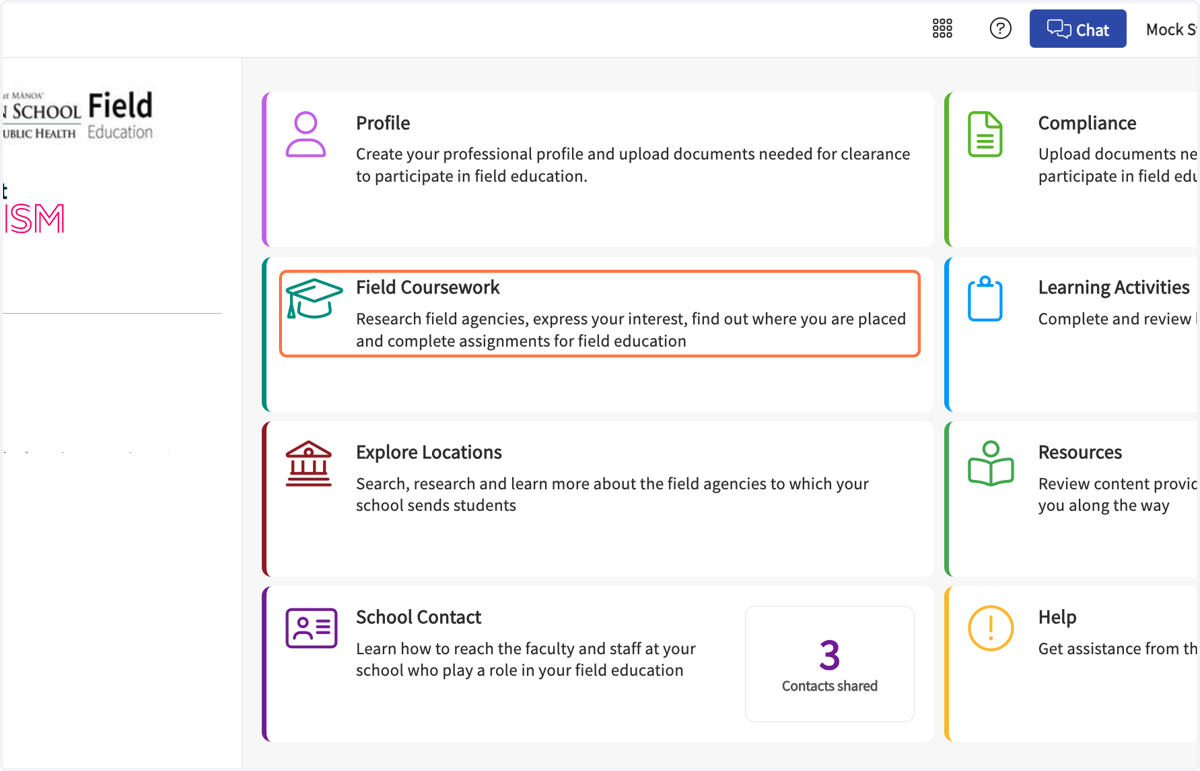
  1. 1. Click on Field Coursework…

    Click on Field Coursework…
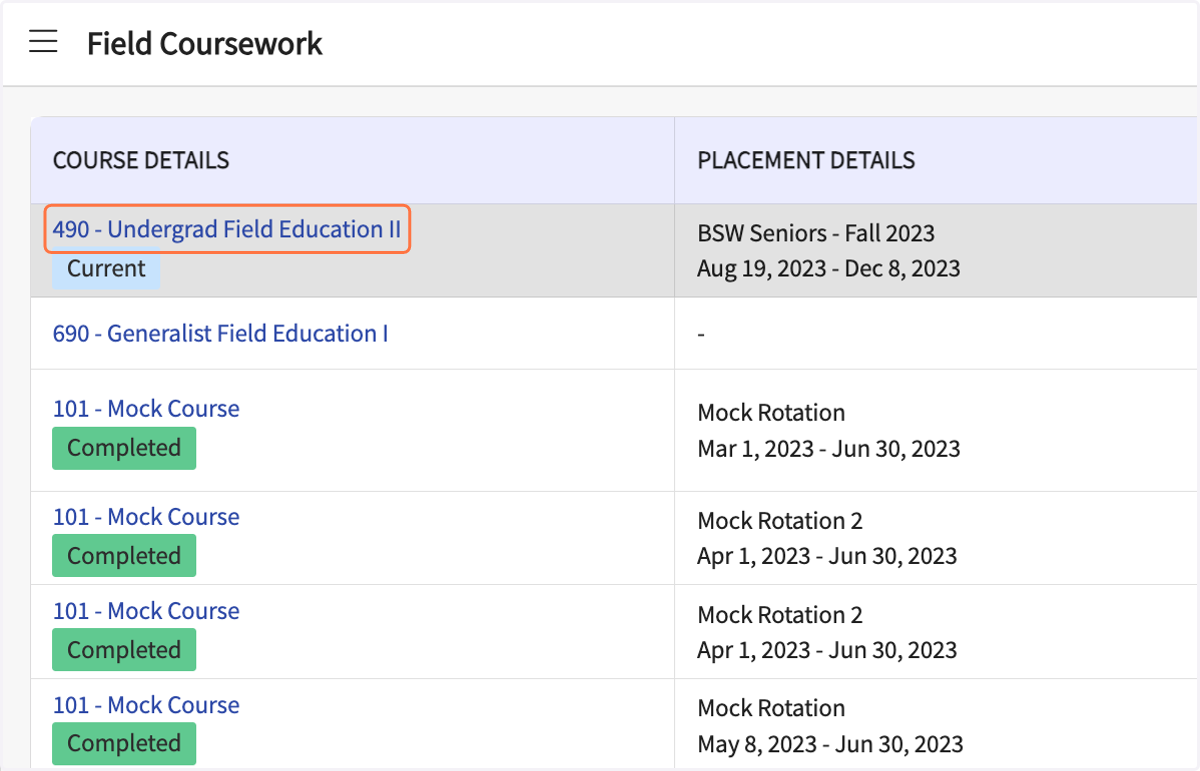
  2. 2. Click on your Field Education II

    Click on your Field Education II
  3. 3. Scroll down and click on Supervision Agreement
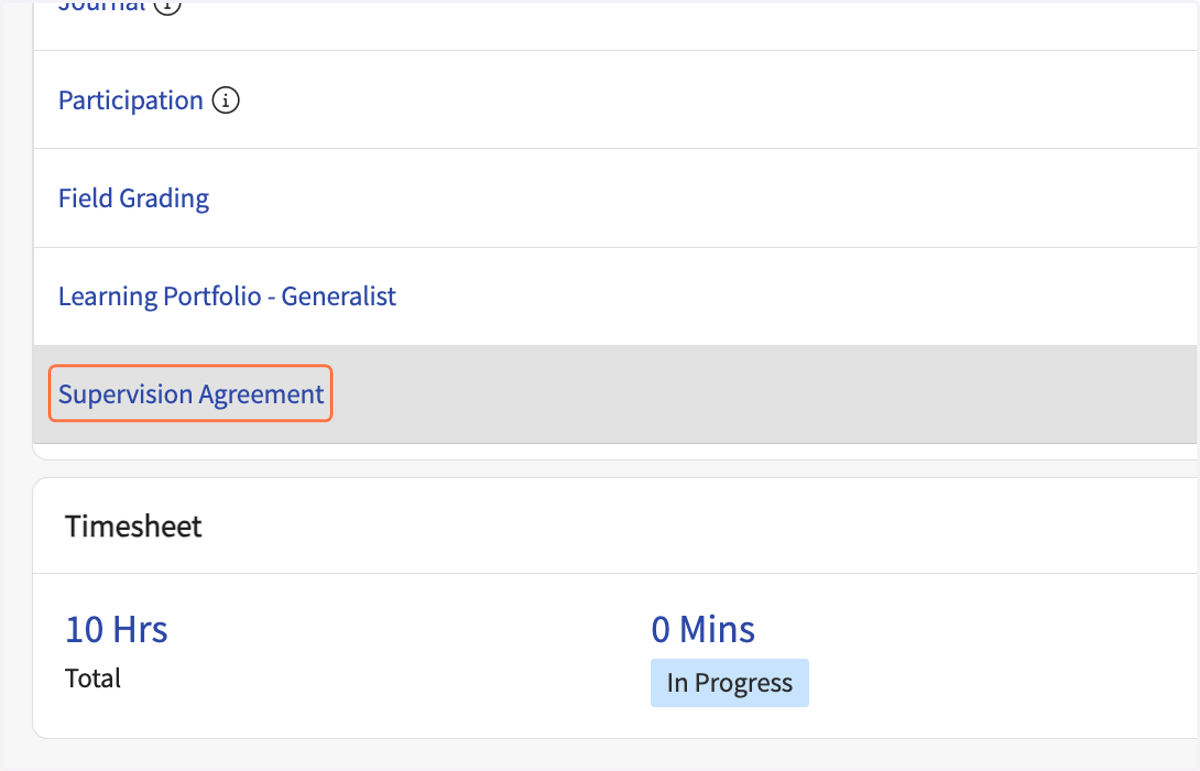
    Scroll down and click on Supervision Agreement
  4. 4. Fill in your name and all the questions in the form.
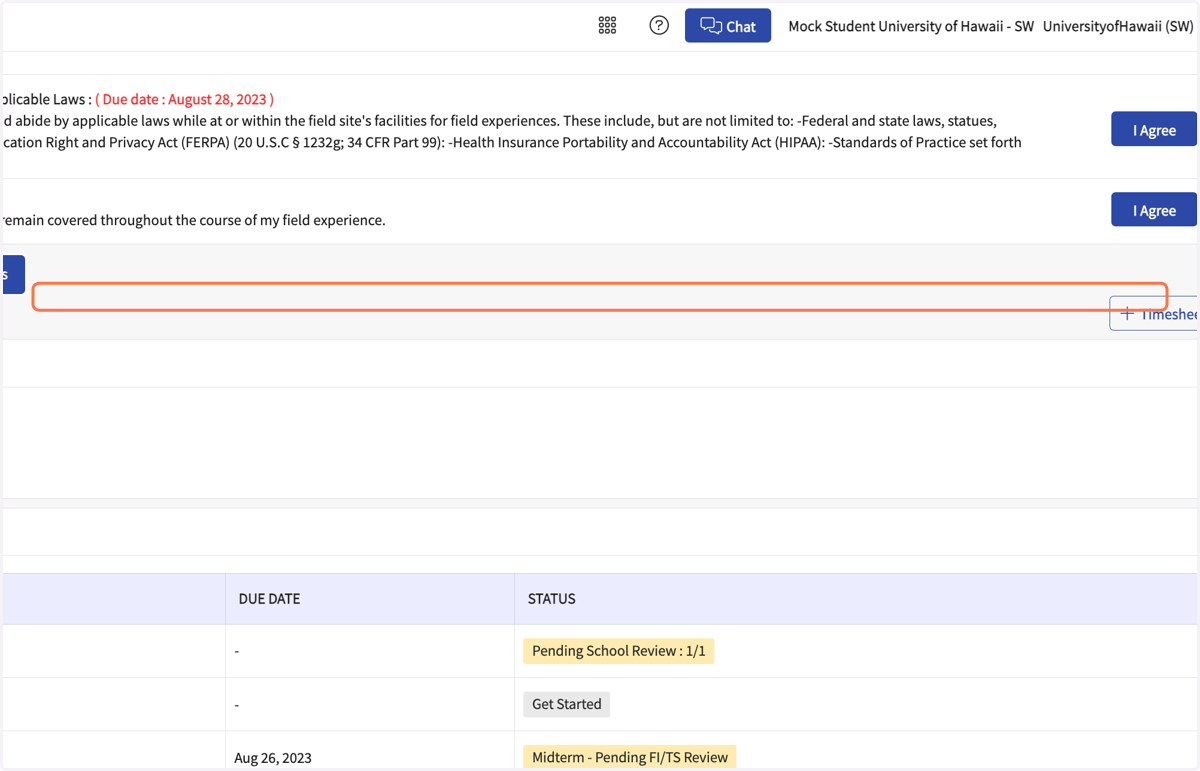
    Fill in your name and all the questions in the form.
  5. 5. Fill in your school and field schedule.
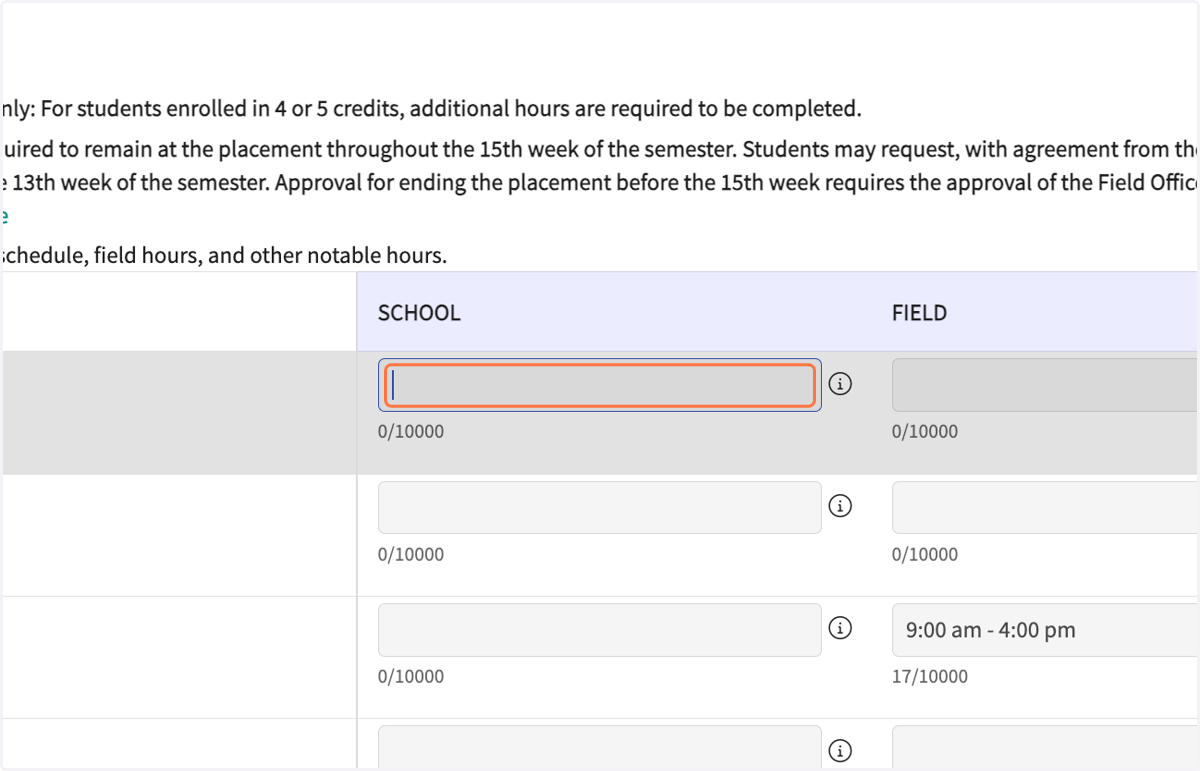
    Fill in your school and field schedule.
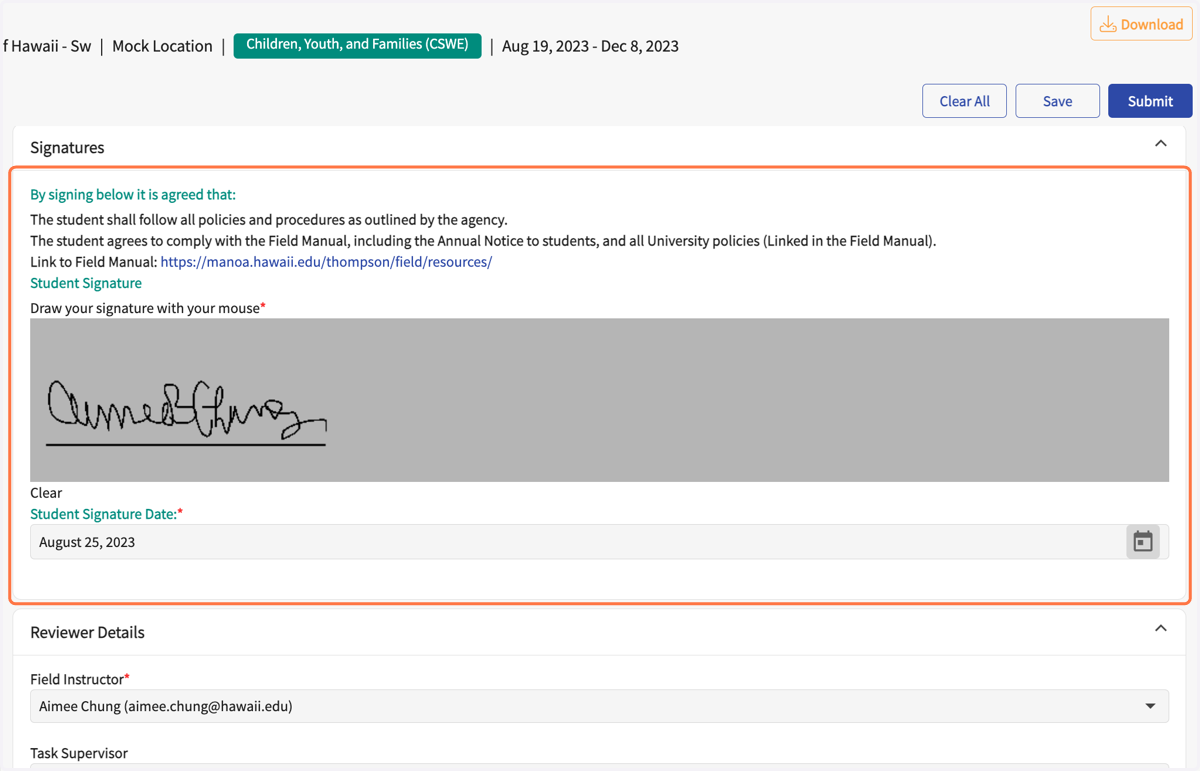
  6. 6. When complete, sign your name.

    When complete, sign your name.
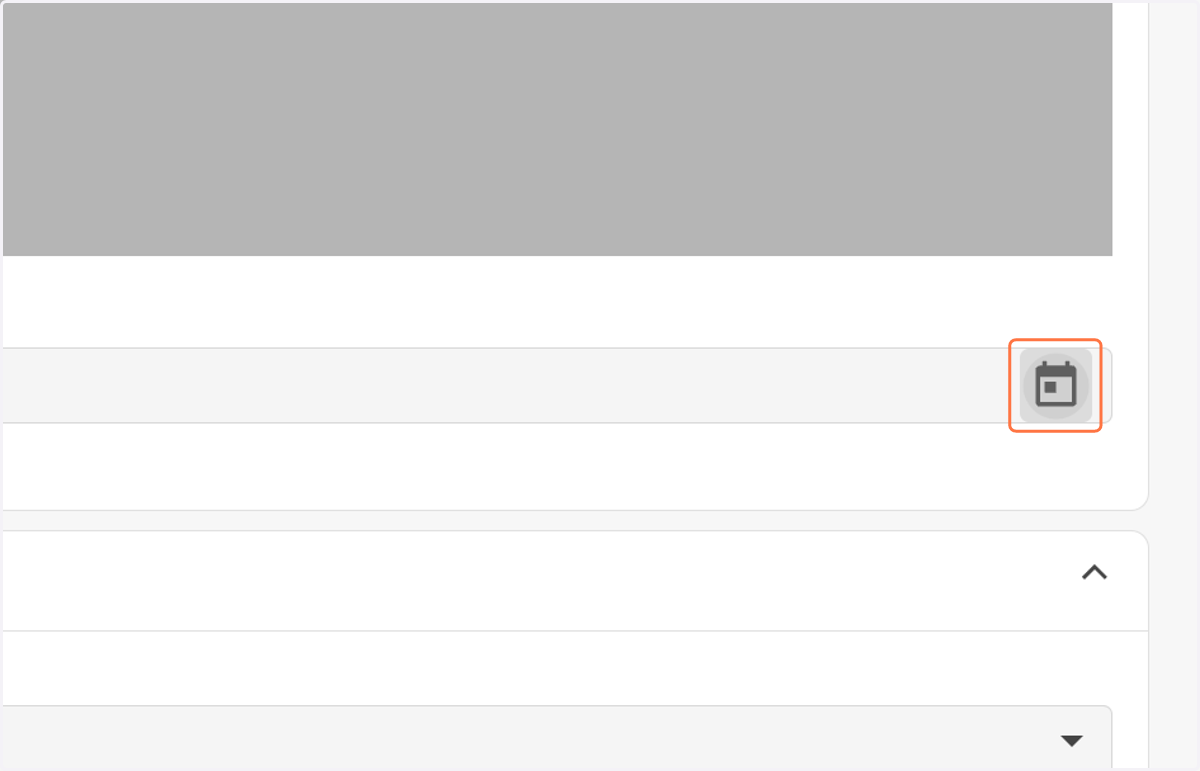
  7. 7. Select the date

    Select the date
  8. 8. Select your Field Instructor's name.
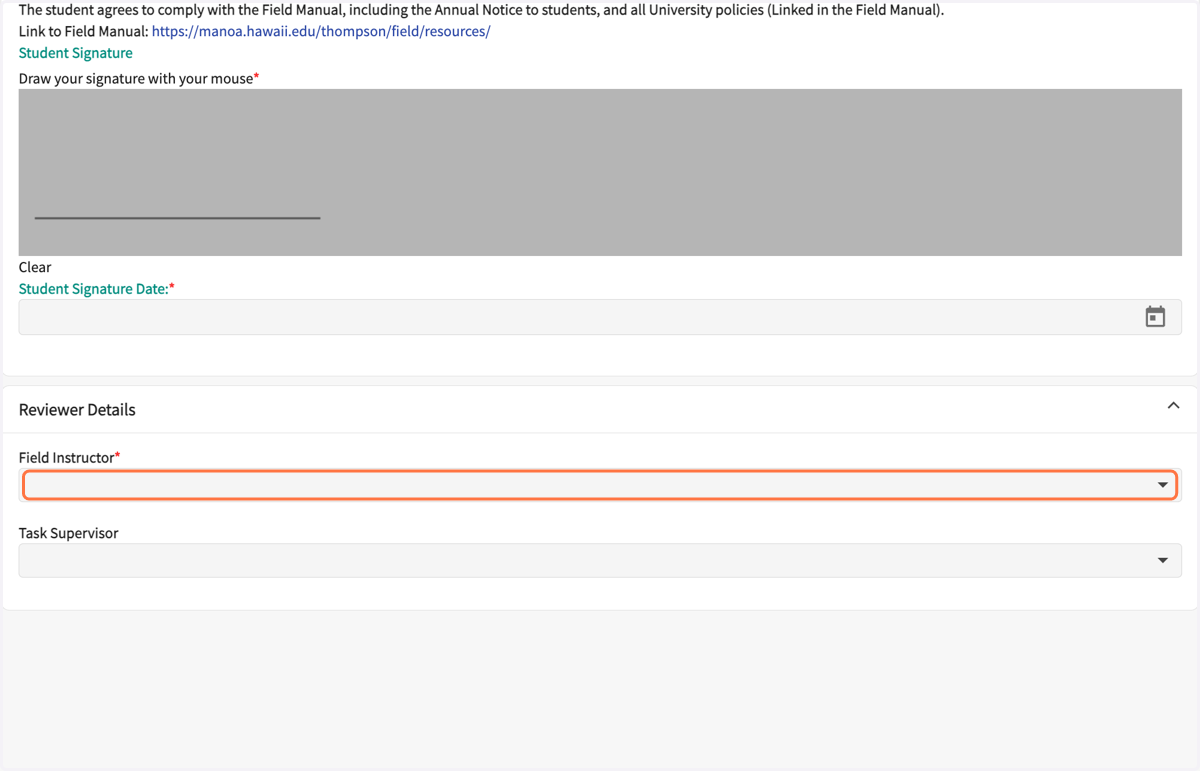
    Select your Field Instructor's name.
  9. 9. Select your Site Supervisor's name, if applicable.
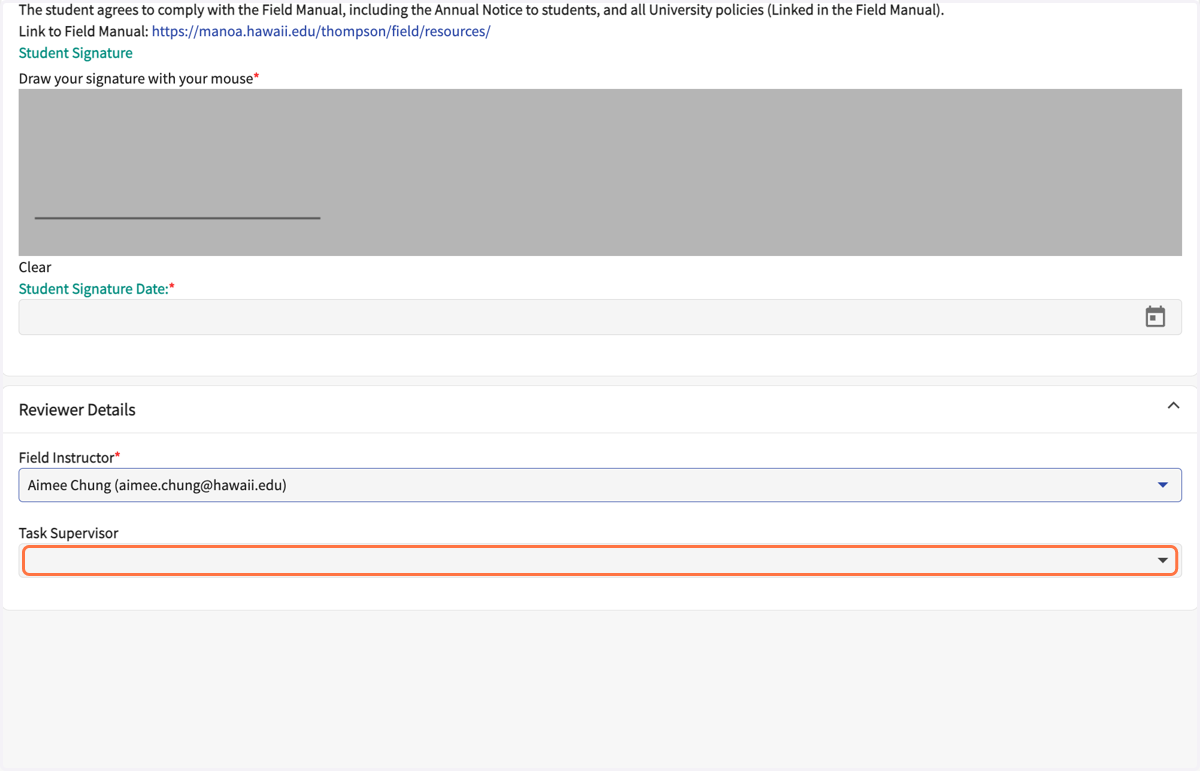
    Select your Site Supervisor's name, if applicable.
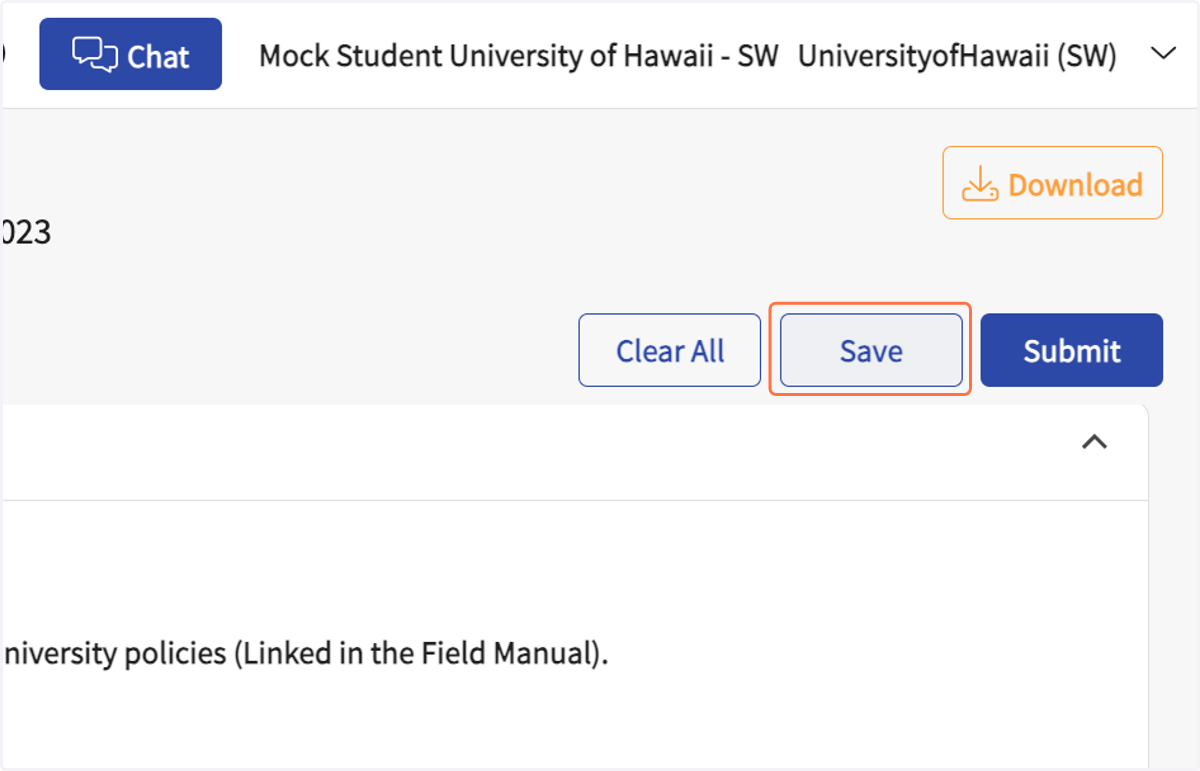
  10. 10. Click on Save (at the top).

    Click on Save (at the top).
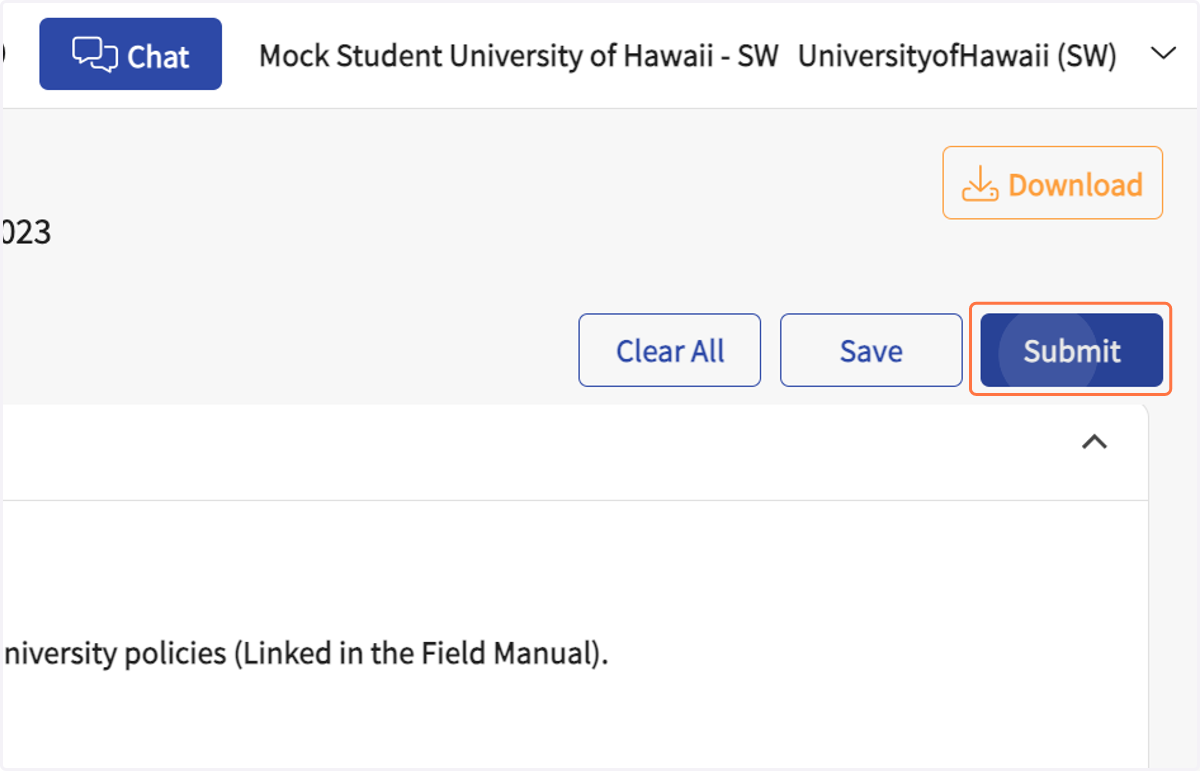
  11. 11. Click on Submit (at the top).

    Click on Submit (at the top).
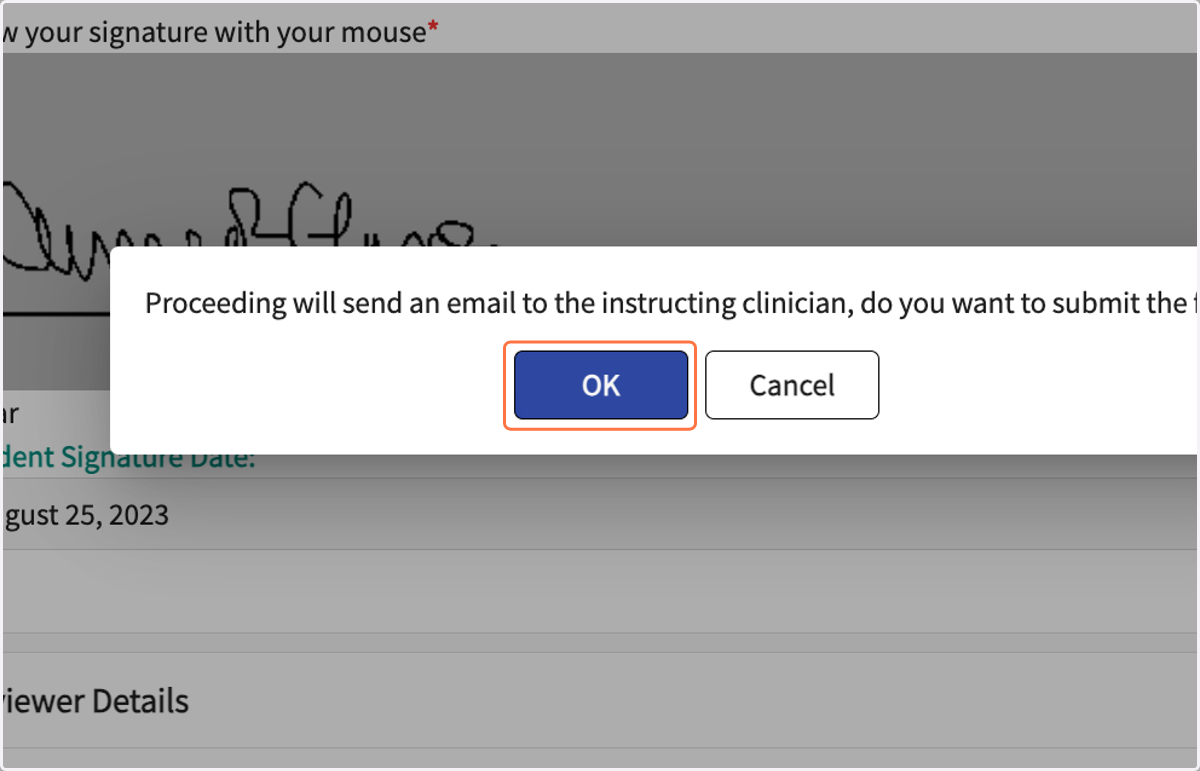
  12. 12. Click on OK

    Click on OK
  13. 13. The Field Coursework Form list should show the Supervision Agreement as "Pending FI/TS Review."
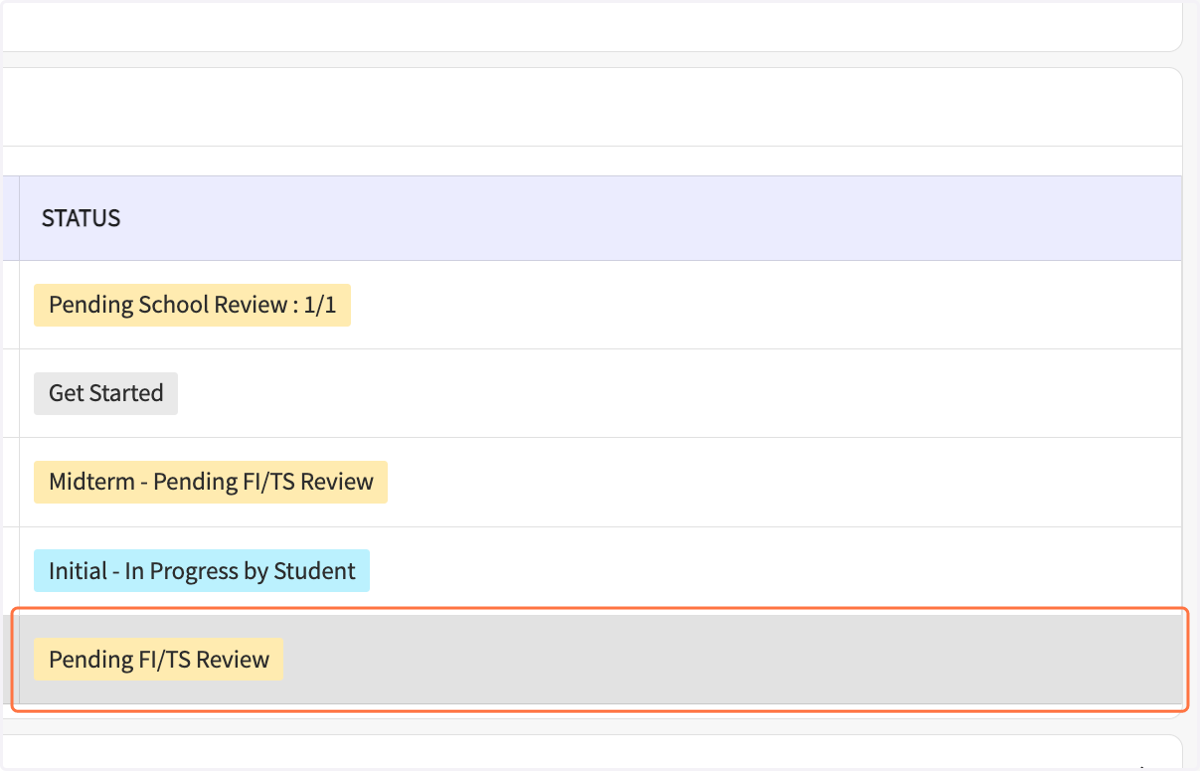
    The Field Coursework Form list should show the Supervision Agreement as "Pending FI/TS Review."