(Student) FIS Participation

Exxat - Dashboard

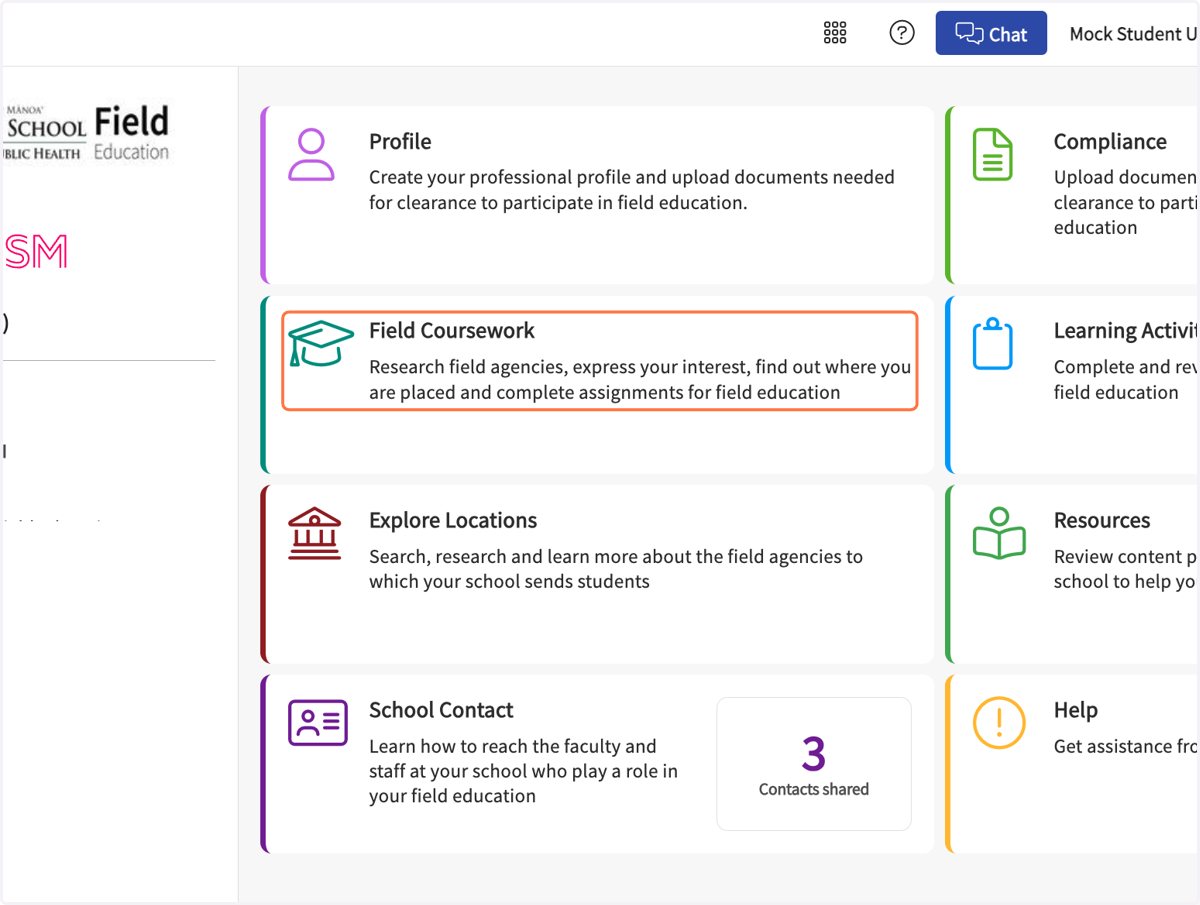
  1. 1. Click on Field Coursework…

    Click on Field Coursework…
  2. 2. Click on the name of your Field course
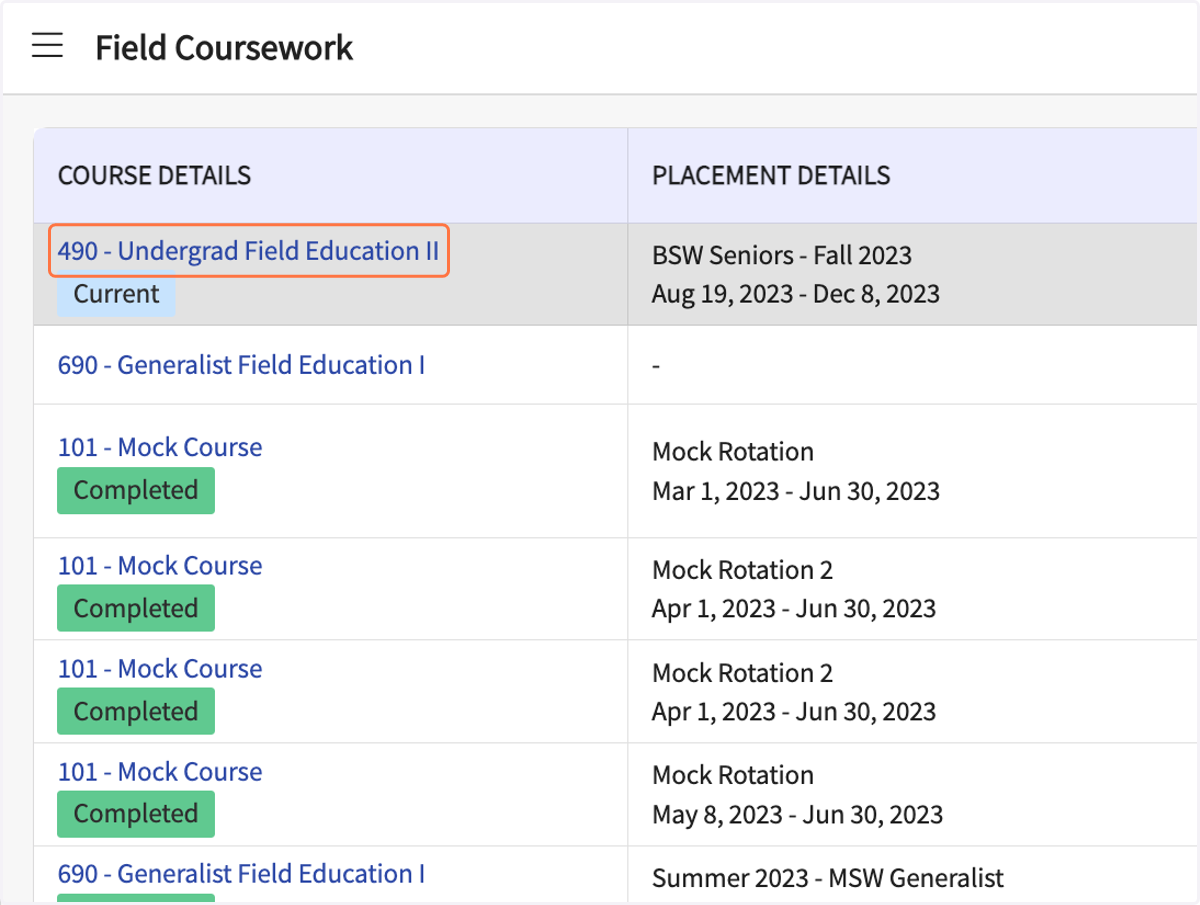
    Click on the name of your Field course
  3. 3. In the Forms list, click on Participation
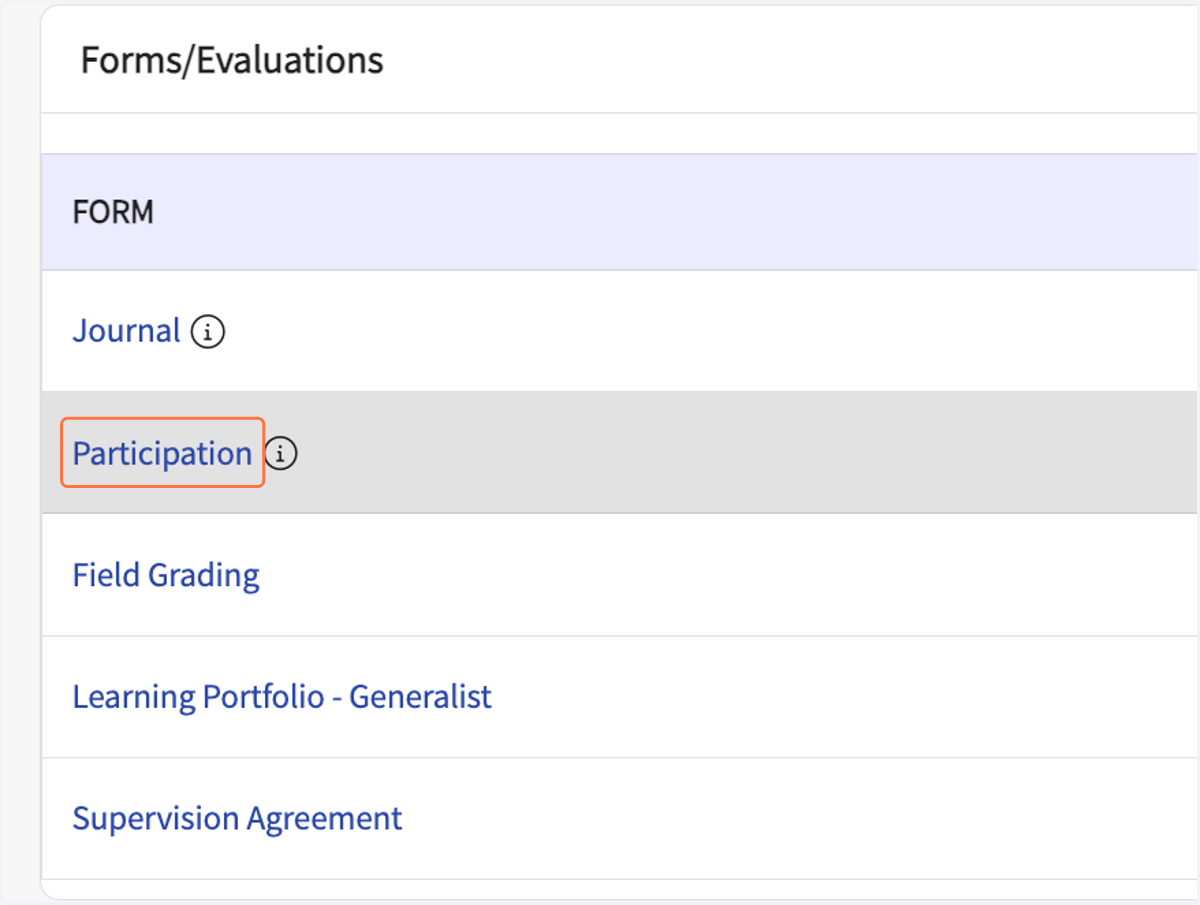
    In the Forms list, click on Participation
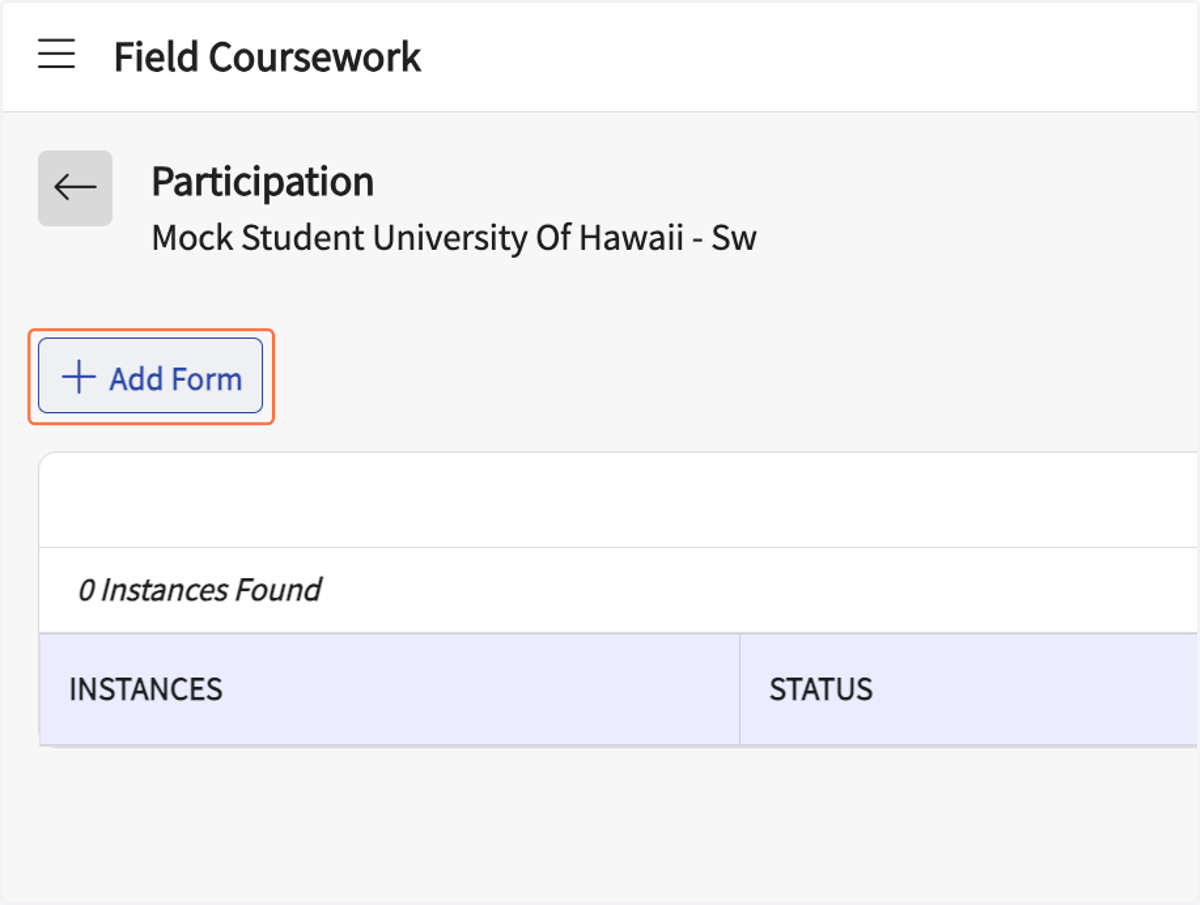
  4. 4. Click on Add Form

    Click on Add Form
  5. 5. Click the calendar icon to select the date of the FIS
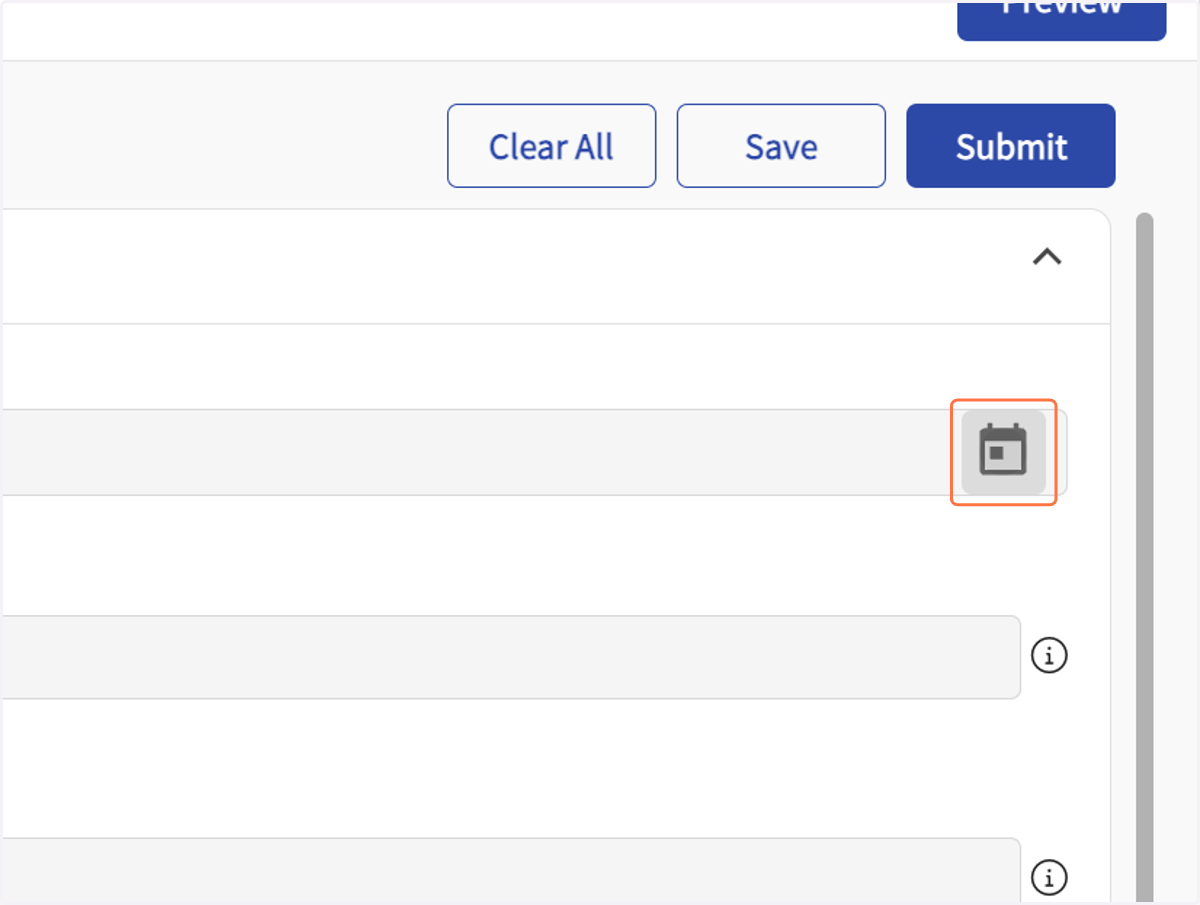
    Click the calendar icon to select the date of the FIS
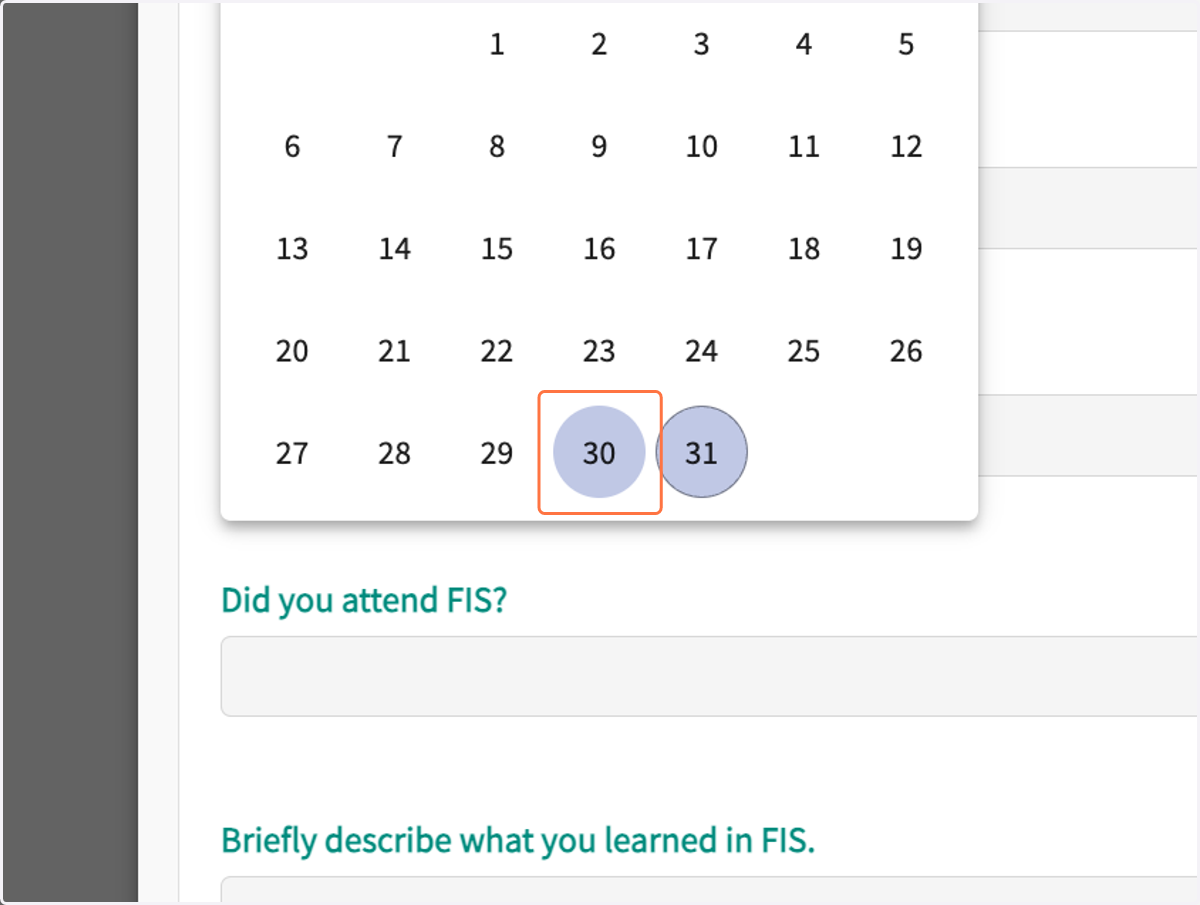
  6. 6. Select the FIS date

    Select the FIS date
  7. 7. Enter the name of your field coordinator or FIS instructor
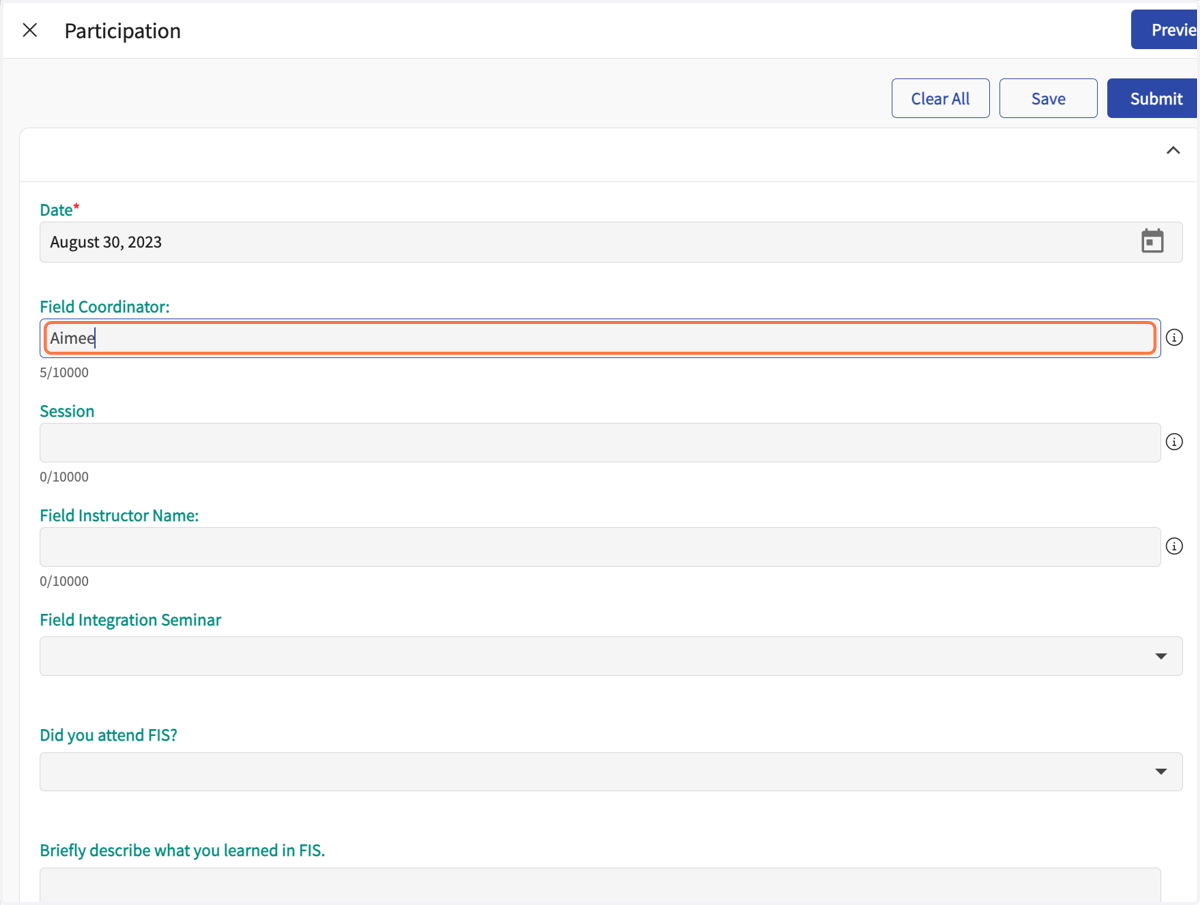
    Enter the name of your field coordinator or FIS instructor
  8. 8. For the "Session" enter the semester and year
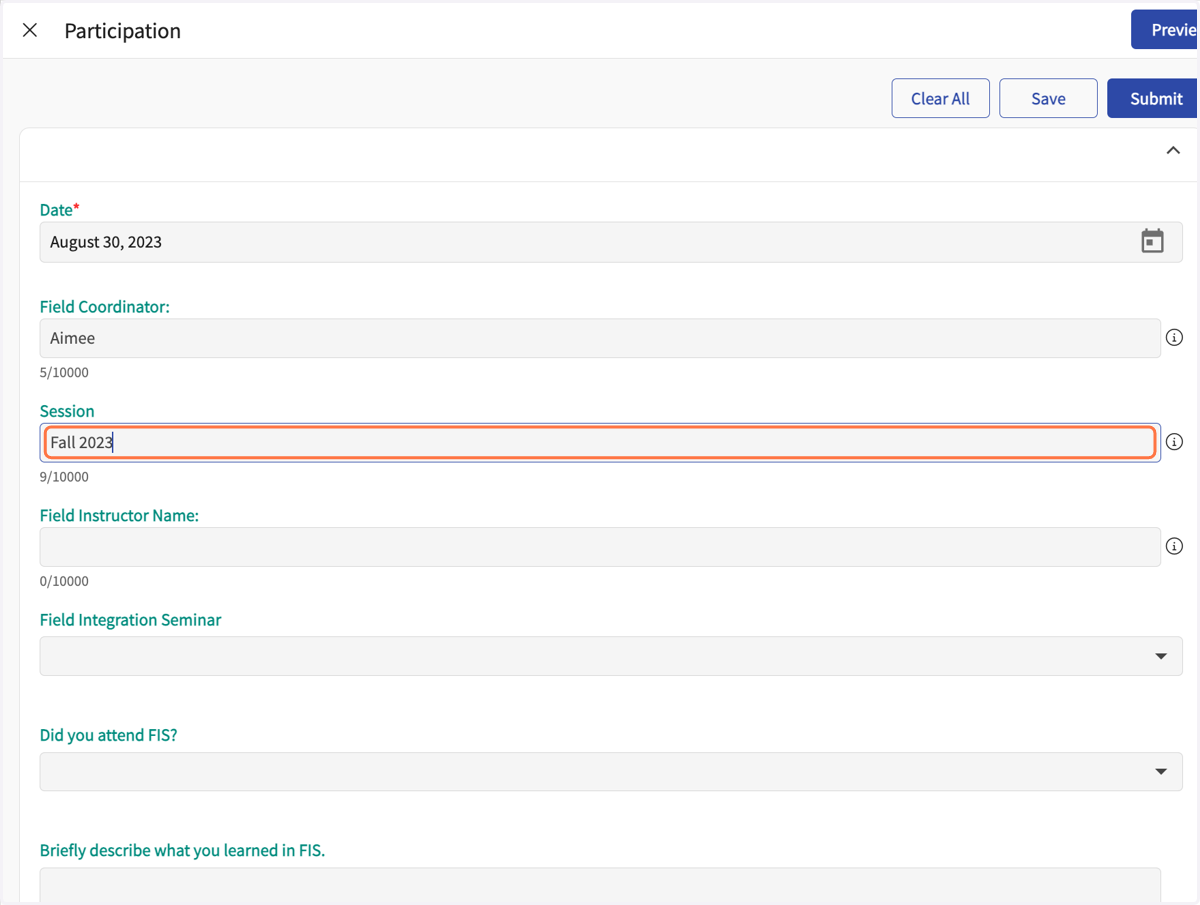
    For the "Session" enter the semester and year
  9. 9. Enter your Field Instructor's name
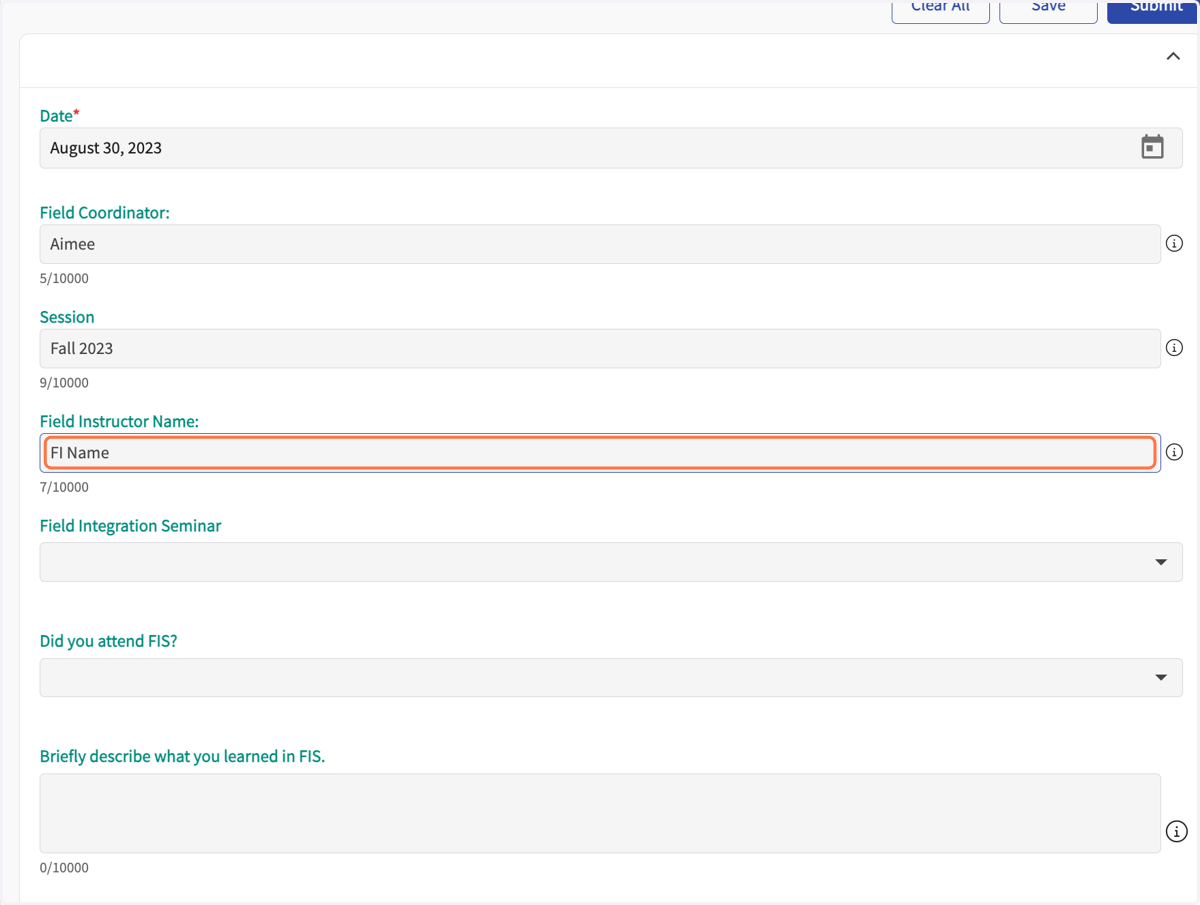
    Enter your Field Instructor's name
  10. 10. Select the number of the FIS; click on the dropdown arrow
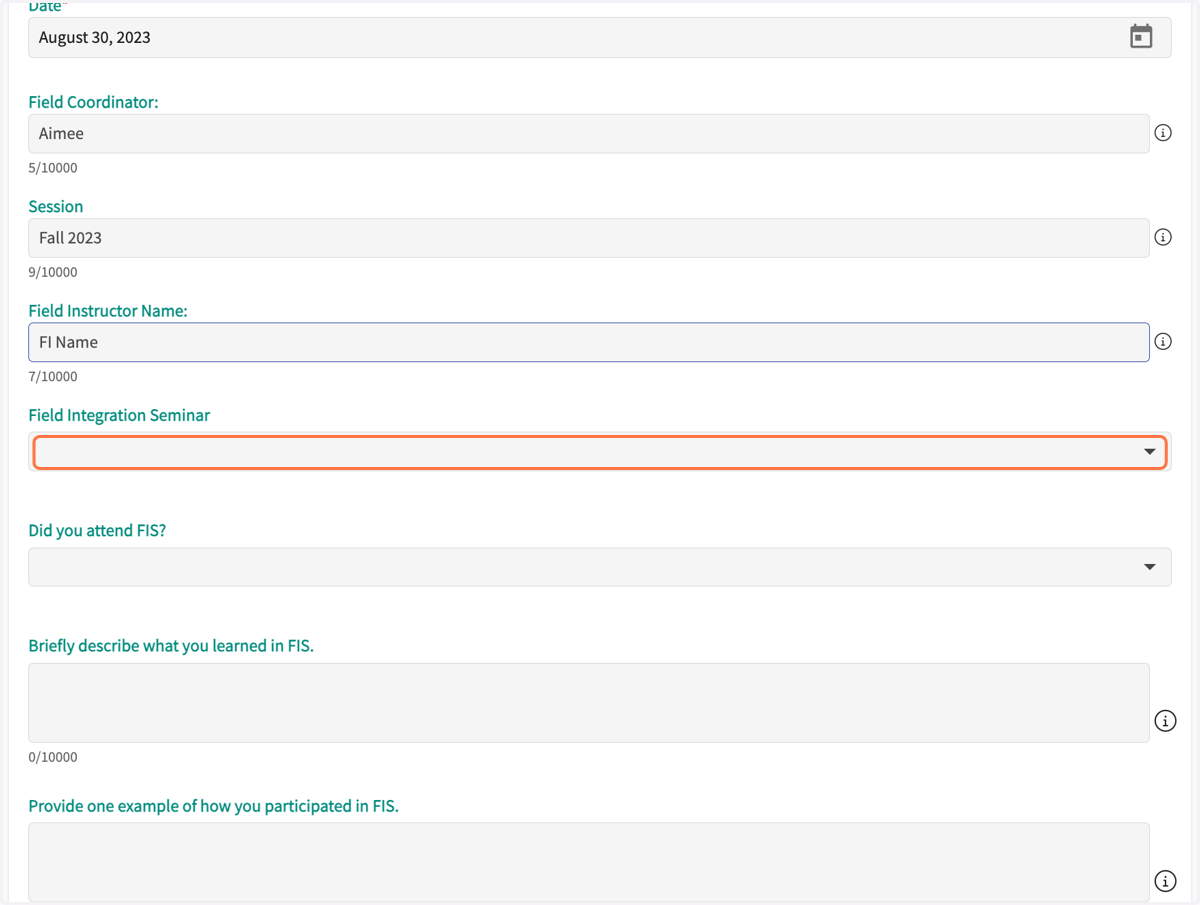
    Select the number of the FIS; click on the dropdown arrow
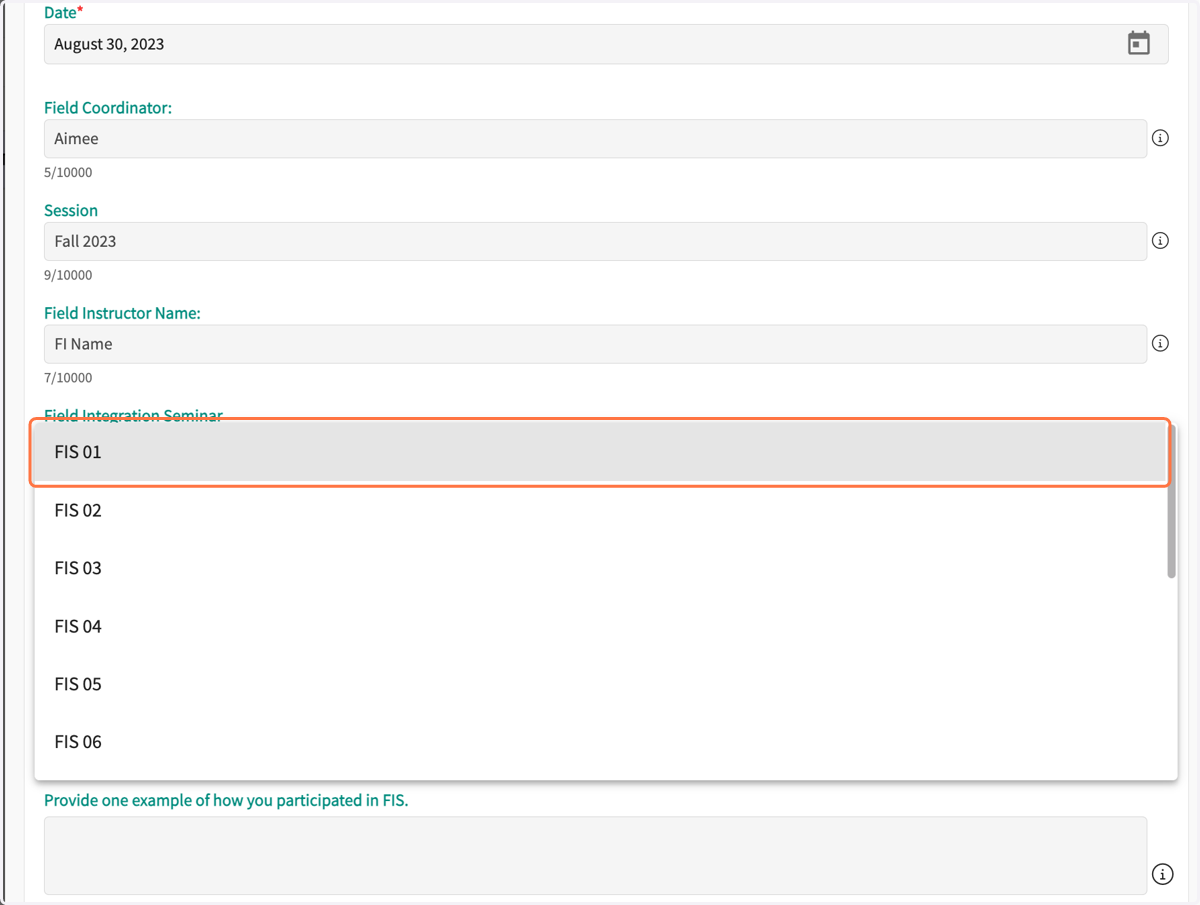
  11. 11. Select the FIS

    Select the FIS
  12. 12. Select your attendance choice; click on the dropdown arrow.
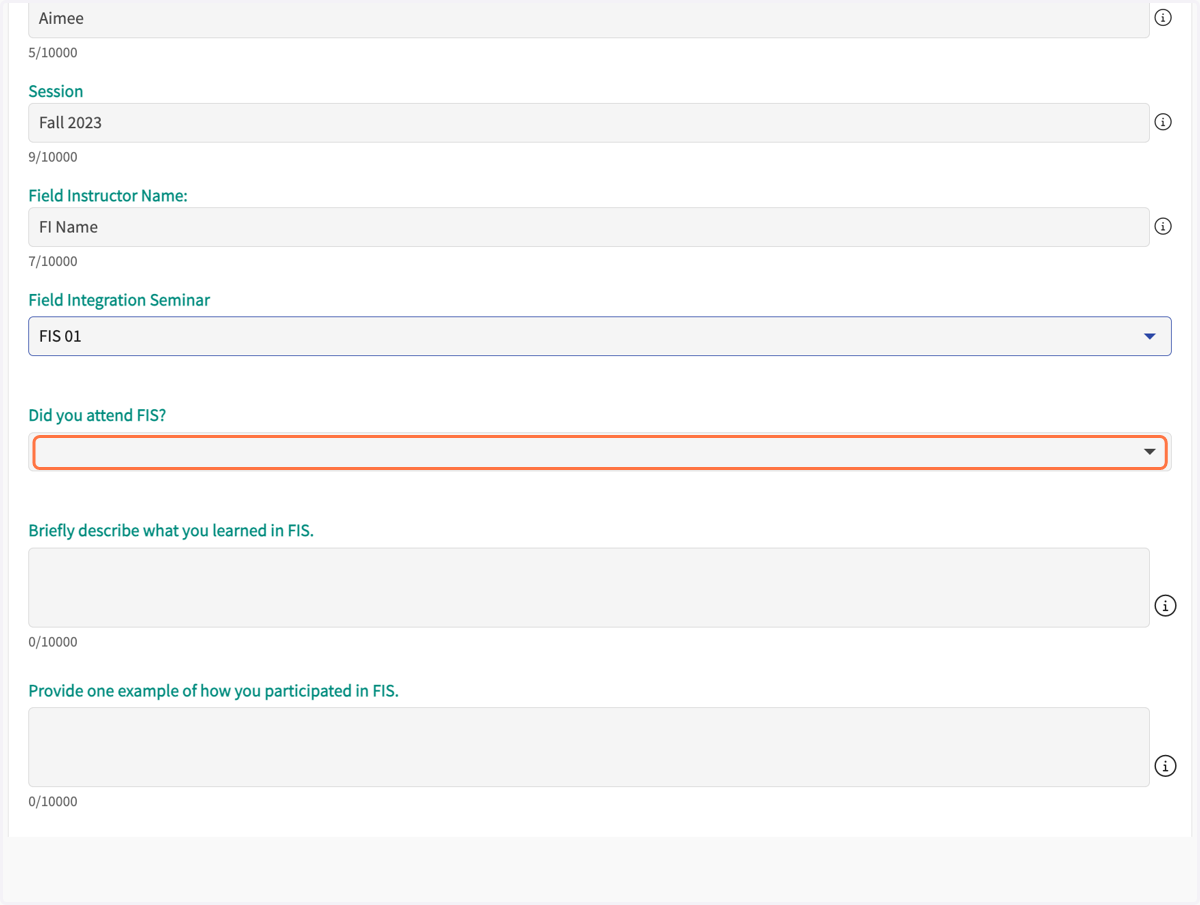
    Select your attendance choice; click on the dropdown arrow.
  13. 13. Select the choice that fits best.
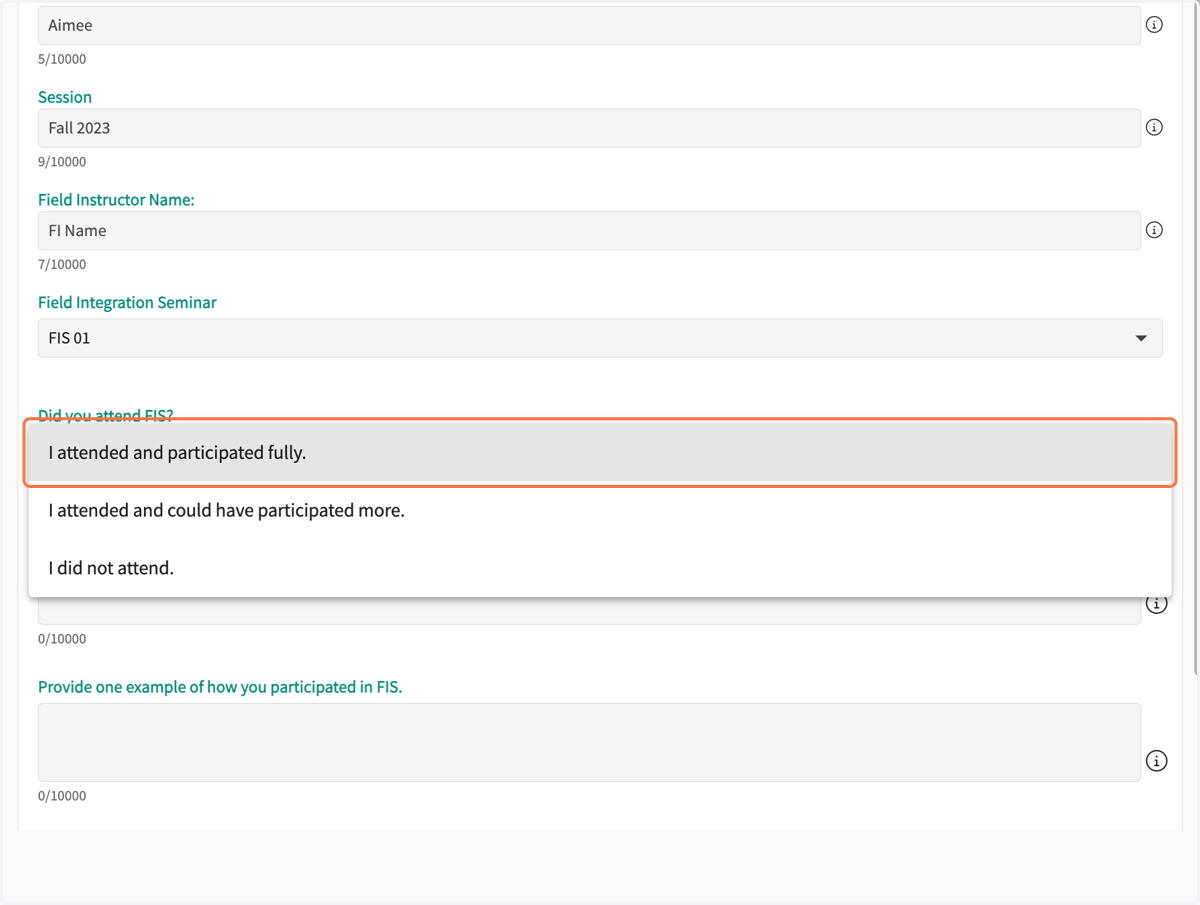
    Select the choice that fits best.
  14. 14. Briefly describe what you learned in FIS
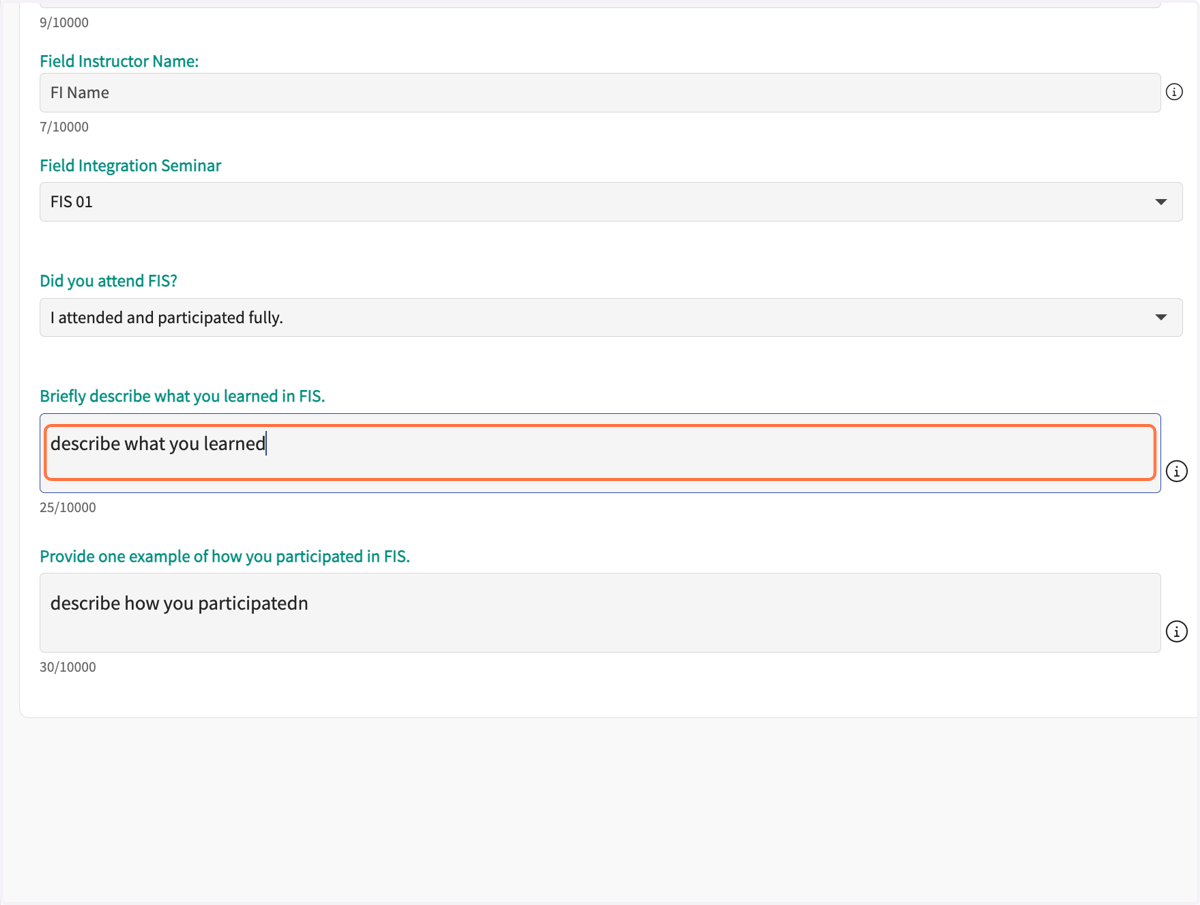
    Briefly describe what you learned in FIS
  15. 15. Briefly describe how you participated in FIS
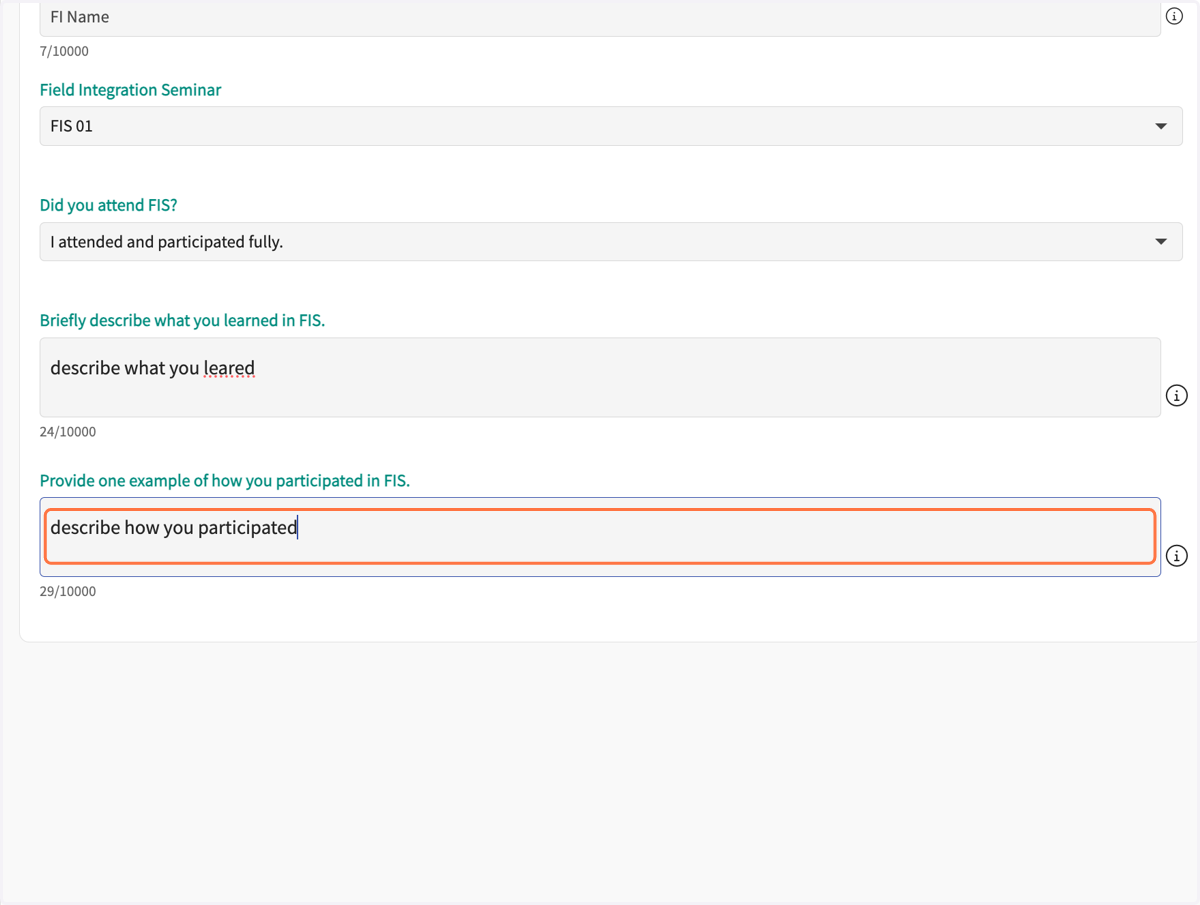
    Briefly describe how you participated in FIS
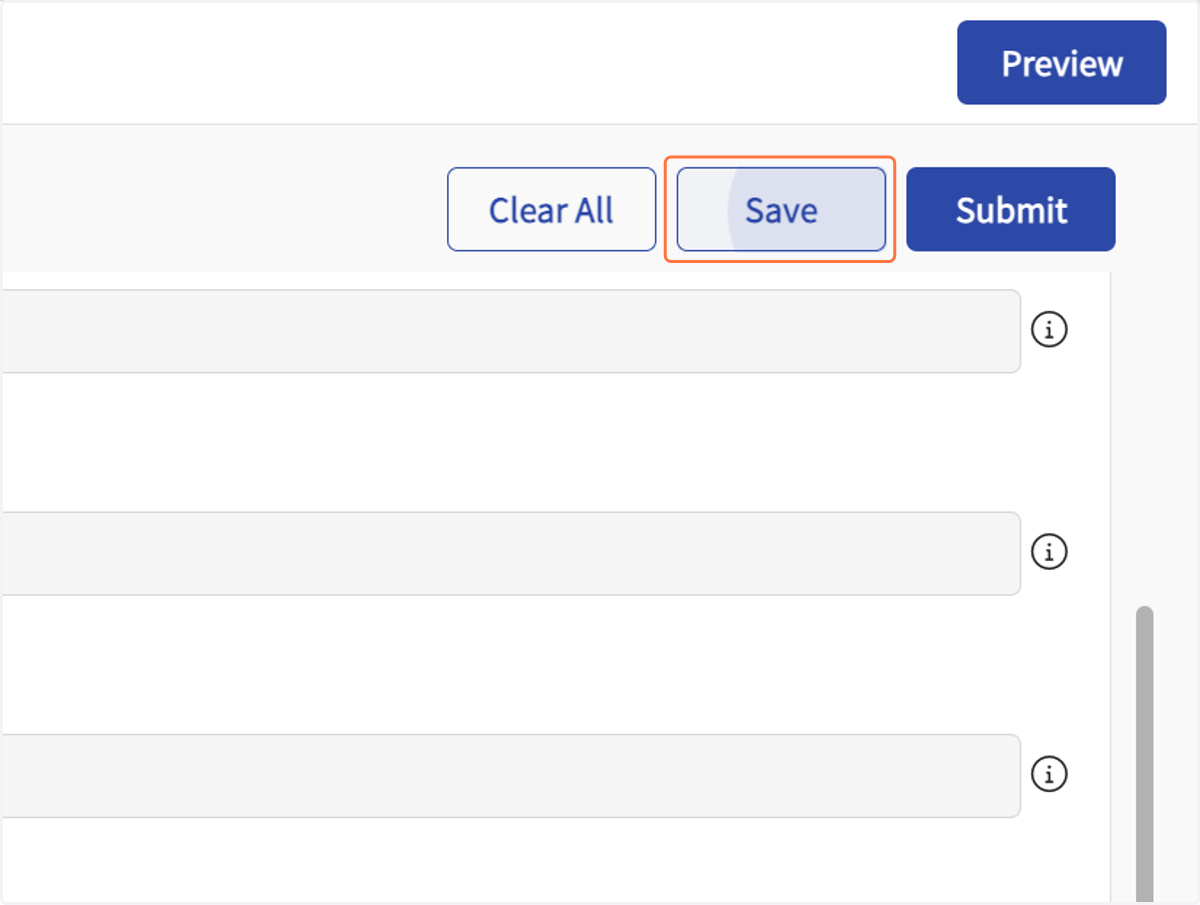
  16. 16. Click on Save

    Click on Save
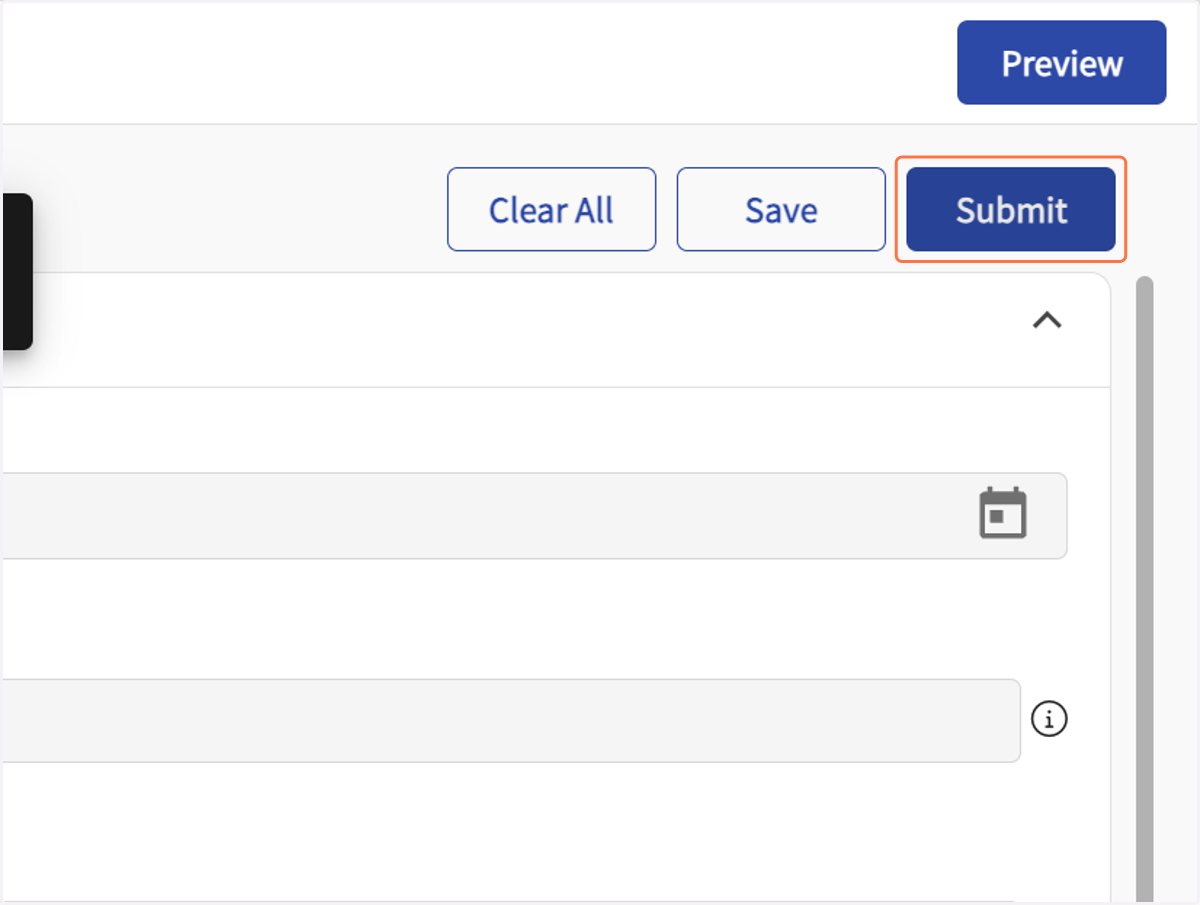
  17. 17. Click on Submit

    Click on Submit
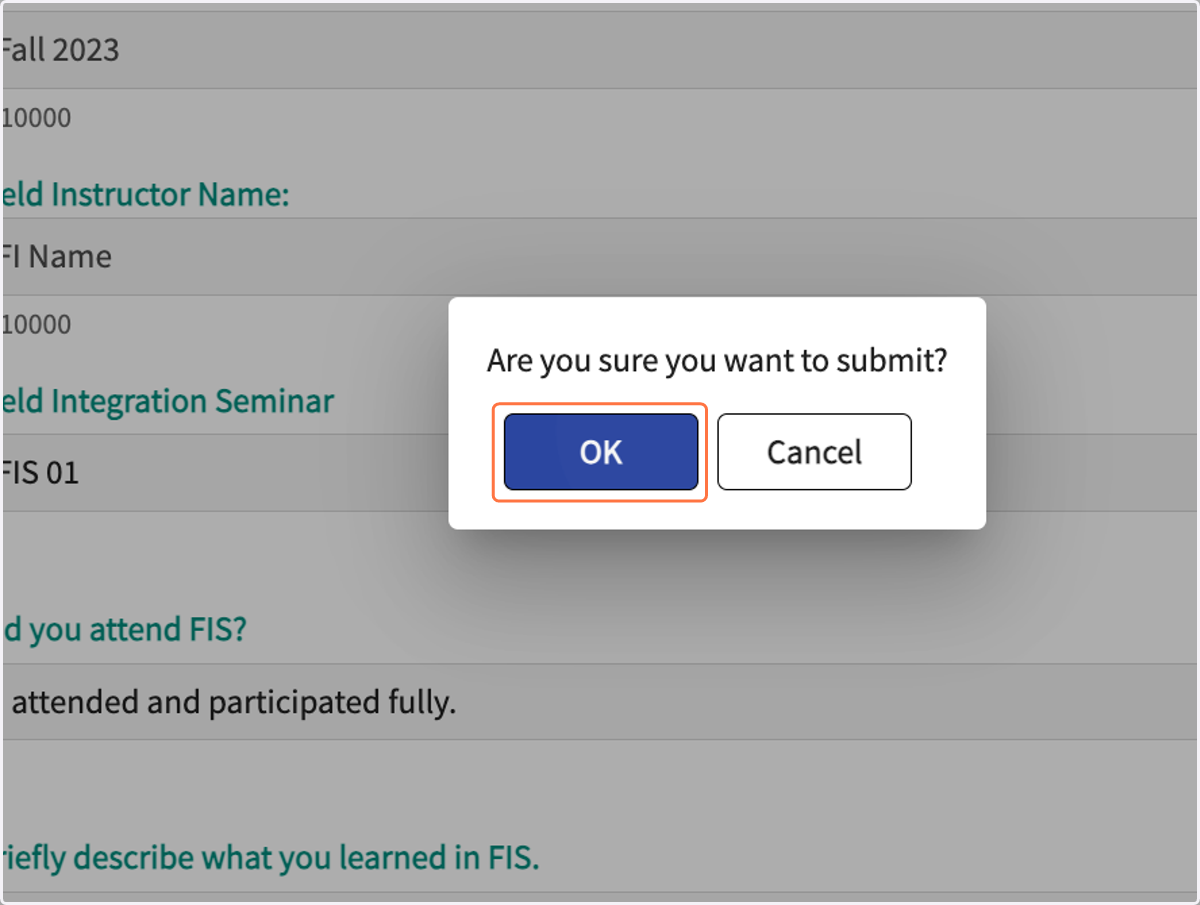
  18. 18. Click on OK in the pop up

    Click on OK in the pop up
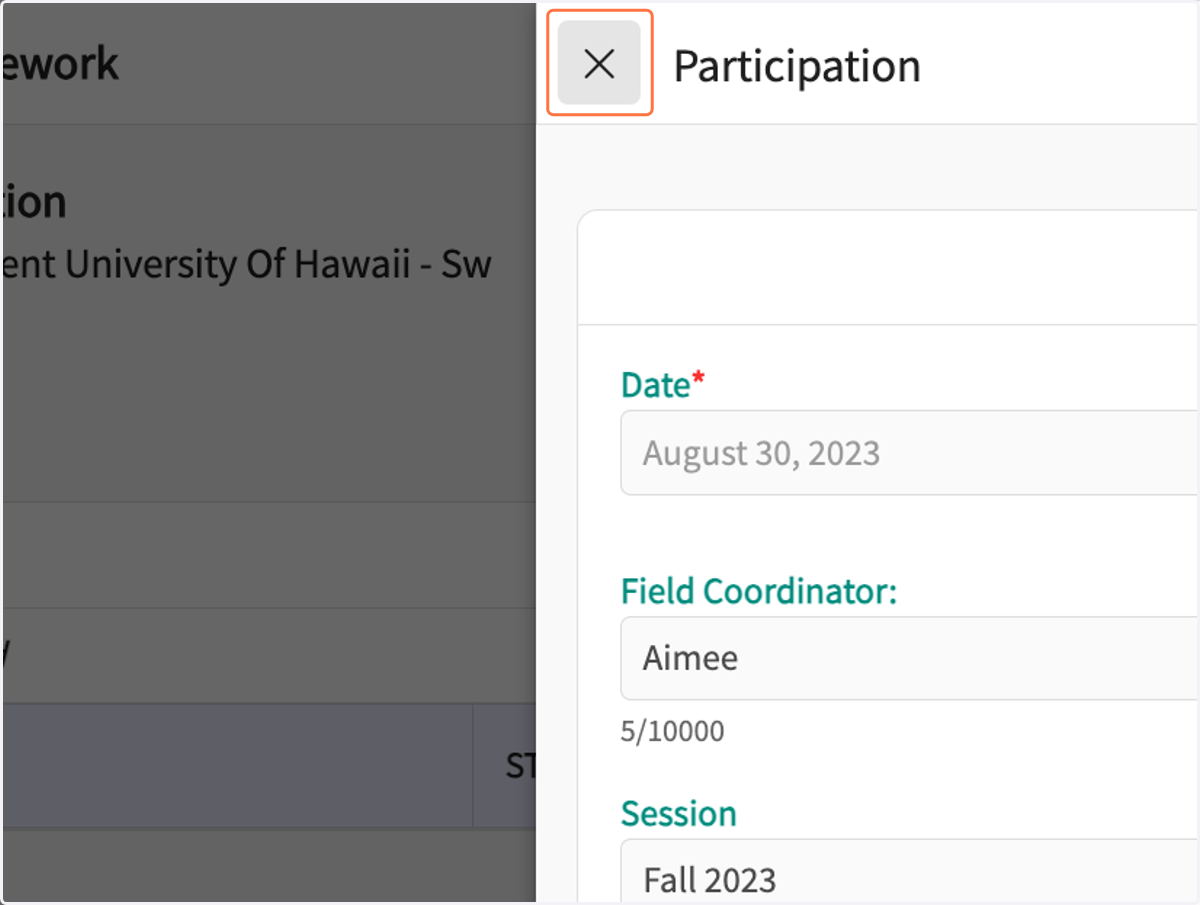
  19. 19. Click on the "X" to close

    Click on the "X" to close
  20. 20. Click on Refresh to see form submitted in the list
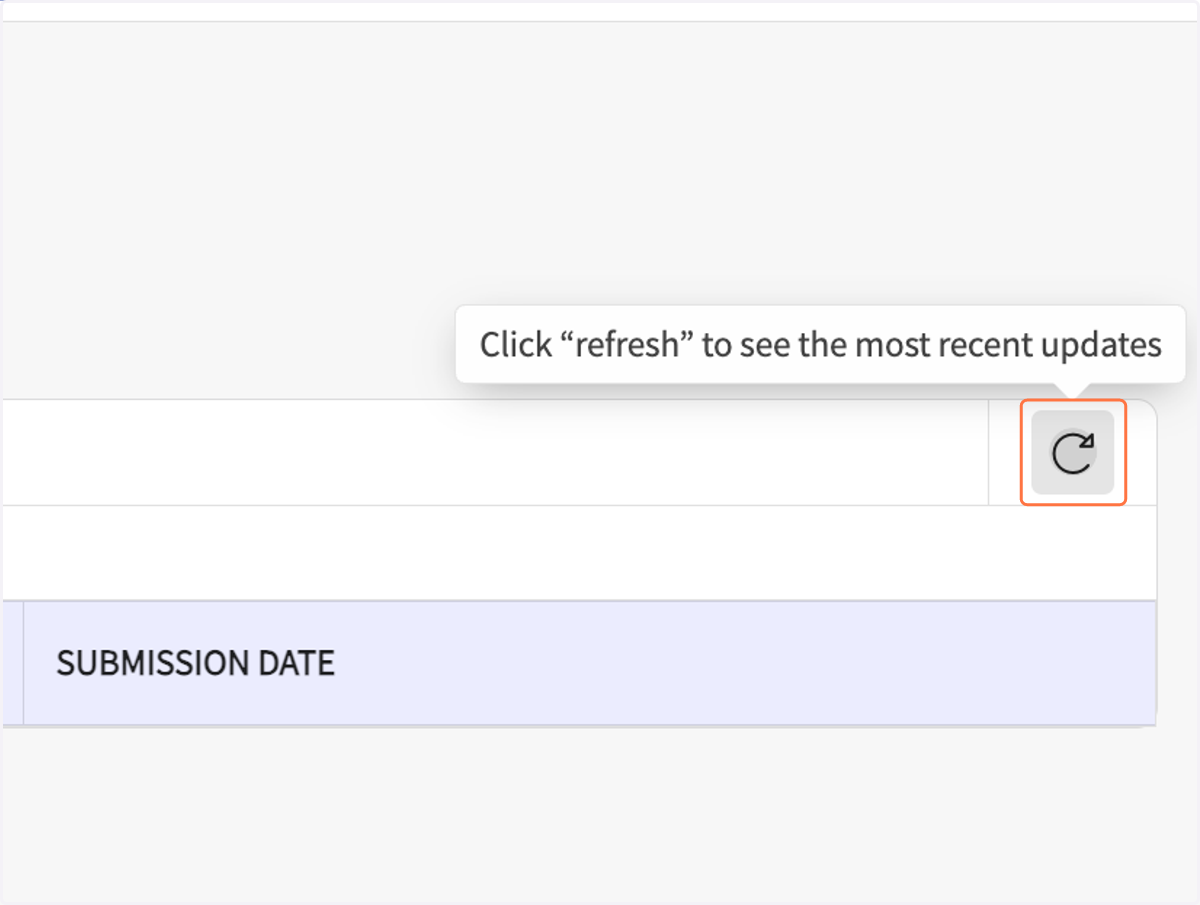
    Click on Refresh to see form submitted in the list