CORAL: A Quick Step-by-Step Navigation Guide
Augusta
1. Go to spots.augusta.edu
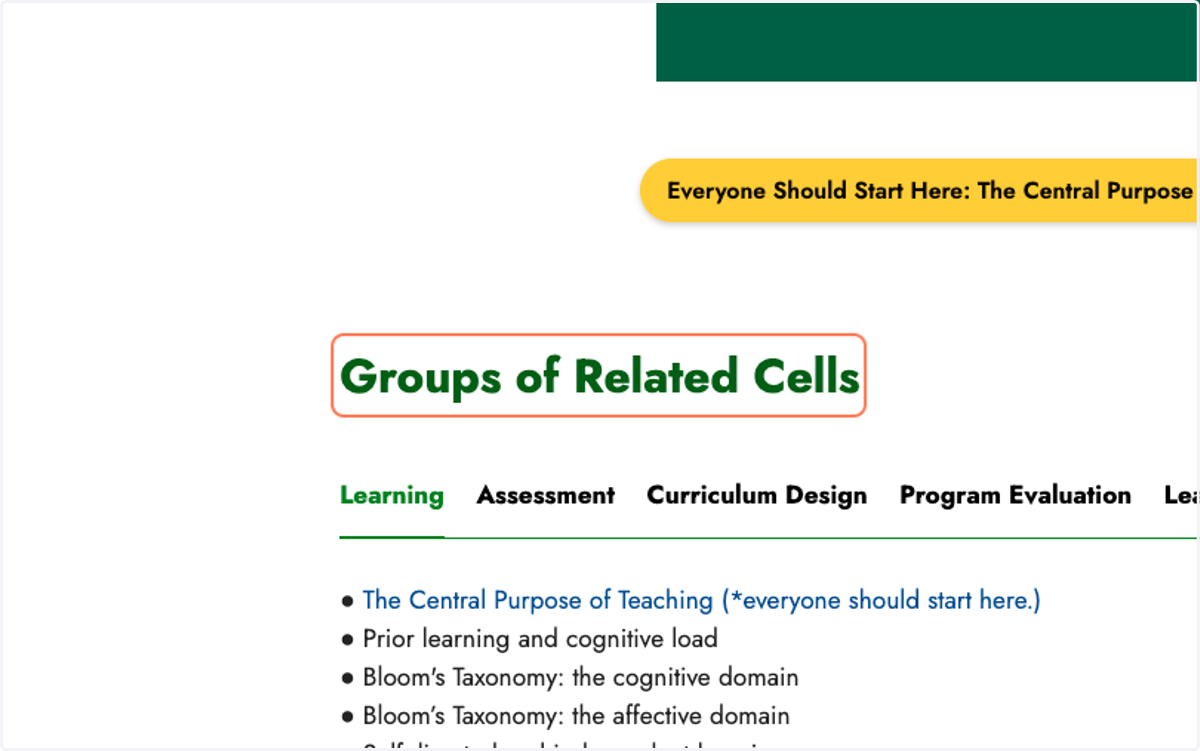
2. Click on Groups of Related Cells
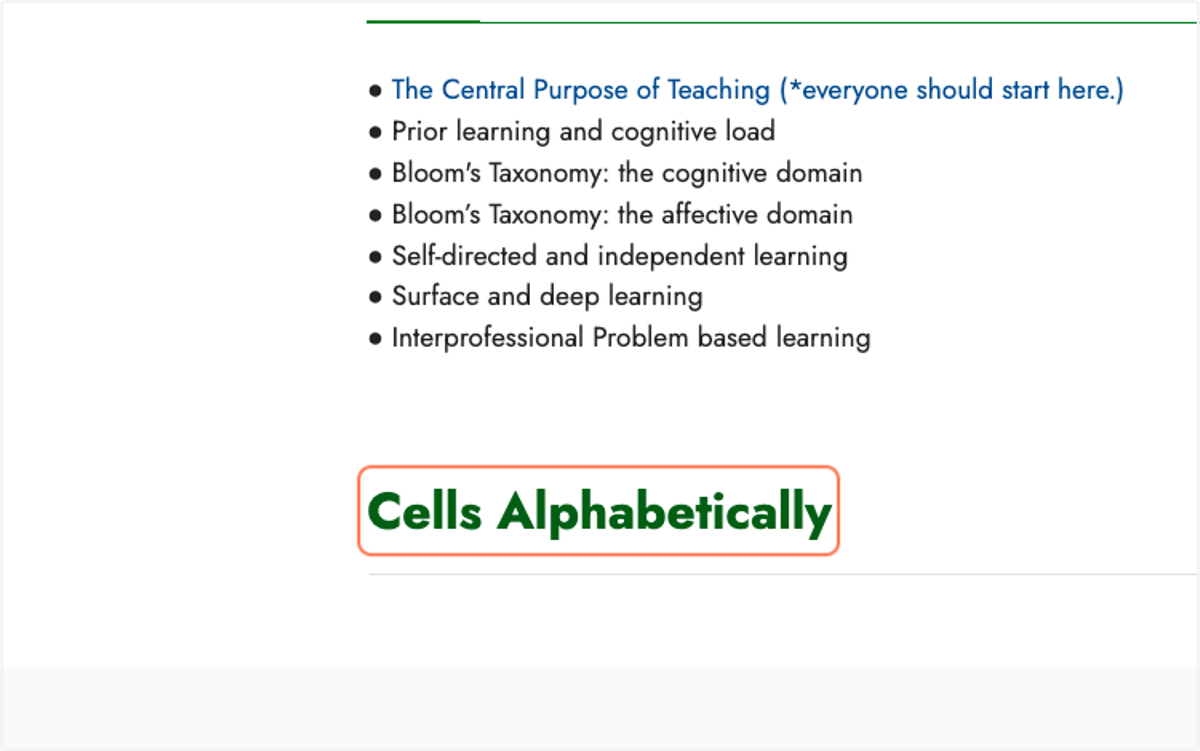
3. Or, Click on Cells Alphabetically
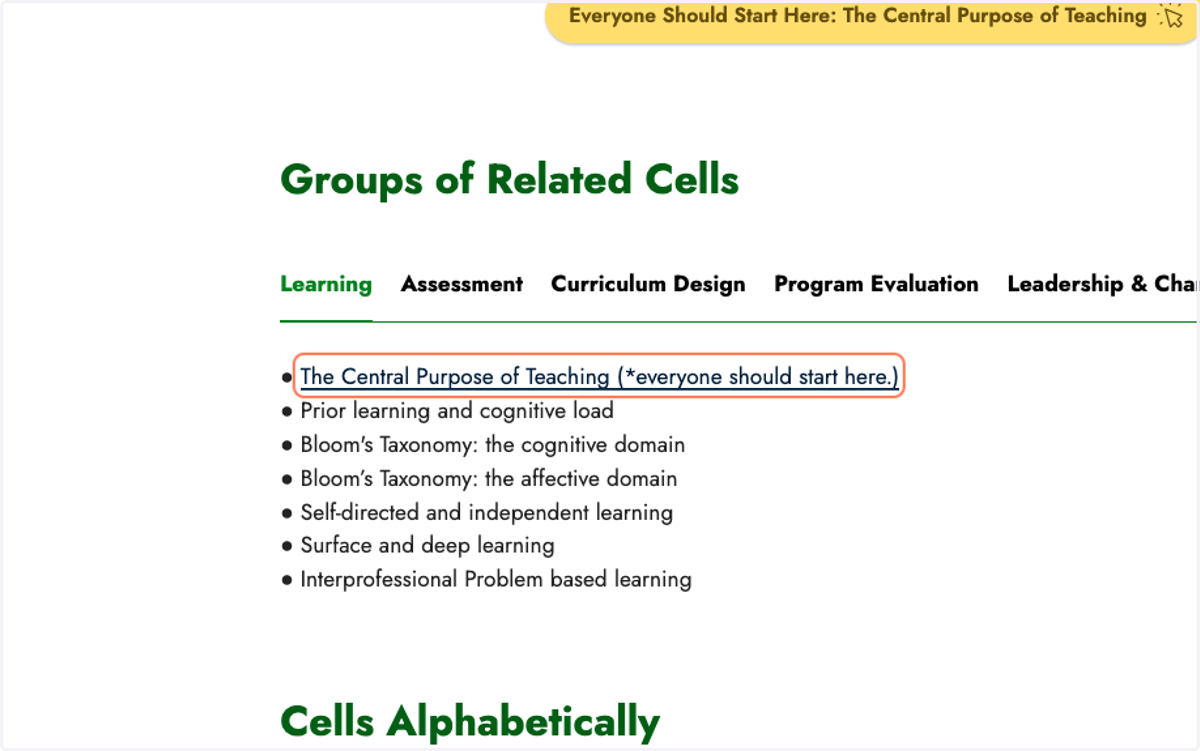
4. Now click on one of the topics you are interested in.
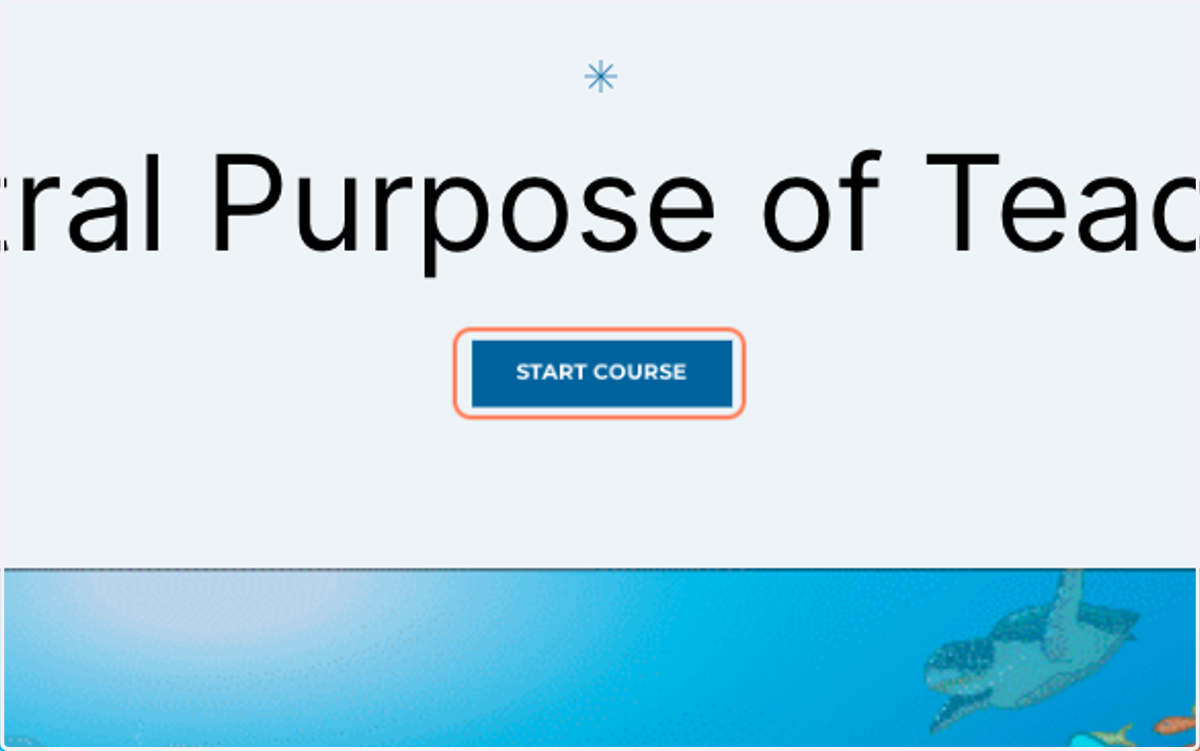
5. On the Cell start page, click on START COURSE
Youtube
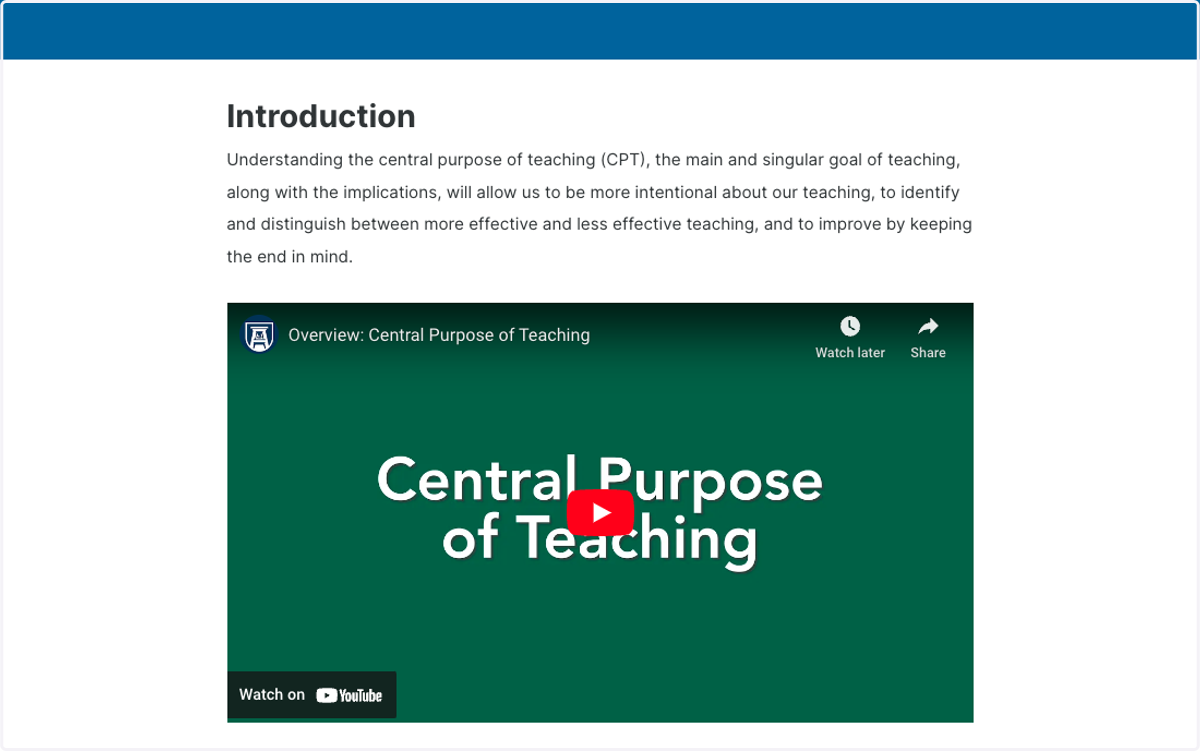
6. In the Introduction, click on the Cell Overview video
Augusta
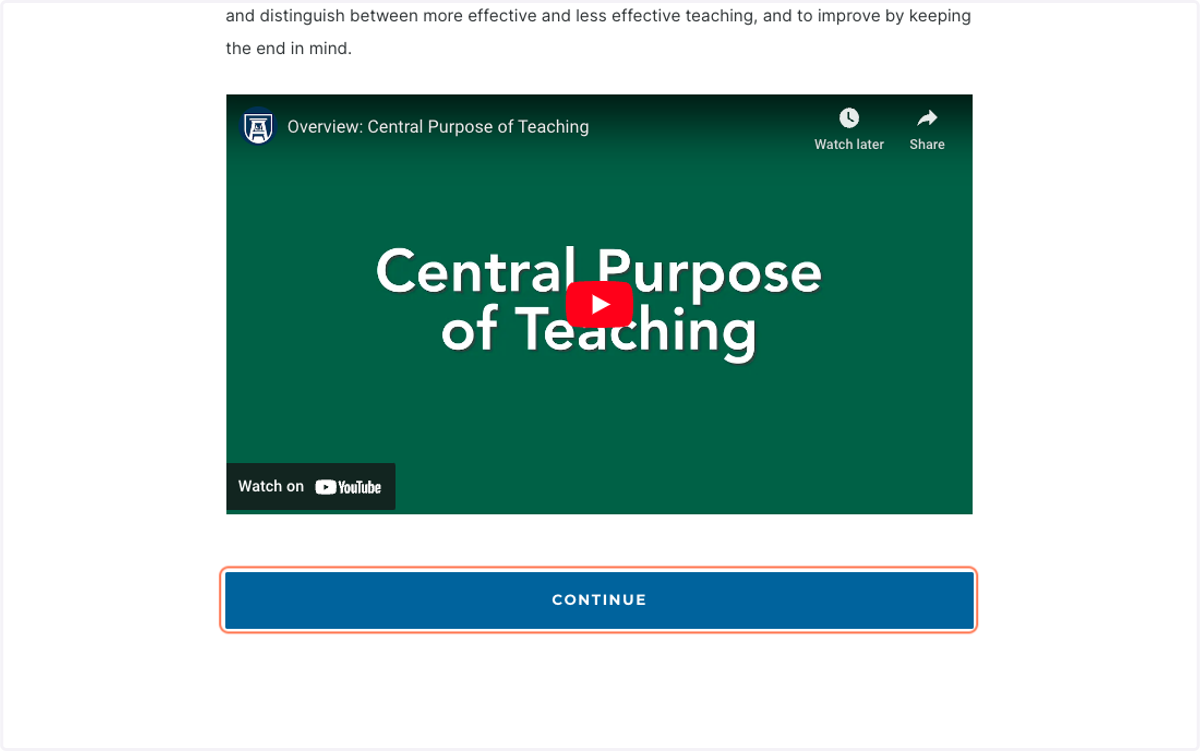
7. Click on CONTINUE
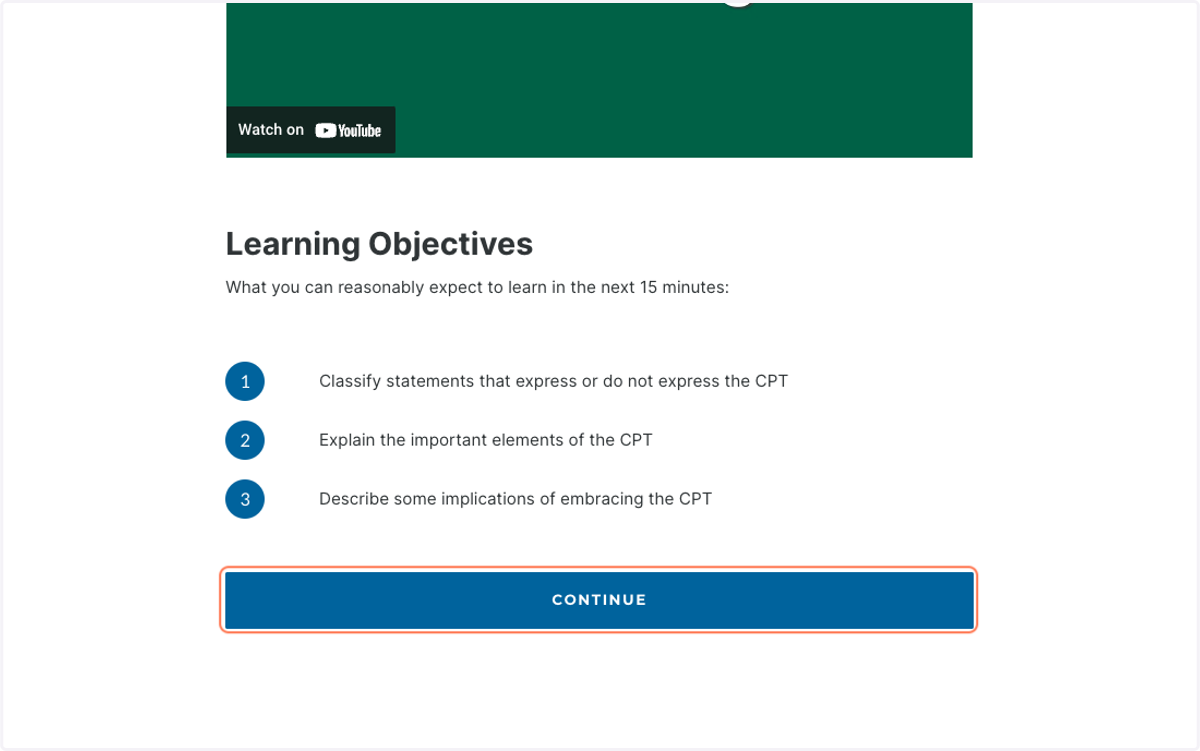
8. Review Learning Objectives carefully.
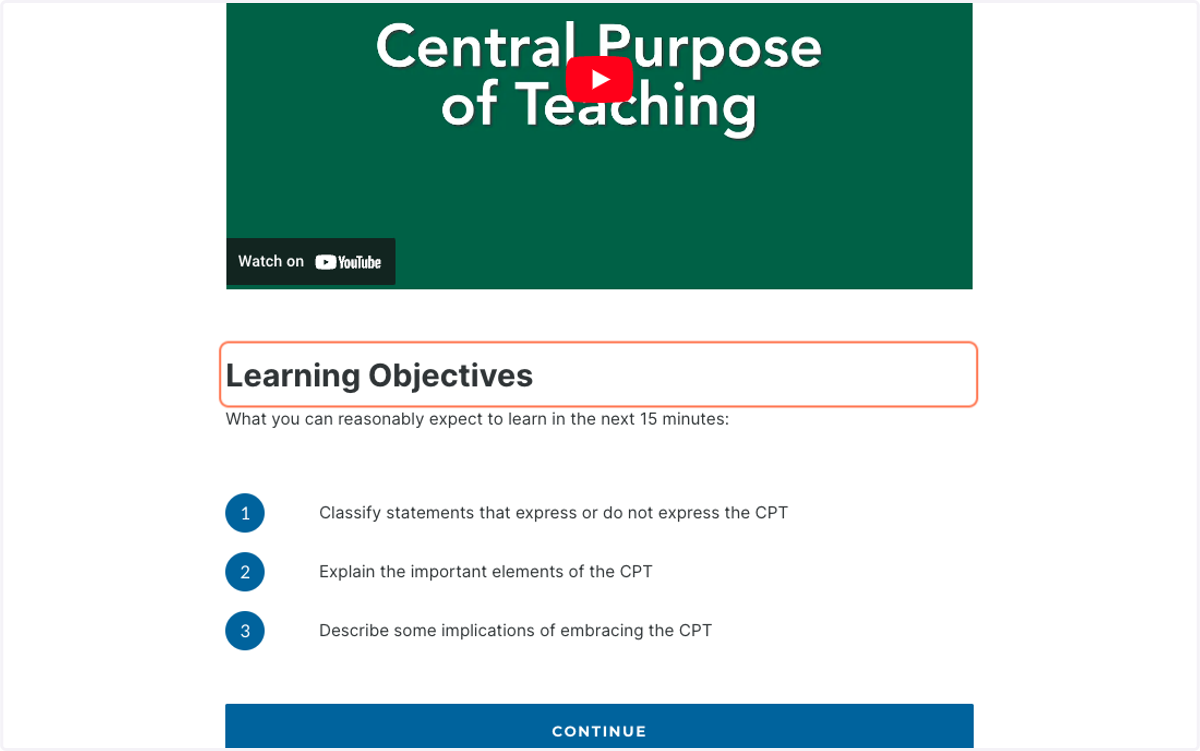
9. Click on CONTINUE
Office
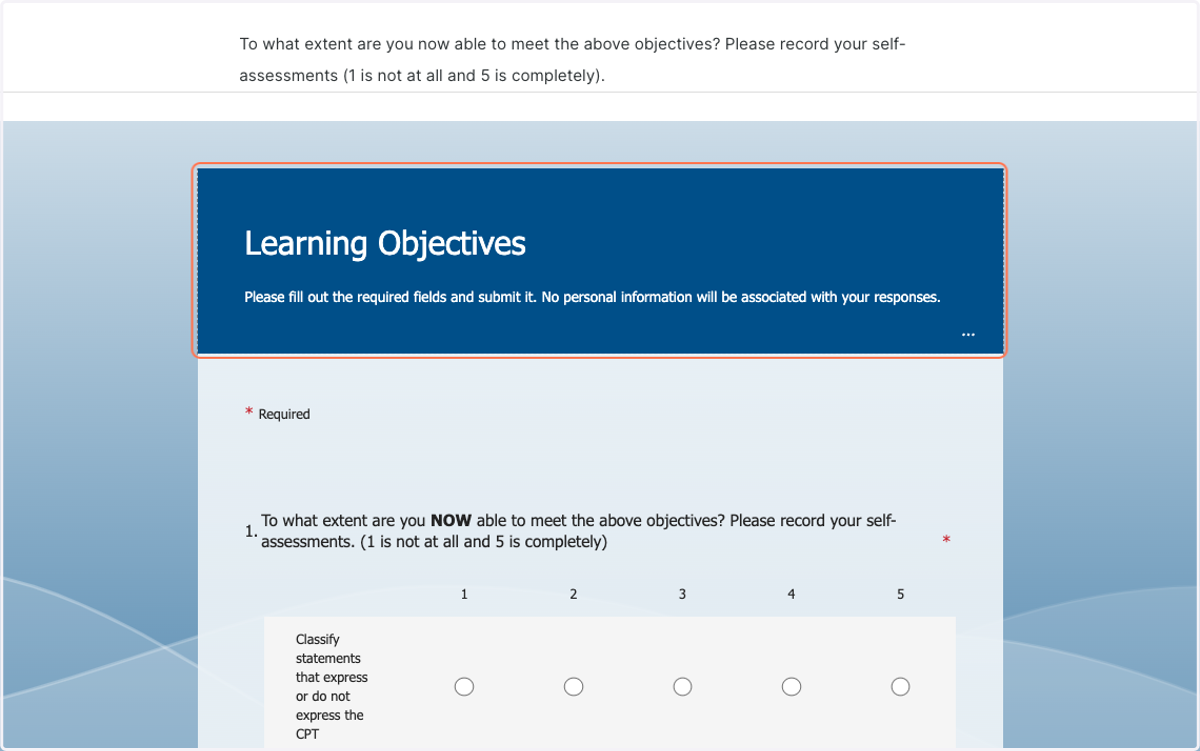
10. Complete the Pre-assessment
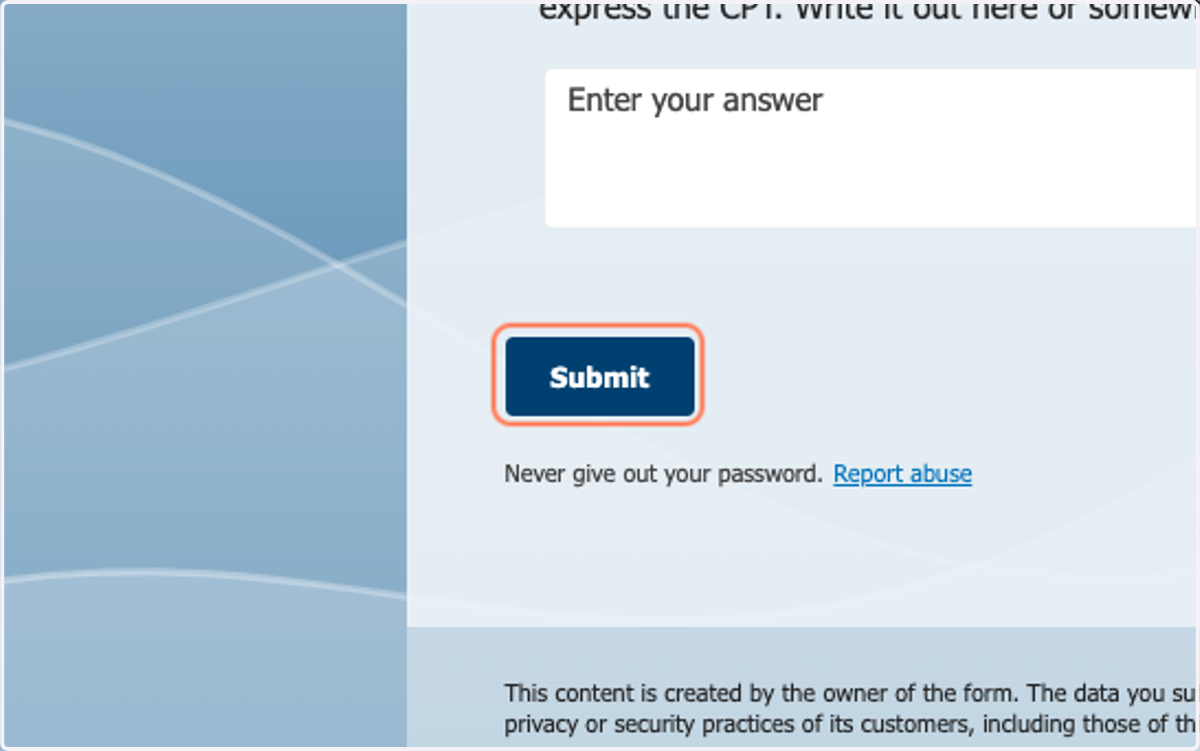
11. Click on Submit
Augusta
12. Click on CONTINUE
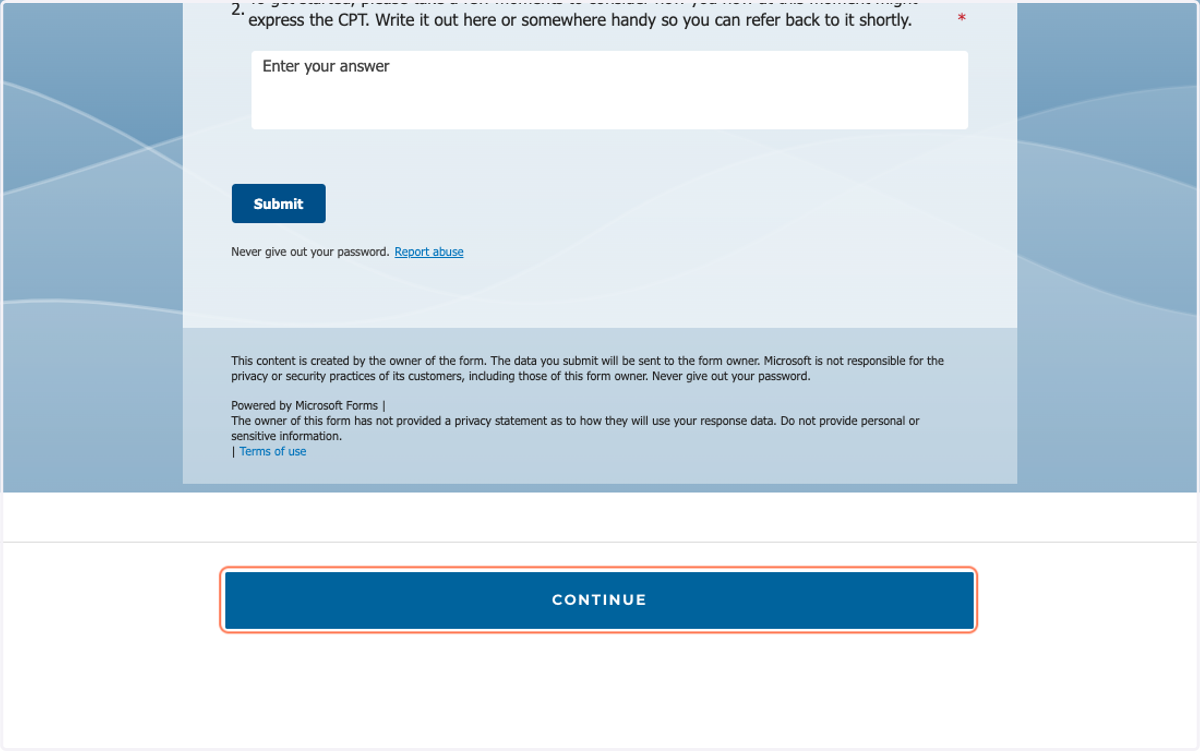
13. Read Lesson content
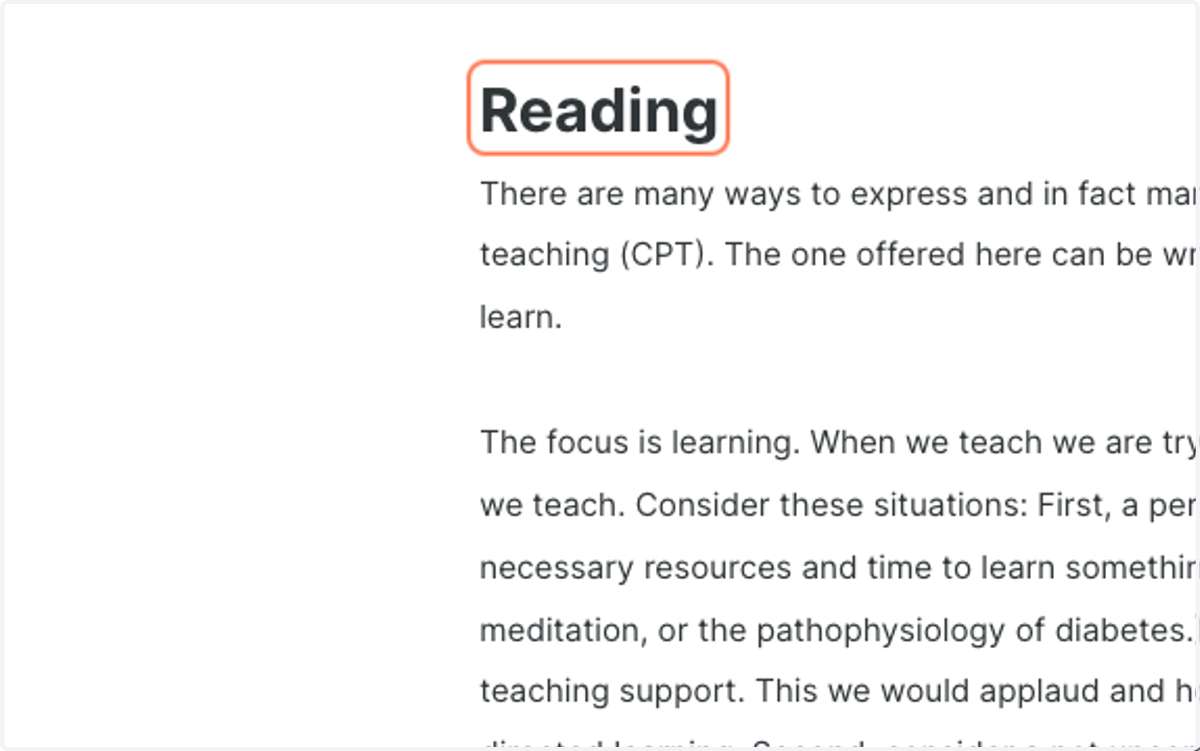
14. Click on CONTINUE
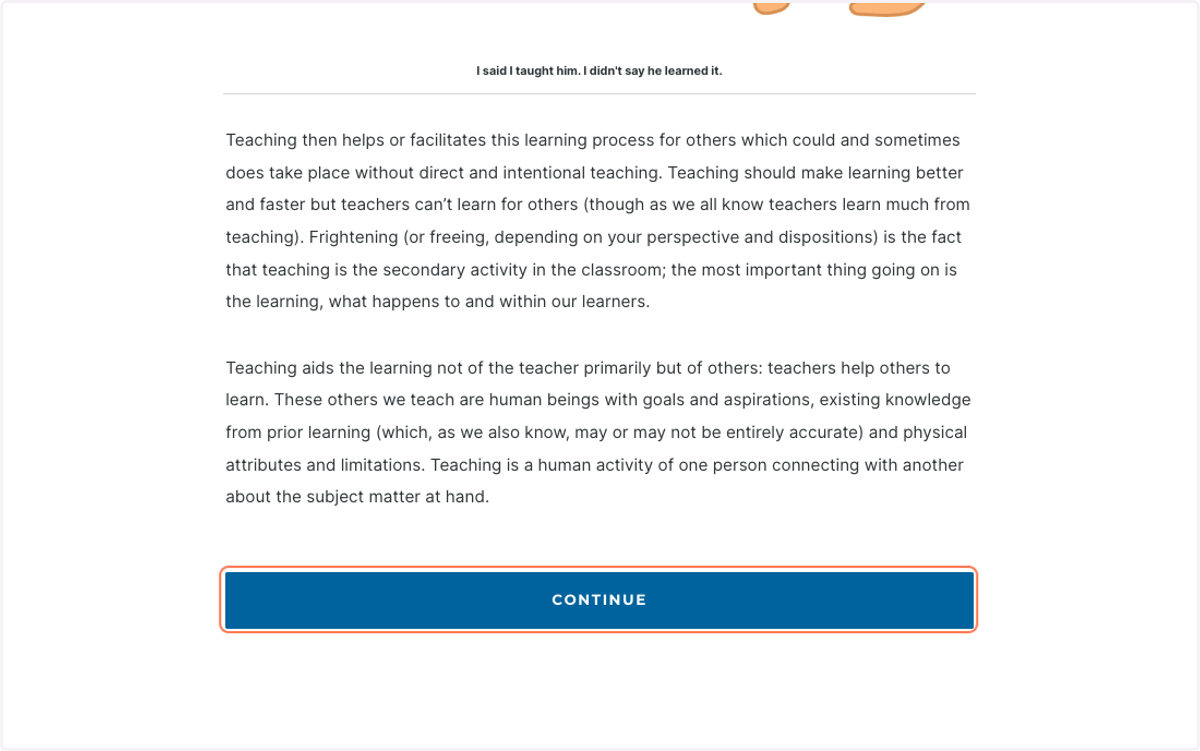
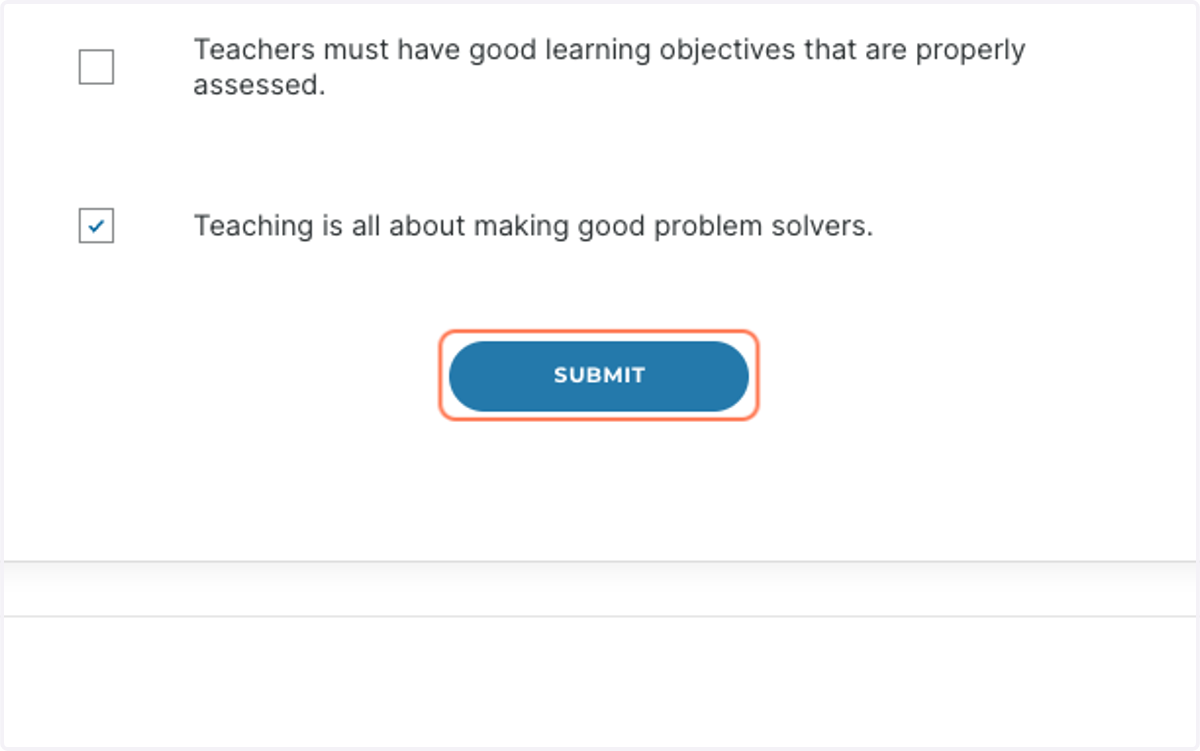
15. Complete Practice Questions
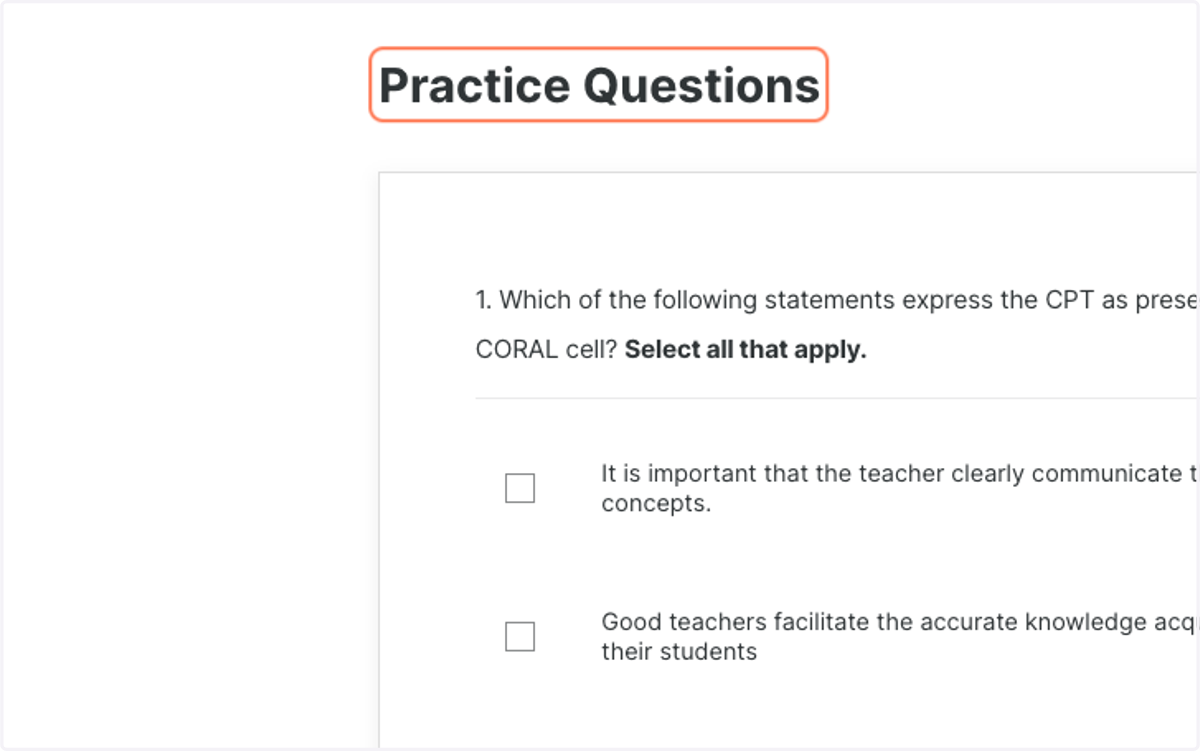
16. Click on listitem
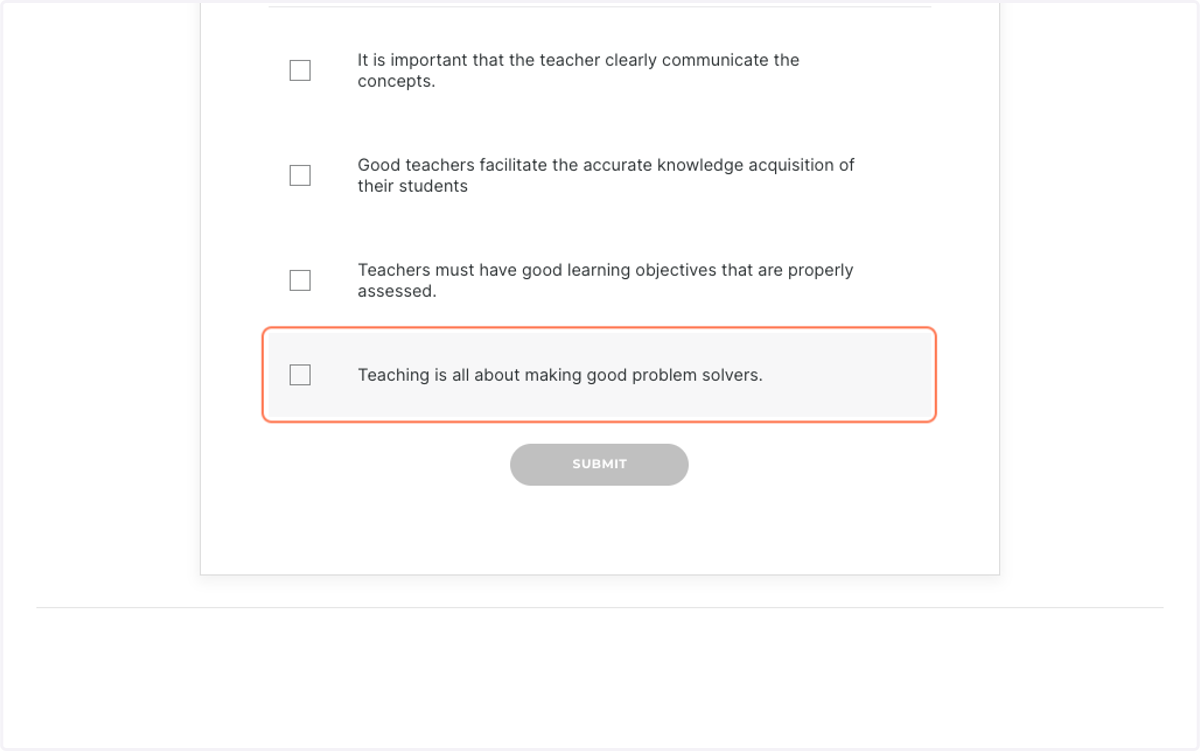
17. Click on SUBMIT and then Continue
Office
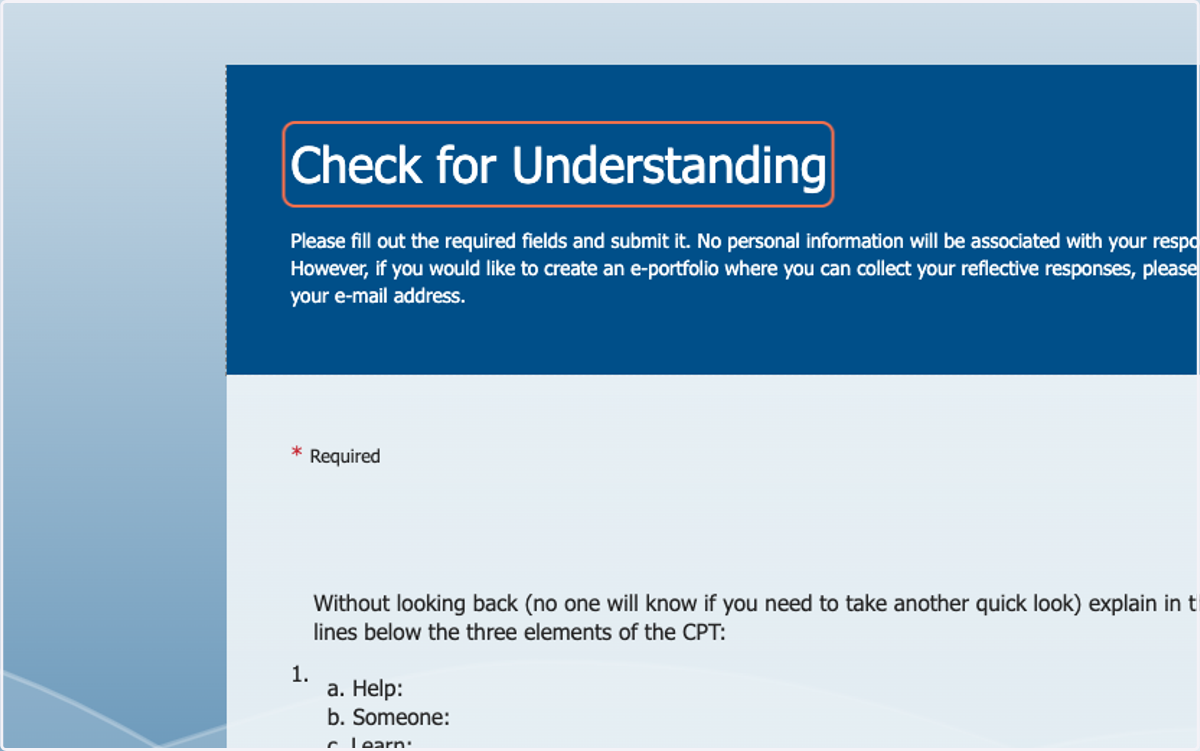
18. Complete Check for Understanding
Augusta
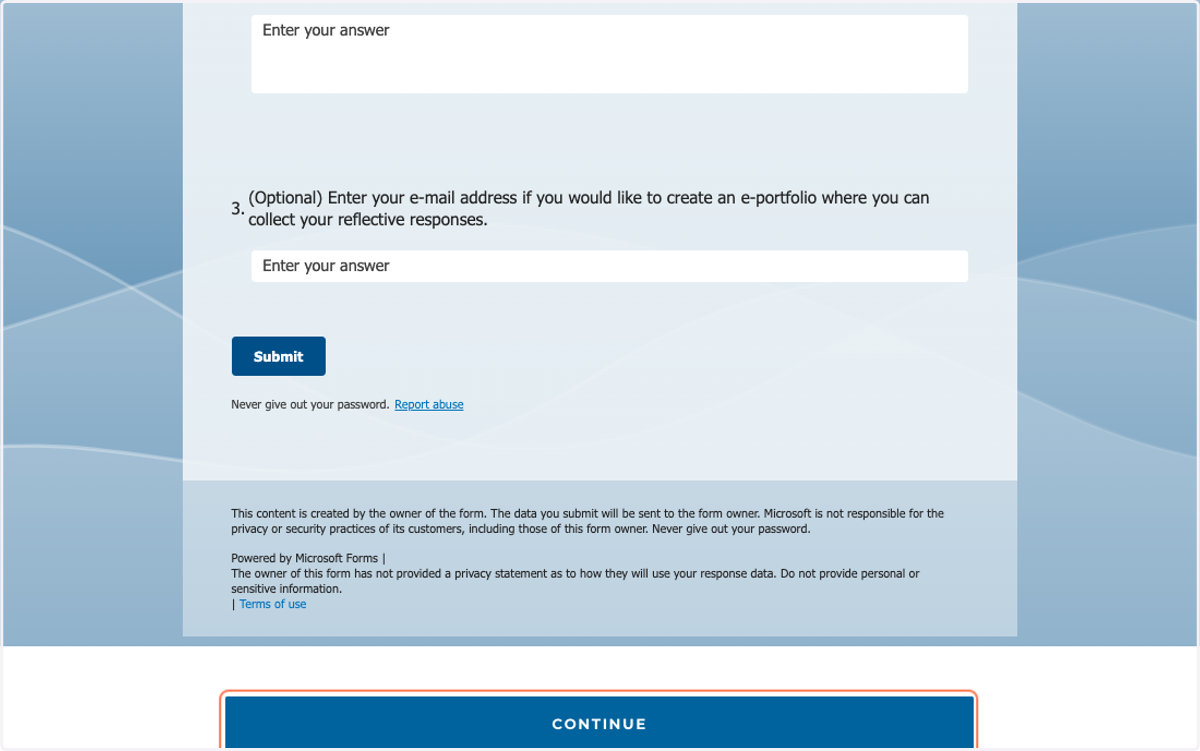
19. Click on SUBMIT and then CONTINUE
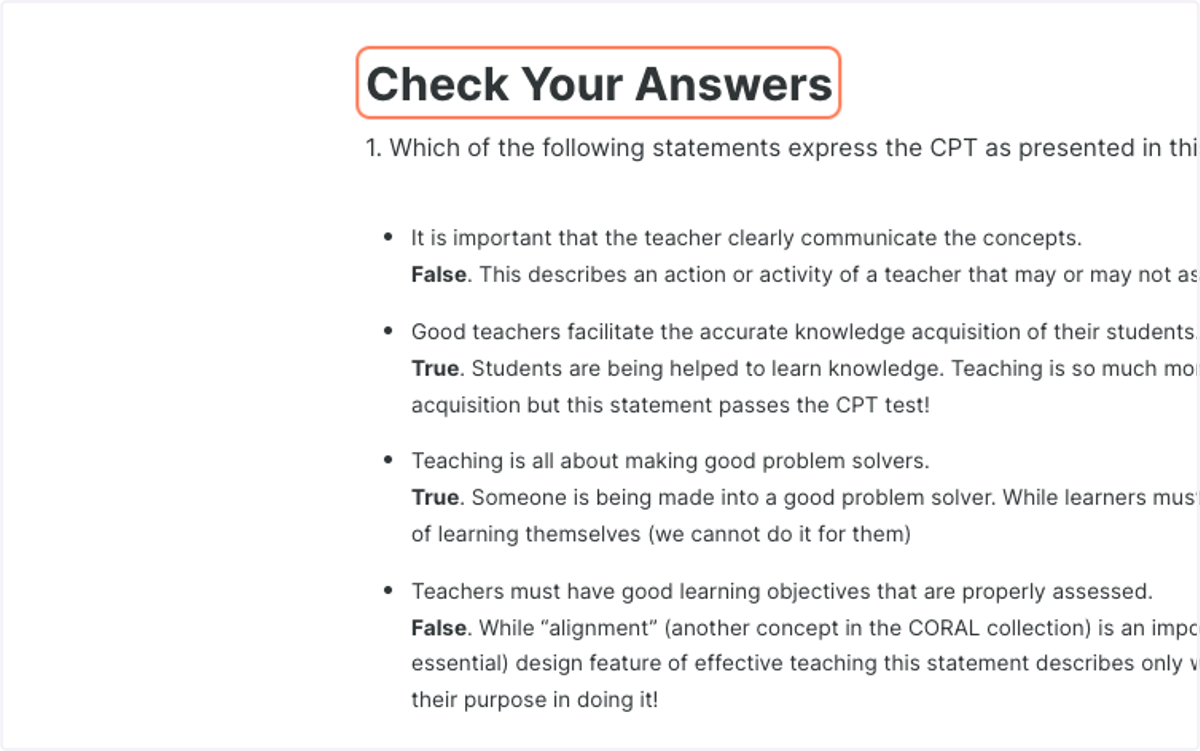
20. Review EXPERT Responses and then Continue
21. Complete Cell Evaluation
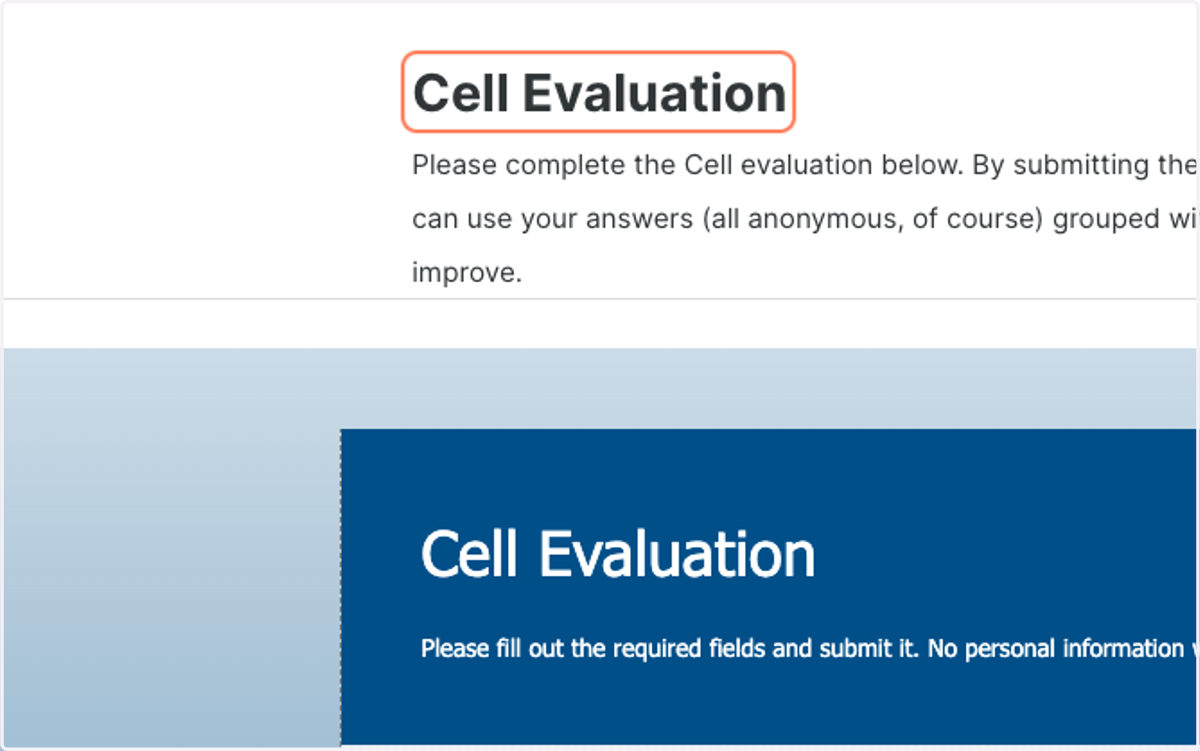
22. Click on SUBMIT and then CONTINUE
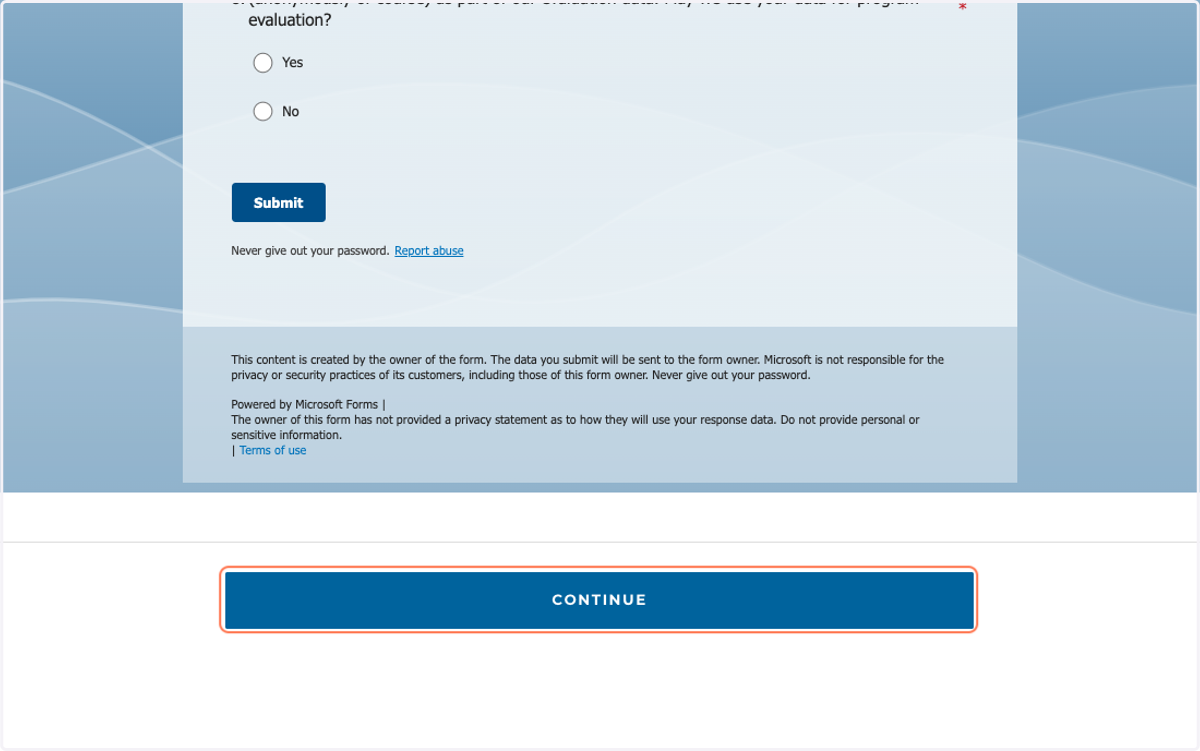
Youtube
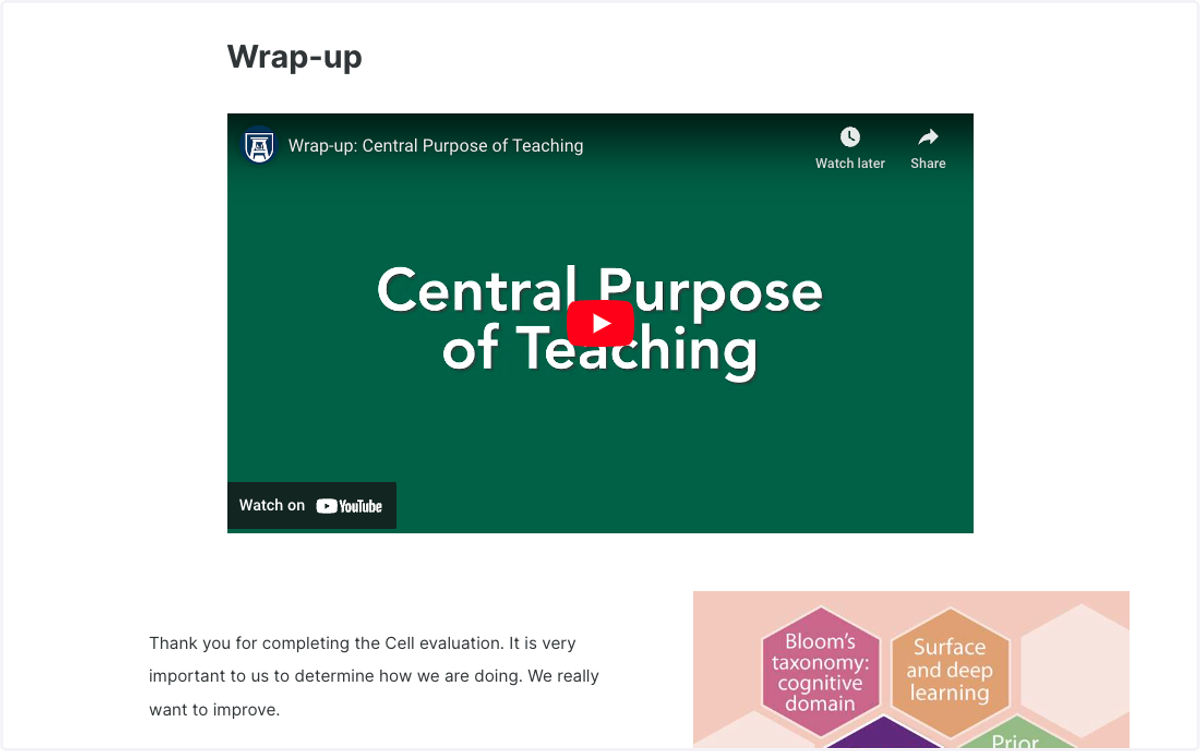
23. Click on the Wrap-up video and resources
Augusta
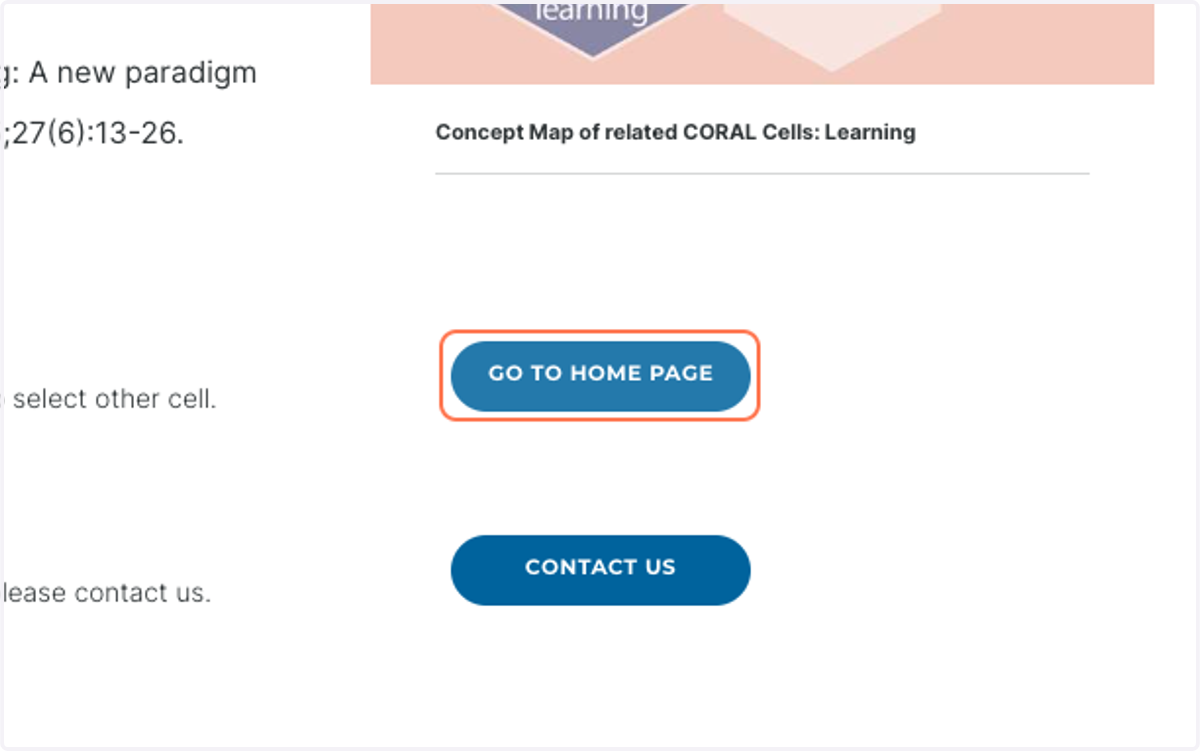
24. Click on GO TO HOME PAGE…