Navigating Billing Portal (LOI)
Click on Billing Portal Link - https://billing.stripe.com/p/login/9AQ8wD5RN5hZcKI3cc
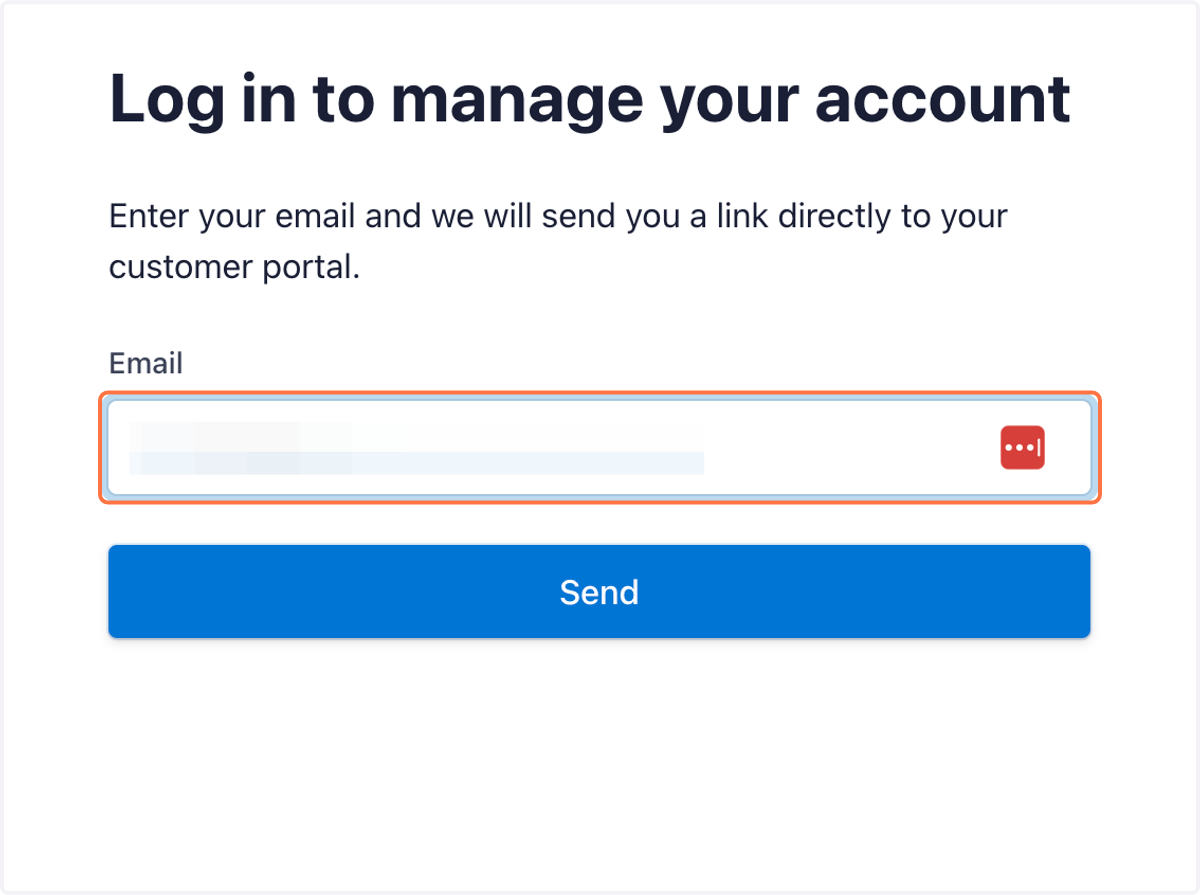
1. Click on Email Input and Enter your account email
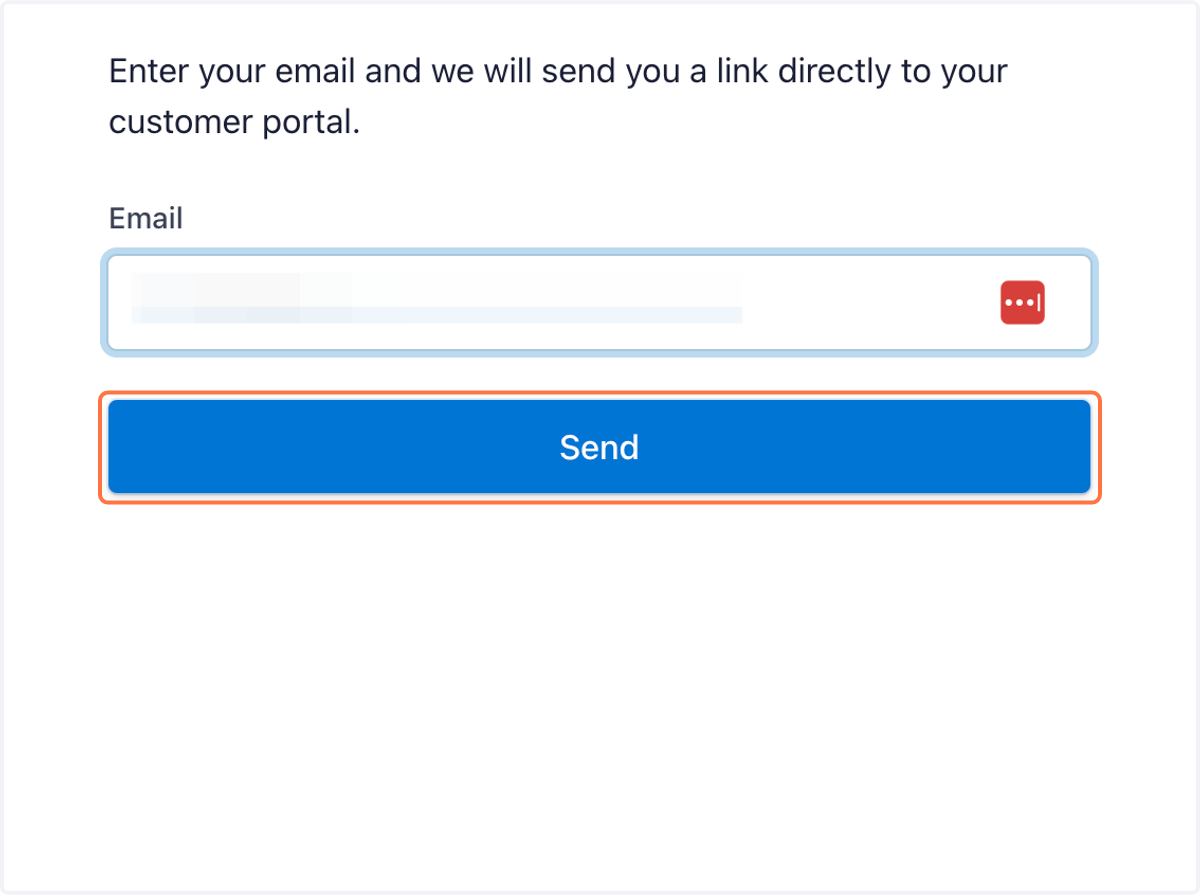
2. Click on Send
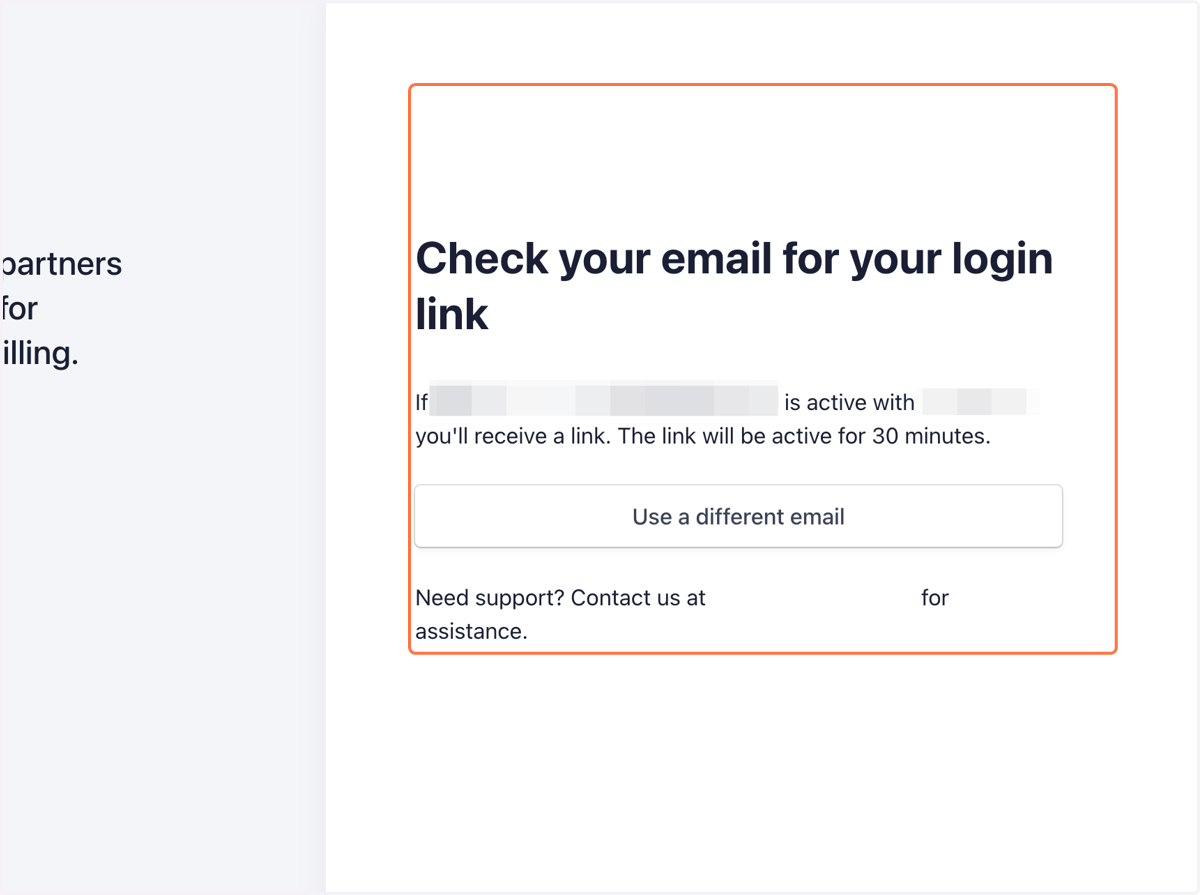
3. Check your email for your login link…
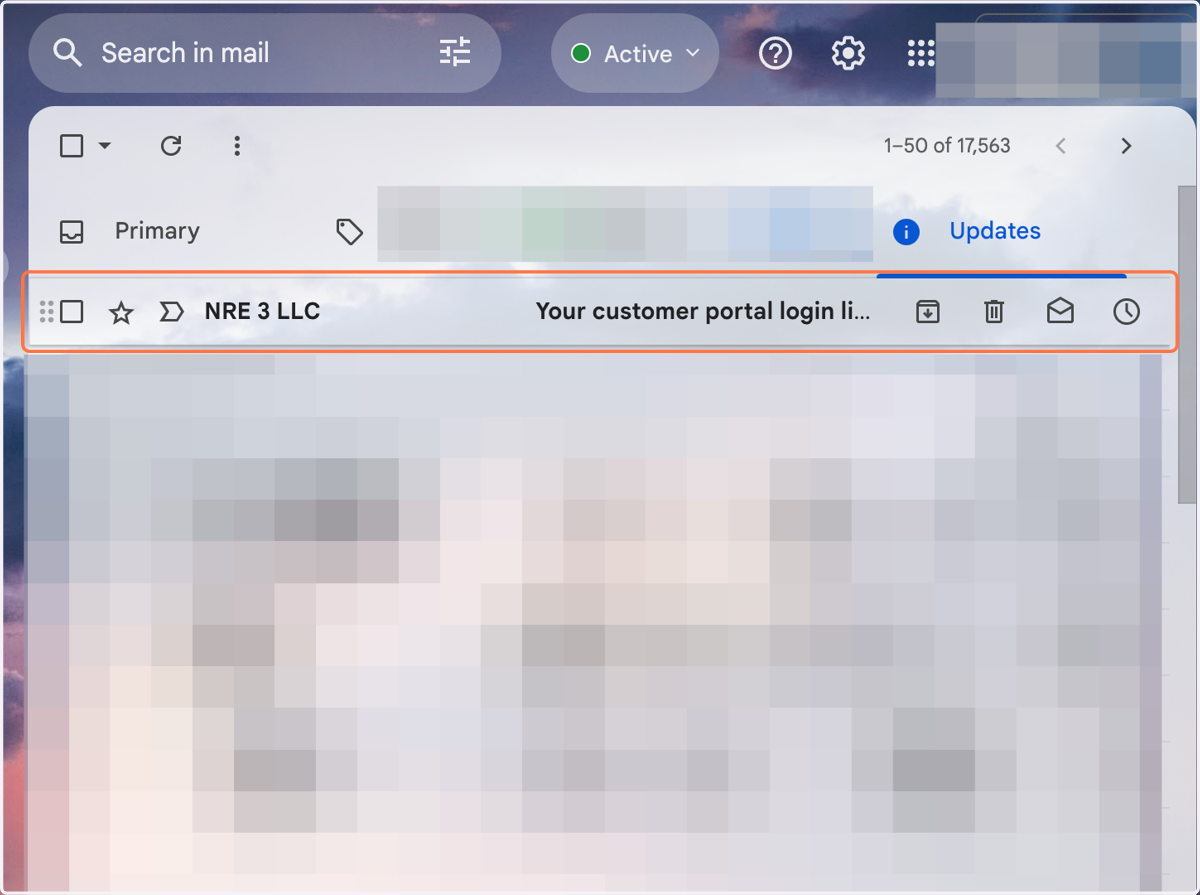
4. Click on NRE 3 LLC…
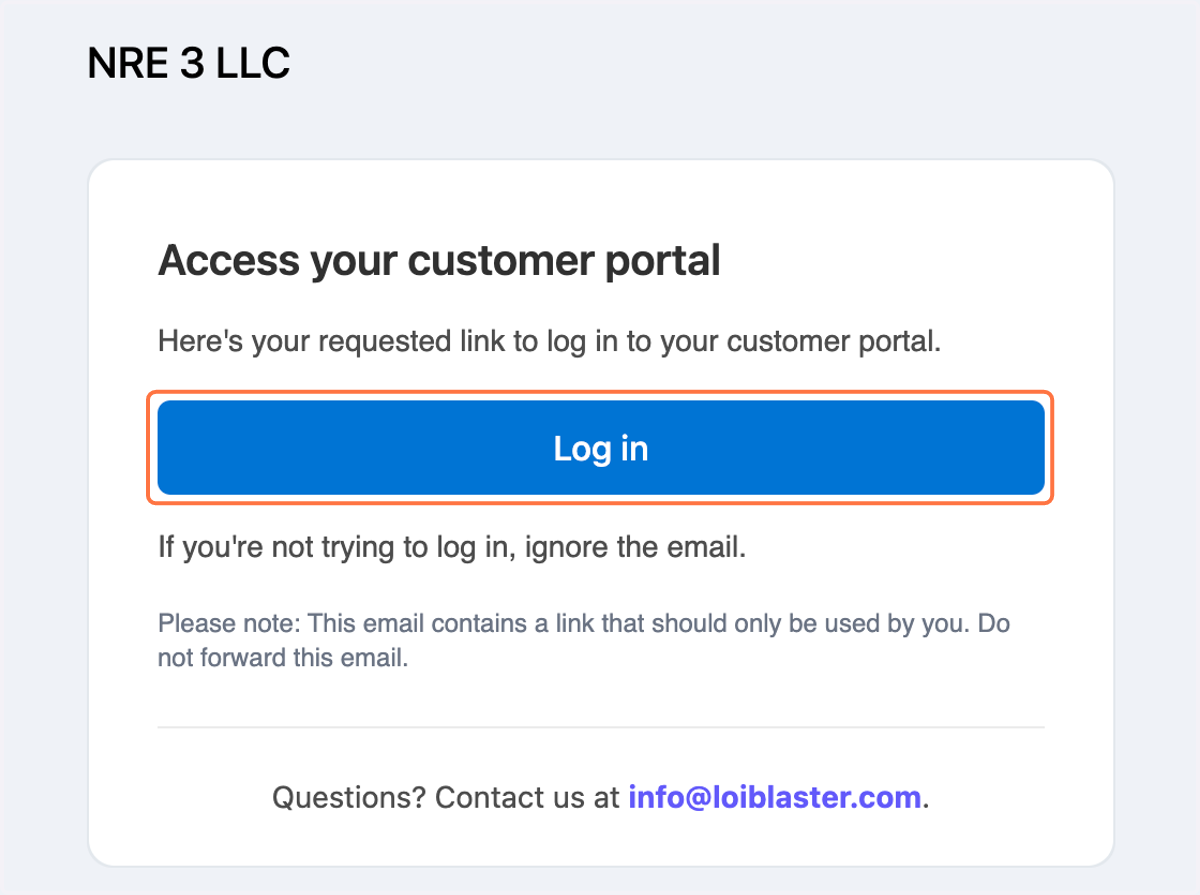
5. Click on Log in
Billing Portal Walkthrough
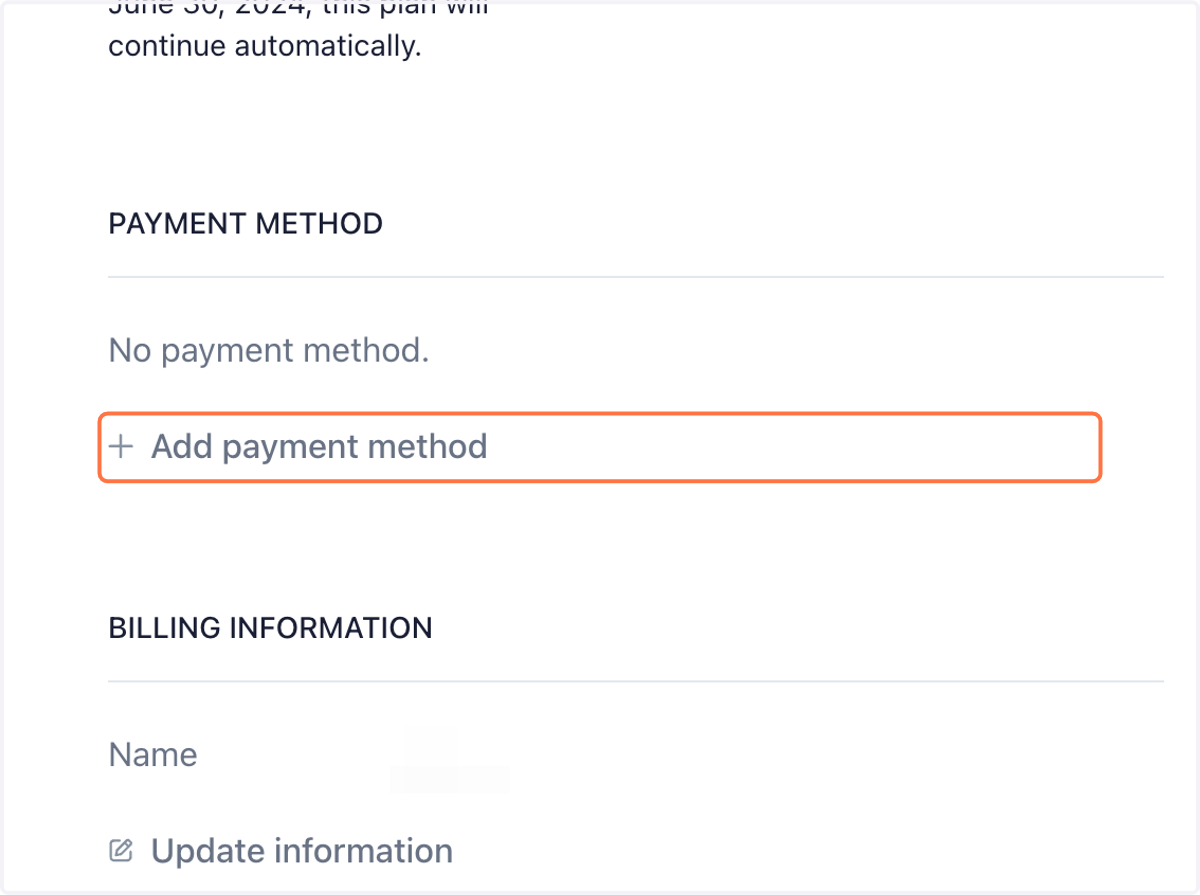
6. If you want to add or update your card information- Click on Add payment method
7. If you want to update your information - Click on Update information
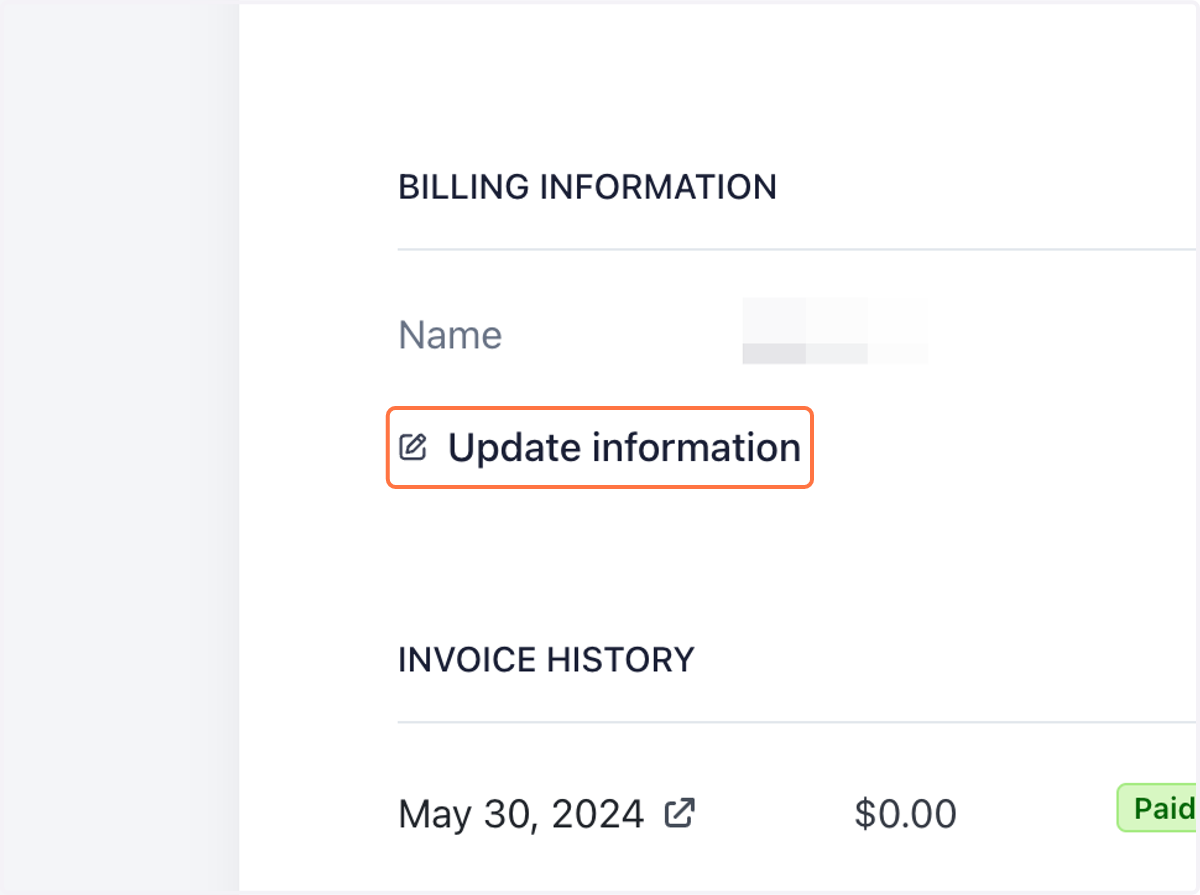
8. Click on info you want to add or change
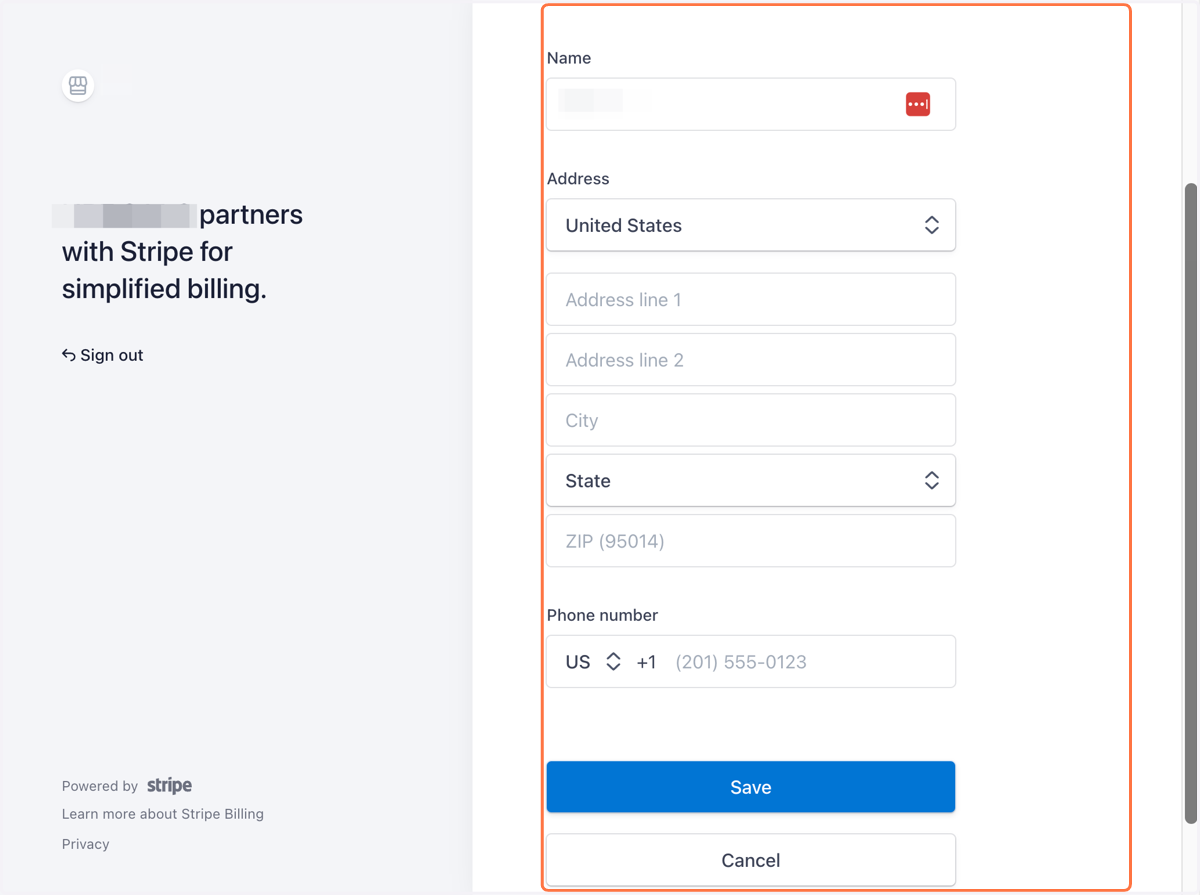
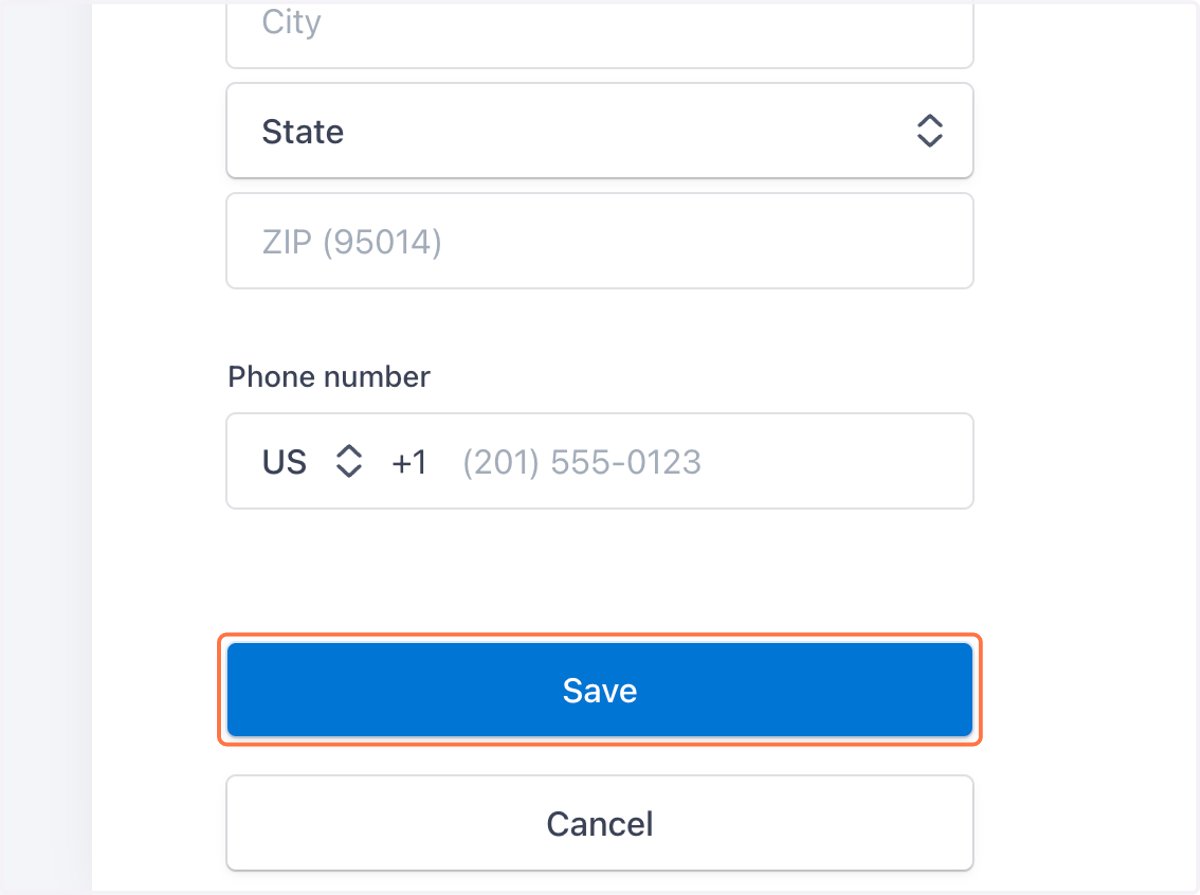
9. Click on Save
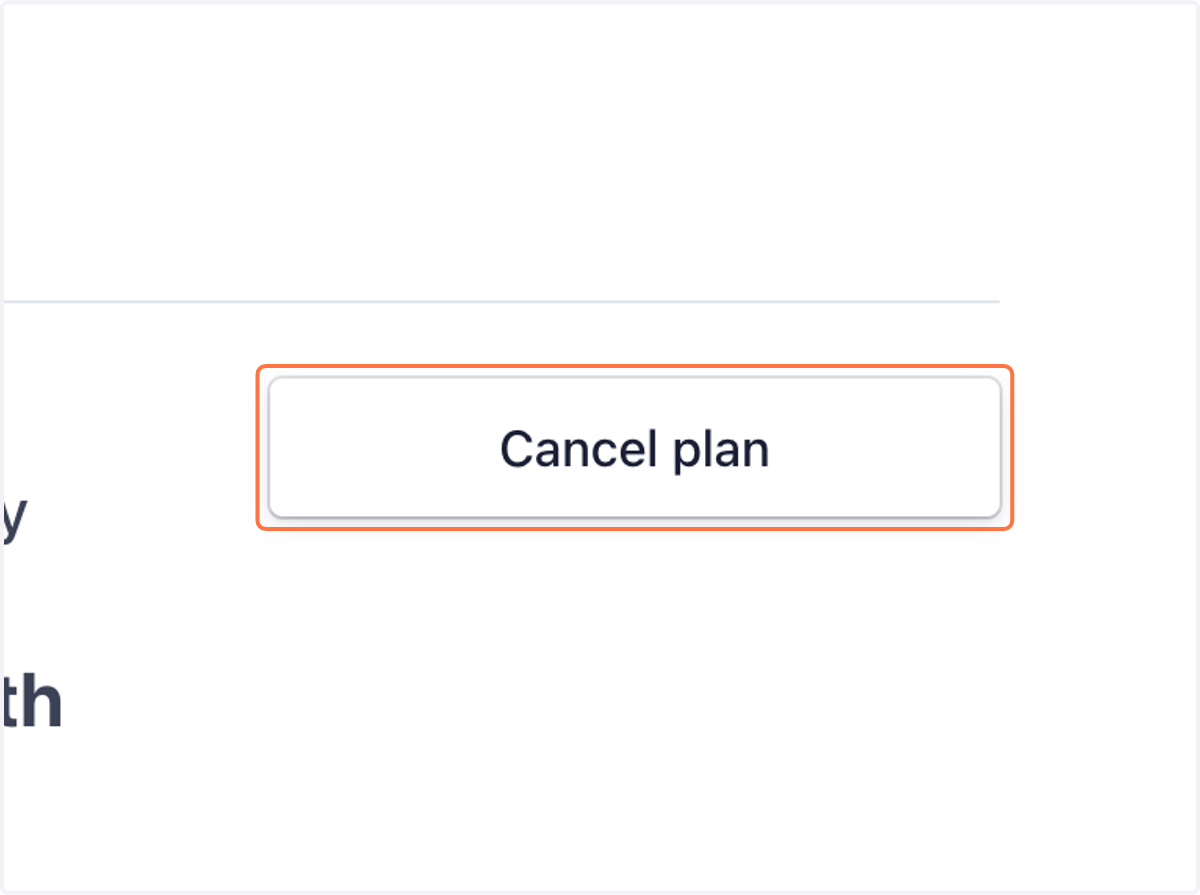
10. If you need to cancel your plan - Click on Cancel plan
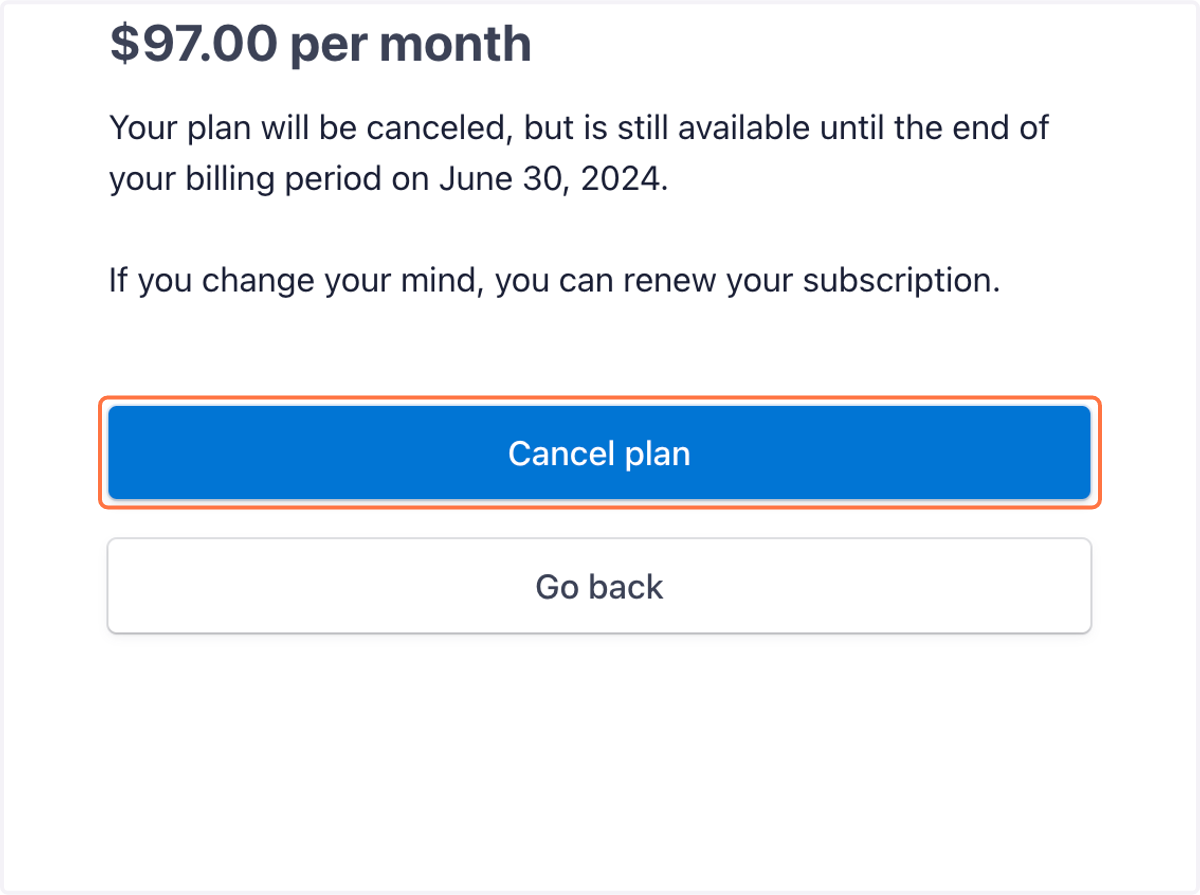
11. Click on Cancel plan
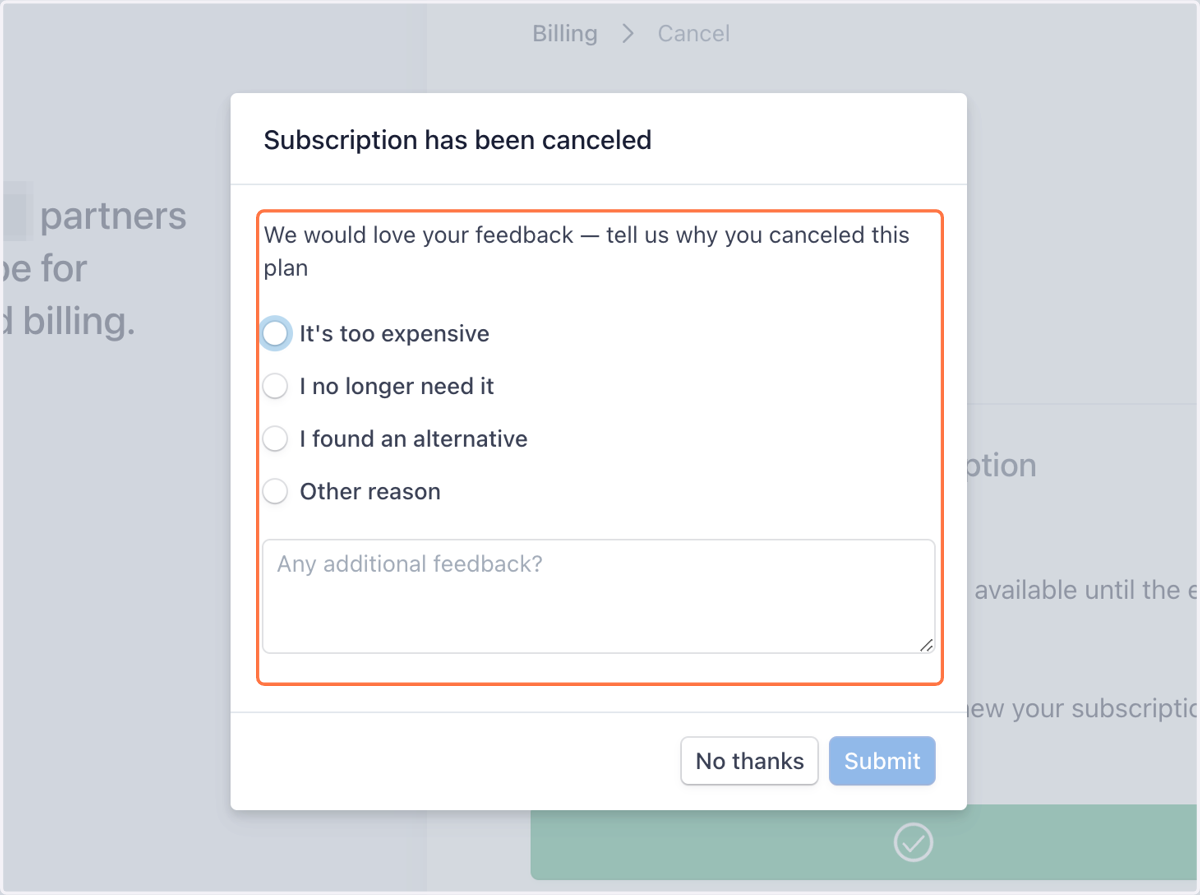
12. Please give us your feedback
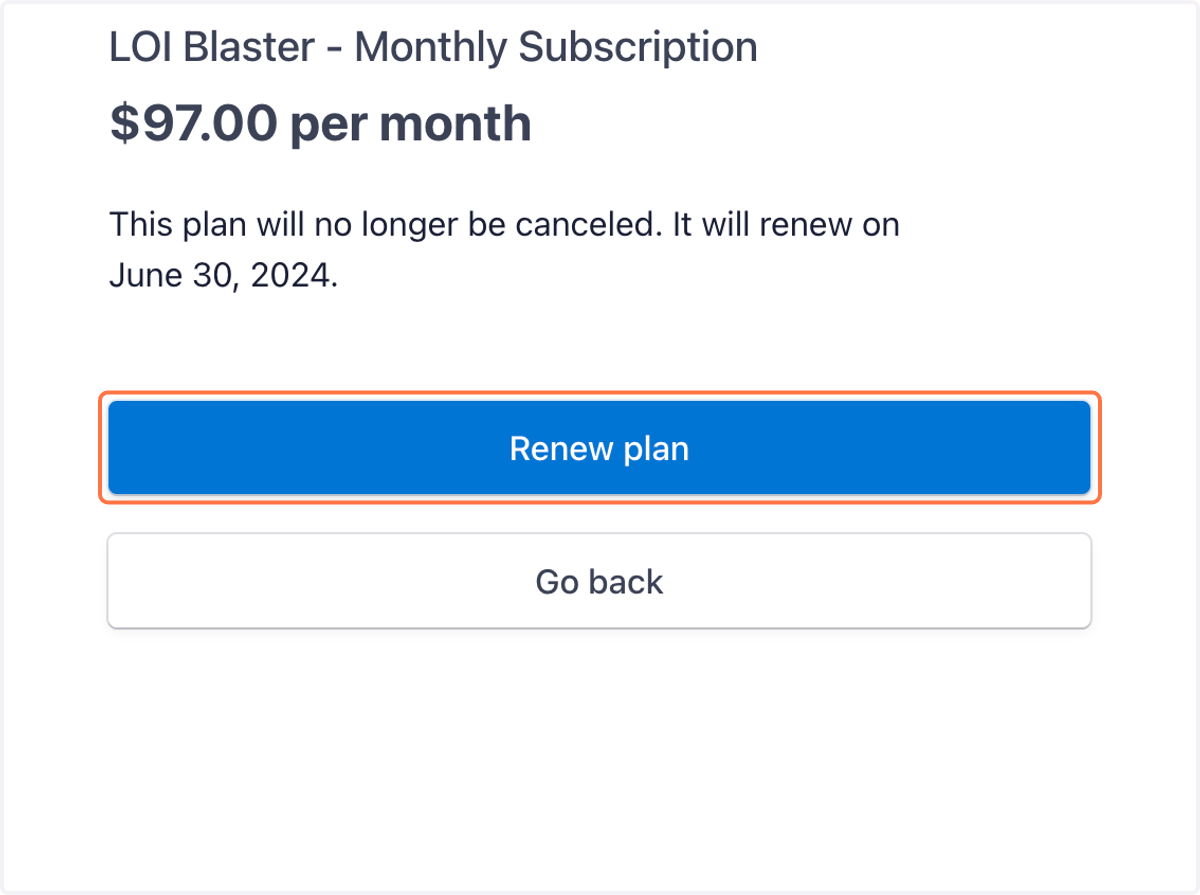
13. If after you cancel you need to renew to rejoin the program - Login and Click on Renew plan
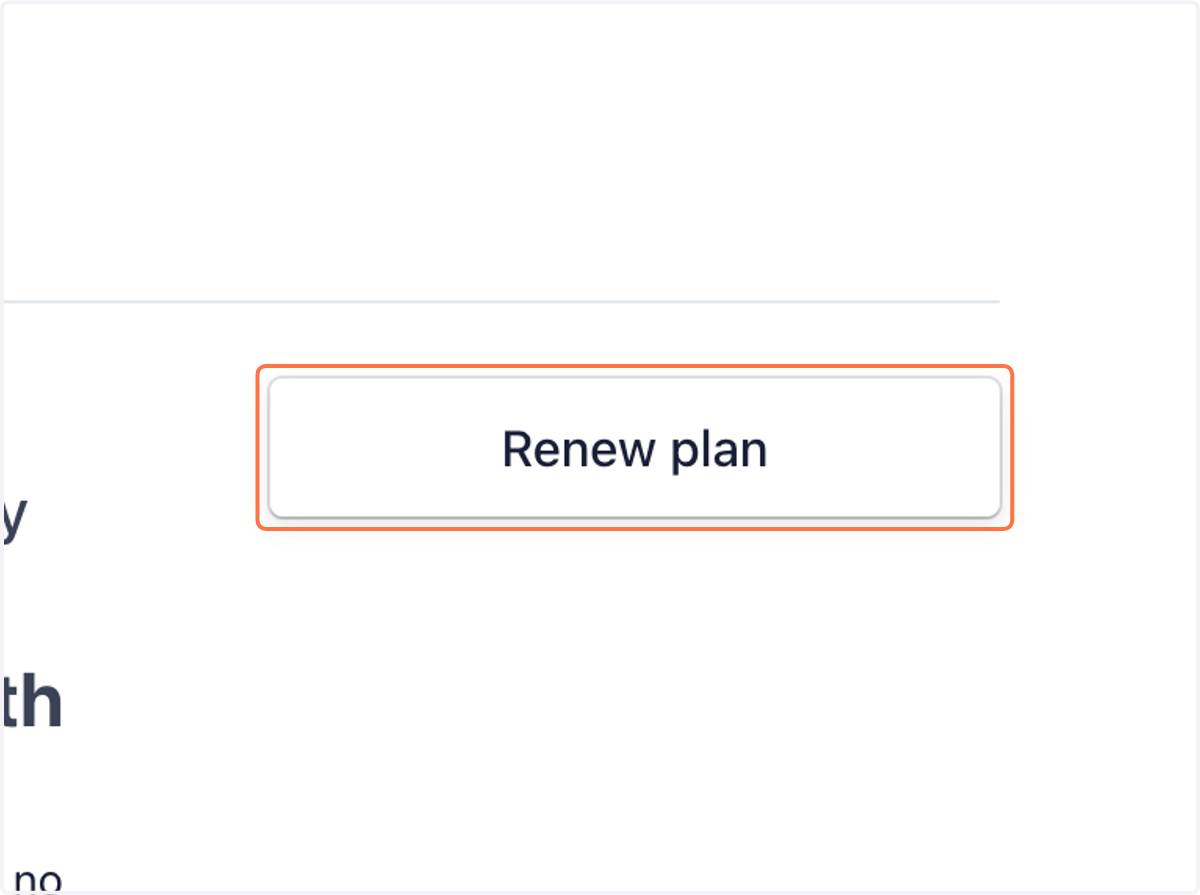
14. Click on Renew plan