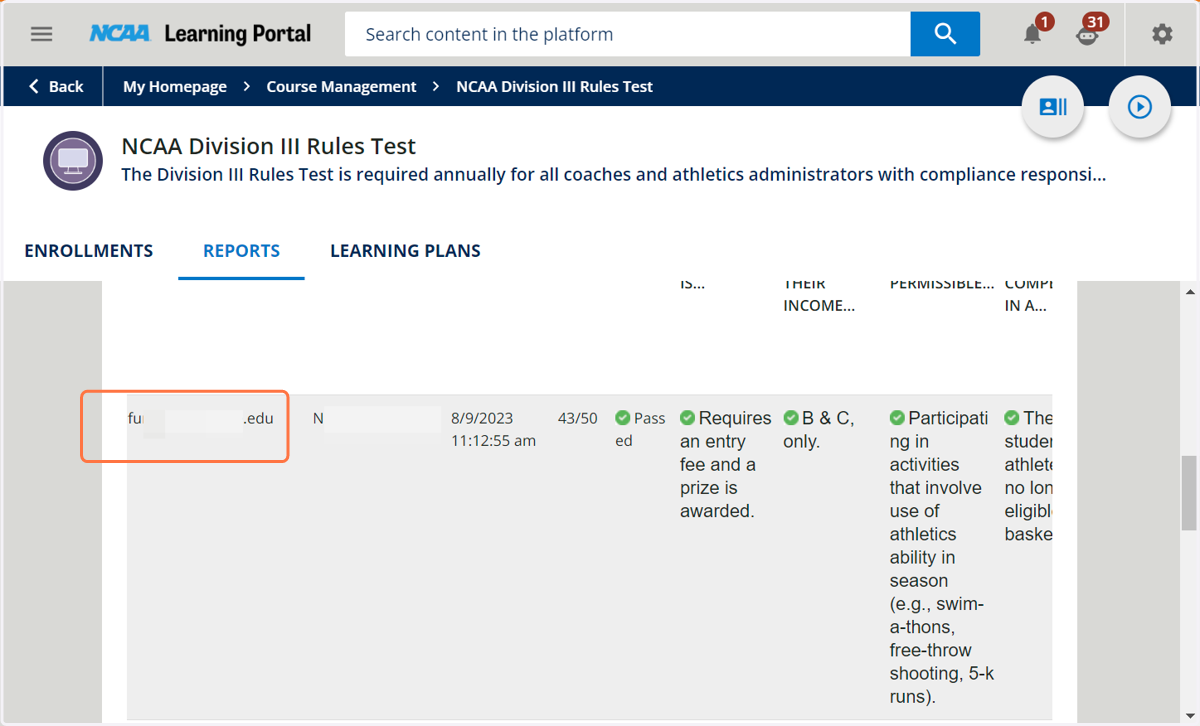
Test Results and Training Material Statistics
NCAA Learning Portal
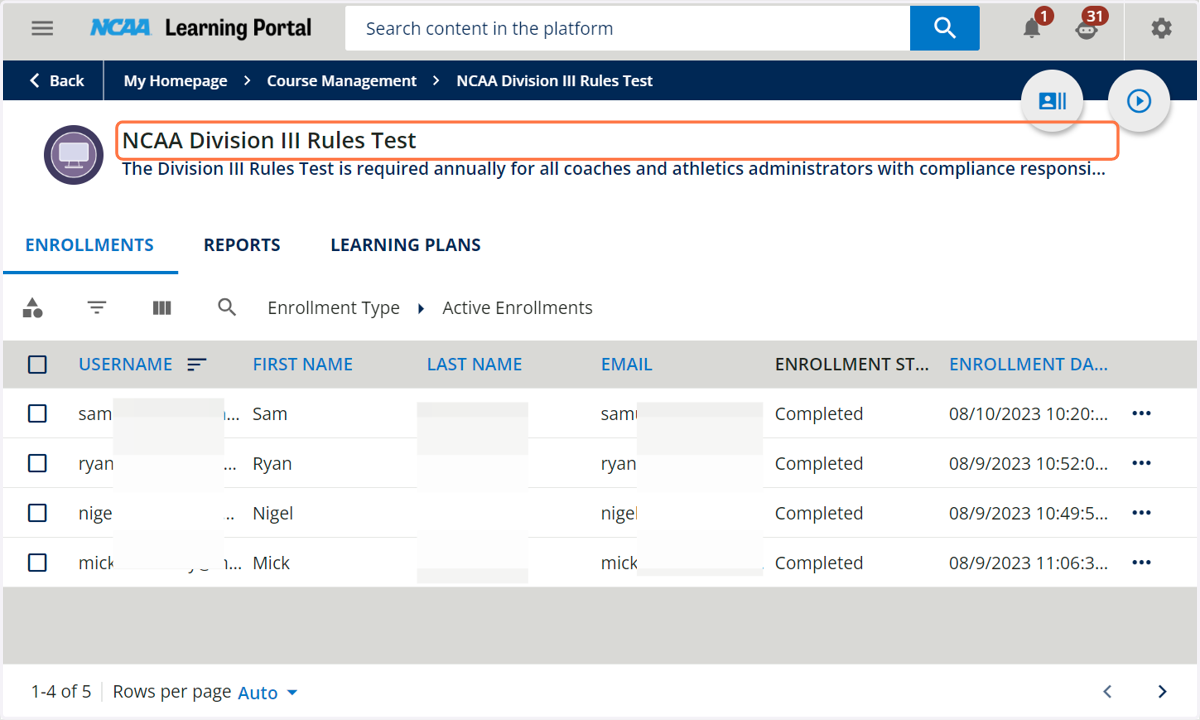
1. Open the course from the Course Management page.
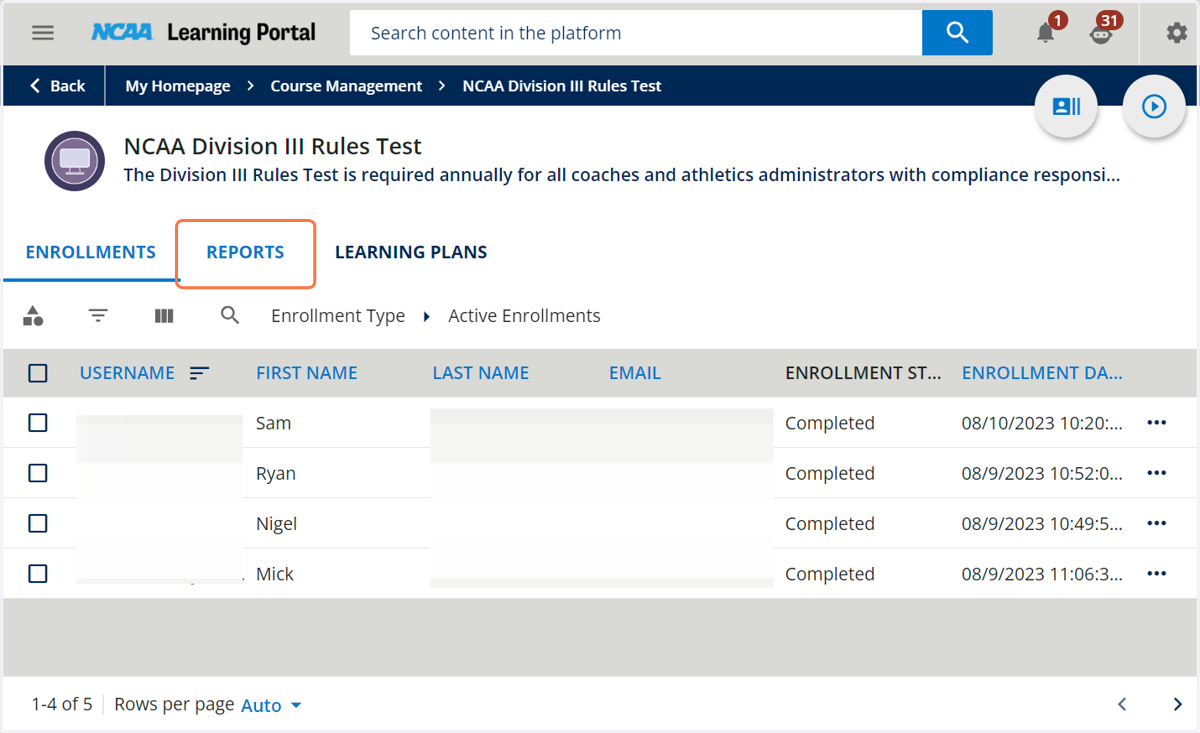
2. Click on REPORTS
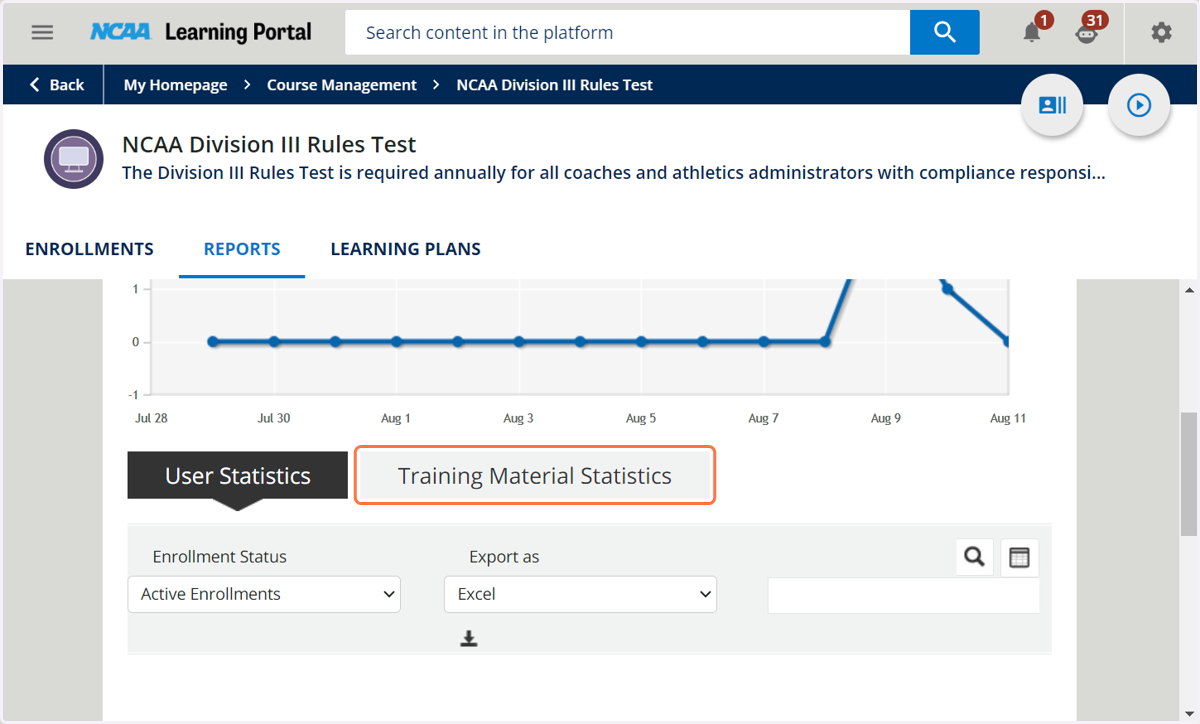
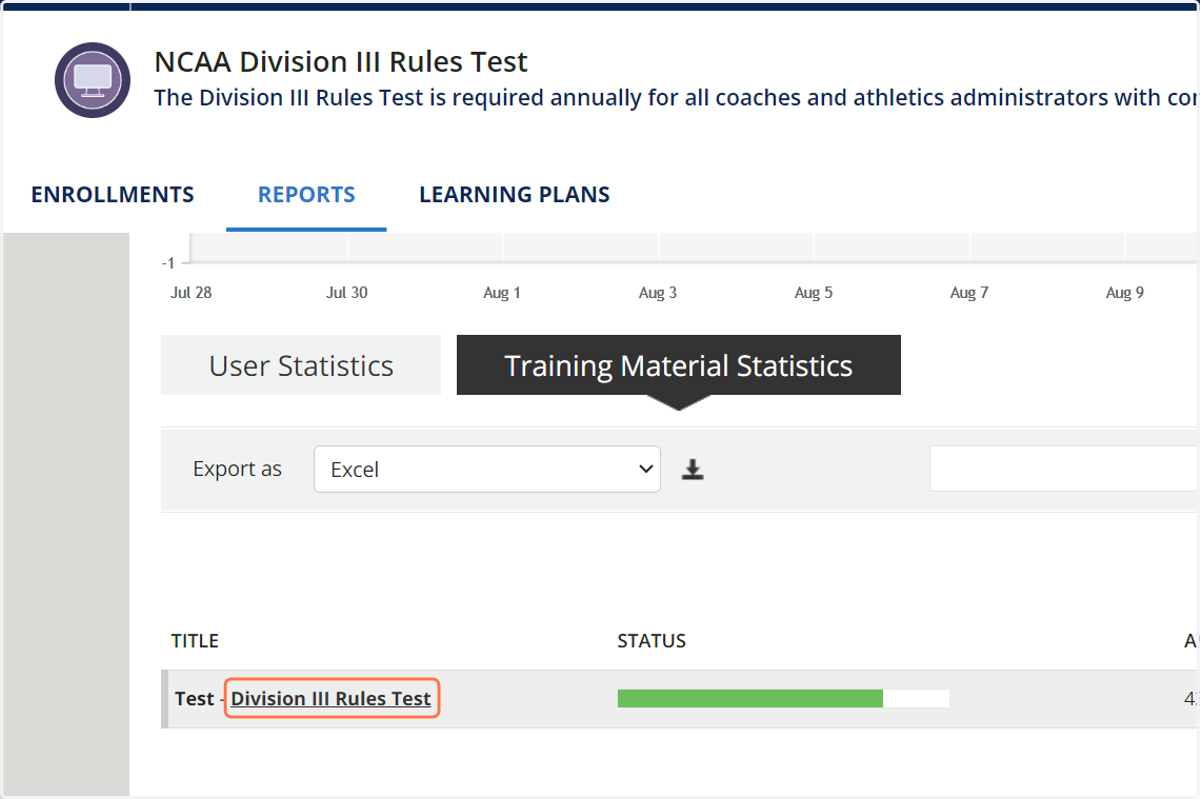
3. Click on Training Material Statistics
4. Click on the test or training material.
5. You can download the entire report by clicking the download arrow.
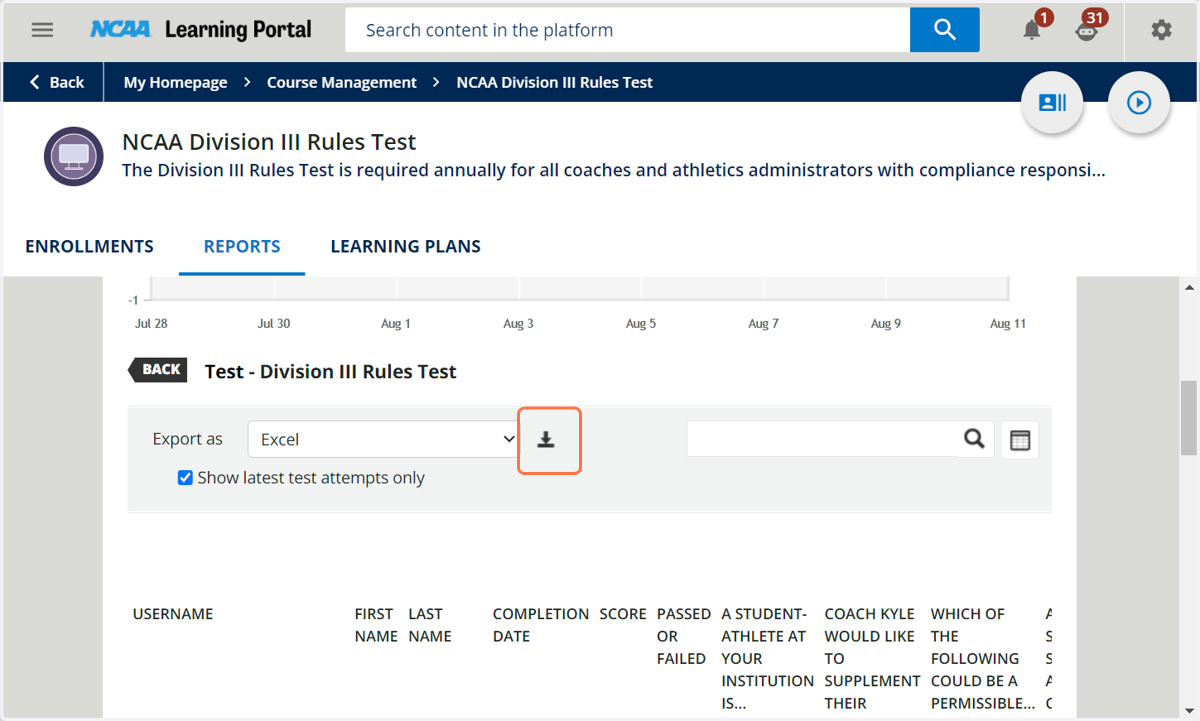
6. Or you can view individual responses below.