MyLa: Creating Your Account
MyLa | One Account
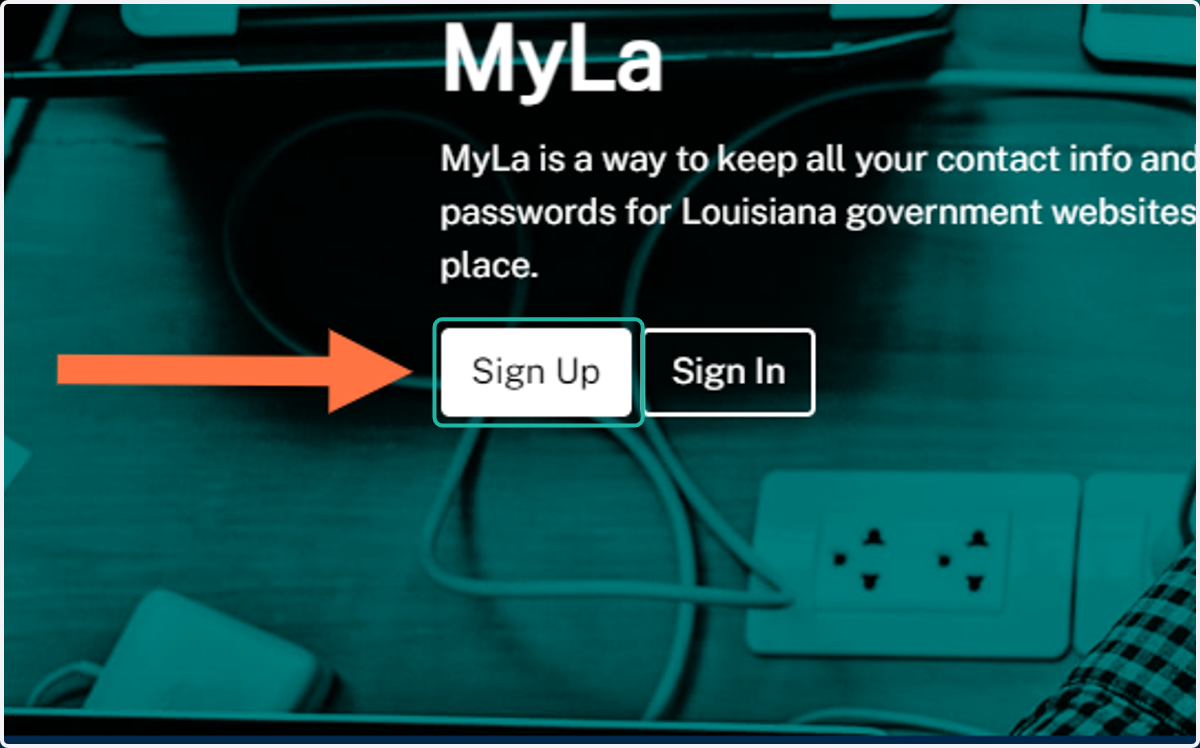
1. Click on Sign Up to create a new MyLa Account.
Do not create a new account if you already have a MyLa user ID and password.
2. Complete the required fields.
Scroll down the page to fill in the questions. Required fields are marked with an asterisk. Useful links are available in some fields to provide you with additional information.
Please ensure that you provide your legal name as it appears on the school system's records.
Do not include suffixes such as Jr. or II in your last name.
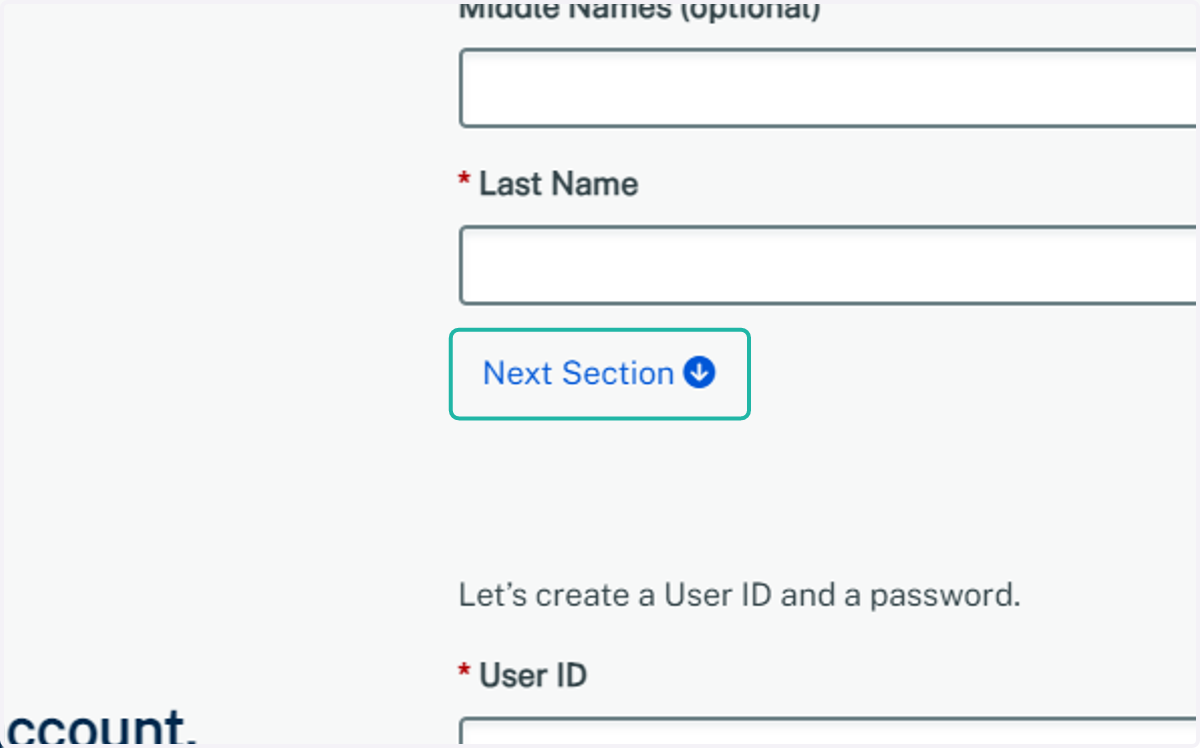
3. Create a User ID and Password
User IDs must be at least eight (8) characters.
Click on “Want help making a User ID?” to see more about what is required. You will use this user ID to log into all systems secured by EdLink Security. Use something unique but easy to remember.DO NOT use the following special characters in your User ID: < ( ) ! # $ % ^ & * ? / | ~ > [ ] { }
Keep your user ID and password secure. DO NOT share your password with anyone.
Once created, user IDs cannot be changed. Your password is protected, but LDOE and school system staff can view your user ID.
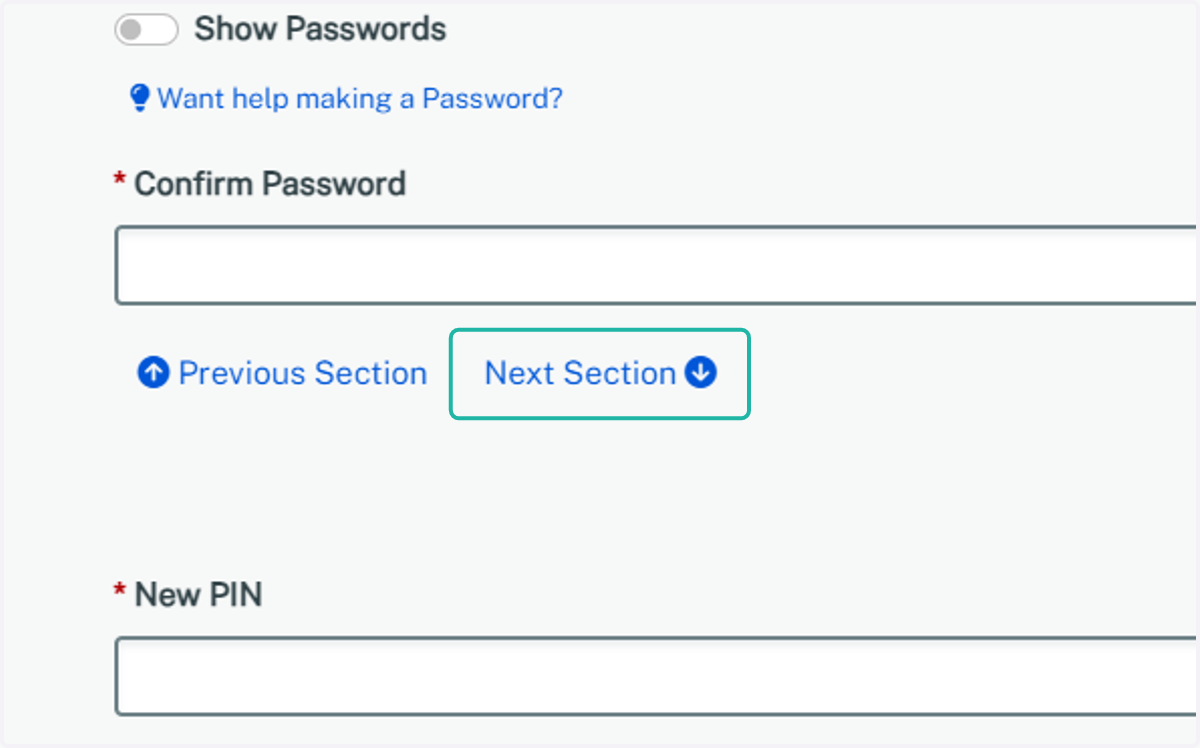
4. Create a PIN
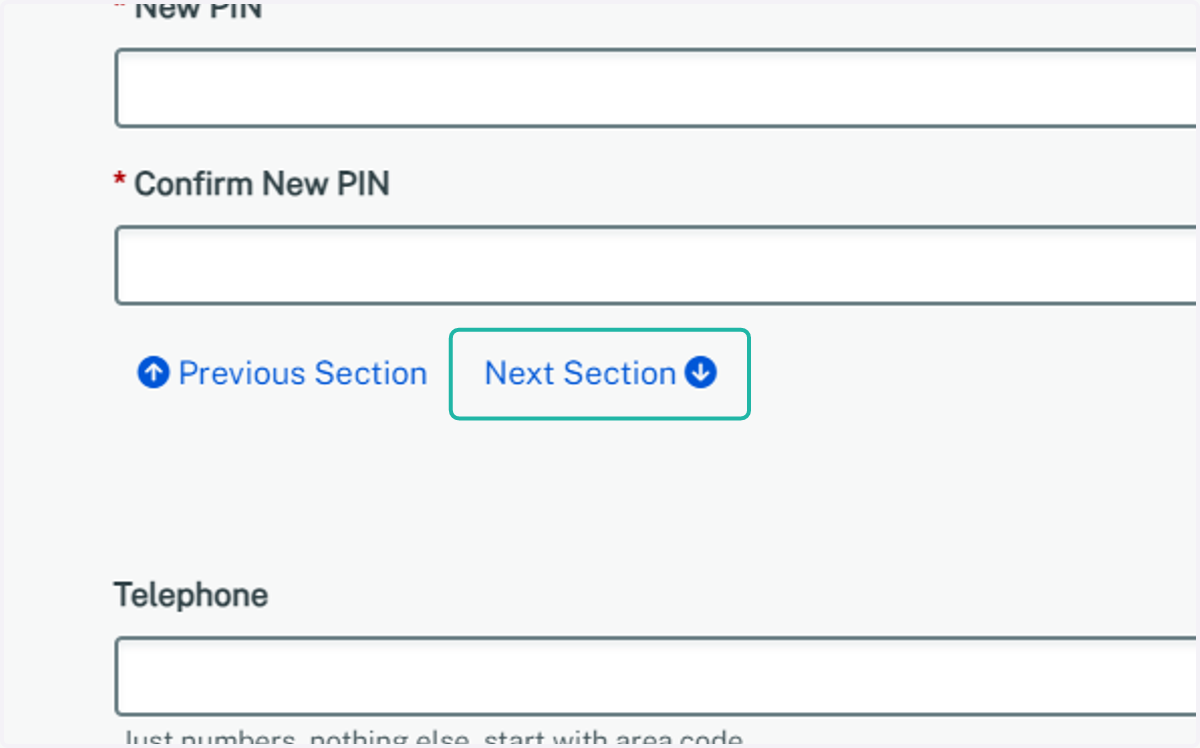
5. Add your email.
Use your business email here (school district, school, or professional organization) if available. You may use a personal email address to create your MyLa credentials if one is not available. However, once a business email from your school system, school, or professional organization becomes available, please replace it with your business email. If you choose to provide a personal email address, this information becomes part of the public record.
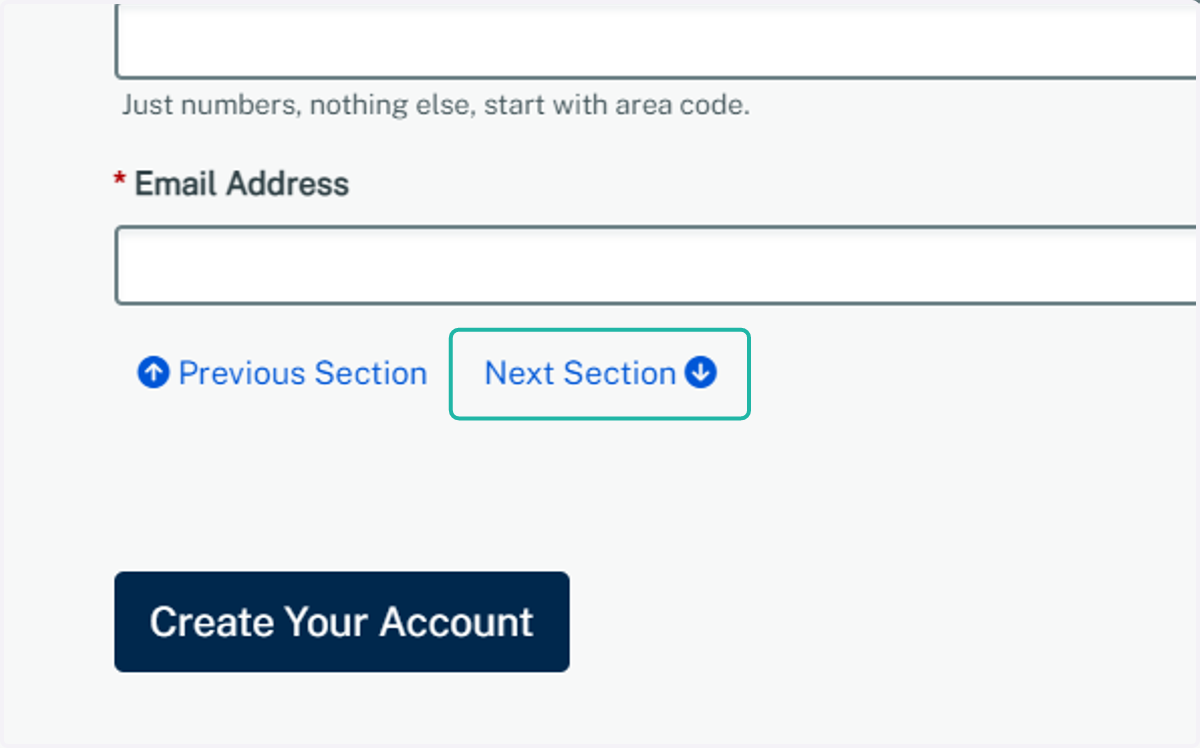
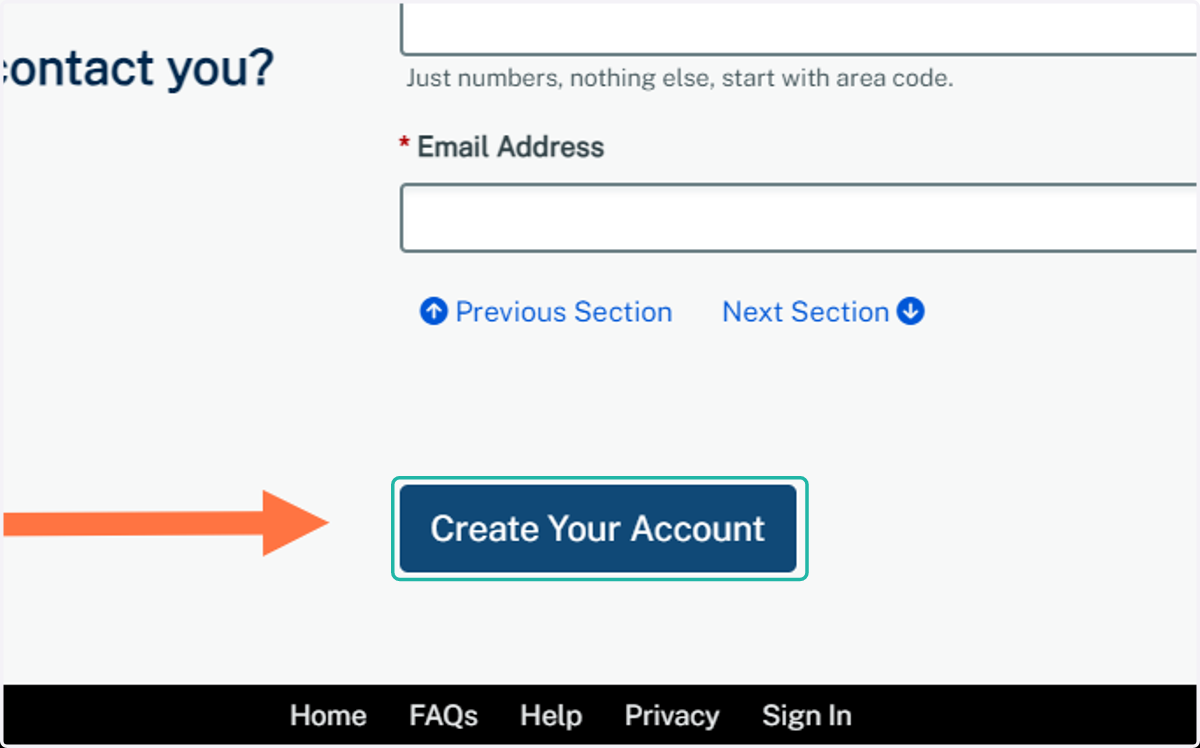
6. Click on Create Your Account
7. Click the link in the confirmation sent to your email to activate your account.