Modify Assignment Settings if a Student is Not Seeing the Assignment Under Grades
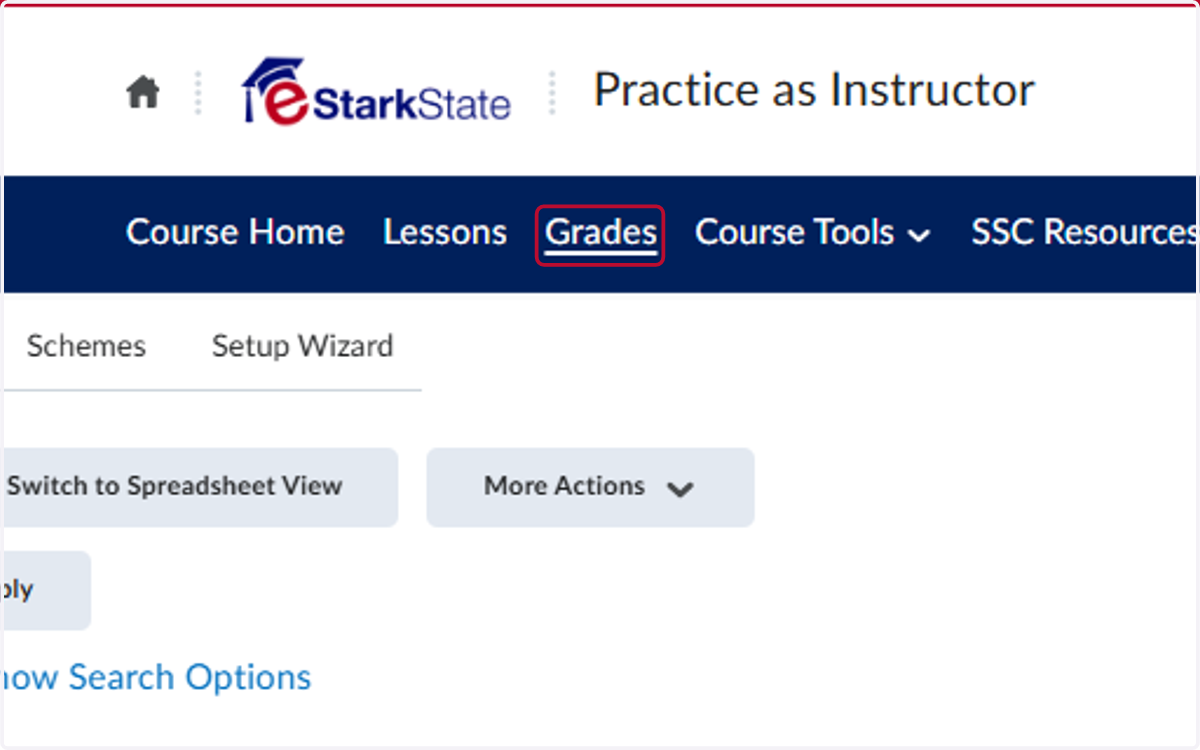
1. Click on Grades
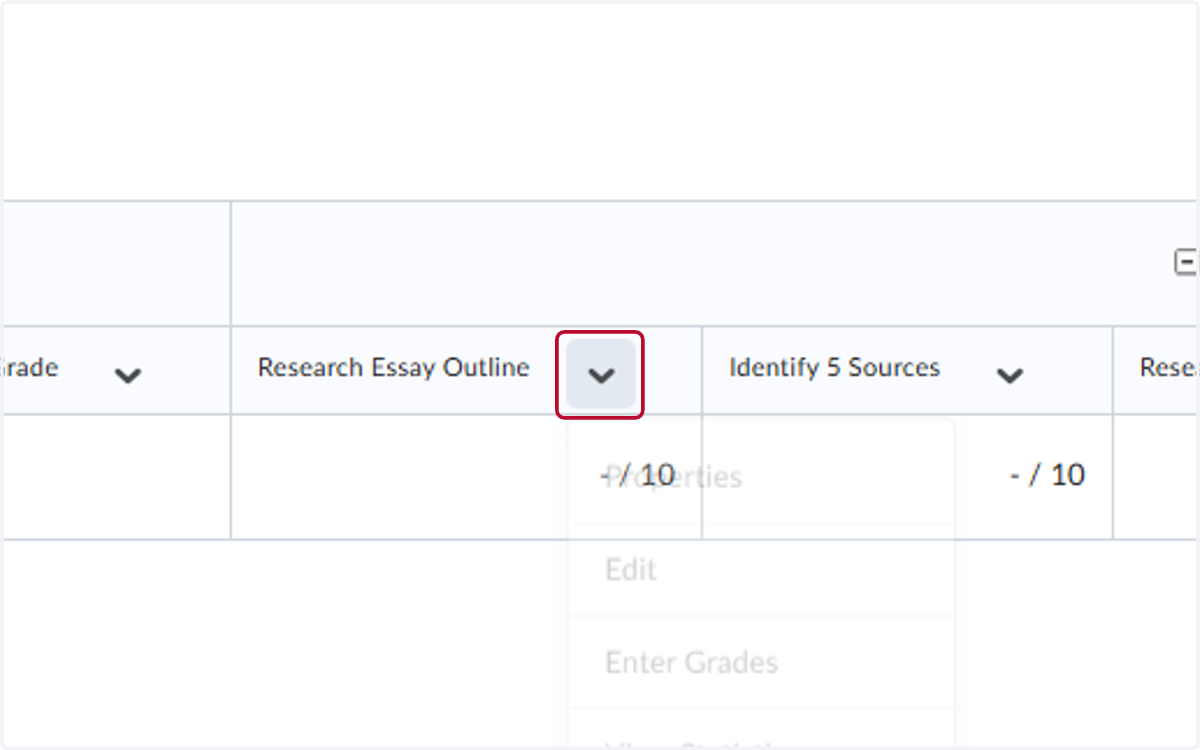
2. Locate the assignment you need to edit and click on the V
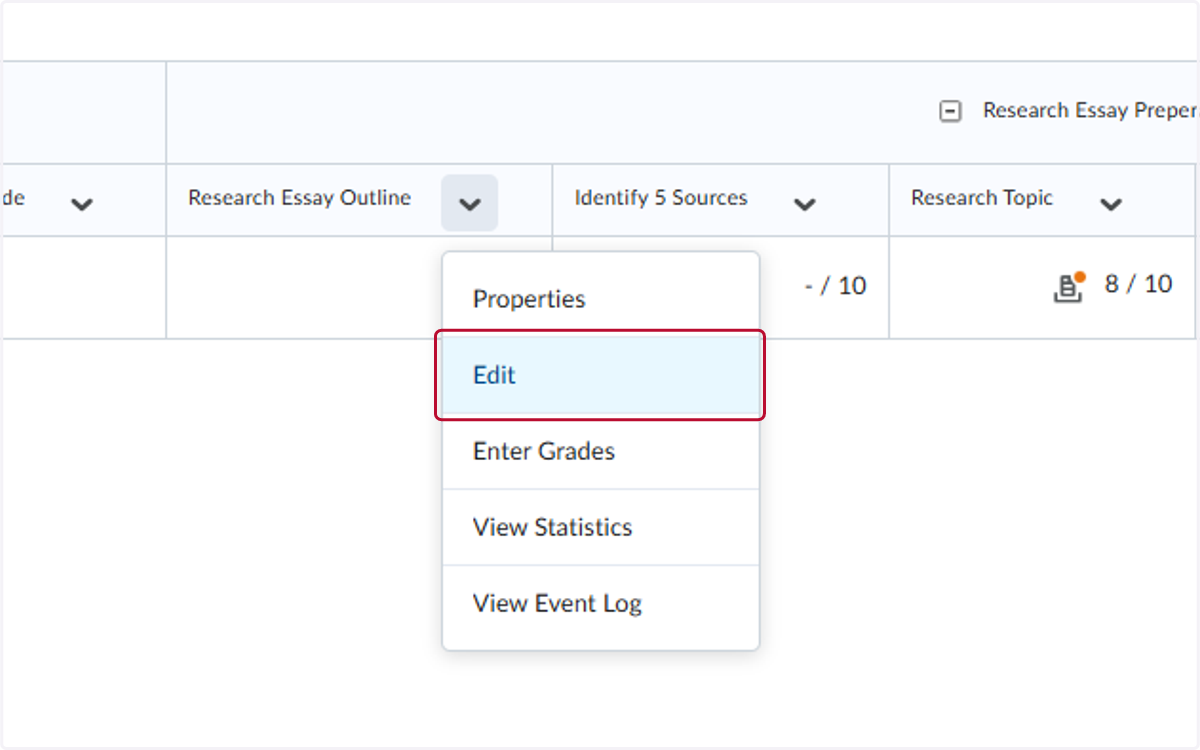
3. Click on Edit
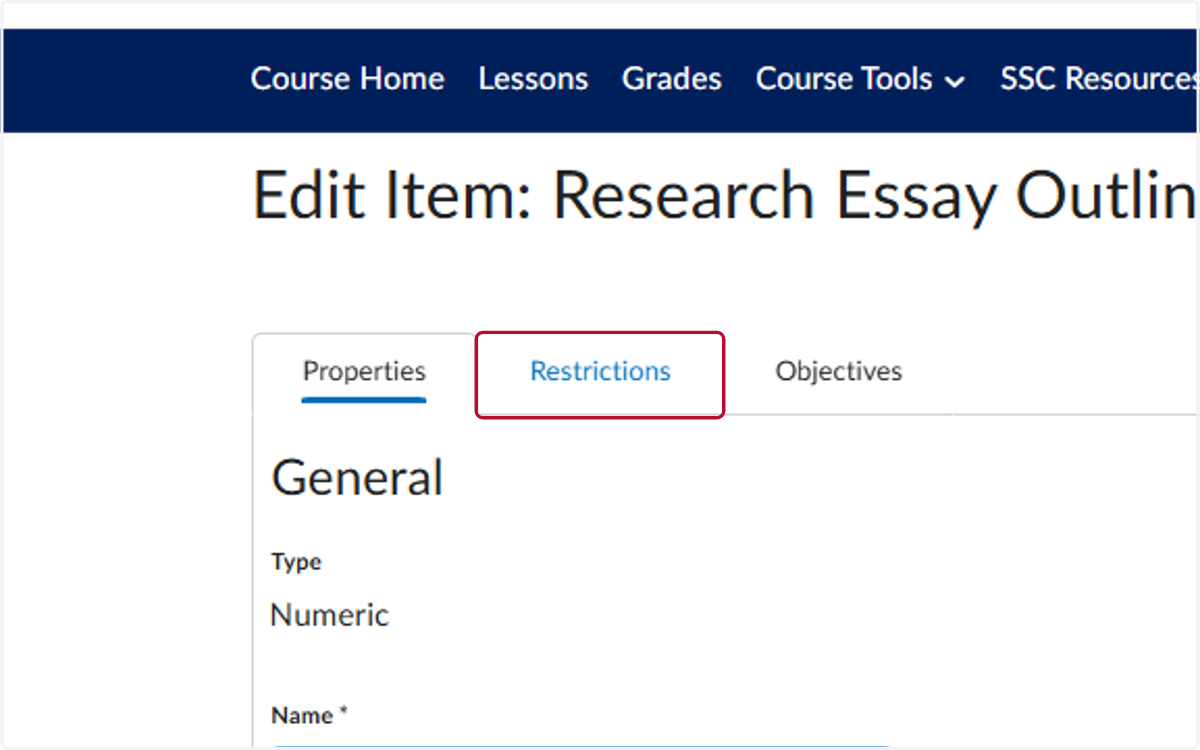
4. Click on Restrictions
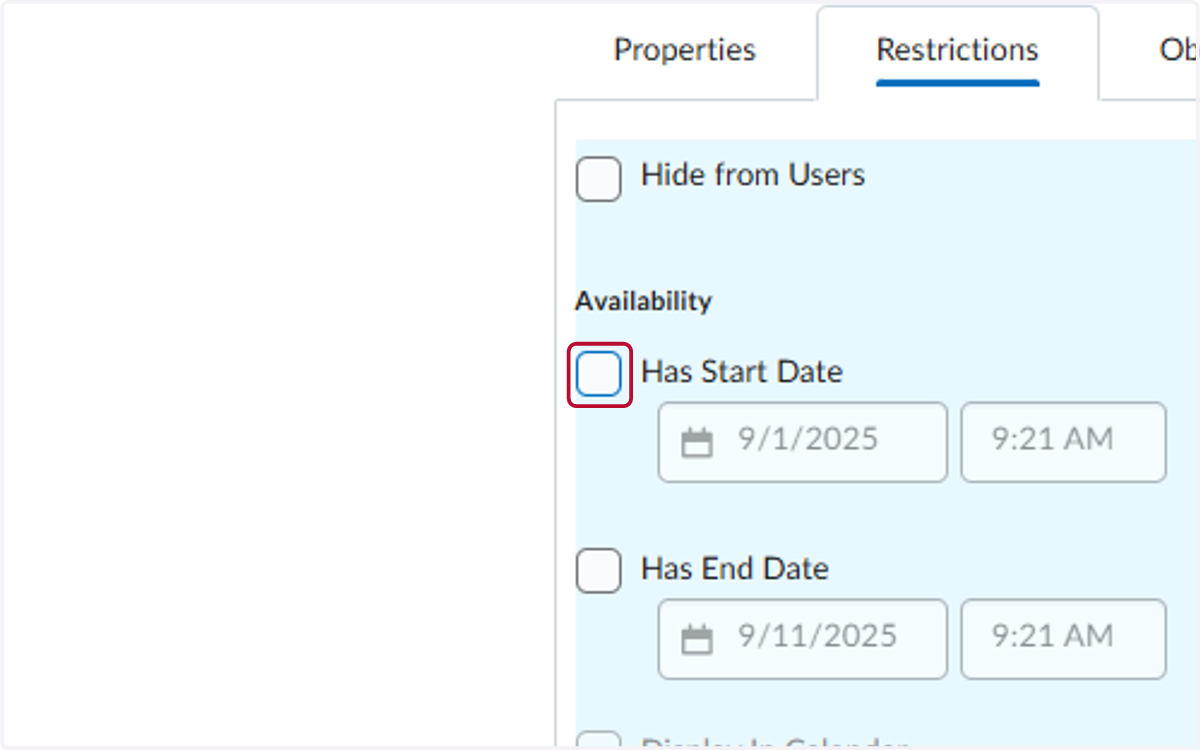
5. Uncheck Has Start Date
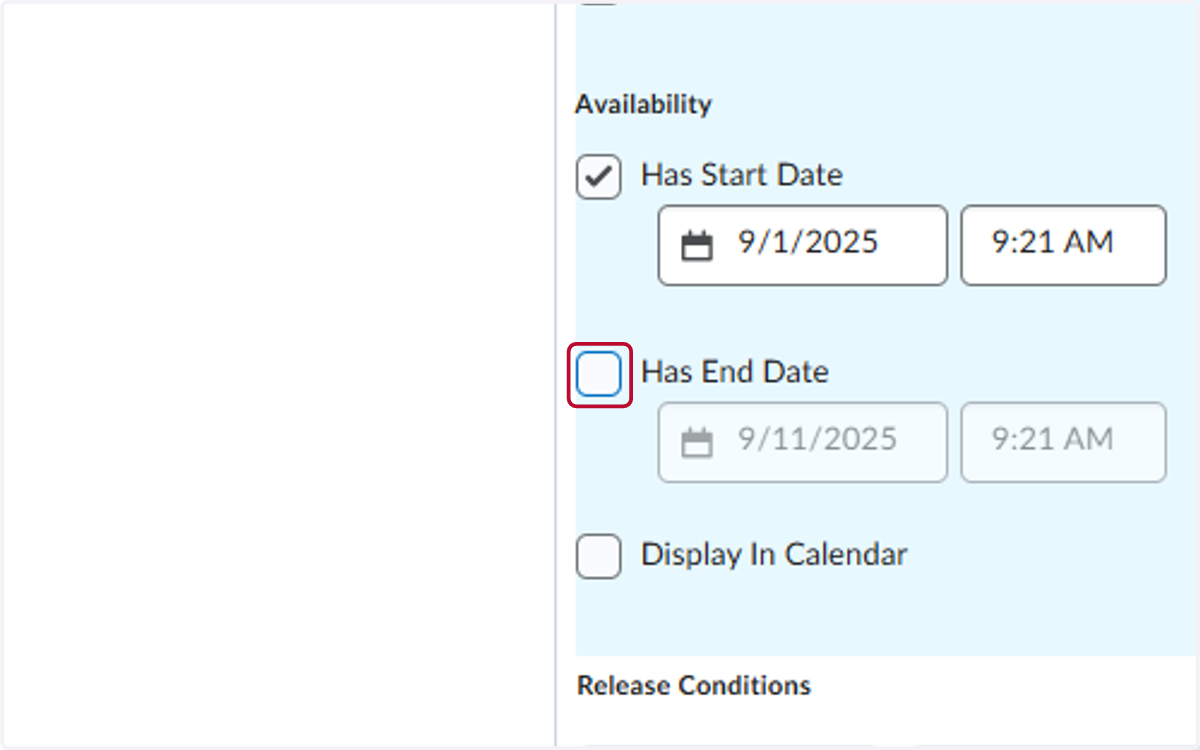
6. Uncheck Has End Date
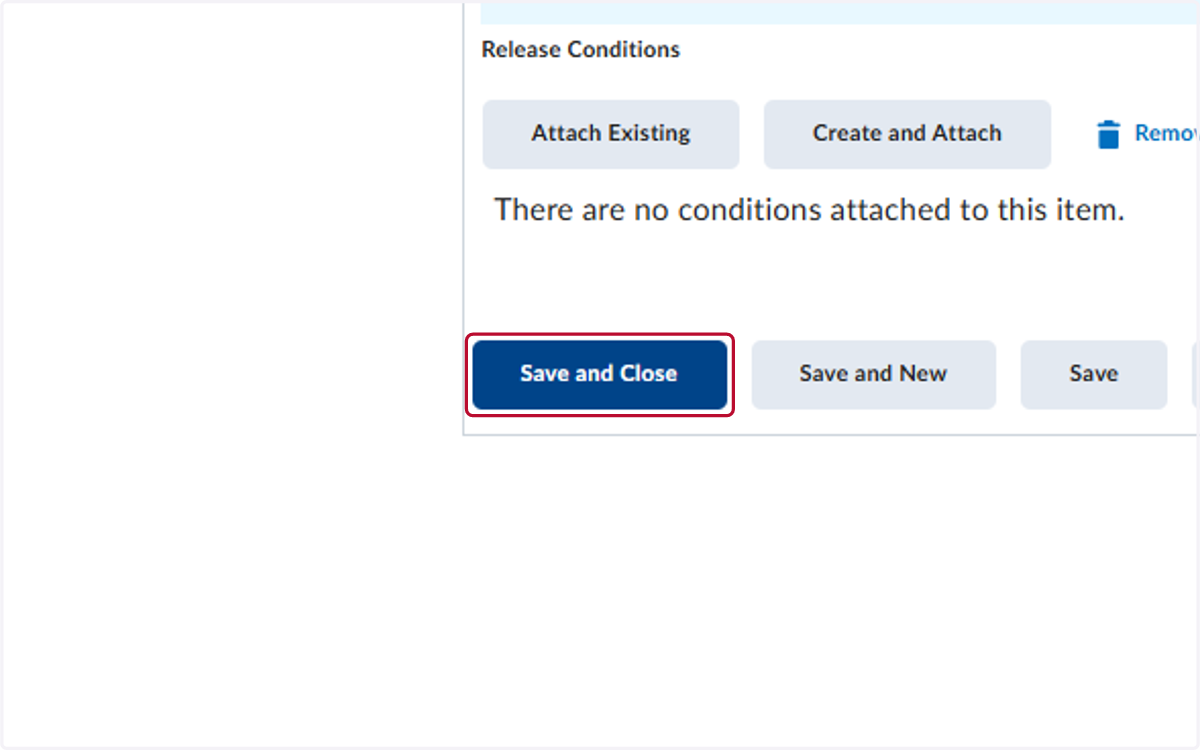
7. Click on Save and Close