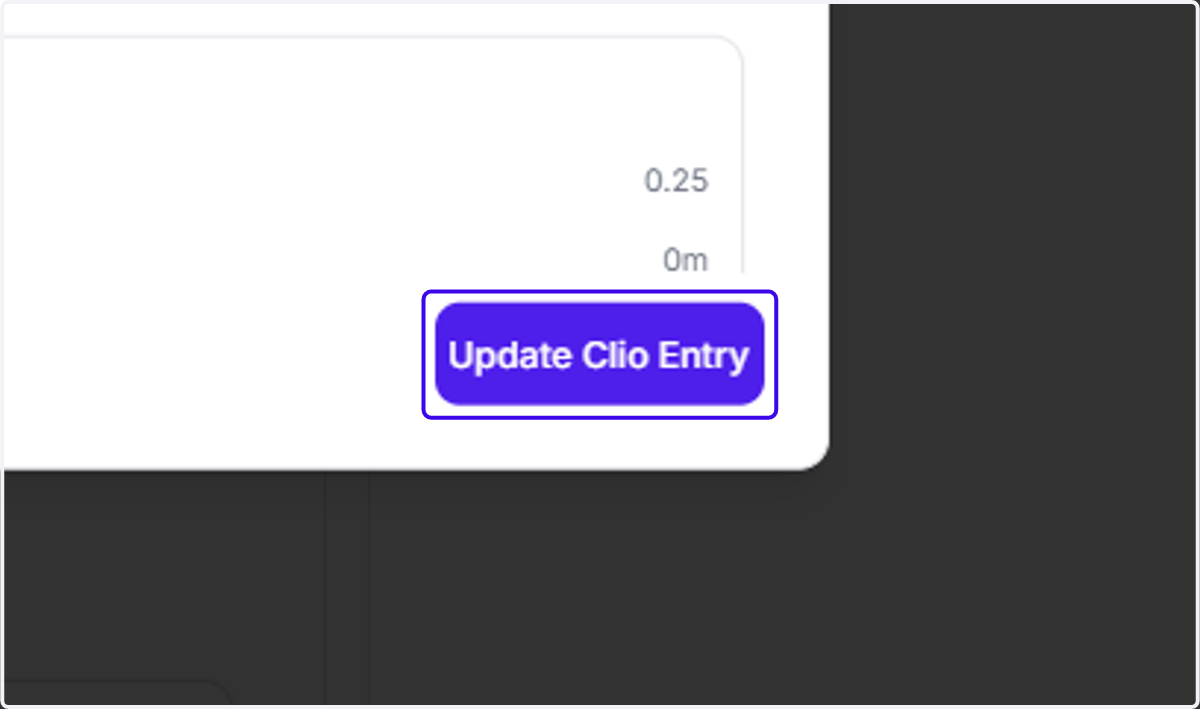
Merging Ajax Entries into Existing Clio Entries
Ajax
1. I want to add this entry in "To Review" to an existing Clio entry. One option is to click on the entry, drag it over to the desired Clio entry, and drop it right on top. The entry you're trying to drag over will have a green border
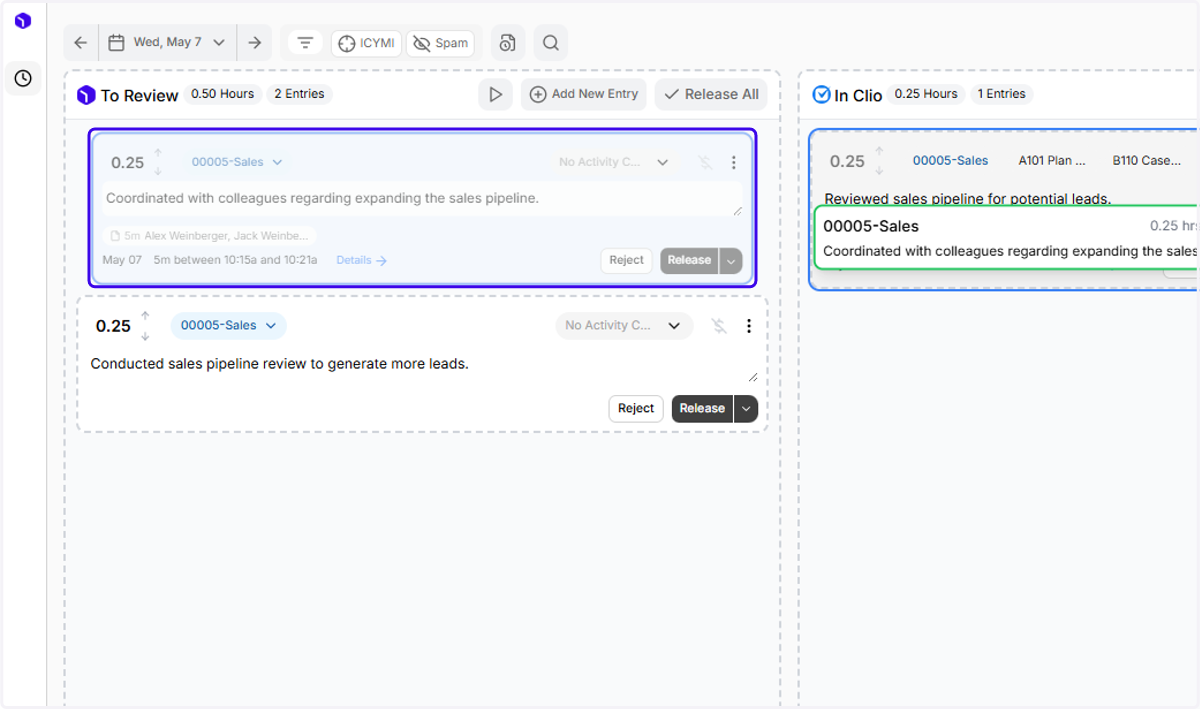
2. I'd also like to merge this entry into the existing Clio entry for the 00005-Sales matter!
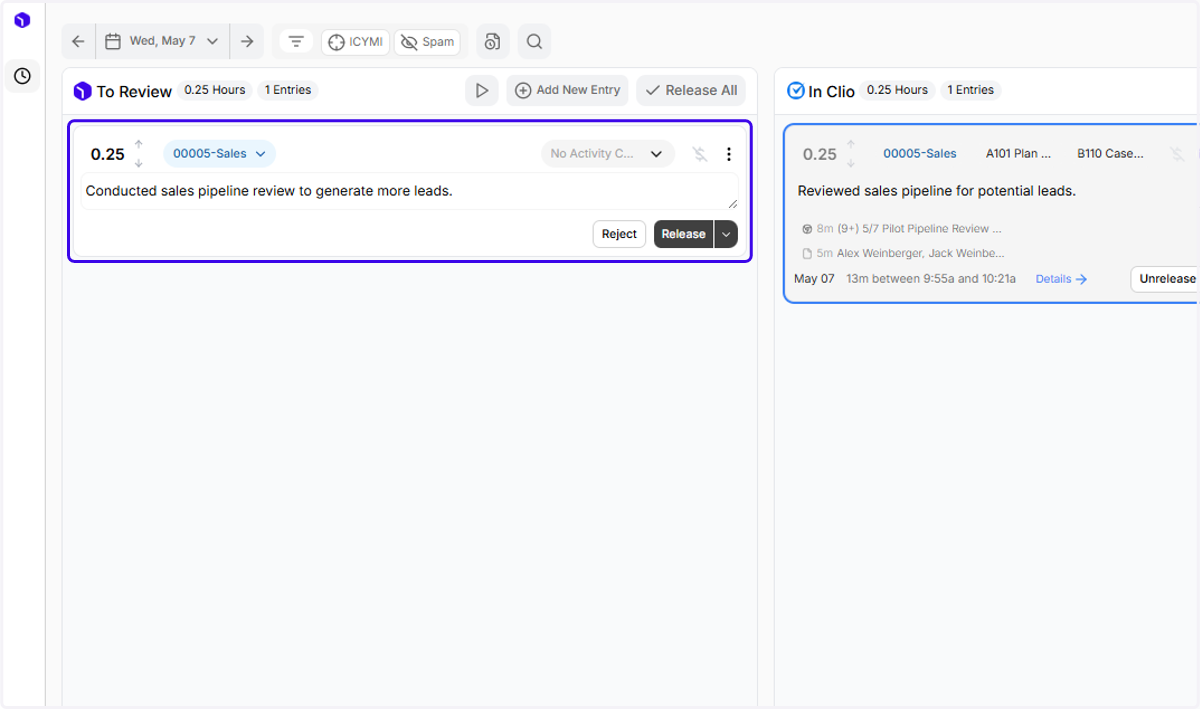
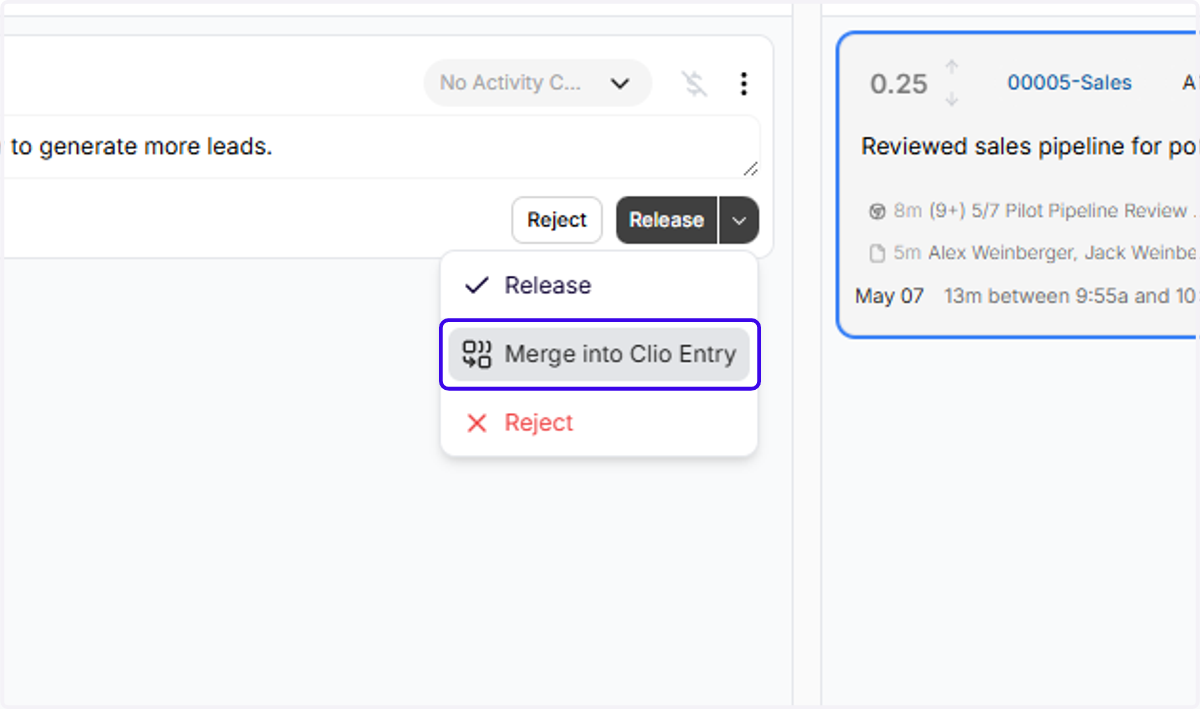
3. Another way to merge into an existing Clio entry is by clicking on the down arrow next to "Release"
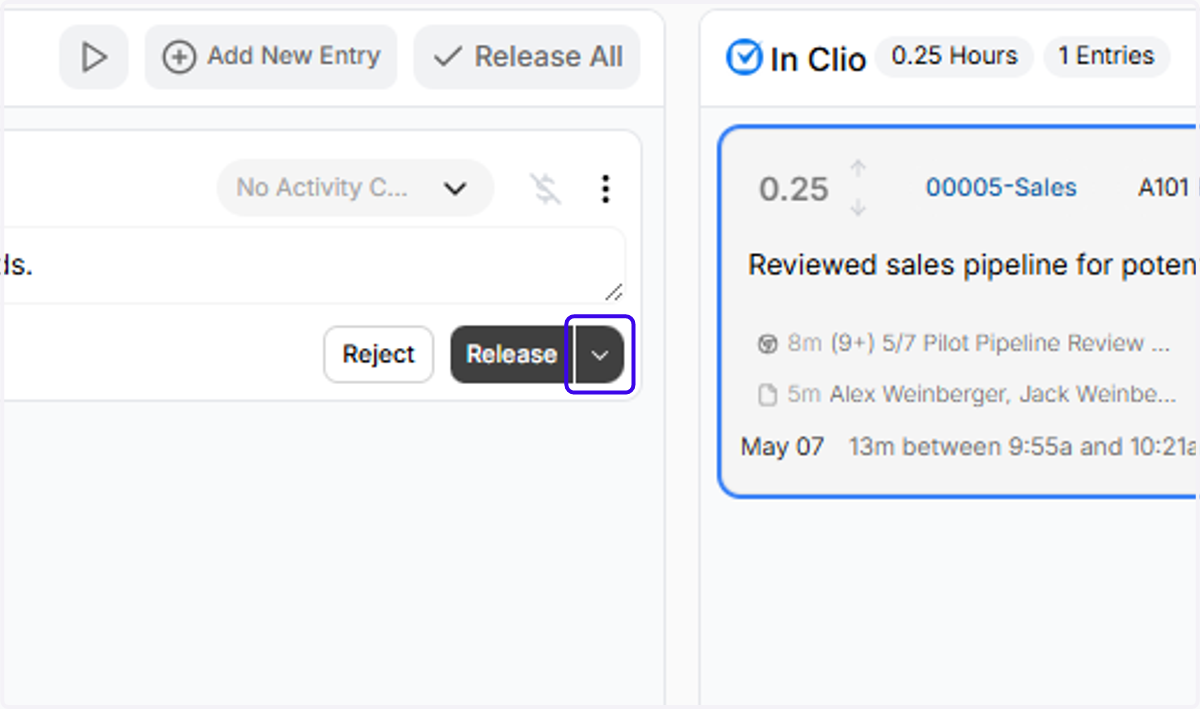
4. Click on "Merge into Clio Entry"
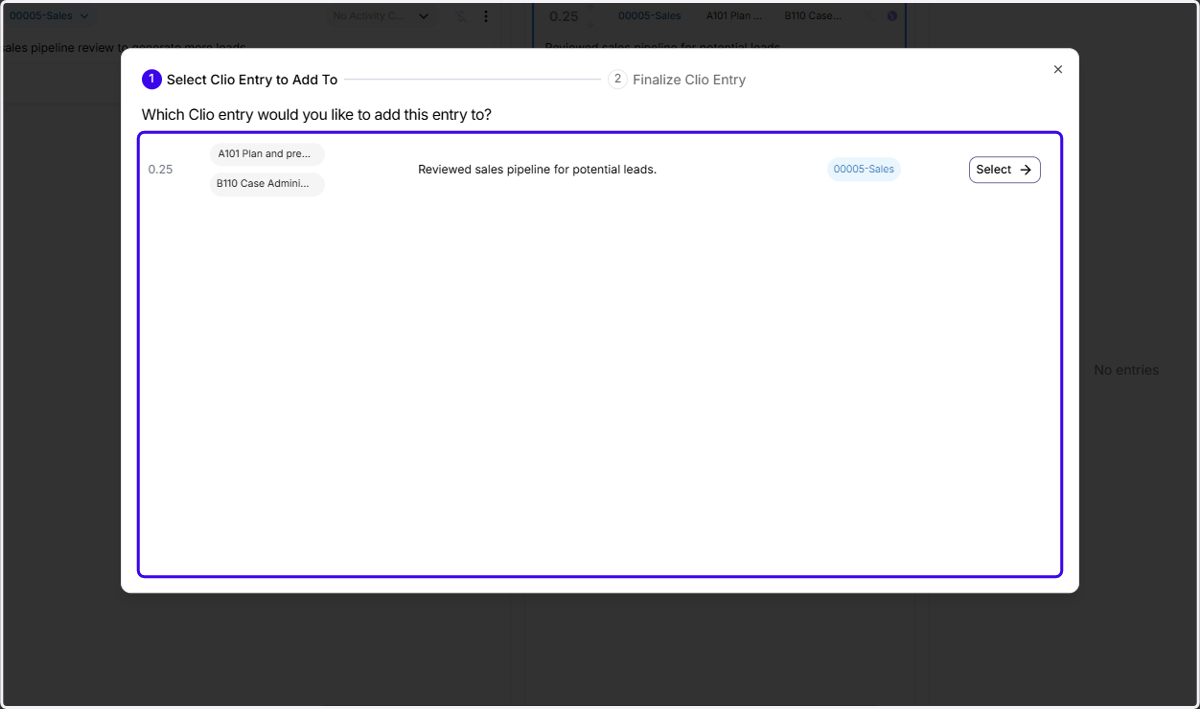
5. You can choose the Clio entry that you would like to add this entry to
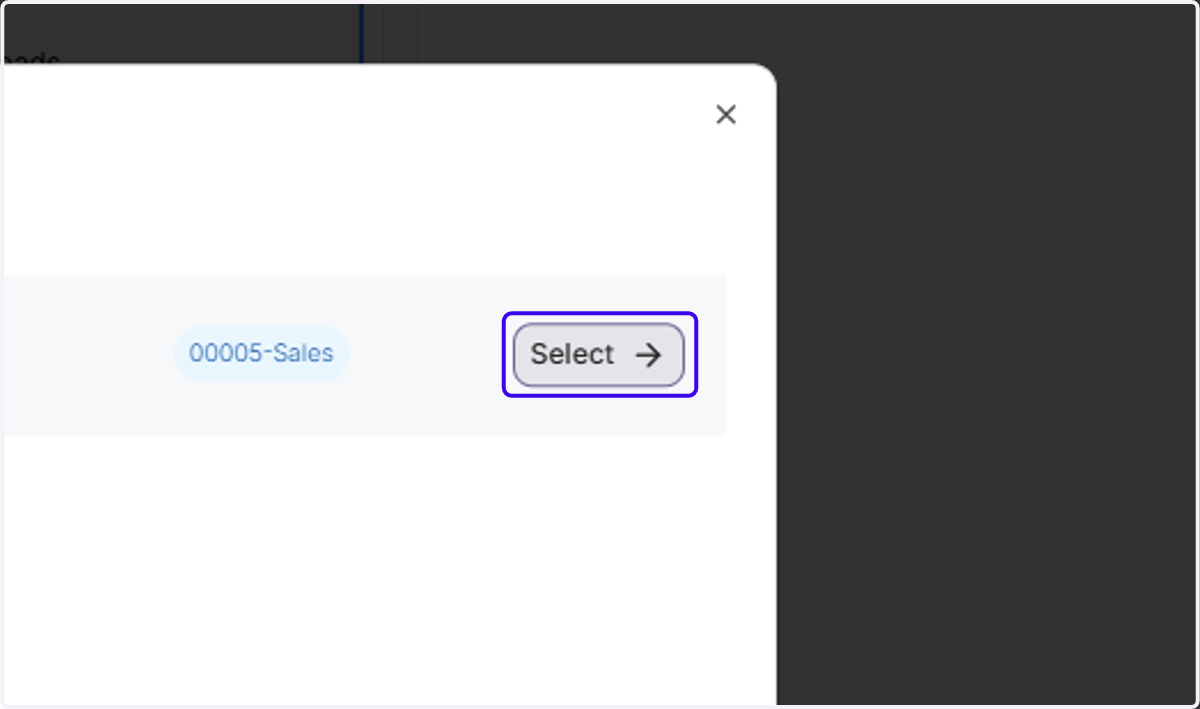
6. Click on "Select"
7. You have the ability to edit the narrative, matter, activity code, or duration on the final Clio entry
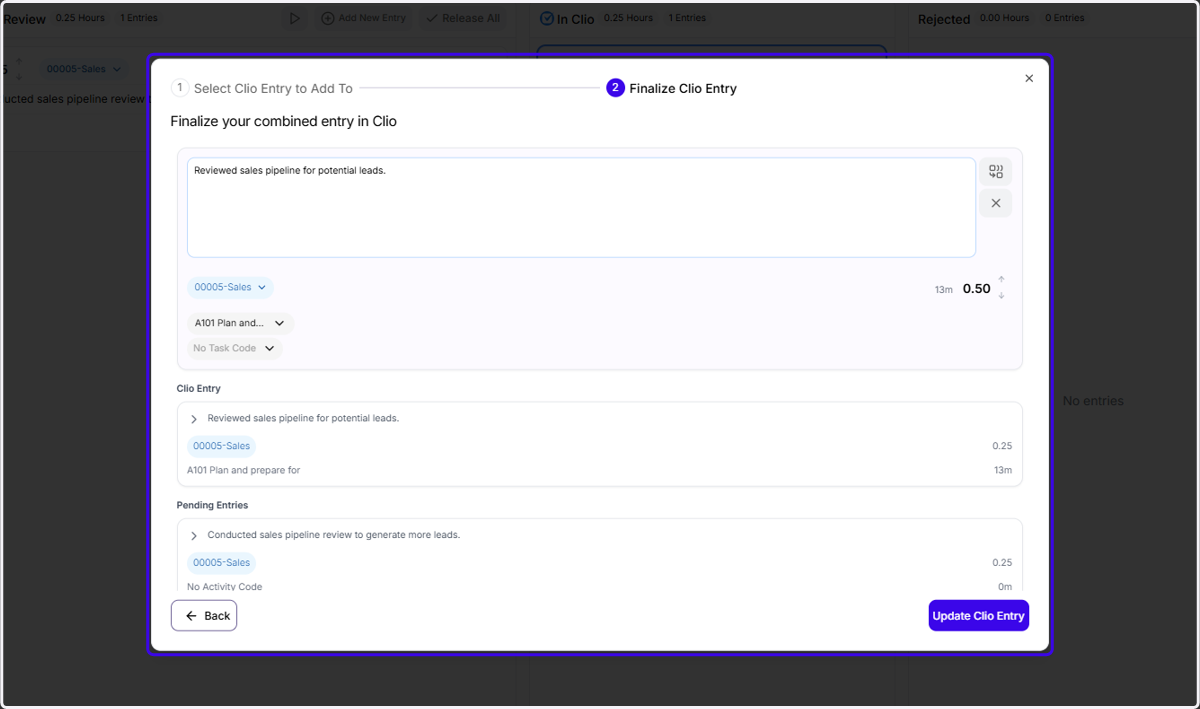
8. Finally, click on "Update Clio Entry"