Mentor and Registrar - Updating a student email address
Maestro ::Personal Home Page
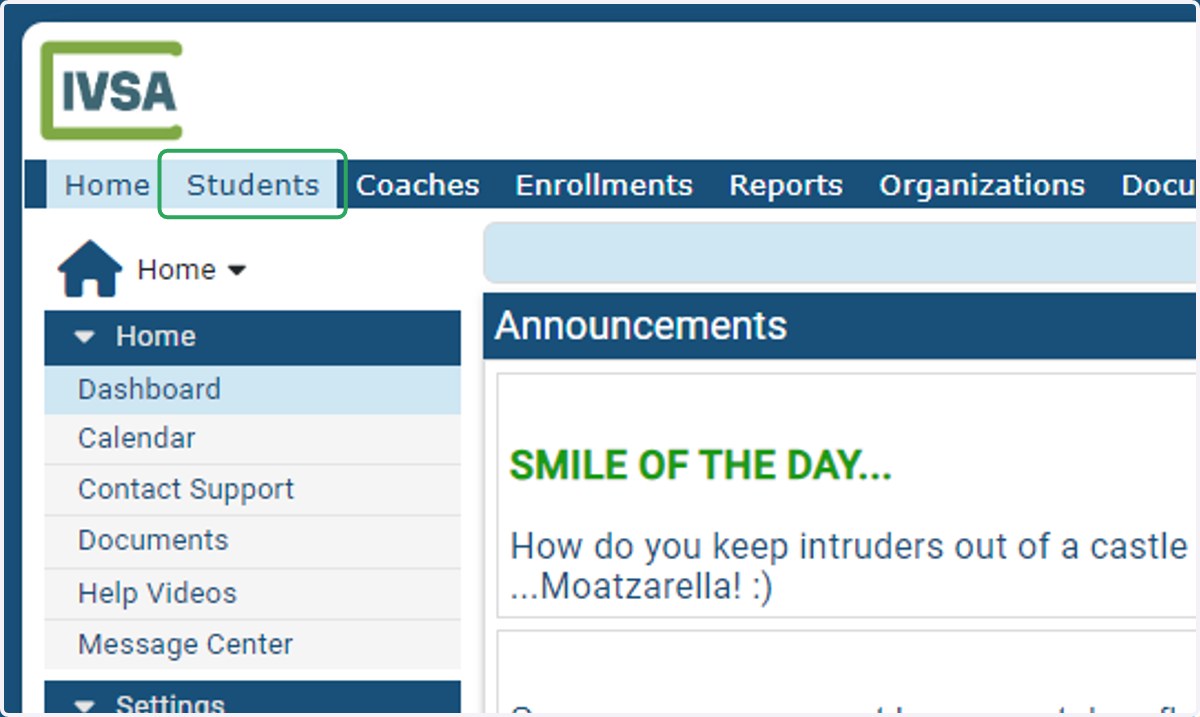
1. Click on Students
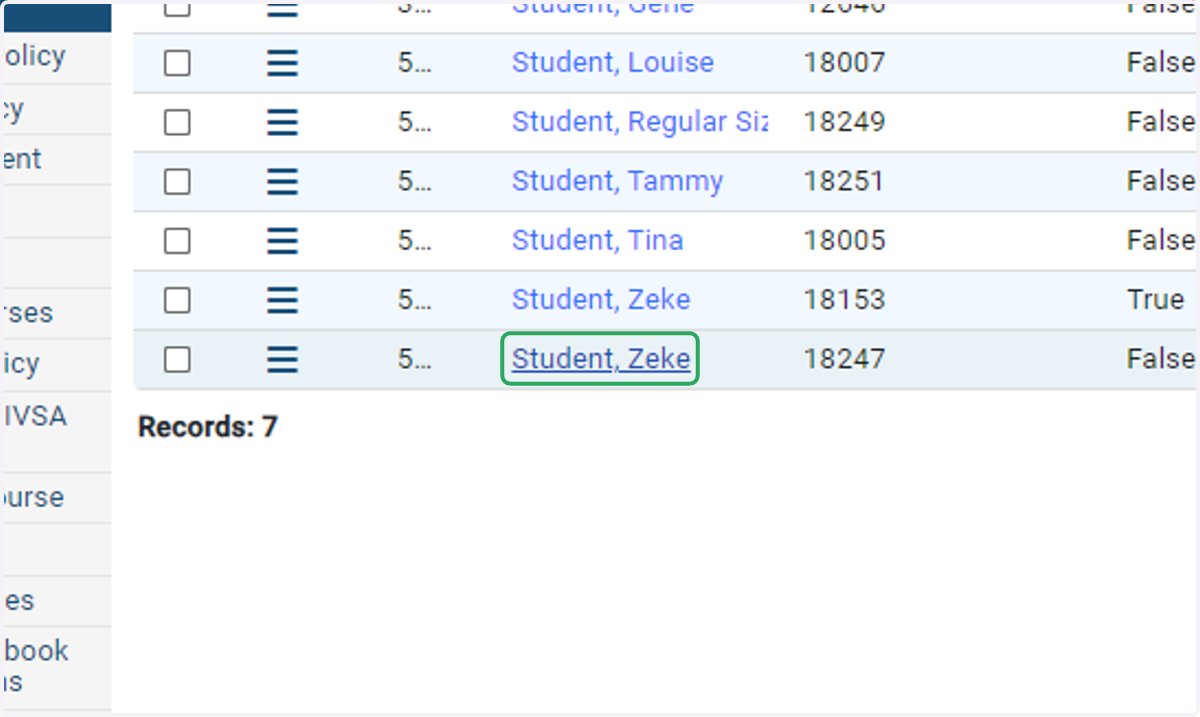
2. Search for, and select your student's name.
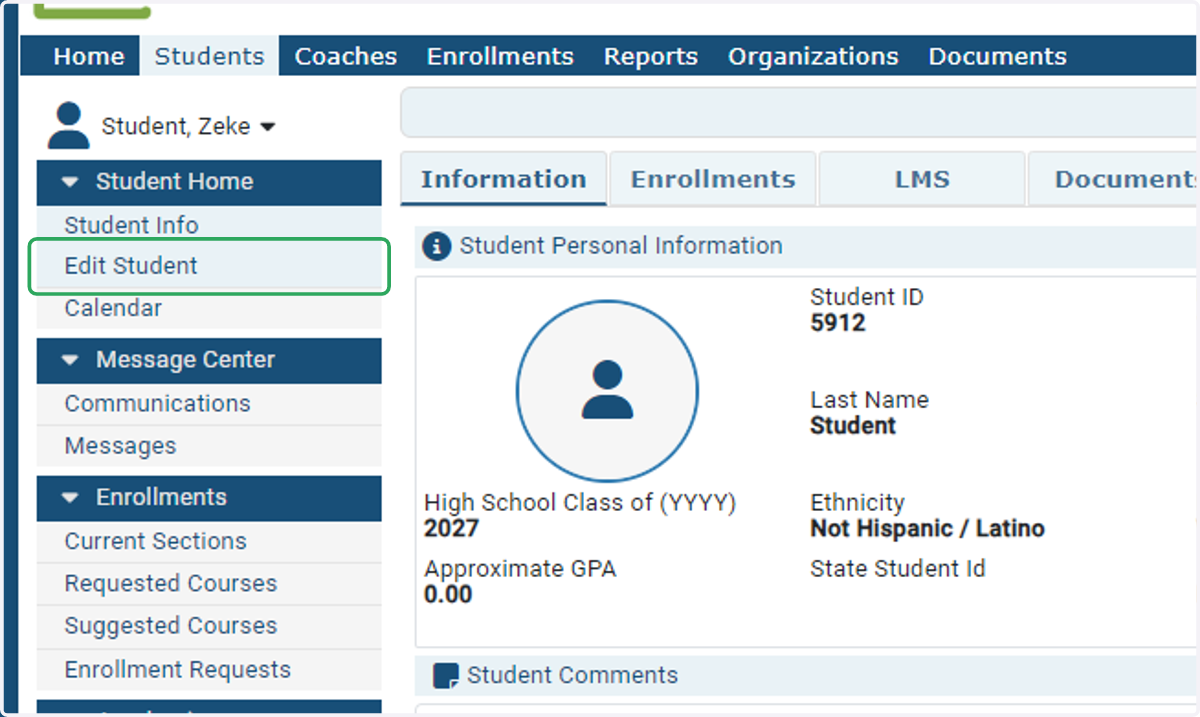
3. Click Edit Student
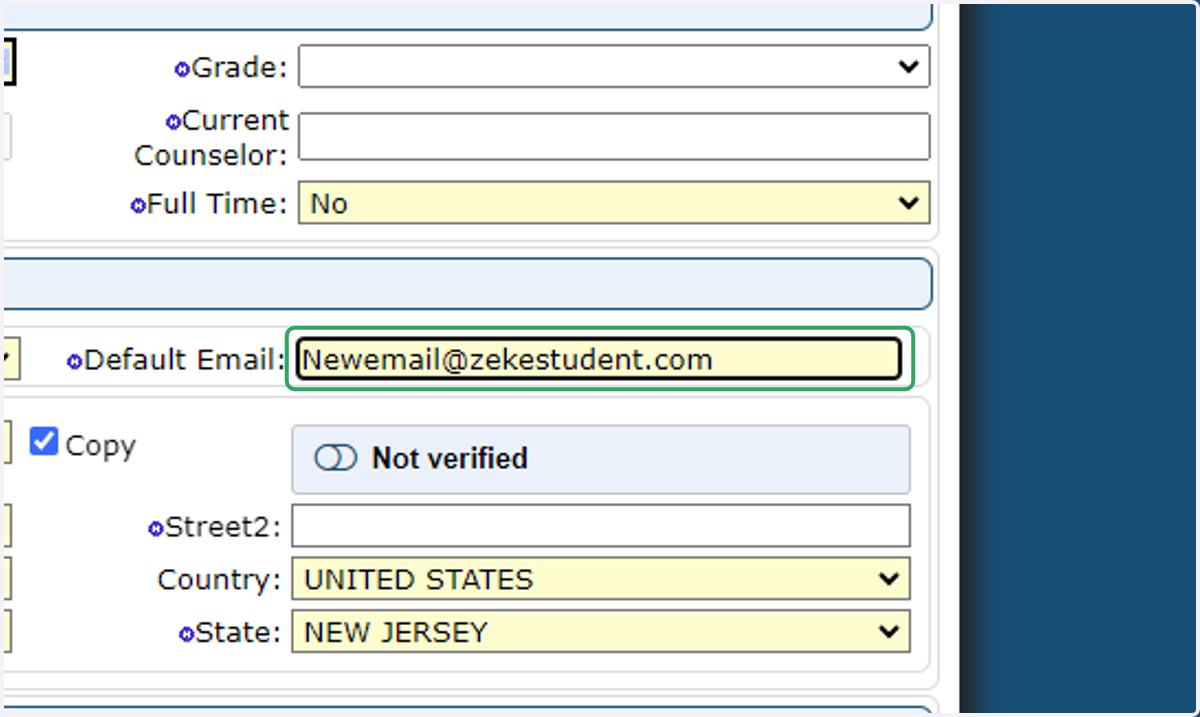
4. In the Default Email field, enter the new email address
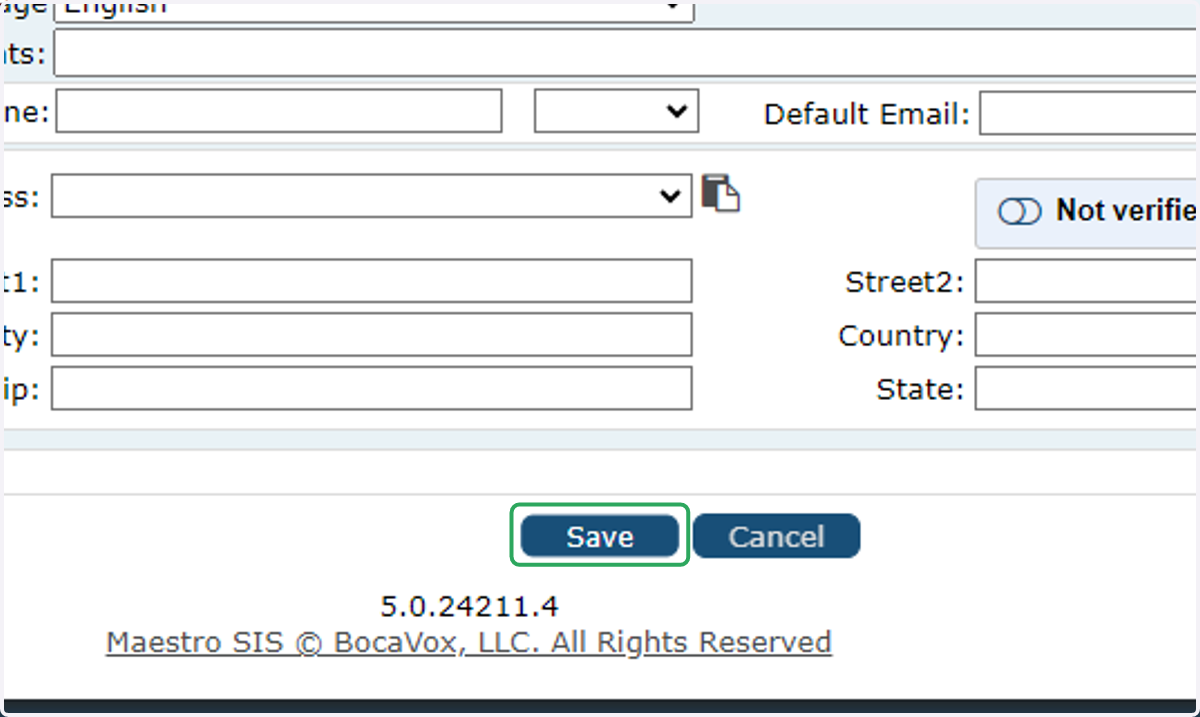
5. Click on Save at the bottom of the page
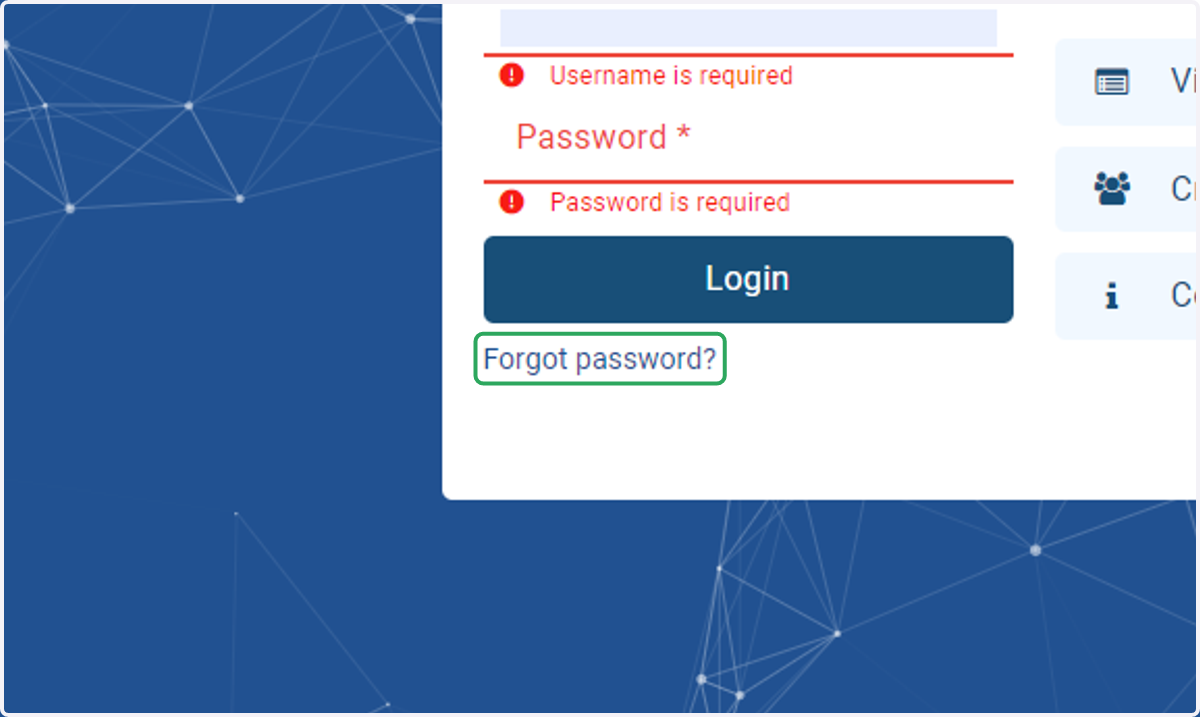
6. Have the student go to https://ivsa.maestrosis.com and click the forgot password link
7. Have the student enter the updated email address on the Request Credentials form
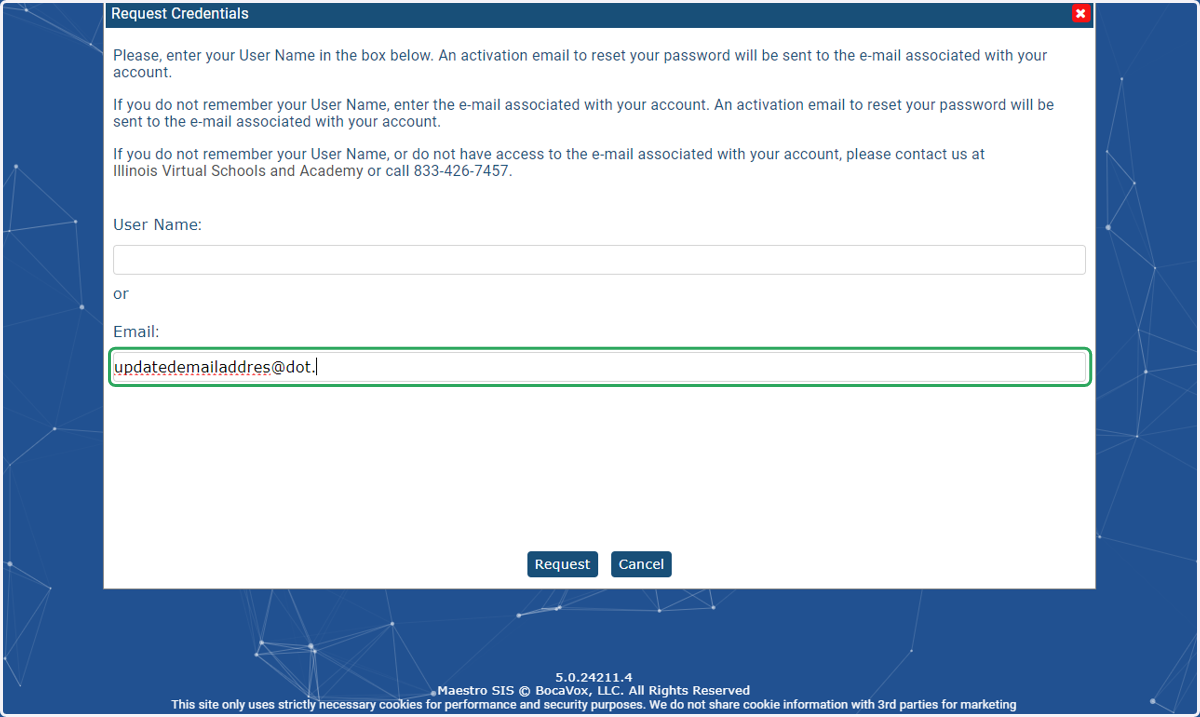
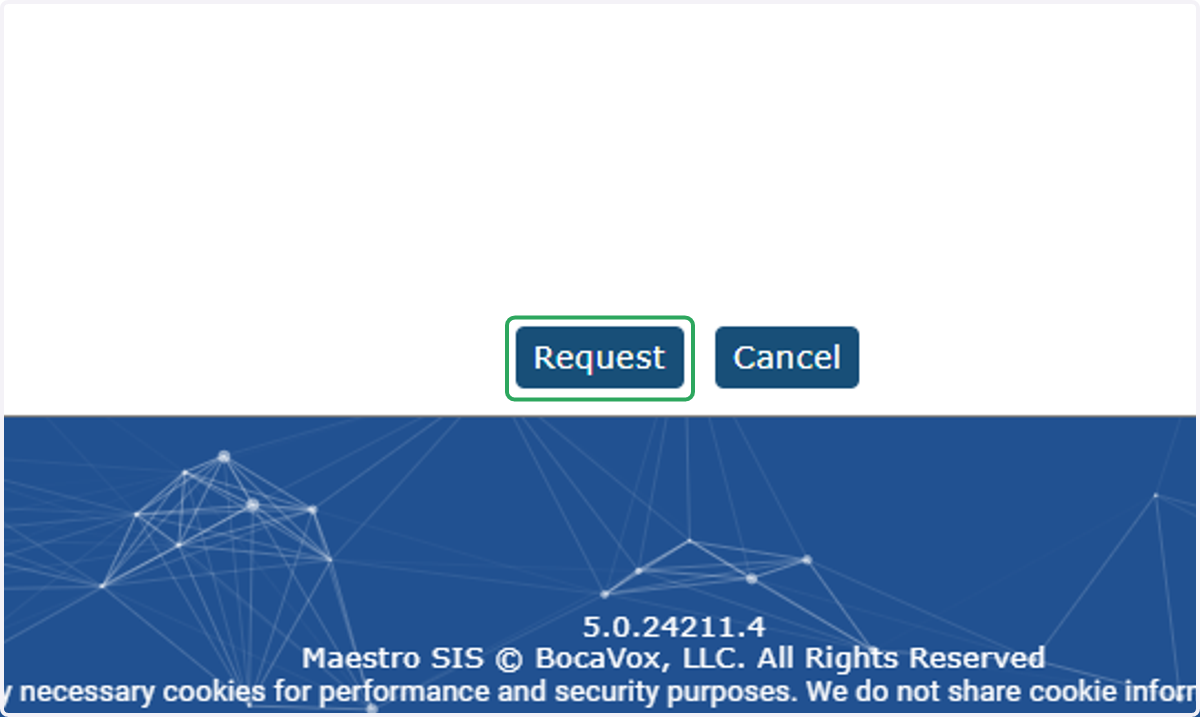
8. Click Request
An email will be sent to the new address with a link for the student to create a new password/activate their account.
Still need help? Submit a helpdesk ticket by emailing info@ivsaschool.org.