Mentor / Registrar - Reports: Completion Report
The 1215 Report (Completion Report IVS) will provide you with a list of all completed enrollments for your school.
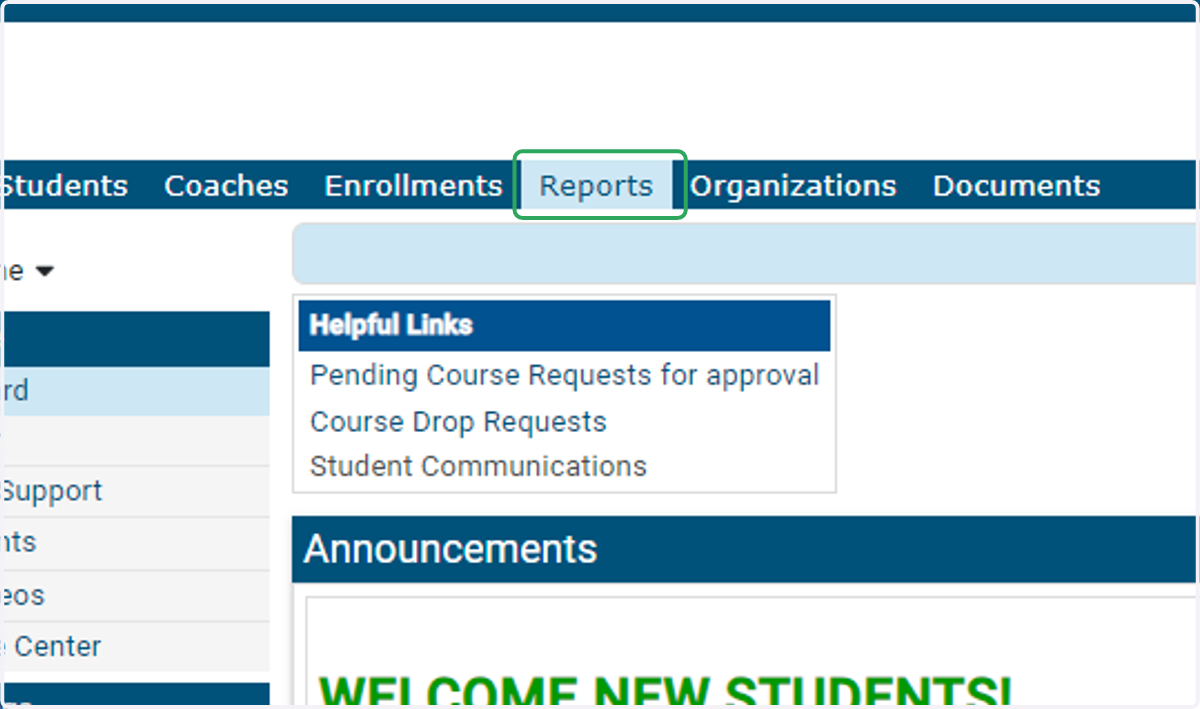
1. From your Dashboard, click on Reports
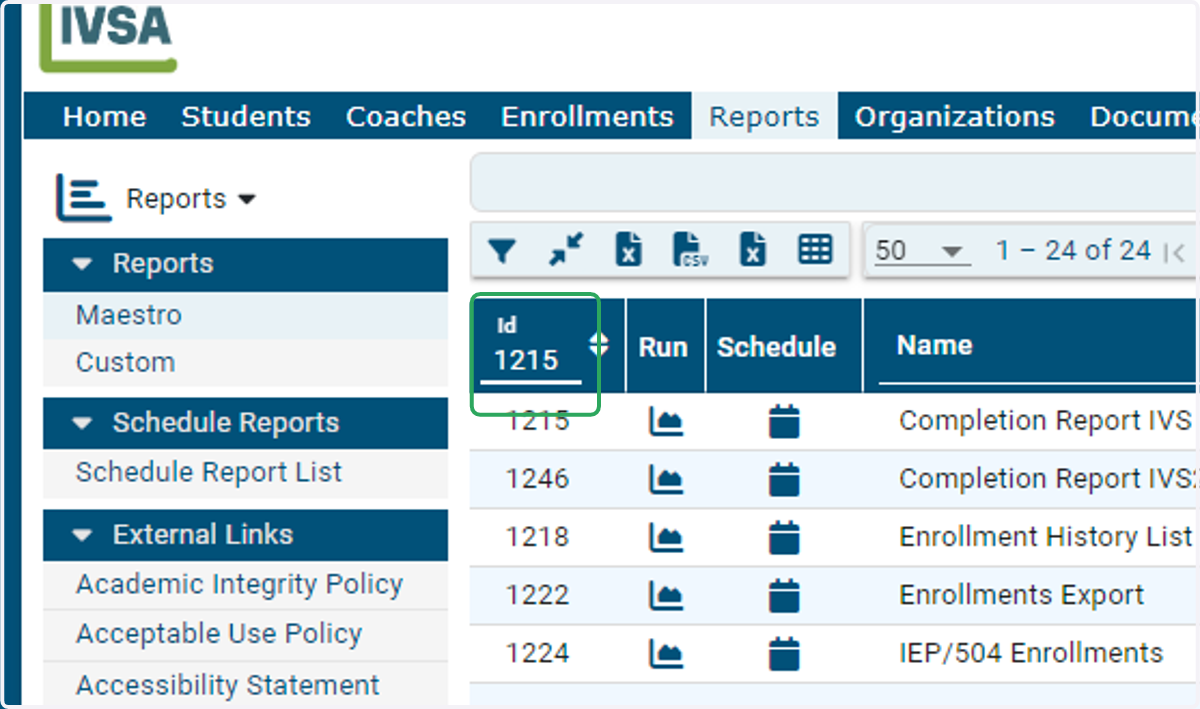
2. Search for 1215 in the Report ID field.
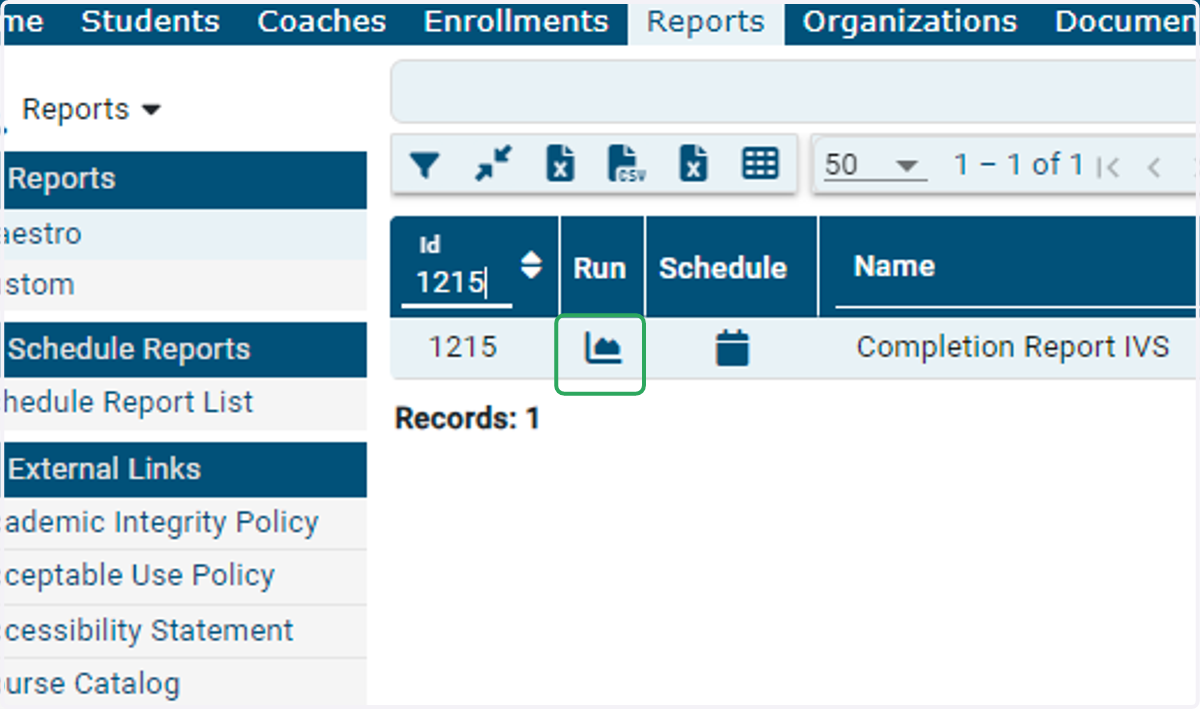
3. Click on the Run Icon to run the report in Maestro.
4. You can narrow your results to search for a specific student, expected graduation year, specific course, etc.
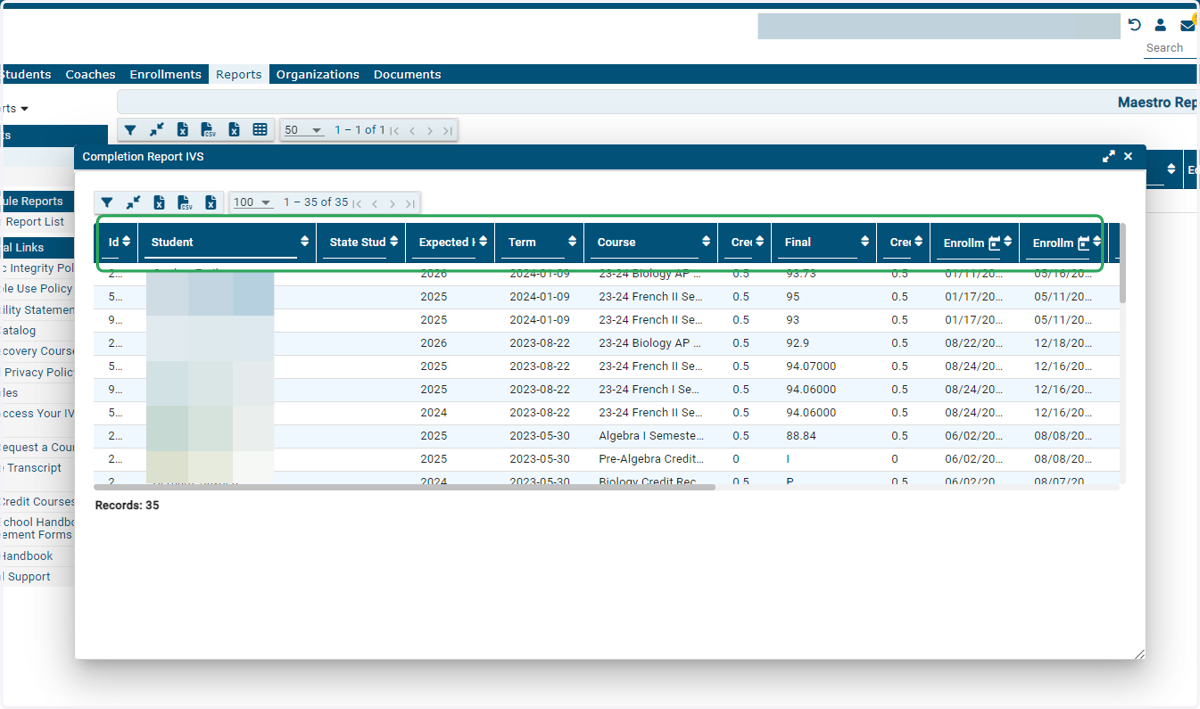
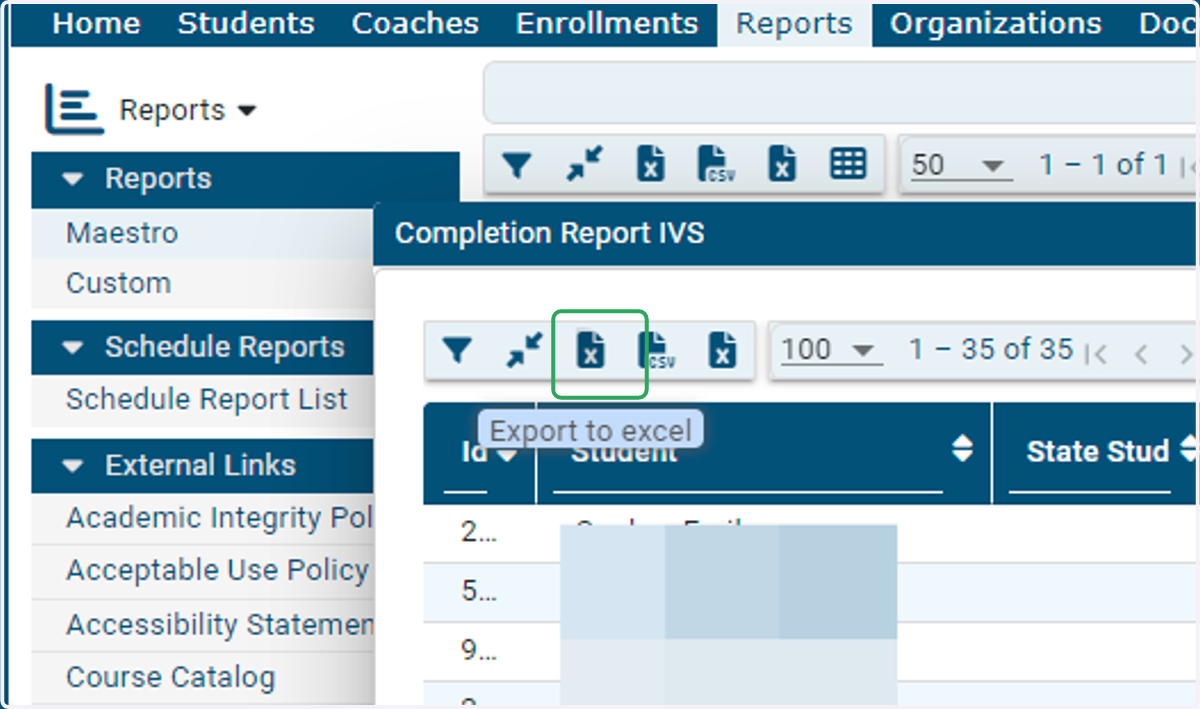
5. Click the Export to Excel icon to download a copy of this report.
Questions? Email us at info@ivsaschool.org