Medical Exceptions - Assigning Permissions
Go to NCAA My Apps at apps.ncaa.org. Log in to your account.
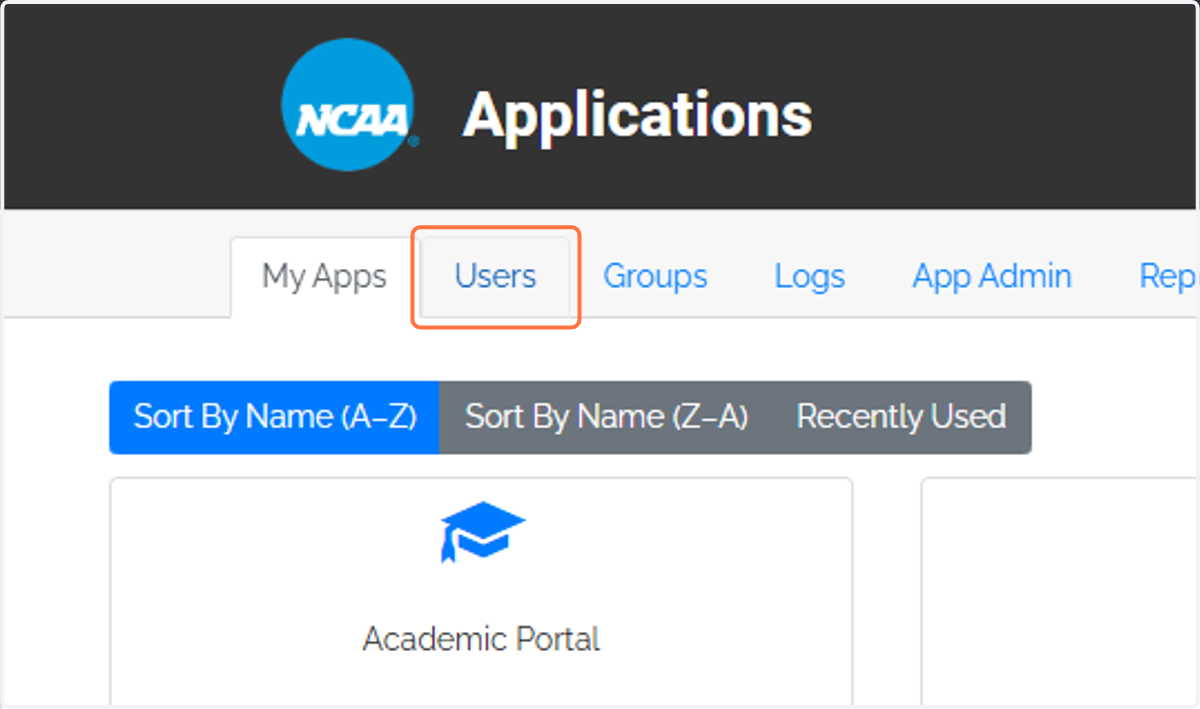
1. Click on the Users tab.
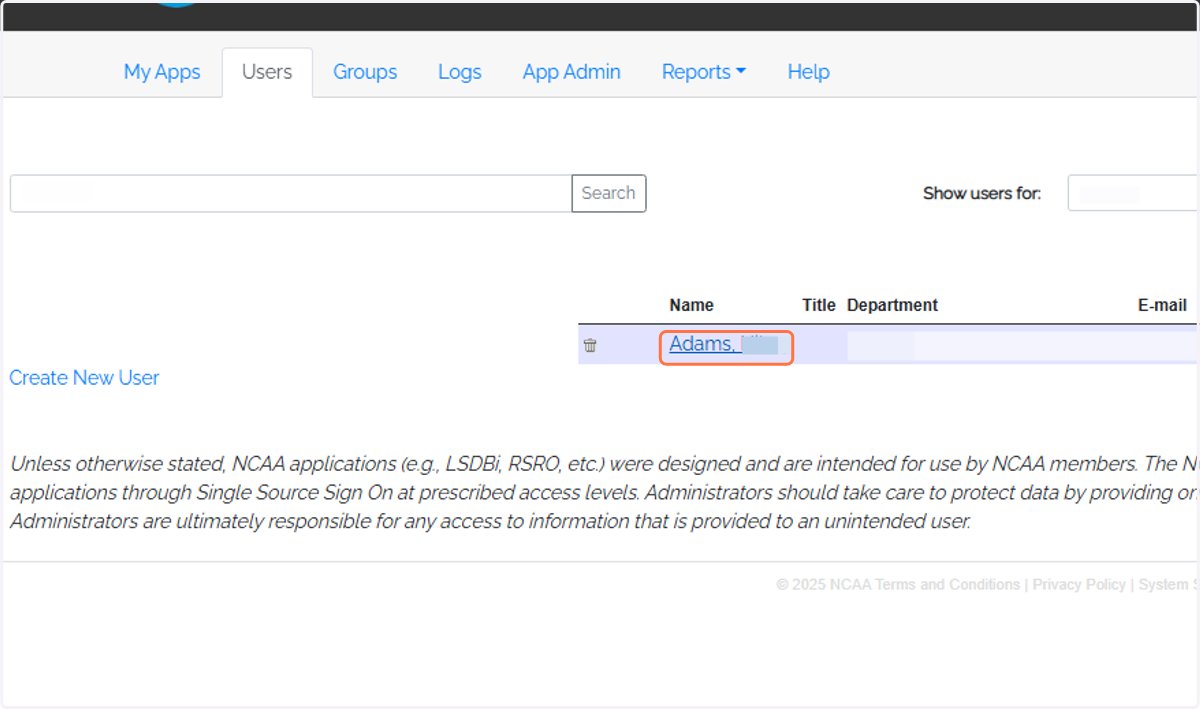
2. Find and select the user.
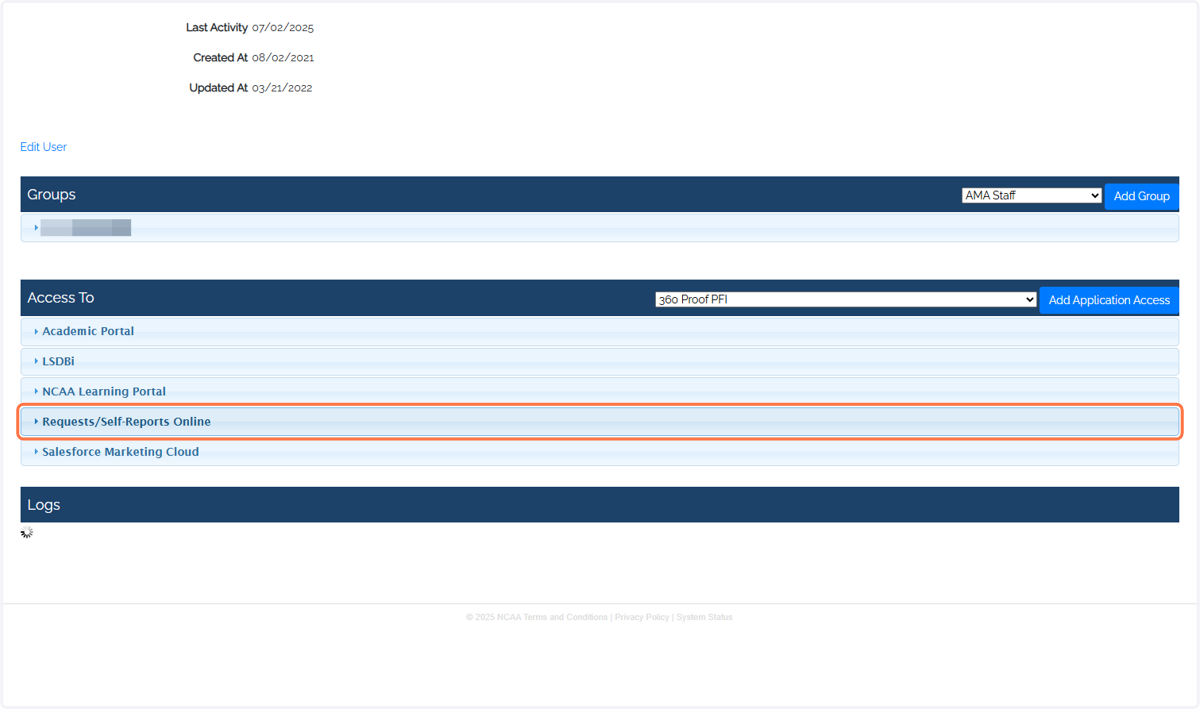
3. Click on Requests/Self-Reports Online.
If the user does not have access to RSRO, select the application from the drop down menu. Then, select "Add Application Access".
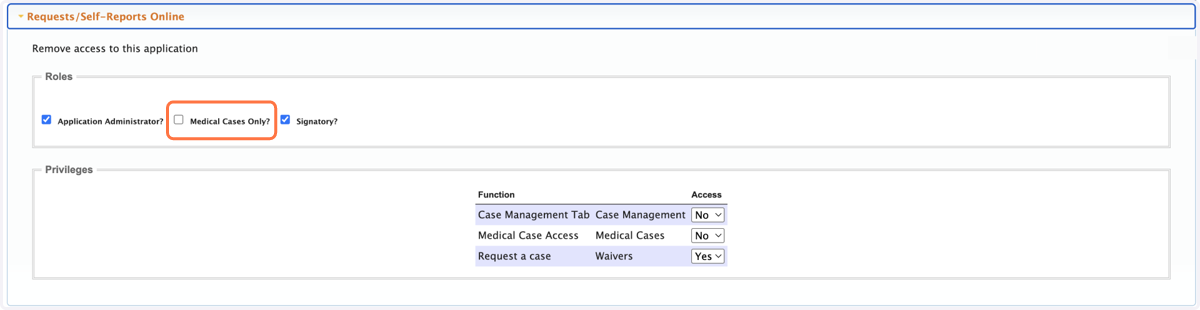
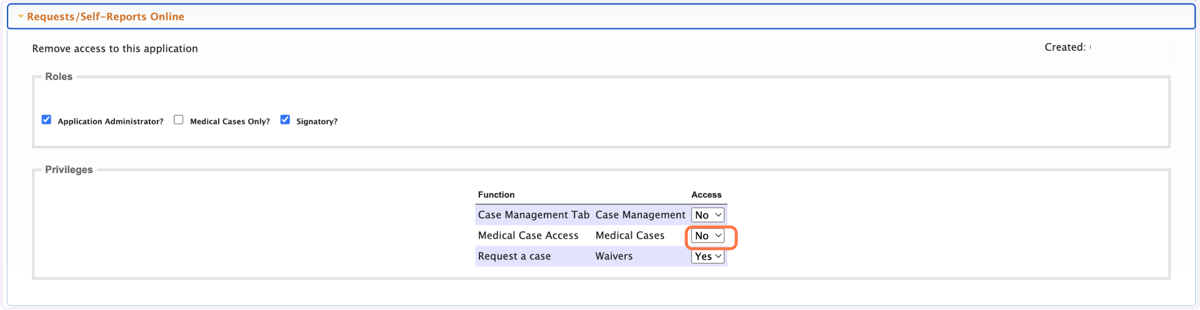
4. Next to Medical Case Access, change Access from "No" to "Yes".
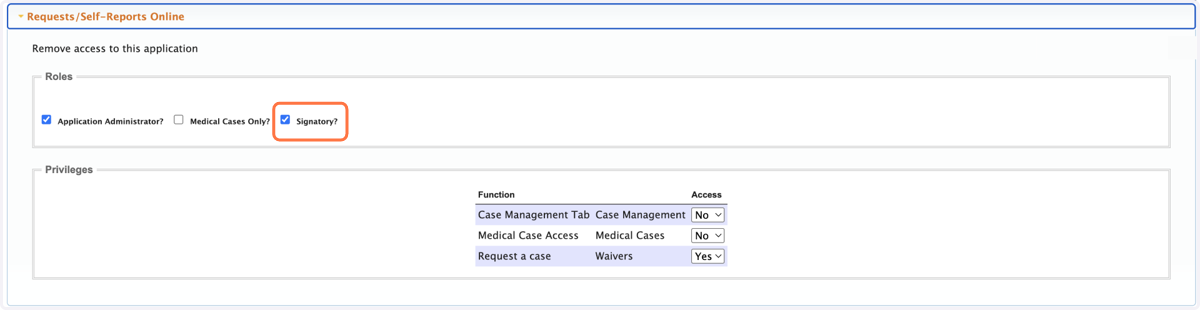
5. Under the Roles section, select Signatory as needed.
6. Under the Roles section, select Medical Cases Only as needed.