Managing your classified ads
These instruction detail how to post, edit, and remove a classified ad.
Posting a new ad
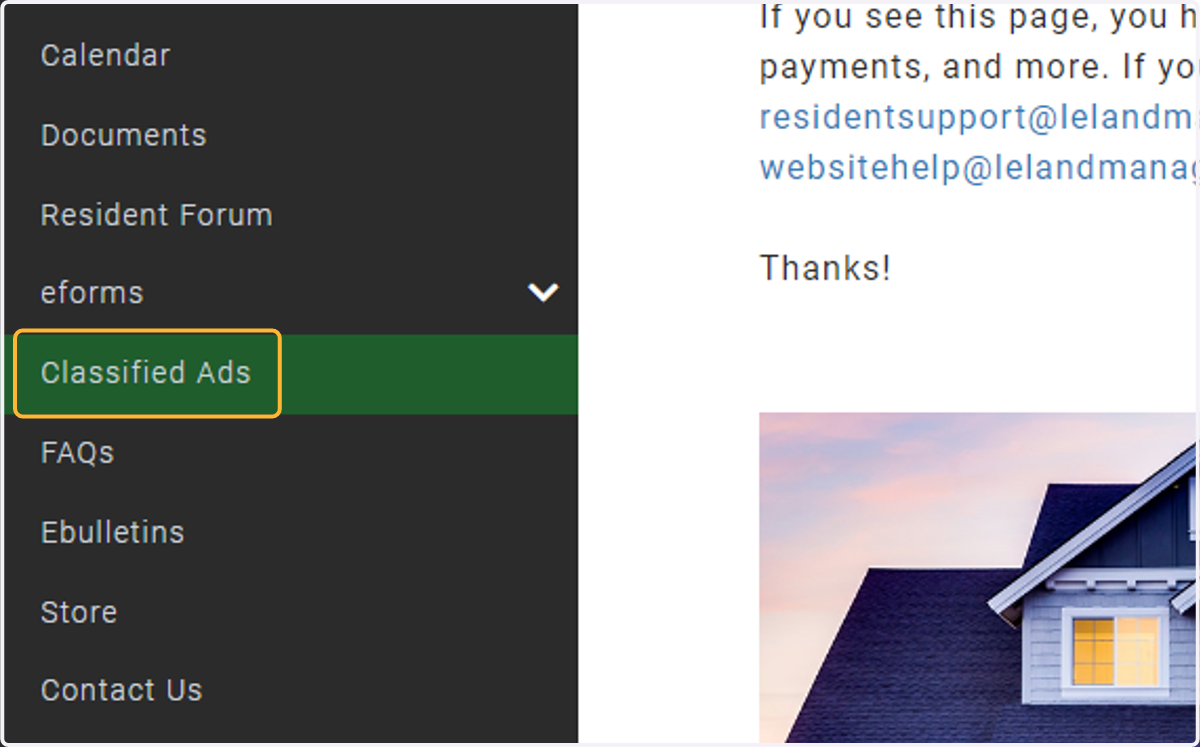
1. Click on Classified Ads
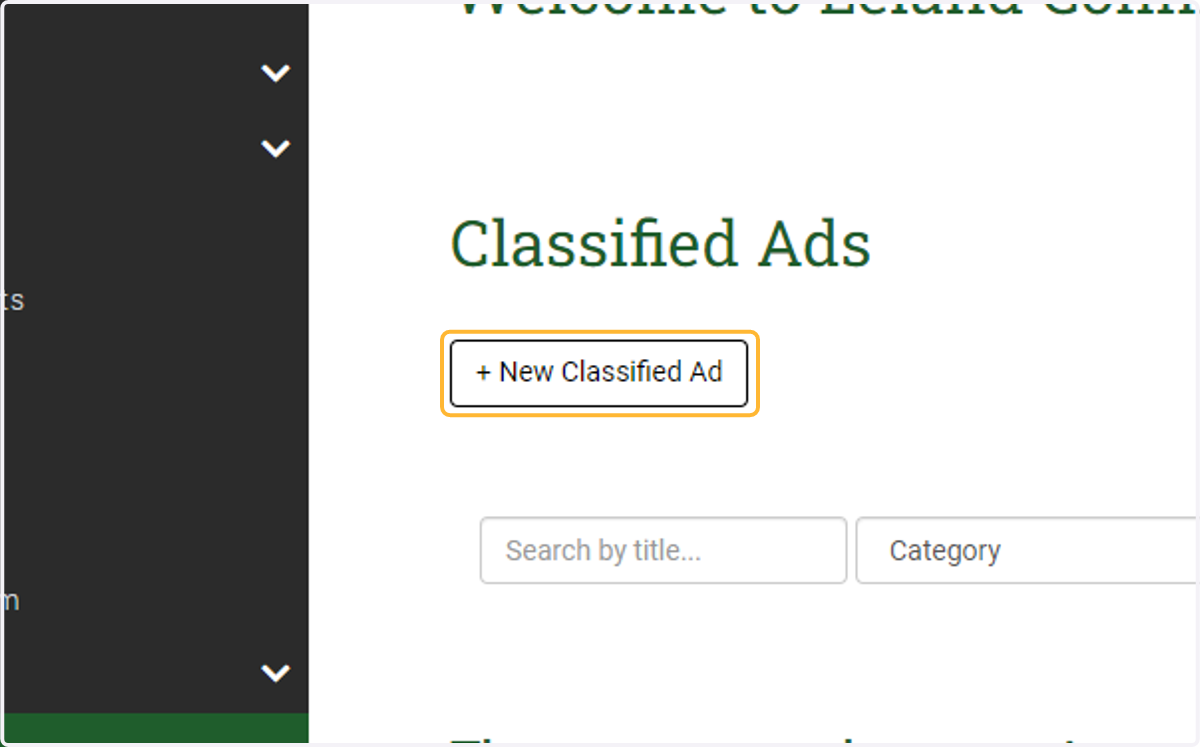
2. Click on + New Classified Ad
3. Enter your contact information
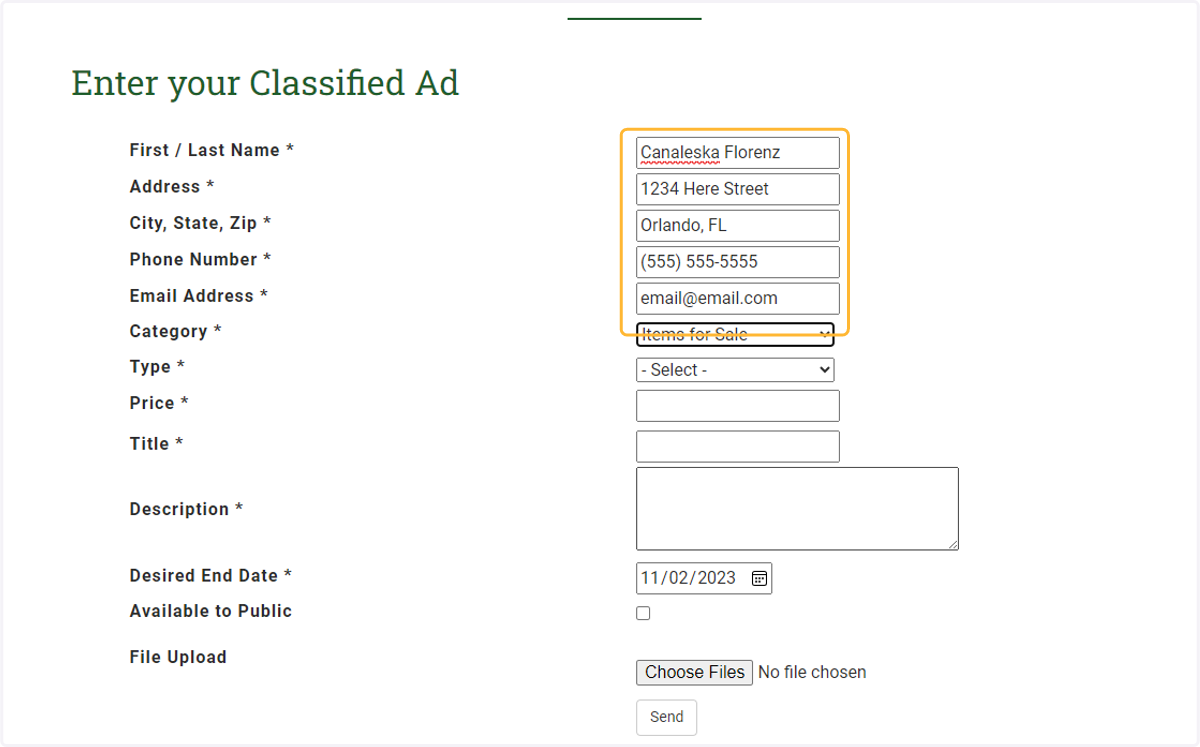
4. Select a Category for your ad
Depending on the category, some additional field may appear
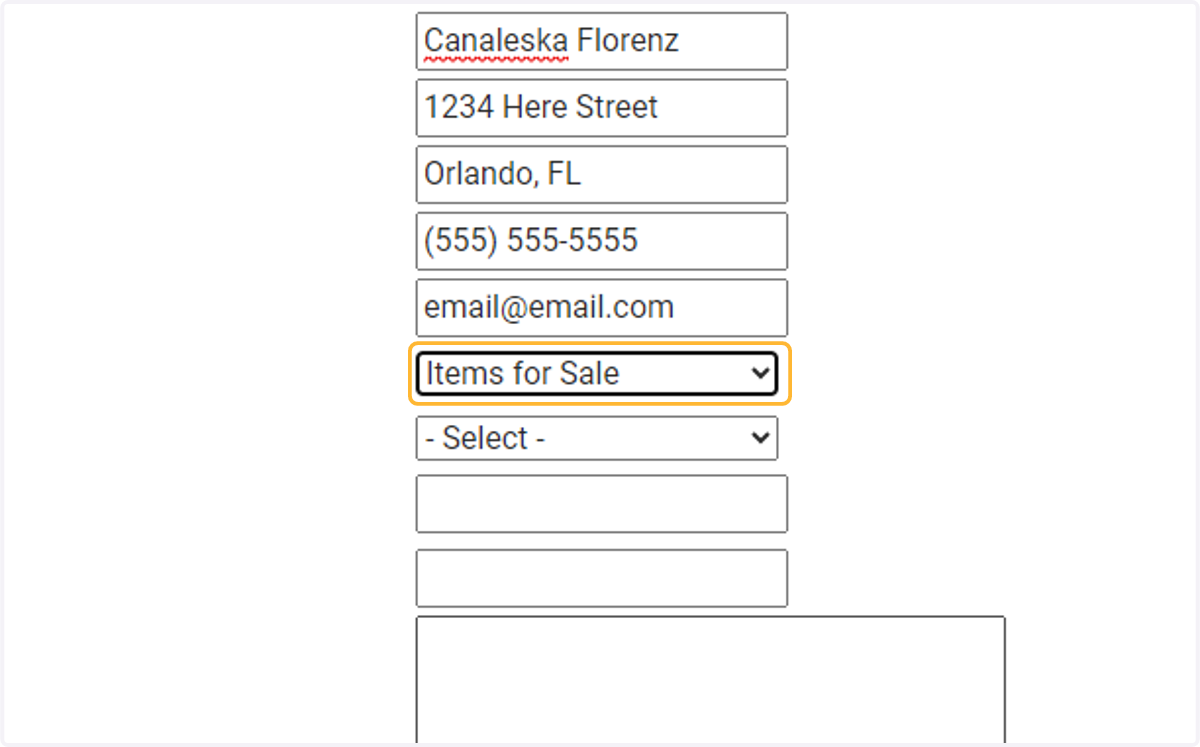
5. Enter the ad details
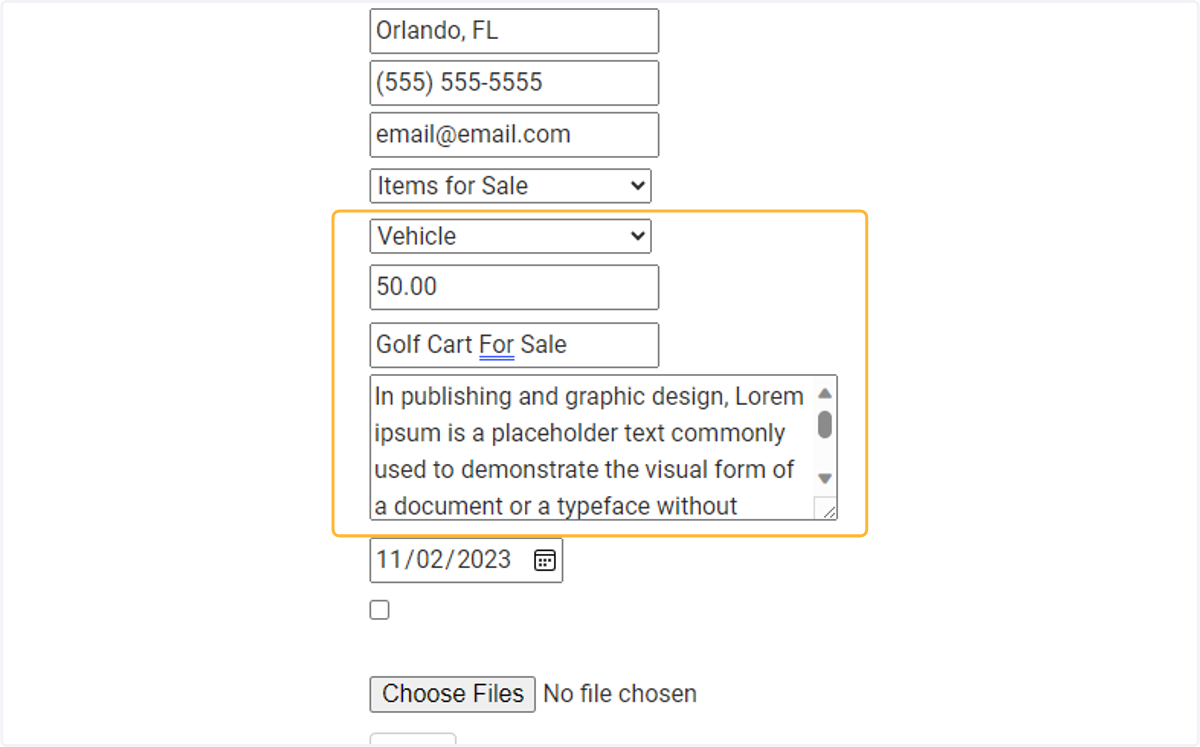
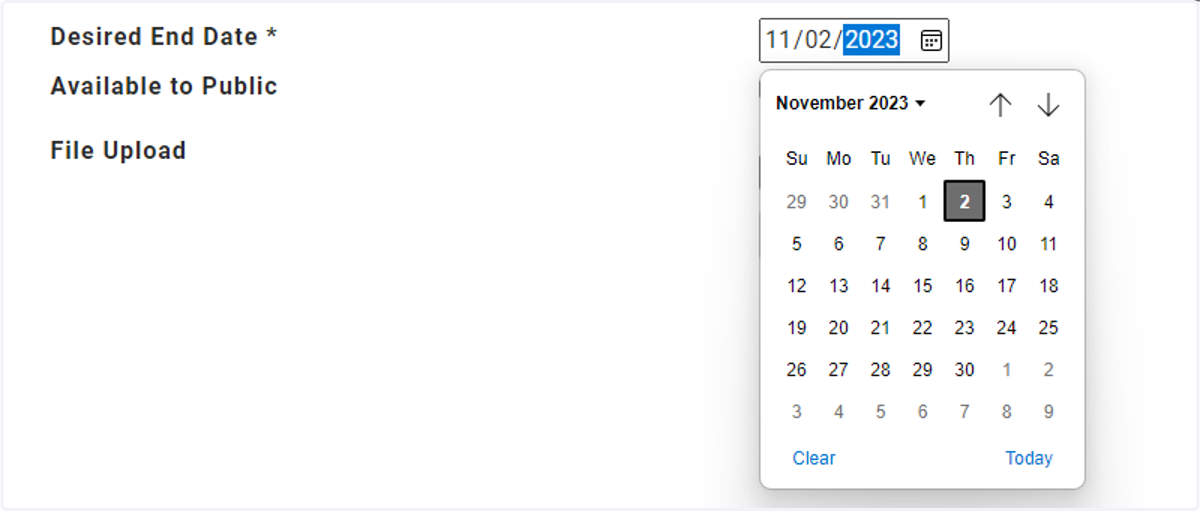
6. Select an expiration date for the ad
You may only select up to 60 days. Ads that are not "refreshed" within 60 days will be automatically removed.
7. Upload images for your ad
Click on choose file to add an image. To upload multiple files, hold 'ctrl' (cmd on mac) while selecting the files from your computer. Please note: there is an upload limit of 5 MB.
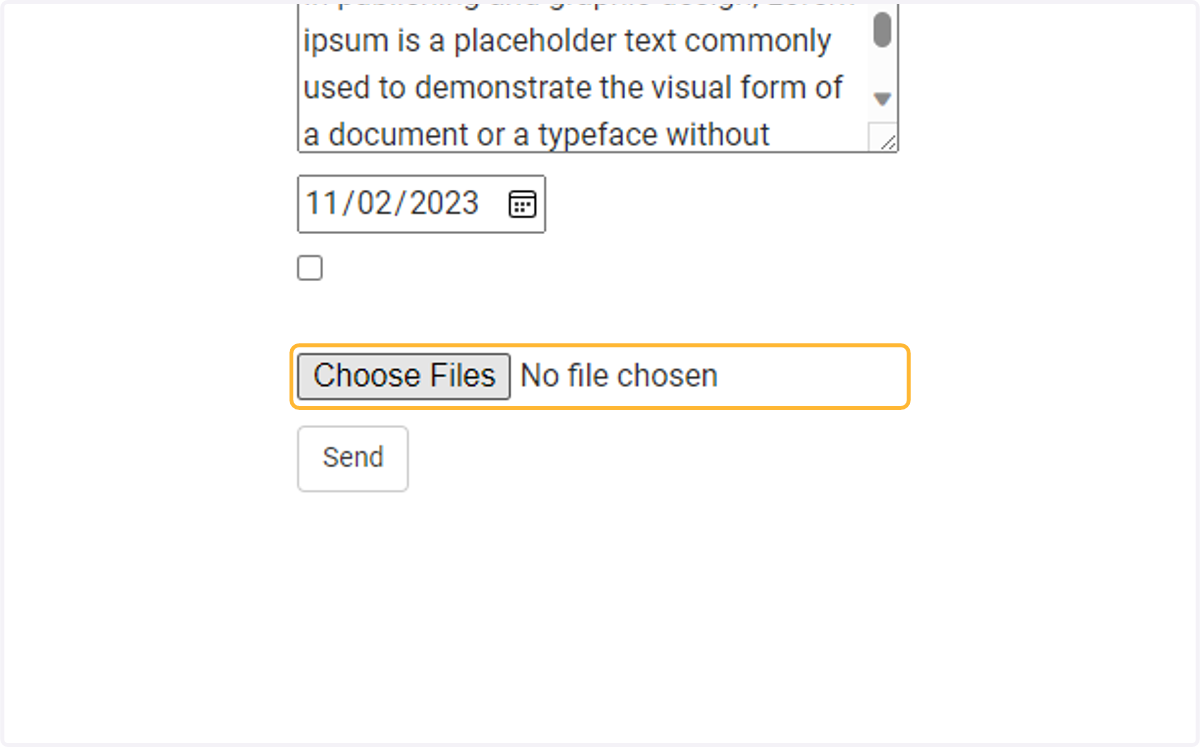
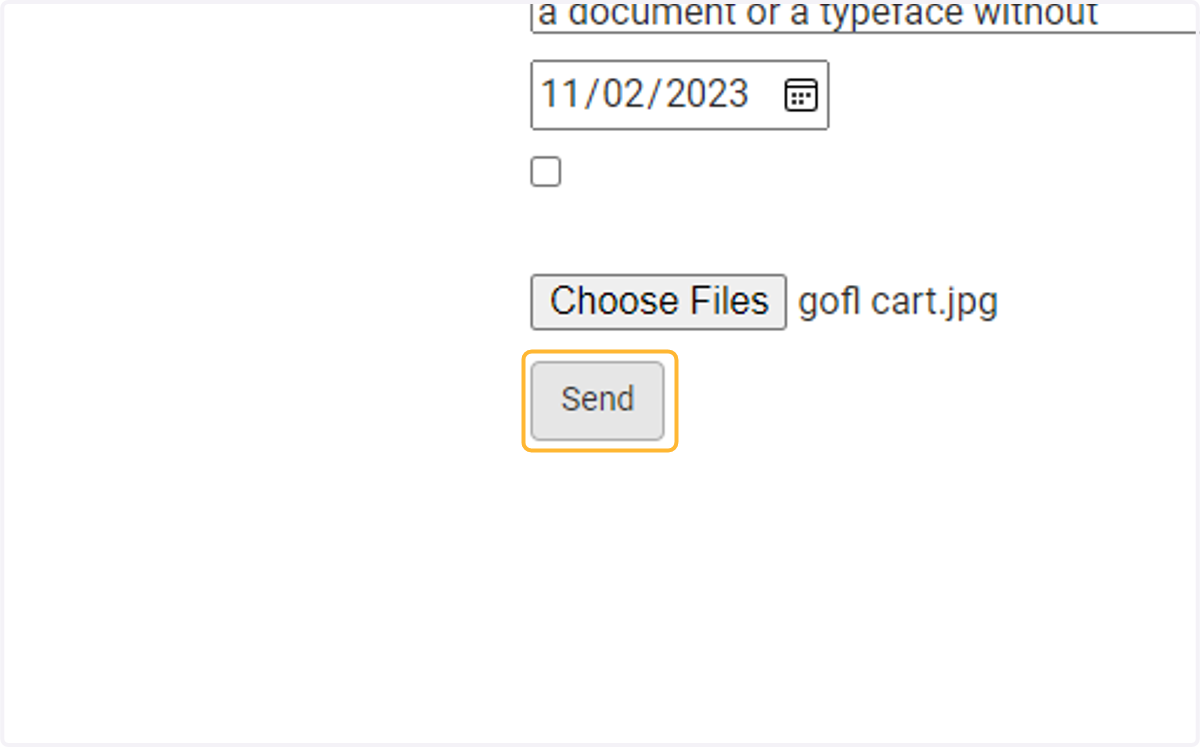
8. Click send to submit your ad
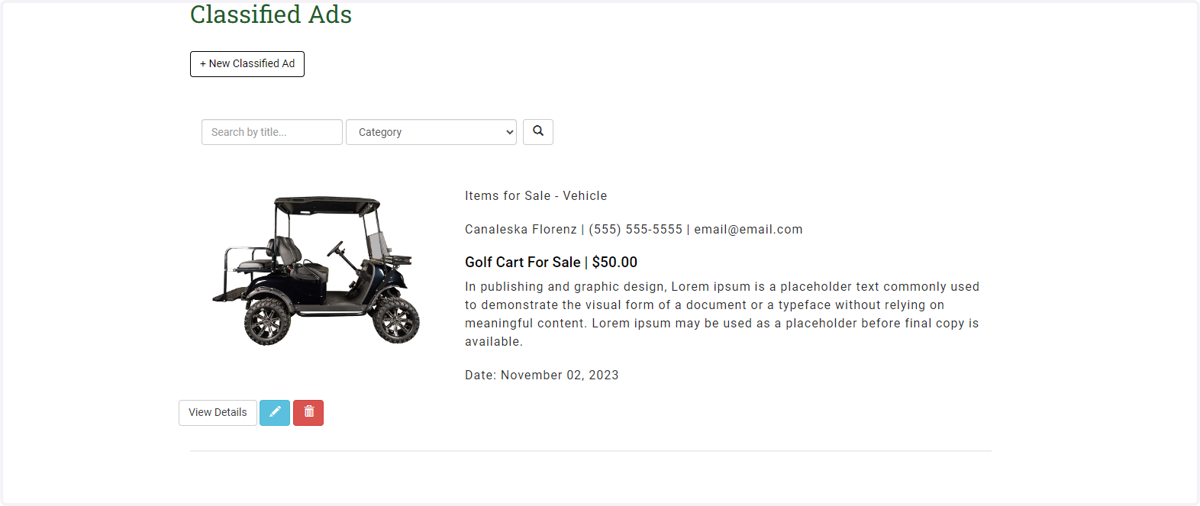
9. Confirm your ad was posted
Once your ad is submitted, it will appear on the classified ads page.
Editing/Refreshing your classified ad
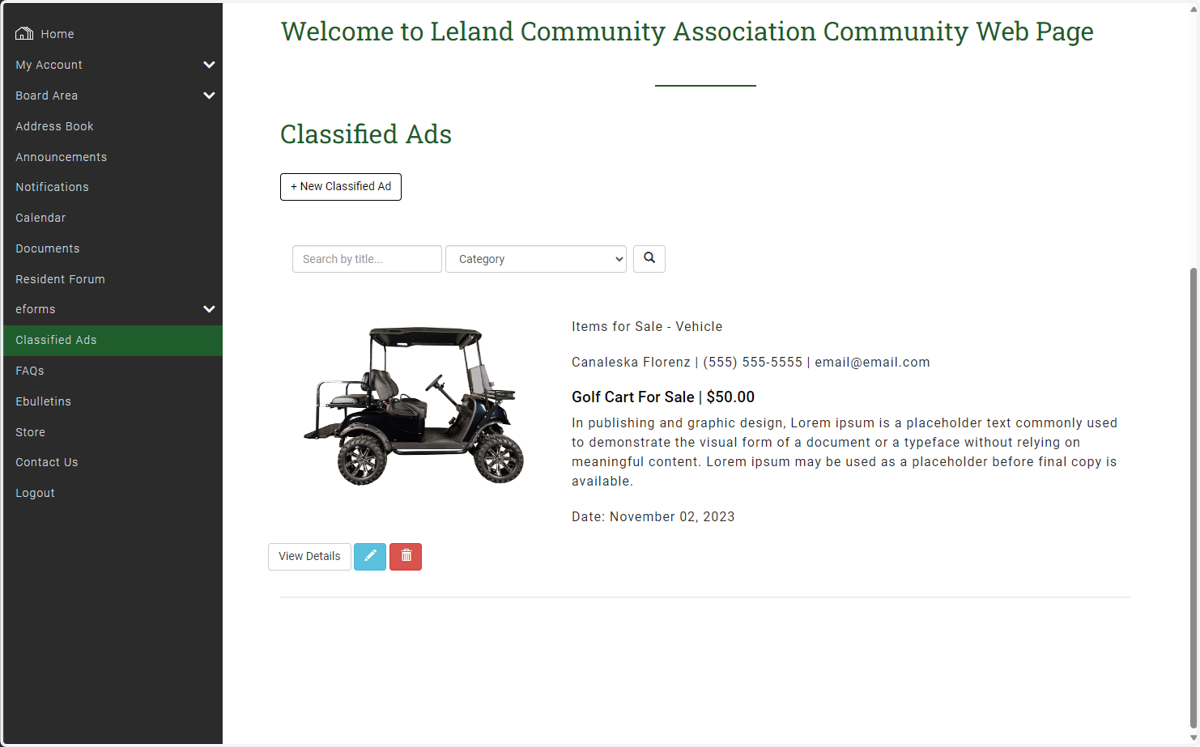
10. Locate your ad on the classified page
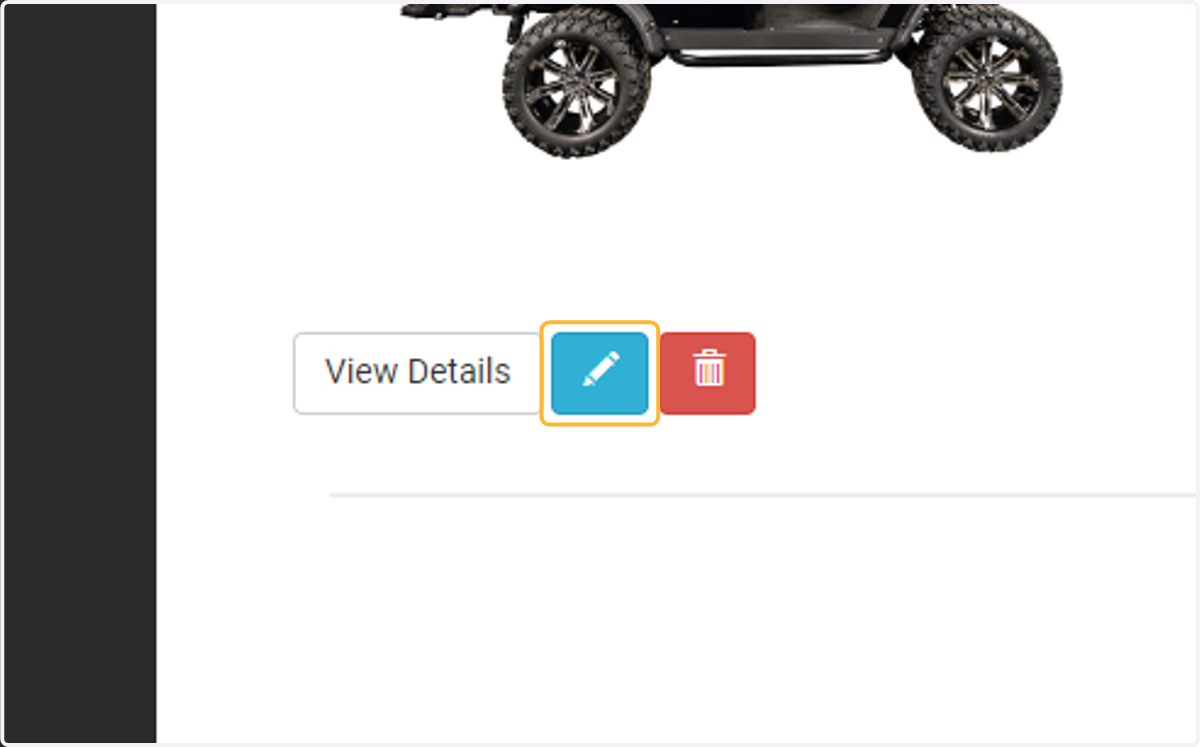
11. Click on the edit button
12. Edit any of the fields you would like to change
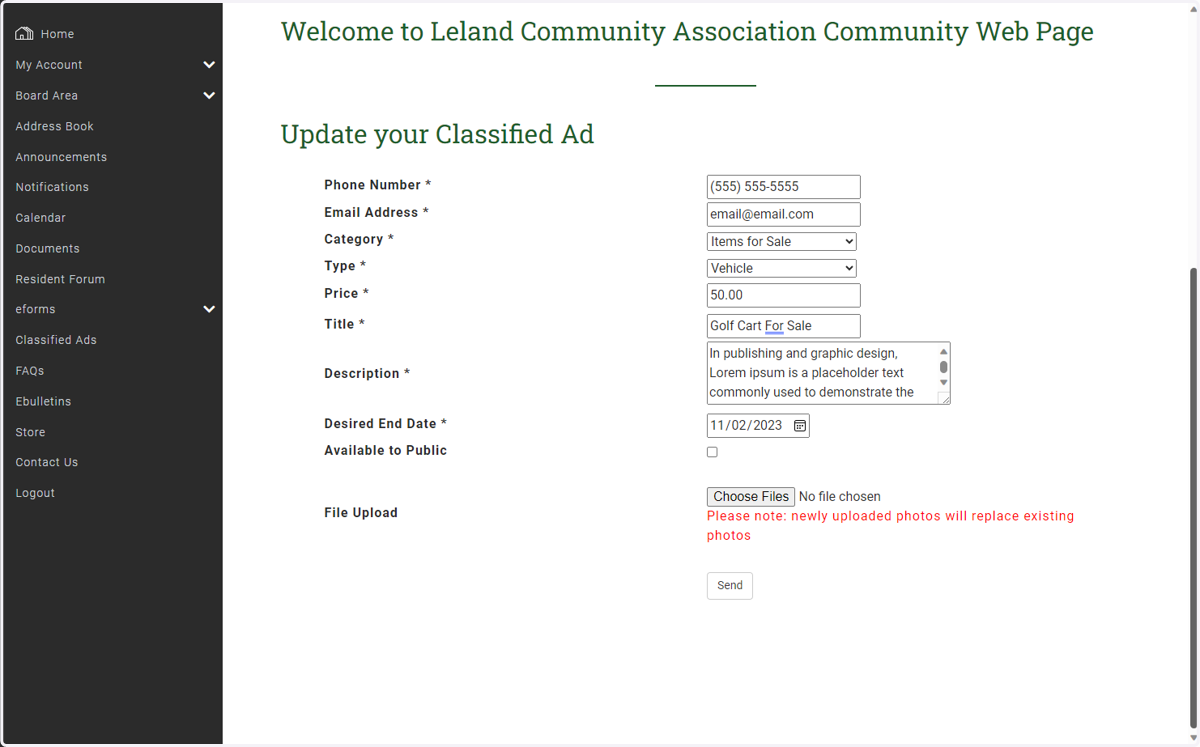
13. To "refresh" your ad, change the expiration date
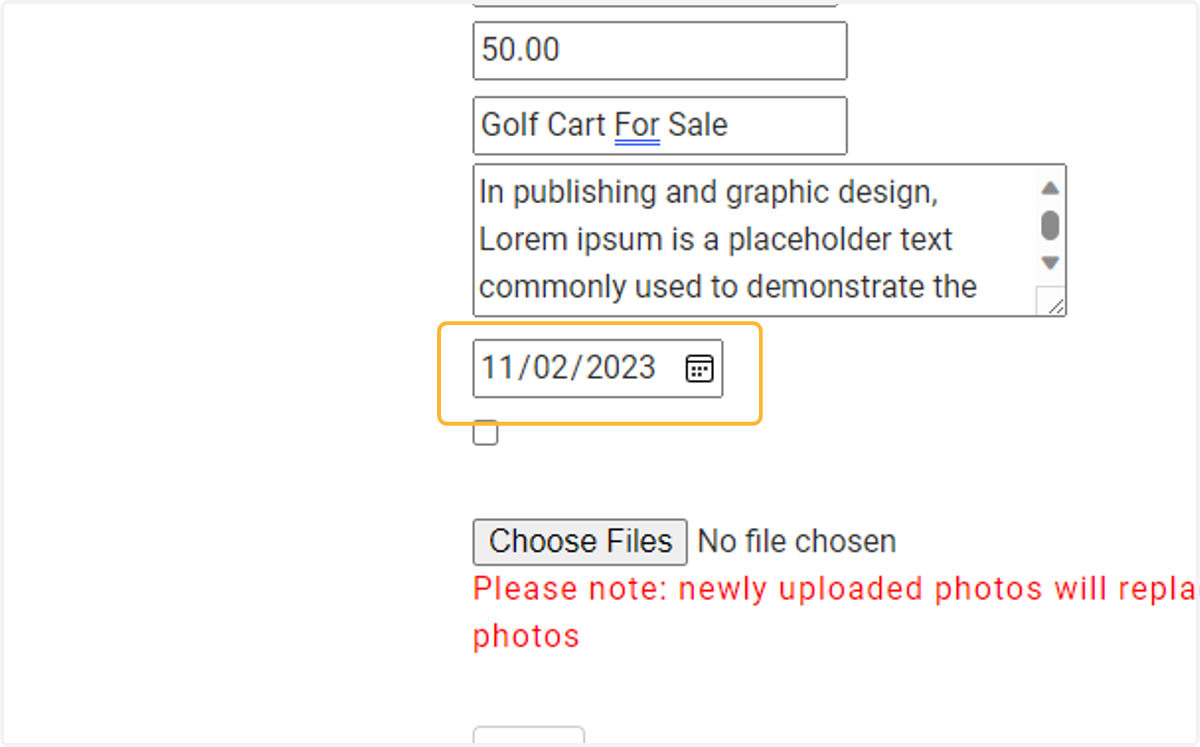
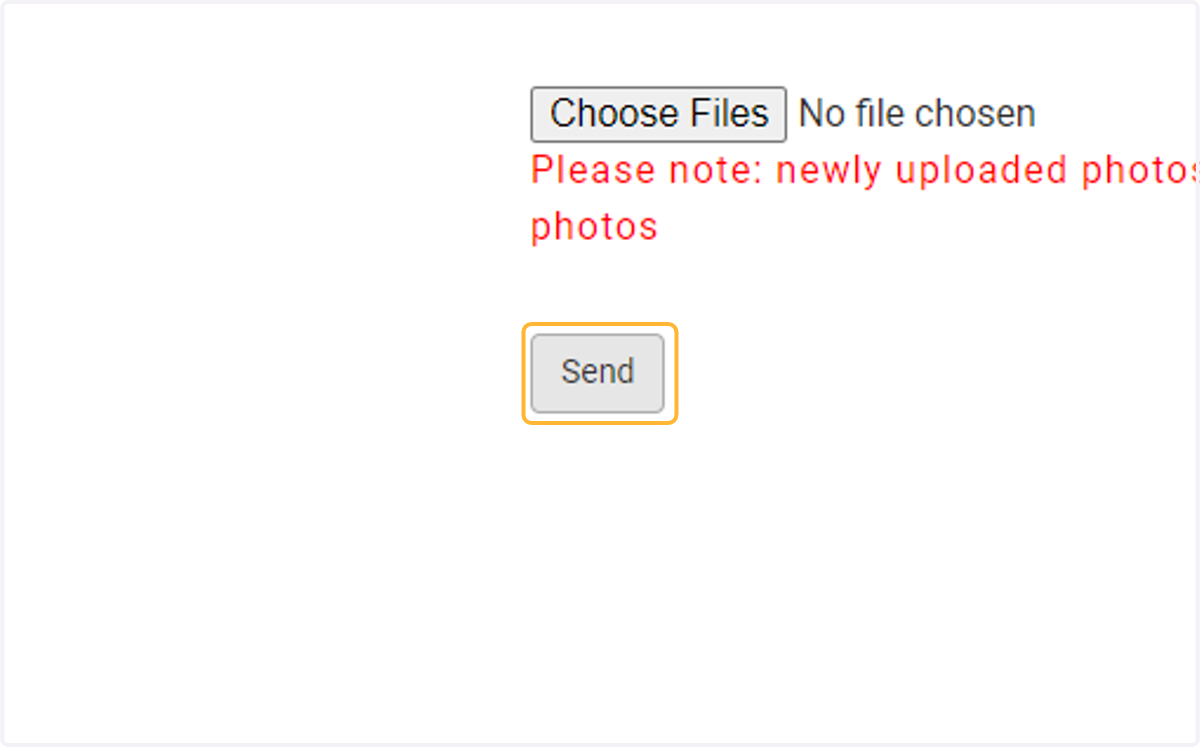
14. Once you have made your changes, click send
Removing your ad
Your ad will automatically be removed by the expiration date you set. If you want to remove it beforehand, follow these simple steps.
15. Locate your ad
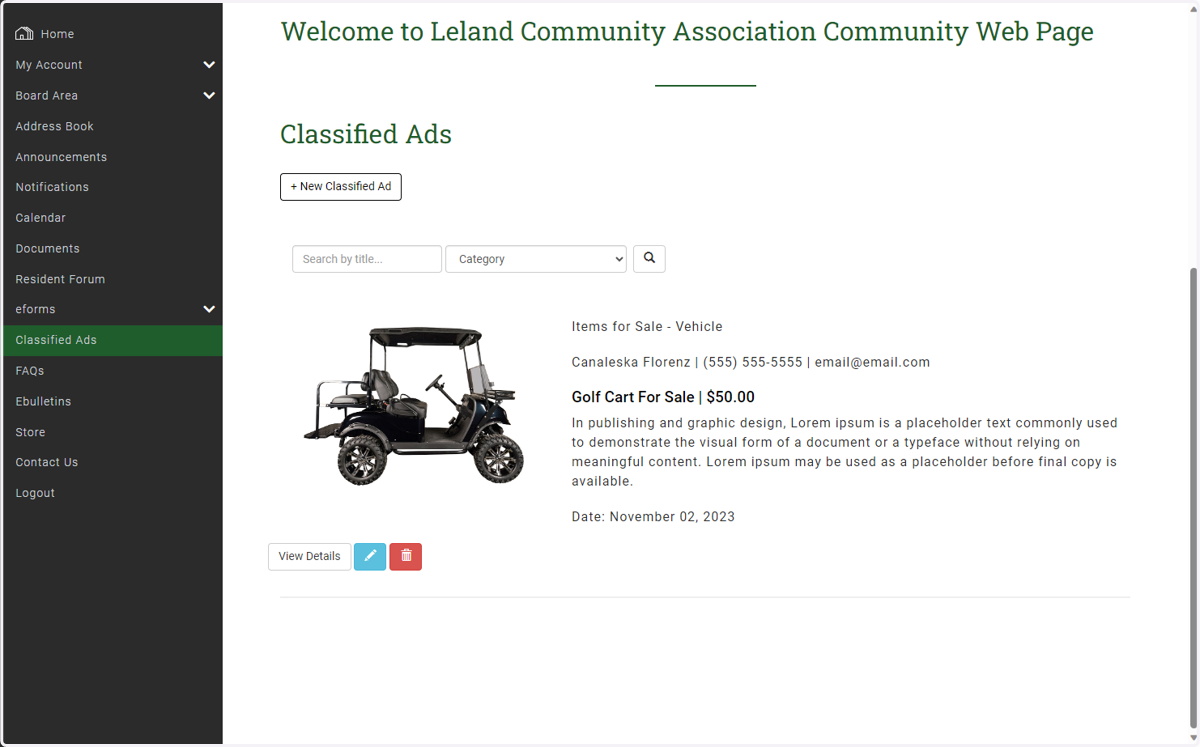
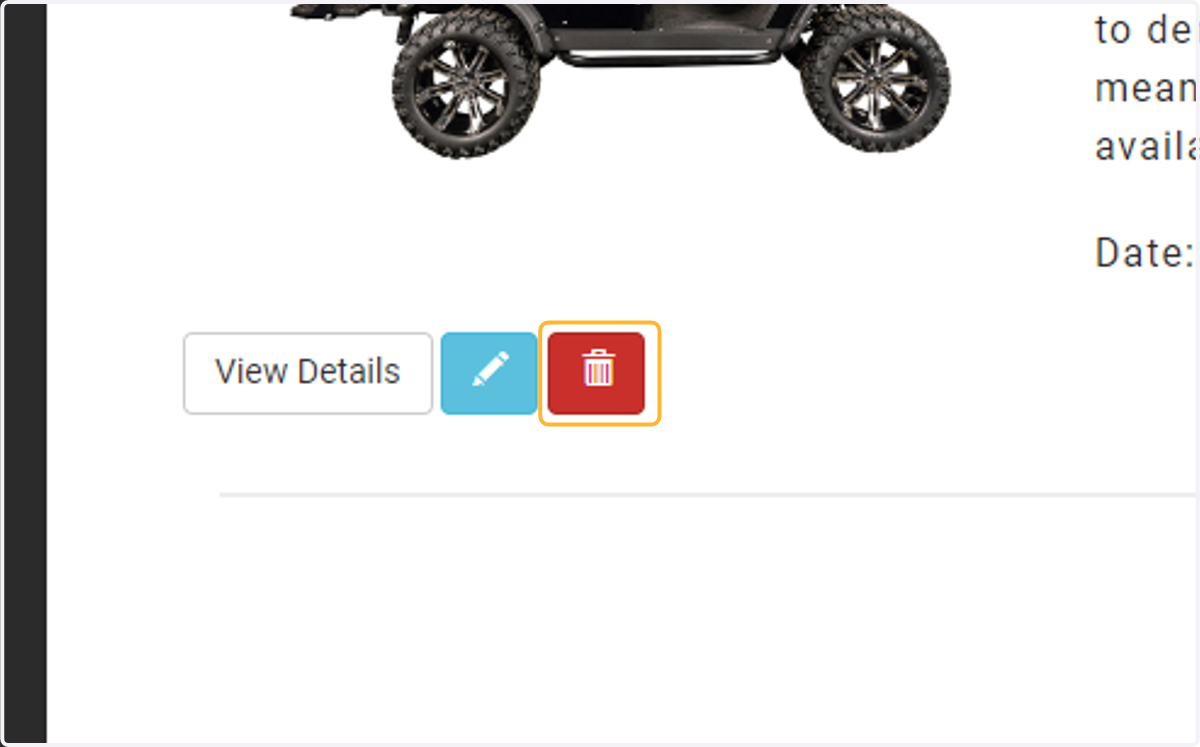
16. Click the "trash" icon
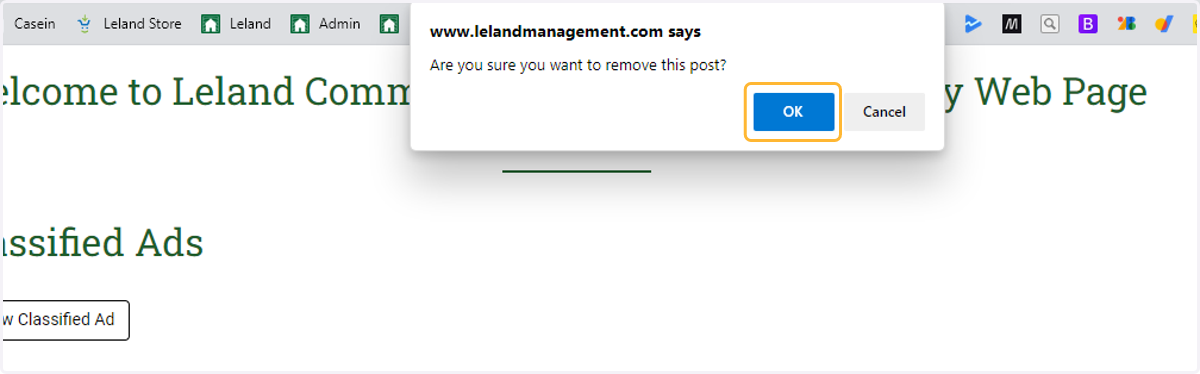
17. Confirm deletion