Managing Teams in Orum
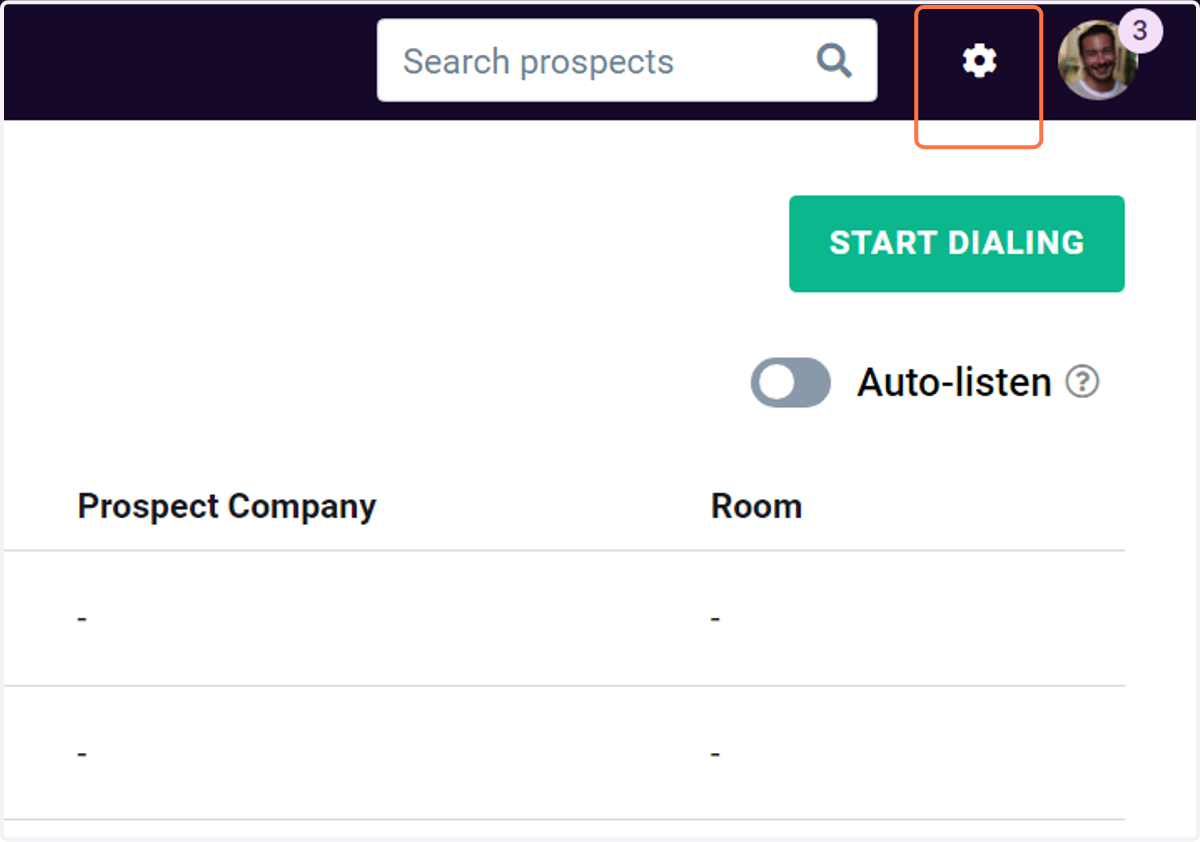
1. Click on 'Settings'
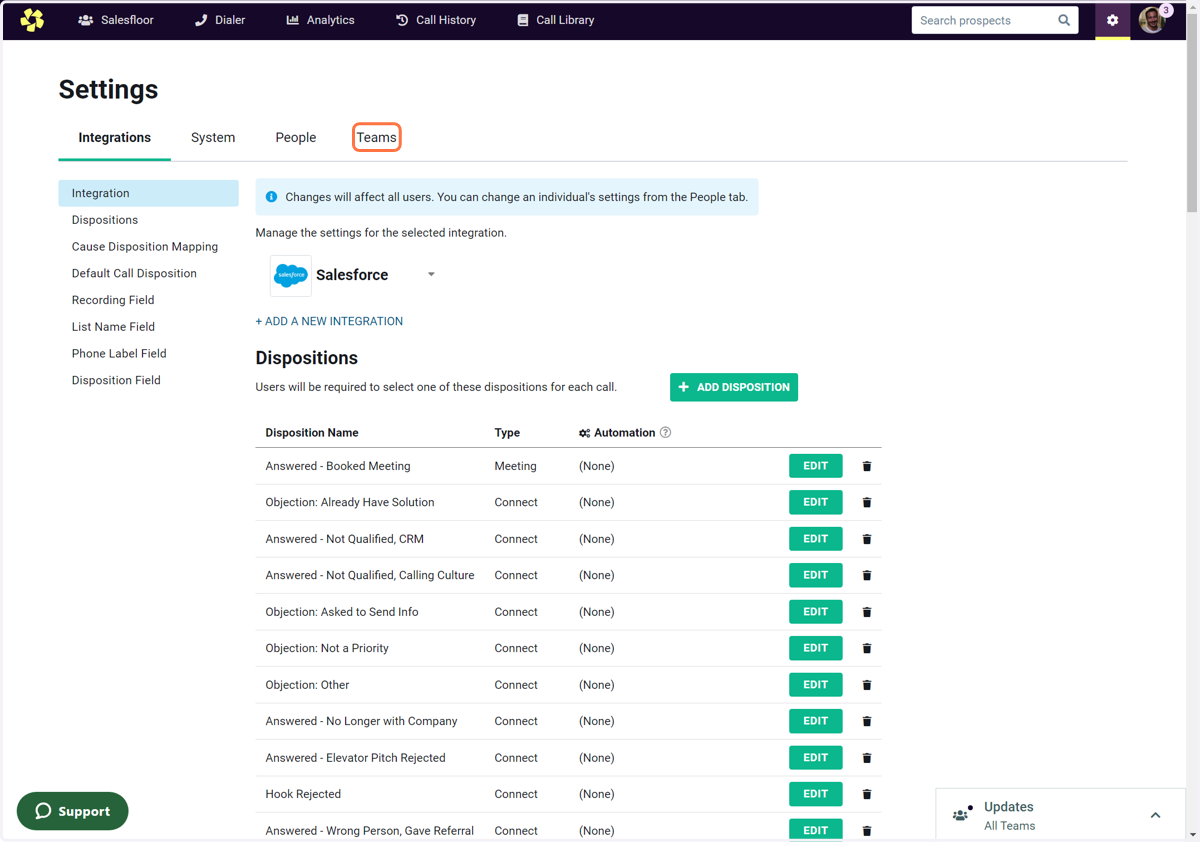
2. Click on Teams
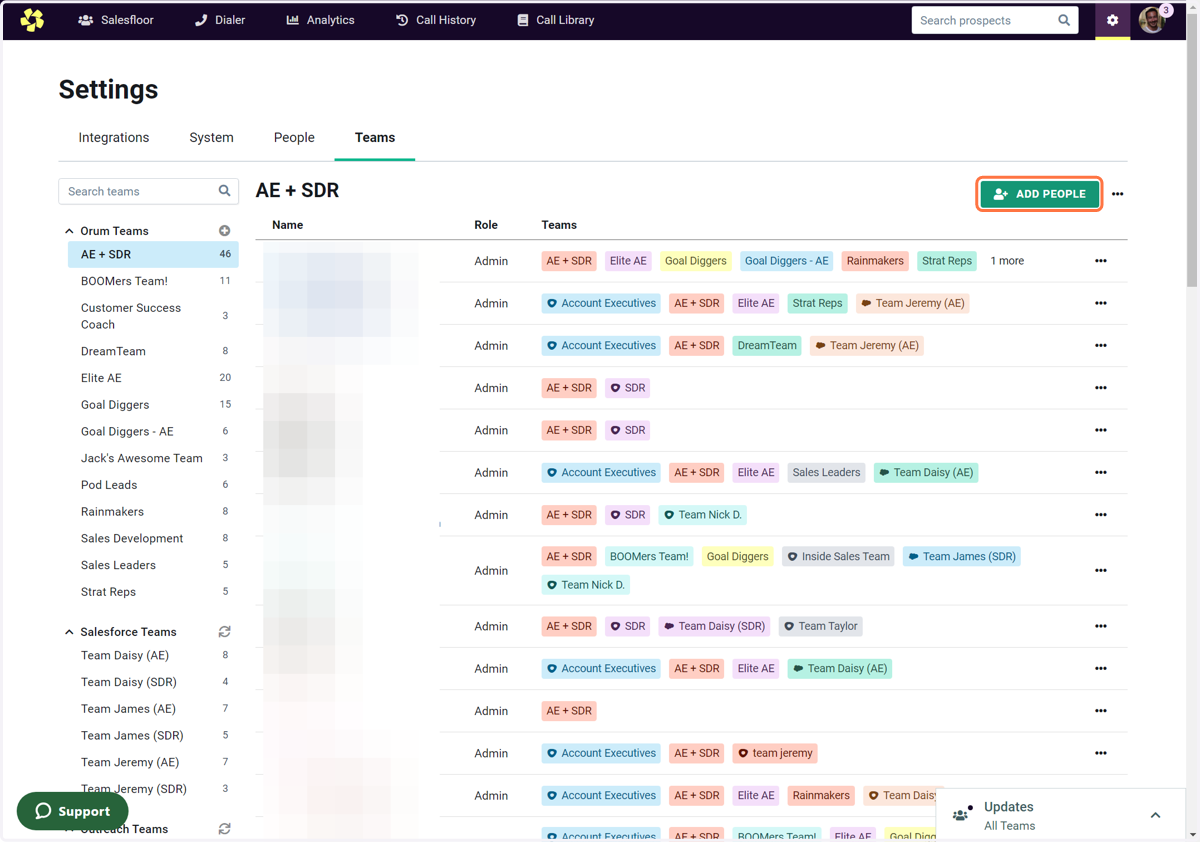
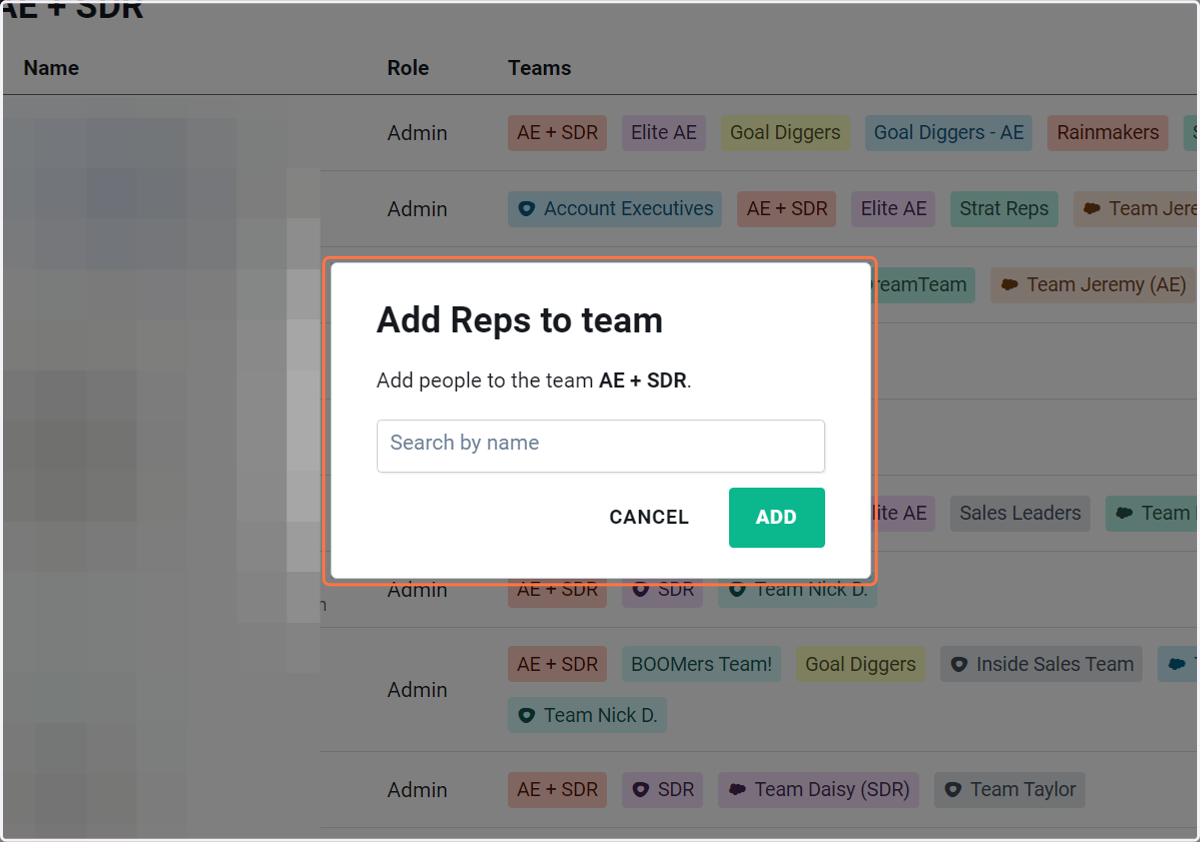
3. You can quickly add people to a team by clicking here
4. If they've already been invited to your account, you can search their and add their name.
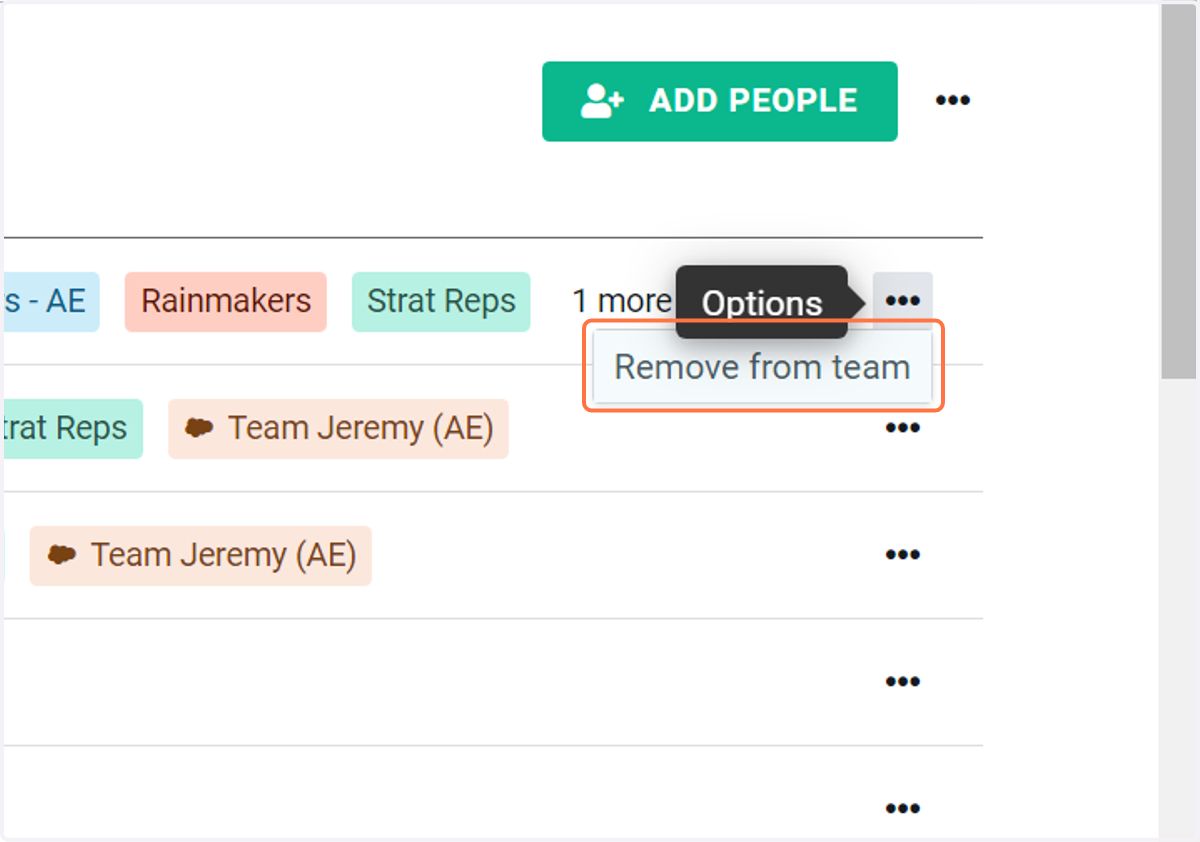
5. You can remove a user from a team by clicking here.
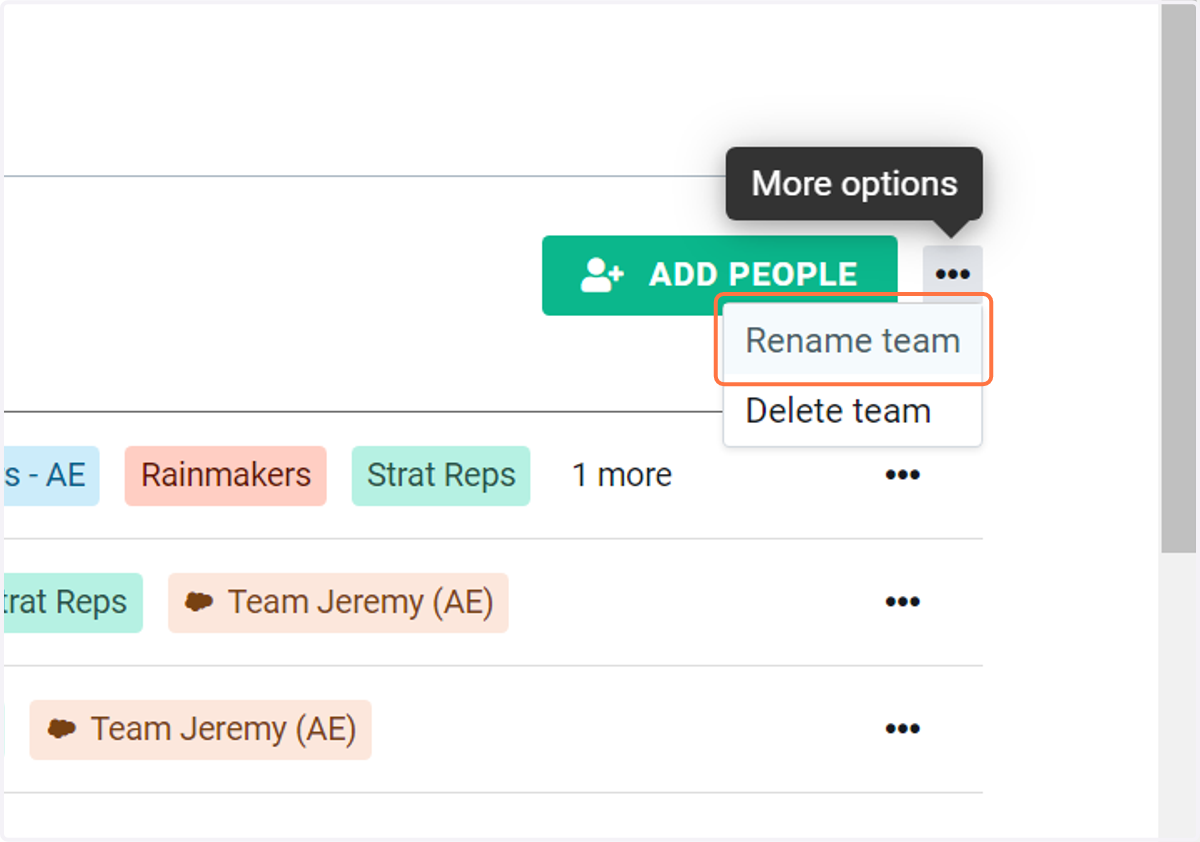
6. You will also be able to select more options to rename or delete teams
7. From here, you can see all your teams and users in those teams
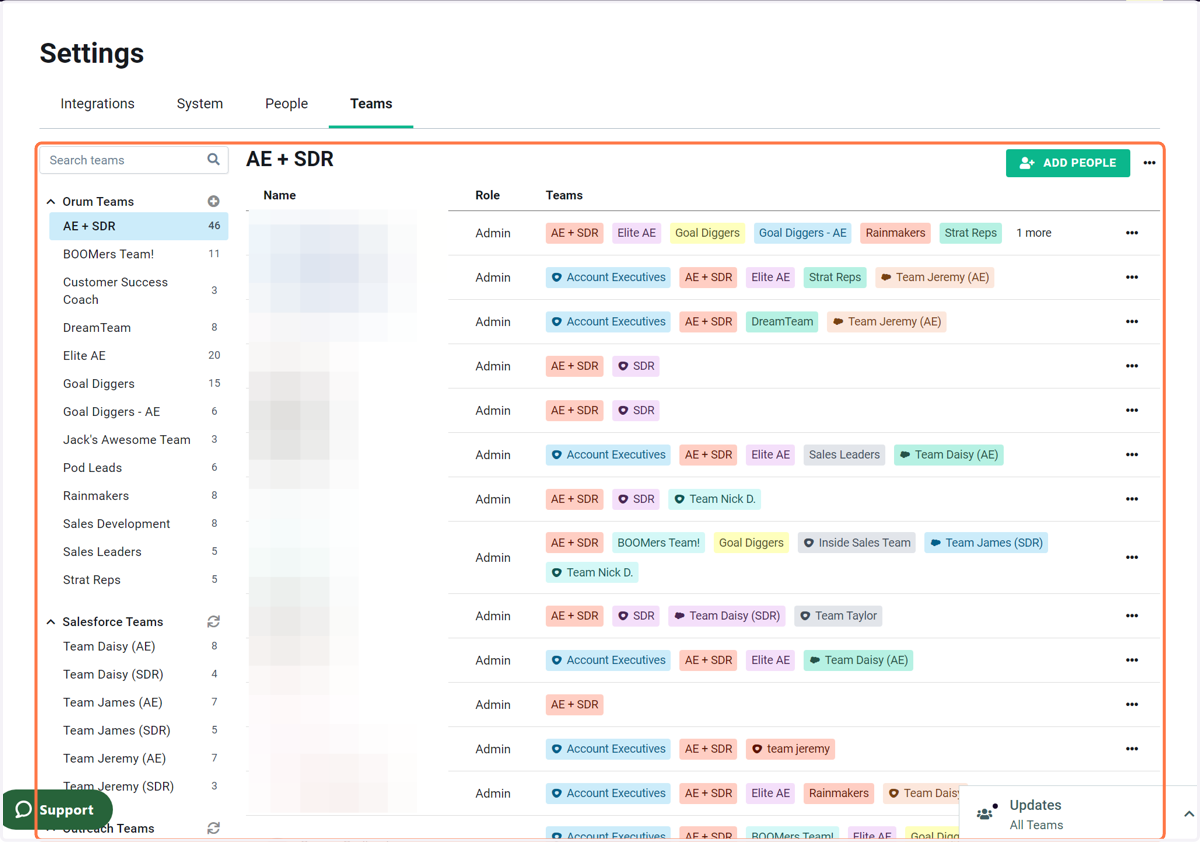
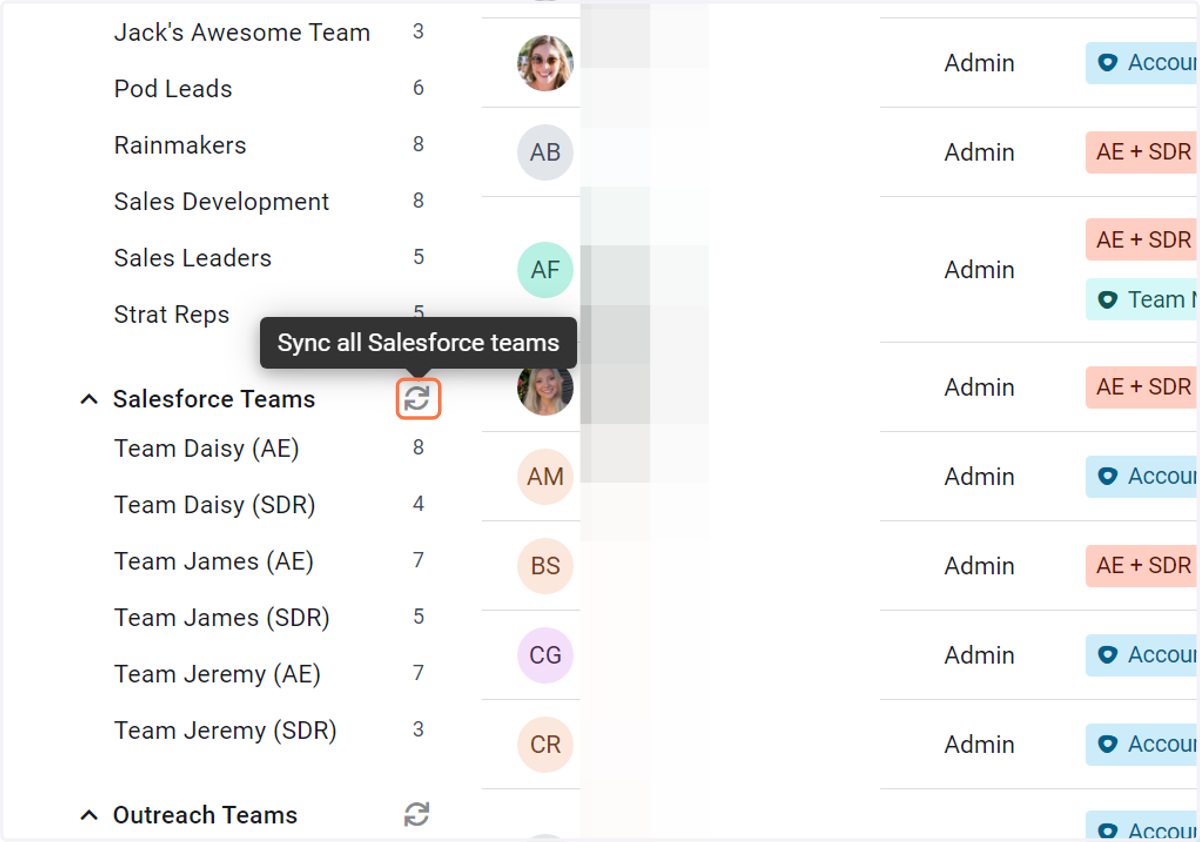
8. If you are using an integration, Orum will bring in your teams and you'll be able to sync and refresh here