Managing Spam and Filtering Emails with Attachments
Inbox - ************@gmail.com - Gmail
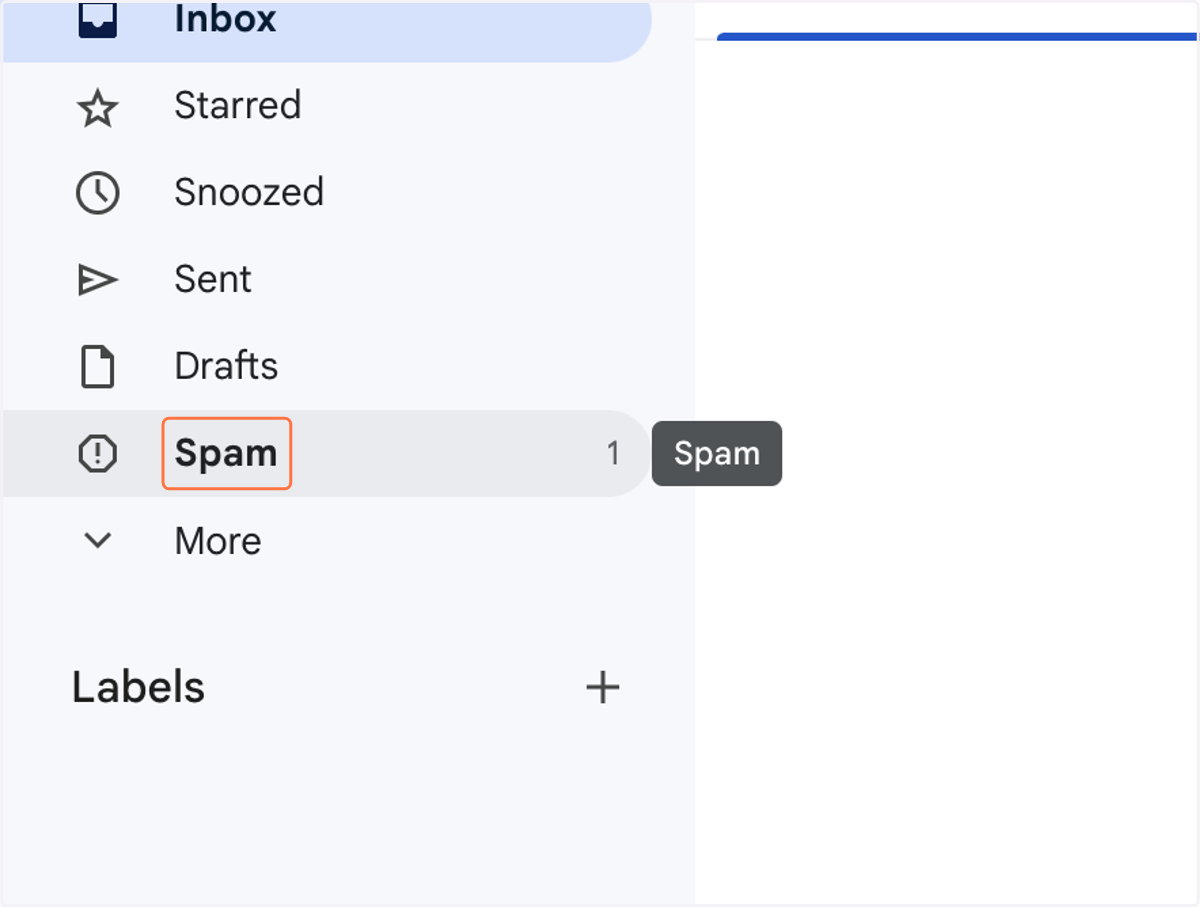
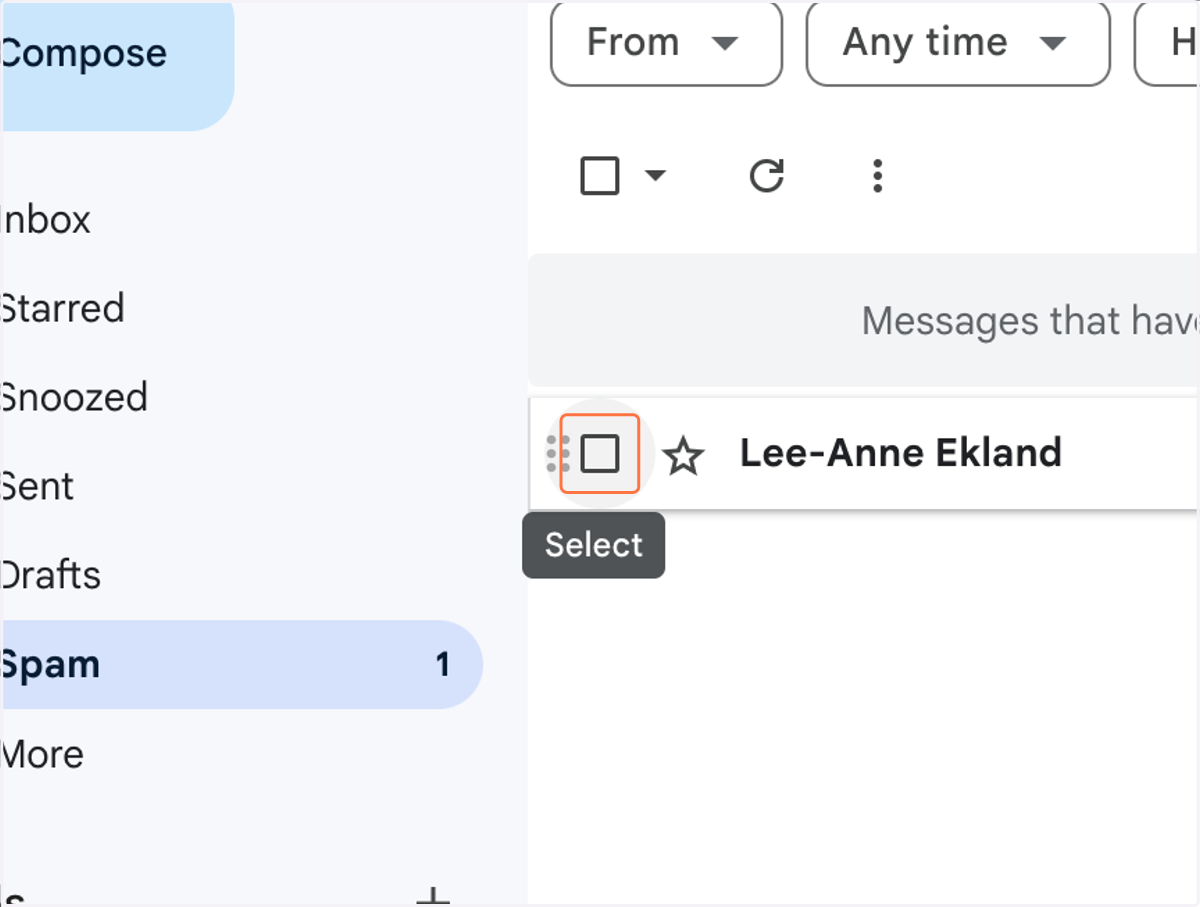
1. Click on Spam
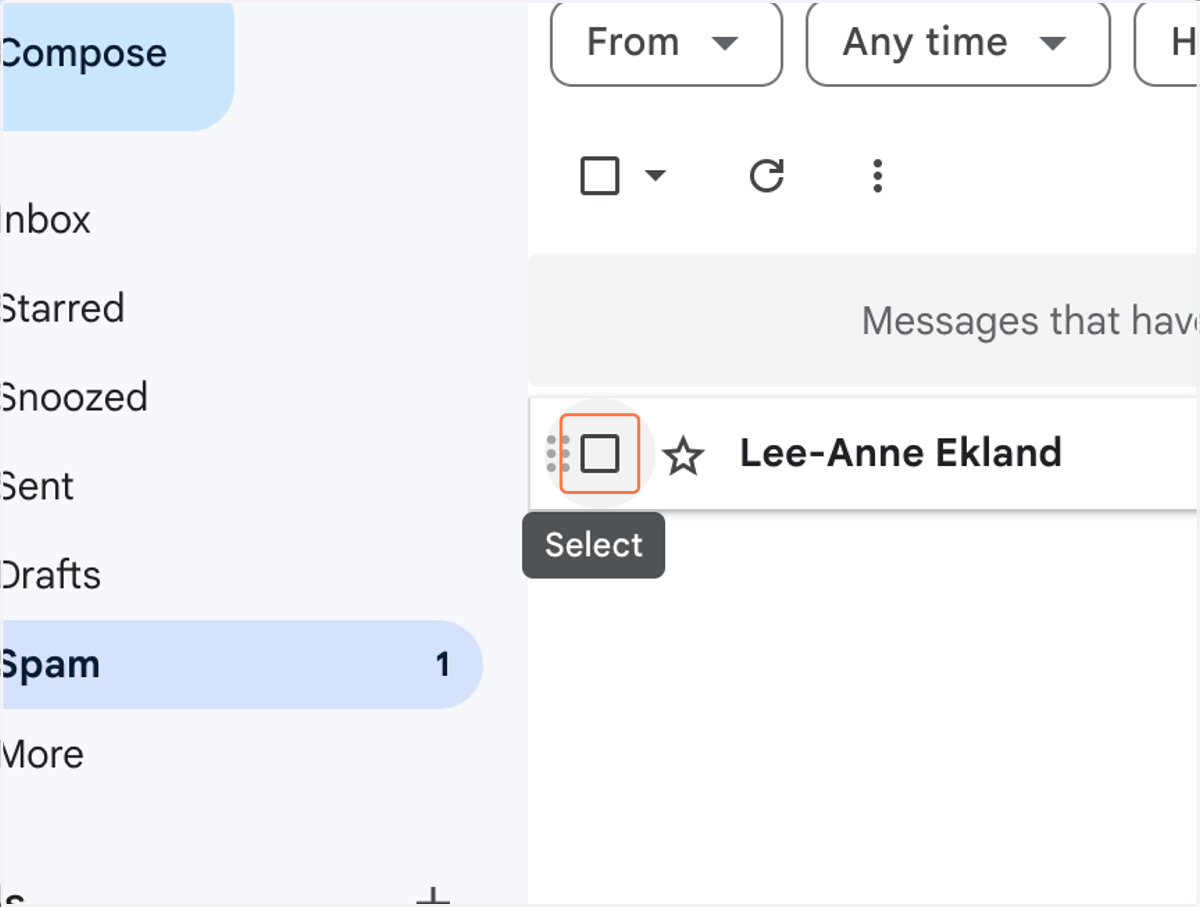
2. Click on Lee-Anne Ekland
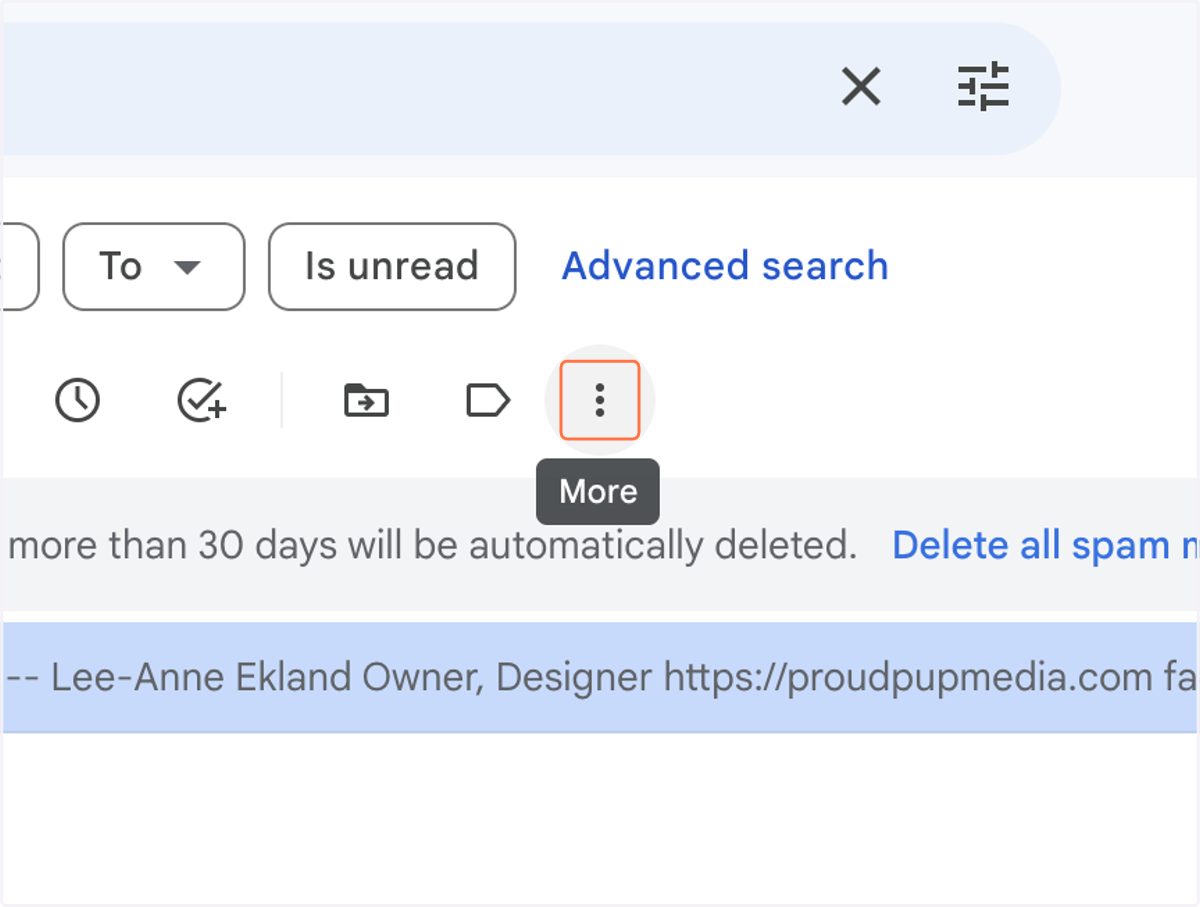
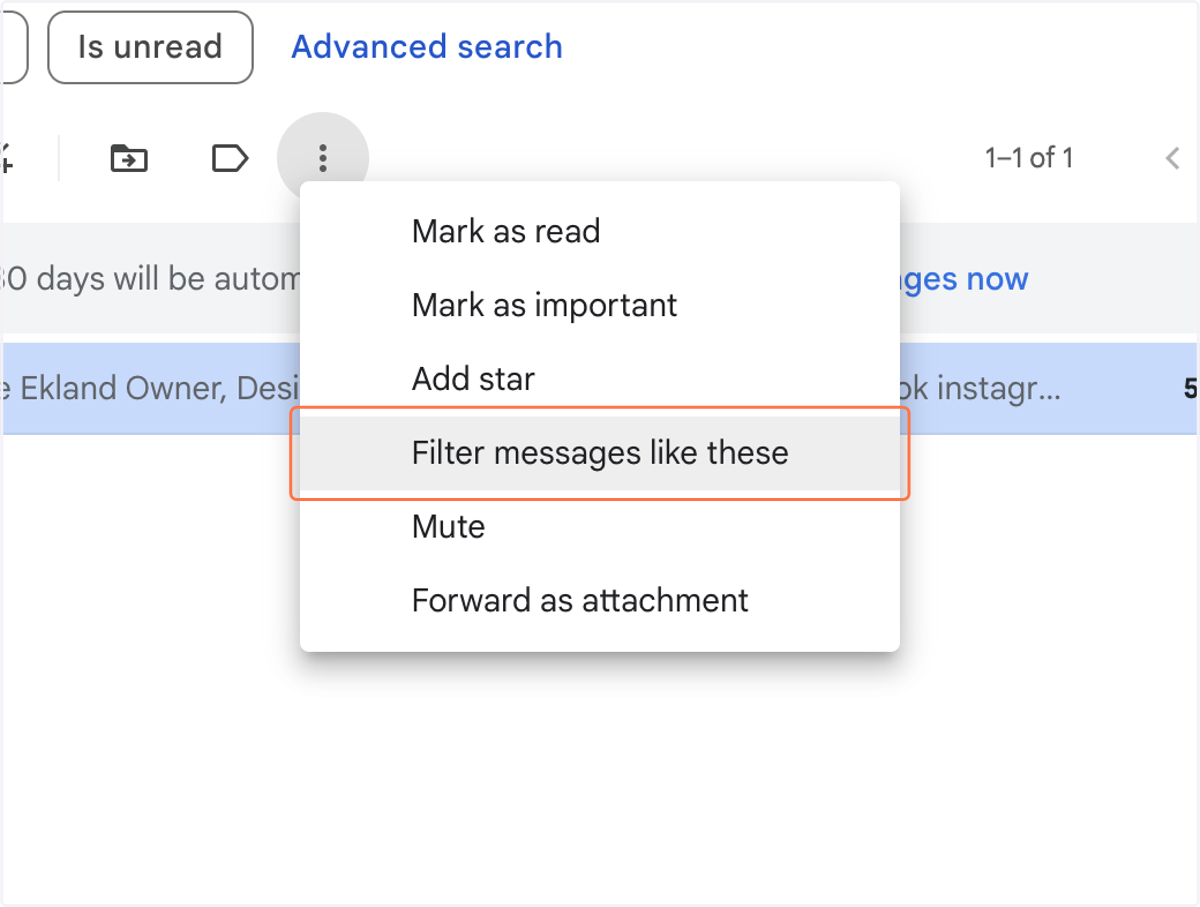
3. Click on More
4. Click on Filter messages like these
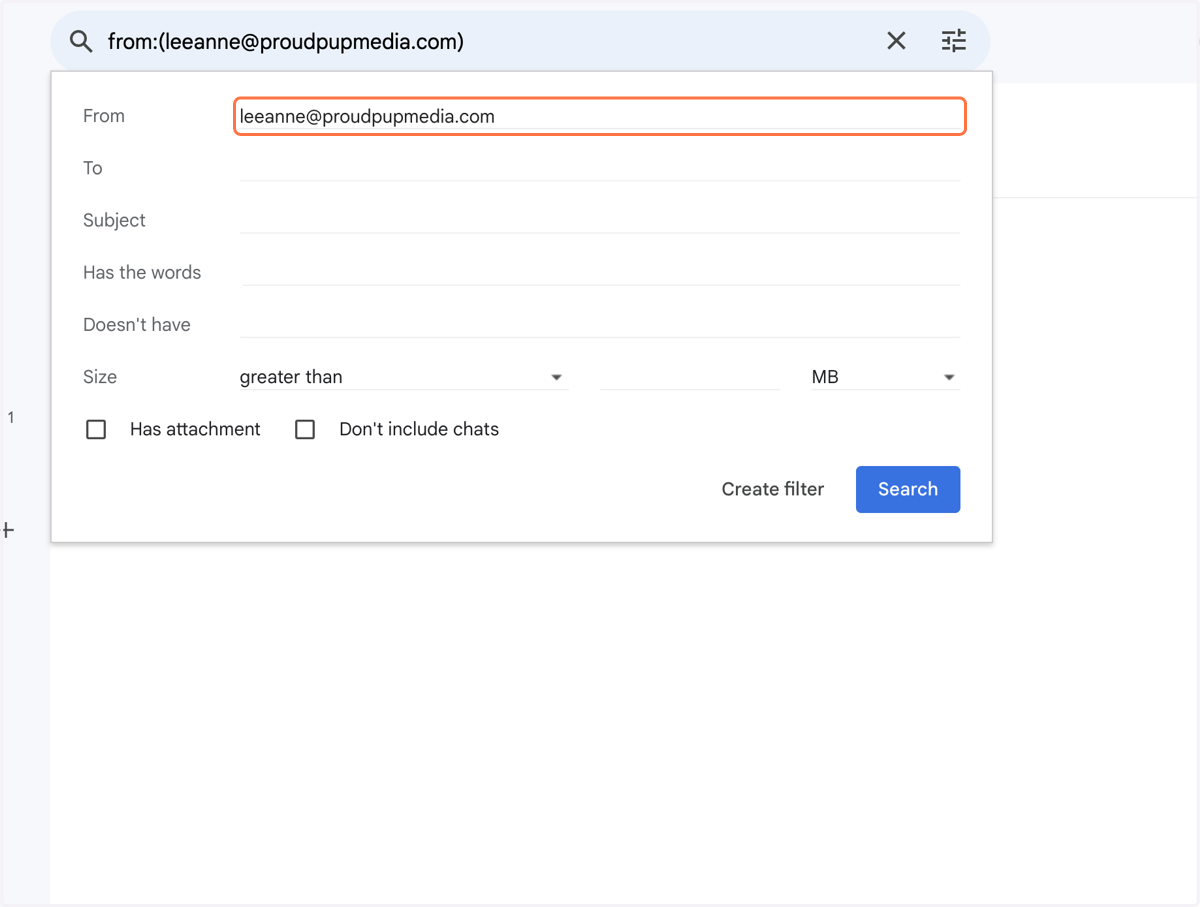
5. Click on From
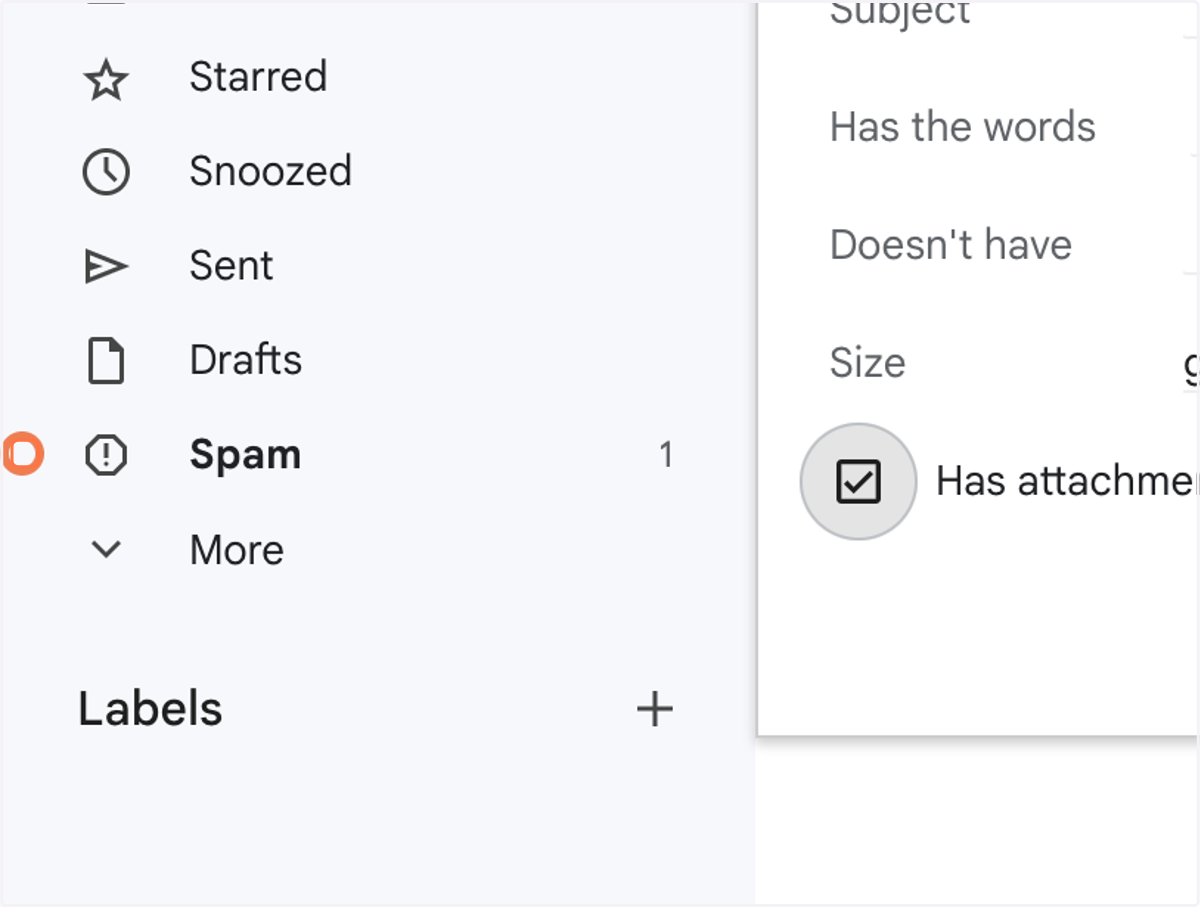
6. Check Has attachment
7. Click on link
8. Check Never send it to Spam
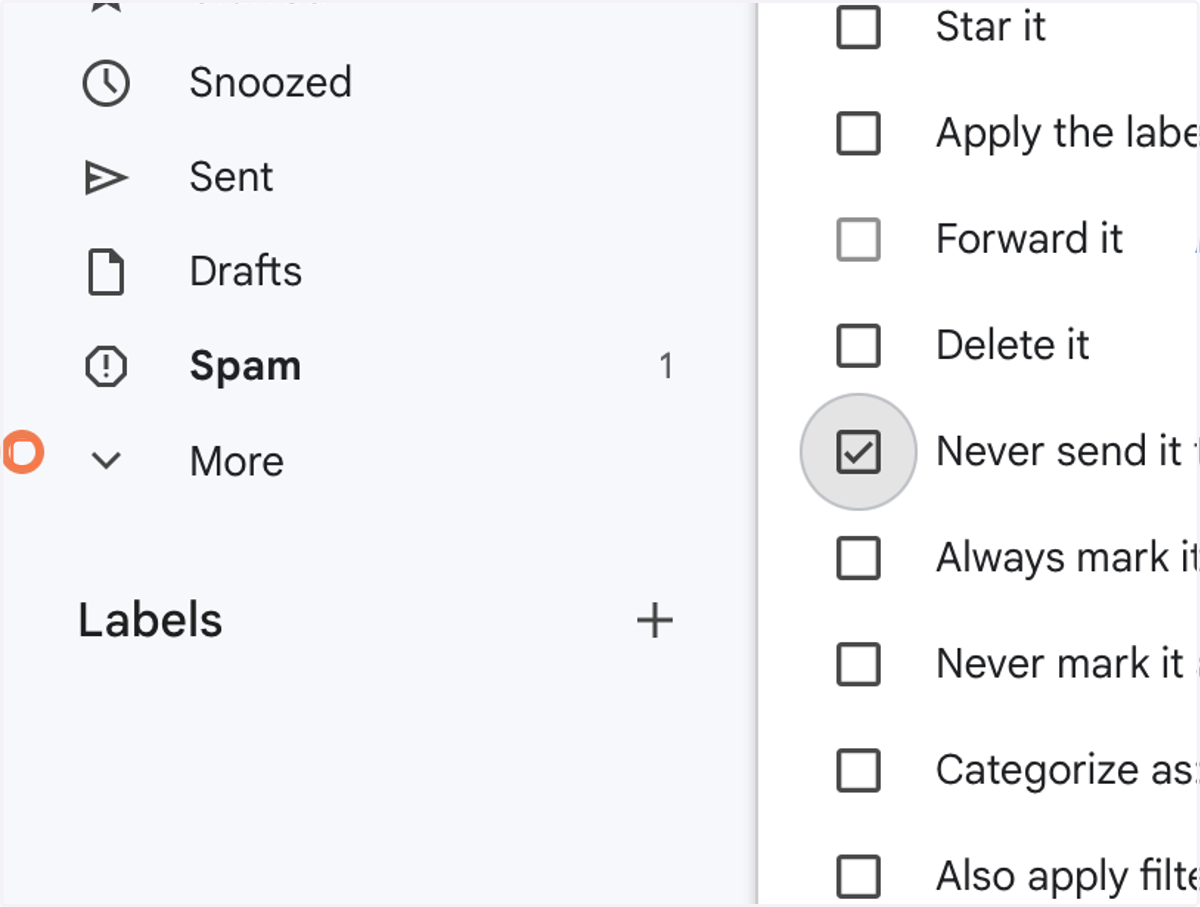
9. Check Also apply filter to 0 matching conversations.
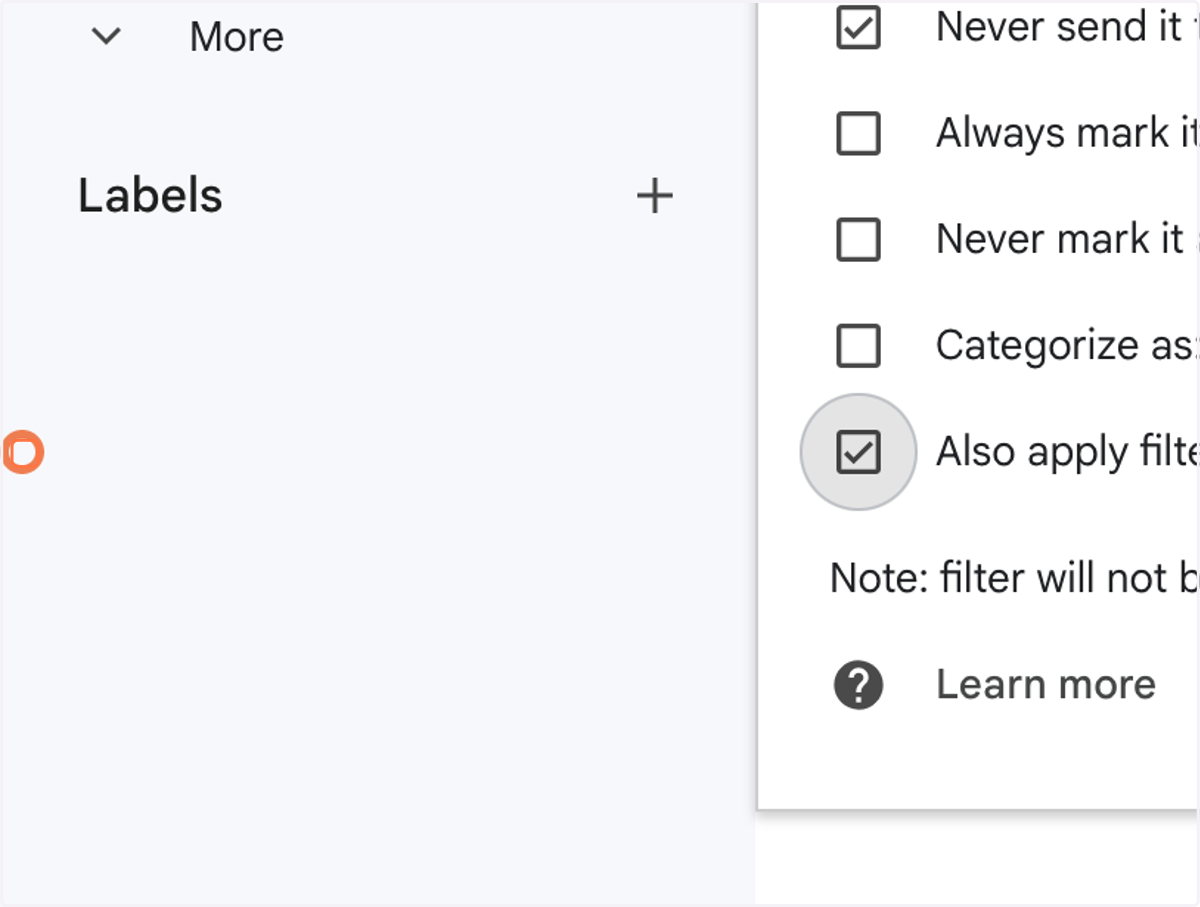
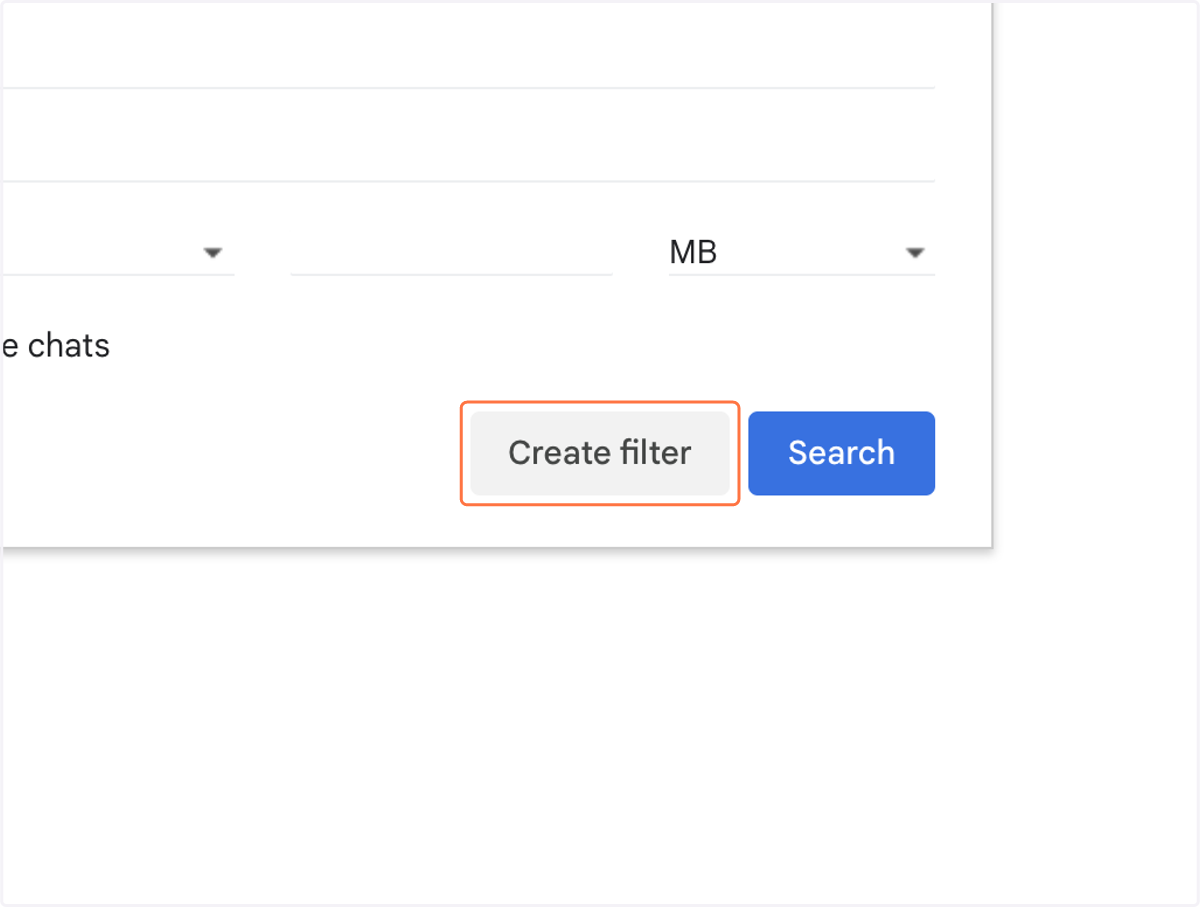
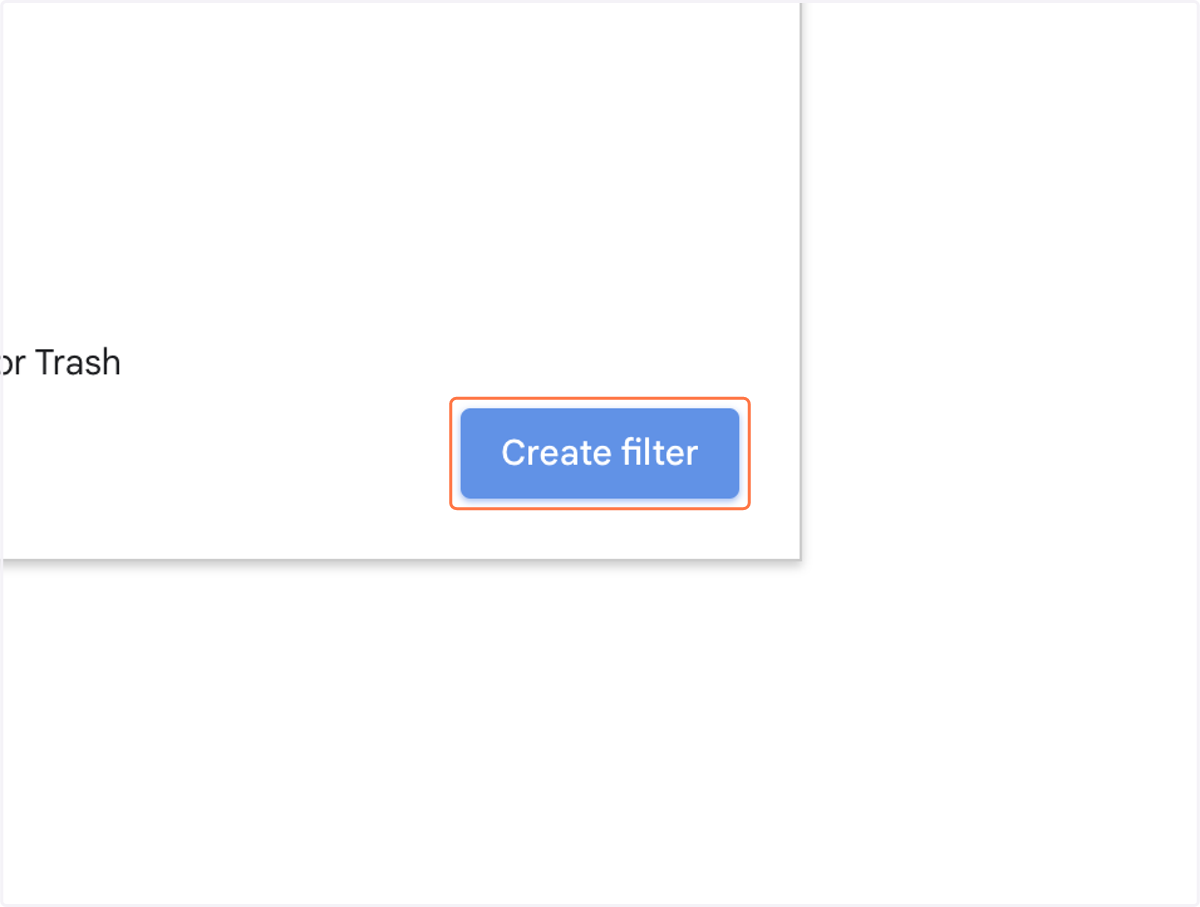
10. Click on Create filter
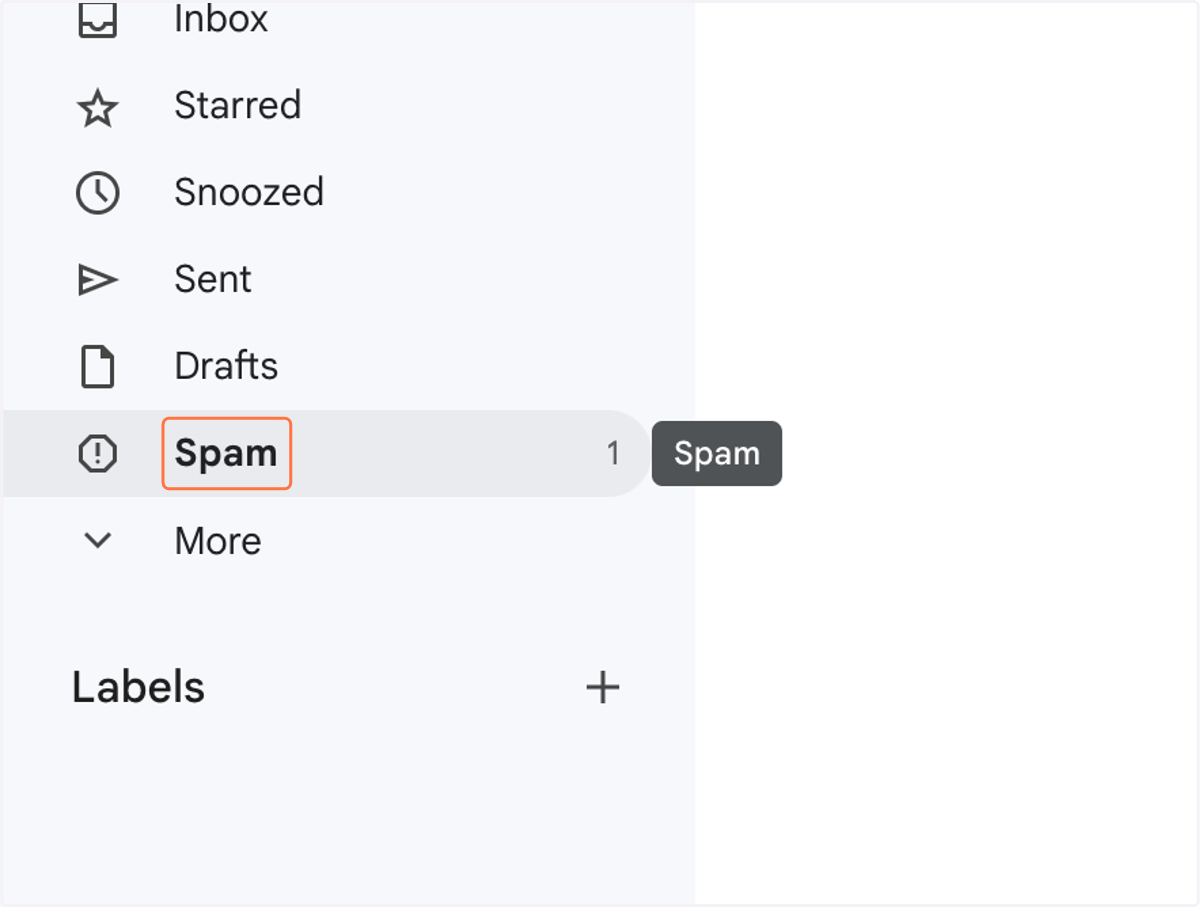
11. Click on Spam
12. Click on Lee-Anne Ekland
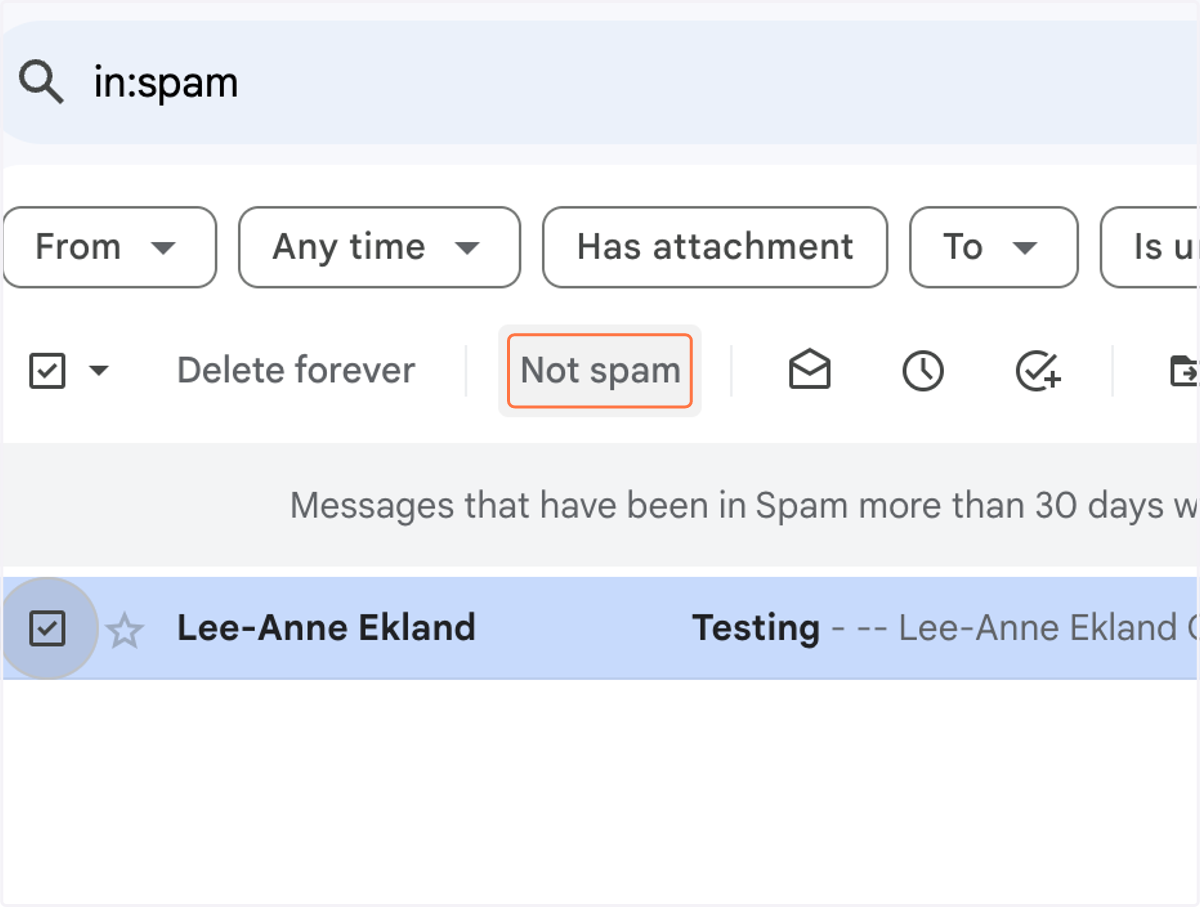
13. Click on Not spam
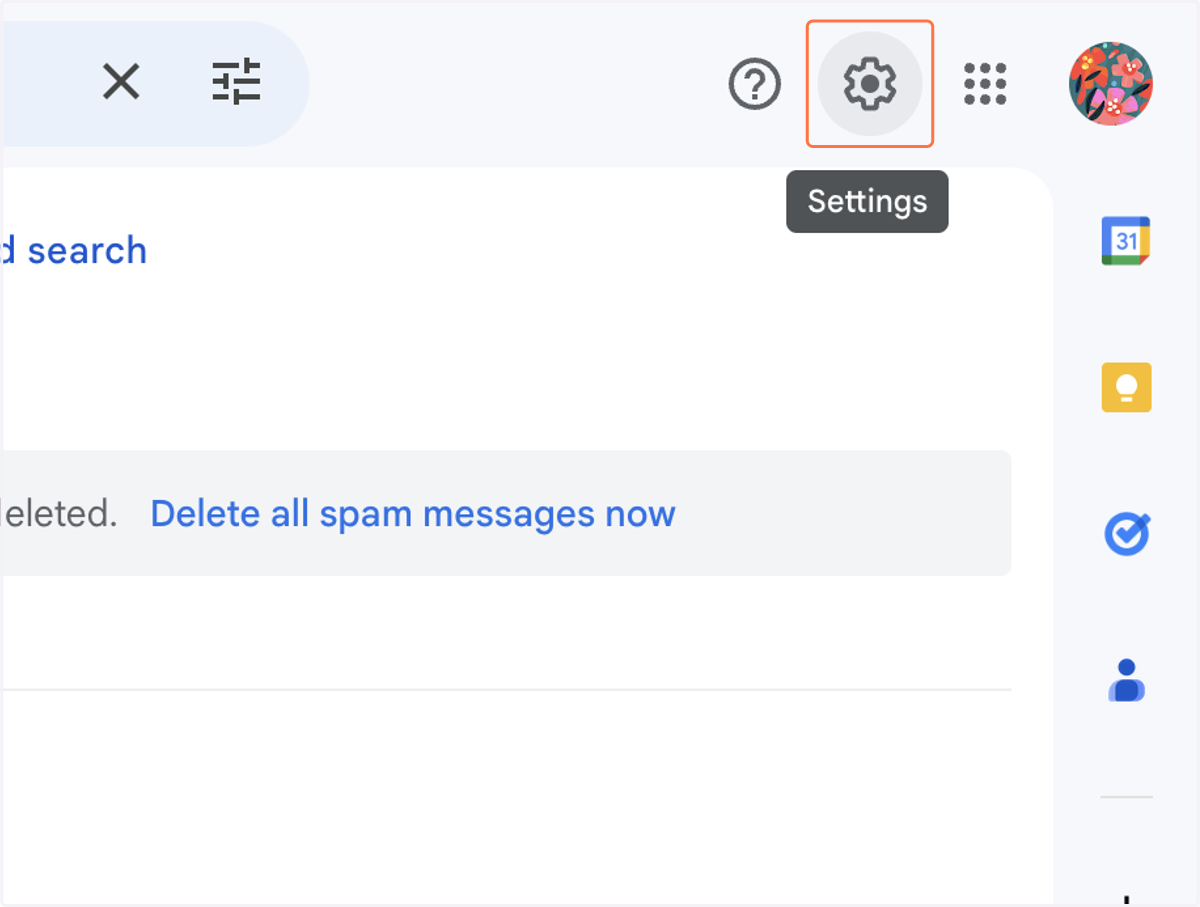
14. Click on Settings
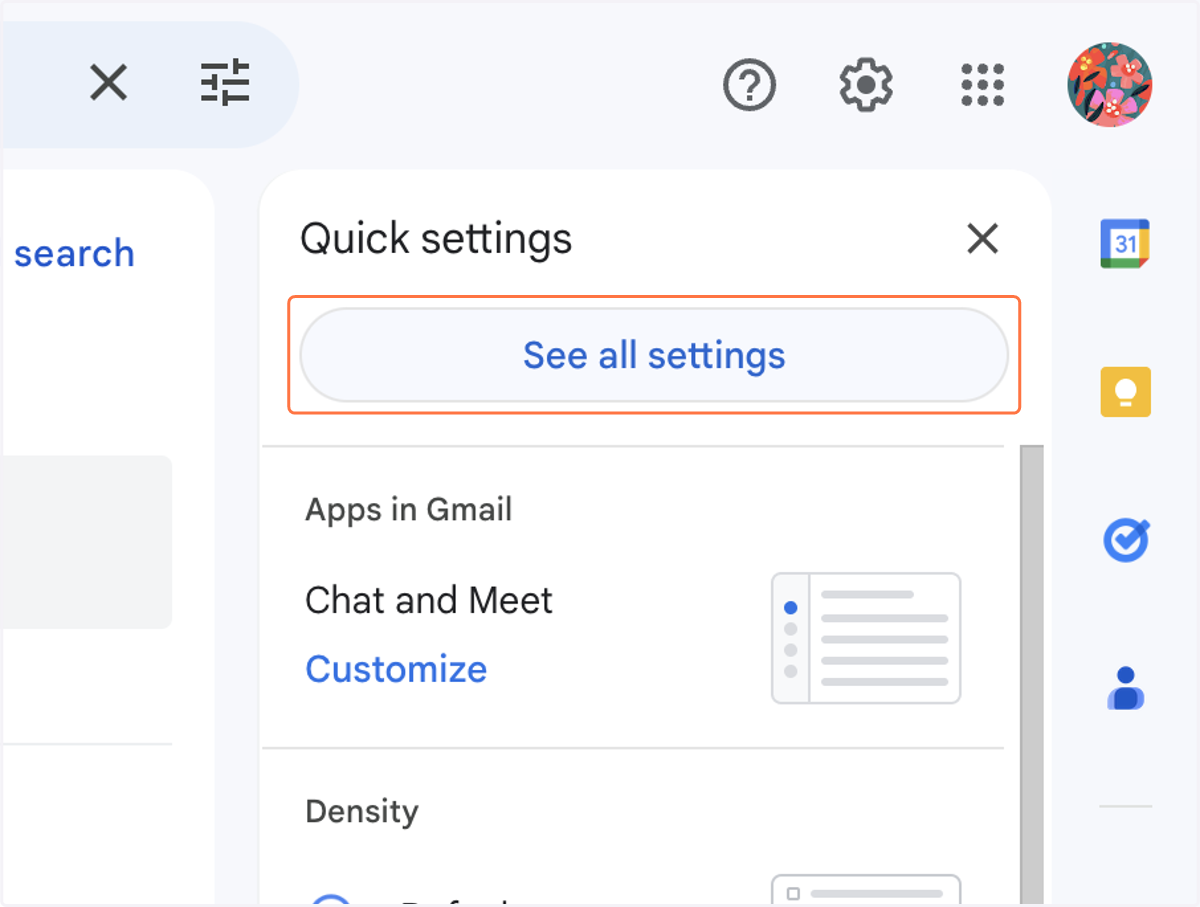
15. Click on See all settings
16. Click on Filters and Blocked Addresses
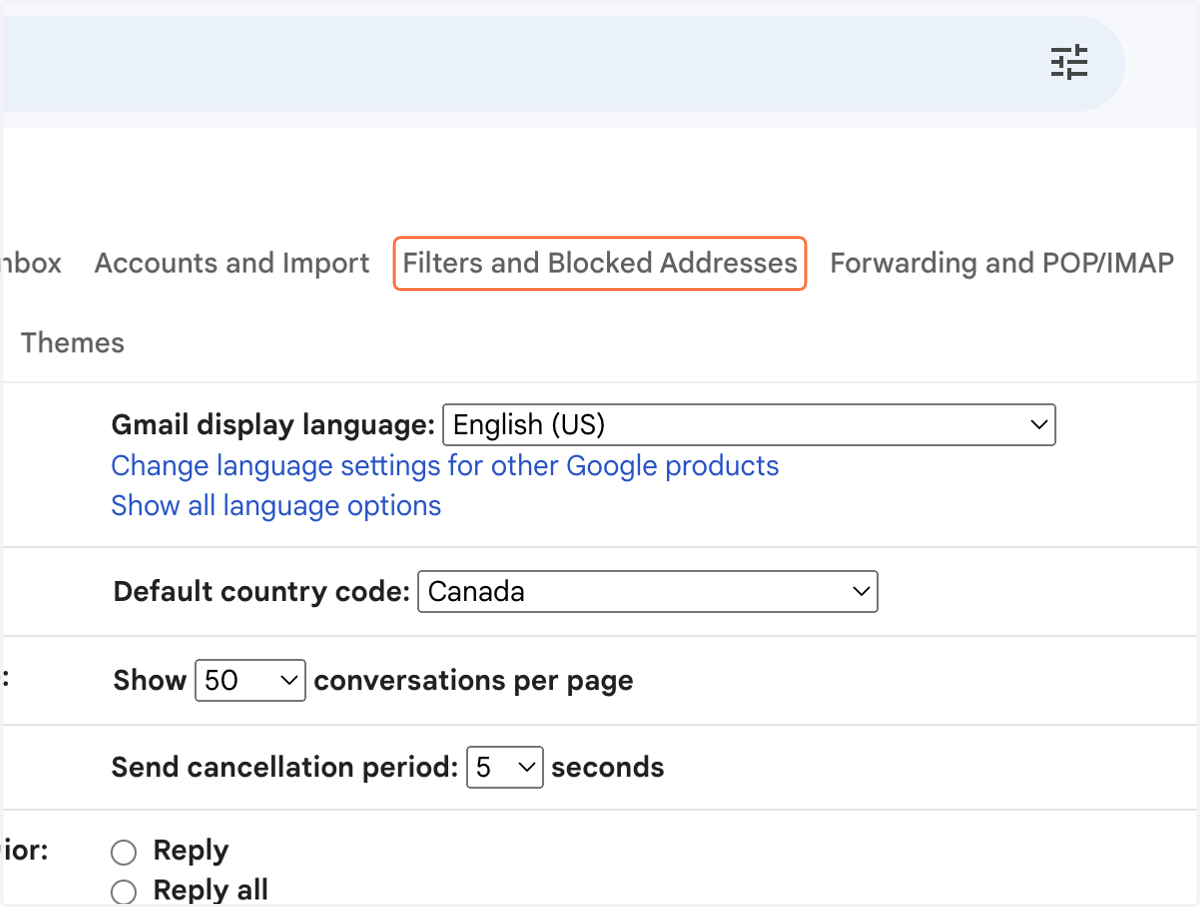
17. Click on listitem
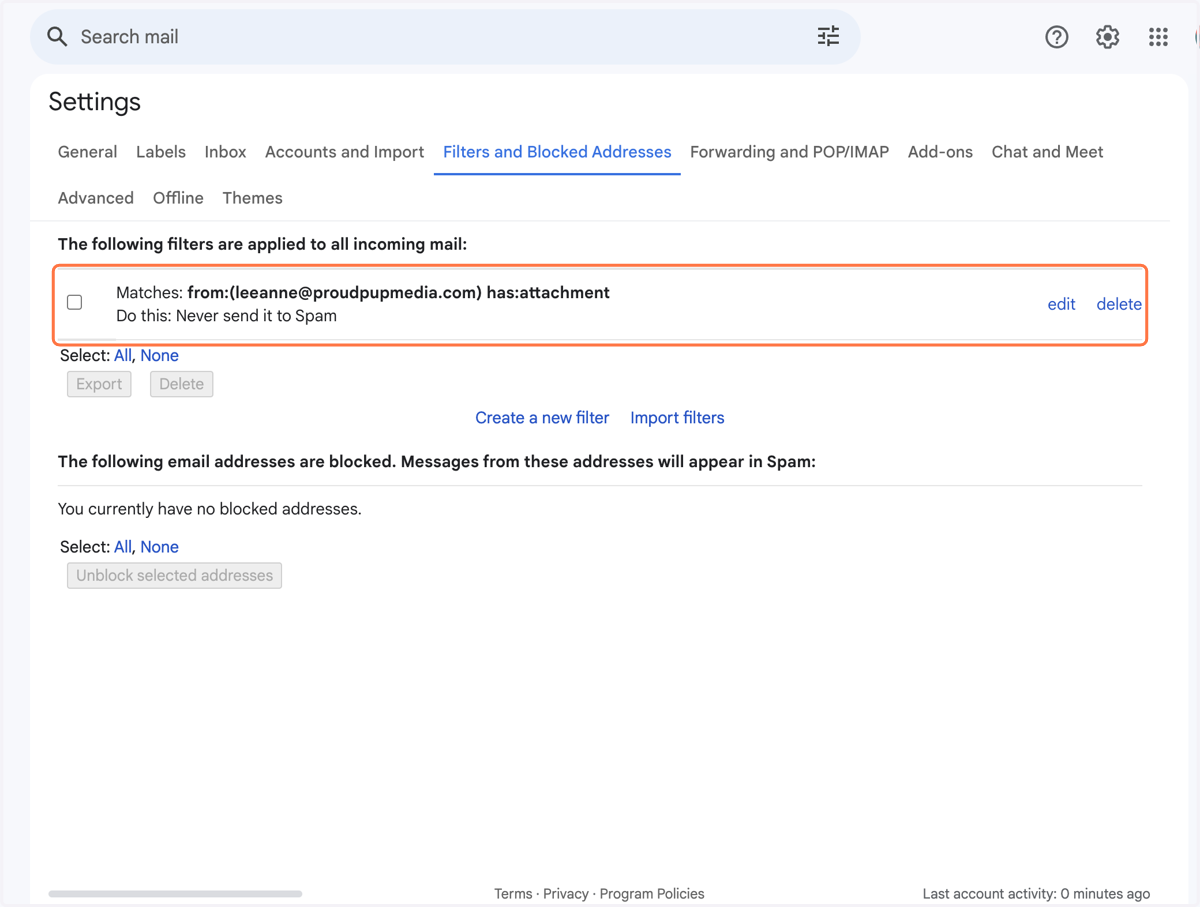
18. Click on edit
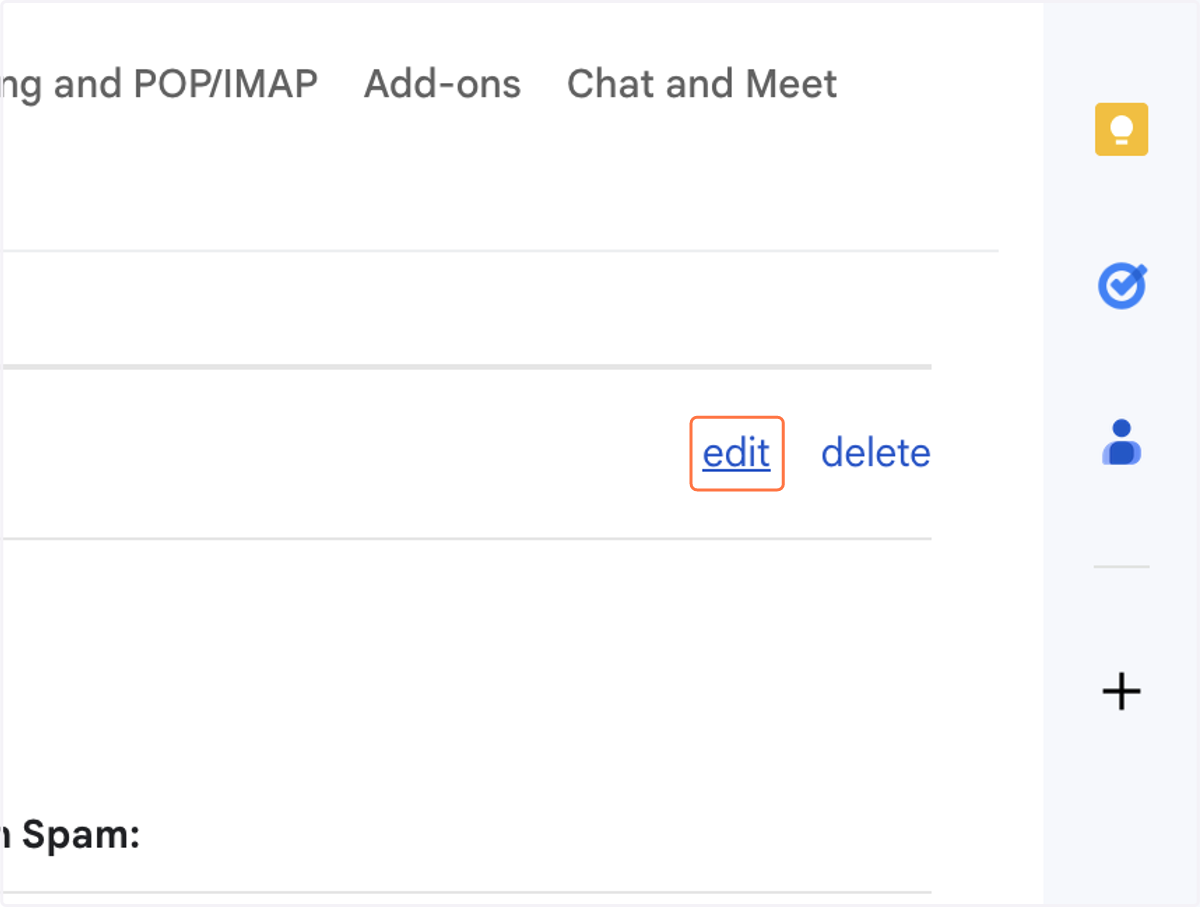
19. Click on link
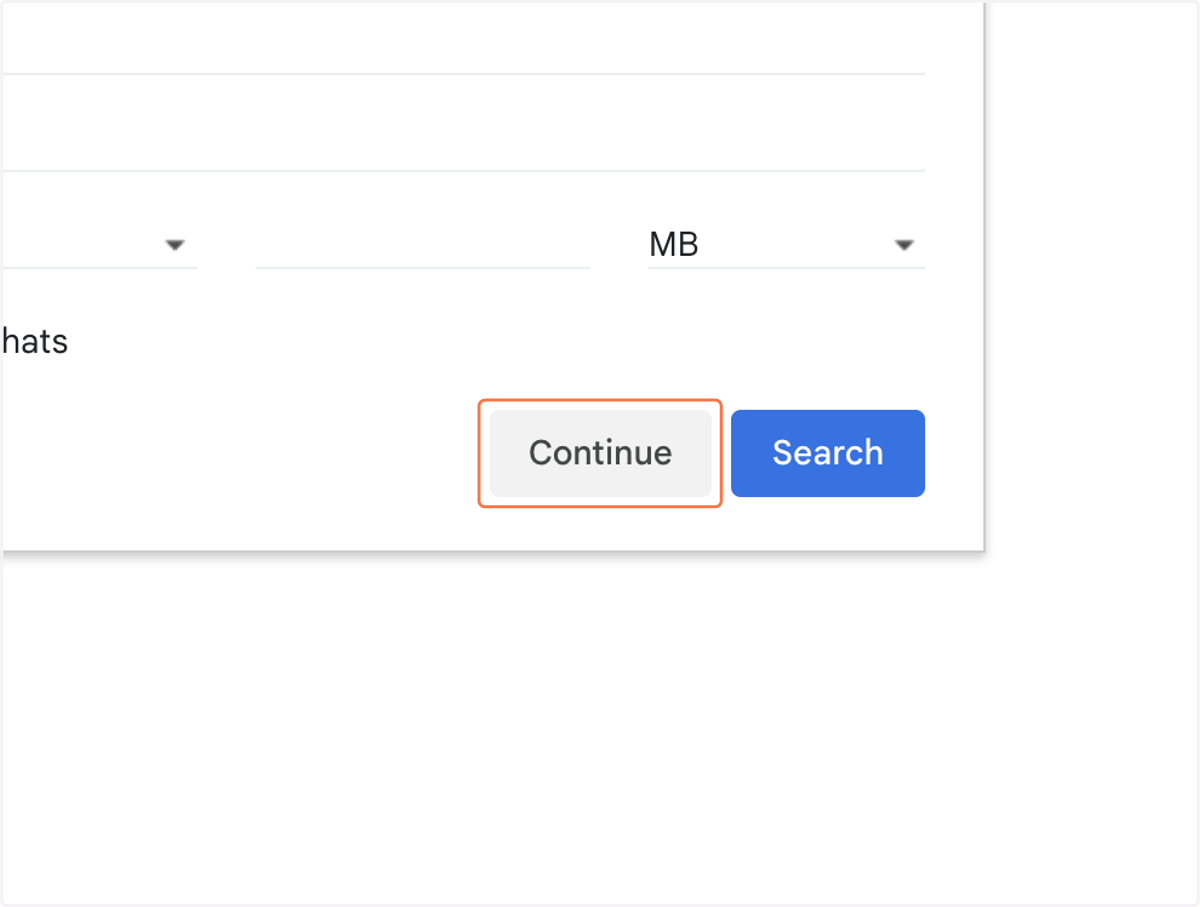
20. Click on Never send it to Spam
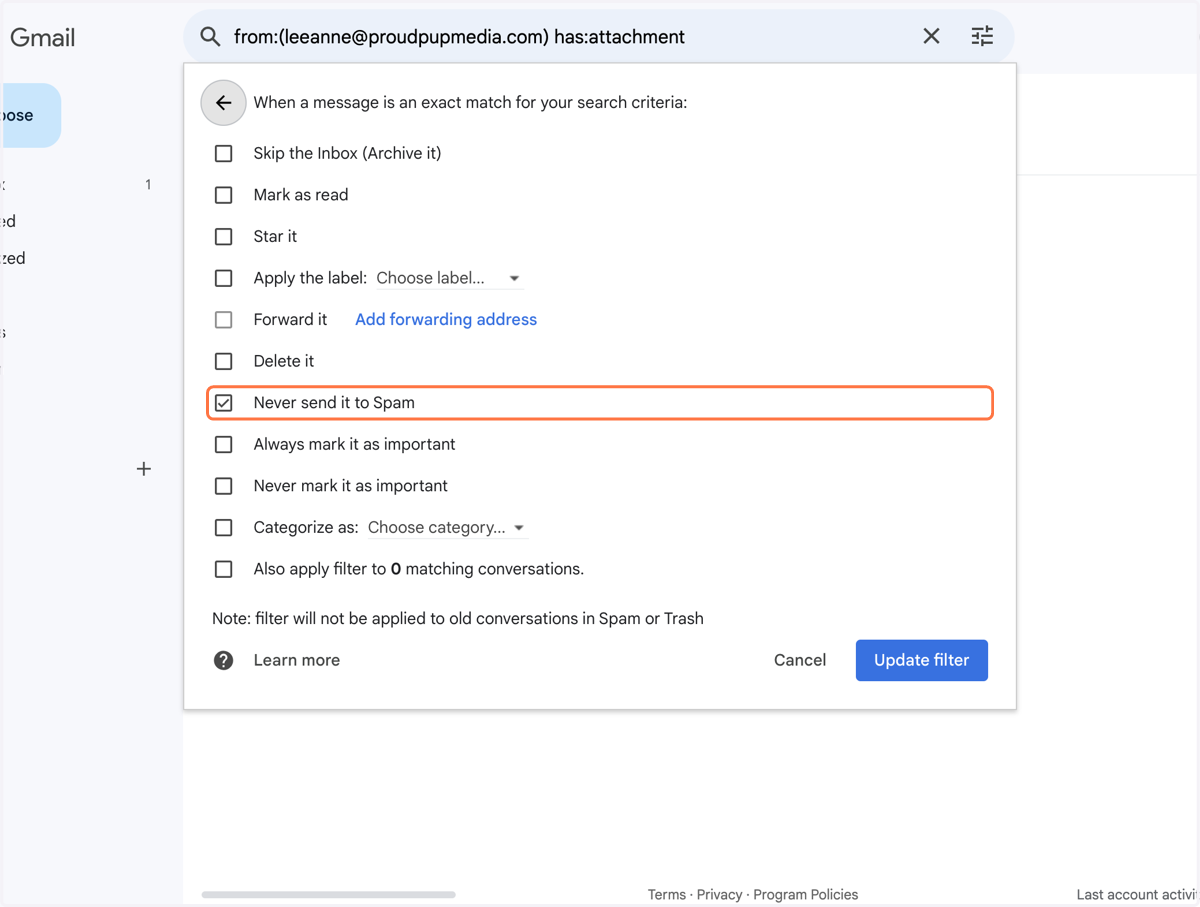
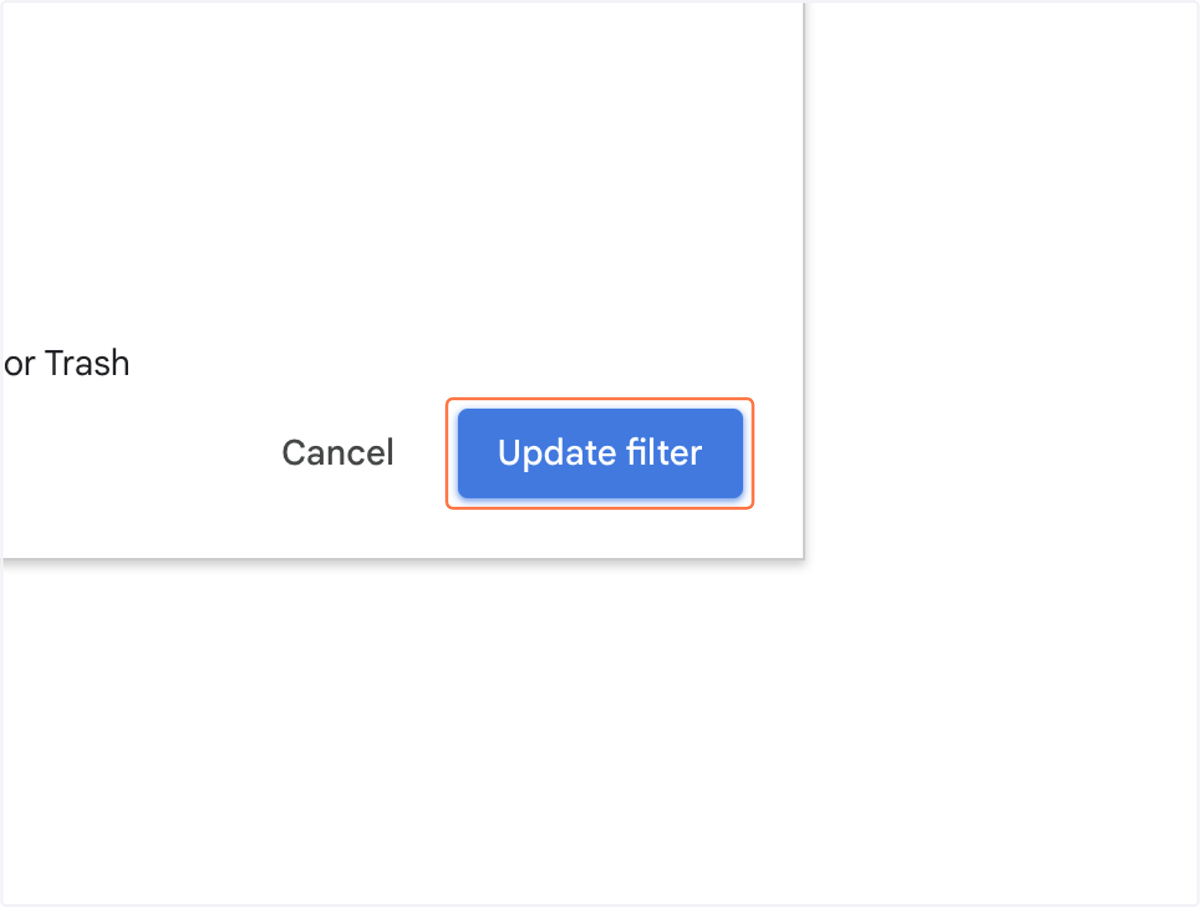
21. Click on Update filter