Managing Official Contacts in Directory
These general steps can be used for managing which appointee on the Directory is your organisation's official contact with WOSM.
World Scouting Directory - Official Contact
Navigate to directory.scout.org and login. NSO Administrator access will be required to proceed. Email reporting@scout.org to request access.
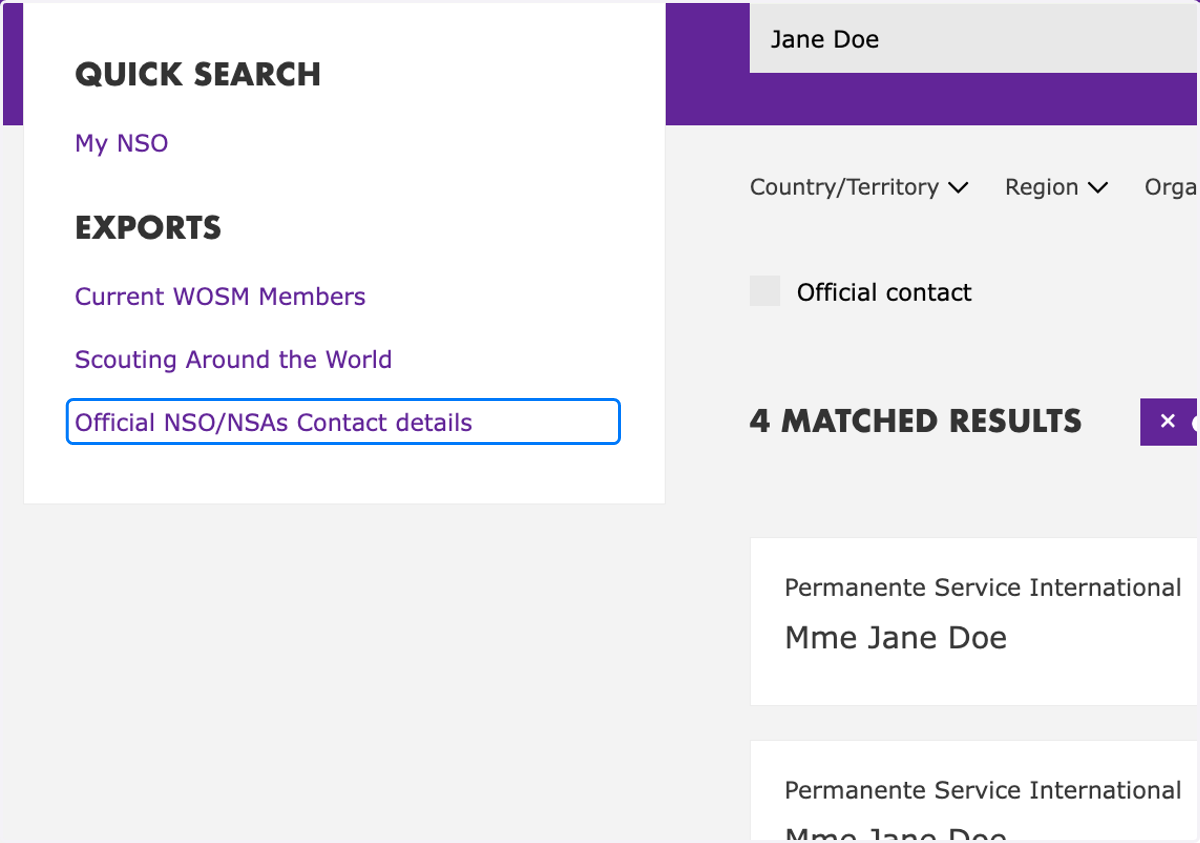
1. Locate person profile of Official Contact
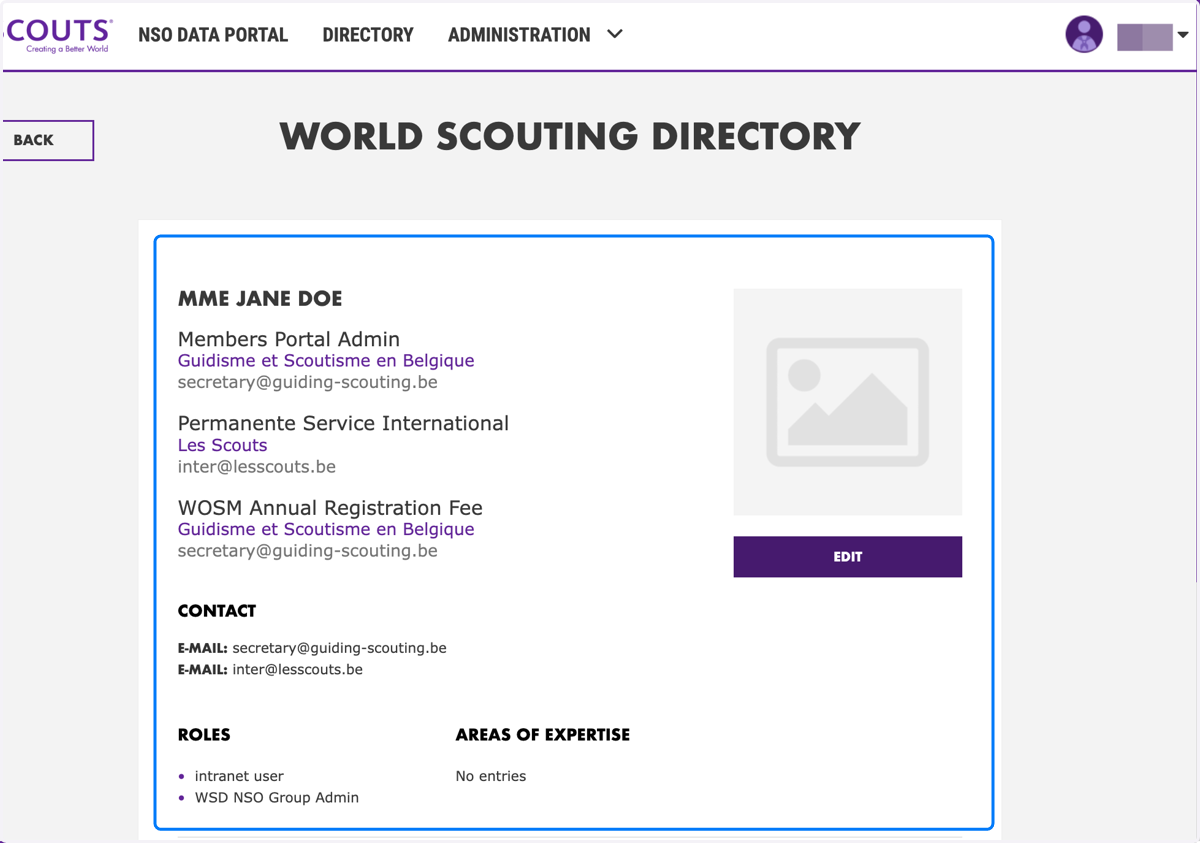
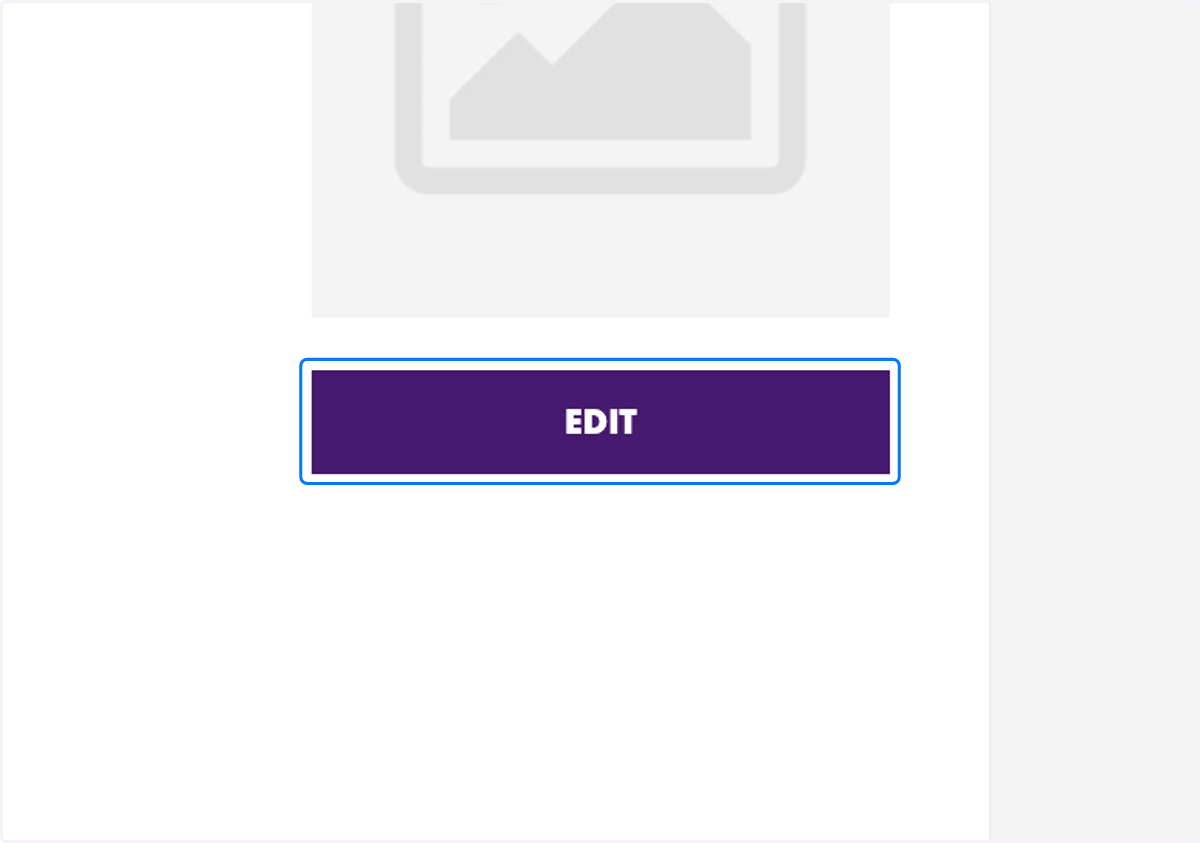
2. Click on "Edit"
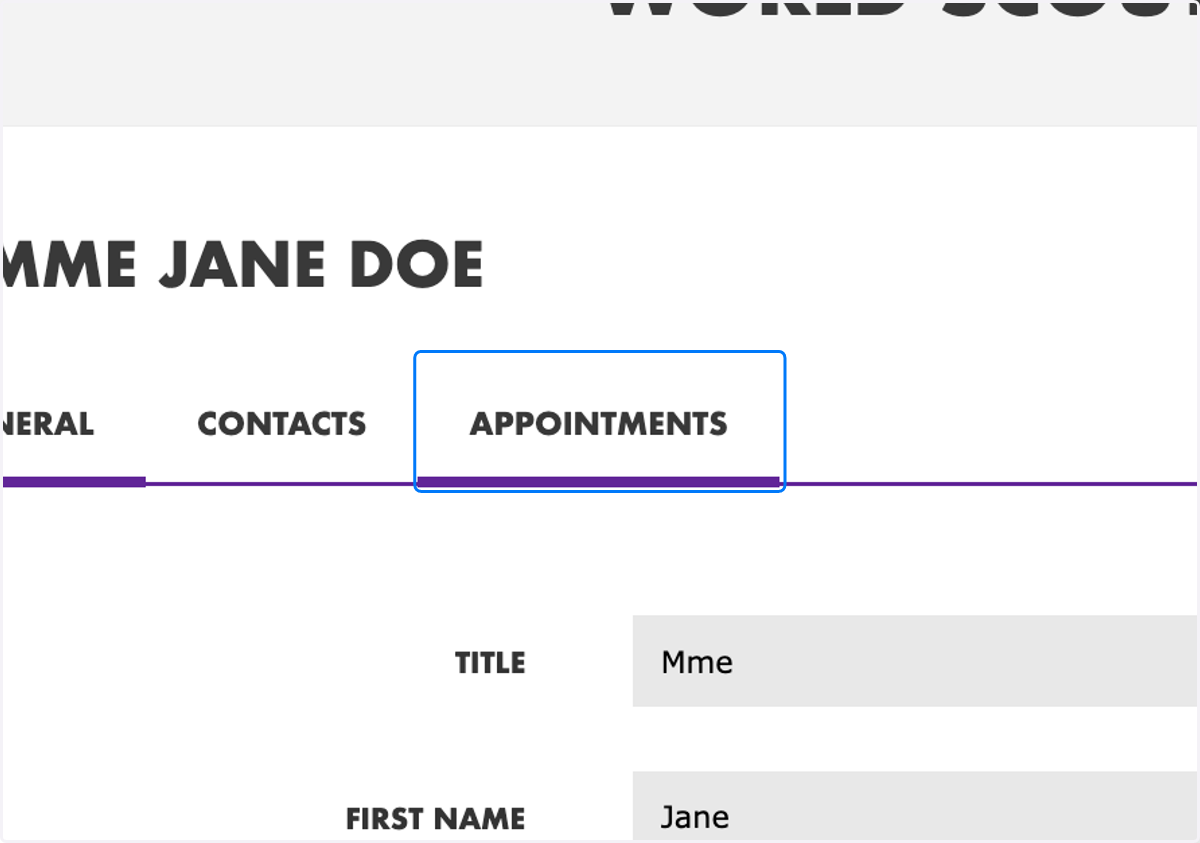
3. Navigate to "Appointments" tab
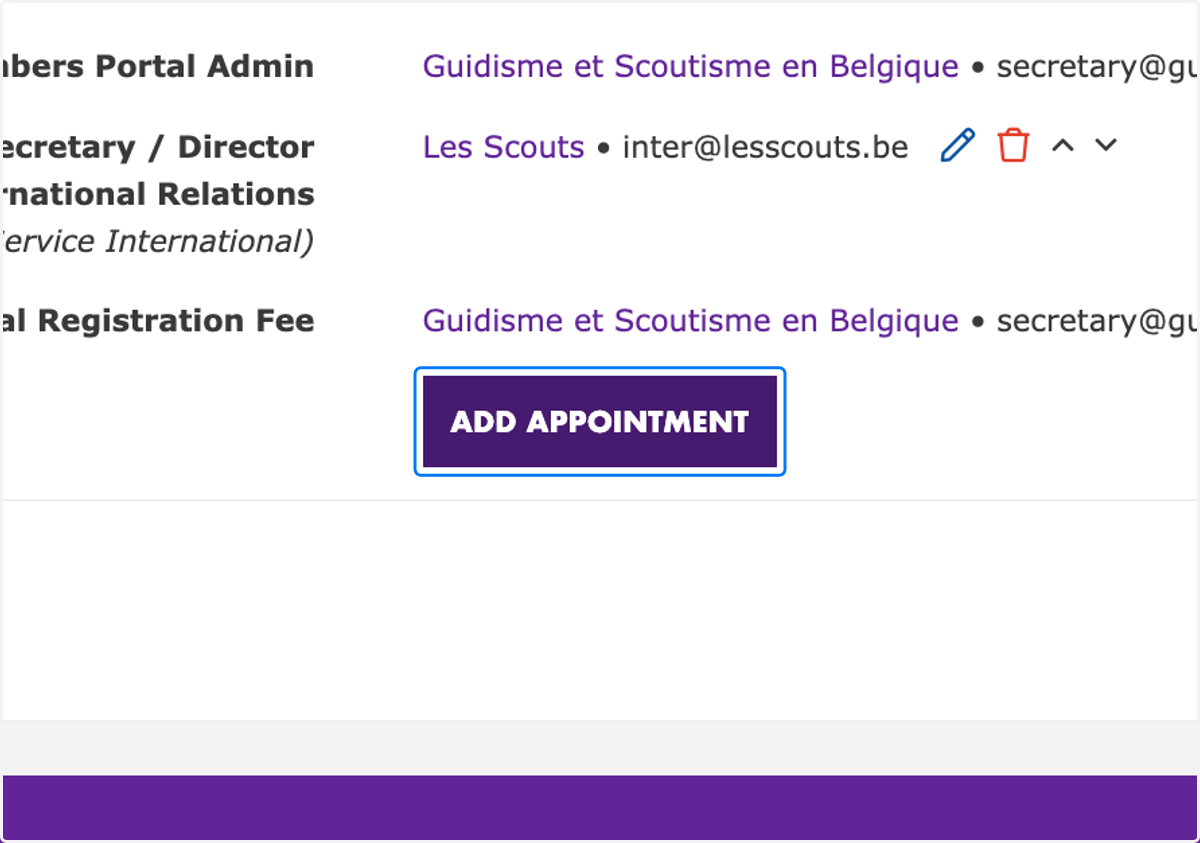
4. Click on "Add Appointment" or "Edit"
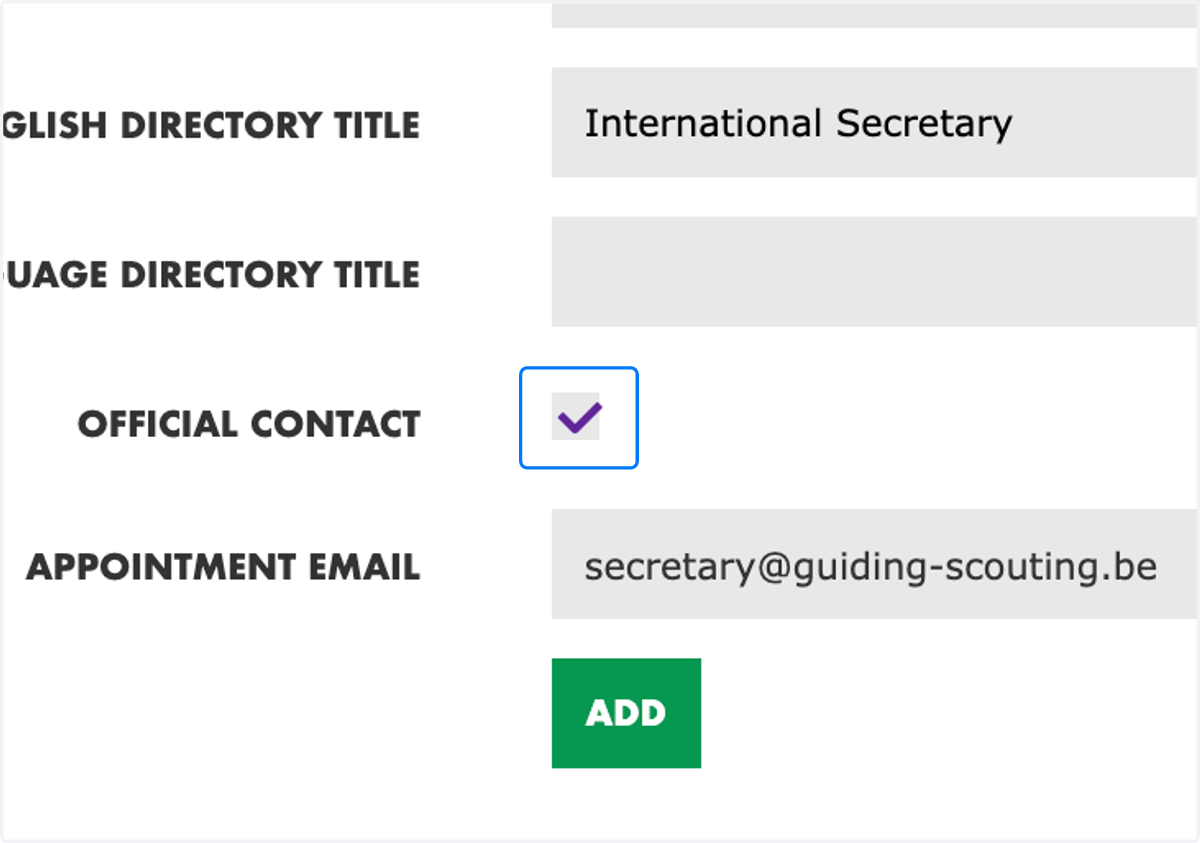
5. Select "Official Contact"
The official contact should only be selected on the primary appointment of the official contact, and not on all of their appointments.
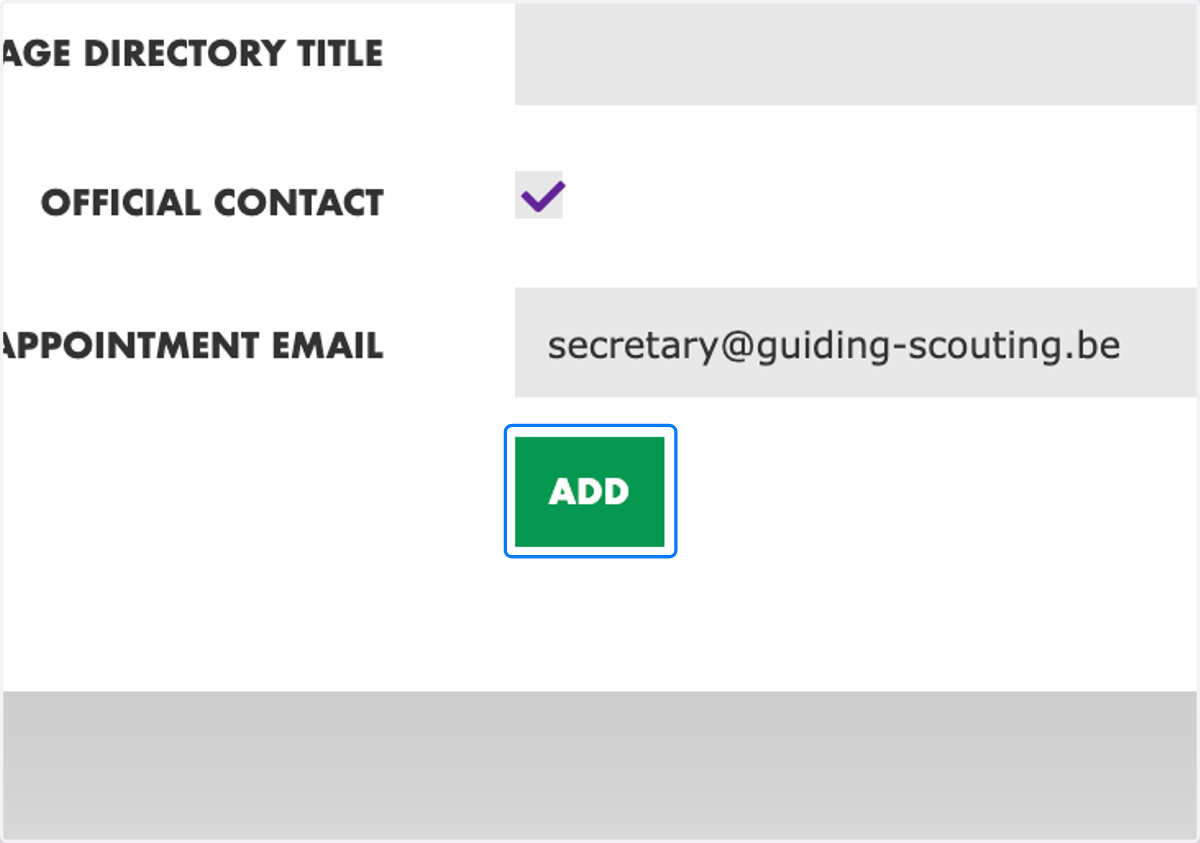
6. Click on "Add" or "Update"
7. Click on "Save Changes"

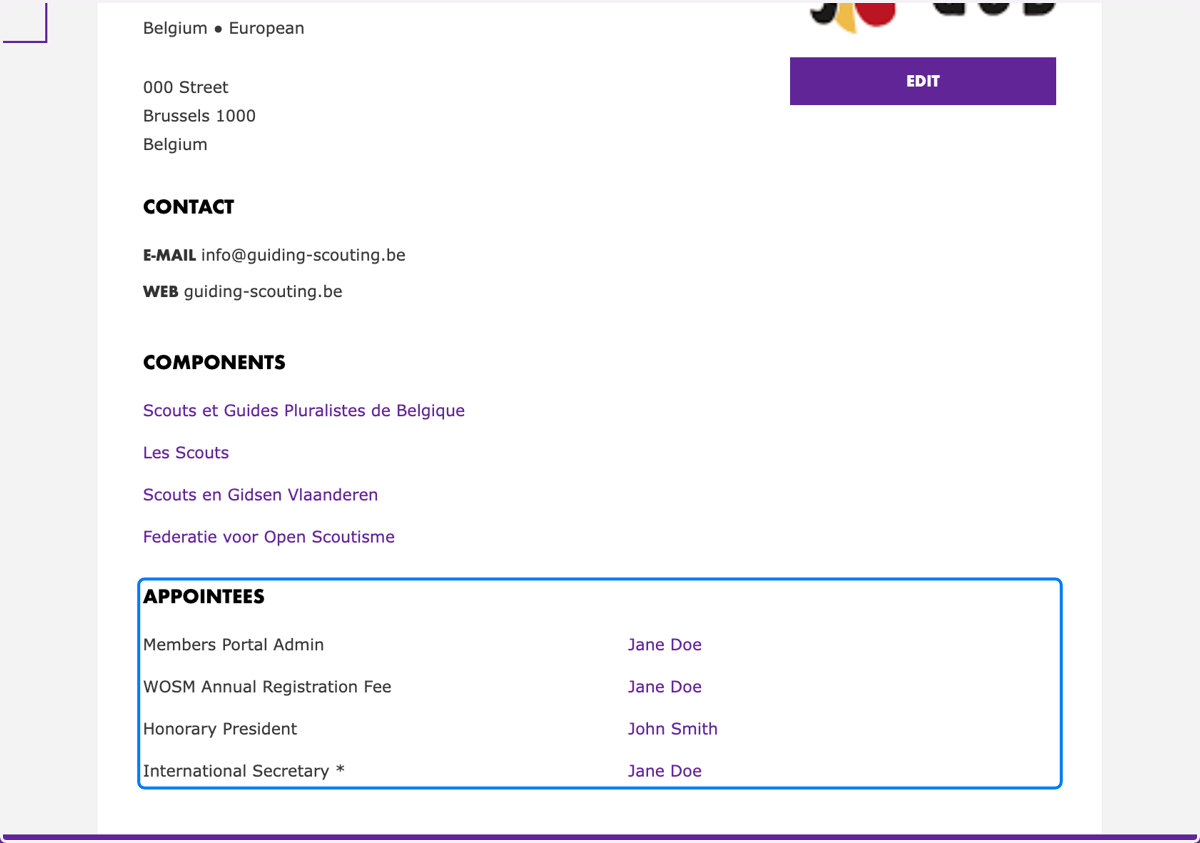
8. List of appointees
The * asterisk identifies the Official Contact of the organisation. No more than one or two appointees (and appointments) should be identified as the Official Contact with WOSM.
9. Export of official NSO/NSAs contact details
The export of all official contacts of NSOs and NSAs is available to users with NSO Admin access rights. This export is to be used for Scouting purposes only and be respectful of personal data.