Managing Location Settings and Updating Store Information
GOrder
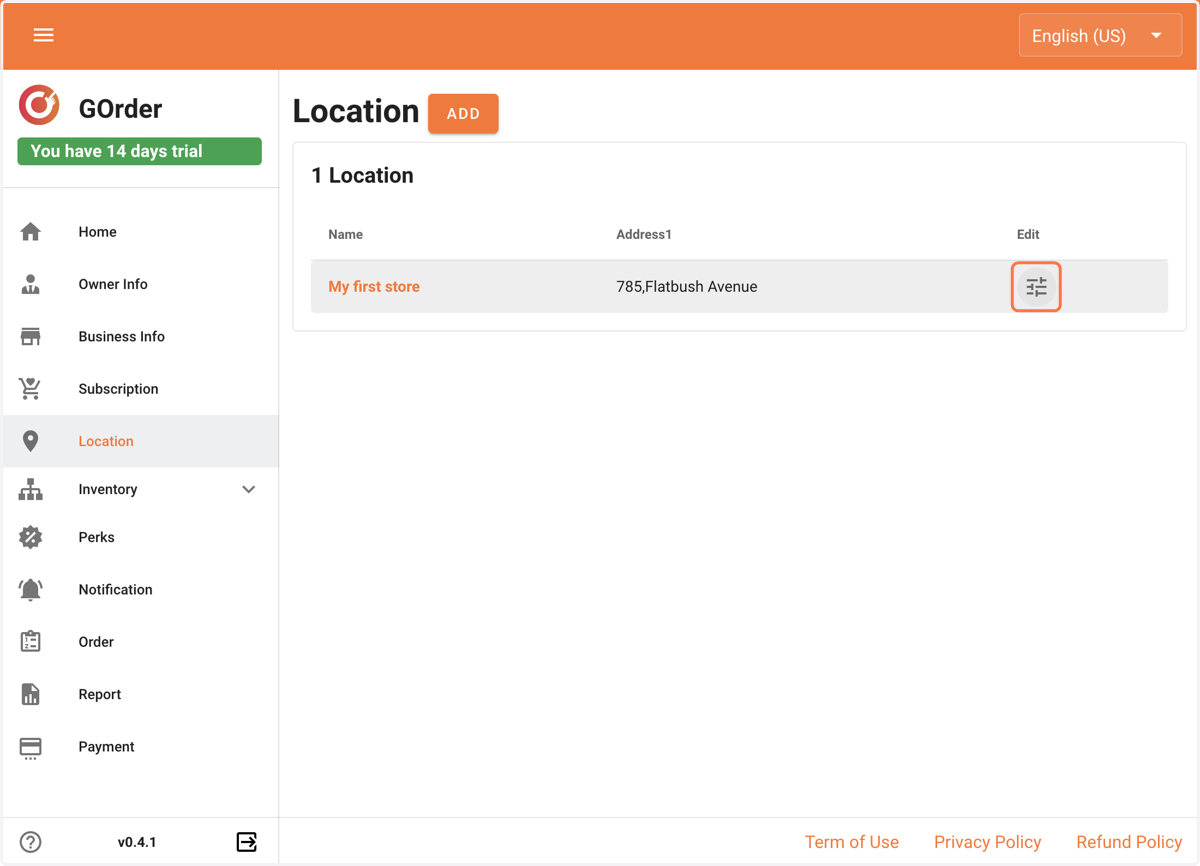
1. Click on Location settings
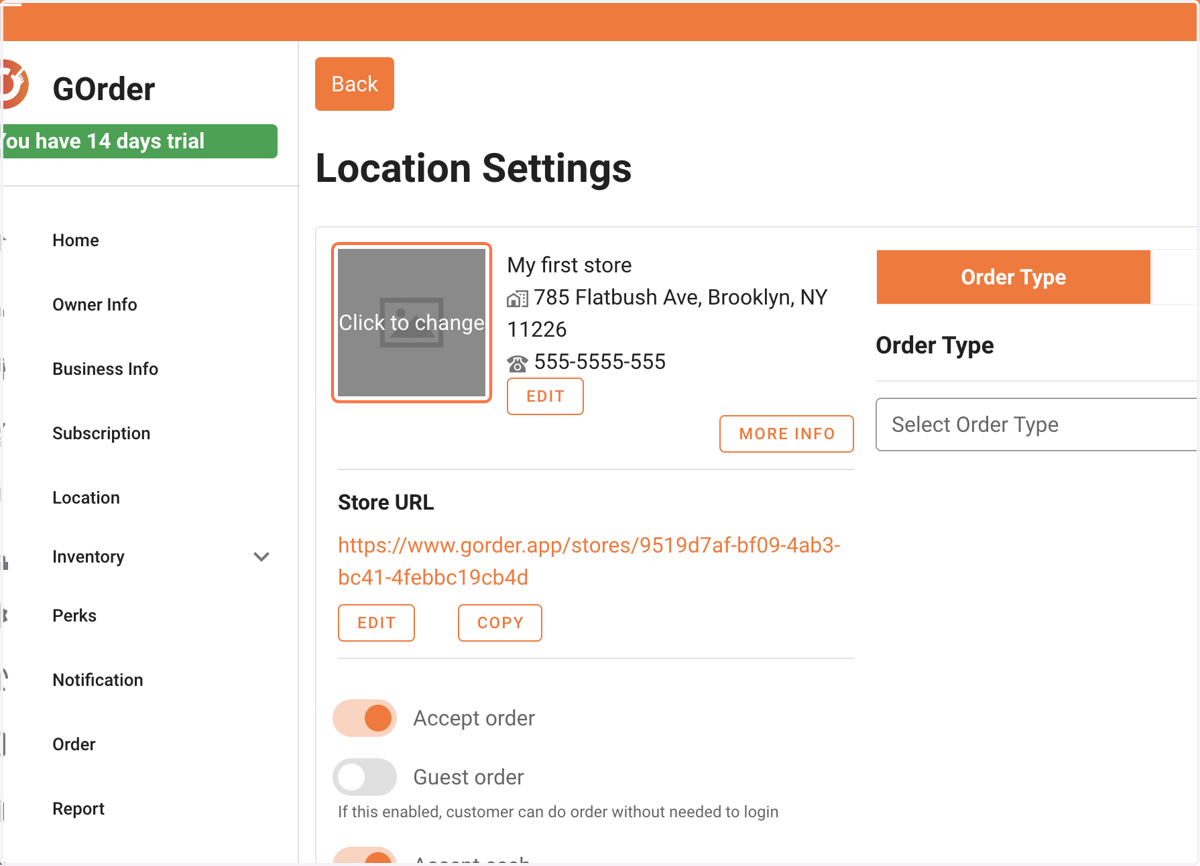
2. Click on Click to change and upload your logo. Best to upload a square sized logo.
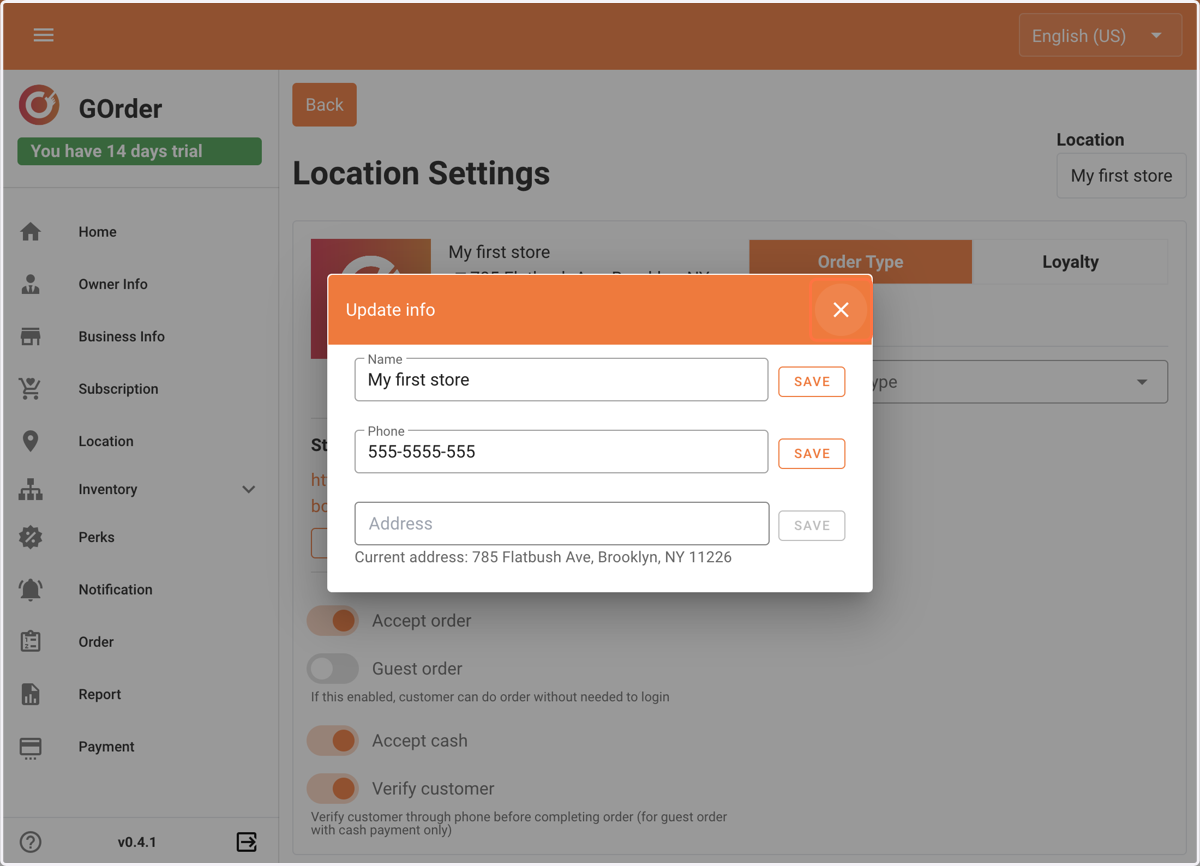
3. To edit your store information (name, address, or phone) you can do it from the edit button on the right side of the logo.
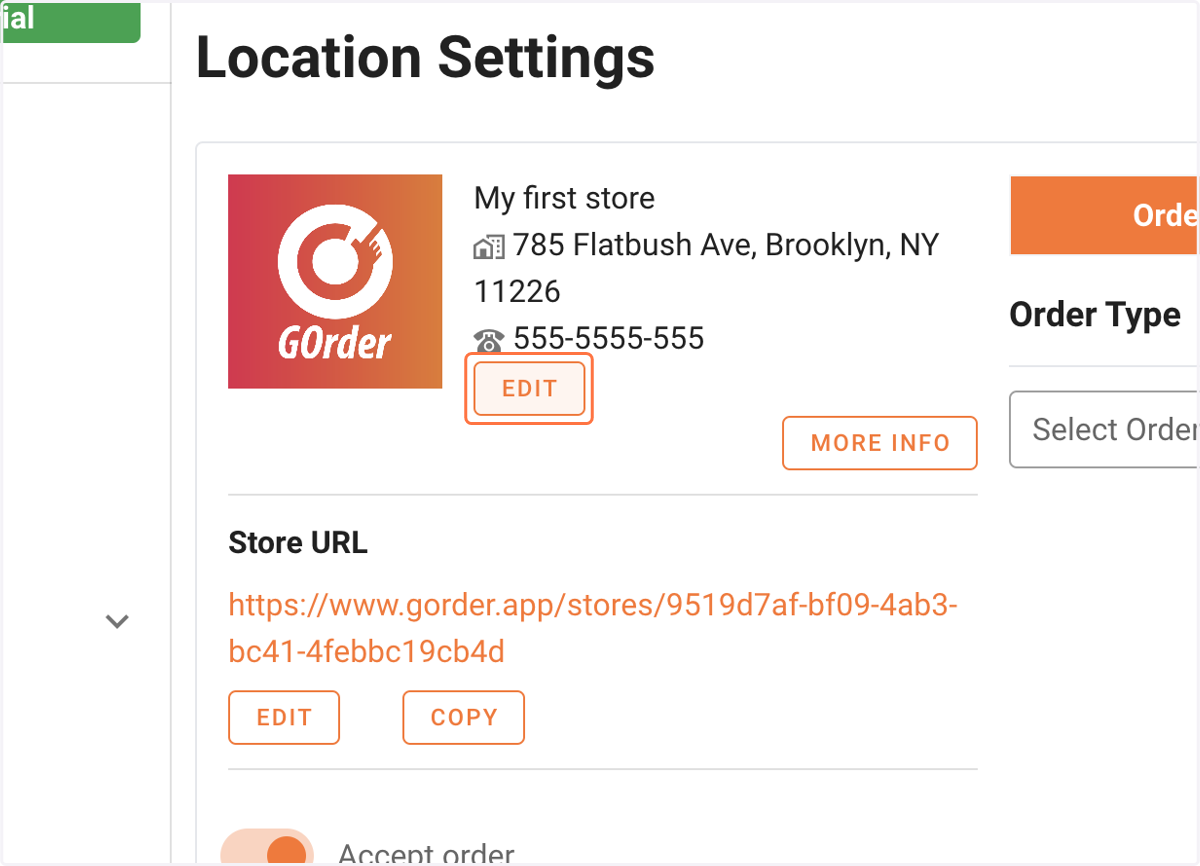
4. You need to use the save button to update each field.
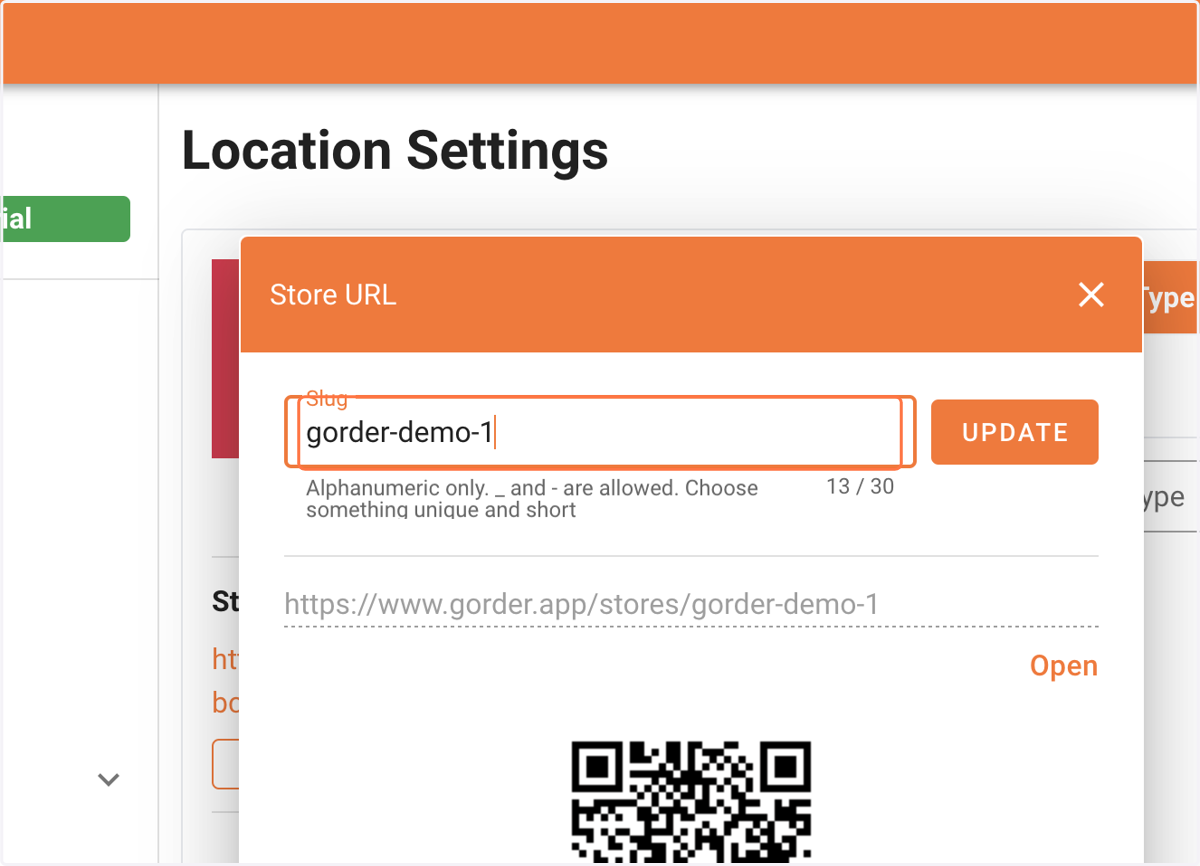
5. For editing your store URL, click the edit button inside the Store URL section
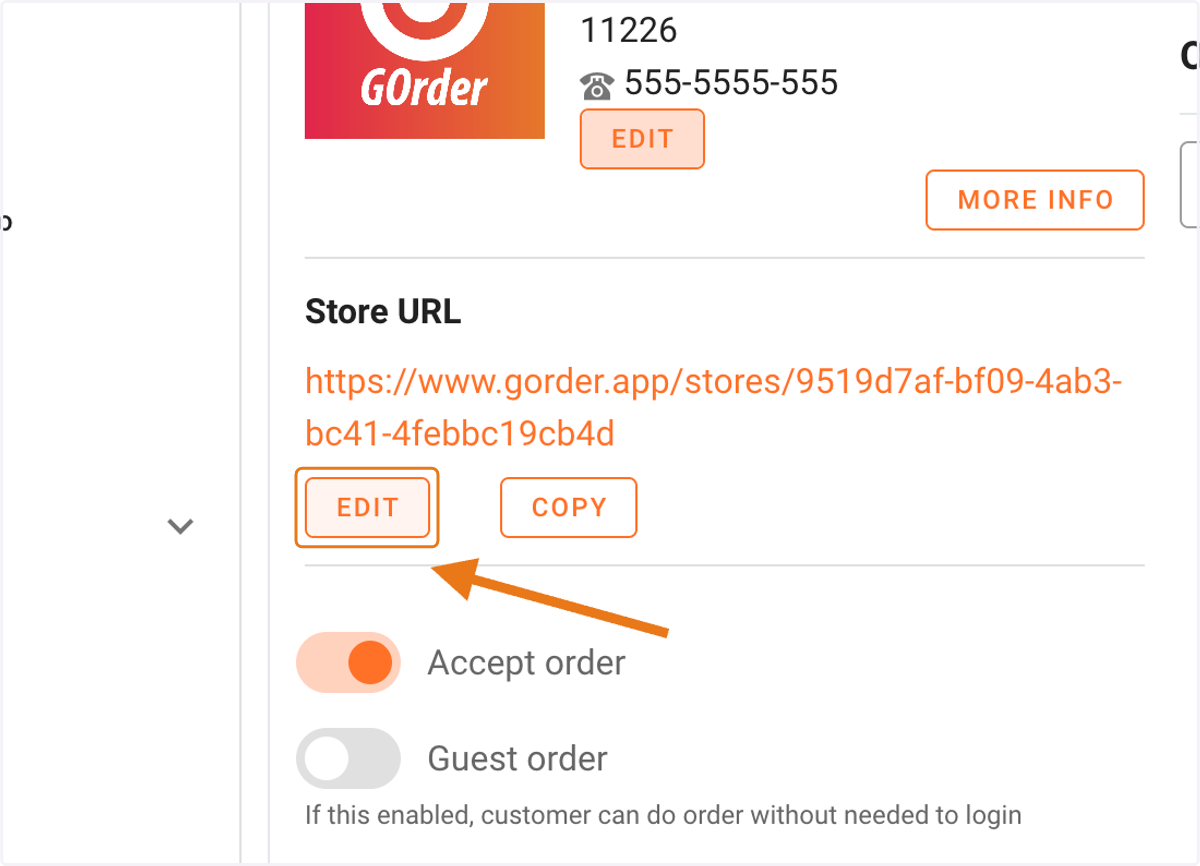
6. Change the slug of your store and do not forget to click the update button.