Managing Fines in My.PPS Destiny Catalog and Discover
My.PPS.net
Go to my.pps.net and login with your school account.
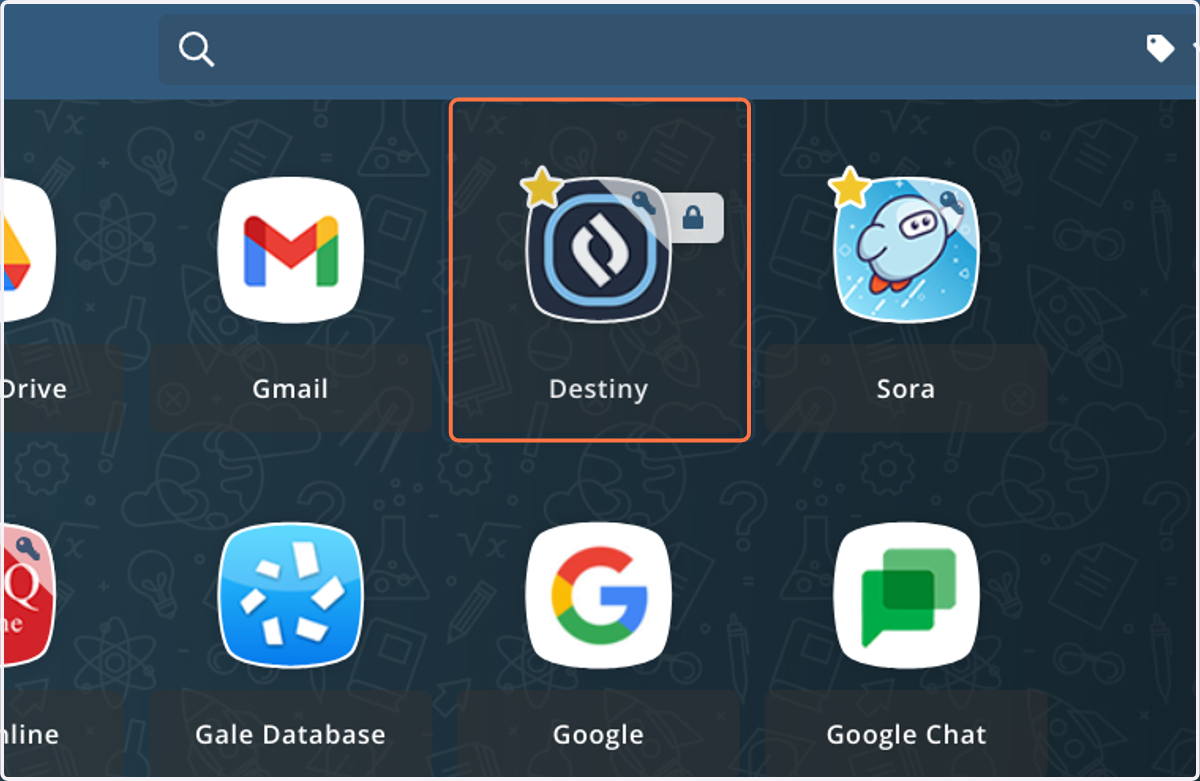
1. Click on Destiny
Destiny is our school library catalog. You can check your library and textbook account, look for books, and place holds.
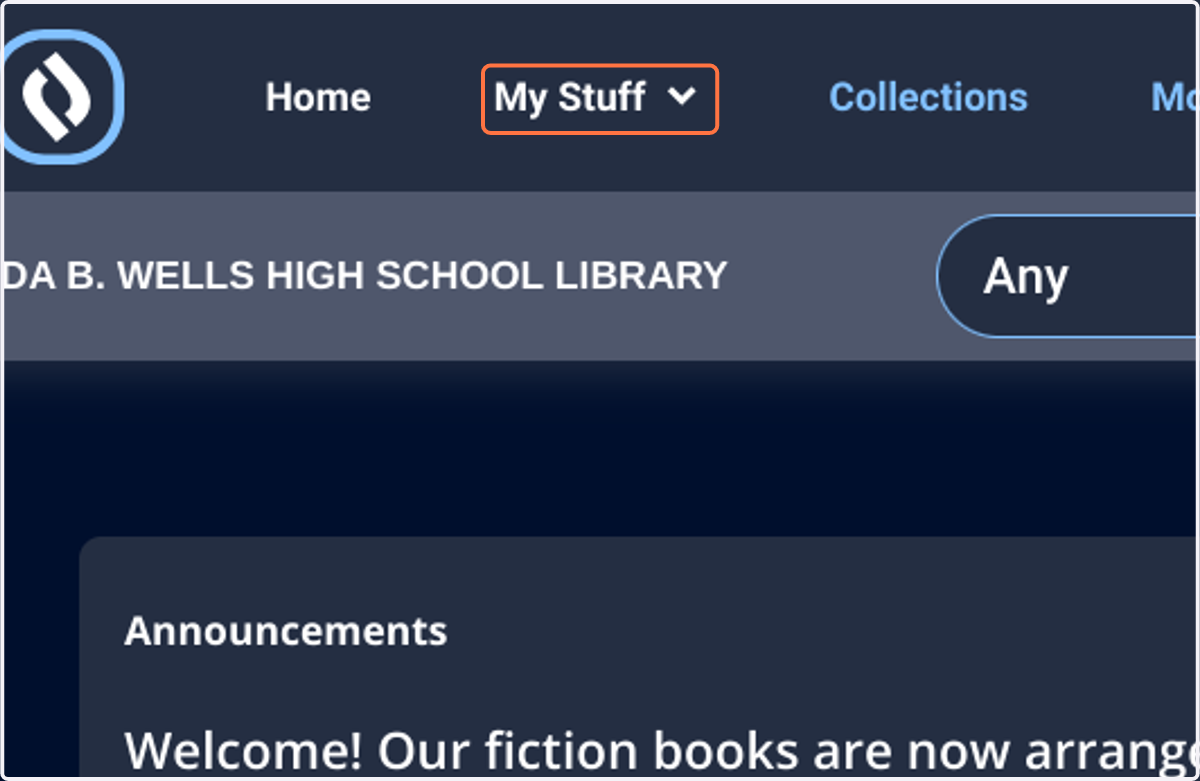
2. Click on My Stuff.
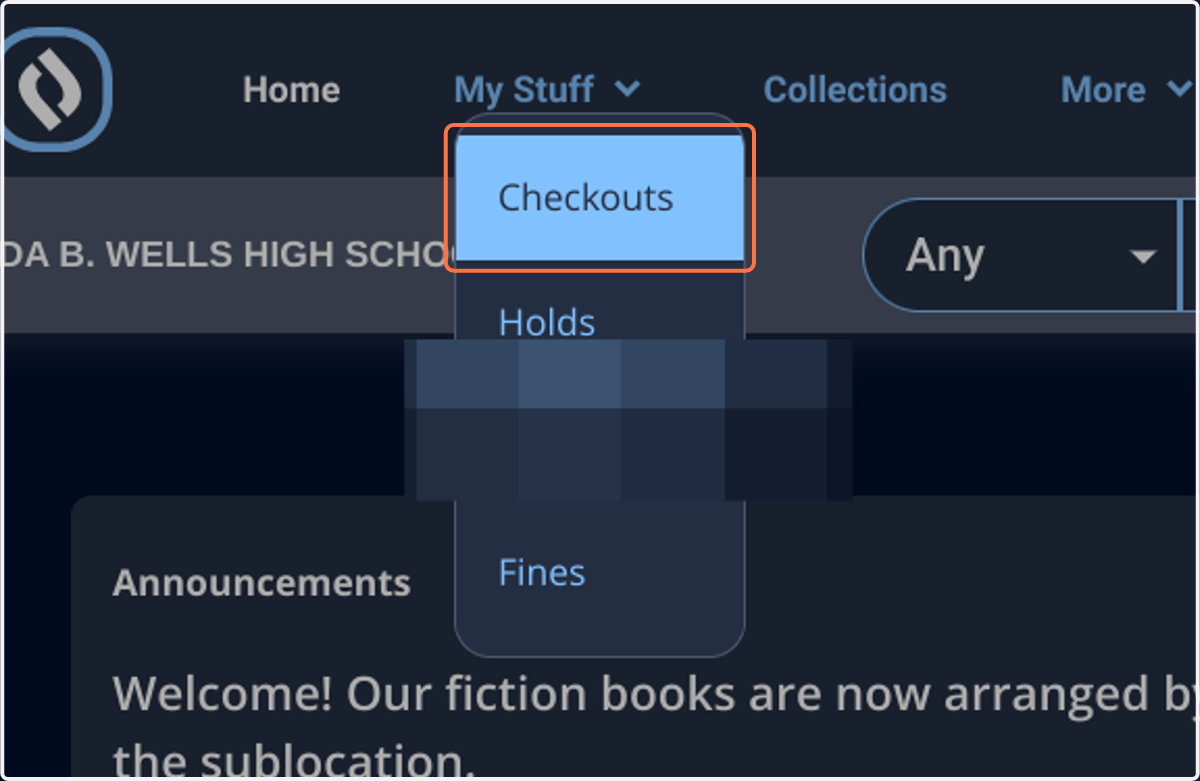
3. Click on Checkouts
This will show you all items that are currently checked out.
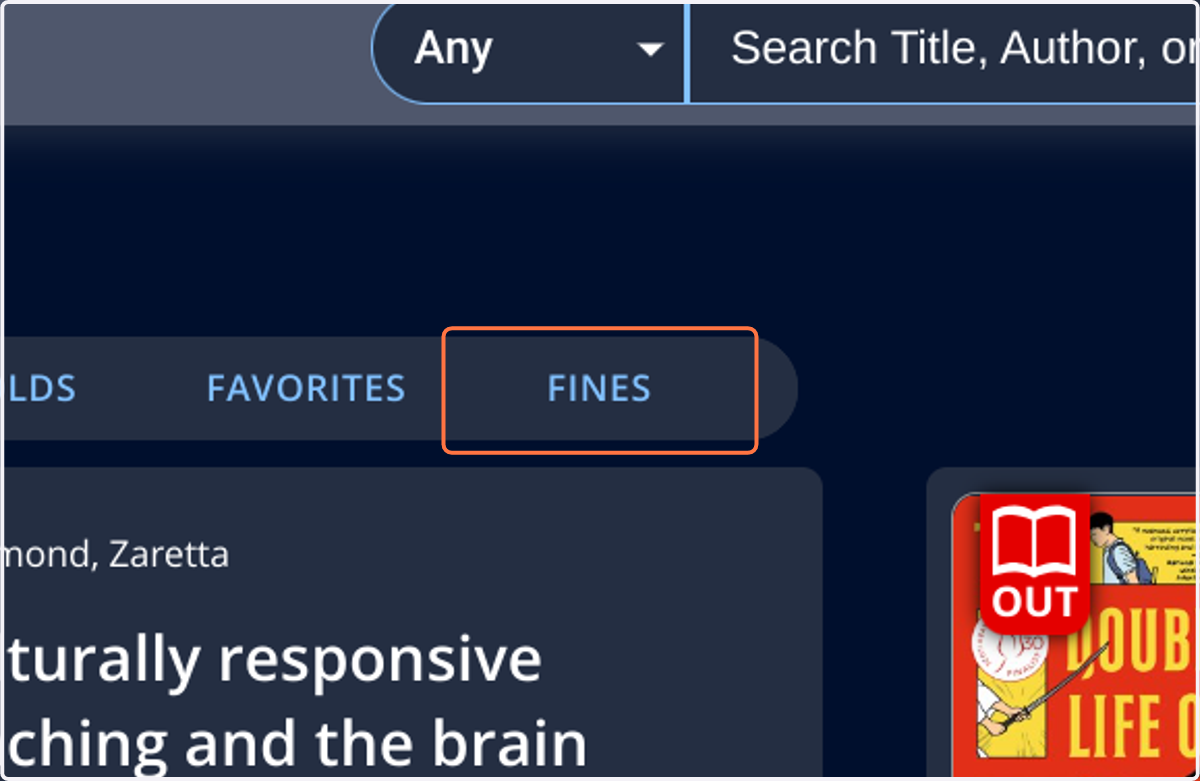
4. Click on FINES