Manage Your Email Communication Settings
There are multiple types of communications you may elect to receive via email. These instructions detail how to manage your email settings.
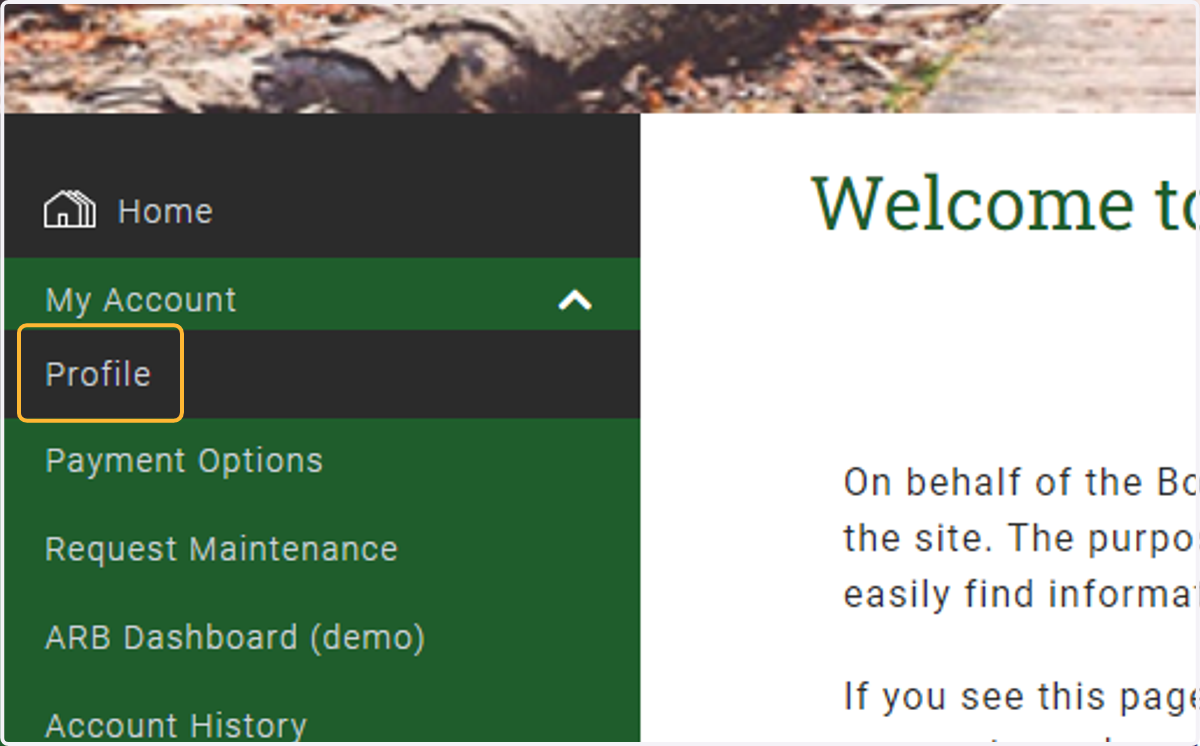
1. Under My Account, click on Profile
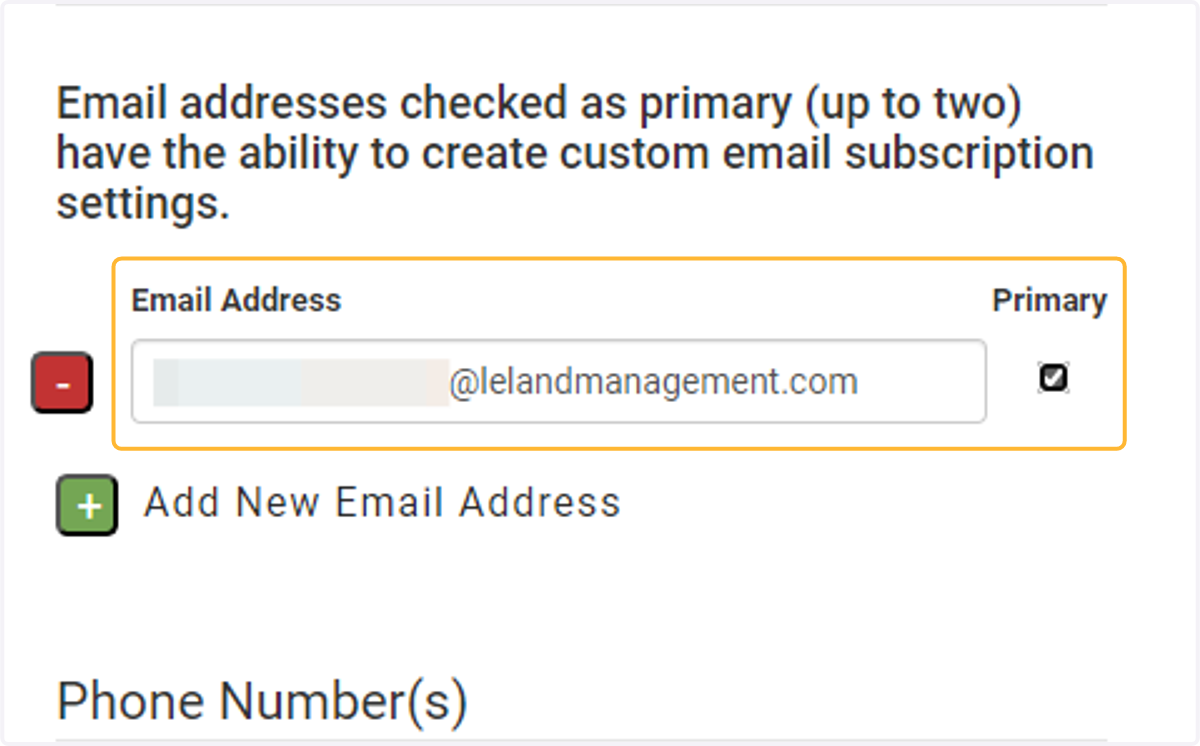
2. Ensure you have an email address assigned as the "primary" email address
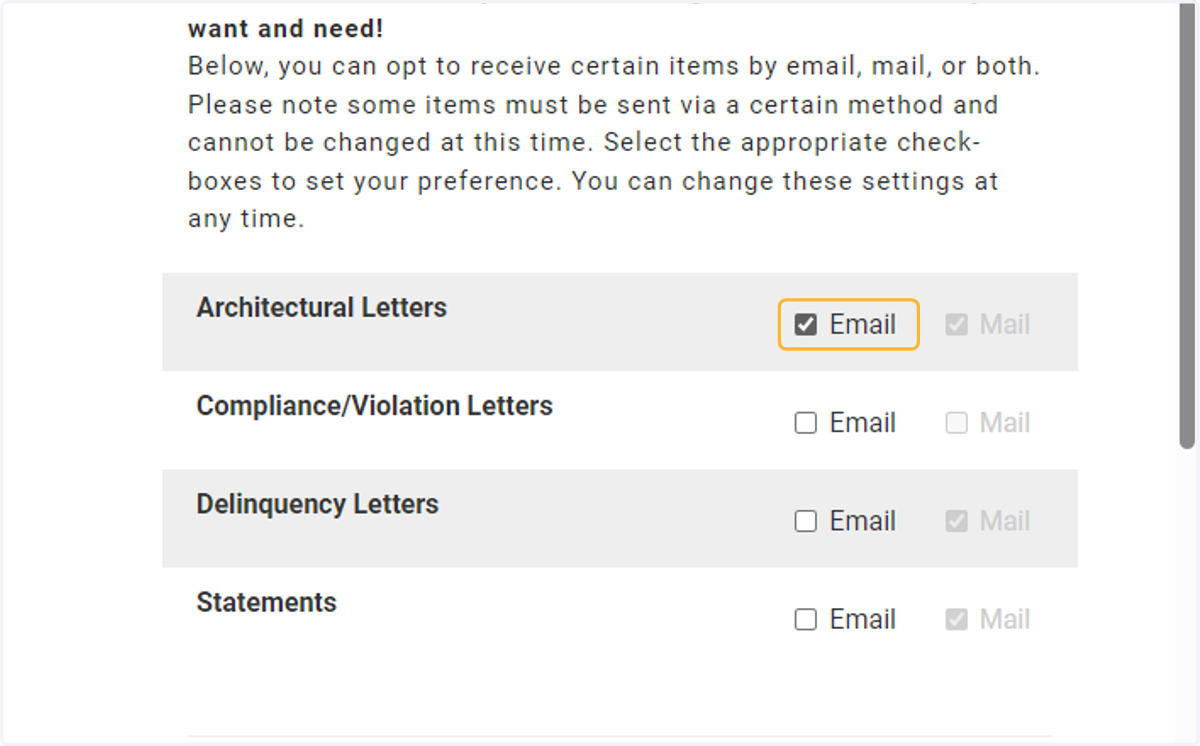
3. Select which type of official HOA notices you would like to receive via email
Official HOA notices include ARC letters, violation letters, delinquency letters, and Statements. By default, you will receive them via snail mail. However, you can opt in to receive them via email by checking the box next to the type of letter. If the settings are "greyed out", the email option may be turned off for your association.
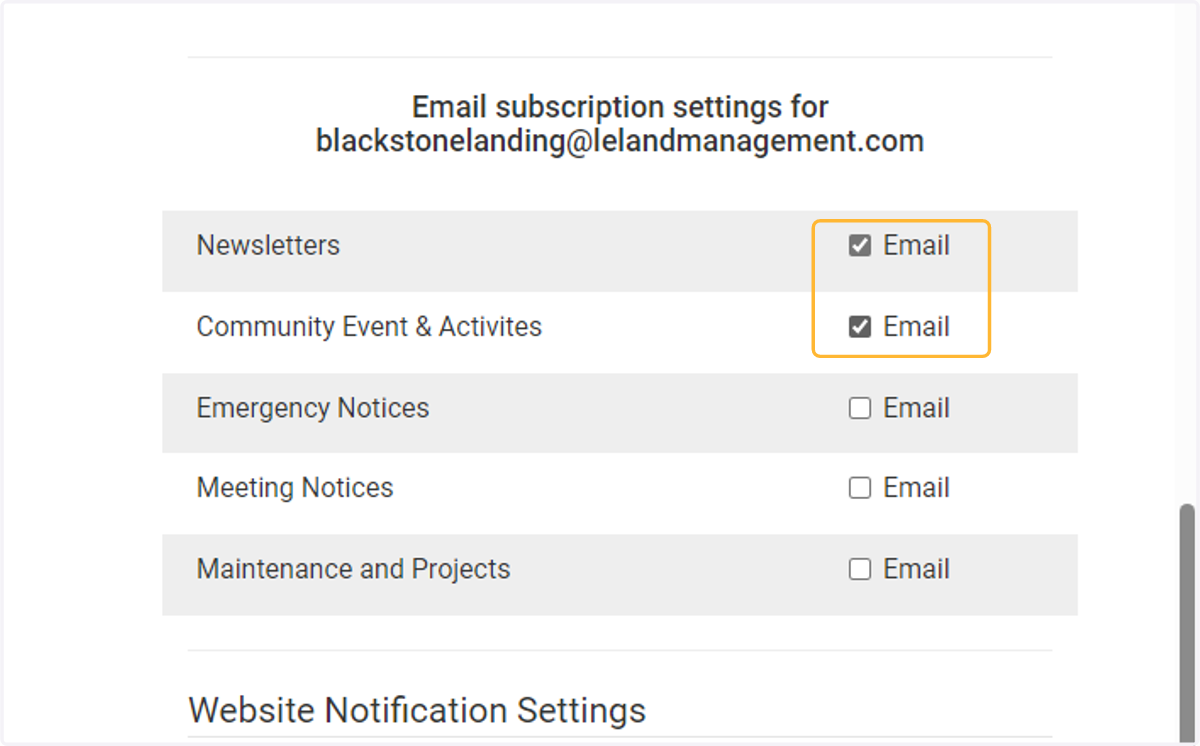
4. Select which type of HOA emails you would like to receive
Many associations like to send residents emails regarding HOA activities, meetings, etc. If you would like to subscribe to the email list, check the box next to the categories you are interested in. If this section is not visible to you or the options are "greyed out", it may indicate your association has the section/options turned off.
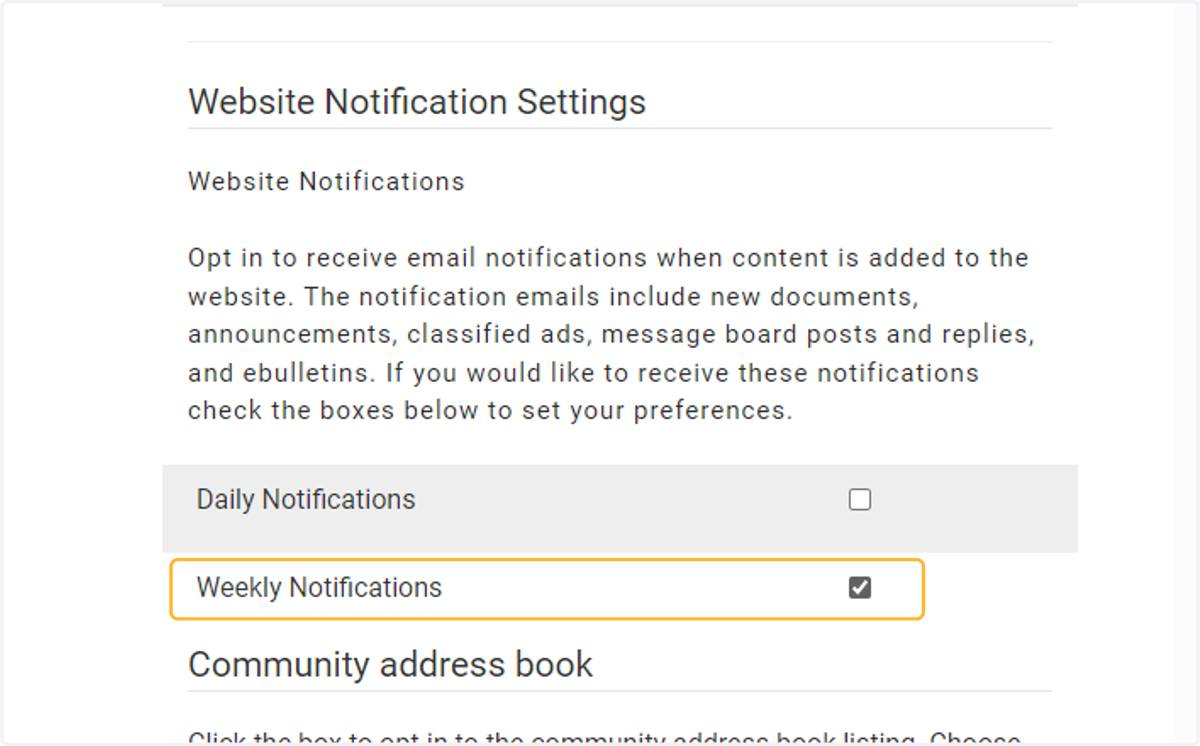
5. Select a frequency for website notifications
Some associations can send residents notifications when new content is added to the website. This may include new documents, announcements, etc. You may choose if you would like to receive a daily or weekly summary email. If this section is not visible to you, it may indicate that the feature is turned off for your association.
6. Save your changes!
After adjusting your email settings, don't forget to save your changes.