Make an Unincorporated Business Franchise Tax Payment in MyTax DC
MyTax DC
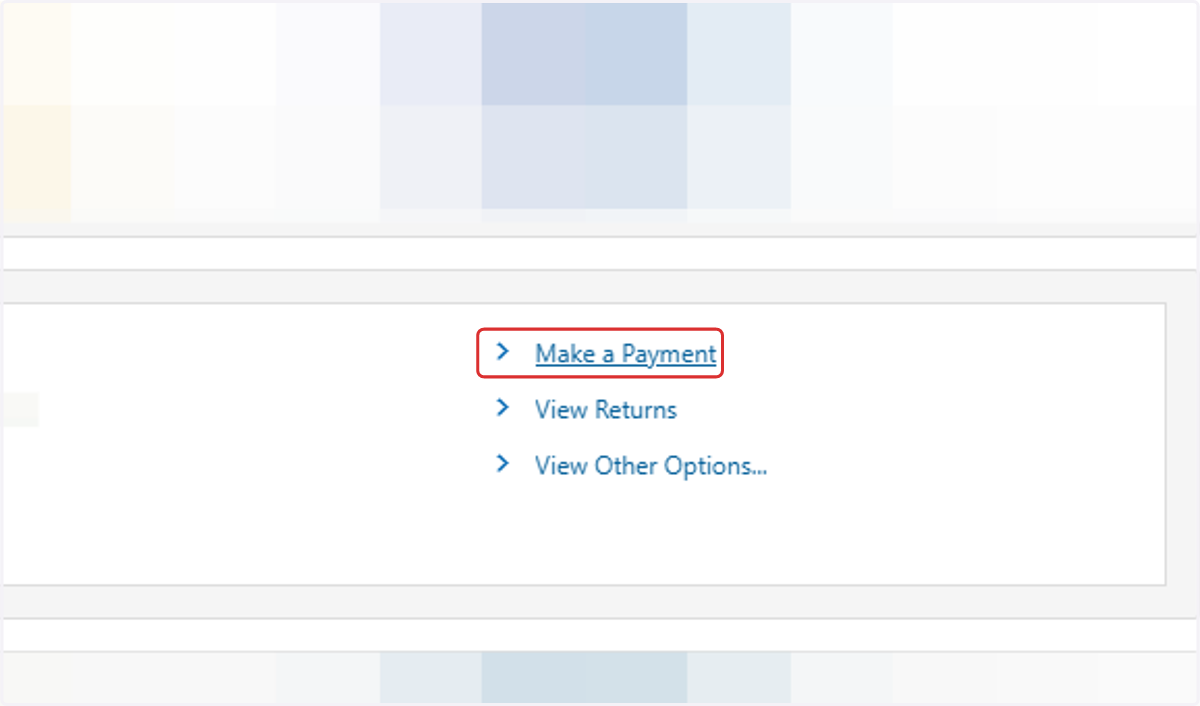
1. Click on Make a Payment (inside the Unincorporated Business Franchise section)
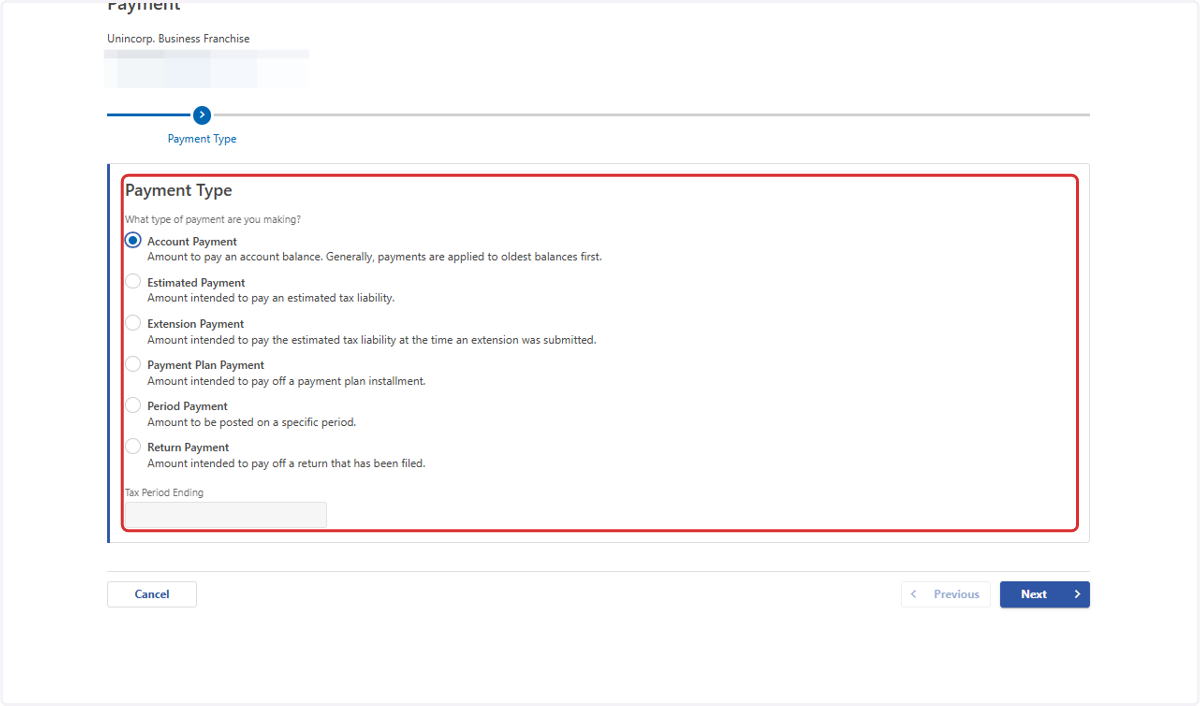
2. Select the type of payment you are making
If you are making a payment with a tax filing, select "Account Payment"
The "Tax Period" will be December 31st and the year you want the payment applied to (for example, if you are filing your 2025 D-30, and want to make a payment towards that filing, you would use the period 12/31/2025)
3. Click on Next
4. Select your preferred payment method
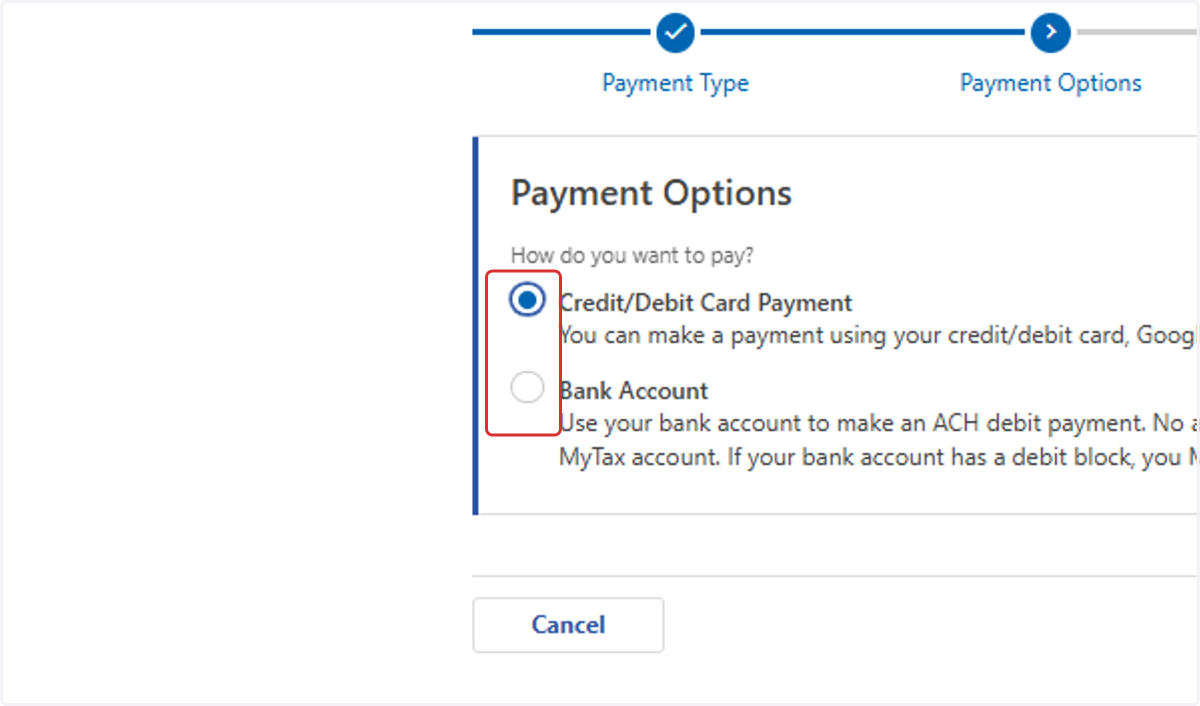
5. Click on Next and follow the remaining prompts to complete your payment