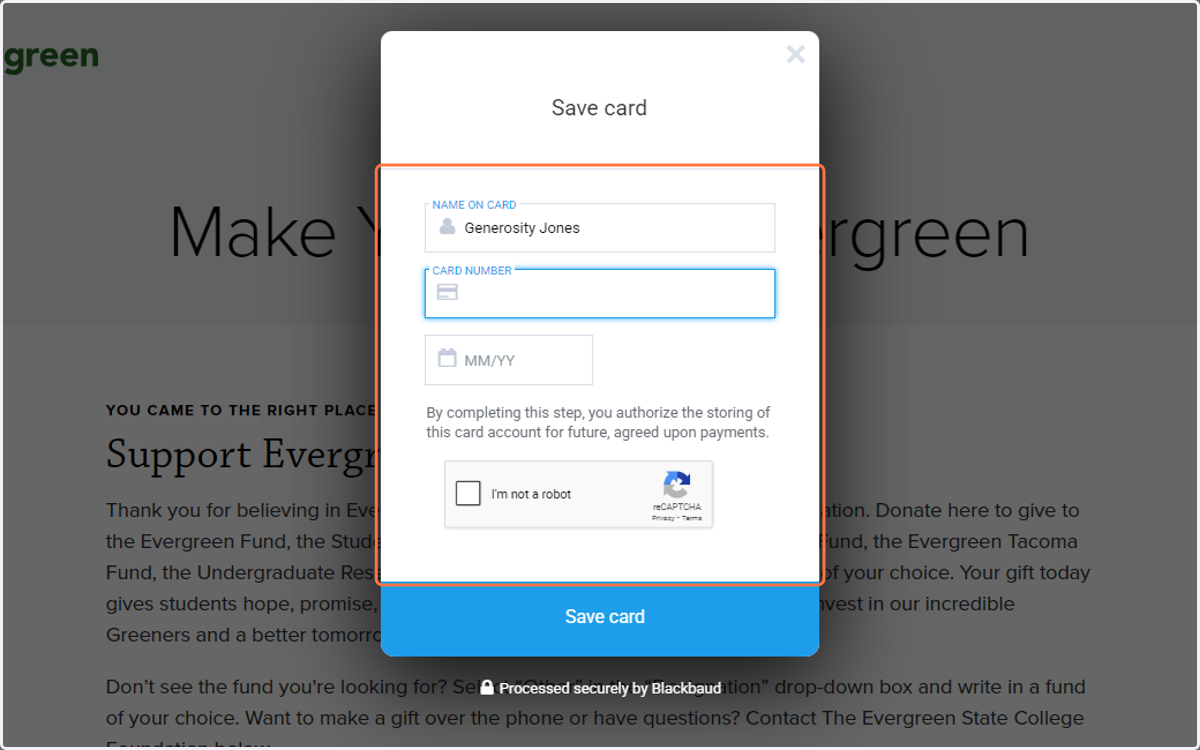
Make a Donation to the Washington Center
The Evergreen State College
Visit the Make Your Gift to Evergreen website https://www.evergreen.edu/give/give-now
1. Select or enter the amount you would like to donate

2. If you'd like to set up a monthly gift, check the box for "make this a monthly gift."
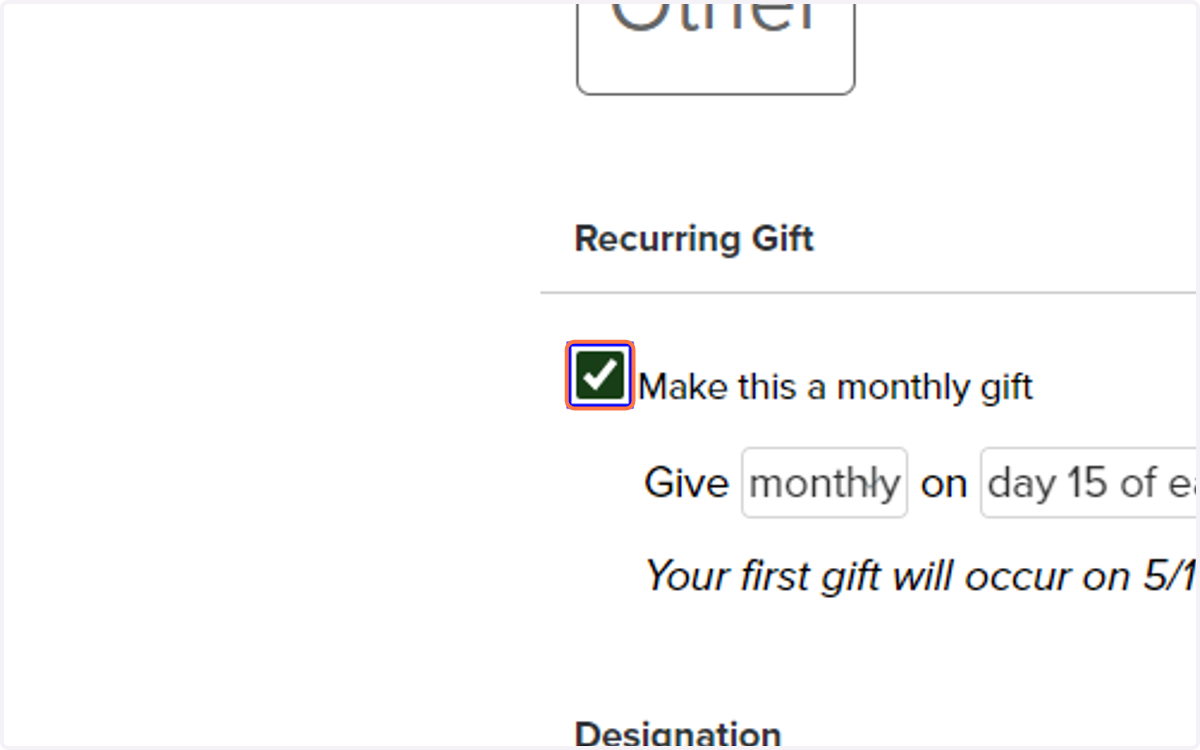
3. Select Other from Designation
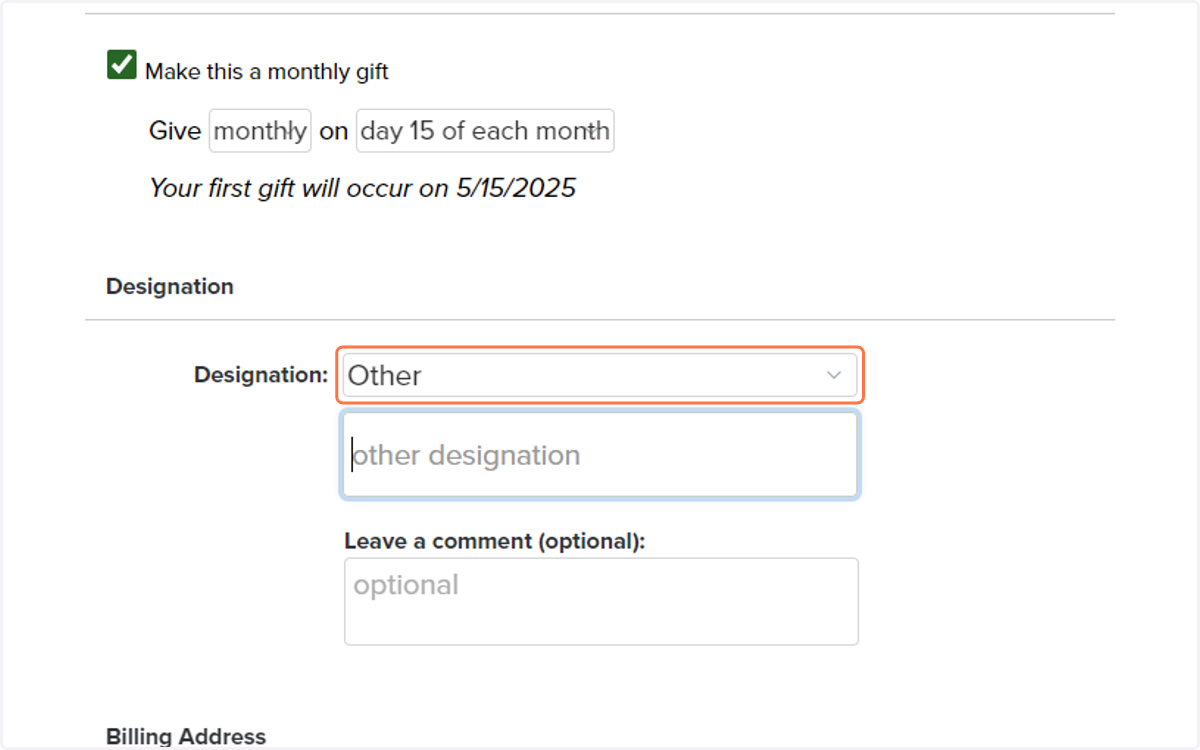
4. Type "Washington Center"
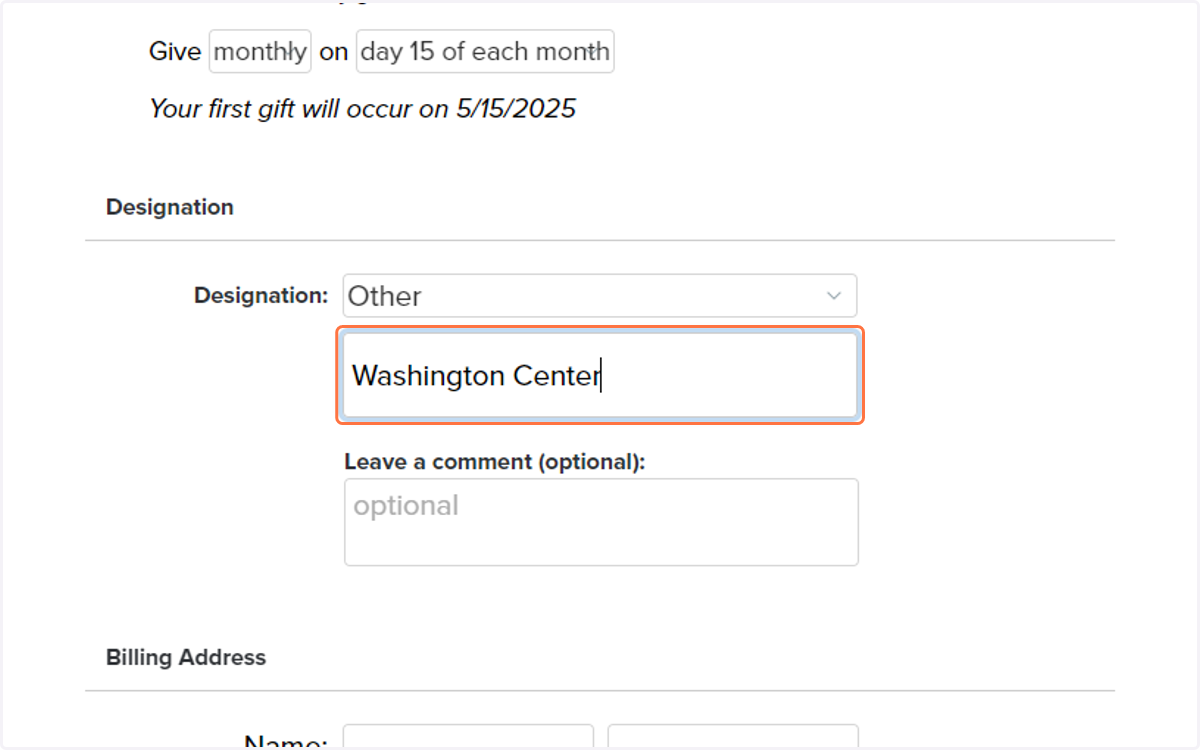
5. Enter your first name
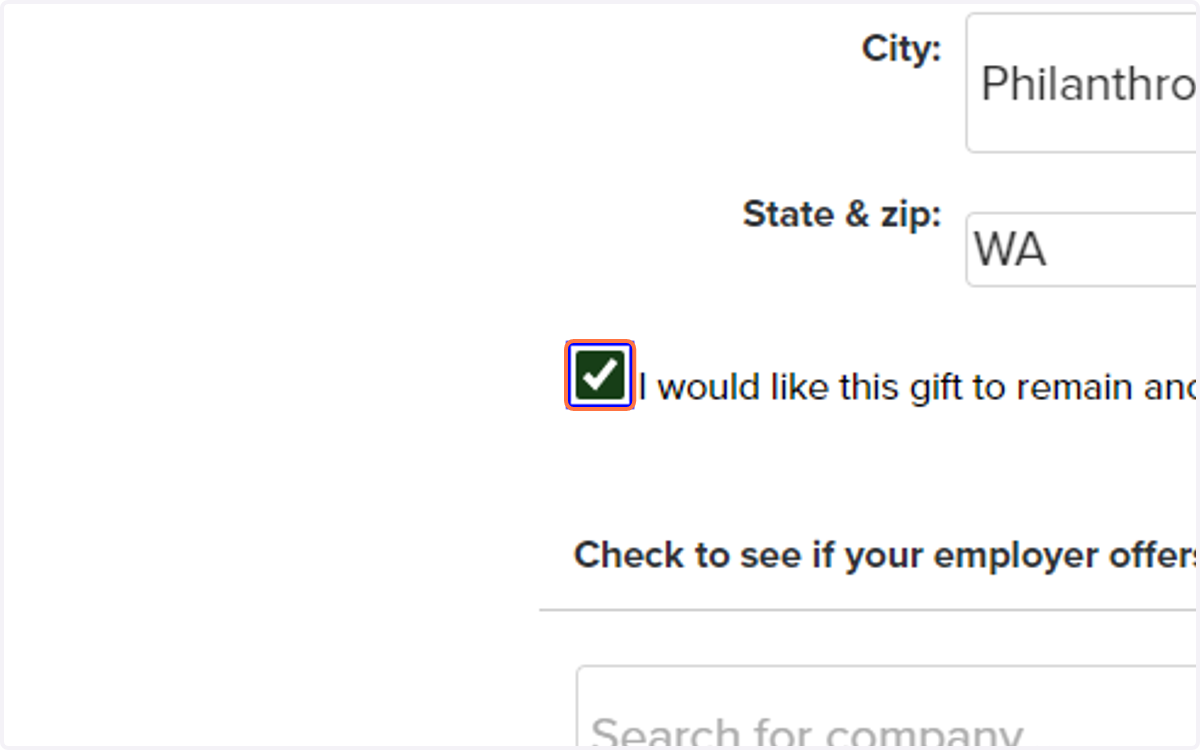
If you'd like to make an anonymous gift -- don't worry! You'll select that option later in the form.
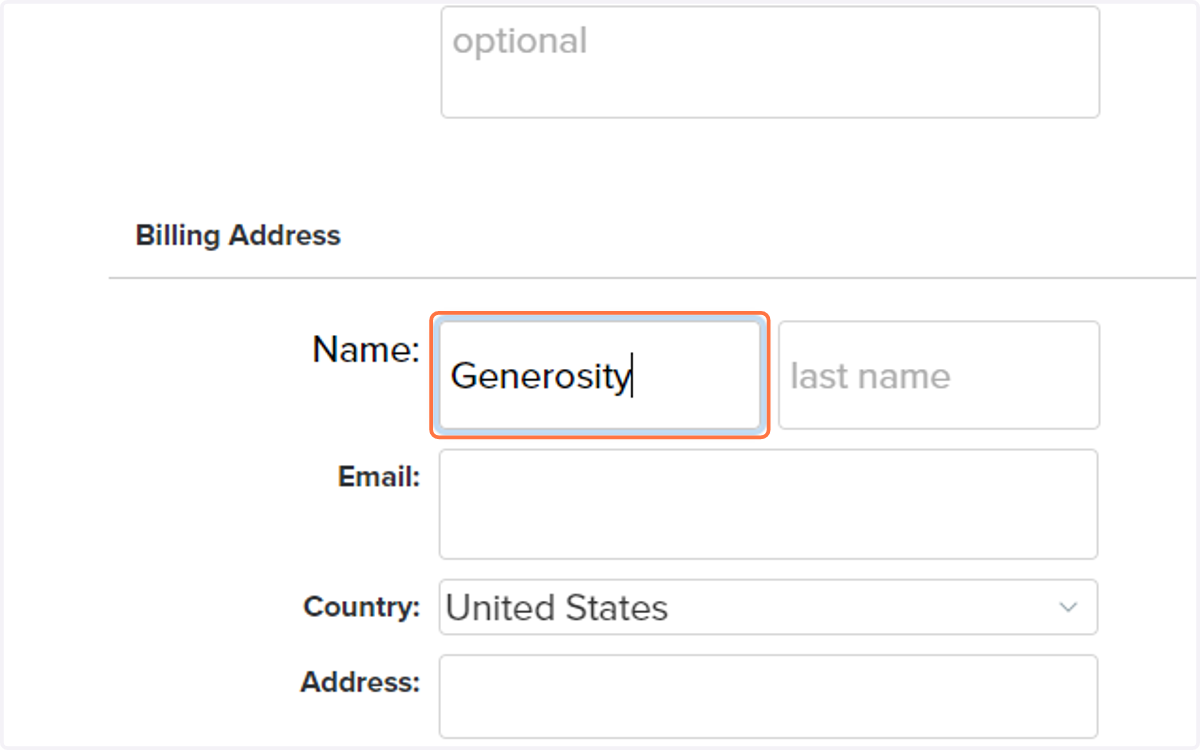
6. Enter your last name
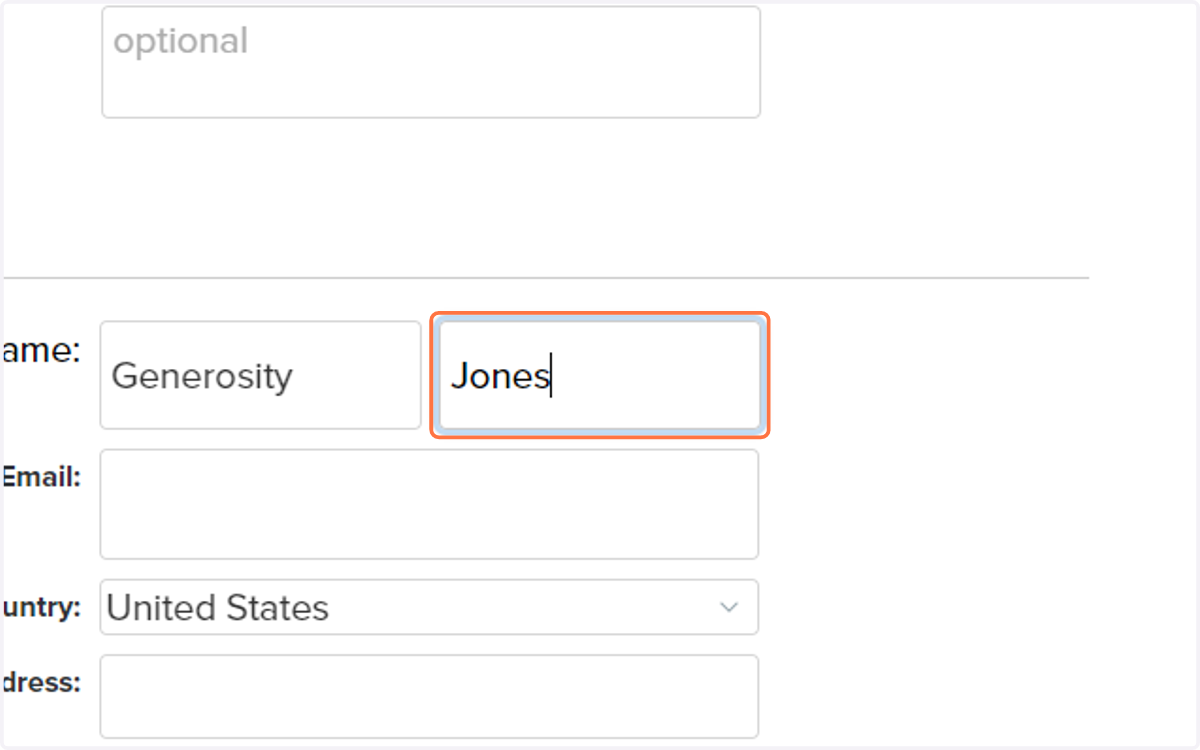
7. Enter your email address
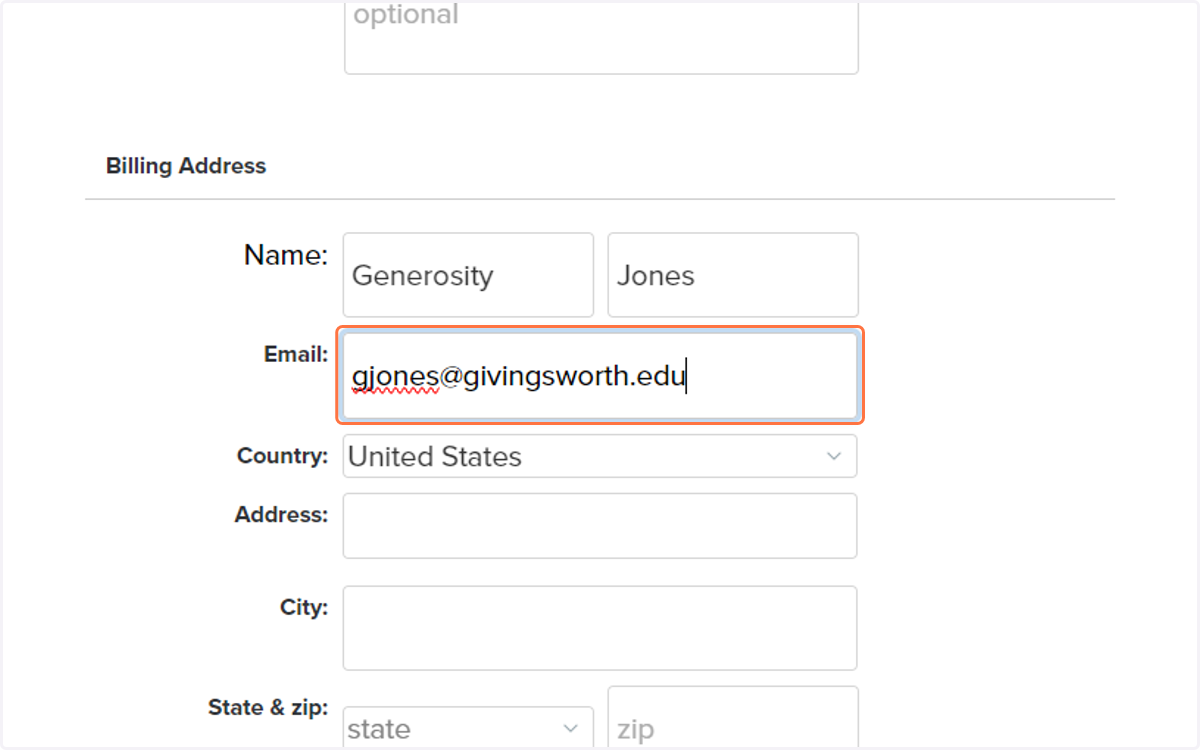
8. Enter your billing address
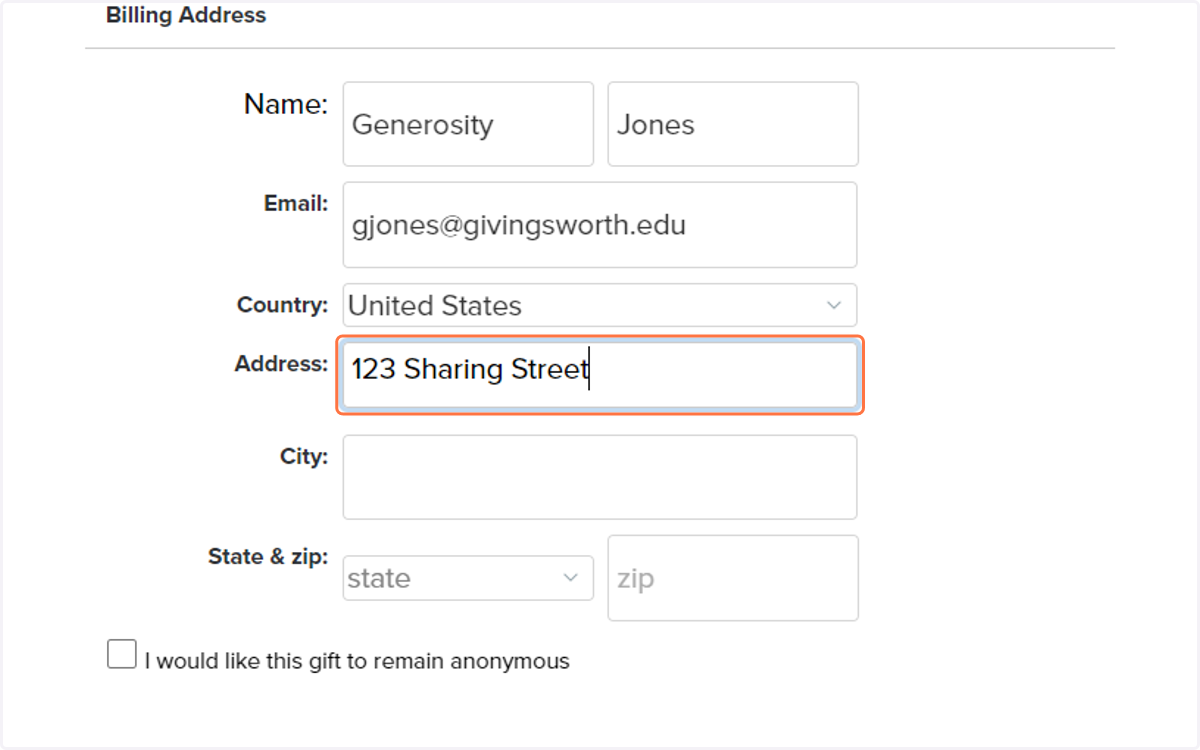
9. Enter your city
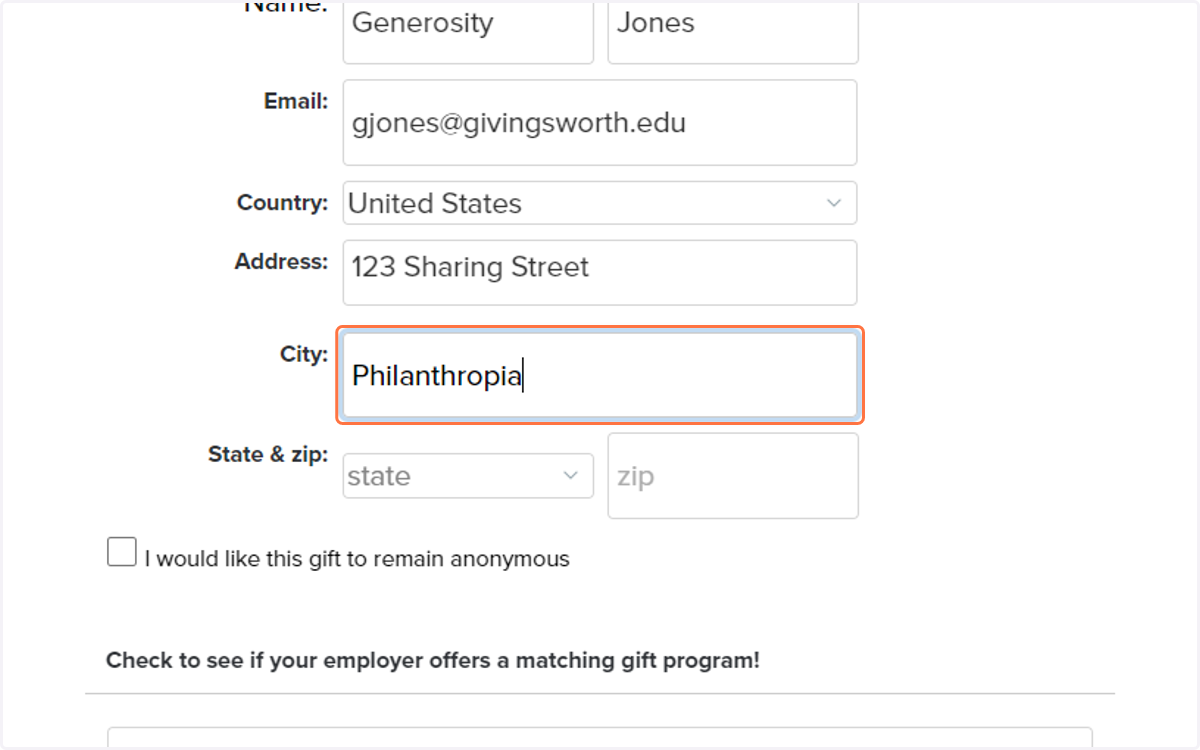
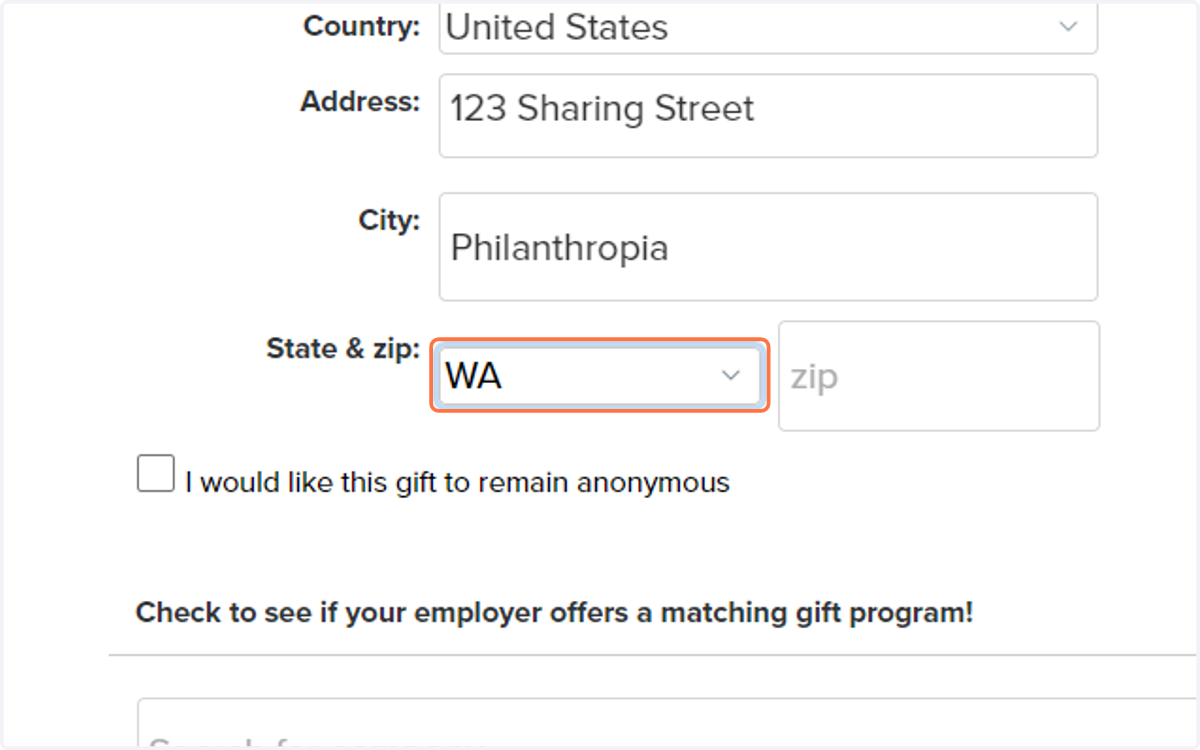
10. Enter your state and zip code
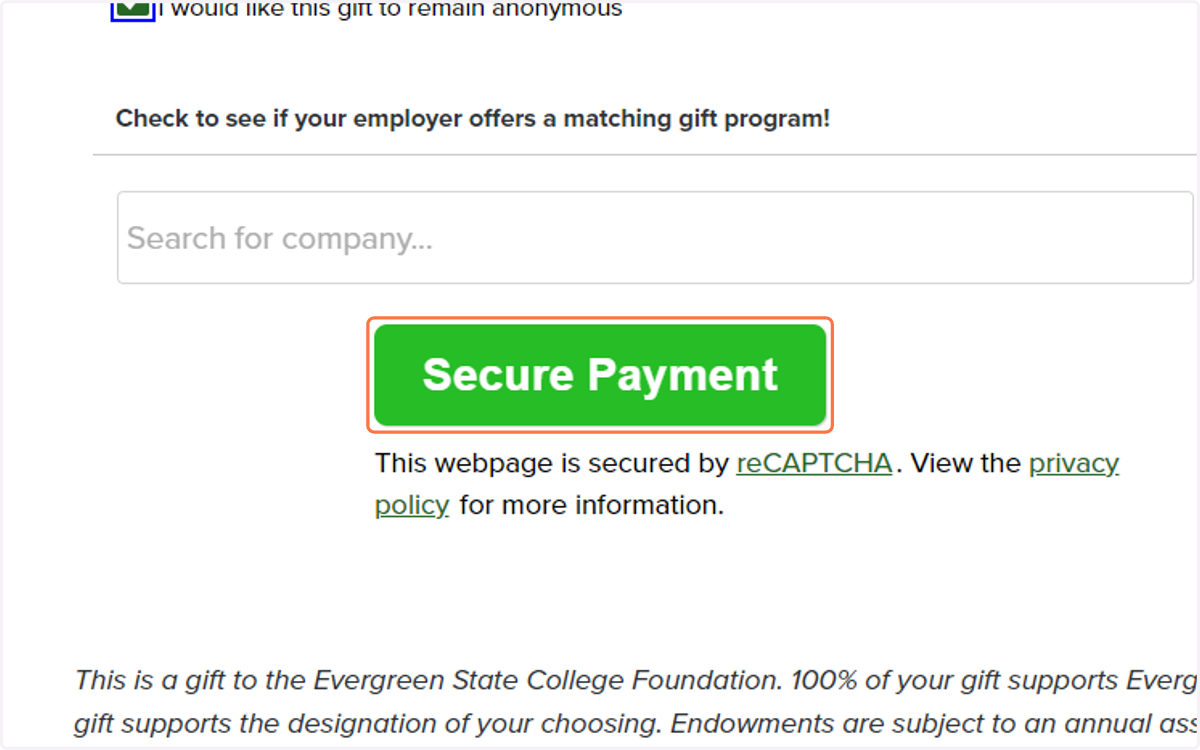
11. If you would like your gift to be anonymous, click this selection.
12. Be sure to read the statement that explains the use of funds that you're donating.
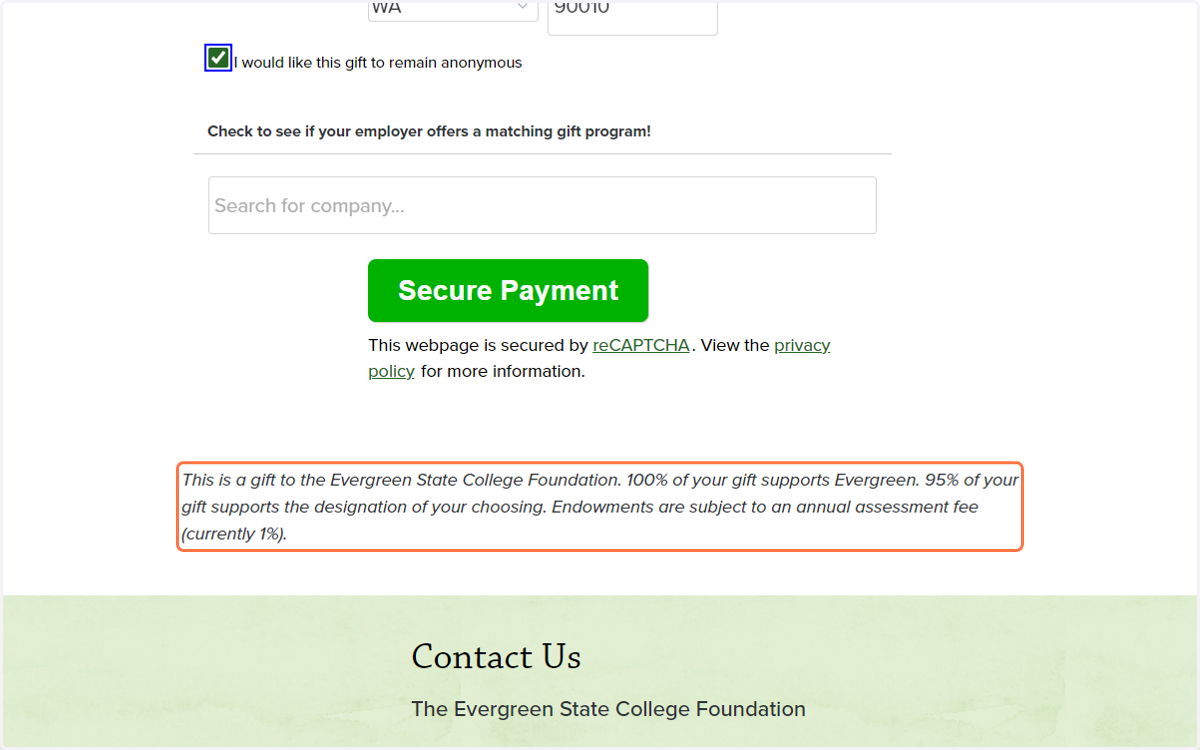
13. Click on Secure Payment
14. Enter your payment information in our secure system.