MagicSchool.ai - An Artificial Intelligence Toolbox for Educators
MagicSchool AI is built by teachers, for teachers. It has over 50 tools and will continue expanding in the future. This workflow walks through a couple of options, but there are plenty more to check out!
MagicSchool.ai - AI for teachers - lesson planning and more!
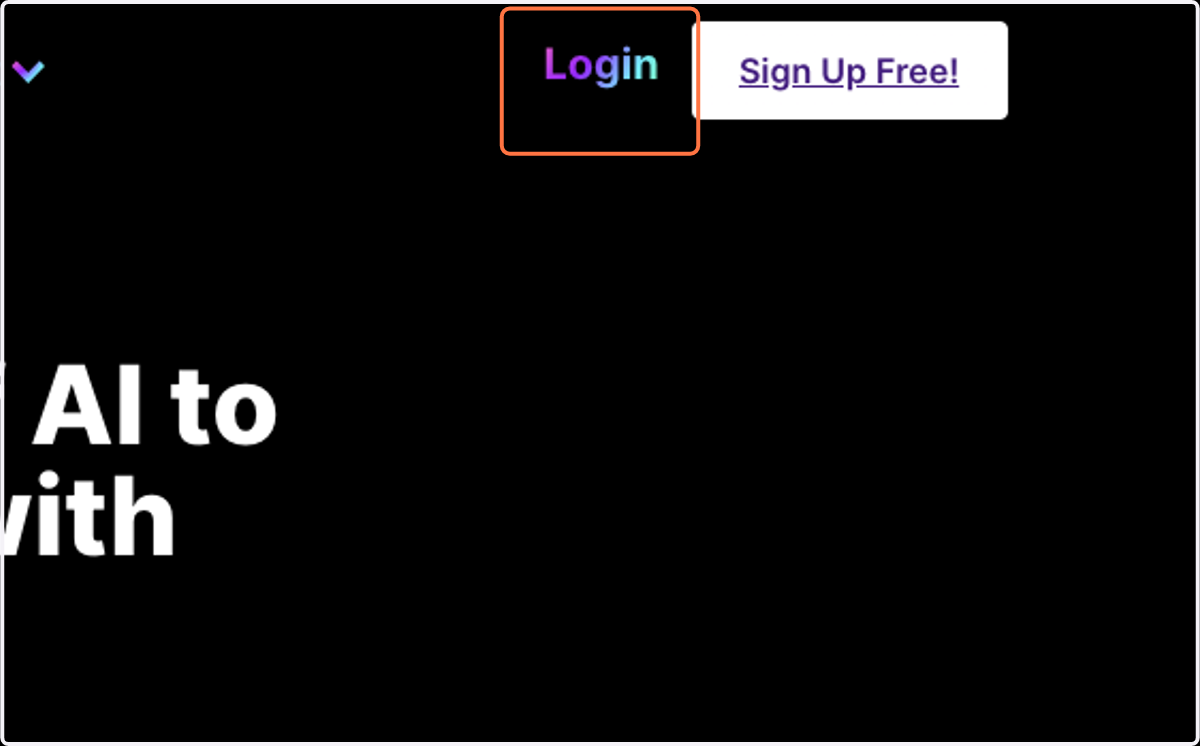
1. Click on Login
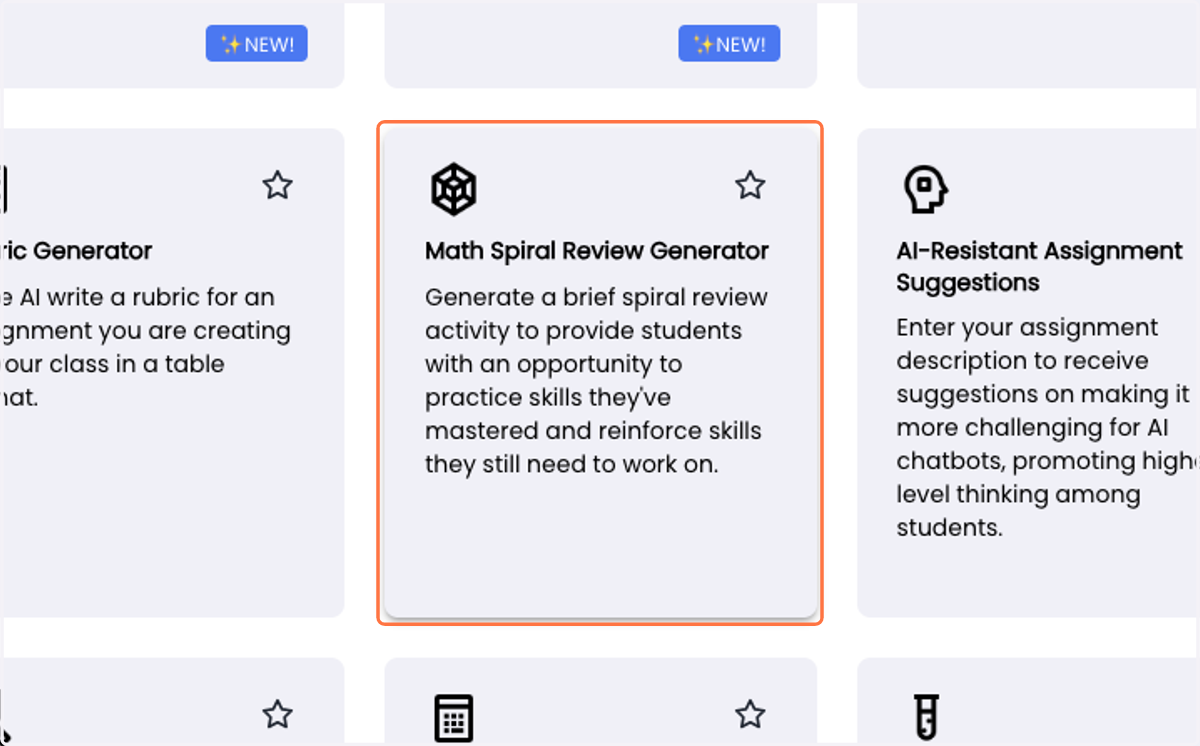
2. Click on Math Spiral Review Generator…
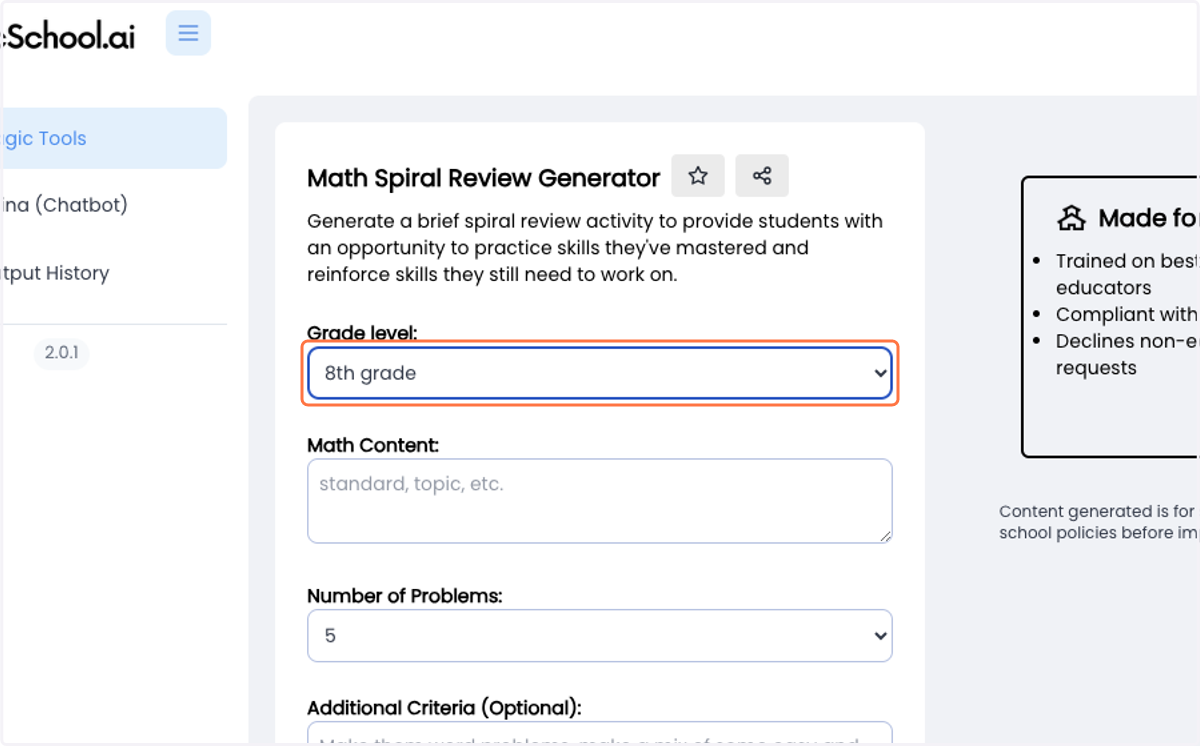
3. Select grade from Grade level:
4. Type in your topic choice
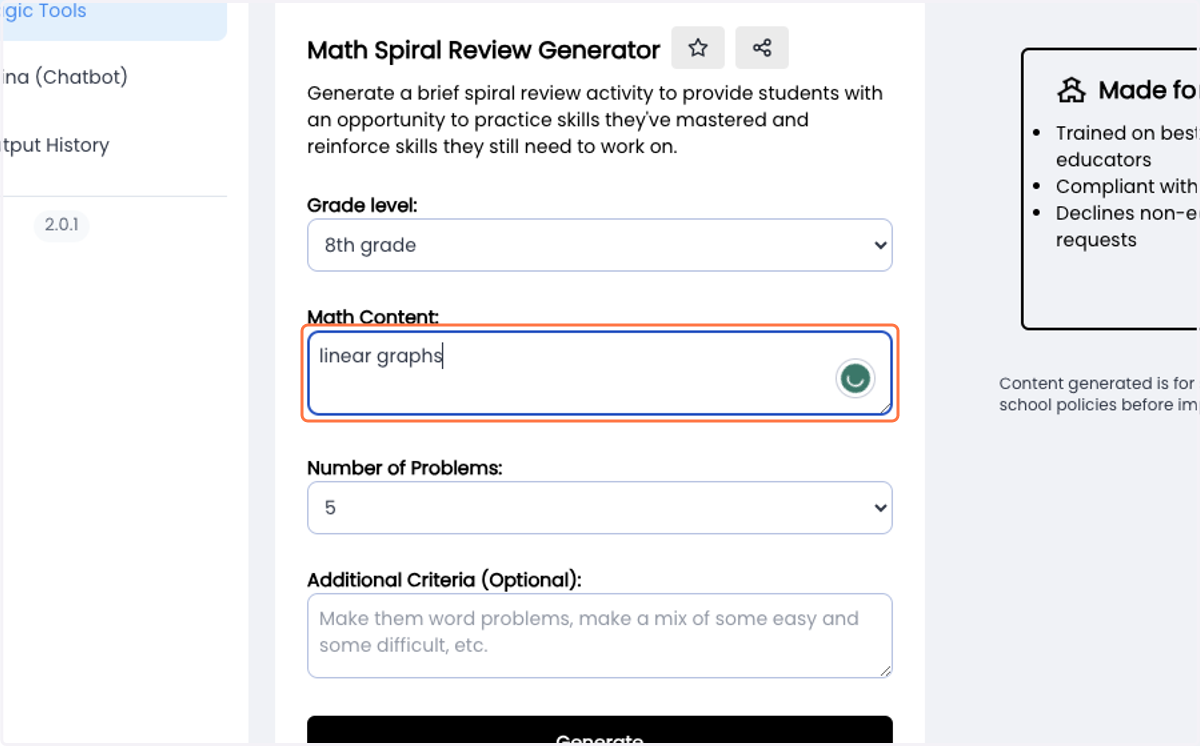
5. Type in any additional criteria that would be useful
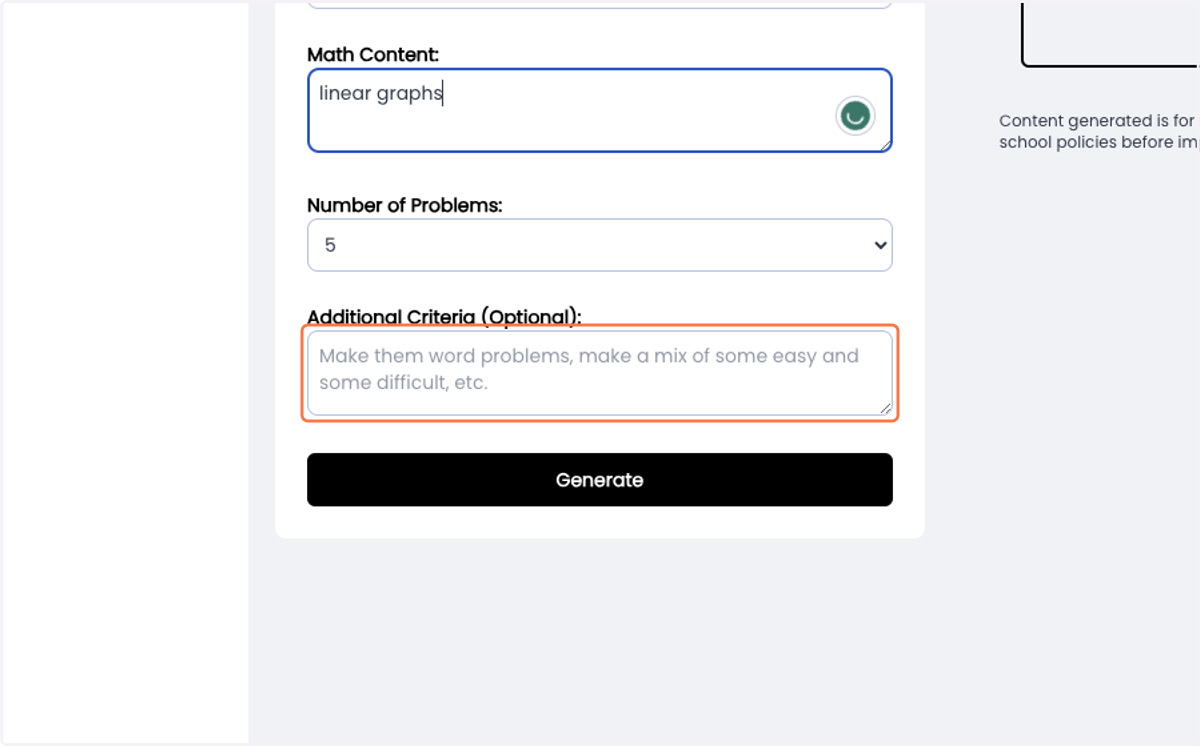
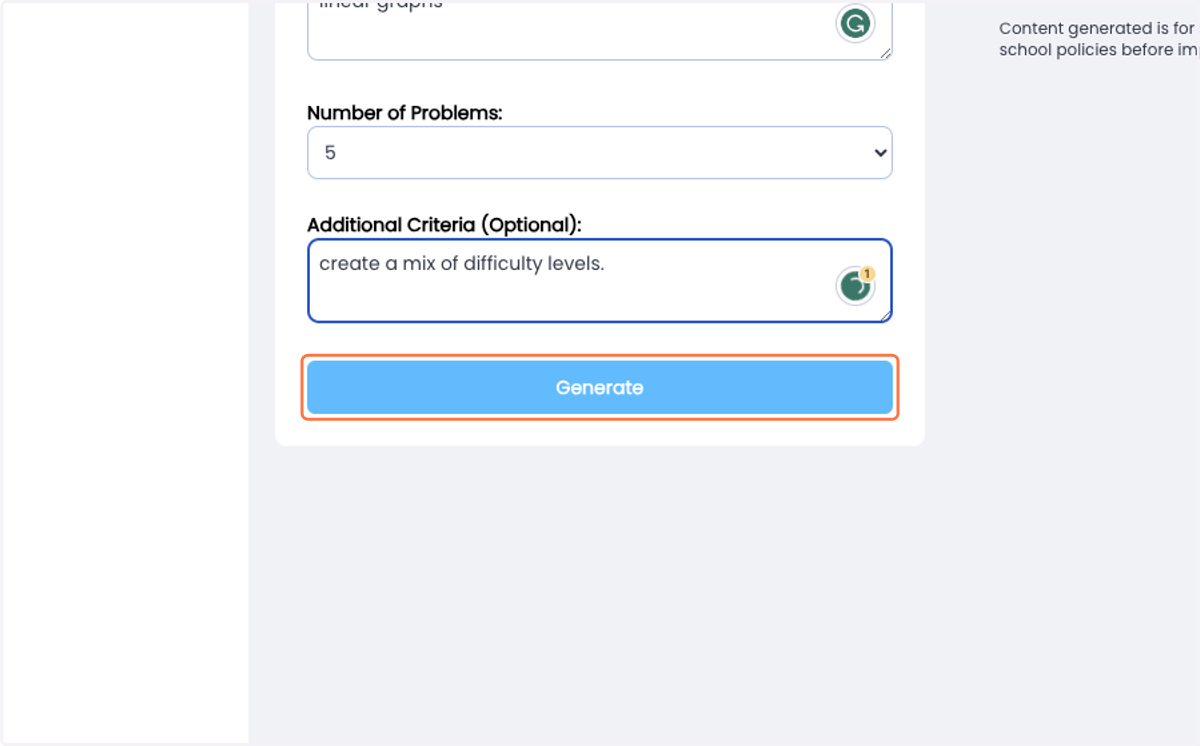
6. Click on Generate
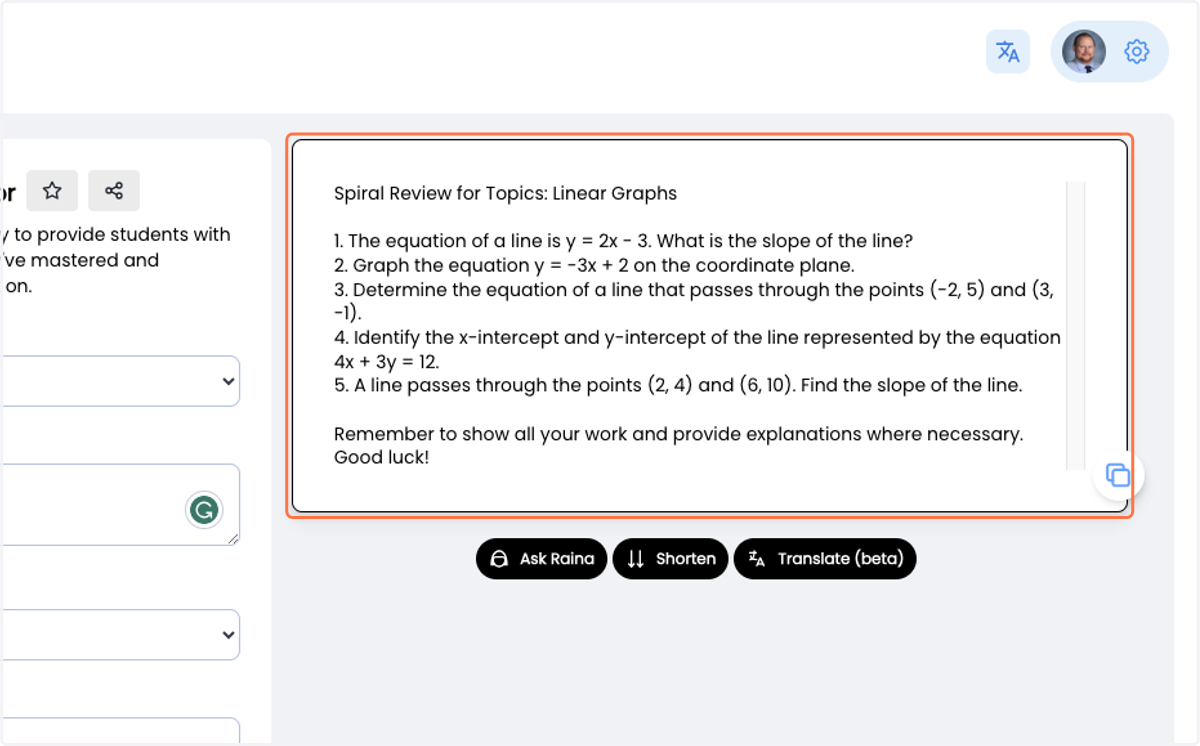
7. Your generated resources will be displayed on the right-hand side
8. Click on Magic Tools to go back to the home page
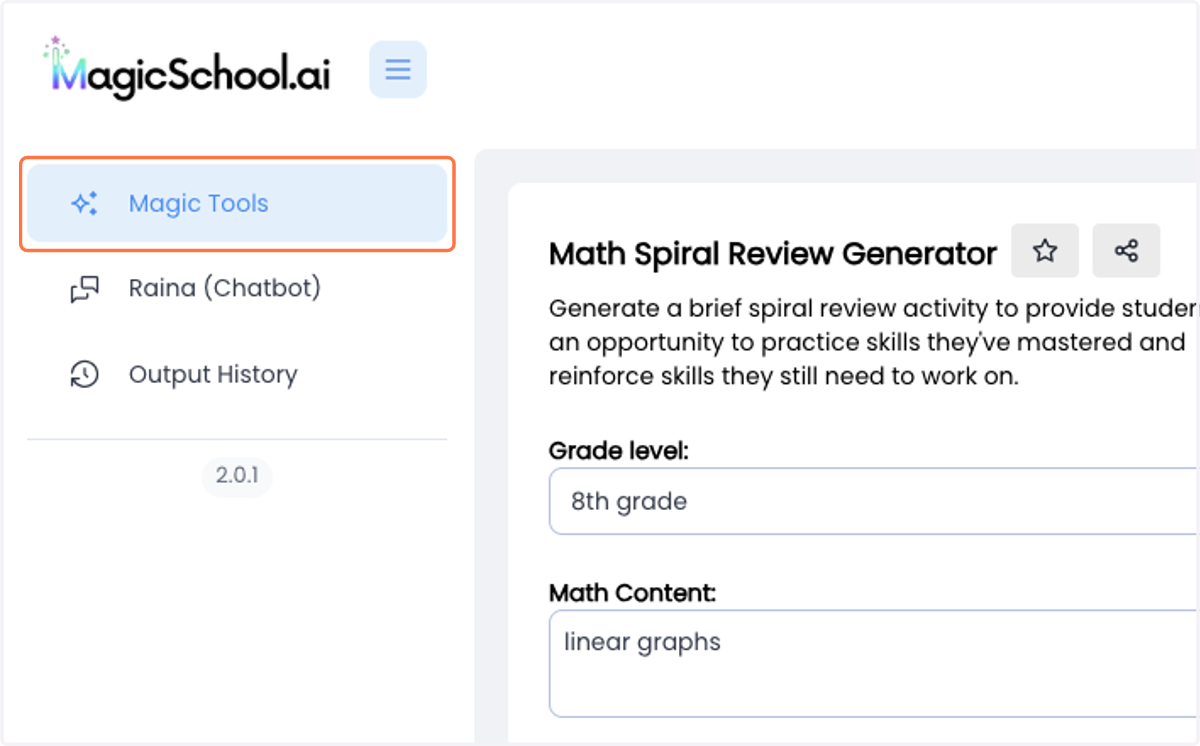
9. Click on AI-Resistant Assignment Suggestions…
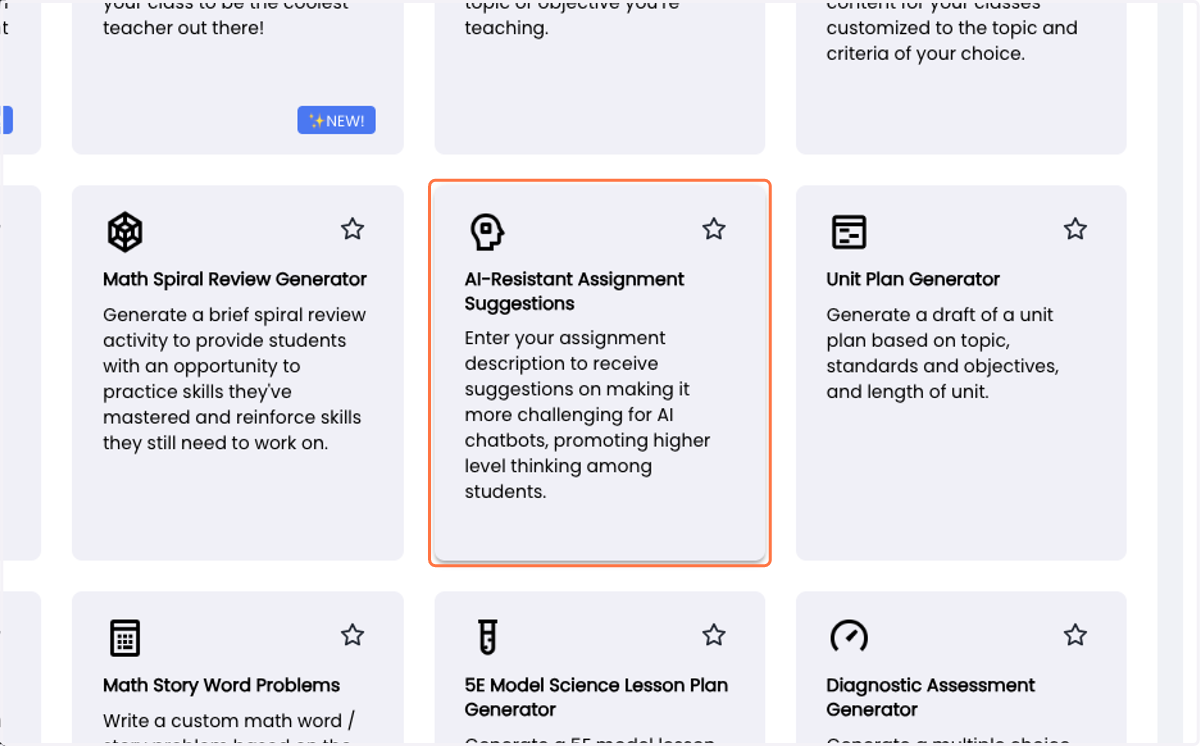
10. Select grade from Grade level:
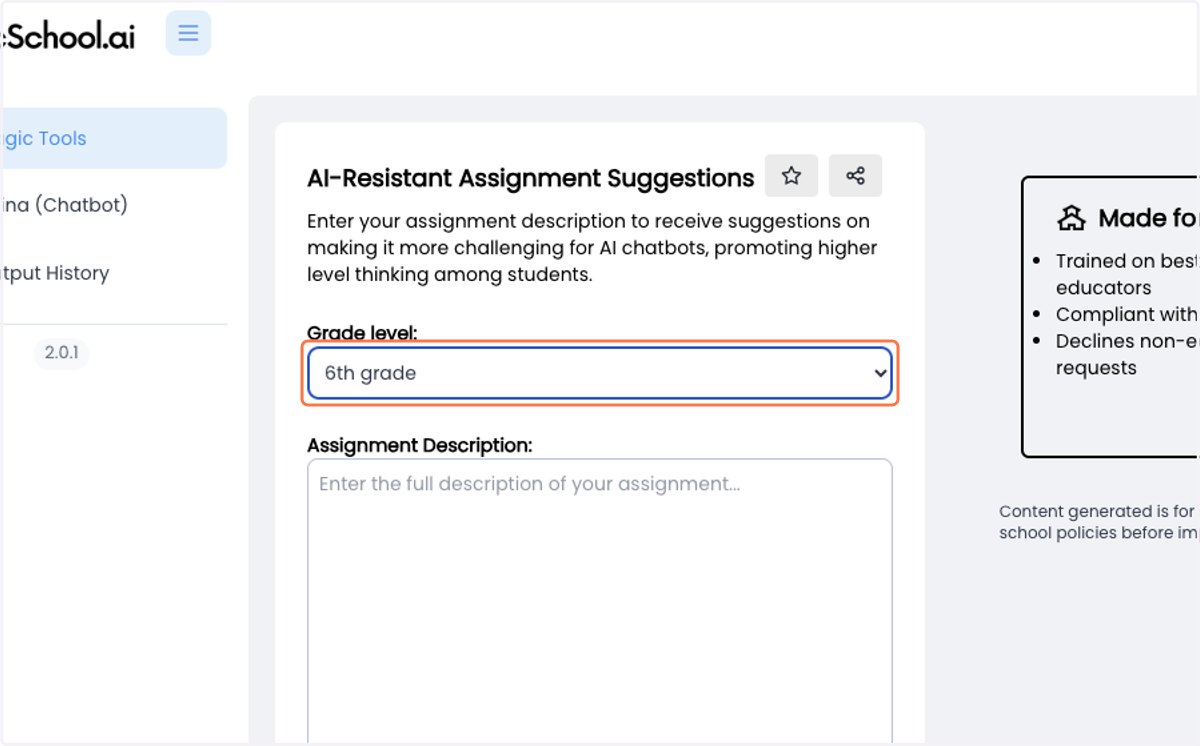
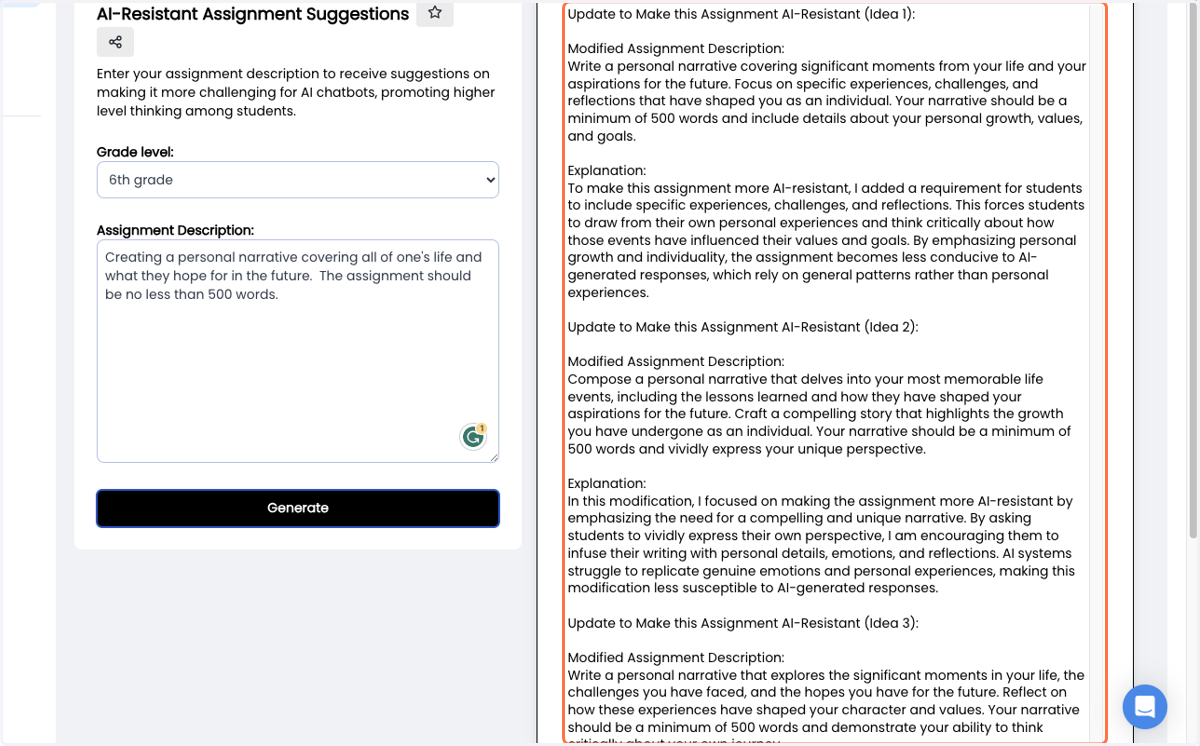
11. Type in your assignment description
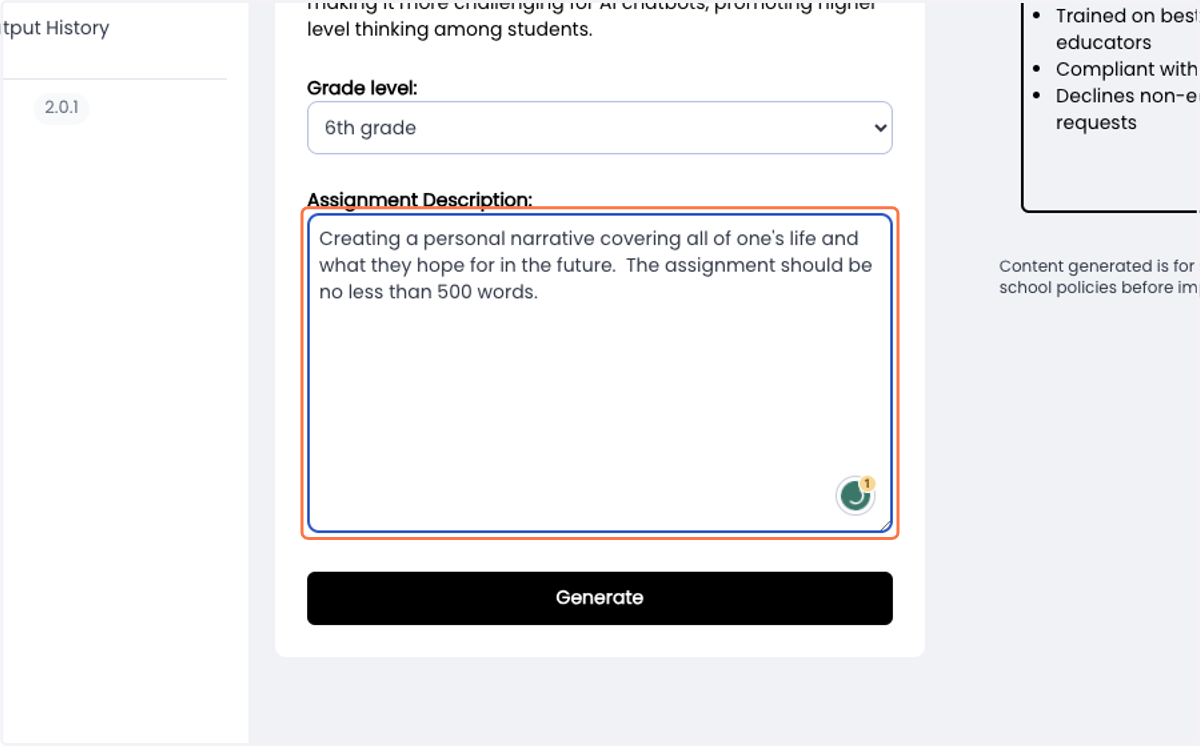
12. Click on Generate
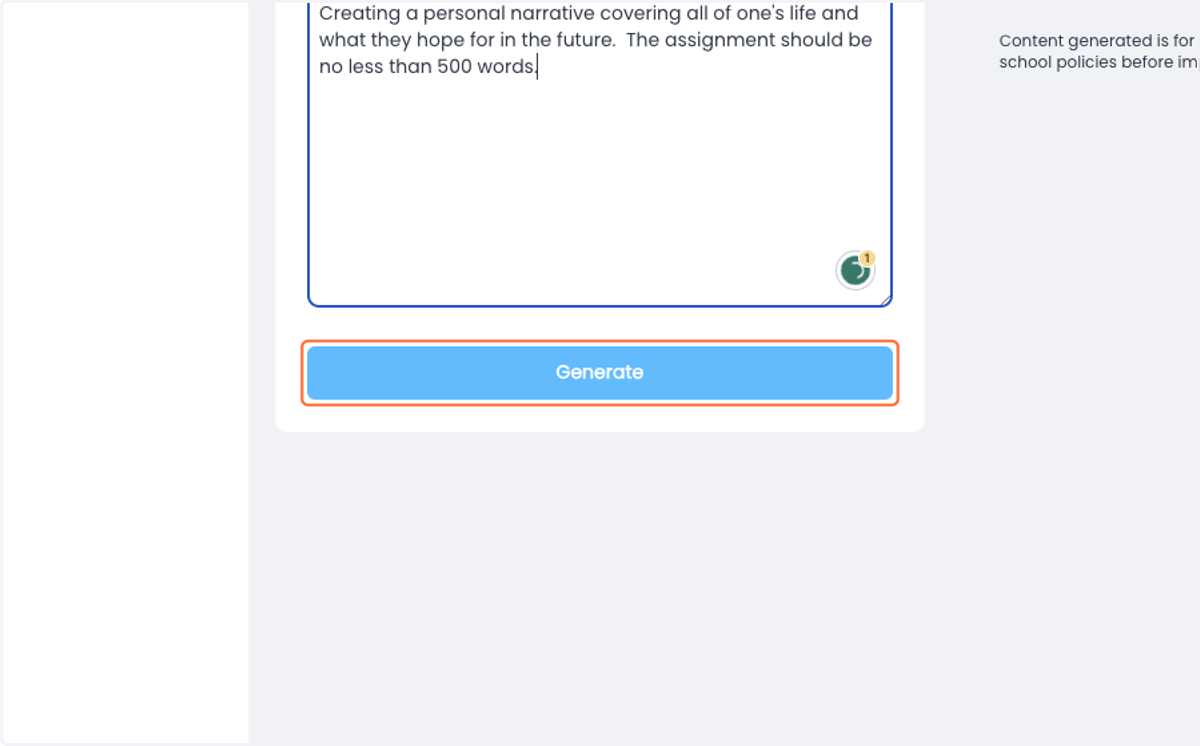
13. Ideas to make the project resistant to AI will be displayed on the right.
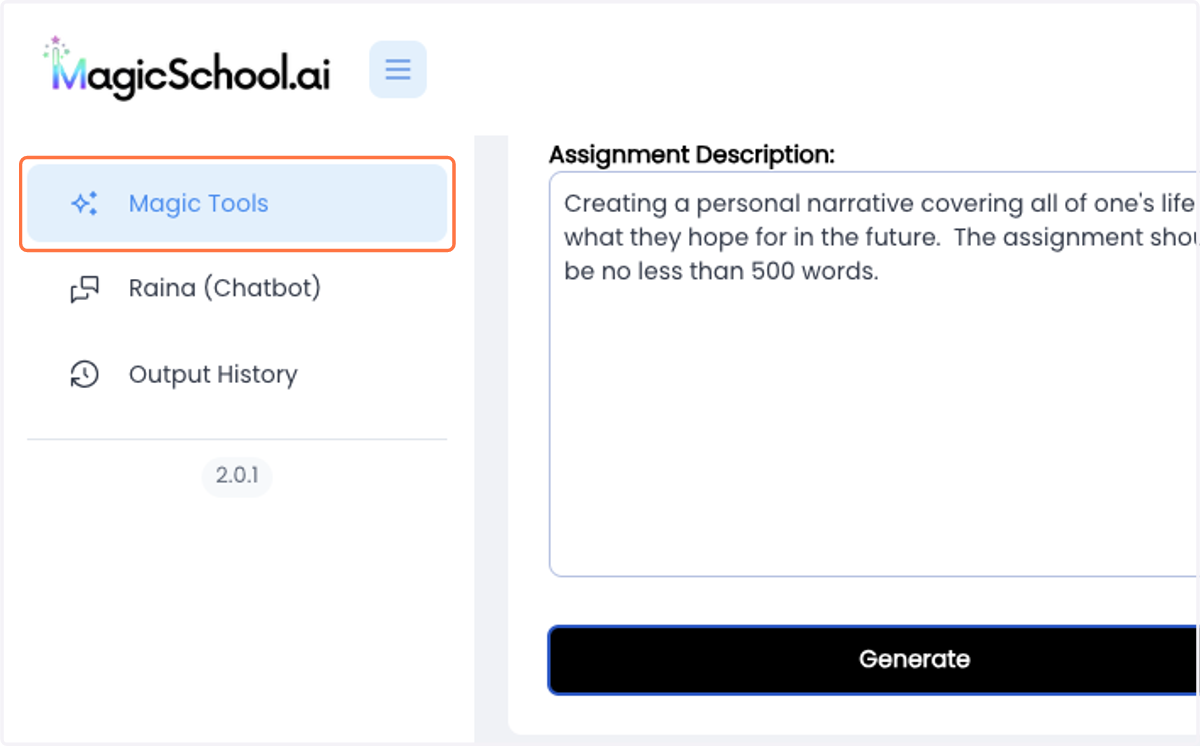
14. Click on Magic Tools to go back to the home page
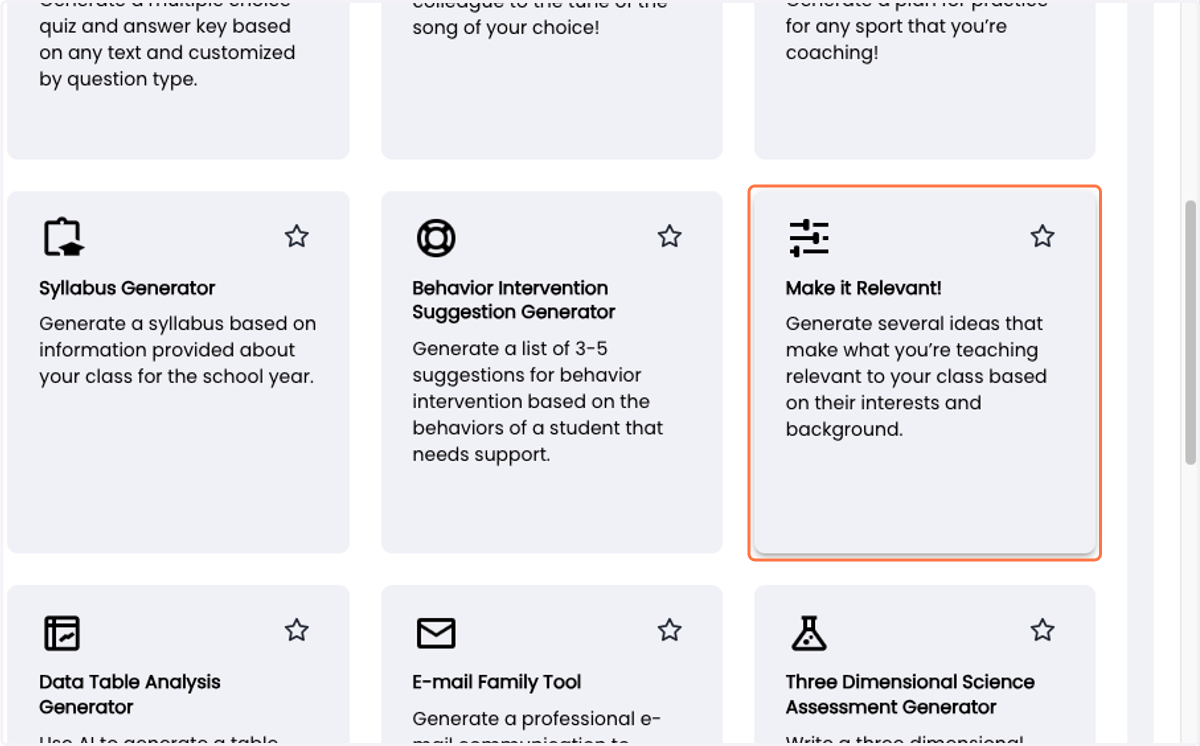
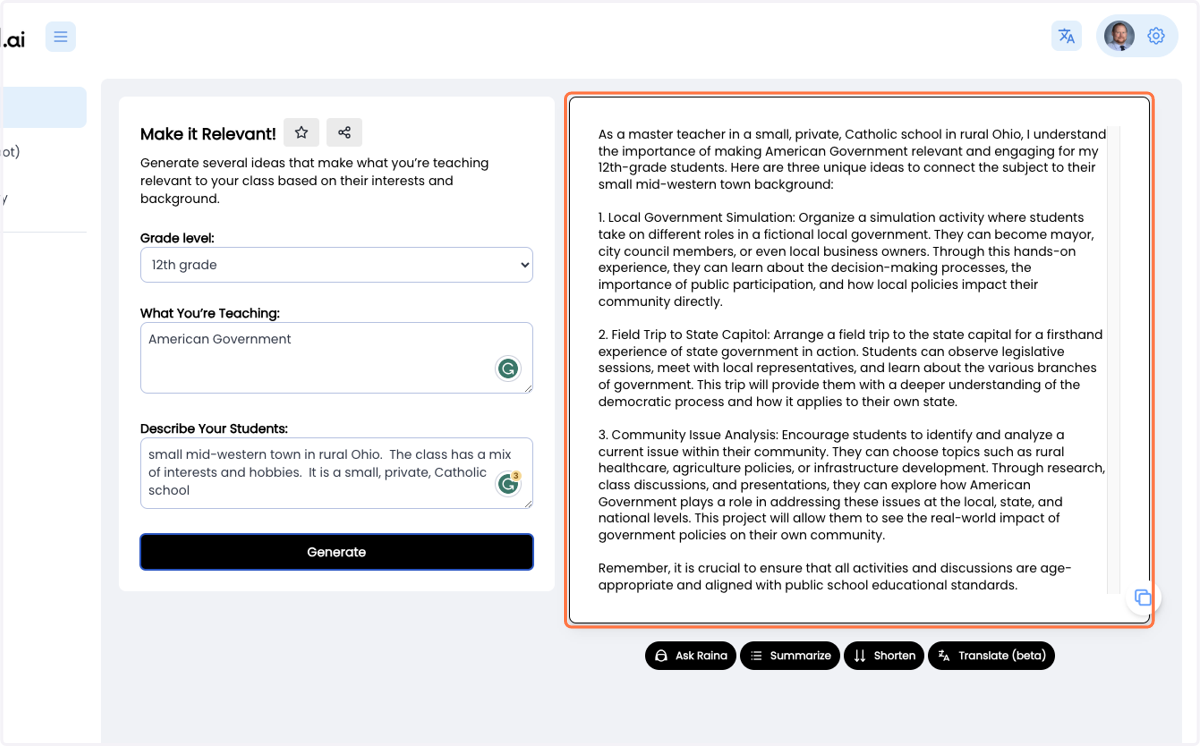
15. Click on Make it Relevant!…
16. Select grade from Grade level:
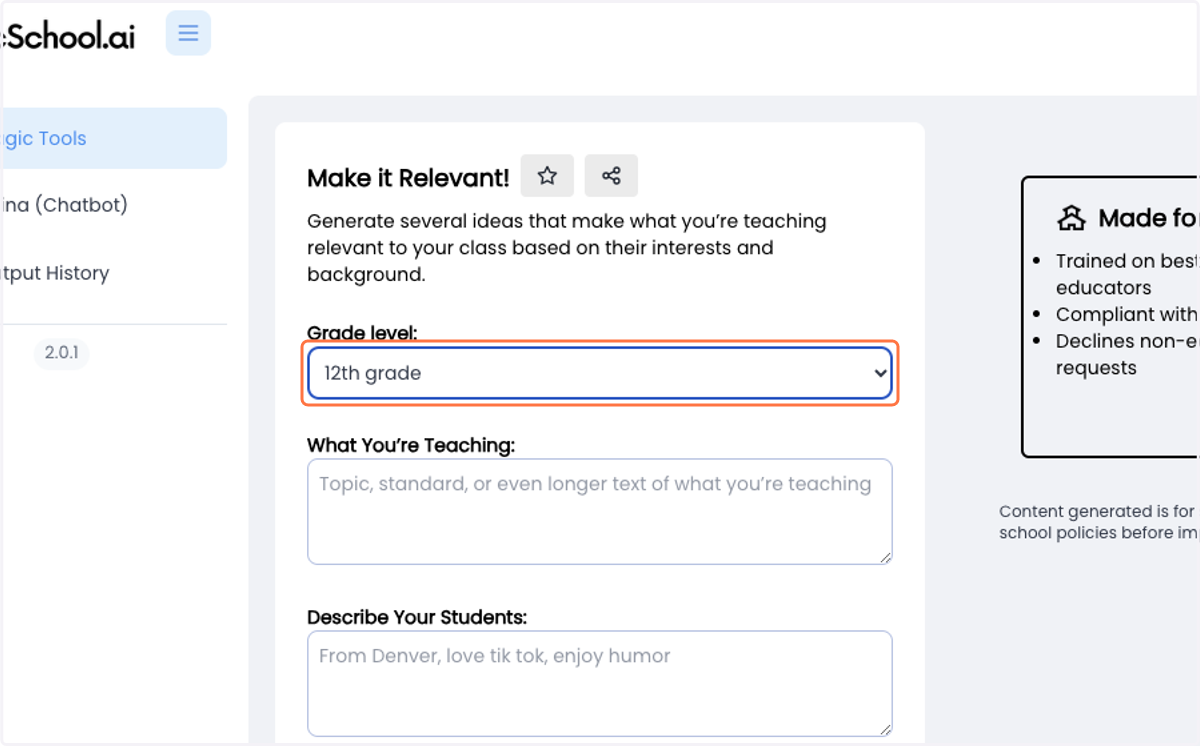
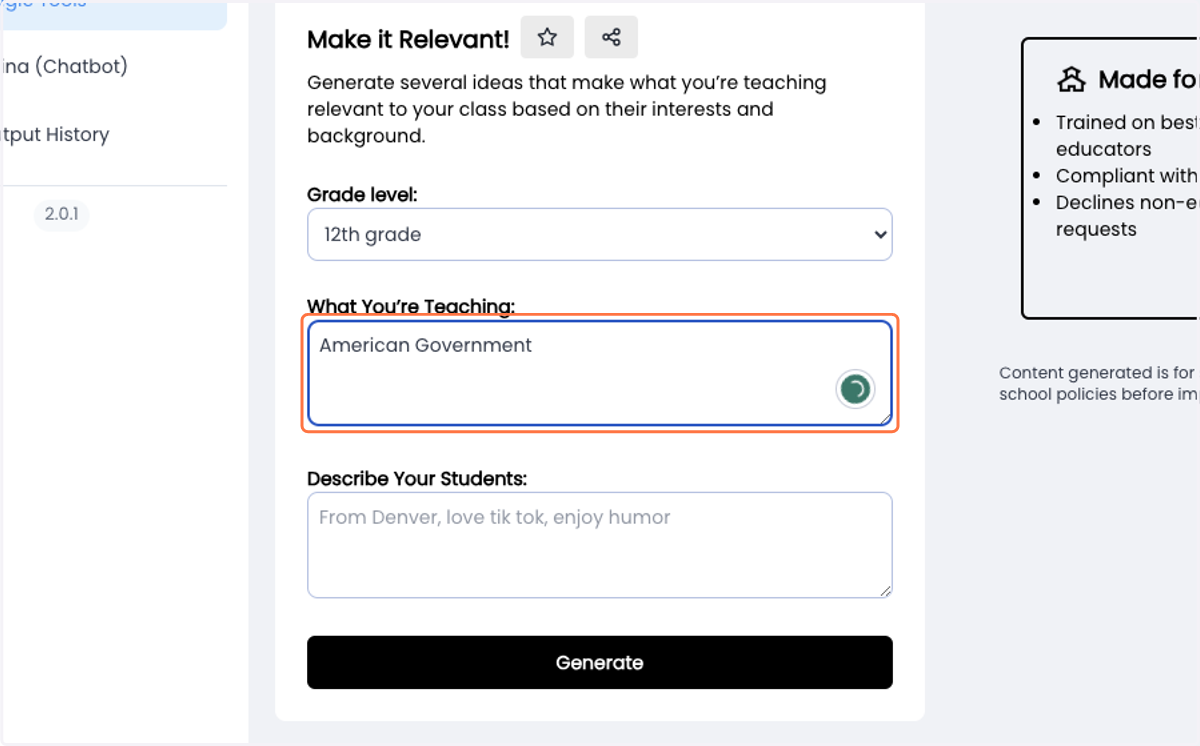
17. Type in your subject, objective, standard, or general topic
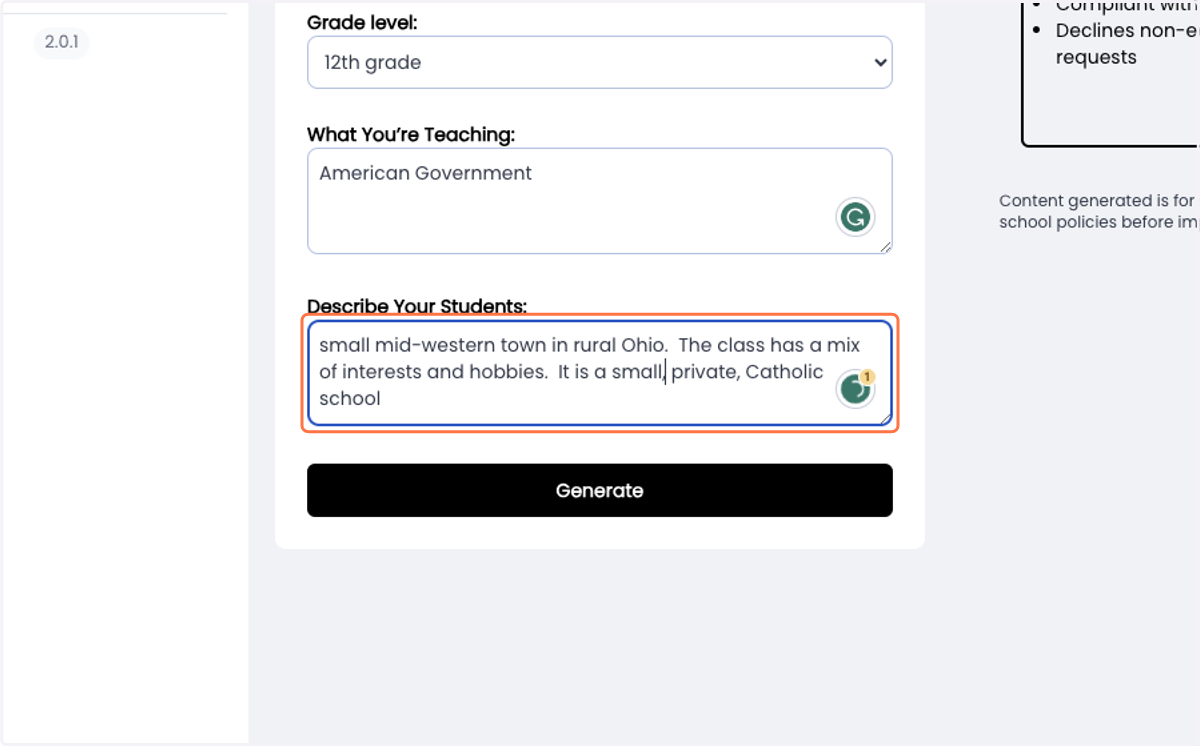
18. Type in information about the personalities of your students
19. Click on Generate
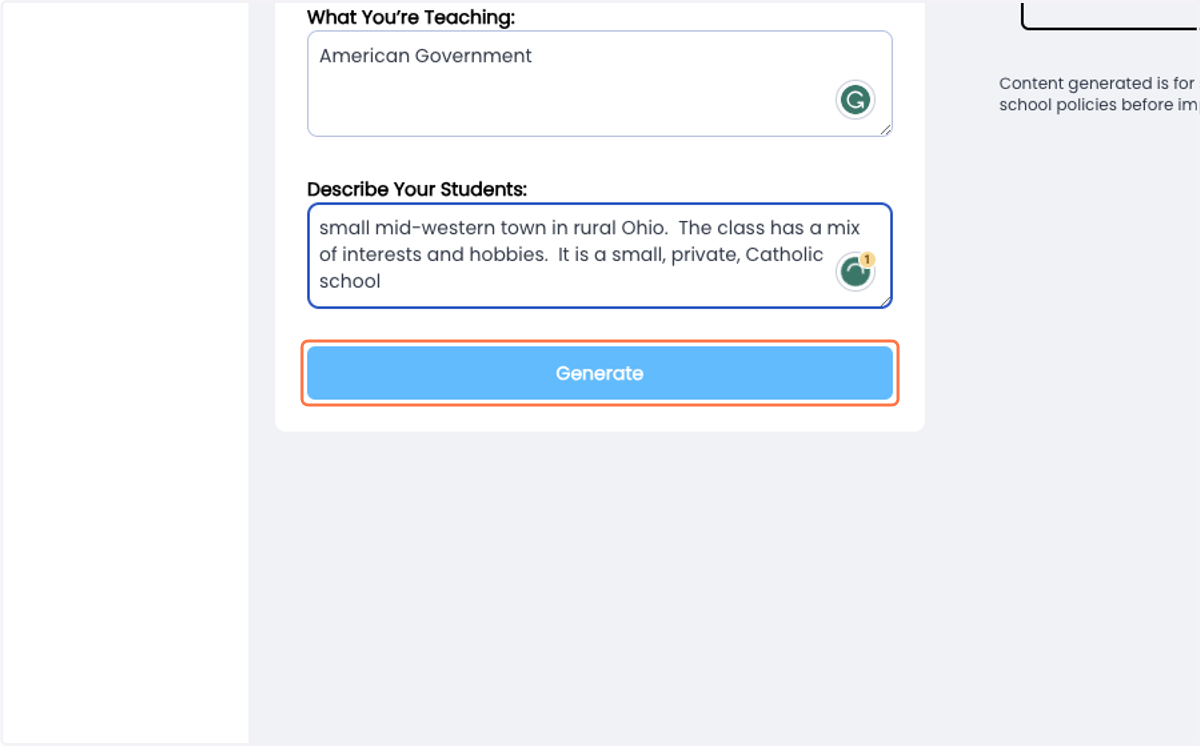
20. Ideas will be displayed on the right-hand side
21. Your Turn!
Click on Magic Tools again and take a look at the other options available. There are tools to help with communication, create newsletters, and make suggestions for IEPs and Behavior Plans. There a so many more great tools to help save you time.
22. Always check out the generated resource before sharing it with students, parents, or others!
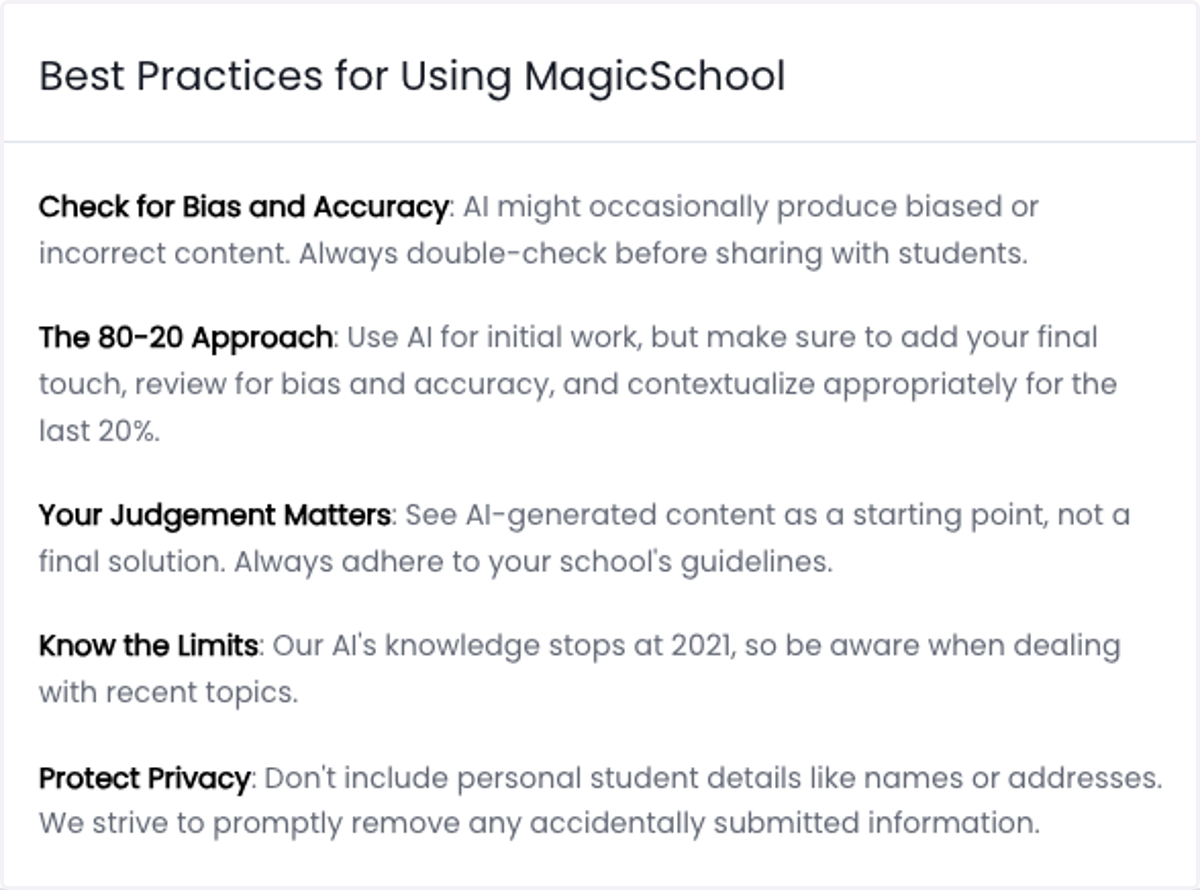
MagicSchool.ai provides this visual as you log in for the first time. This is great information to share with our students while also following ourselves.