MS Teams: Pin/Unpin an App to the Teams sidebar
Adding and removing apps from your MS Teams quickbar
Pinning an App
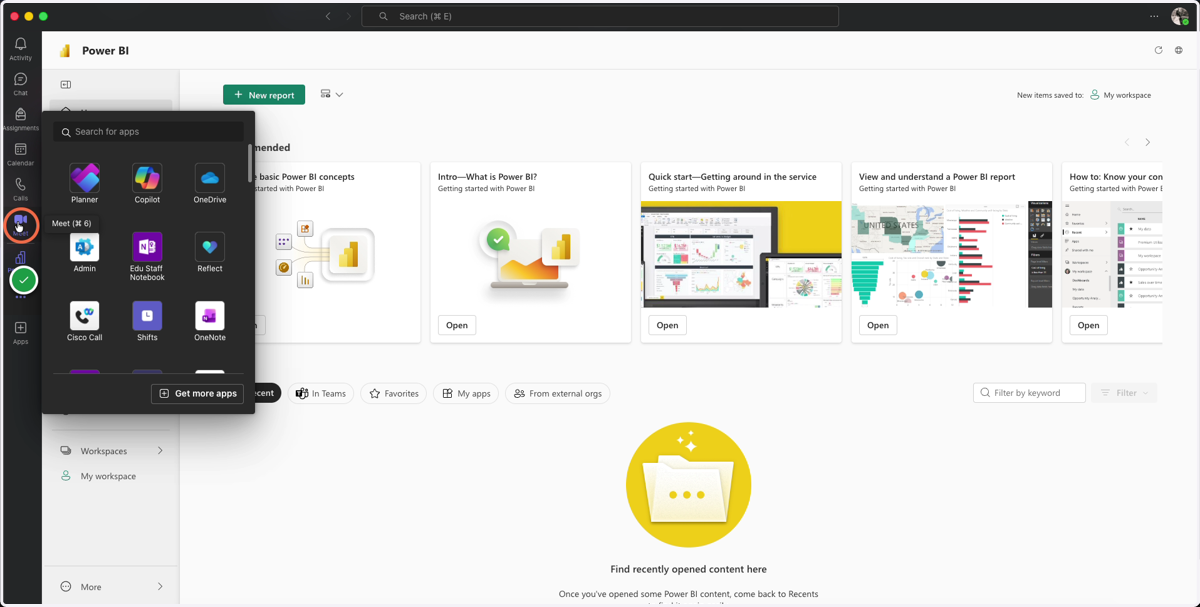
1. Click on the 3-dot menu on the left sidebar
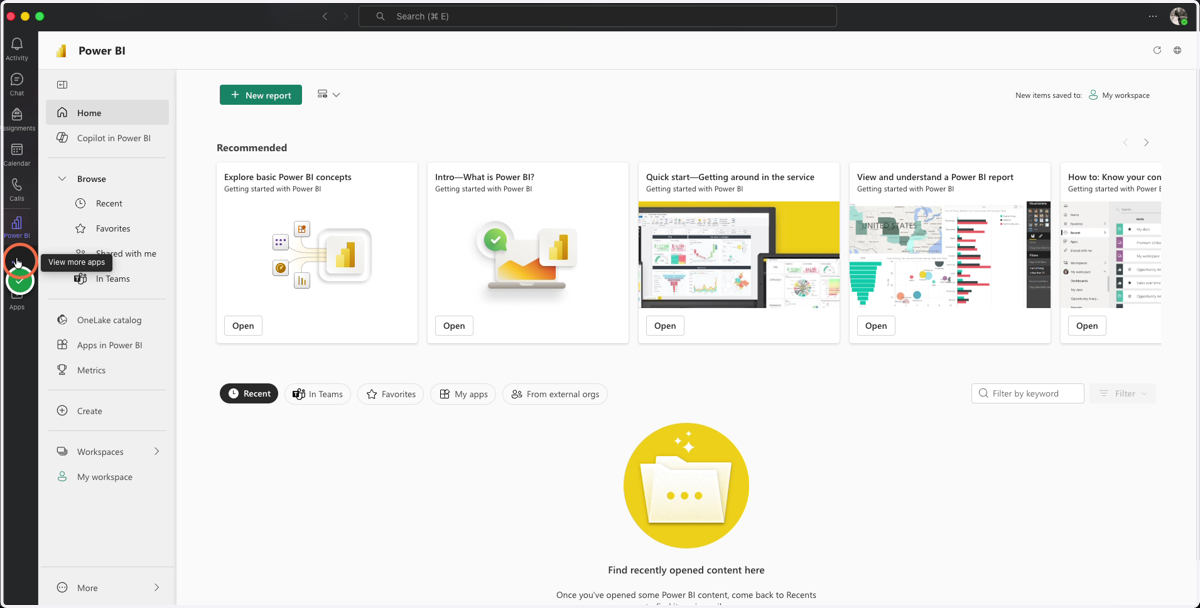
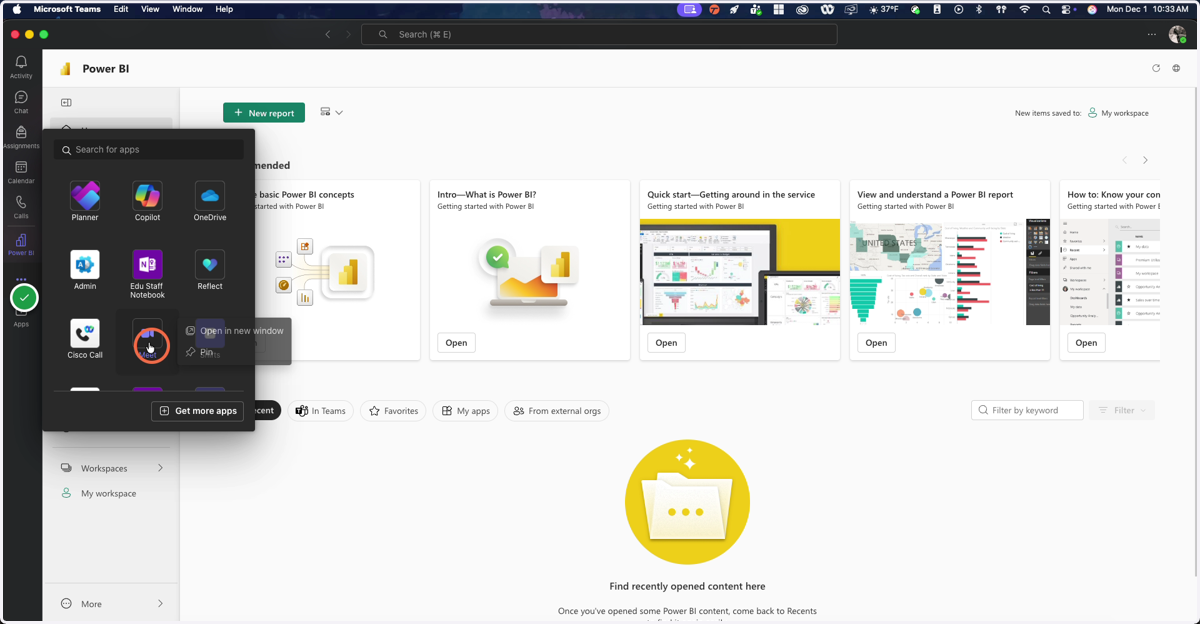
2. Locate the app you wish to pin, then right-click on it
For Mac Users without a mouse: Use ⌘+click
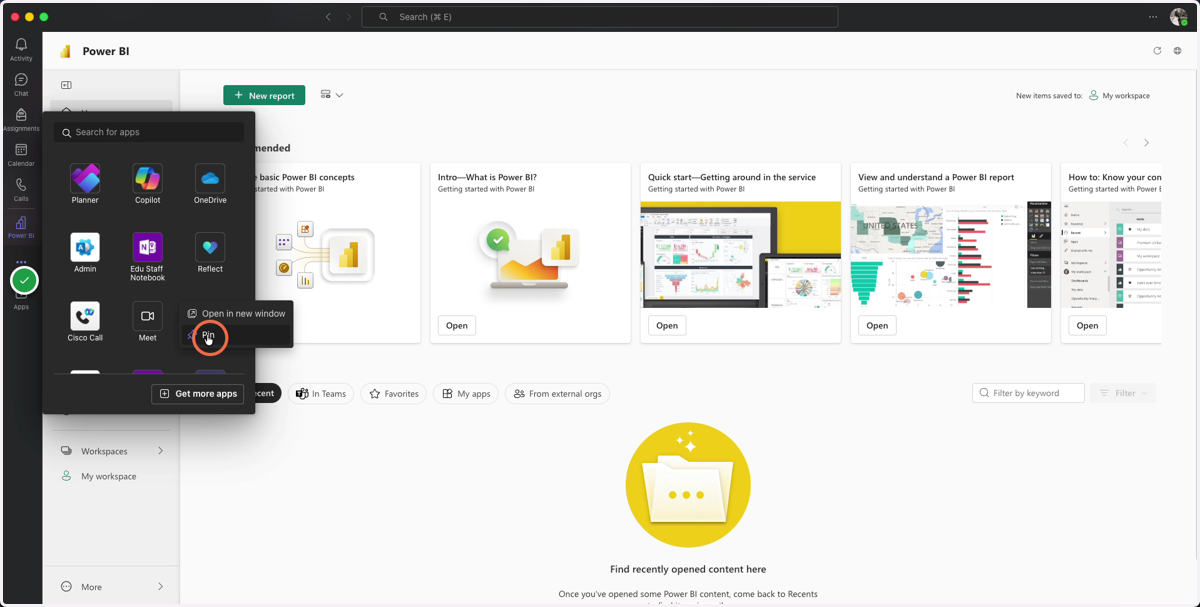
3. Select Pin
The app will now appear on the sidebar once Pin is selected
4. Open the app on the sidebar
Unpinning an App
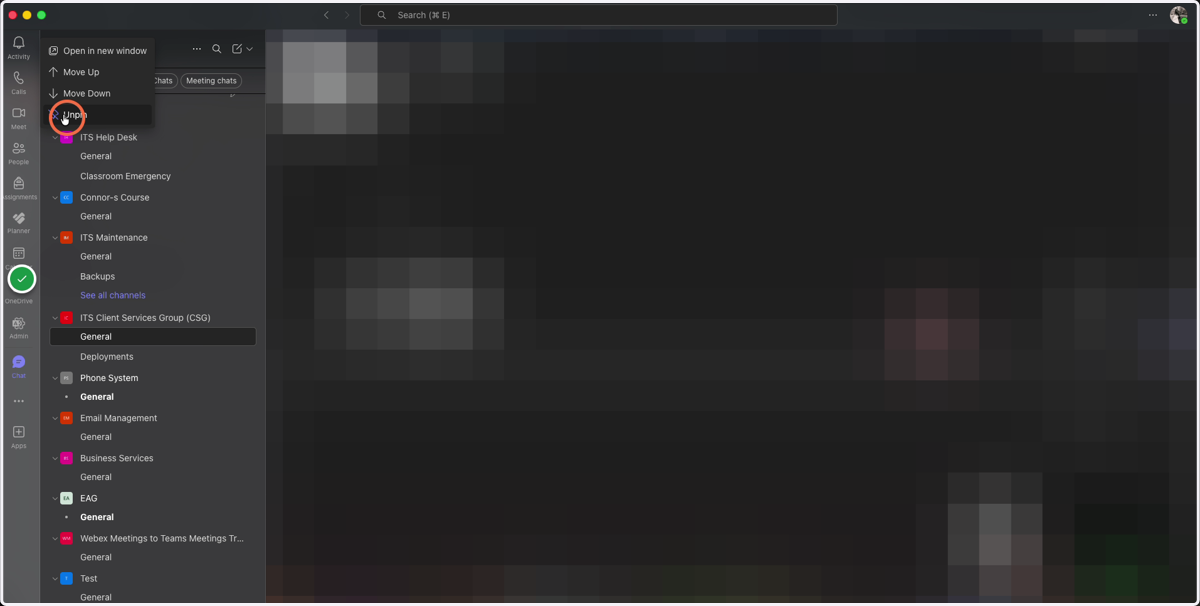
5. Right-click (or ⌘-click) on the app you wish to unpin
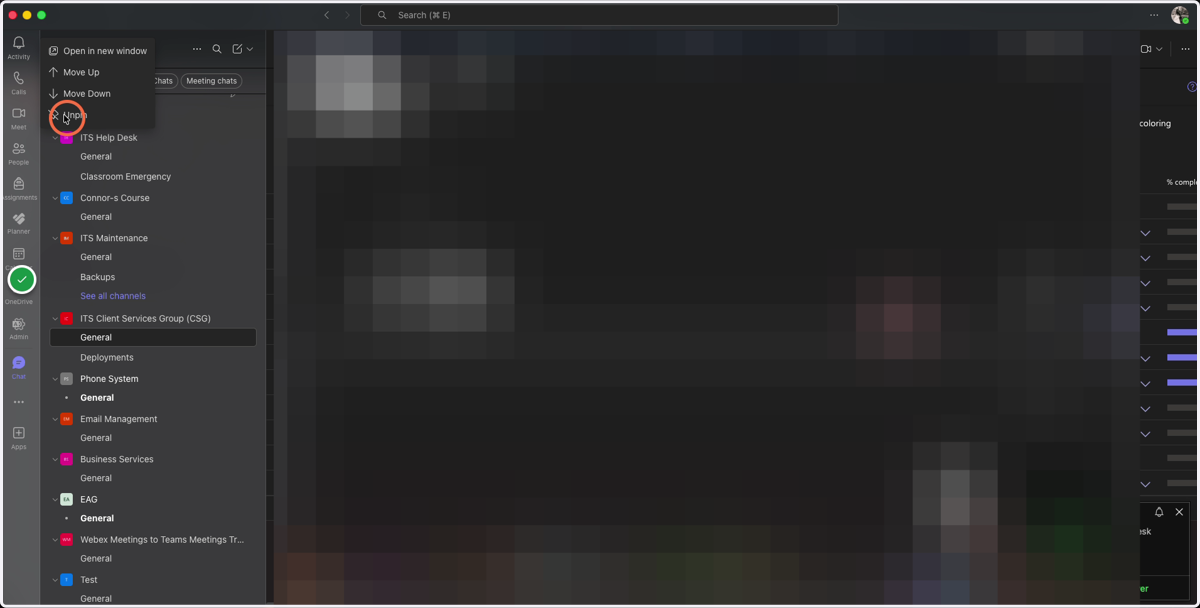
6. Select Unpin