Love Tennis 2026: Upload Gallery Promo Image on Homepage
Before you begin, make sure you have downloaded and saved a copy of the image you need for this task: NATIONWIDE IMAGE or GRASSCOURTS IMAGE
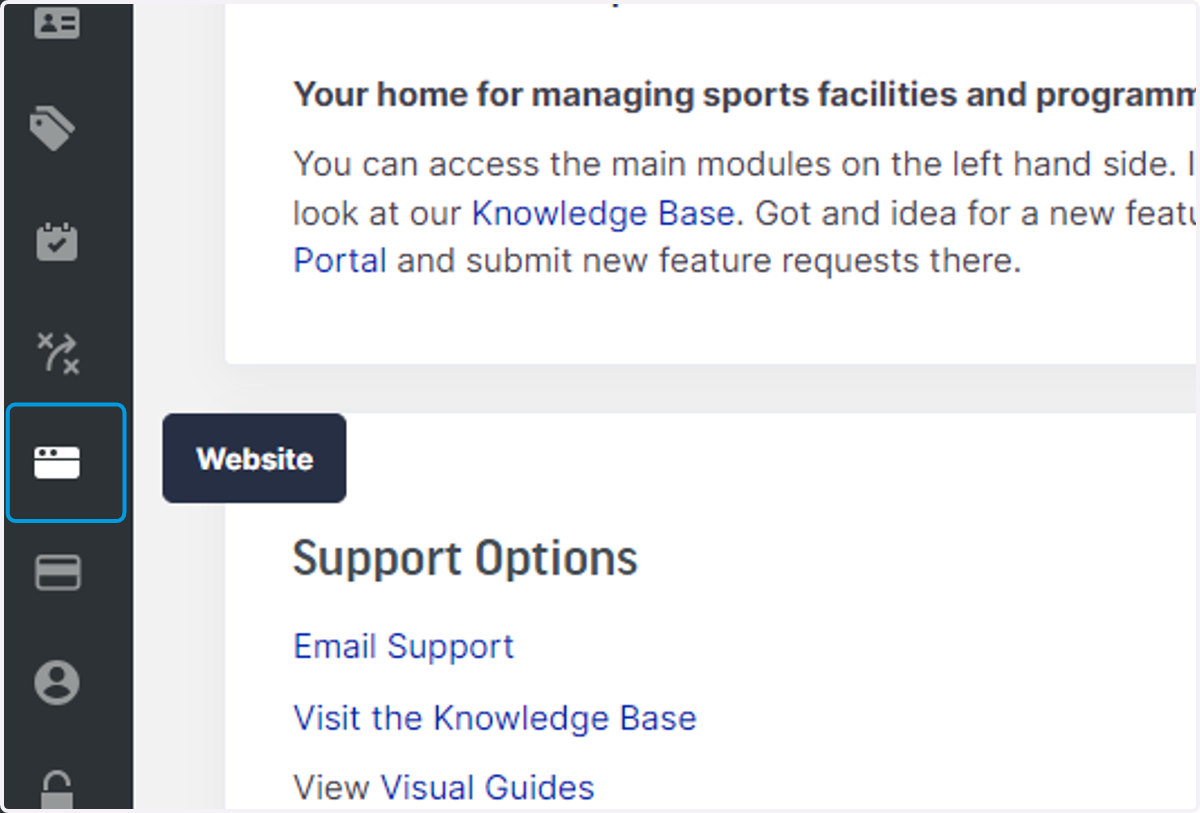
1. Login to your club dashboard in Clubspark and head to Website tab on the left
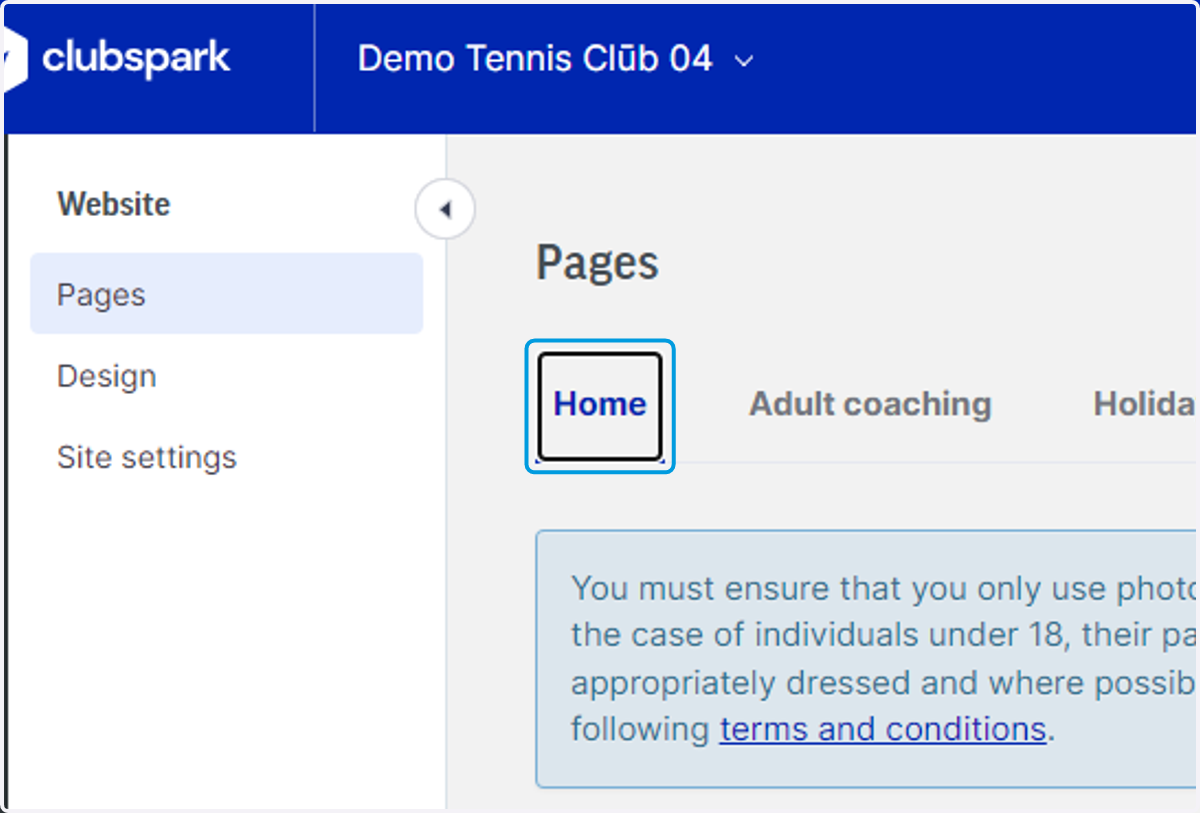
2. Click on Home
3. Scroll down to where you can see Upload new gallery photo, click the box as indicated in this image
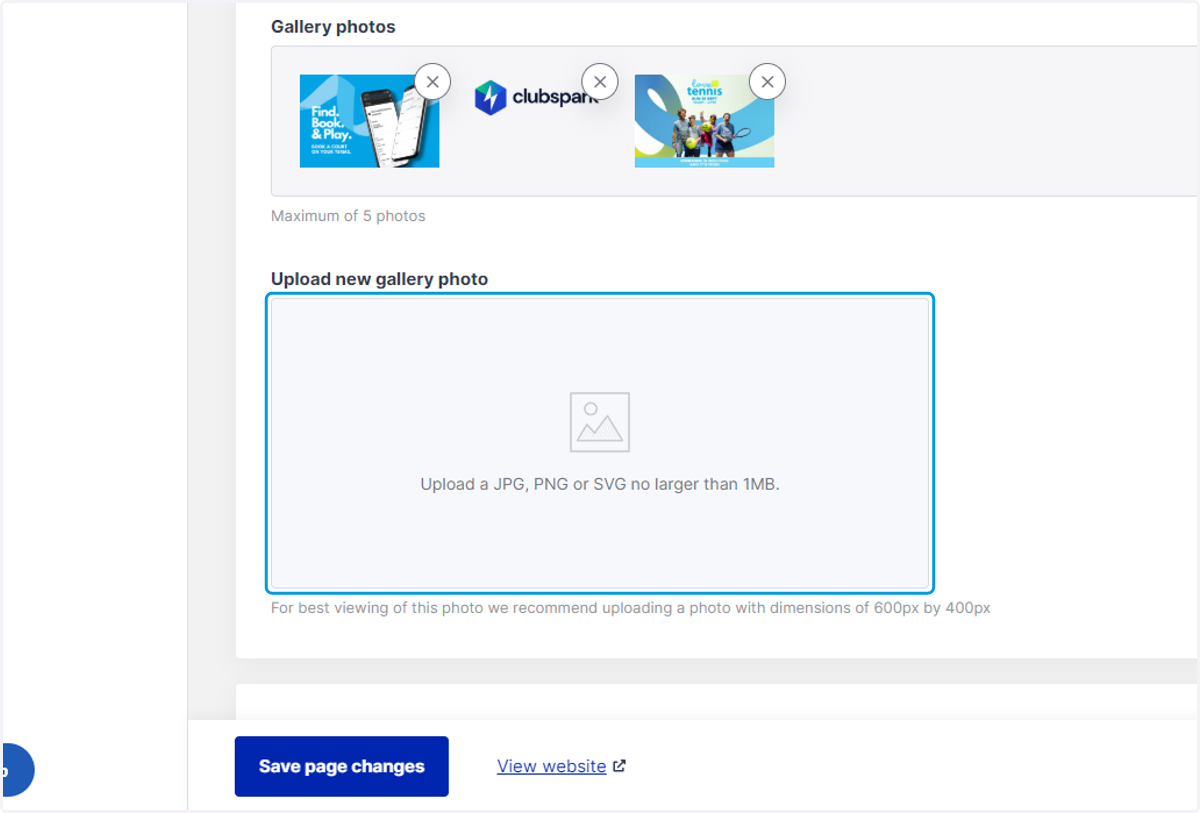
4. Click Upload
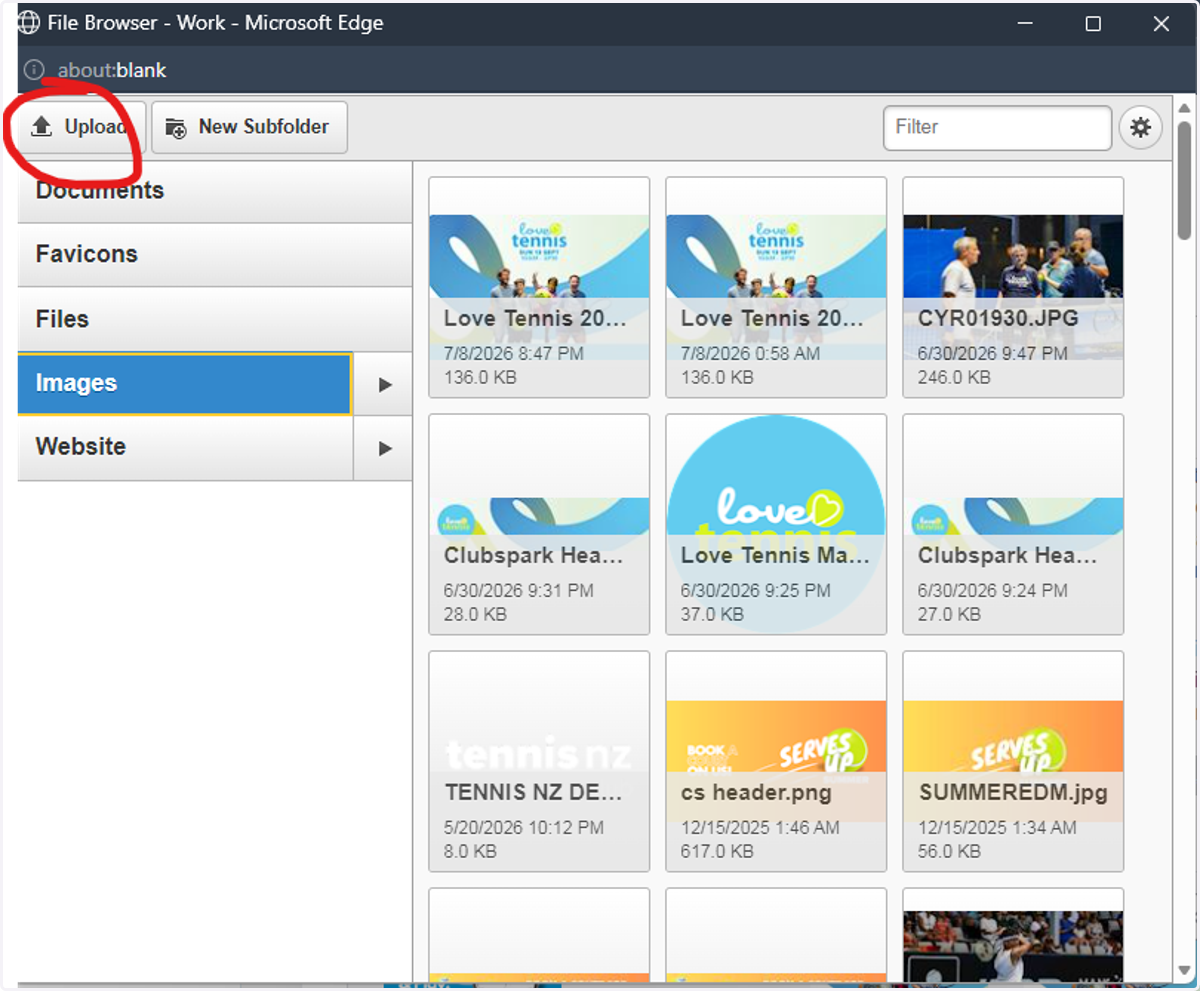
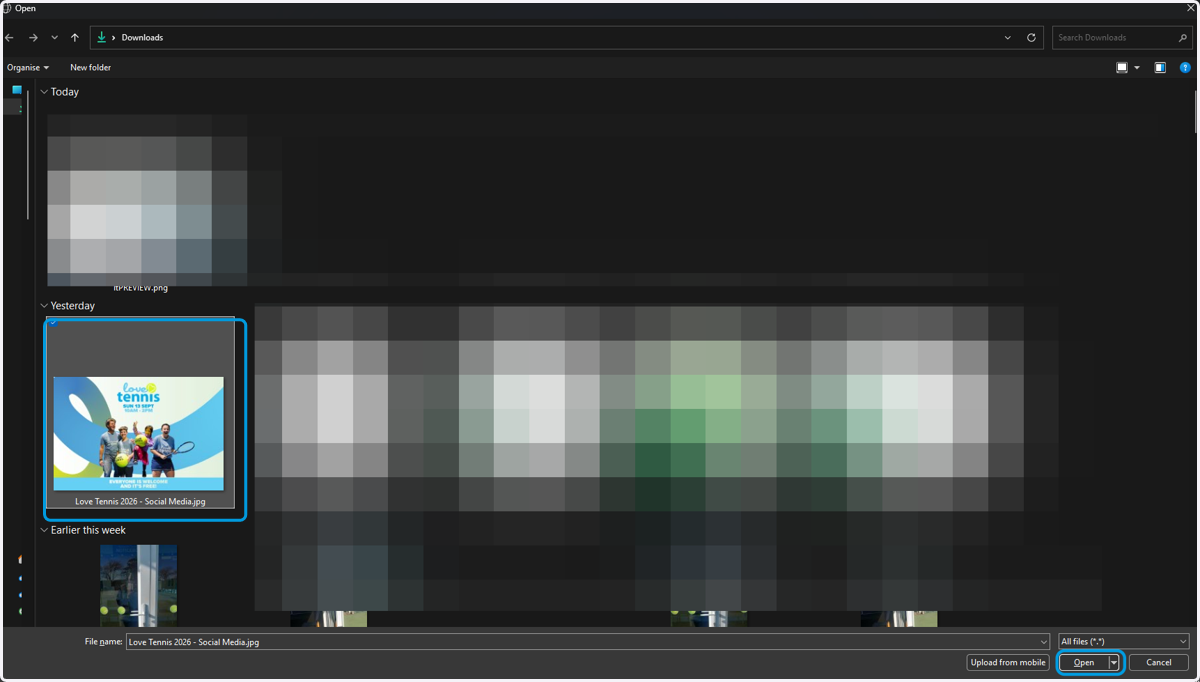
5. Find your saved image and click open
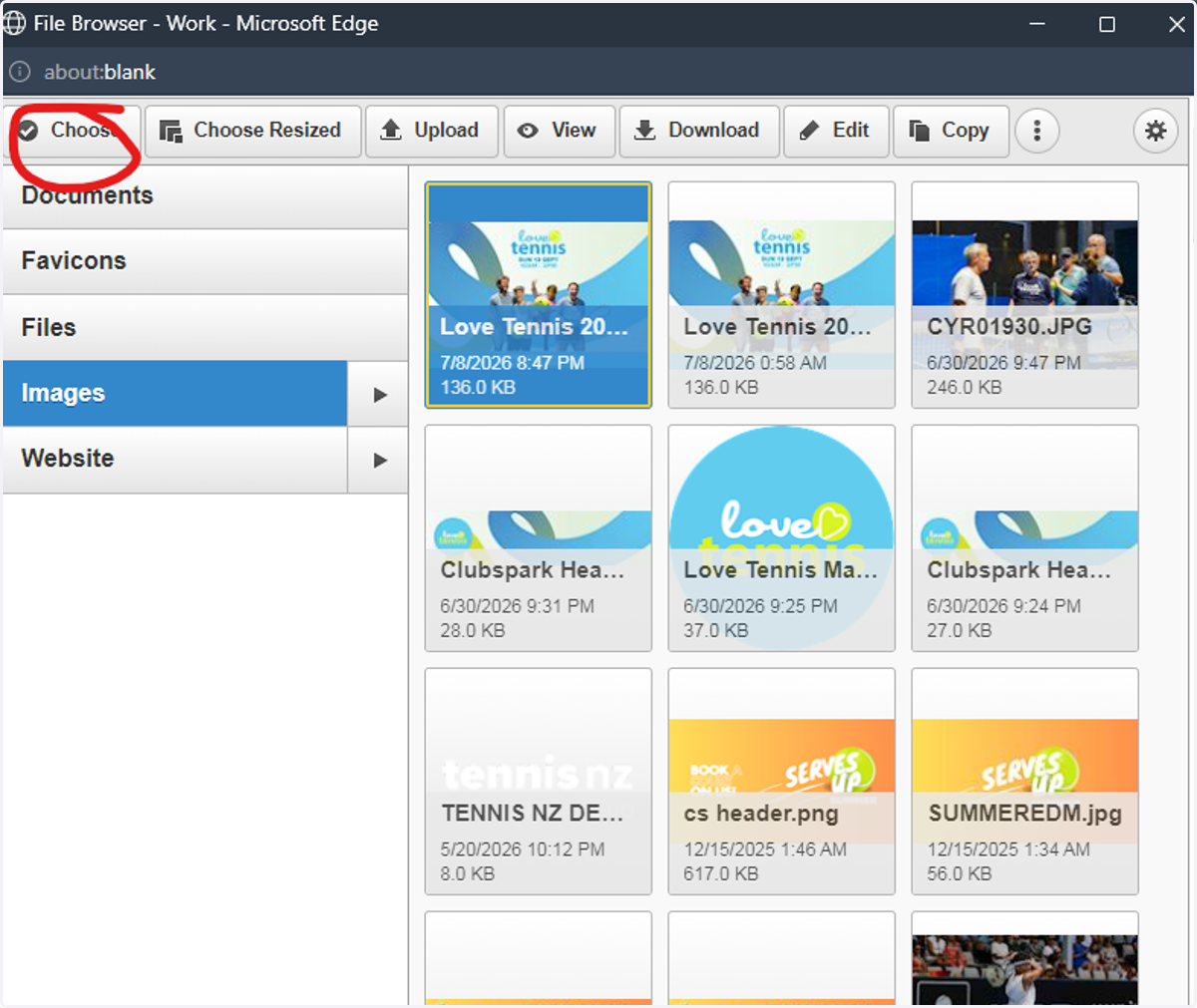
6. Click choose
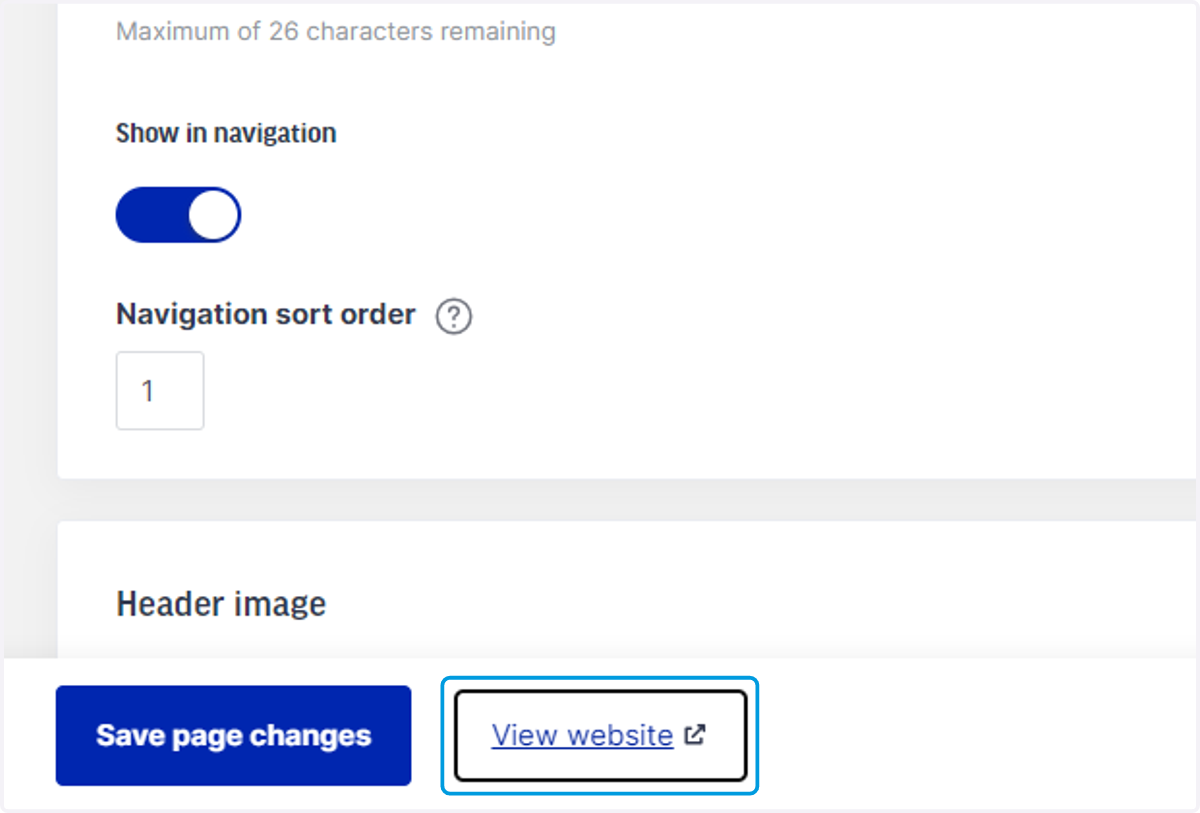
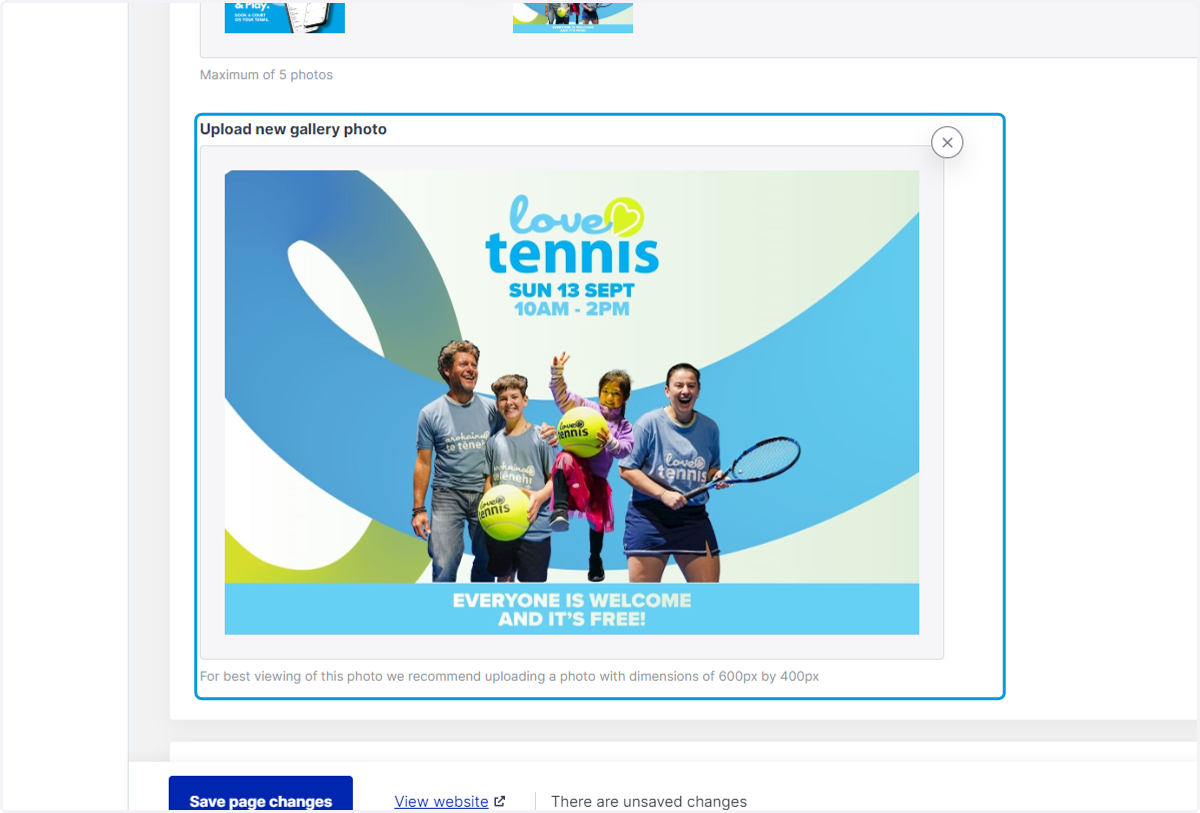
7. Preview the image as you can see, then click the Save Page changes blue button you can see at the bottom of the screen
8. EXTRA: If you wish to add more details on the home page of your club's website you can do so here
If you need help with what to write, you can get in touch with the Love Tennis Team at lovetennis@tennis.kiwi
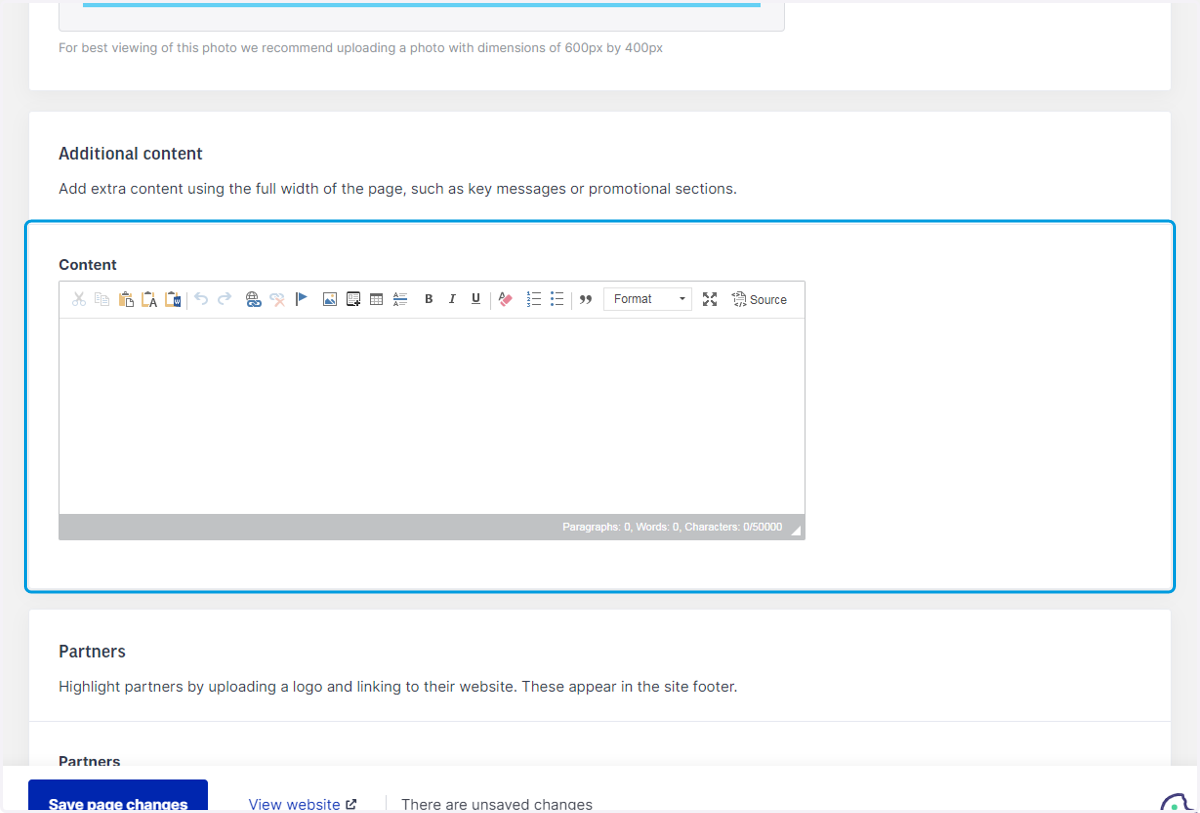
9. Make sure you save page changes, every time you make adjustments
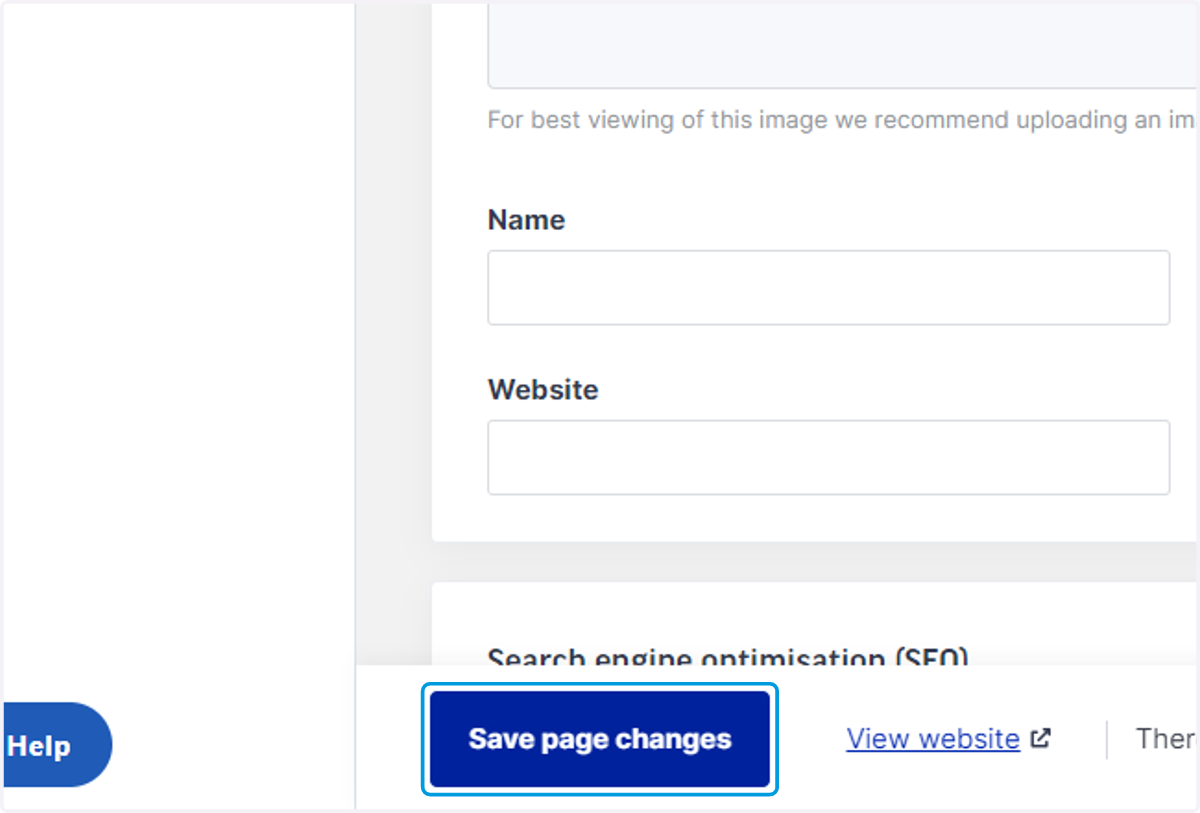
10. Click on View website to see your changes