Login to ThoughtSpot using PMI Username and Password
You must authenticate yourself as a PMI Chapter Leader or PMI Chapter Engagement Staff member by providing your PMI.org Username and Password leveraging our Single Sign On (SSO) functionality.
Thoughtspot
1. Go to ThoughtSpot
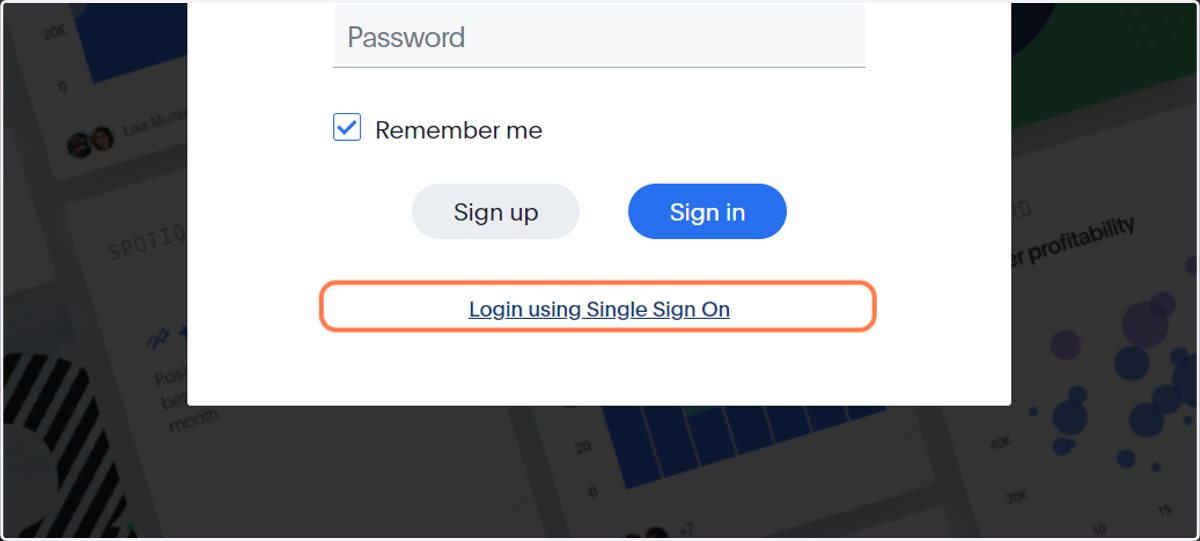
2. Click on Login using Single Sign On
Pmi
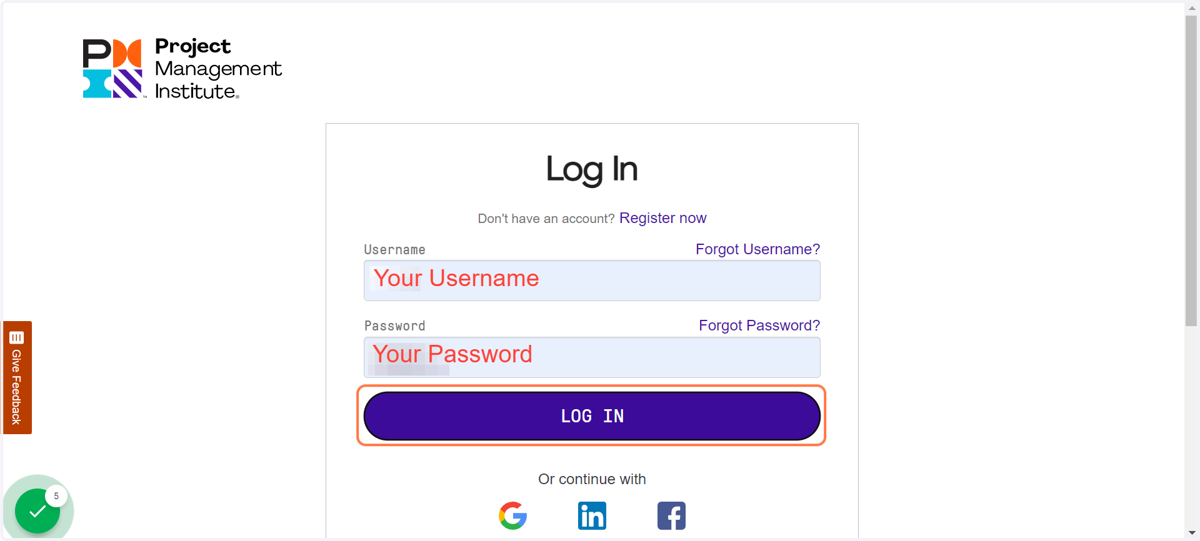
3. Login as you would if you were logging into PMI.org
Everyone logs into PMI.org differently whether you have a separate PMI.org username and password or if you use a social media account. For authentication purposes, you must login to PMI.org with the same account associated with your PMI membership and therefore, is associated with your chapter membership and volunteer leadership roles.
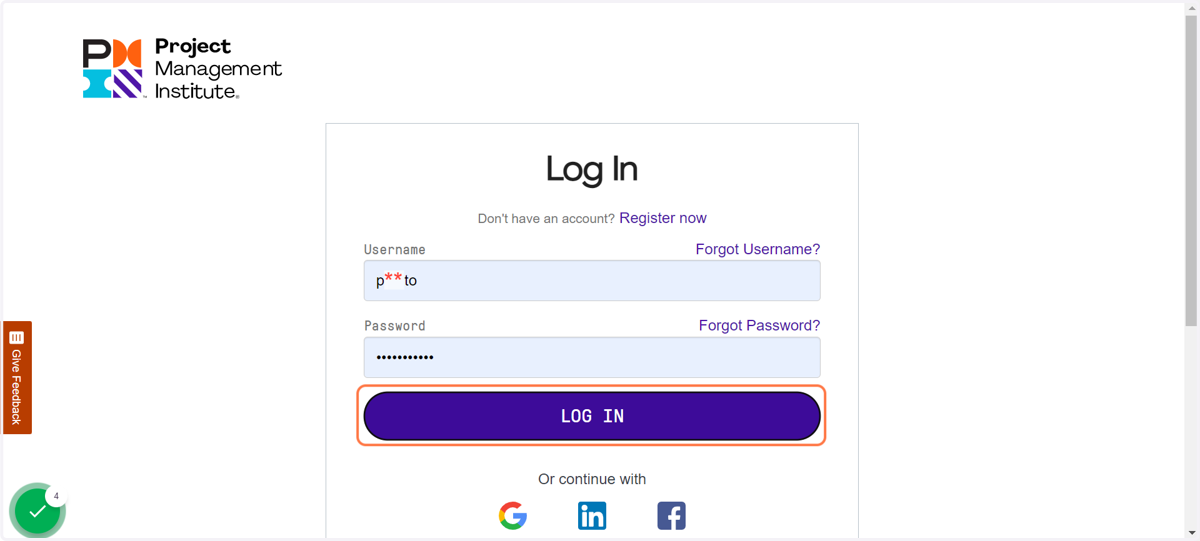
4. Click on LOG IN
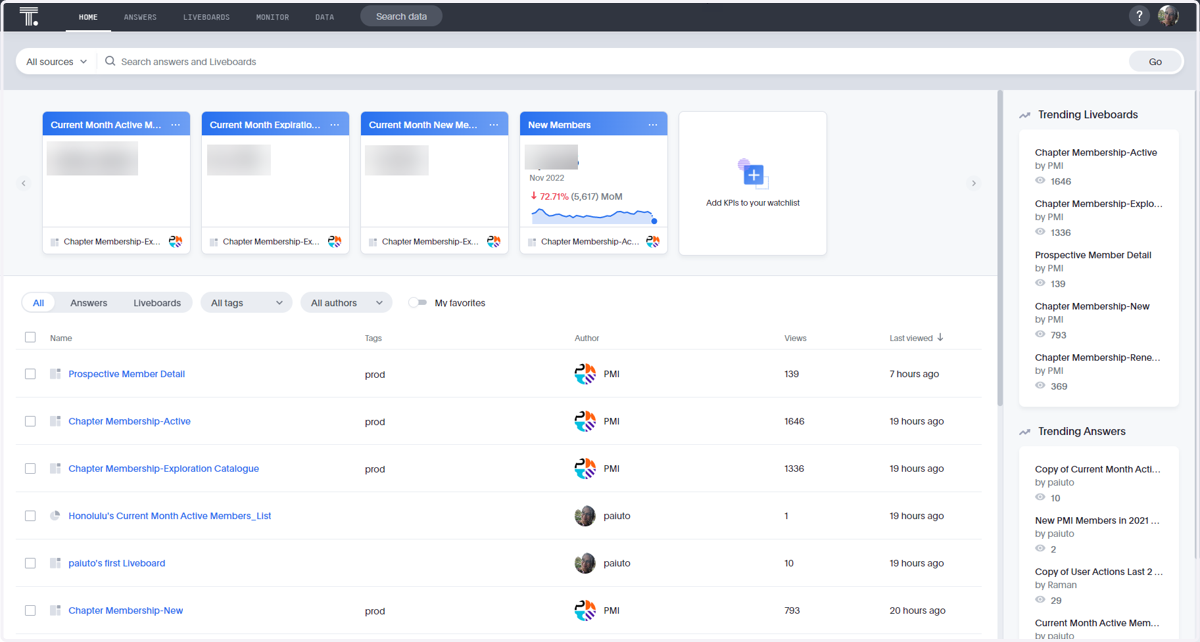
5. You will land on the HOME page after login
You may be greeted with a welcome video and tool tutorials.