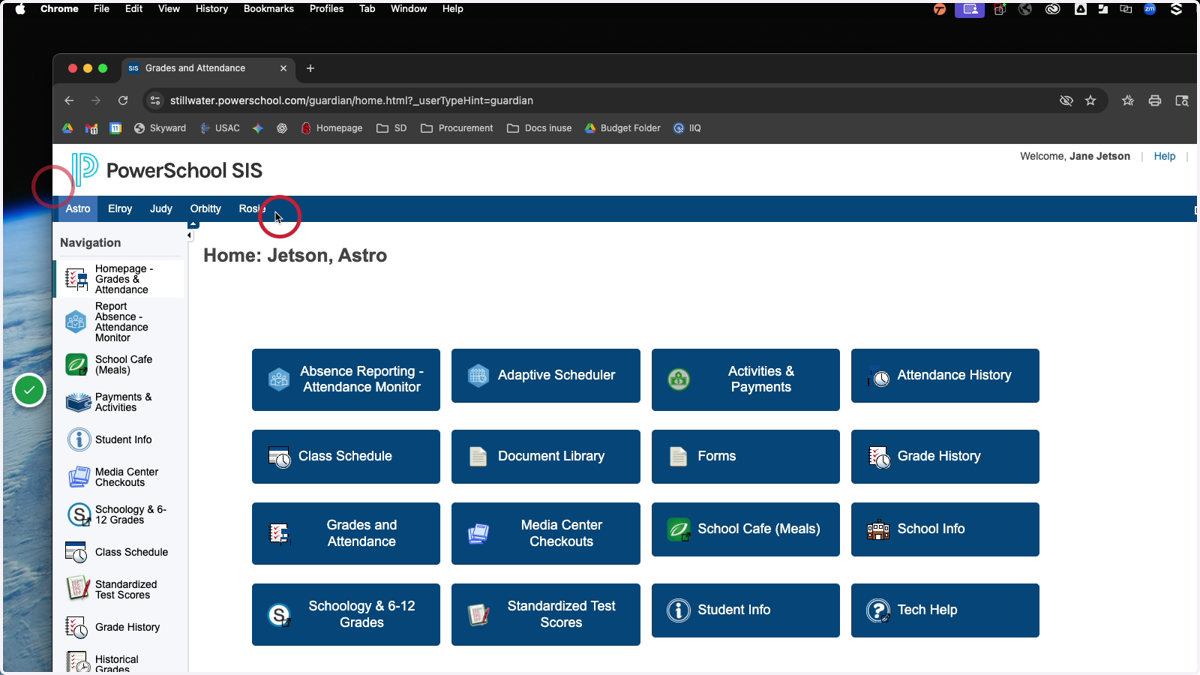
Logging in to PowerSchool from the Parent\Guardian
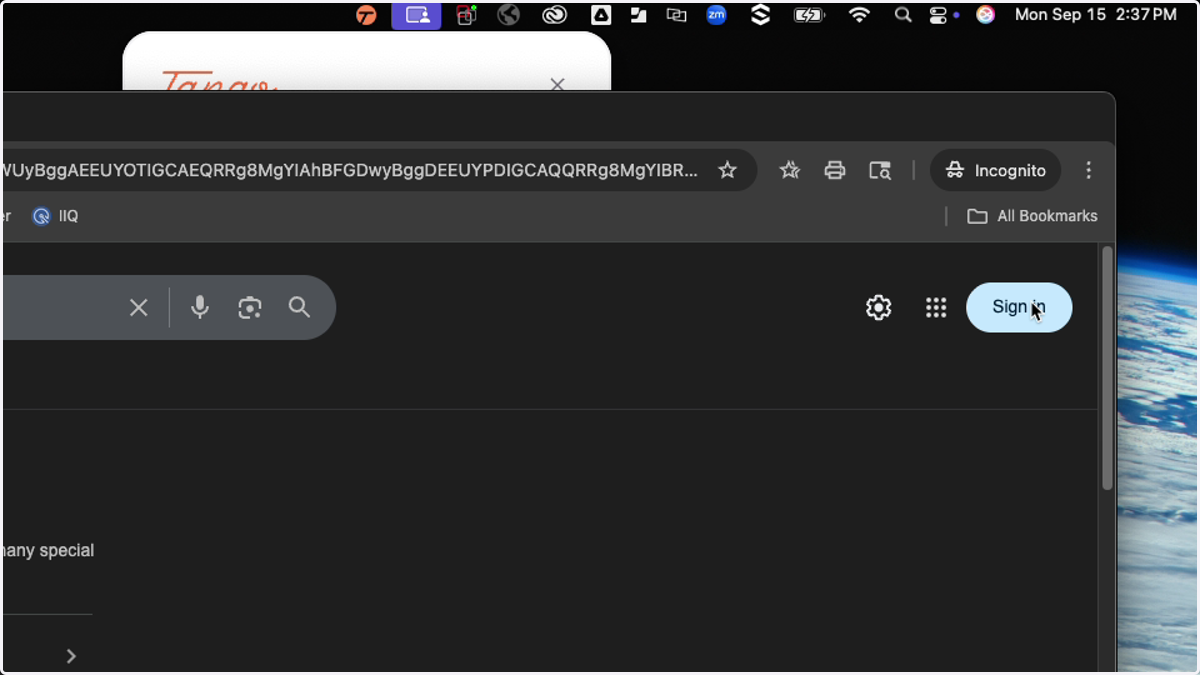
1. Sign in to Google with your district provide information
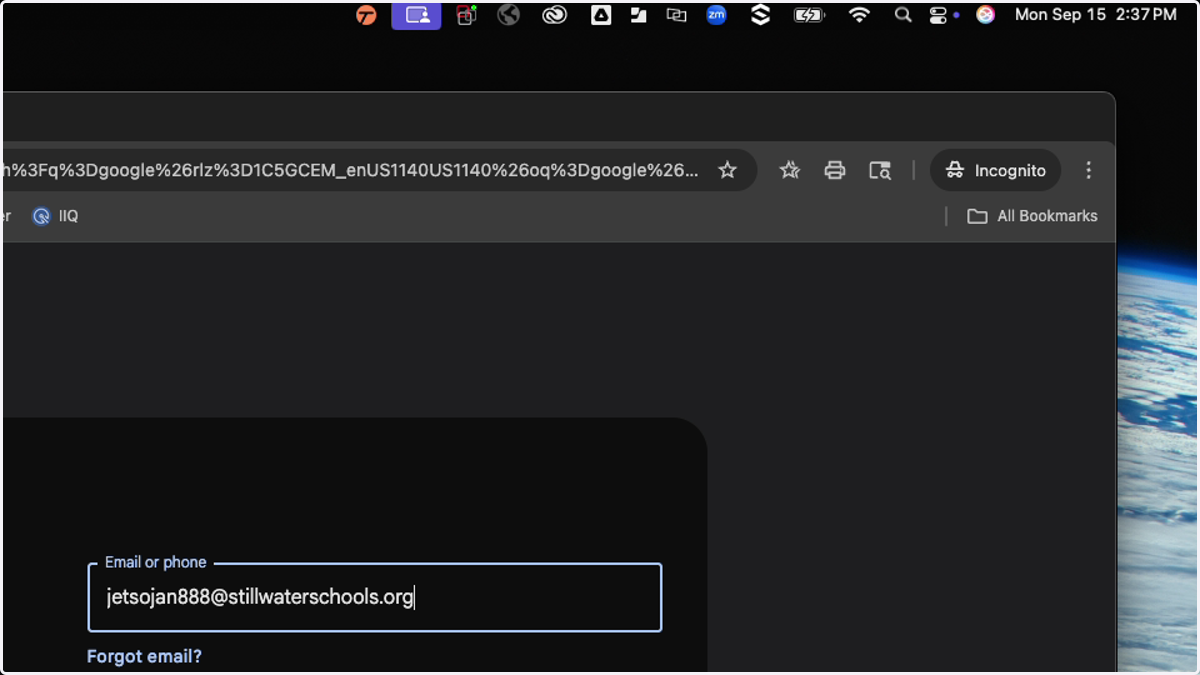
2. Enter your Stillwater Schools email address
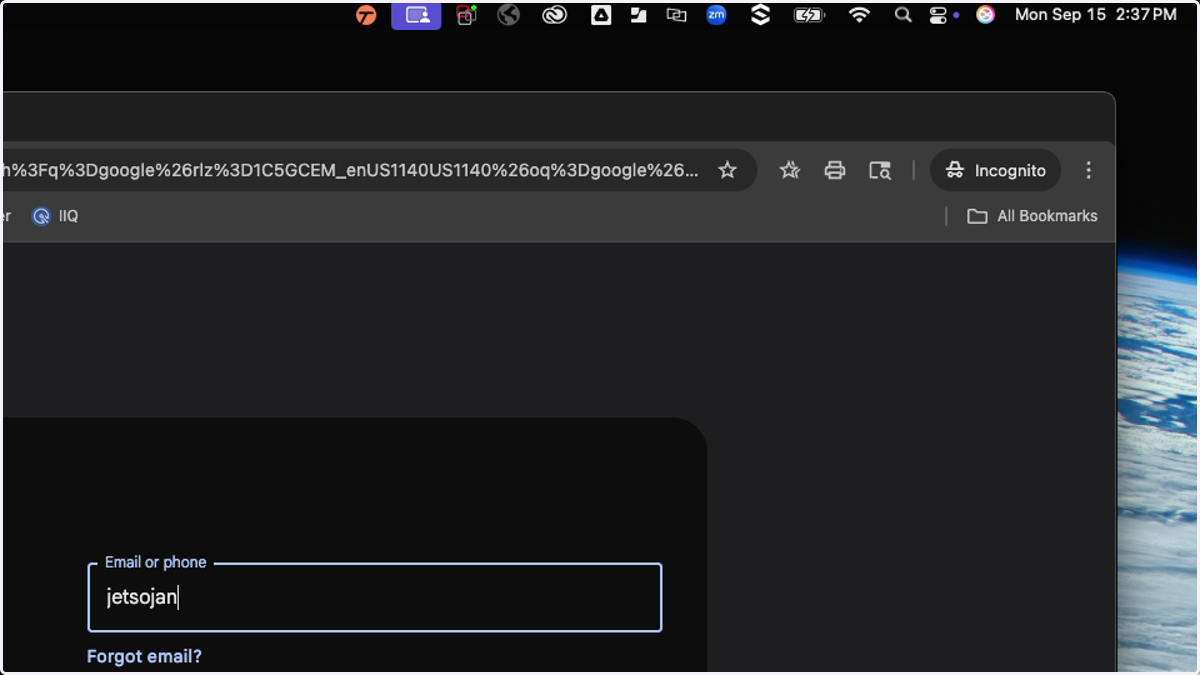
3. Press Enter
This is an example email address
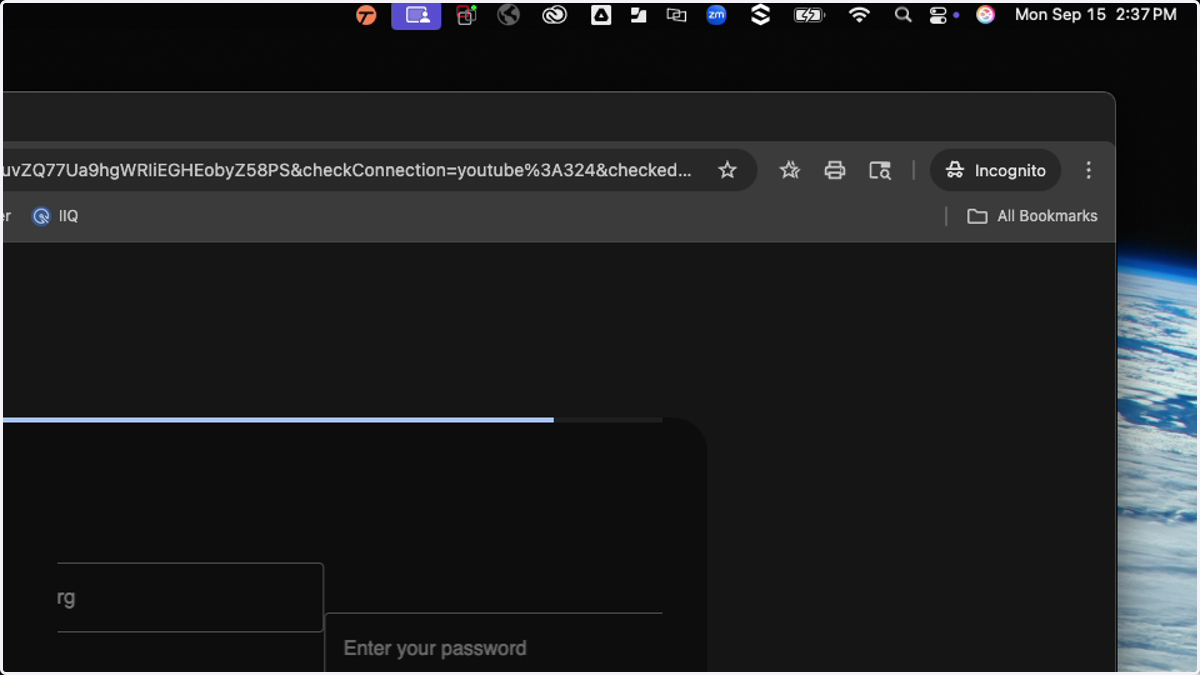
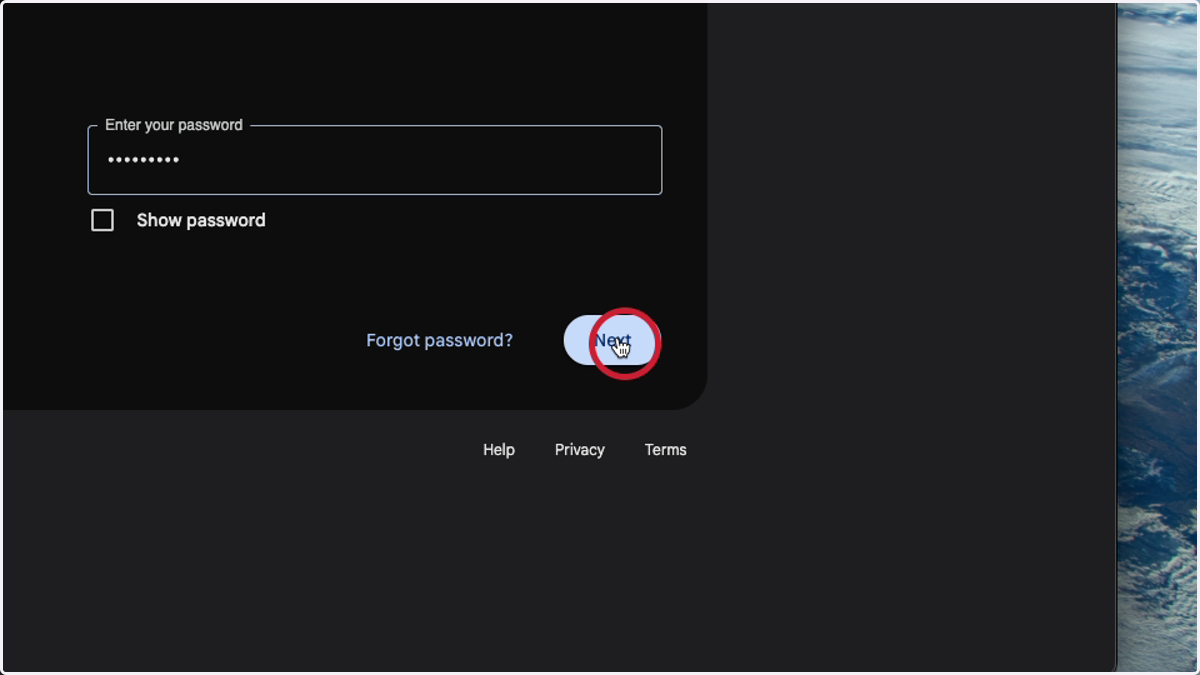
4. Enter the password provided to you from the district
If you need to have it reset, please email us: familyhelpdesk@stillwaterschools.org
5. Next
Navigate to PowerSchool
stillwater.powerschool.com
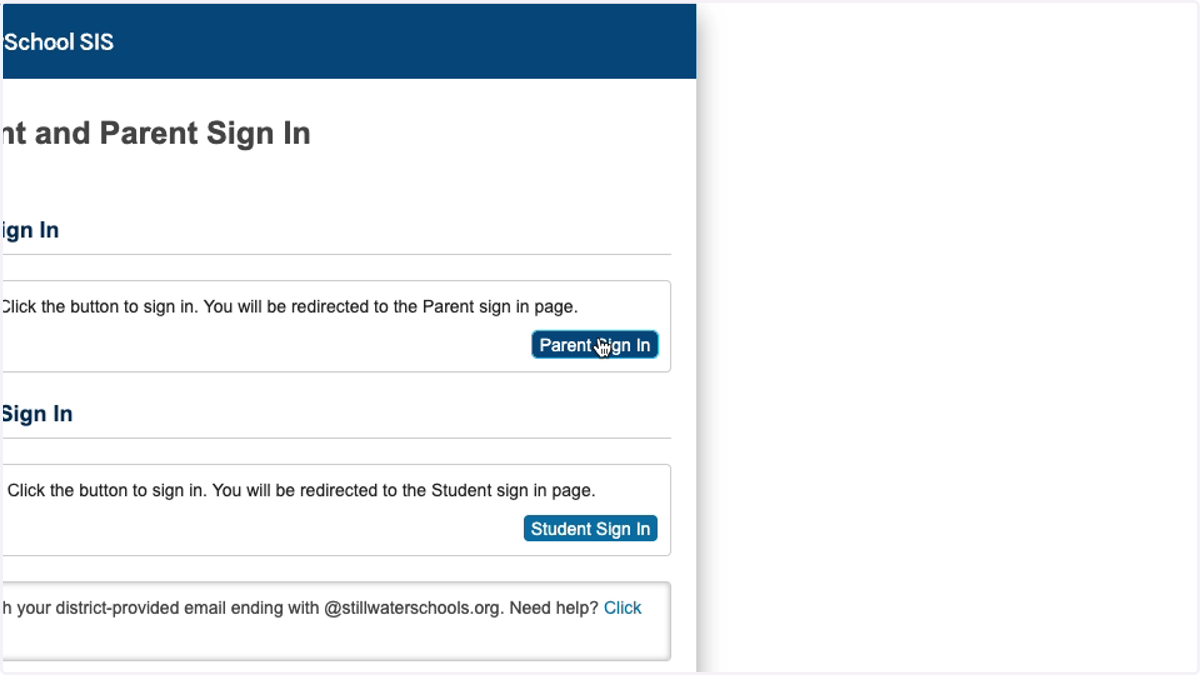
6. select Parent Sign in
7. Across the top are your students you can move to different students by selecting their names! You have successfully logged into PowerSchool for Stillwater Area Schools!