Lofty - Add Email Parse for Lead Import from MIR
Setting | Lofty
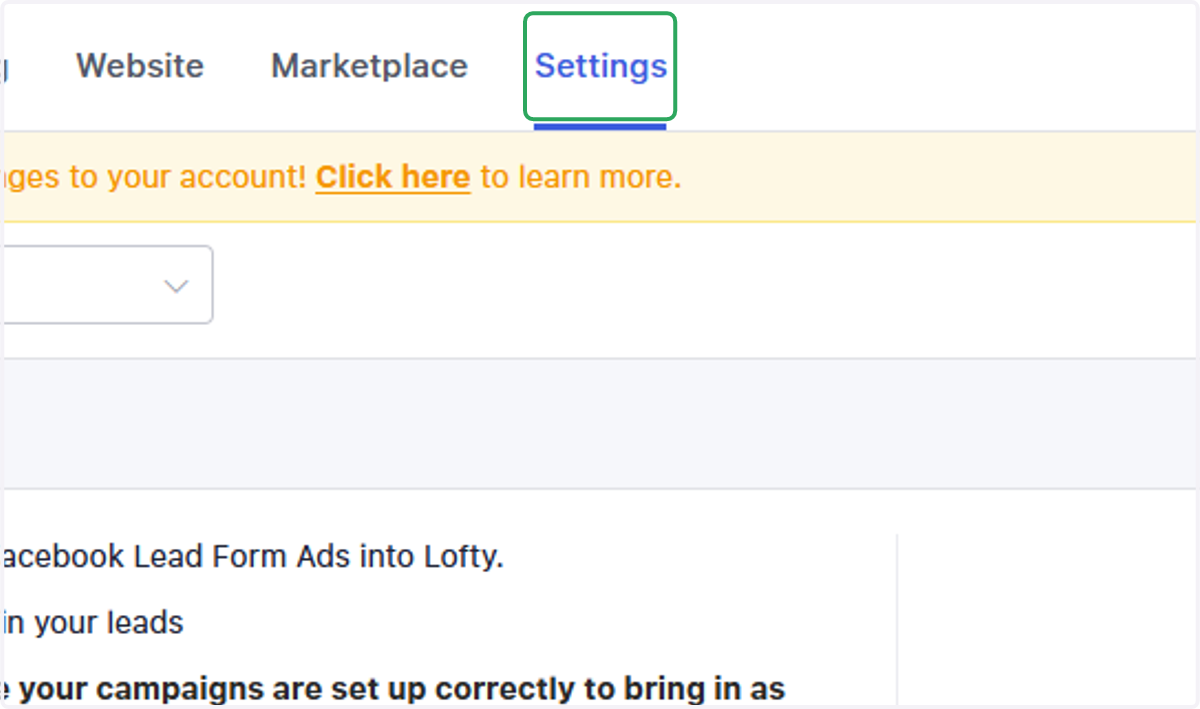
1. Click on Settings
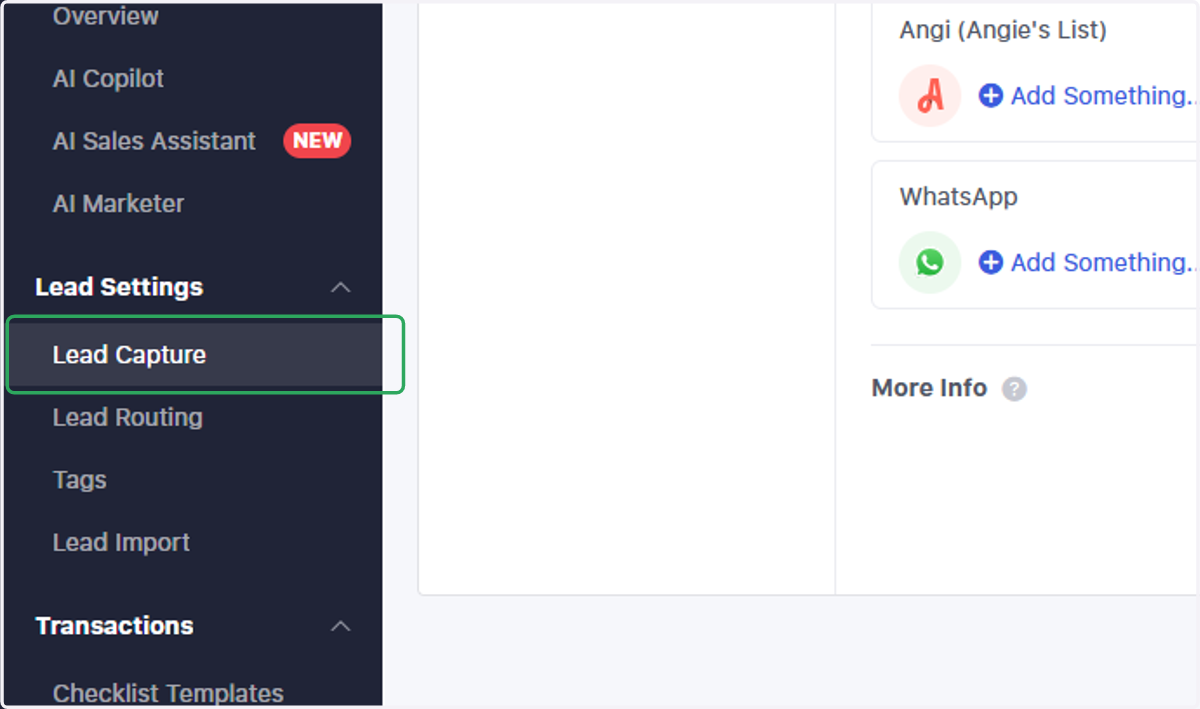
2. Click on Lead Capture
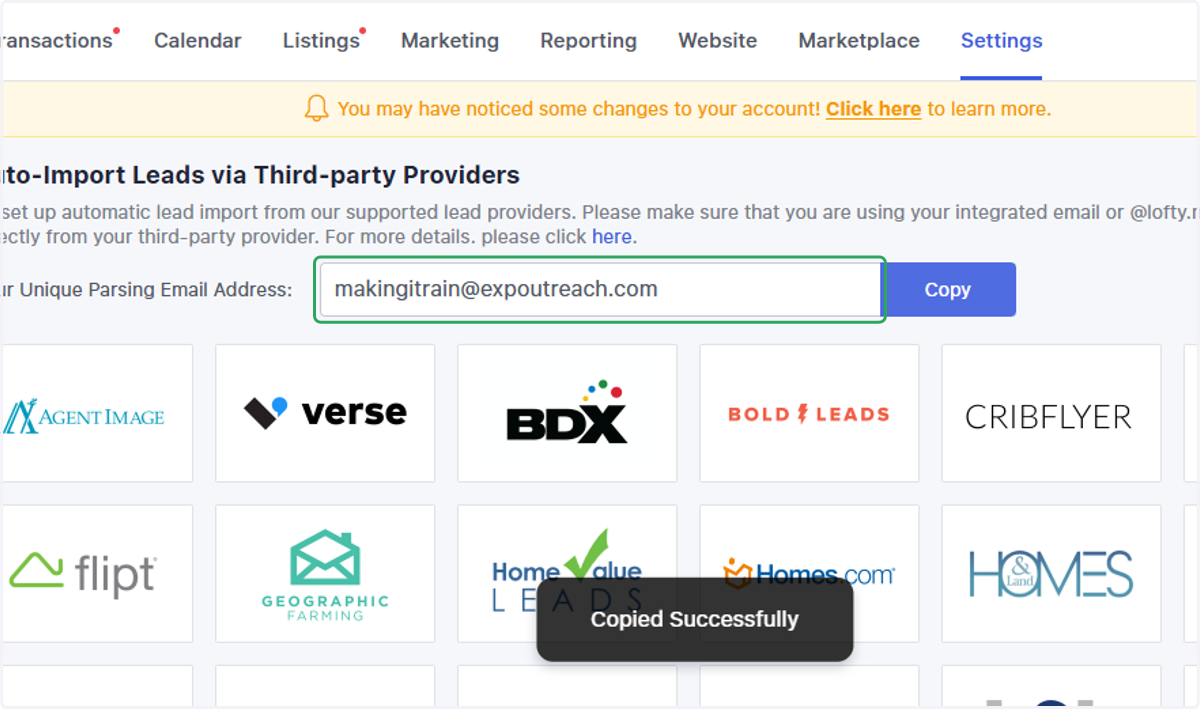
3. Scroll down to "Auto-Import Leads via Third-party Providers"
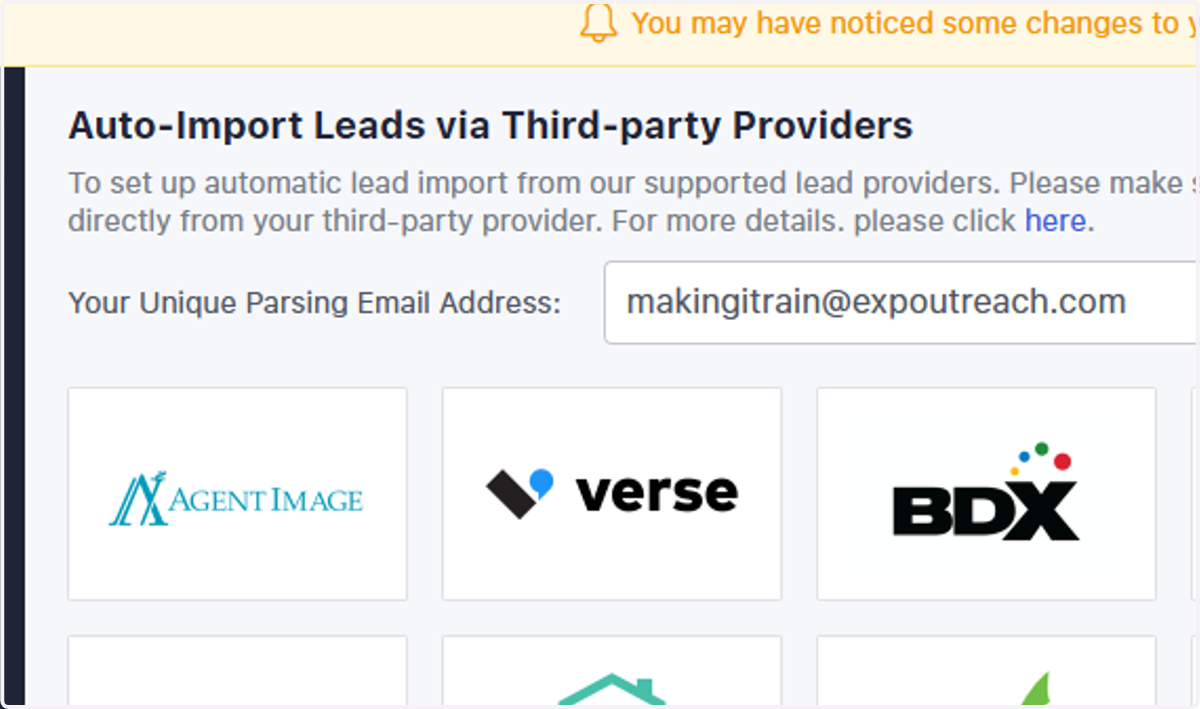
4. Copy your unique parsing email address
Open yourMaking It Rain | Dashboard
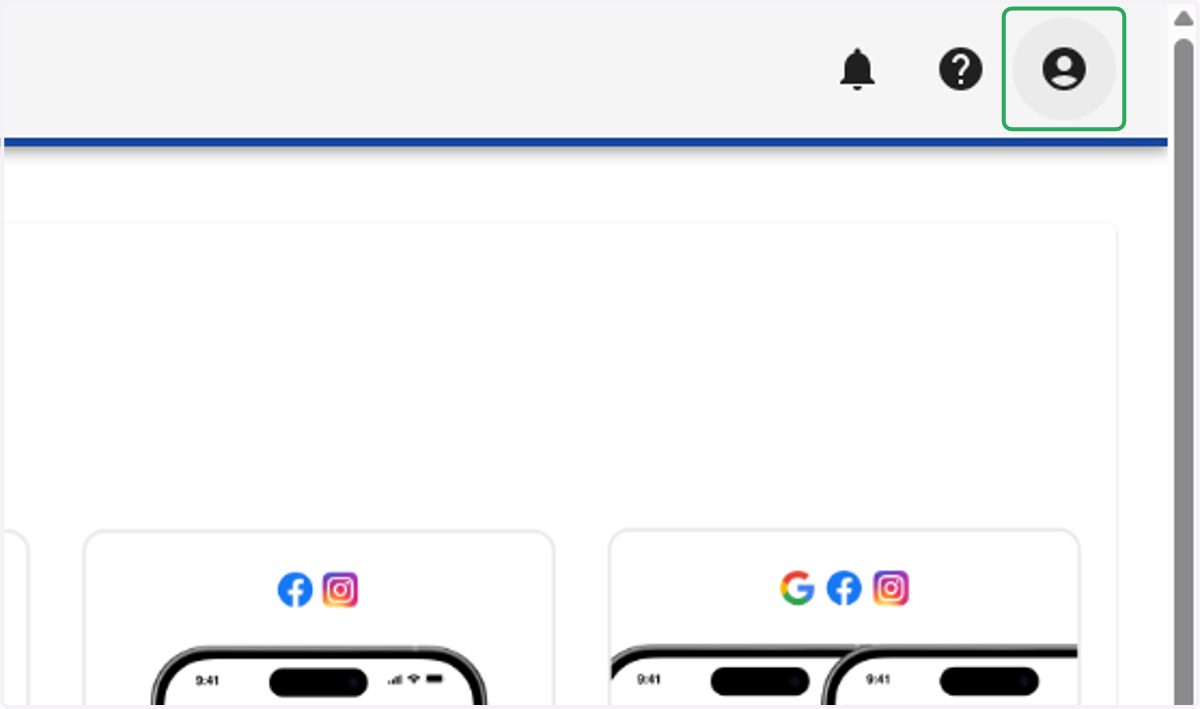
5. Click on dropdown trigger
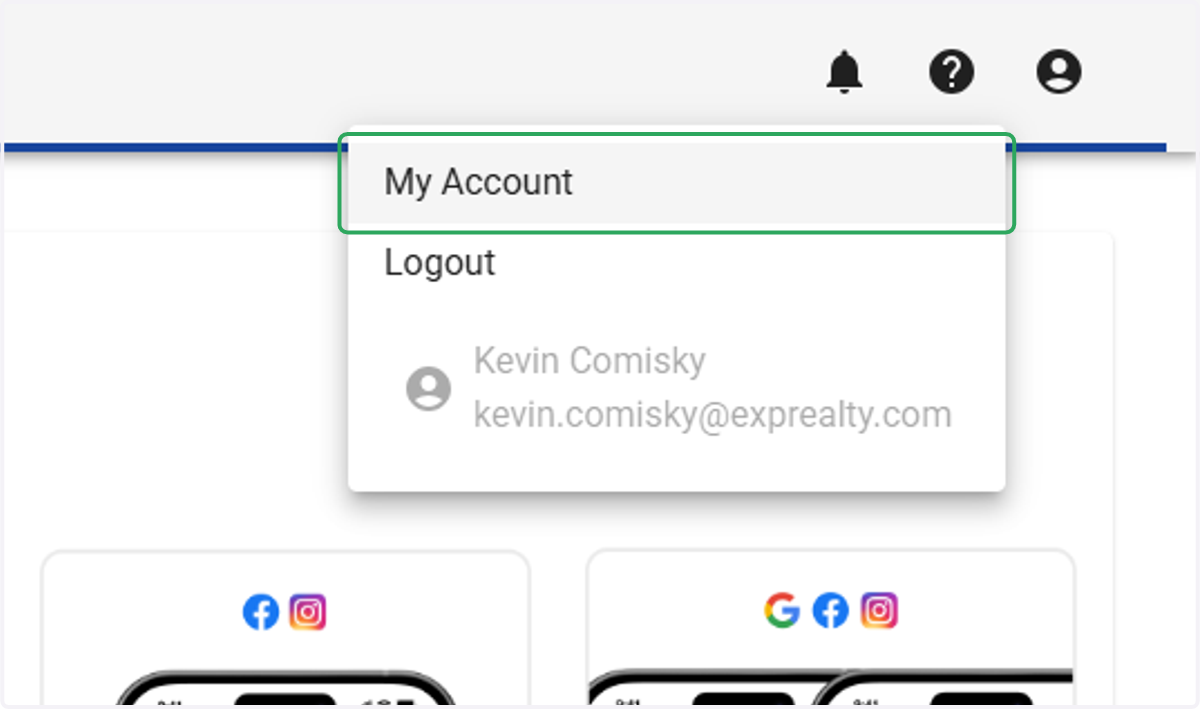
6. Click on My Account
7. Select "Manage Email Notifications"
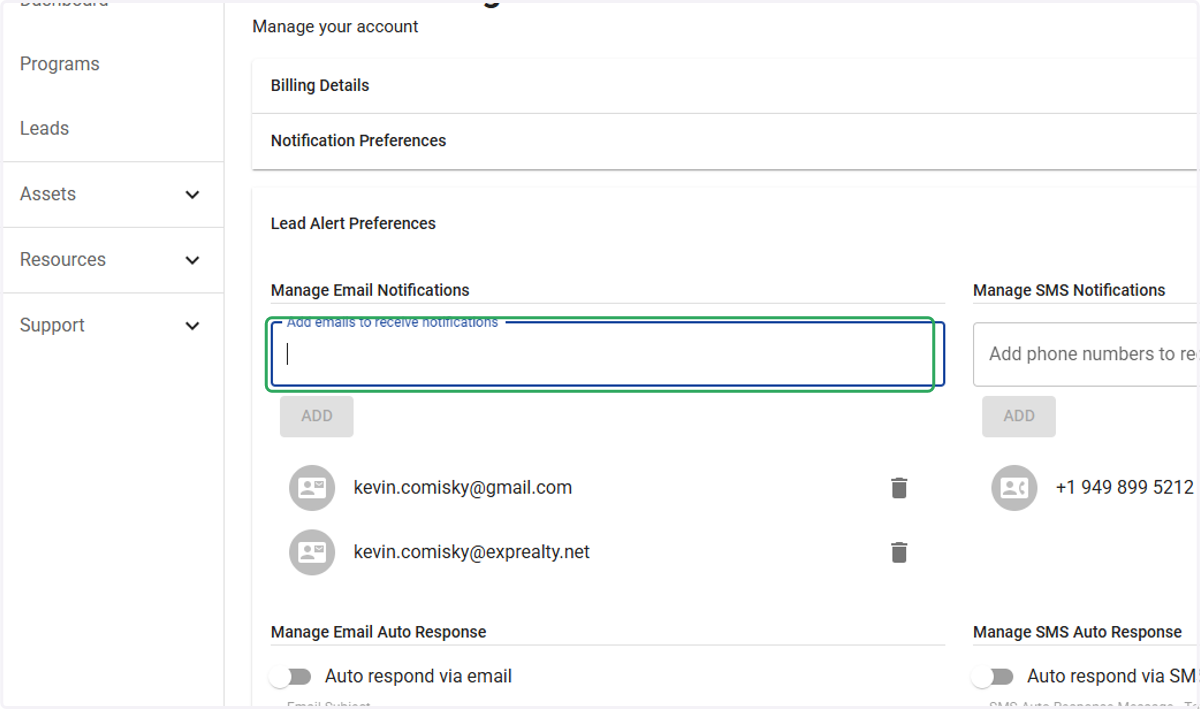
8. Click and paste your unique email into "Add emails to recieve notifications"