Locating account credentials in Caliber
These instructions detail how to locate web and third-party account credentials in Caliber
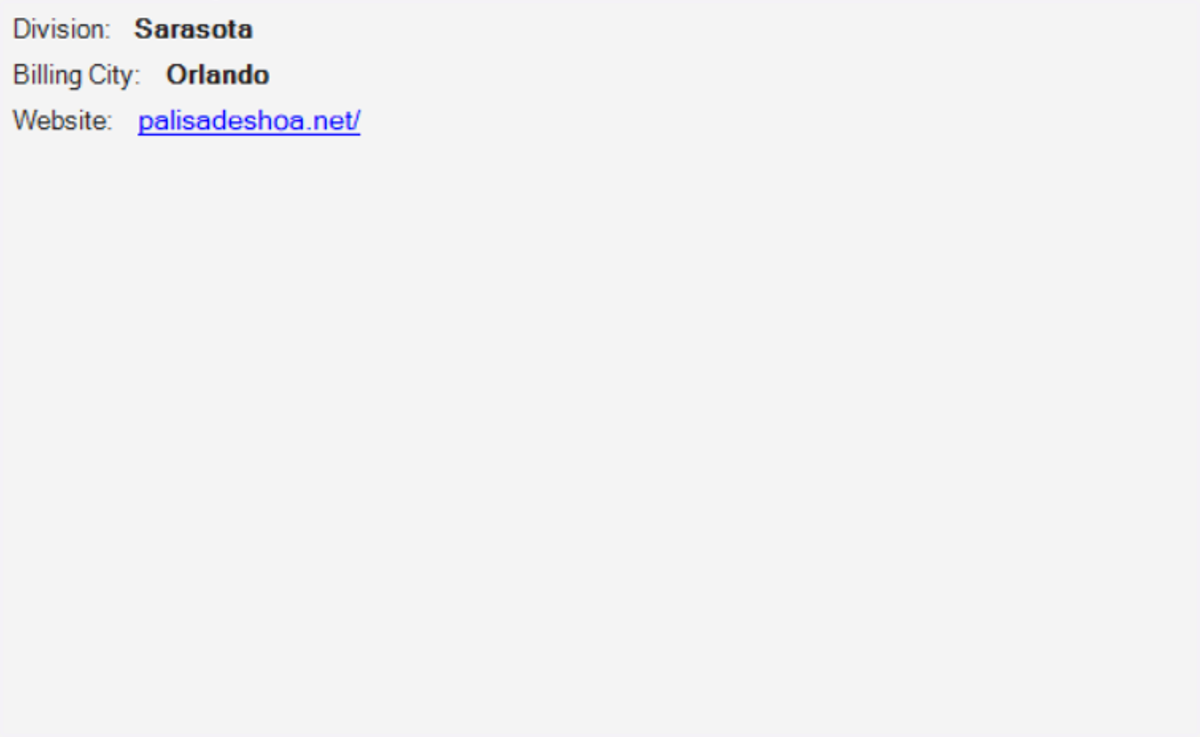
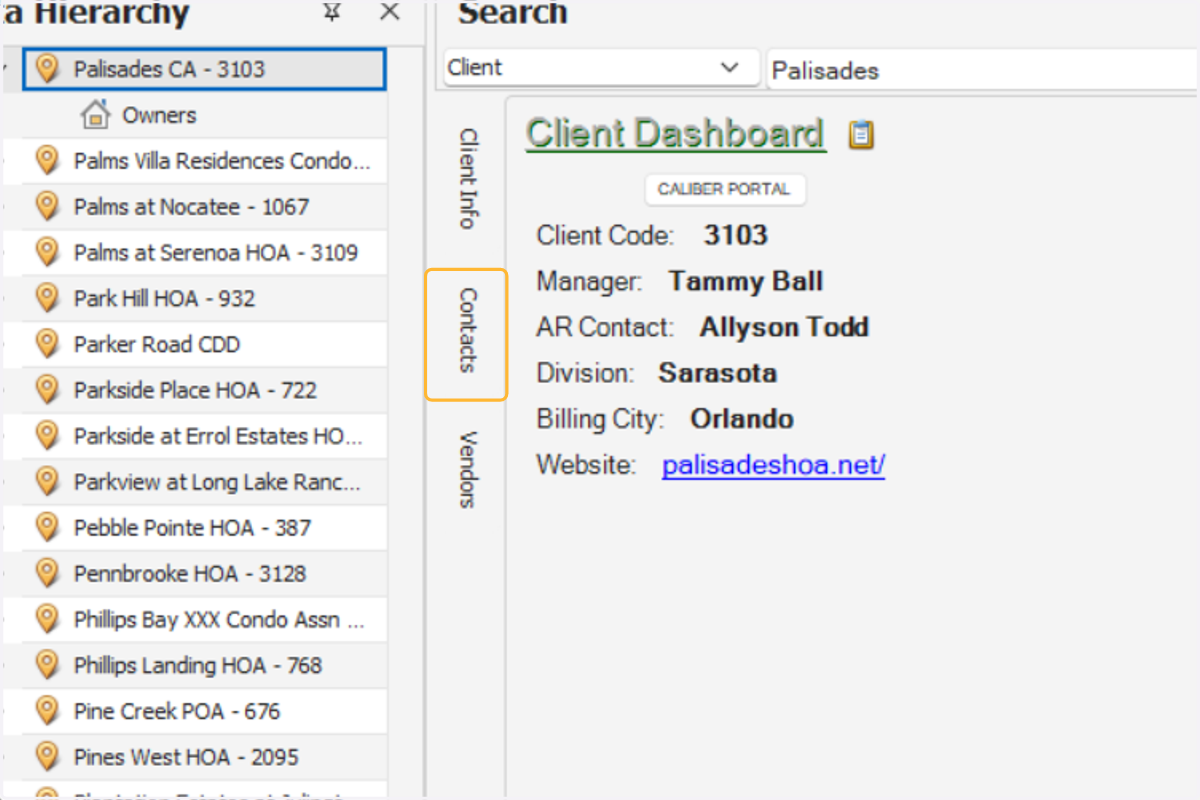
1. Select an association
2. Open the contacts tab
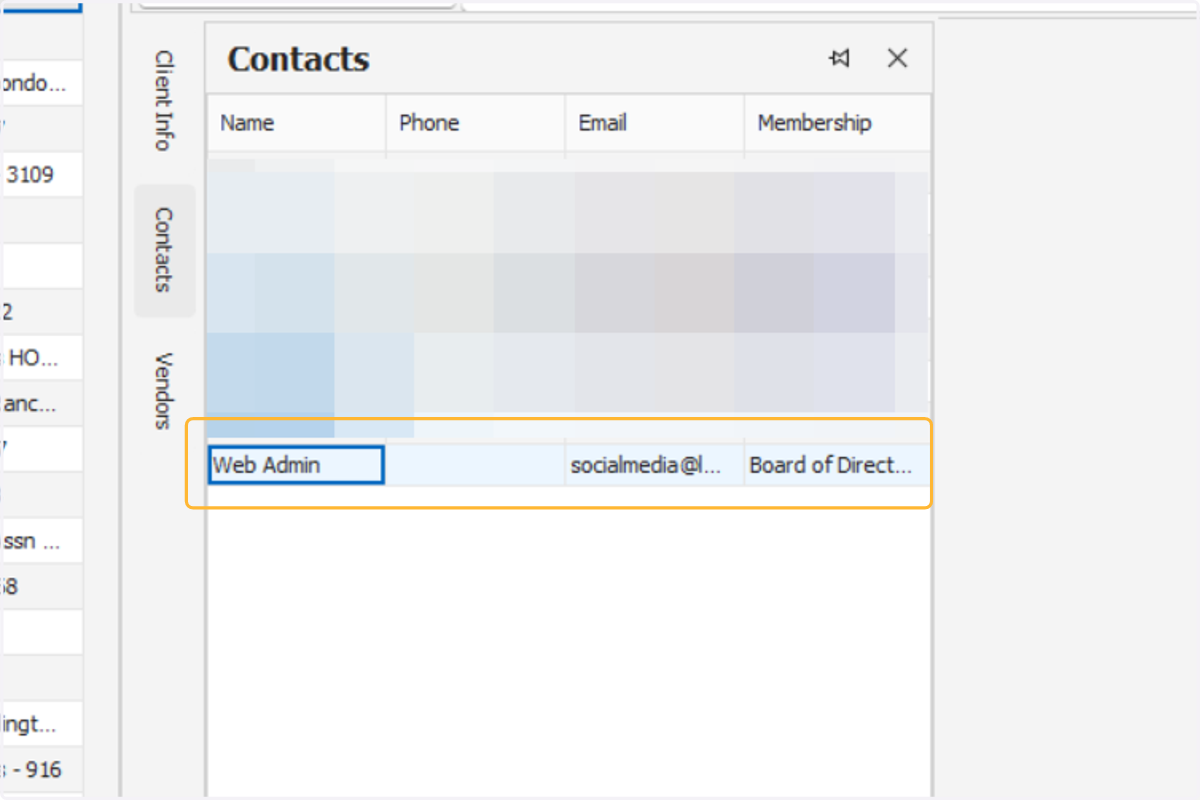
3. Select the "web admin" contact
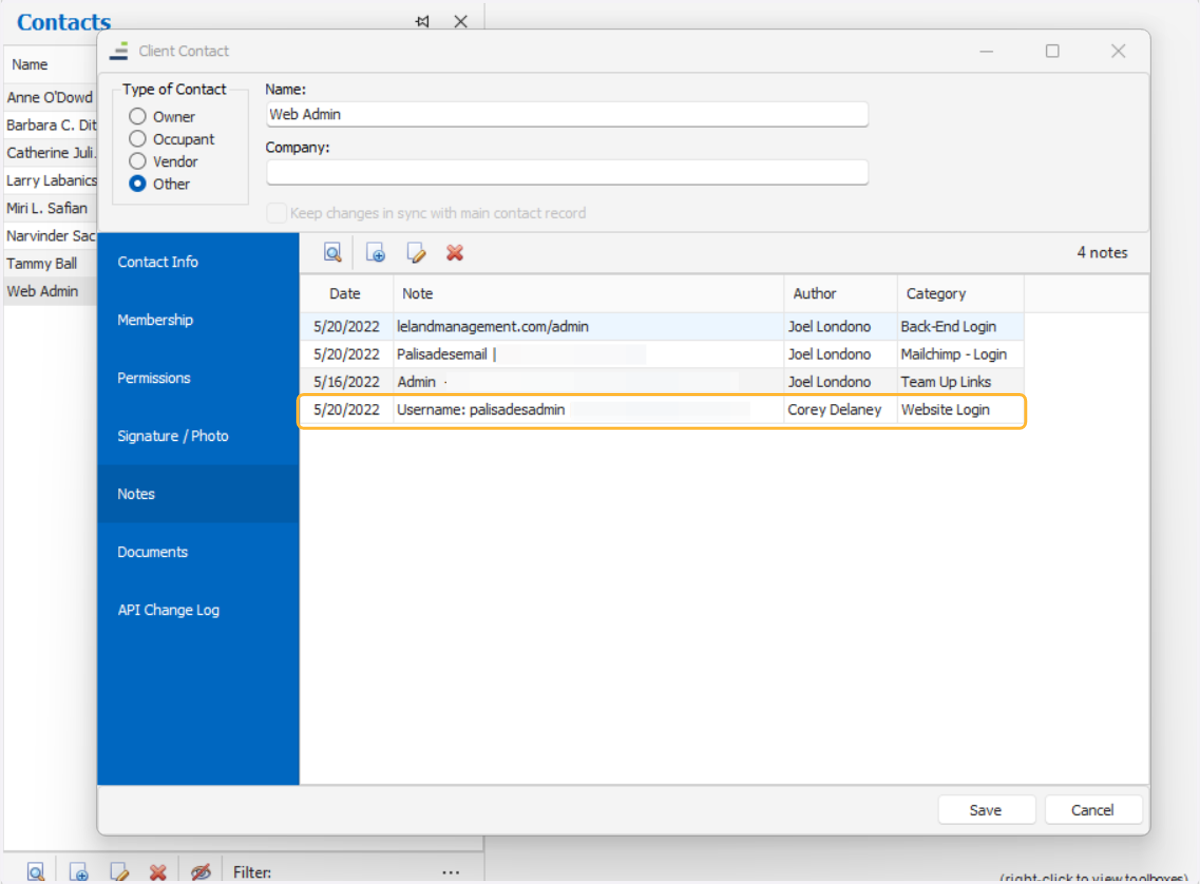
4. Select notes
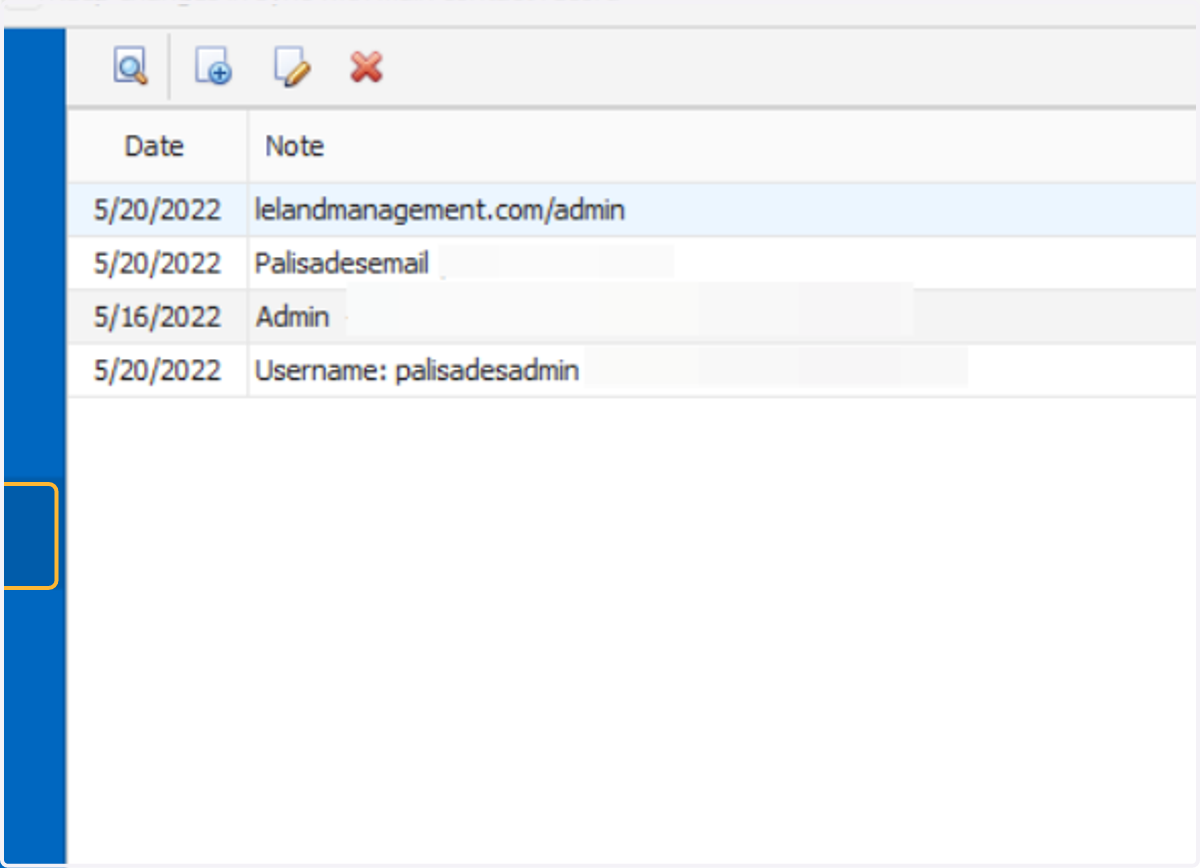
5. Choose the credentials you want to view
You may have to double-click to open and view the notes. Here is a breakdown of the typical credentials included in the notes section:
Website login gives you access to the front end to view as a board member
Back-end log in gives you access to the admin site to make updates to the website
MailChimp gives you access to the MailChimp account (requires 2FA) and sign up form link
Team up/Calendar gives you access to the community calendar