Leadership Snapshots from Bluebonnet Portal
Bluebonnet Learning Portal
bluebonnet.tea.texas.gov
1. Scroll until you see Resources
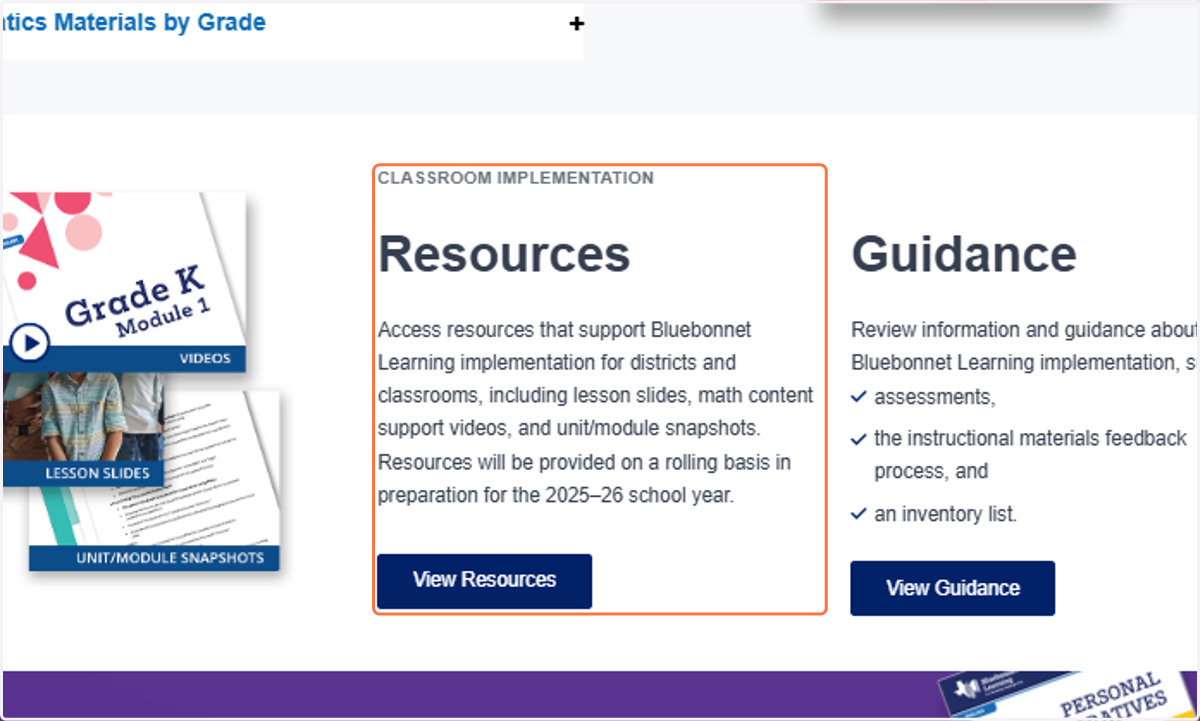
2. Click on View Resources
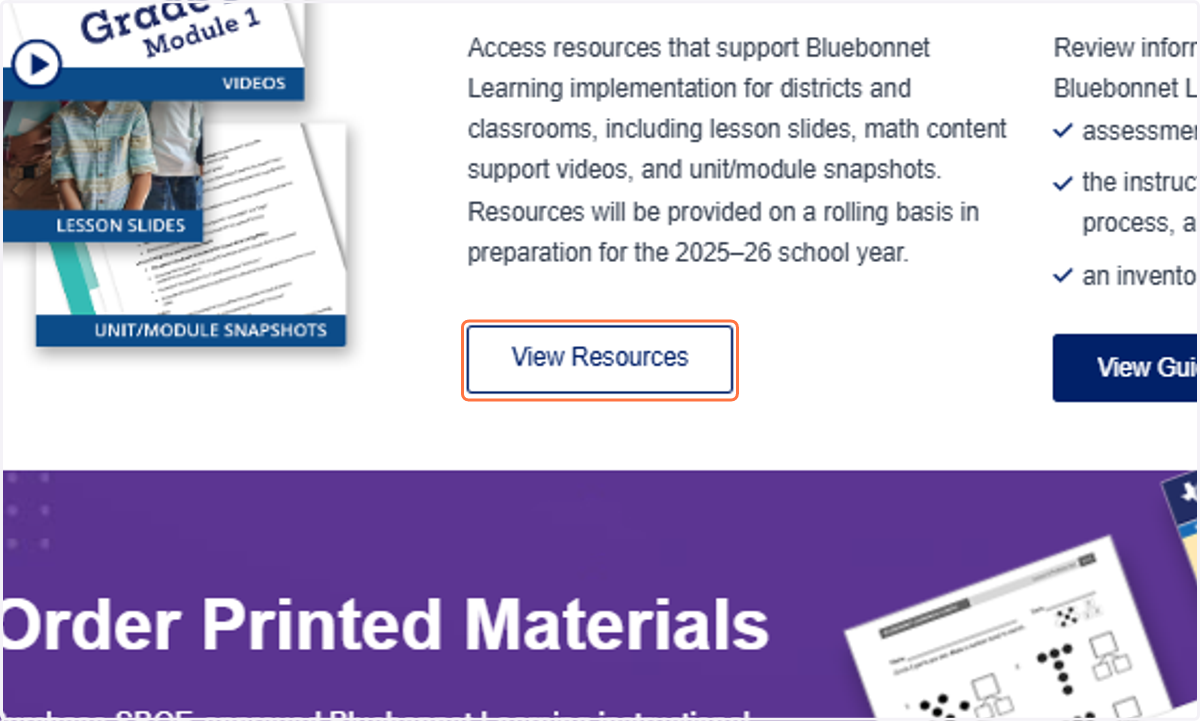
Bluebonnet Learning Implementation Resources | Texas Education Agency Official Digital Assets | Brandfolder
You will be brought another page where the resources are held.
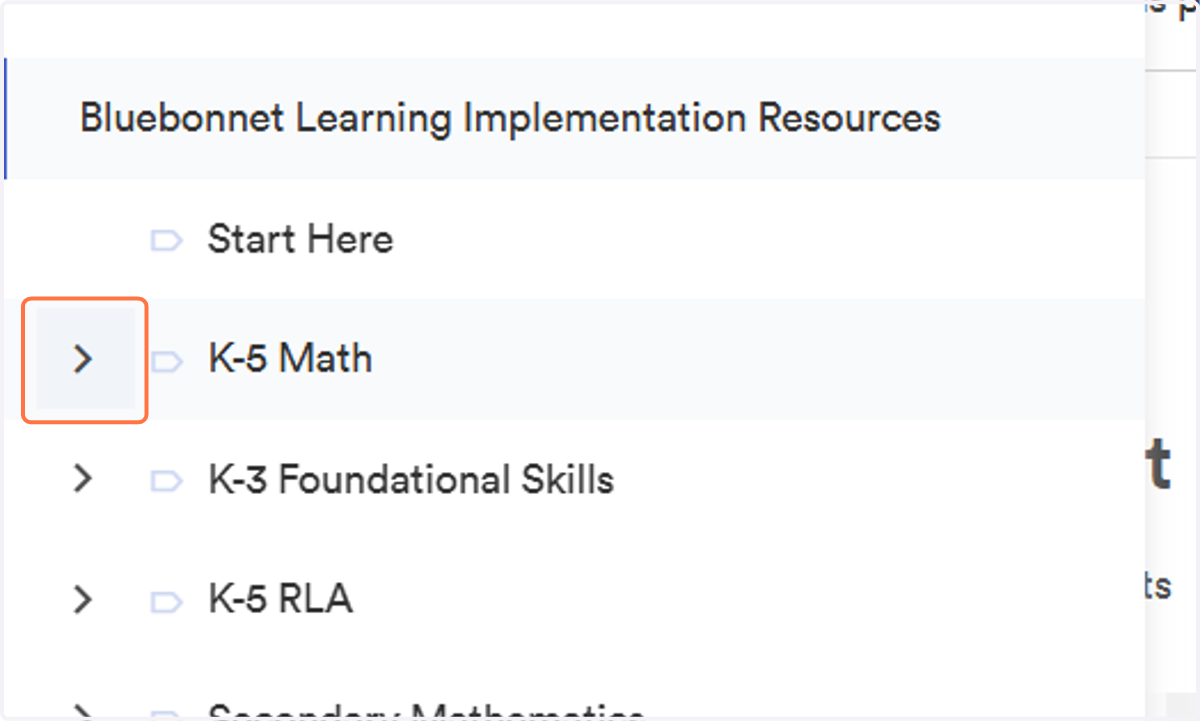
3. On the left hand side, click on the K-5 Math drop down arrow.
4. Click on the grade level you would like to view. For this example we will view first grade.
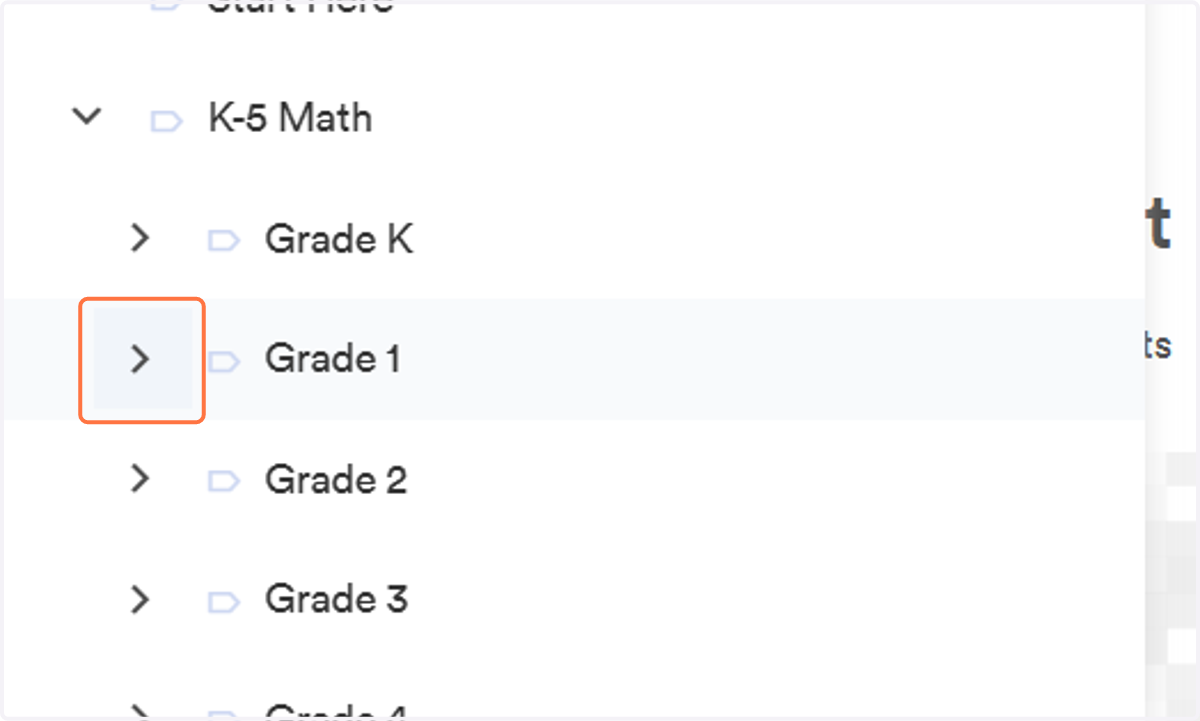
5. Click on which module you would like to view. For this example we will view Module 1.
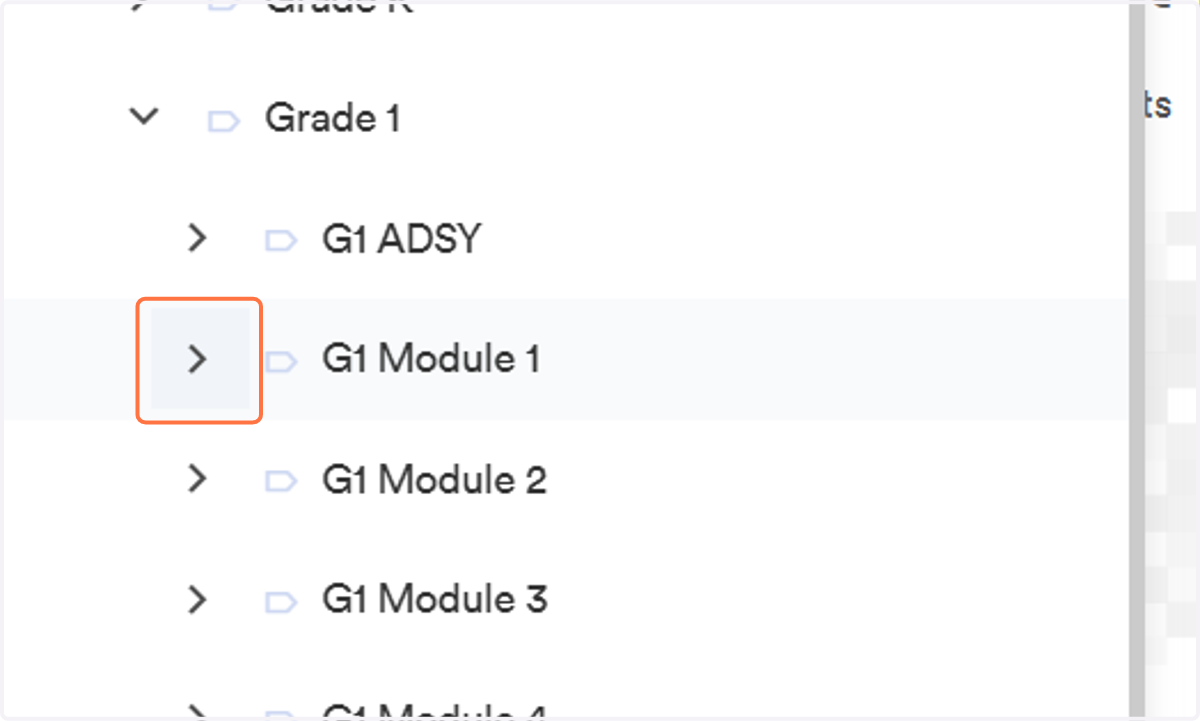
6. Click on G1 M1 Leadership Snapshot
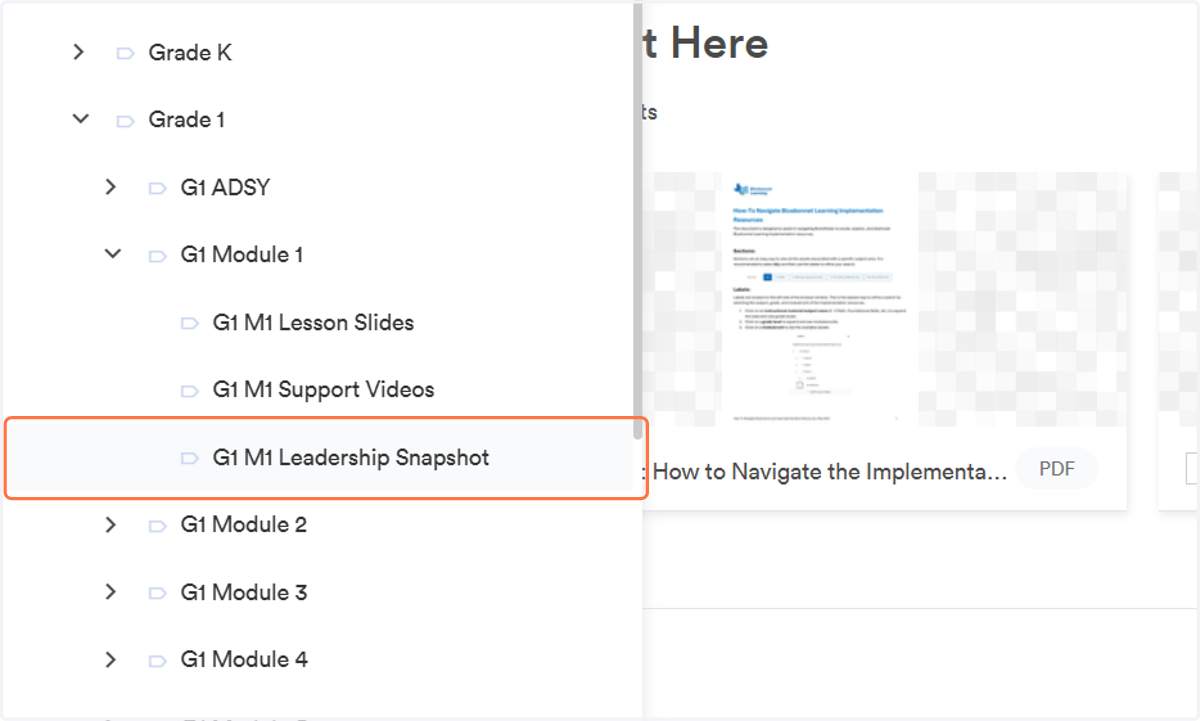
7. You should see a graphic in the center of the screen. Click view.
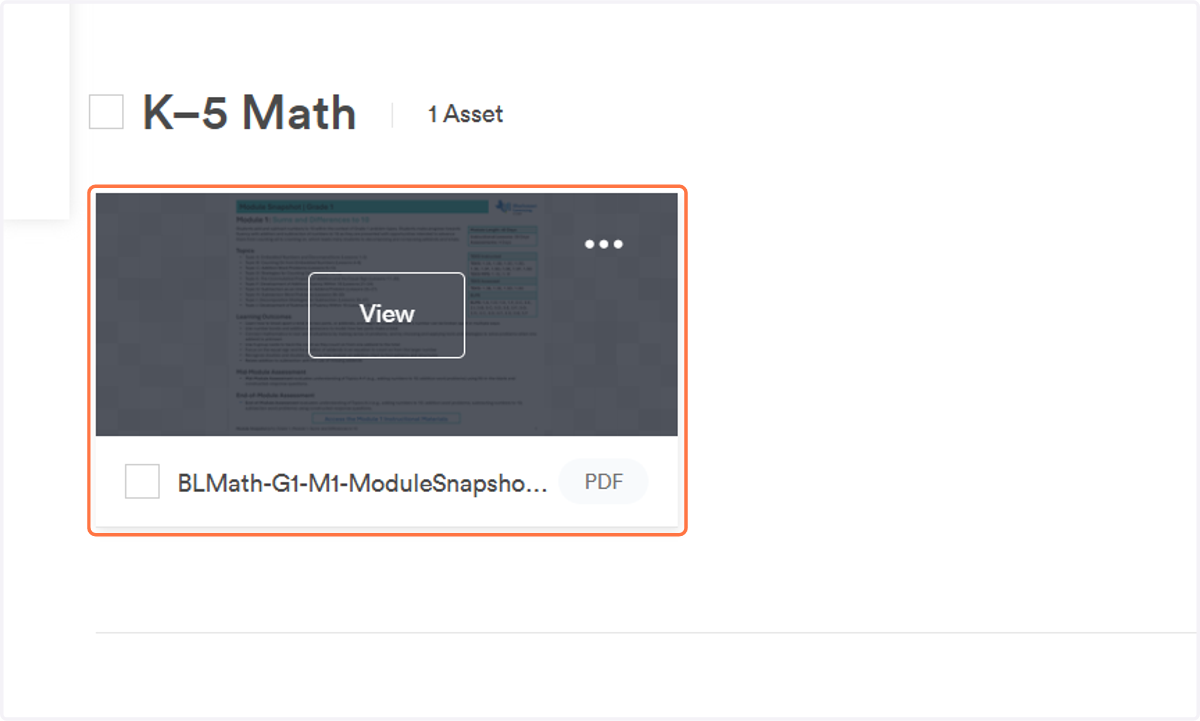
8. Once the new window opens, click on download. Retrieve your download as you normally would and save to your computer for later access.