Leadership Matters - Where has my 360 review (or other previous work) gone?
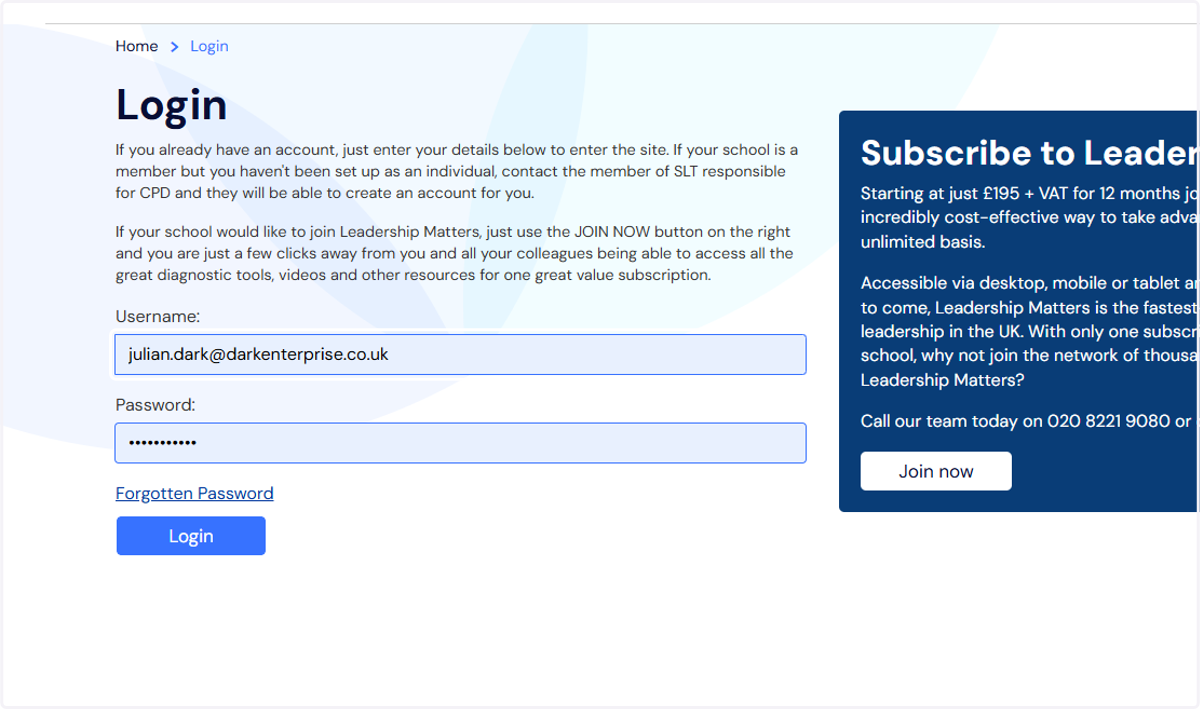
1. Log into Leadership Matter portal
2. When you first log in you are presented with the Dashboard view
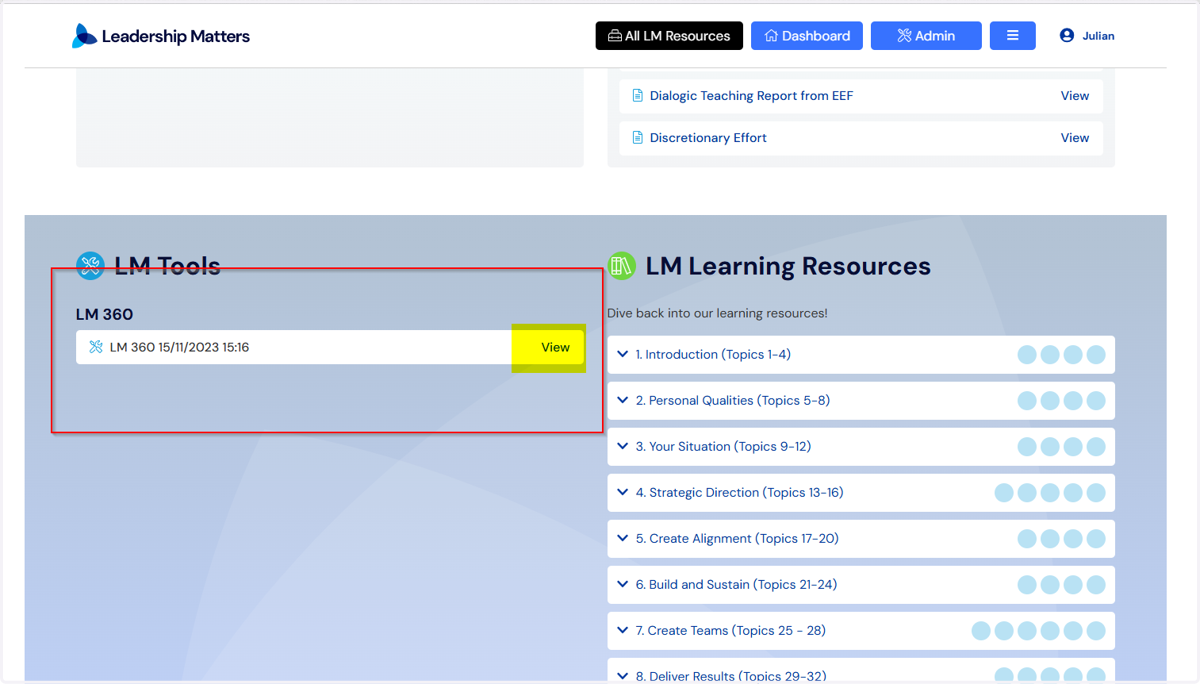
If you want to view existing/previous reviews then scroll down this web page
*A common mistake is that people click on the black All LM Resources button and see the option for LM 360 and are instructed to "start again"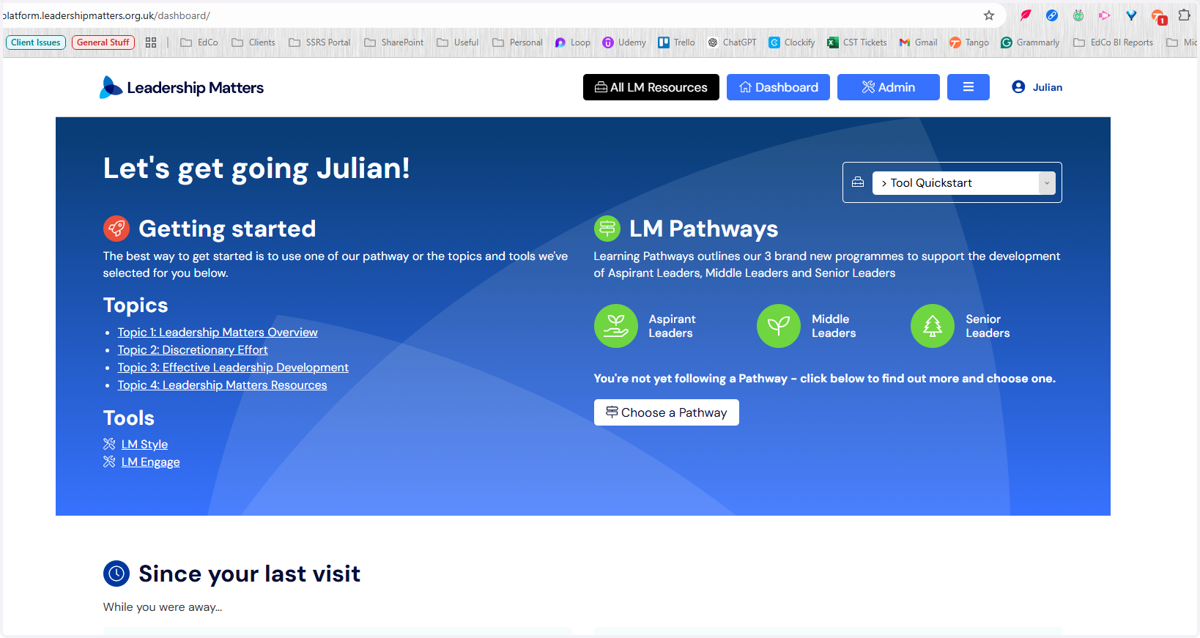
3. The grey area under LM Tools will be populated and you can click on the View option to view/add new reviewers etc