Lead Contact Registration for The Seek Experience
Some of the numbers / dates are off because we recycled this guide from 2024 :) Thanks for understanding
Seek • Shift • Serve
1. Click on REGISTER

2. Click on SIGN UP: 8/11

(this will open Brushfire Events in a new tab)
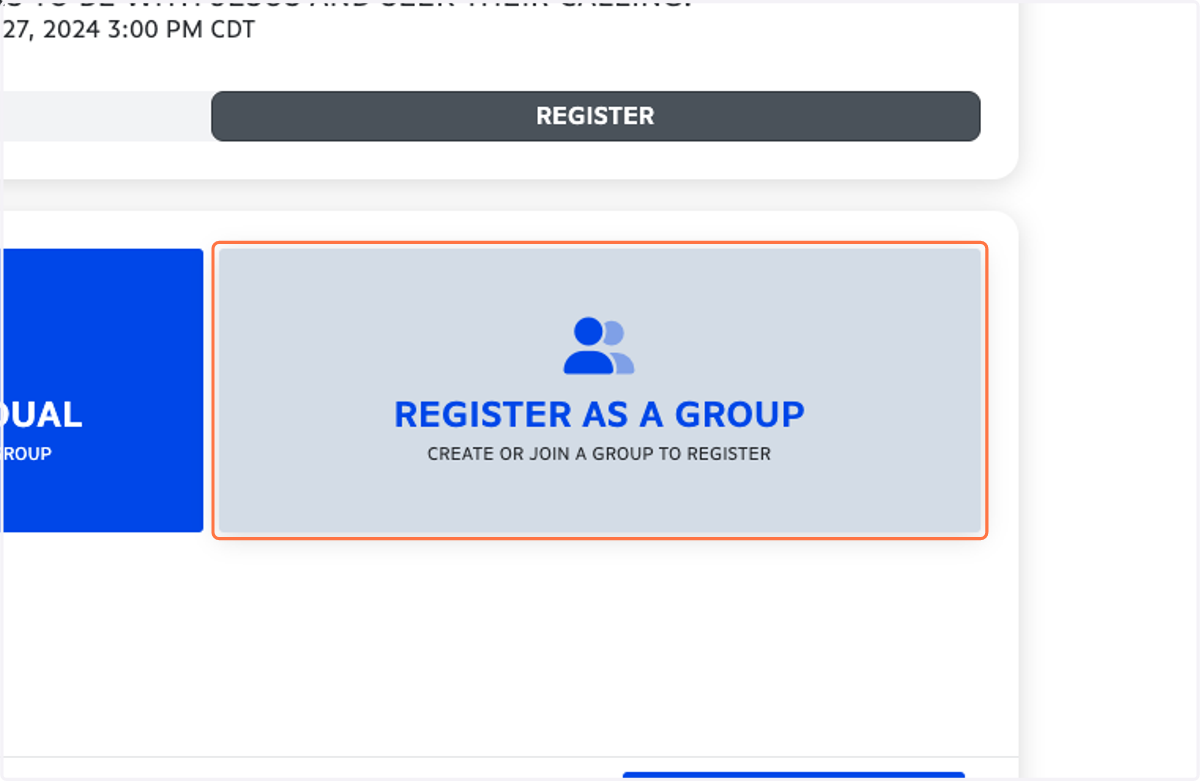
3. Click on REGISTER AS A GROUP…
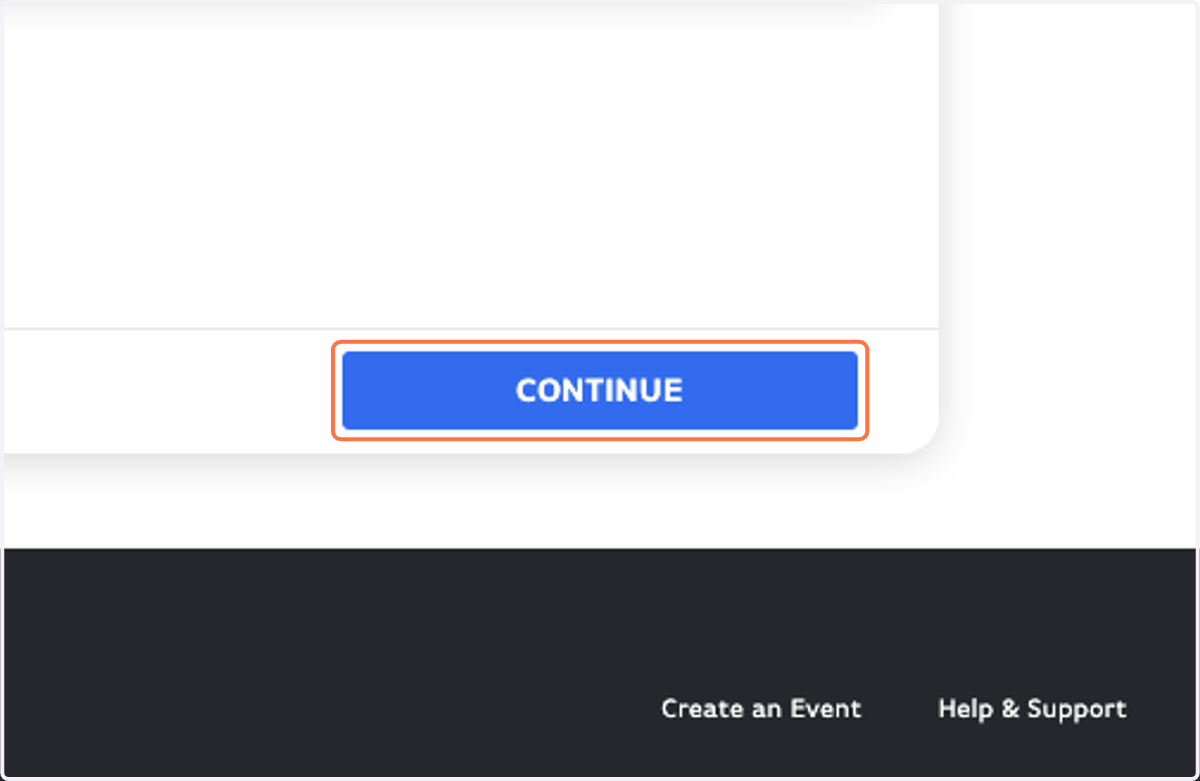
4. Click on CONTINUE
5. Name your group in this format: "Church - Town"
example: First Reformed - Orange City, Faith - Rock Valley, etc.
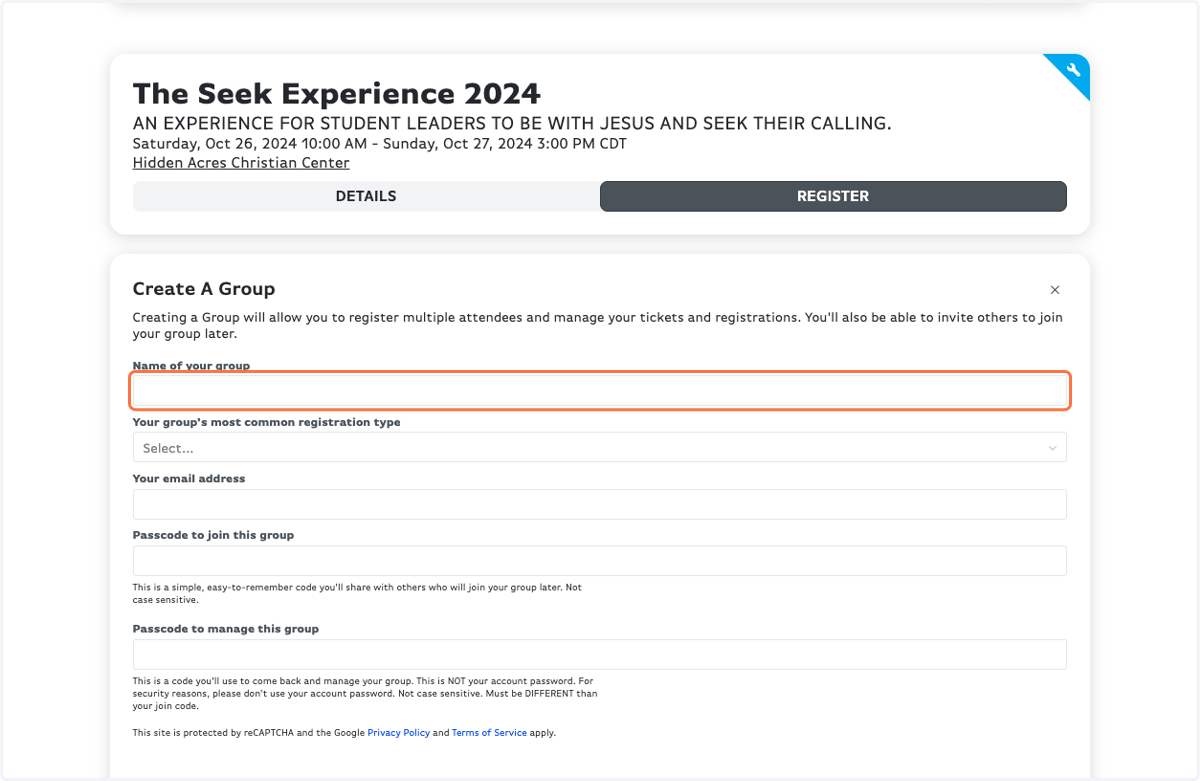
6. Your group's most common registration type is probably students (but it doesn't really matter what you select).
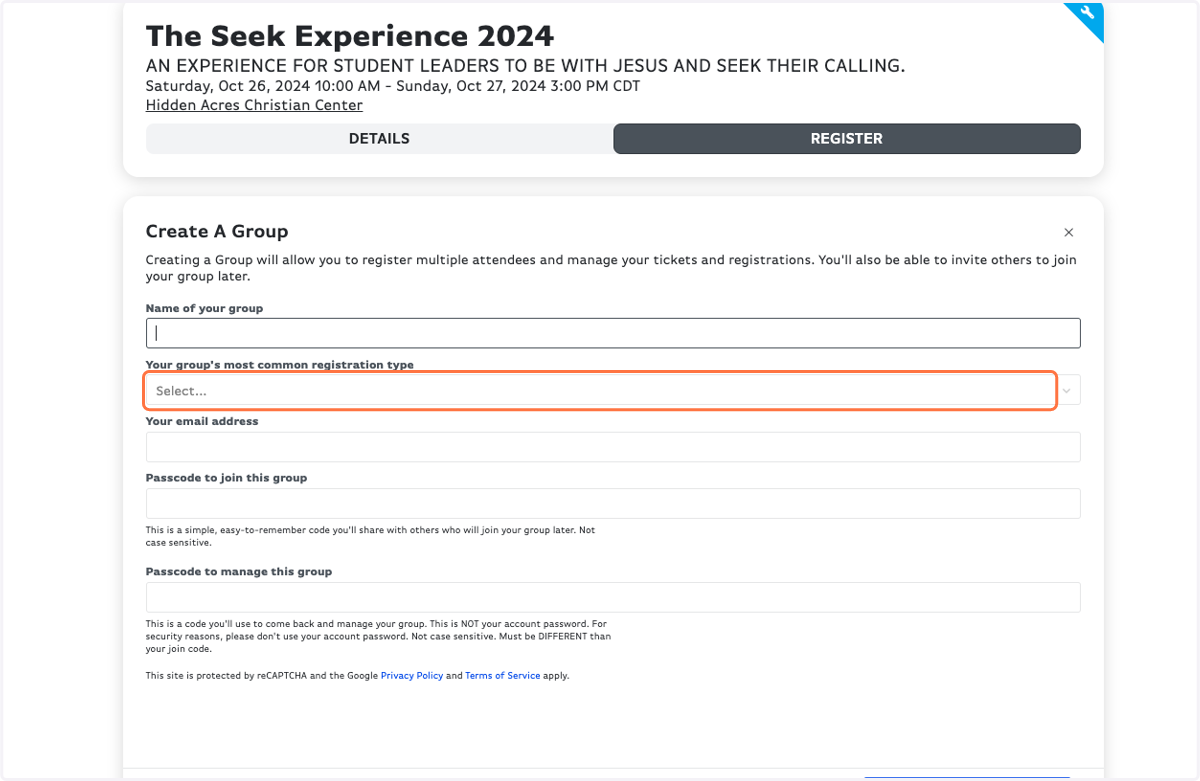
7. Fill in your email address
You'll need this email to access your group's details and manage your attendees.
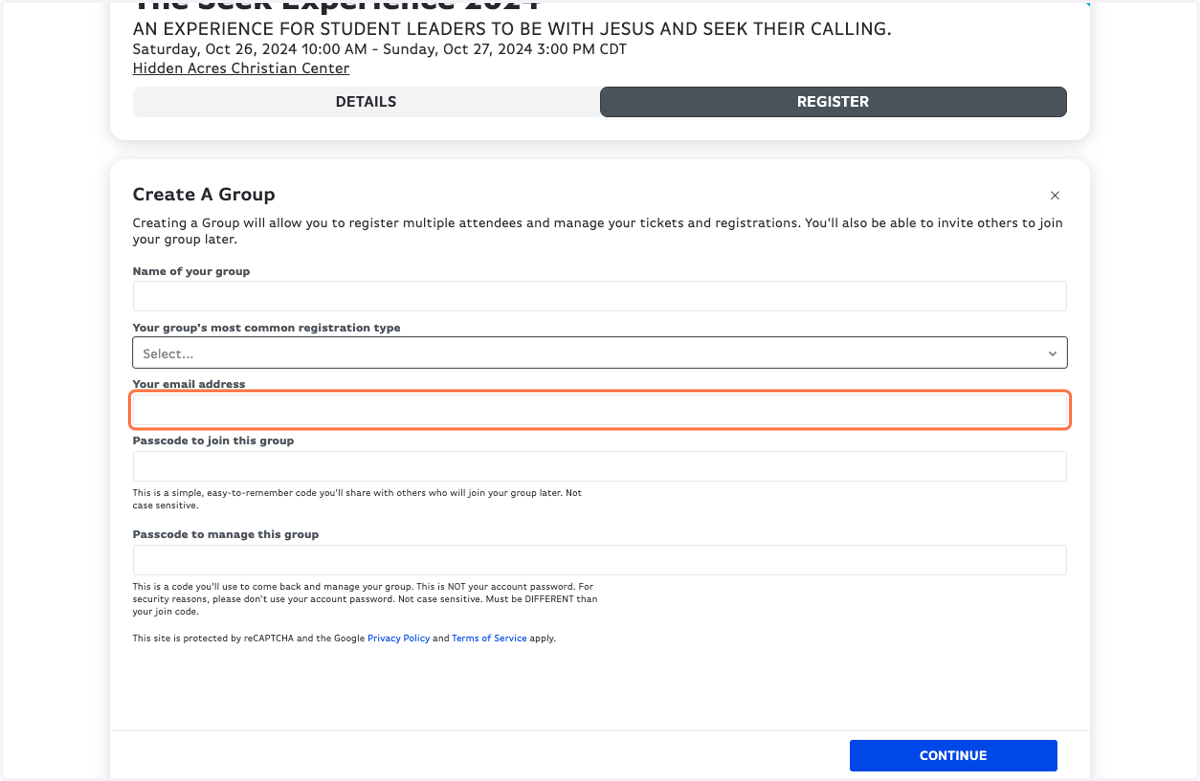
8. Type a Passcode to join this group
This is what you'll tell your parents and students to use to join your group when registering.
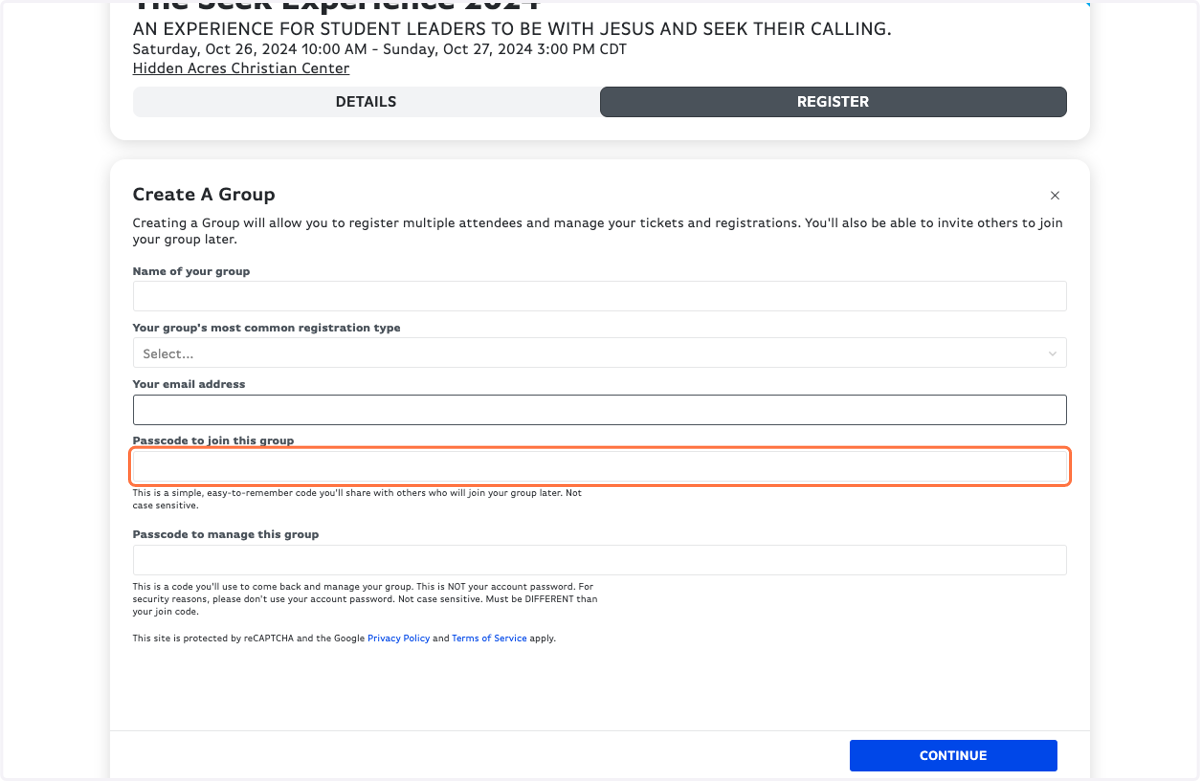
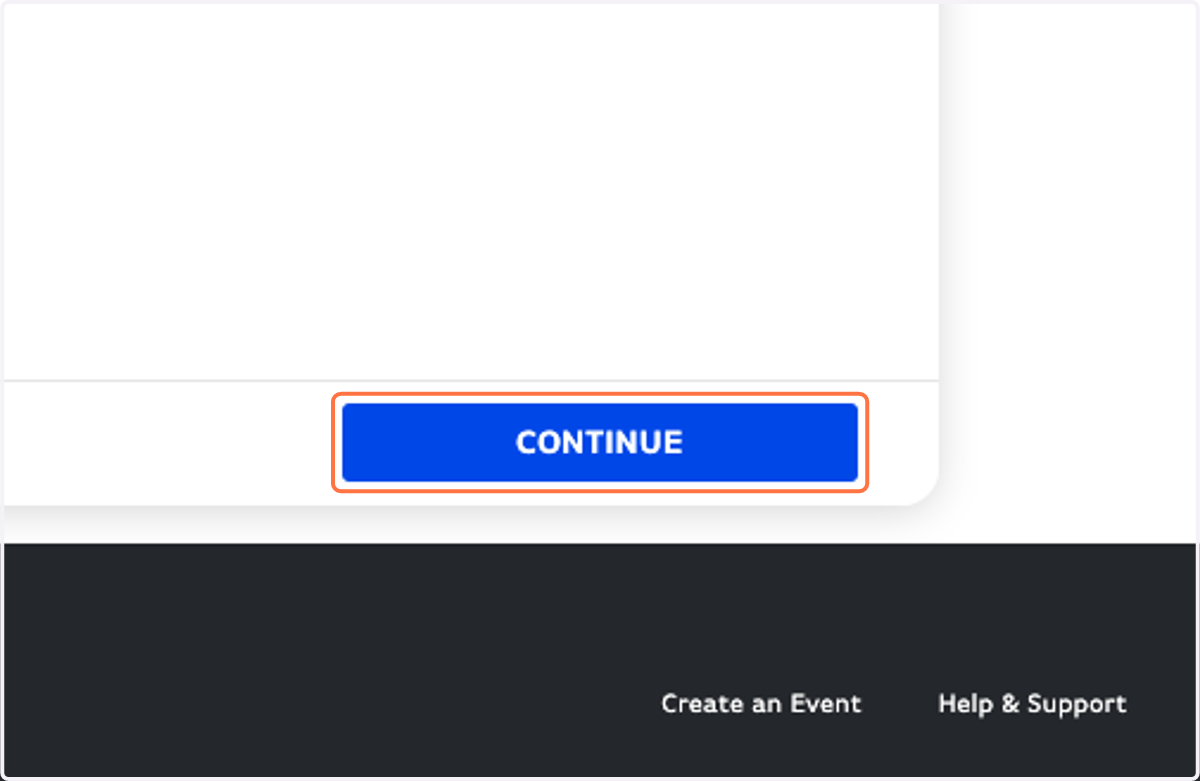
9. Click on CONTINUE
10. Type in the Access Code given to you (if applicable) based on your partnership status
ONLY partner students & adults will need this, and ONLY from August 11-18. Then non-partner registration is open.
NOTE: the price is wrong on this screen (sorry)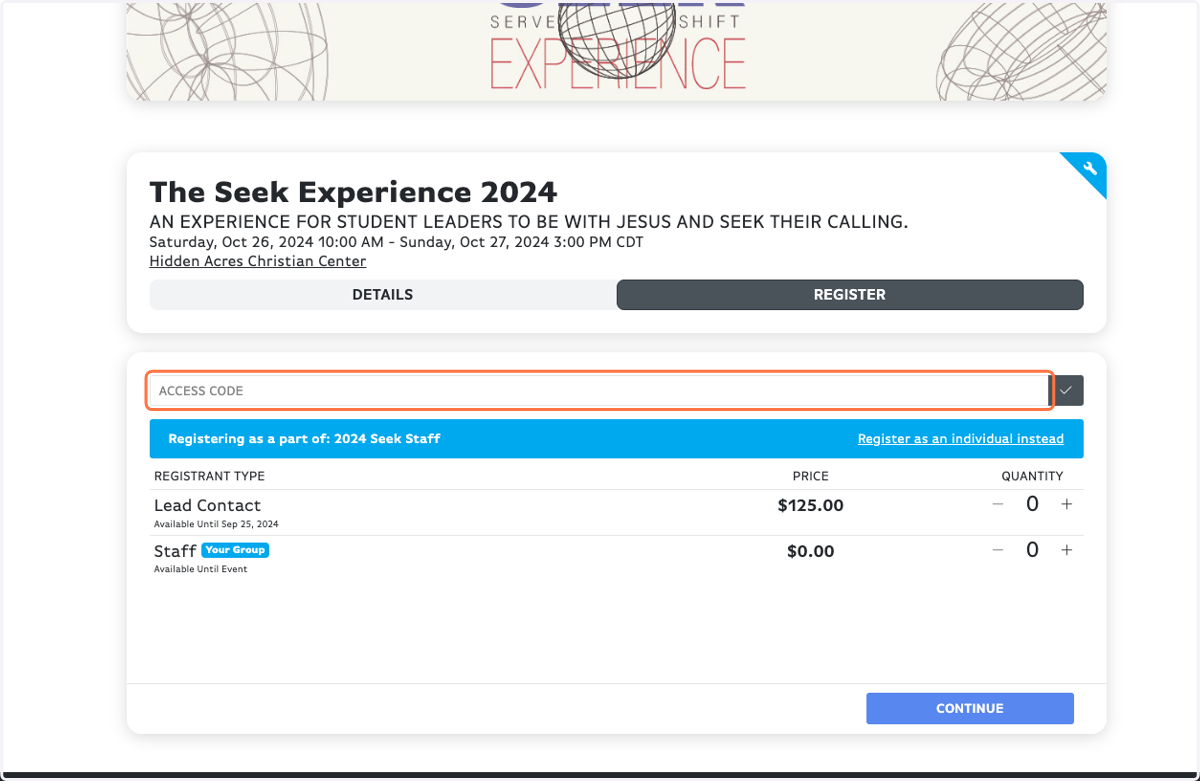
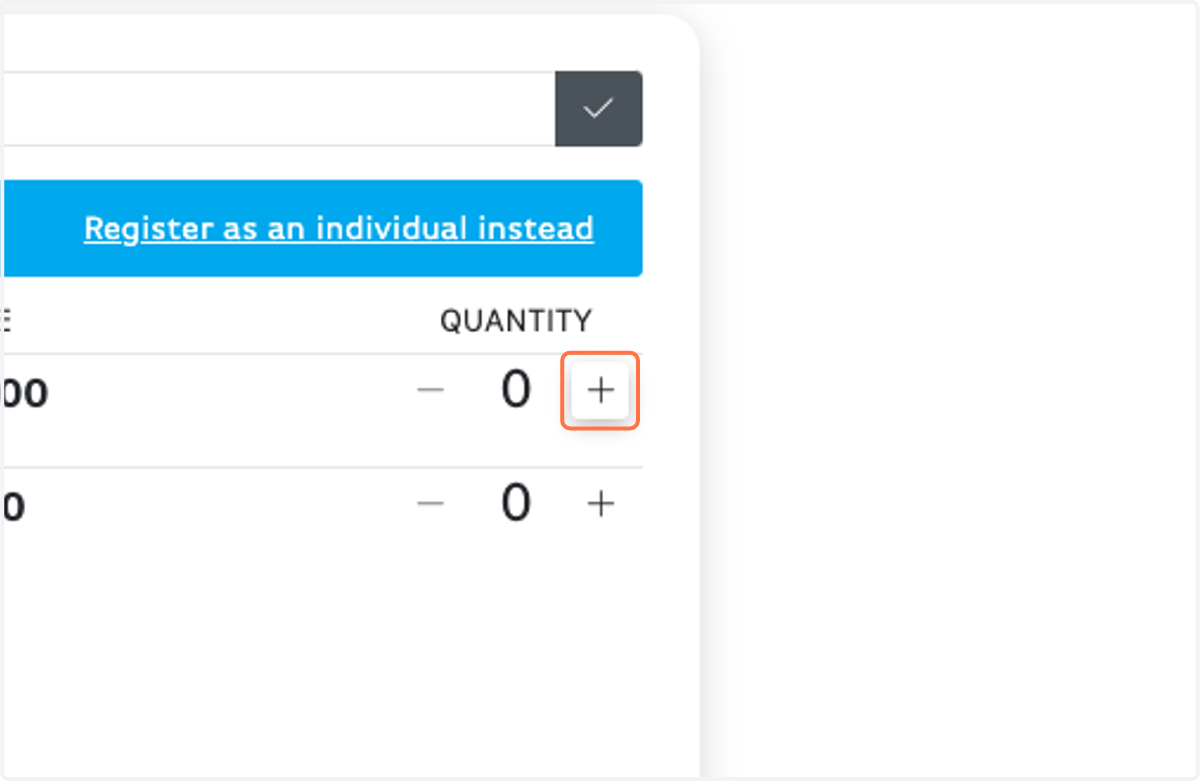
11. Click on Increment Amount for Lead Contact
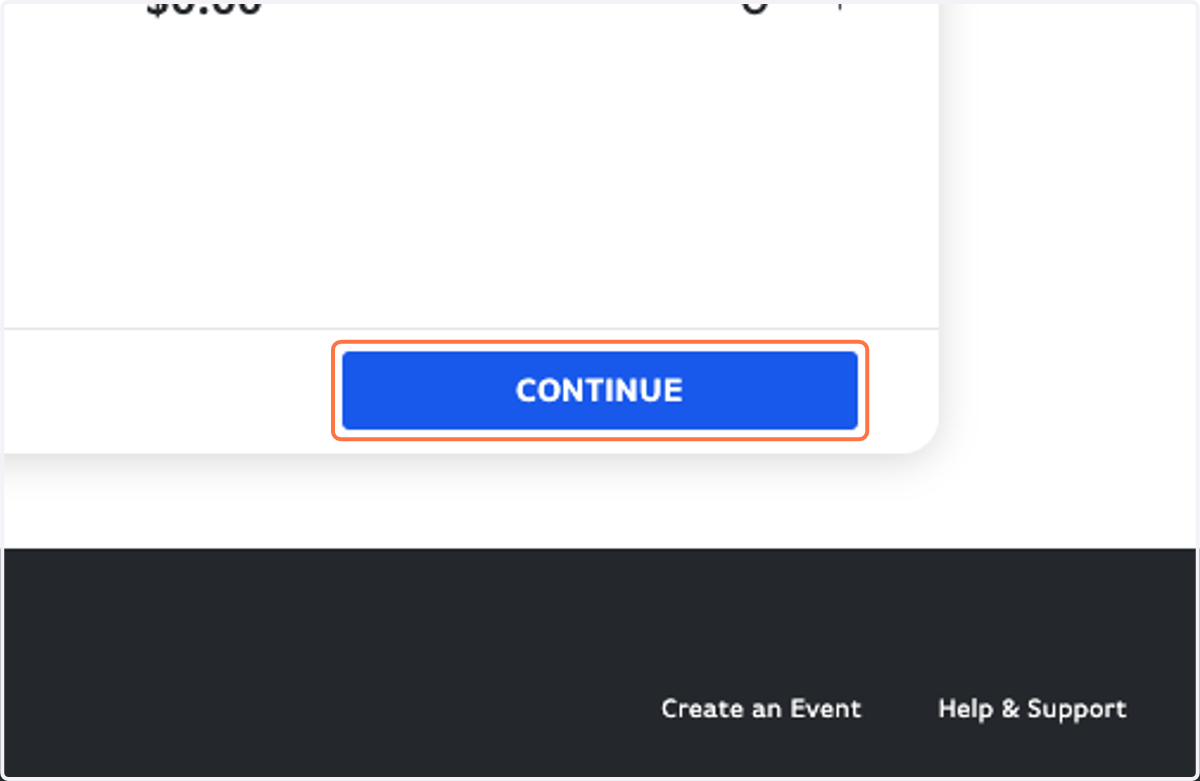
12. Click on CONTINUE
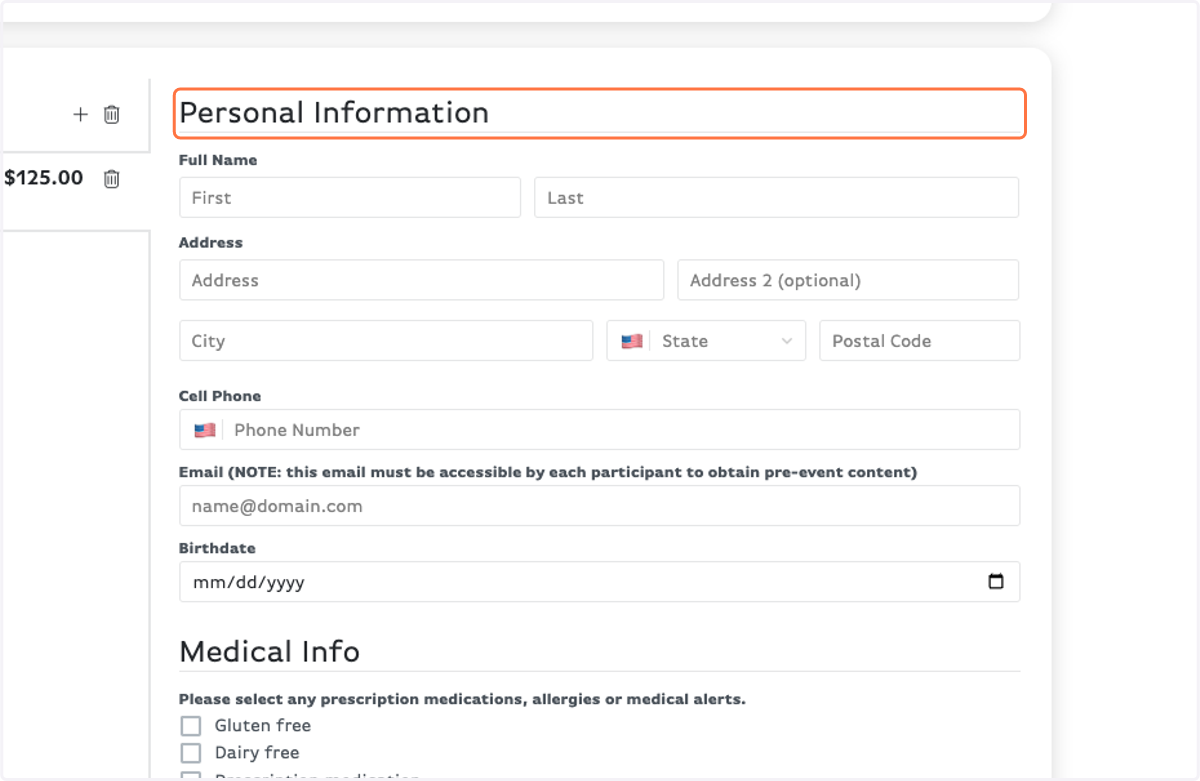
13. Fill out your Personal Information
14. Read the Agreement Form and "sign" for yourself.
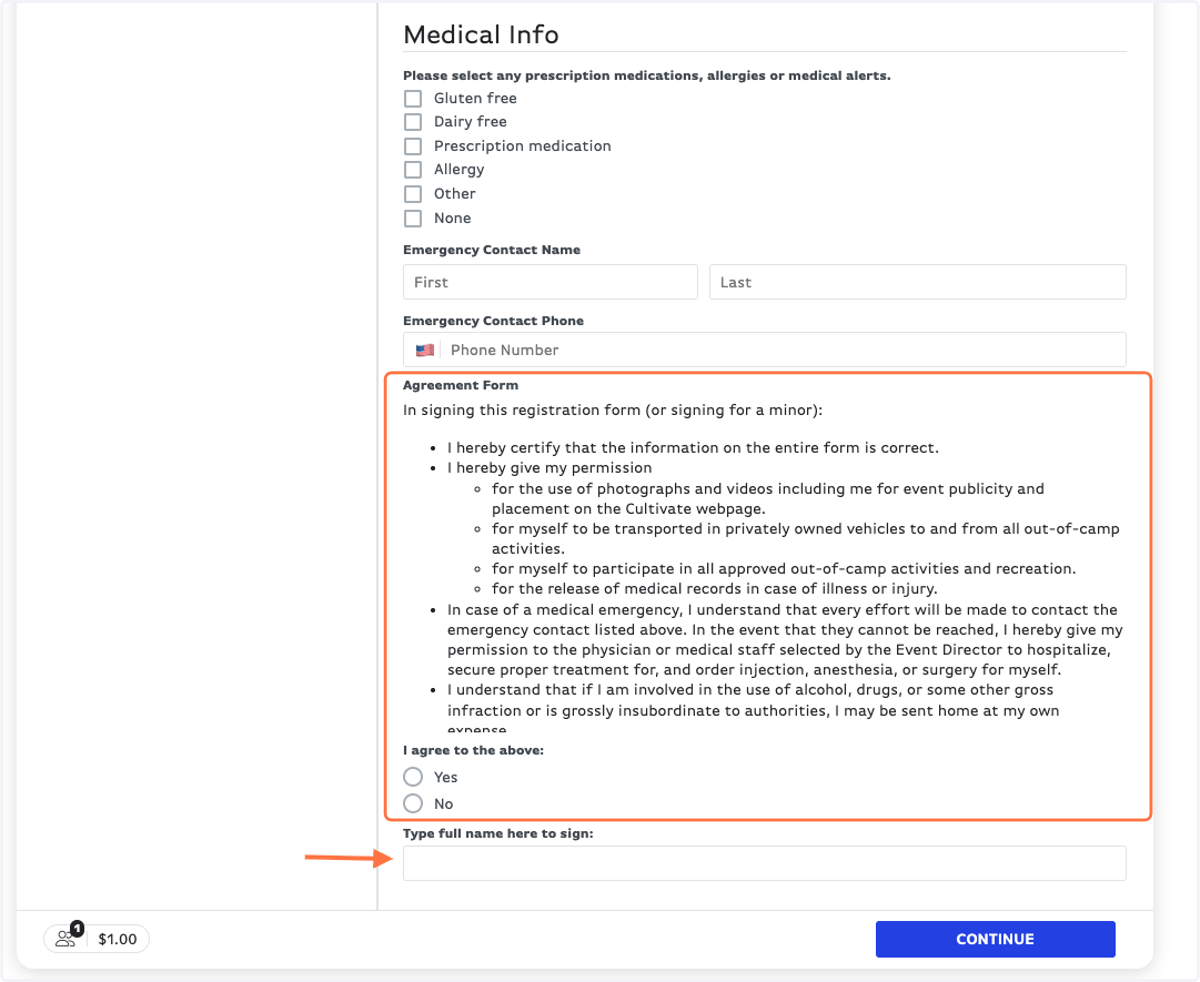
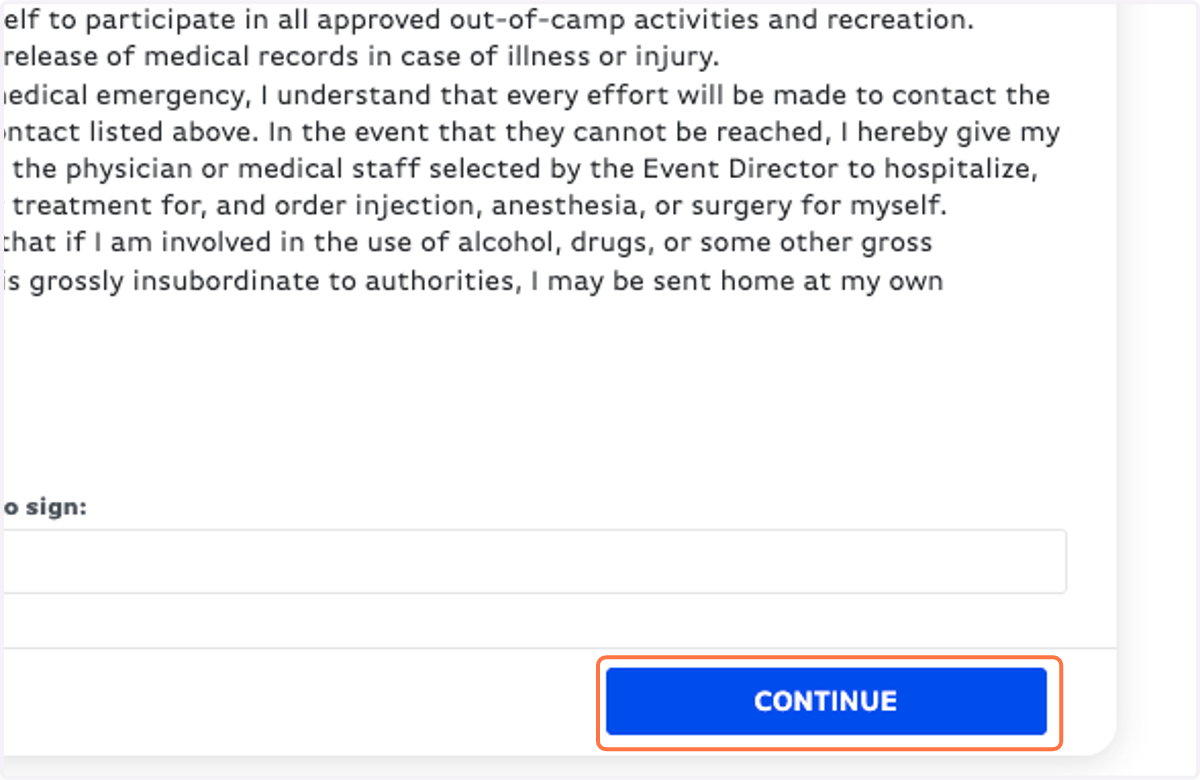
15. Click on CONTINUE
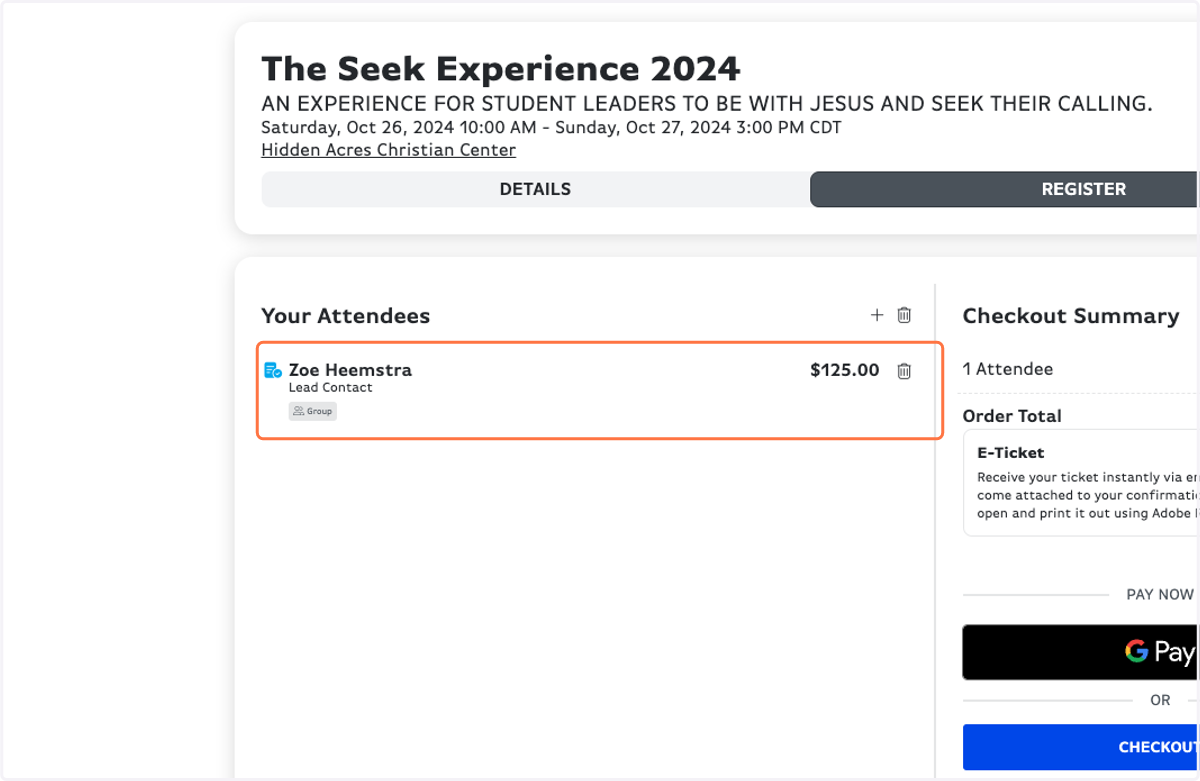
16. Make sure everything looks correct.
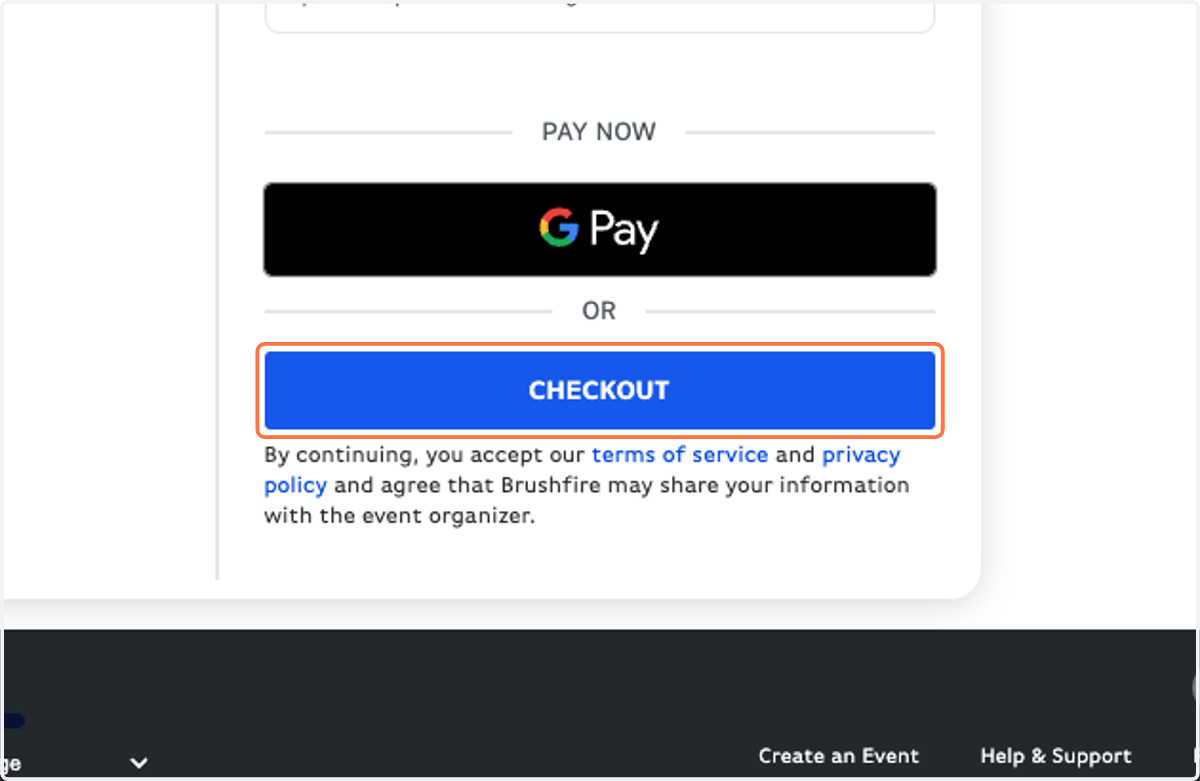
17. Click on CHECKOUT
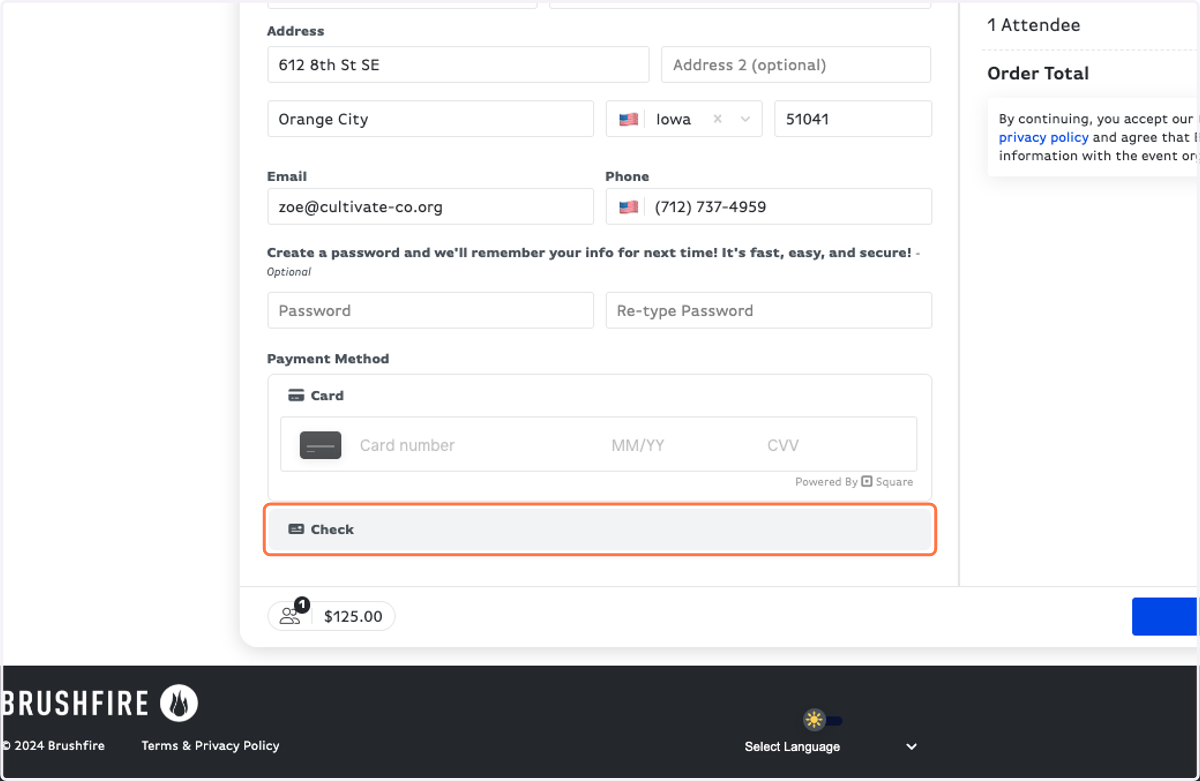
18. Fill out your card information or select Check for your payment option. NOTE: We prefer you pay by check to avoid card processing fees!
19. Click on PAY NOW
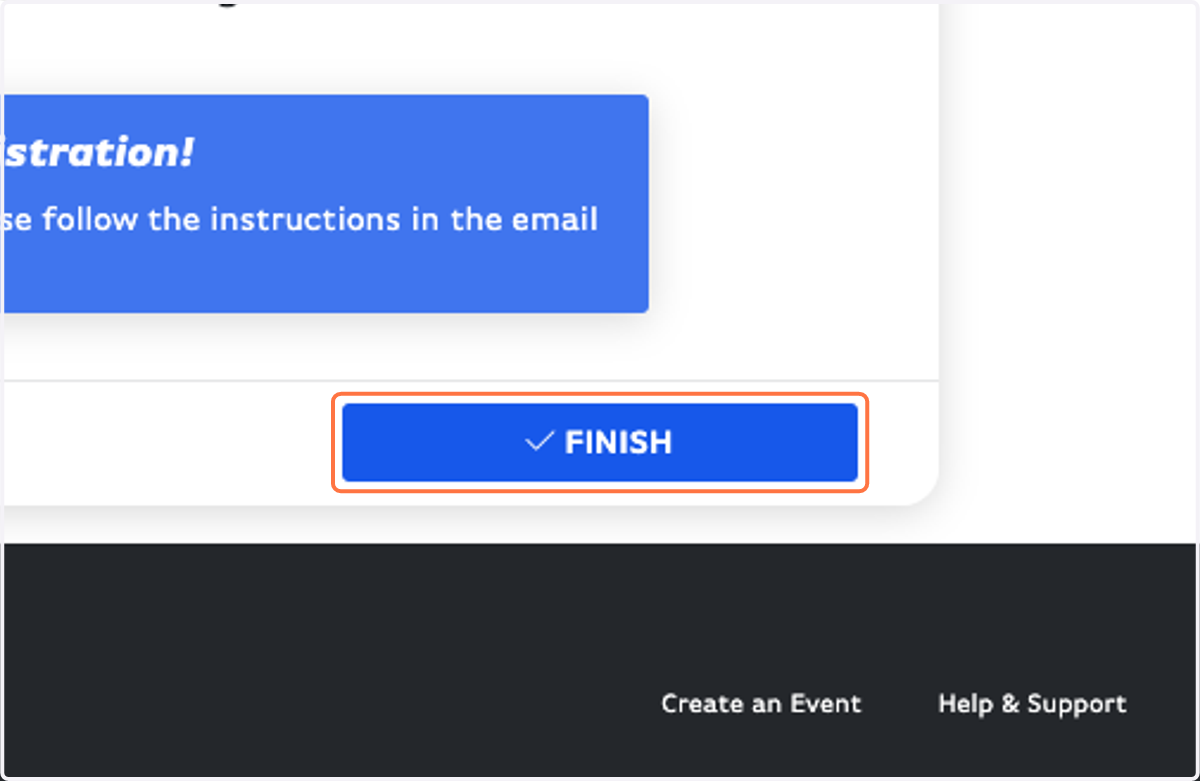
20. Click on FINISH and you are DONE!!