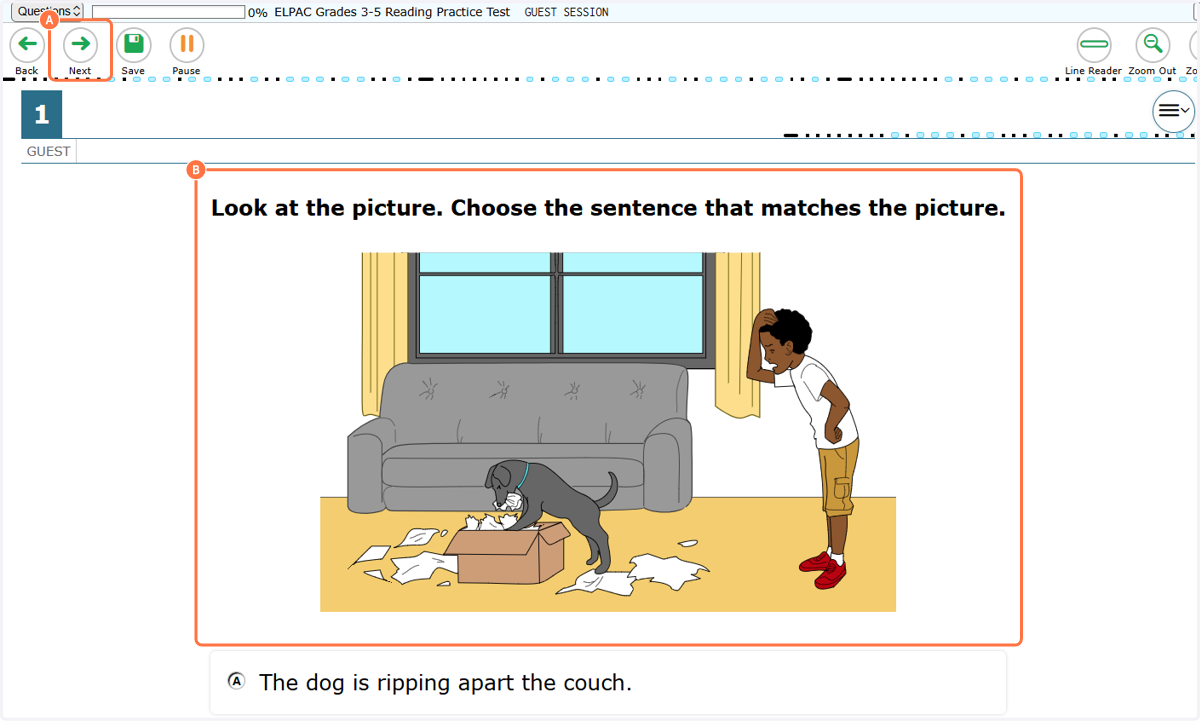
Launch ELPAC Practice Online Test
Student: Login, Please Sign In
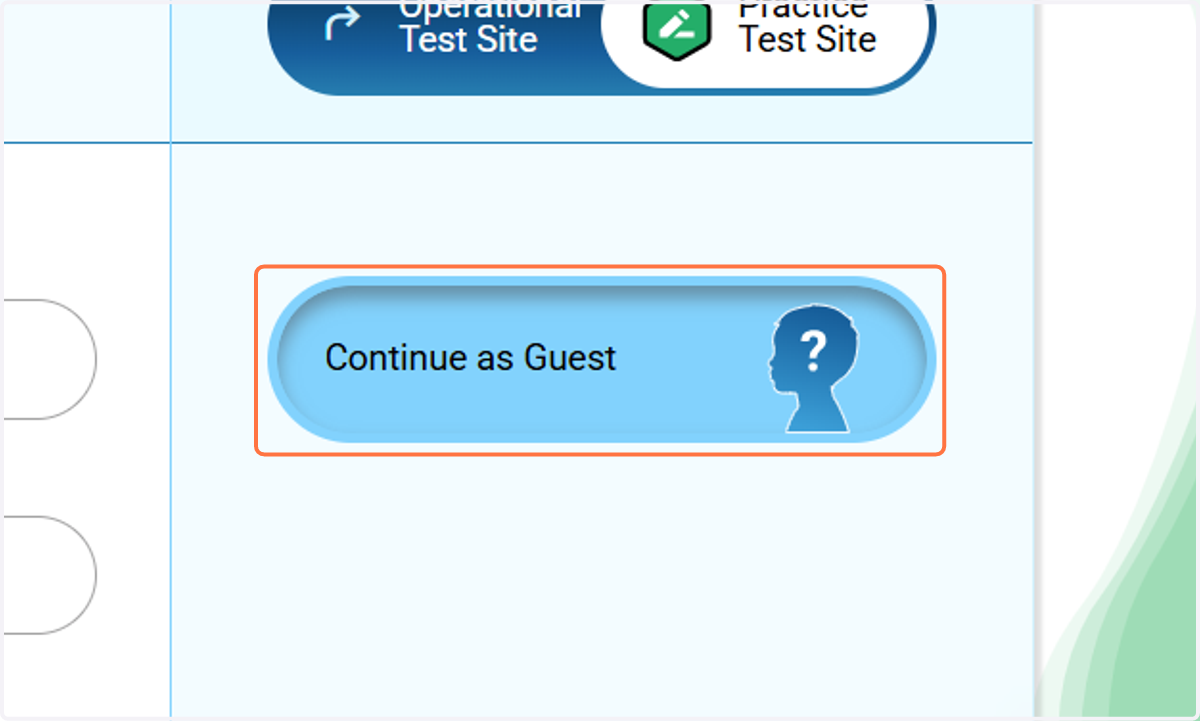
1. Click on Continue as Guest
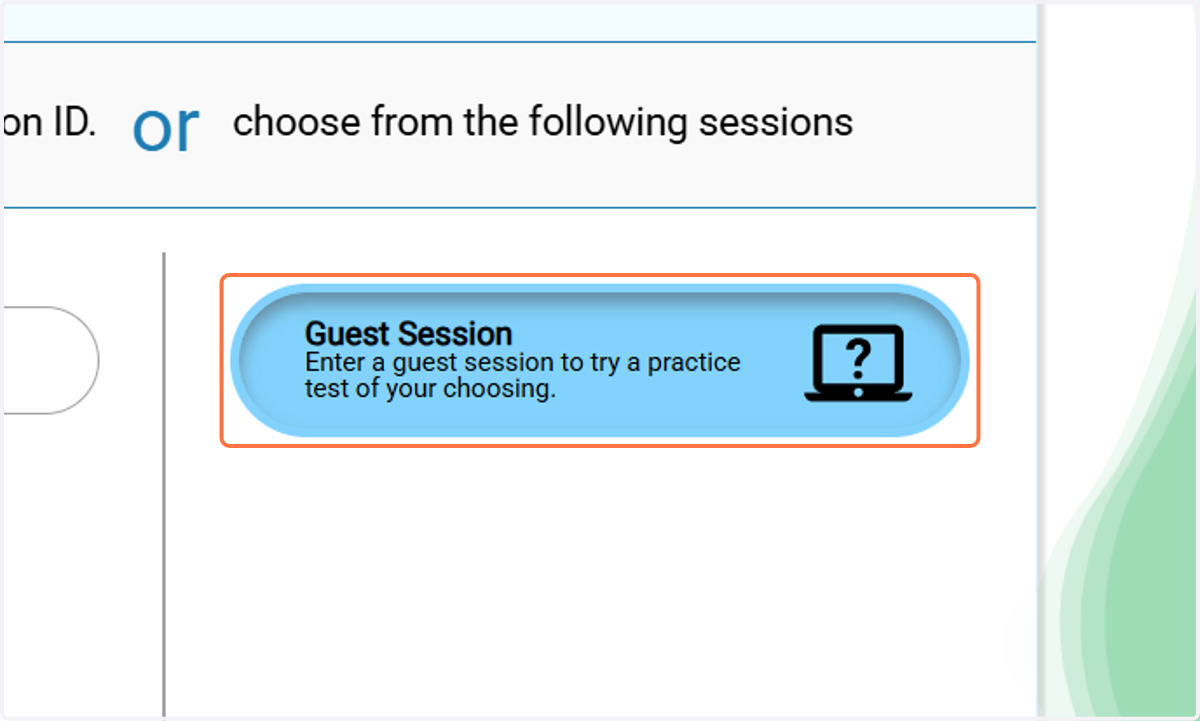
2. Click on Guest Session…
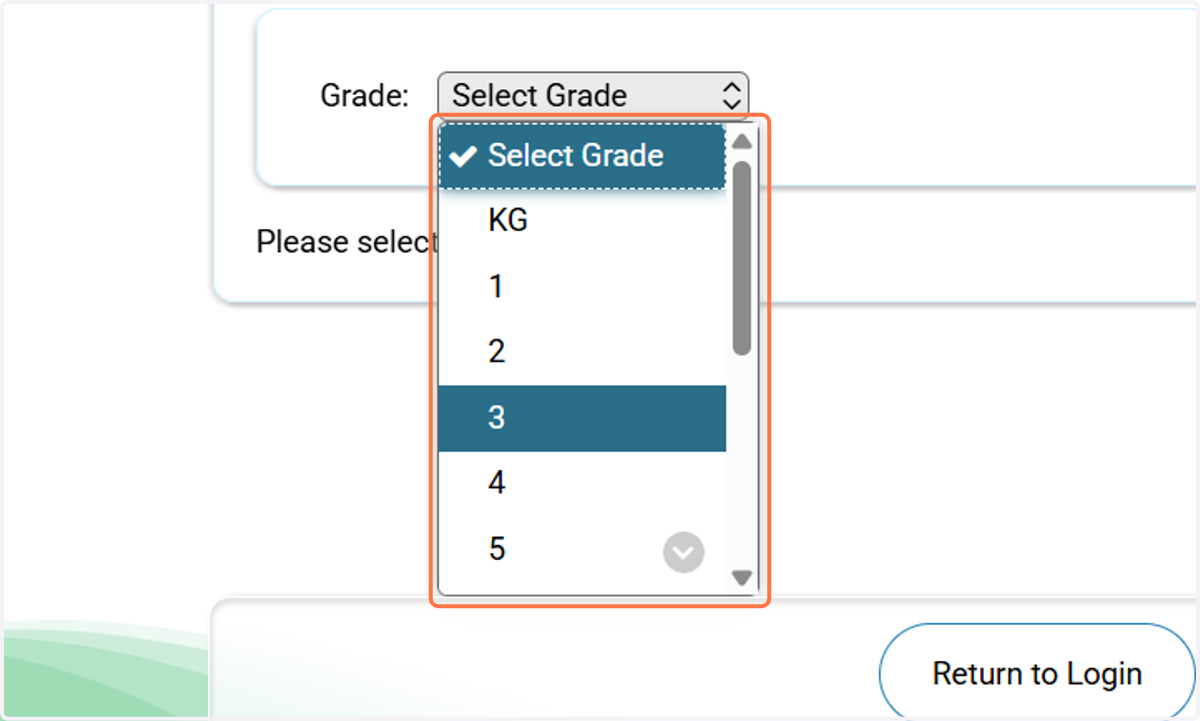
3. Select Grade
choose your student's grade
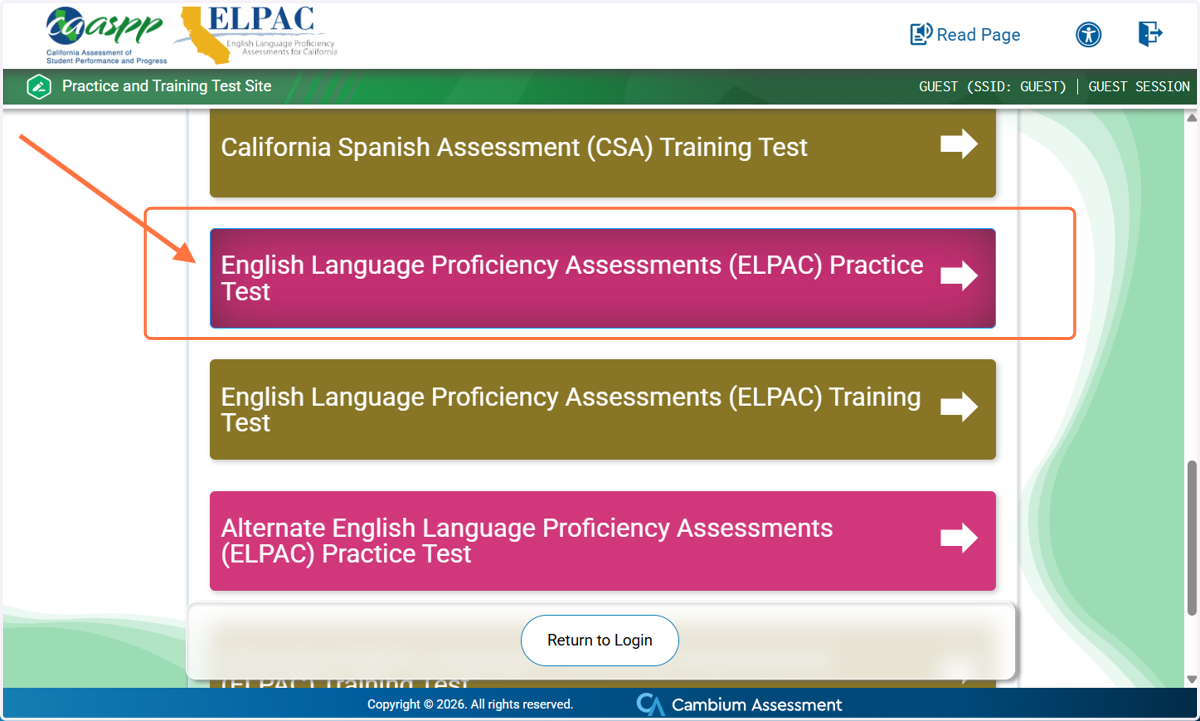
4. Click on English Language Proficiency Assessments (ELPAC) Practice Test
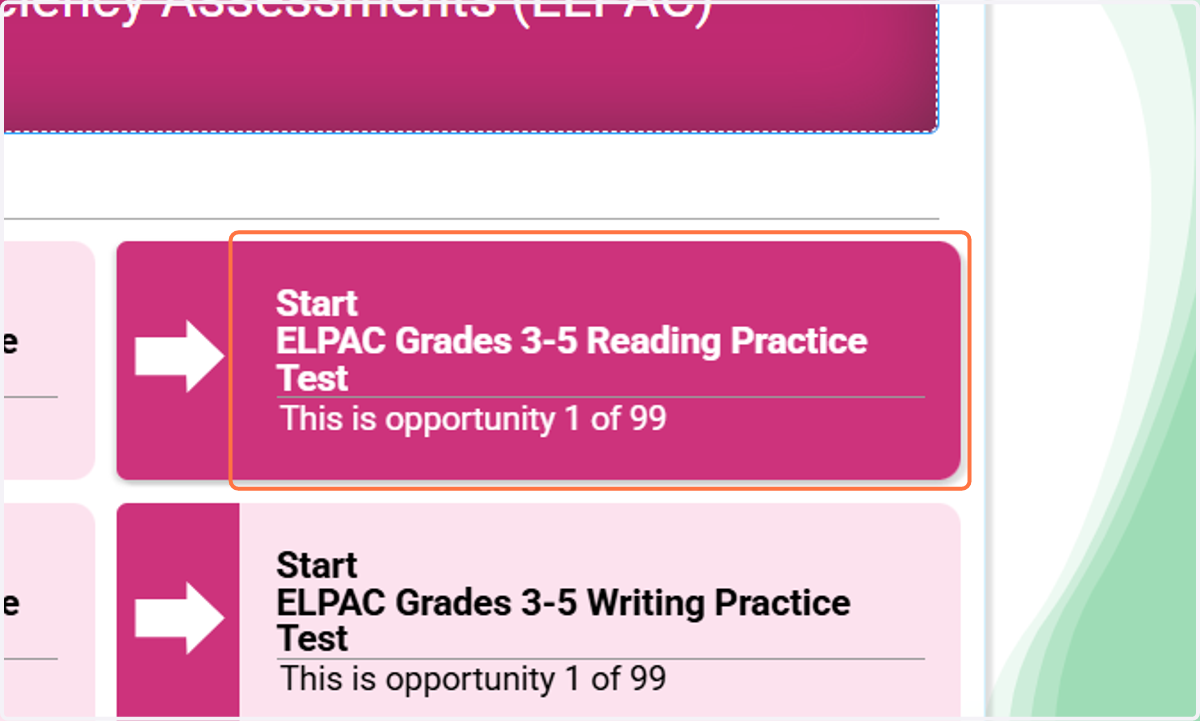
5. Choose a domain to practice, then Click on Start…
you can select from Reading, Writing, Speaking and Listening
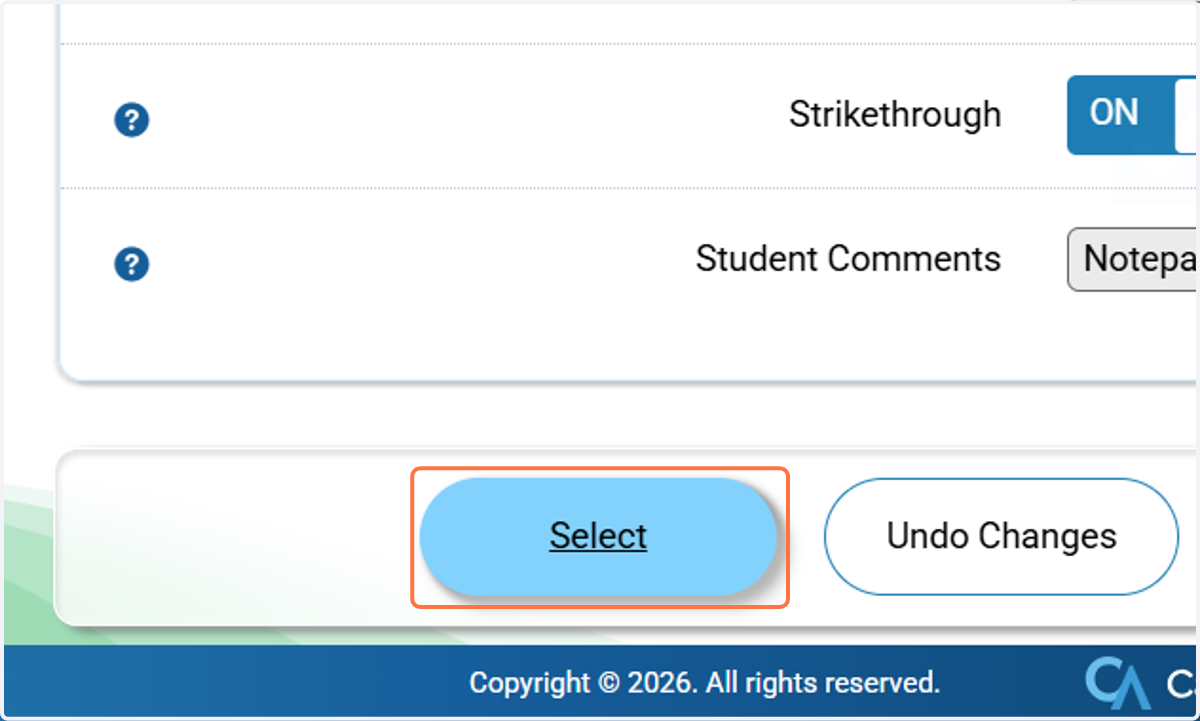
6. Scroll down, then Click on Select
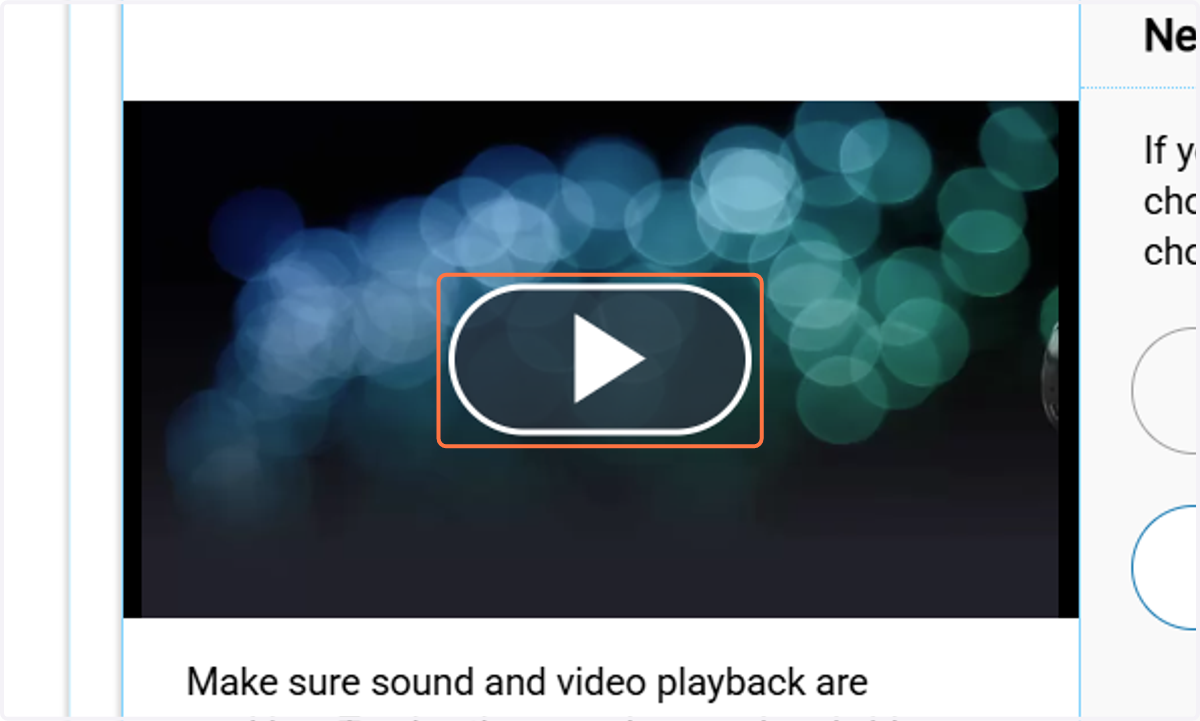
7. you must Click on Play Video to make sure your speakers work
you must complete this step or else you won't be able to continue.
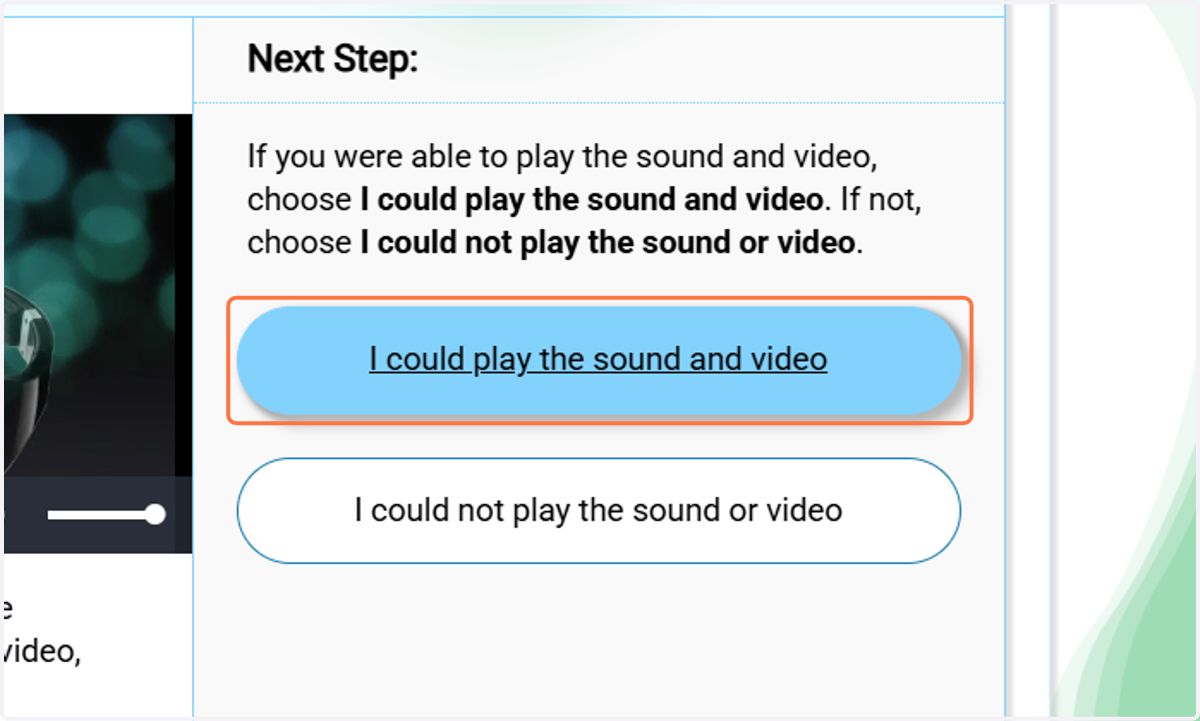
8. Click on I could play the sound and video
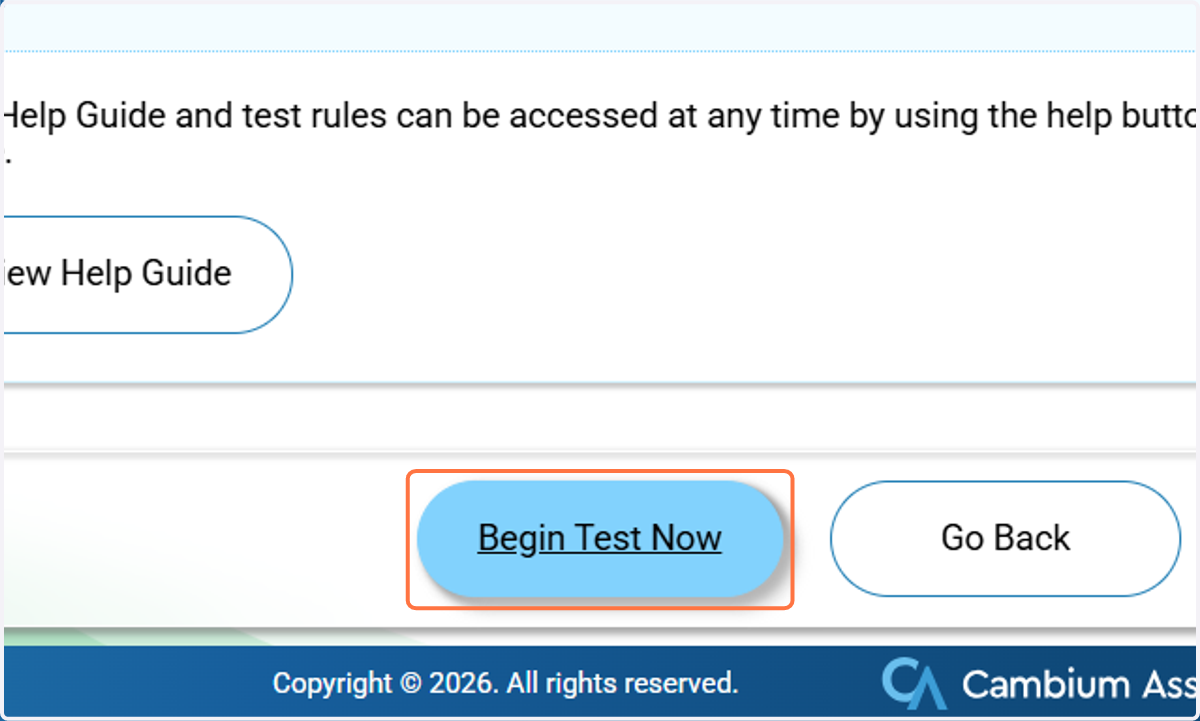
9. Click on Begin Test Now
10. A. Click on Next
10. B. Click on Look at the picture. Choose the sentence that matches the picture.