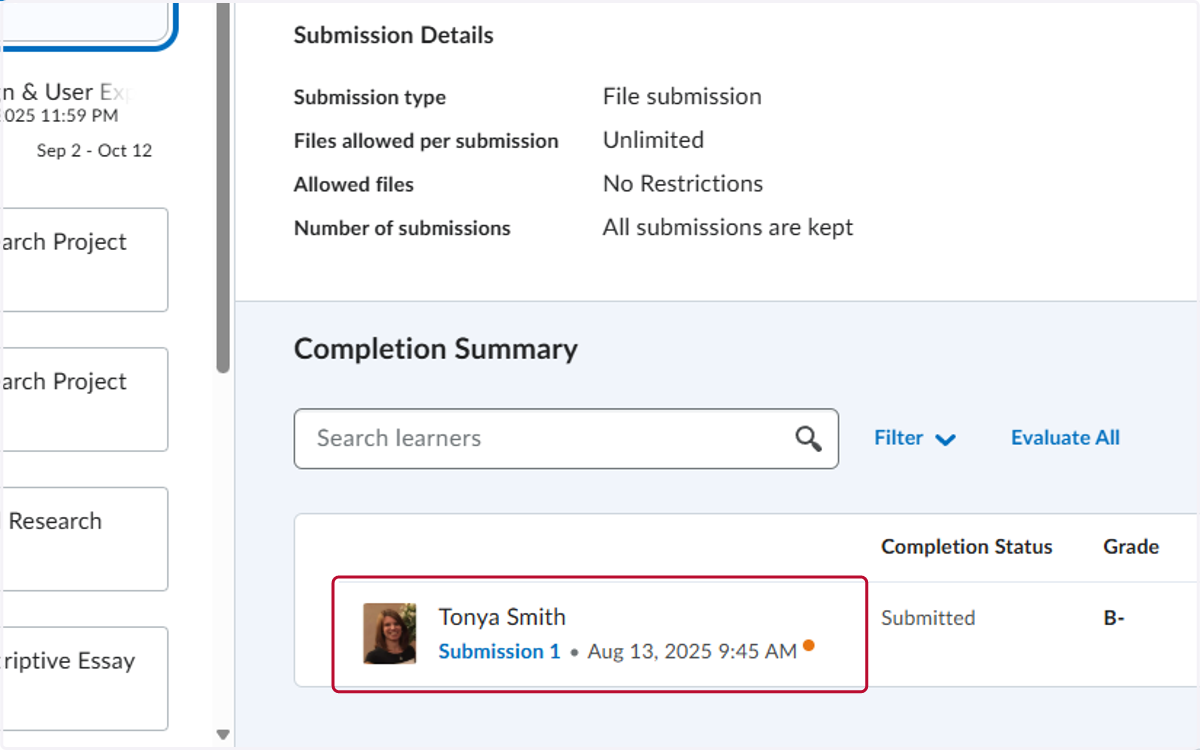
Last Date of Attendance
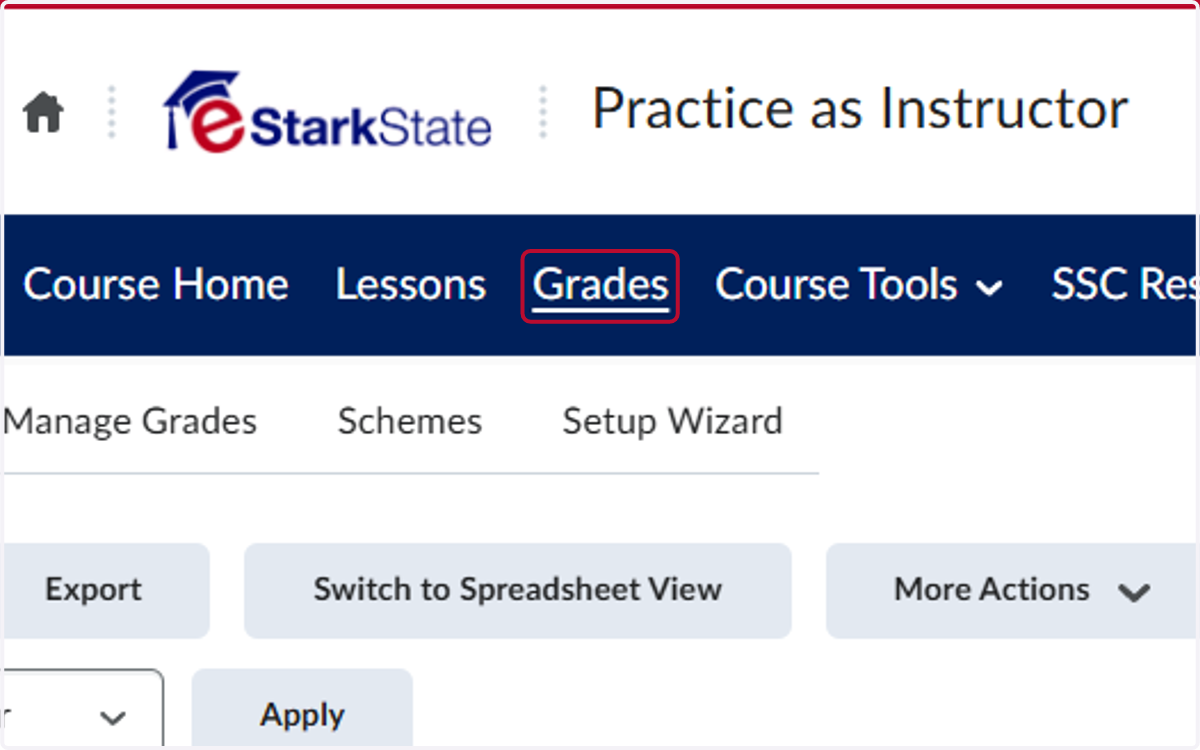
1. Click on Grades
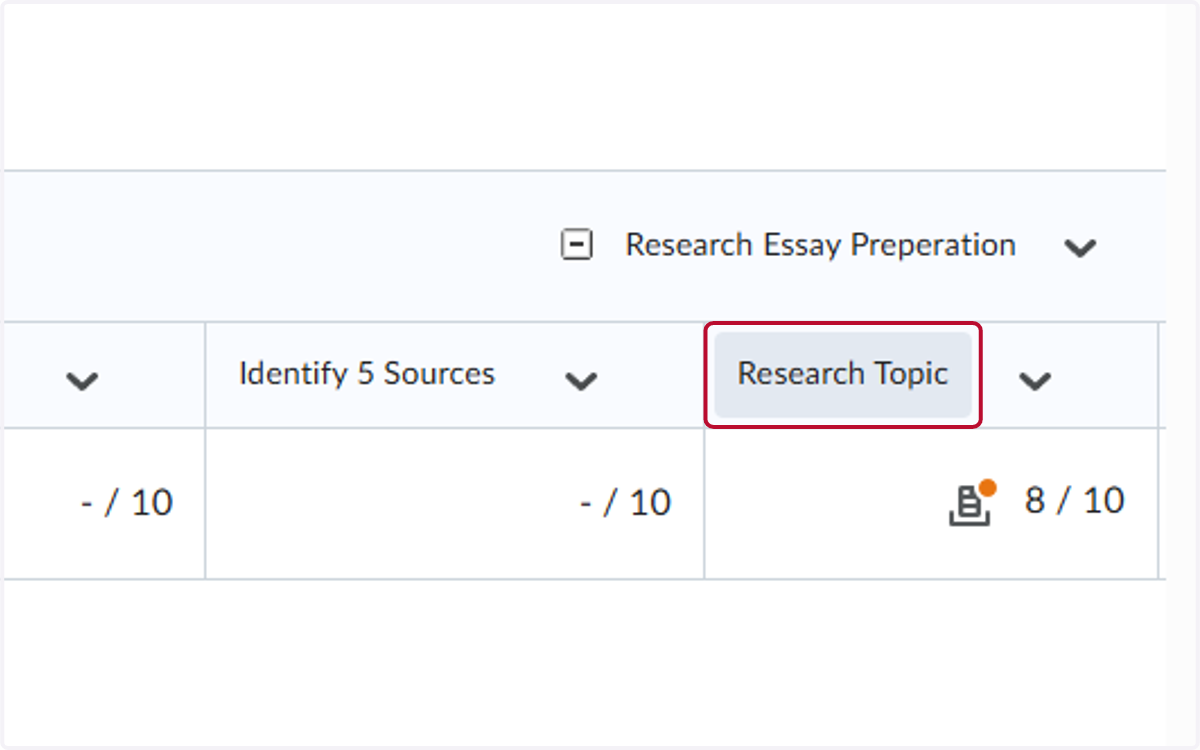
You will then locate the student whom that you need to check the last attendance date for.
2. Locate the last assignment they completed
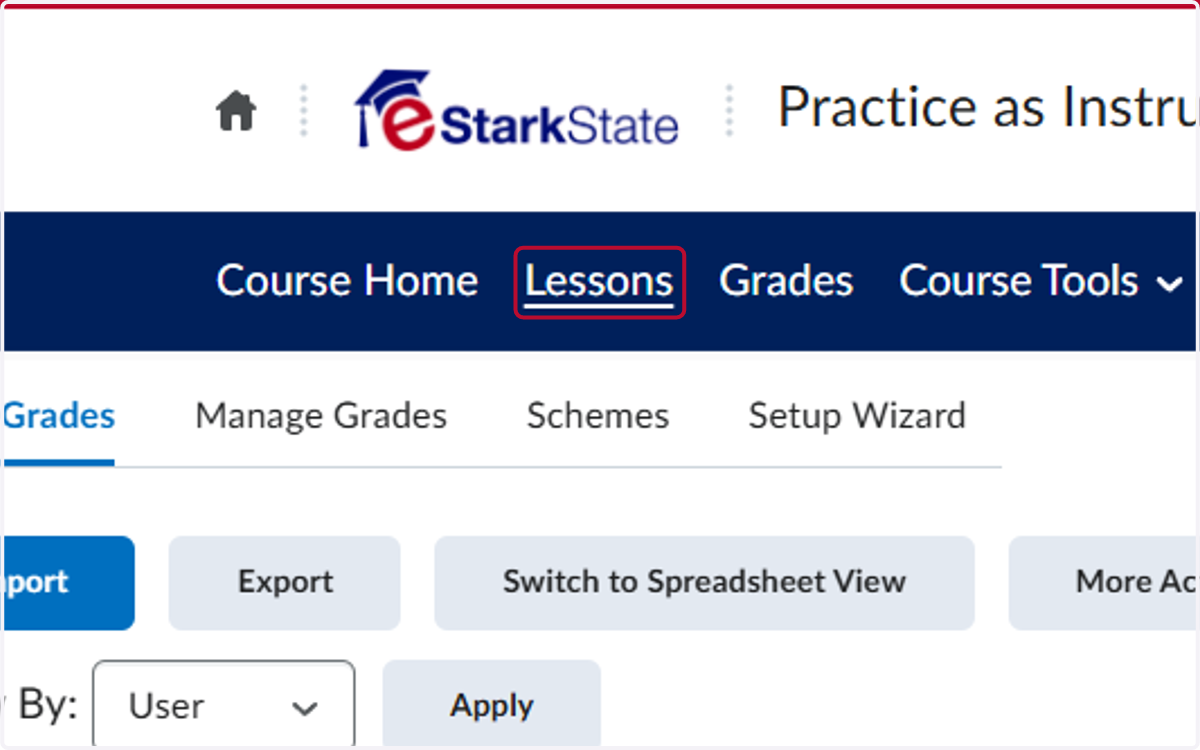
3. You will then click on Lessons
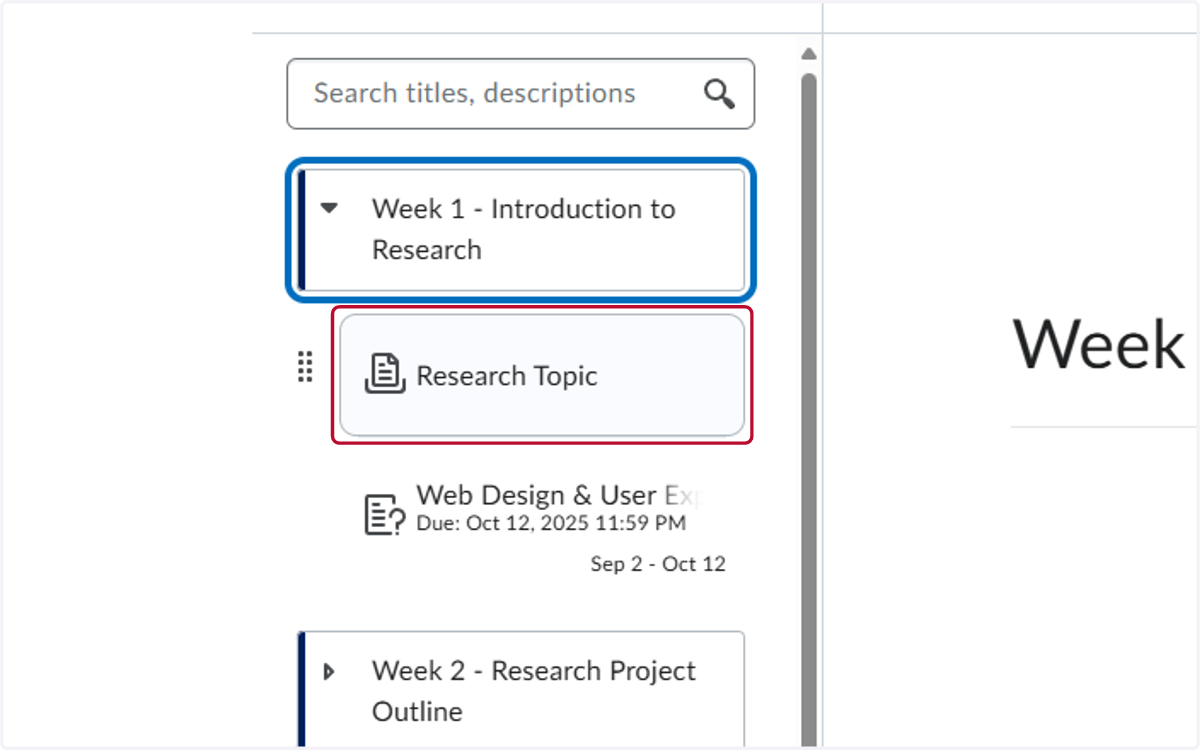
4. Locate the assignment in your class and click on the title
5. The student's submission date will appear under their name