Lab Self-Inspection in EHSA
EHSA Menu
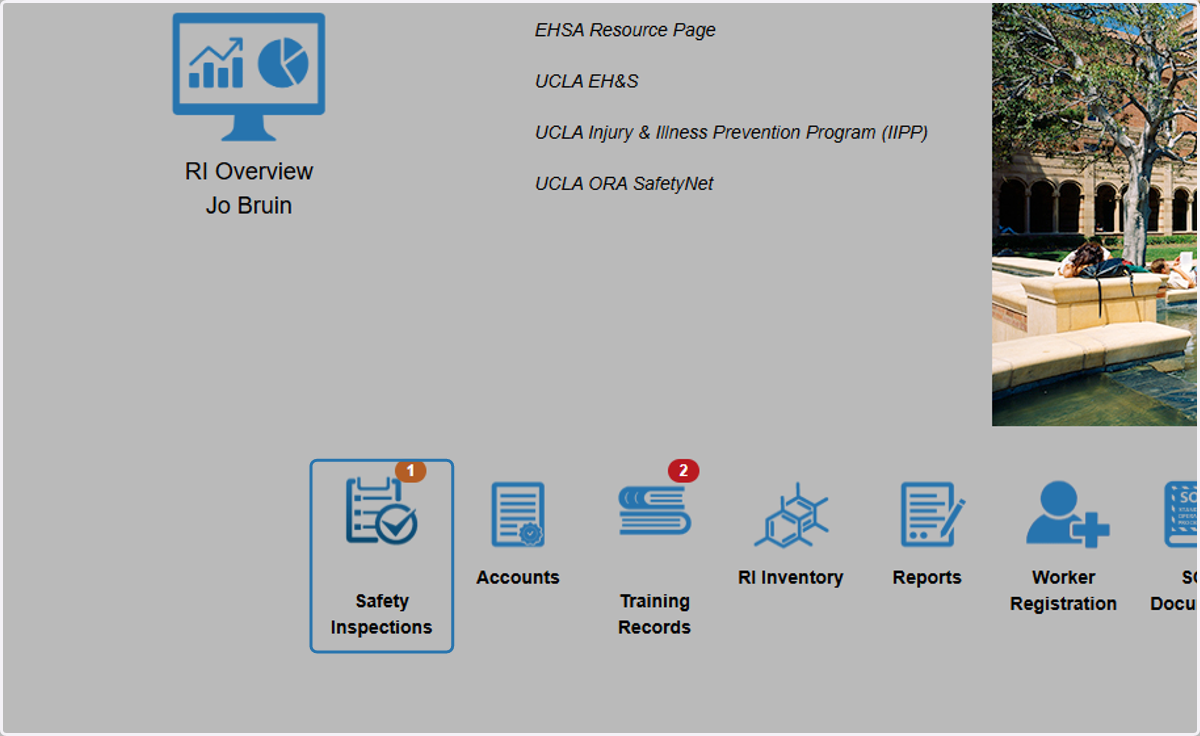
1. Click on Safety Inspections
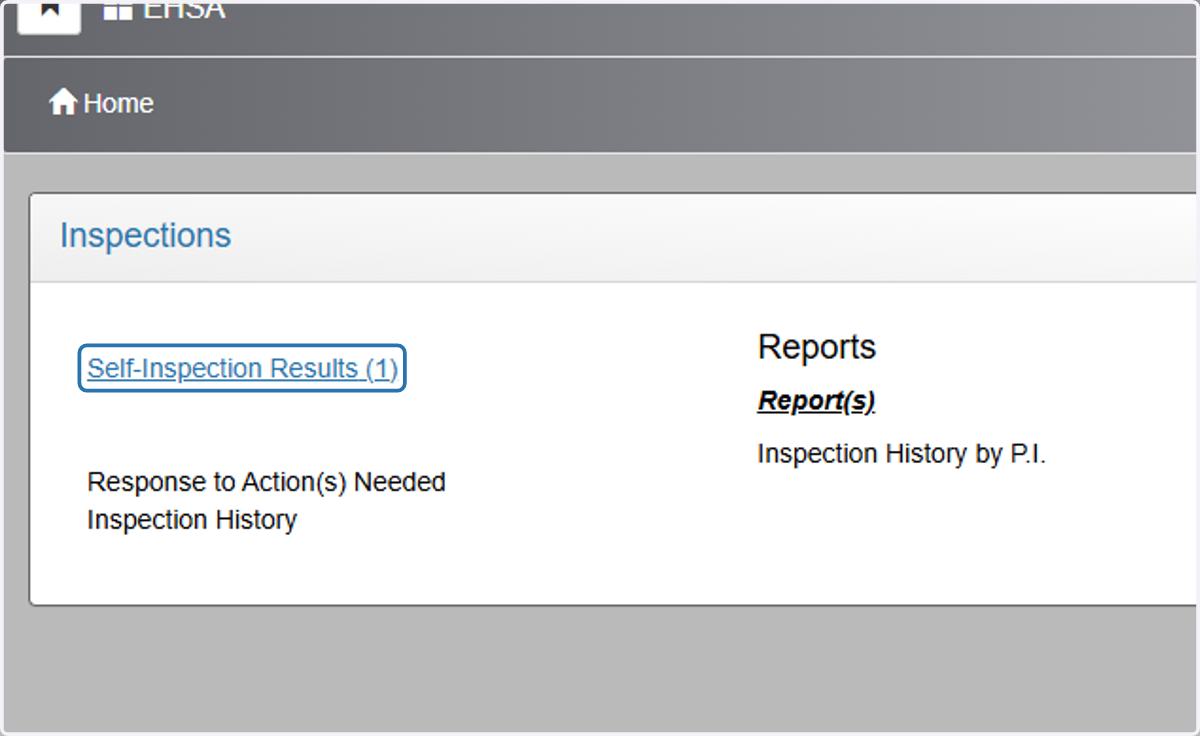
2. Click on Self-Inspection Results
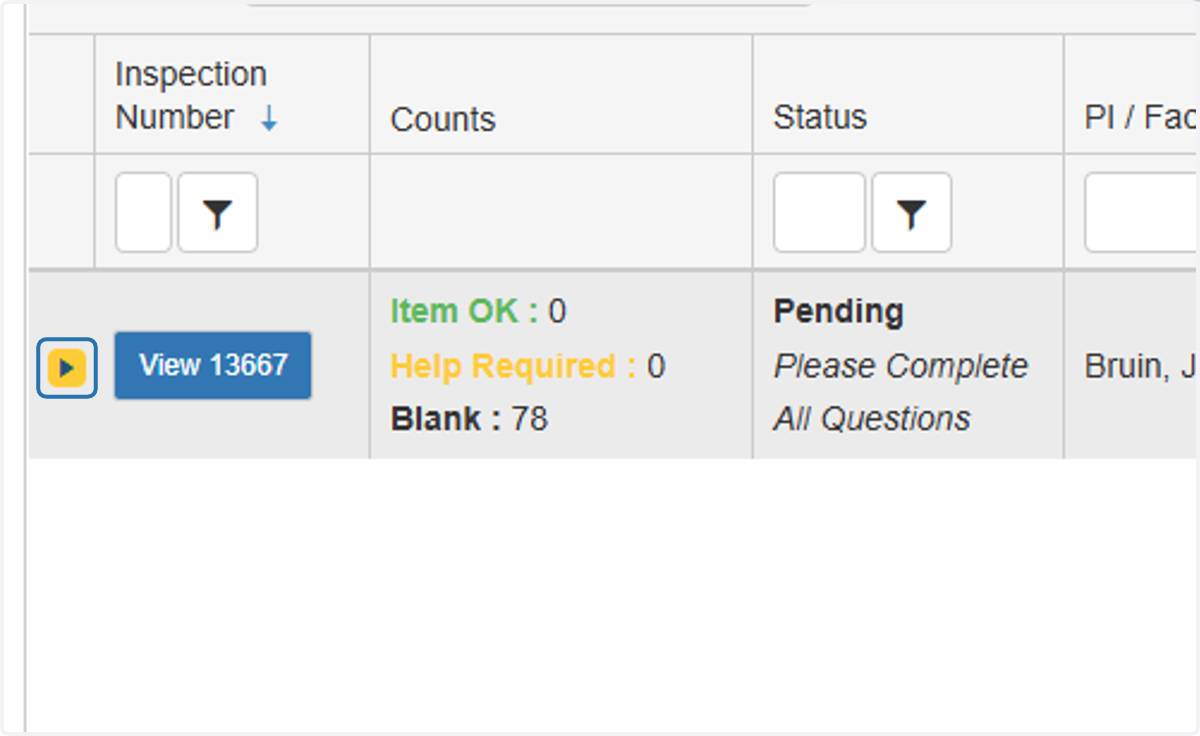
3. View your Inspection by Clicking on 'View'
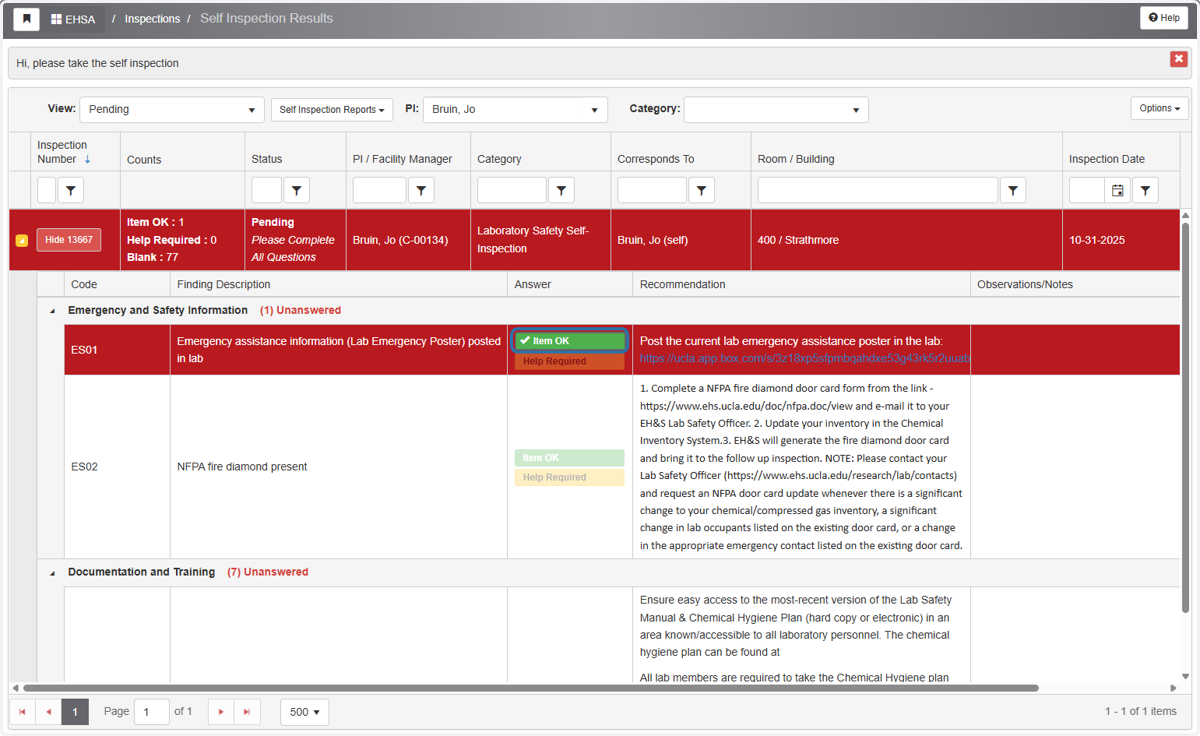
4. Proceed through the checklist, indicate if item is complete or in progress and no help needed by selecting 'Item OK'
If item is in progress, please include status of the item in 'Observations/Notes' section
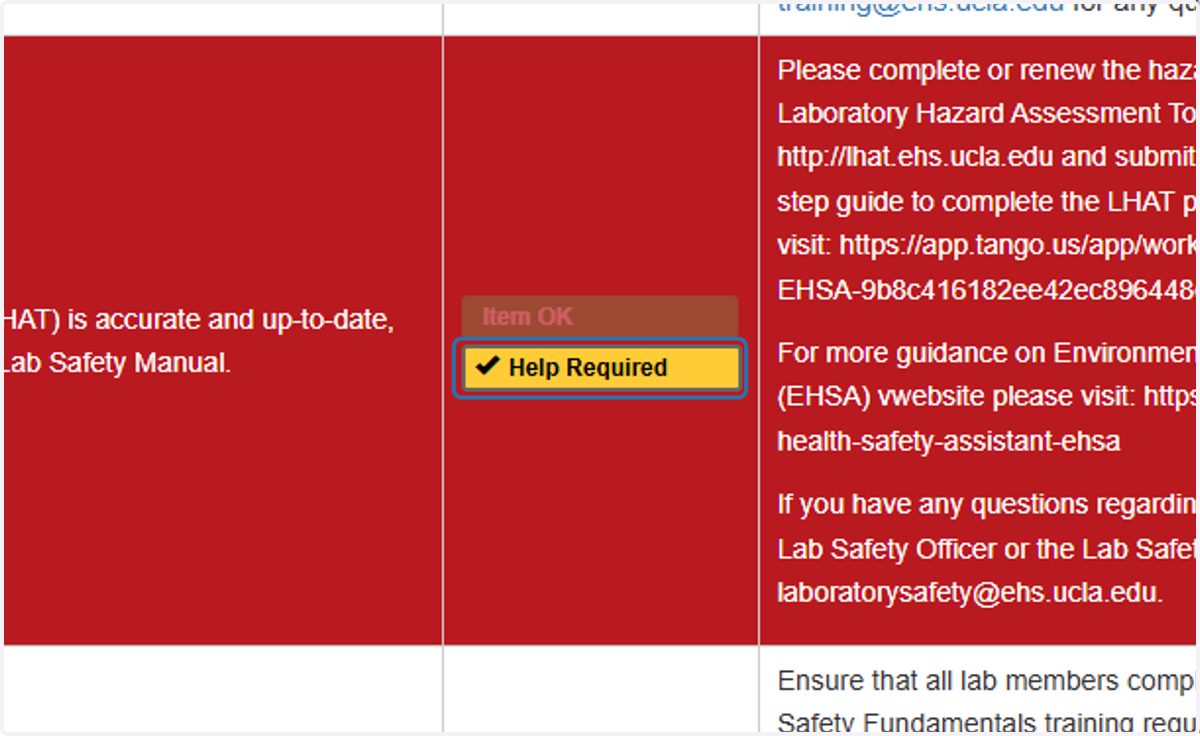
5. Proceed through the checklist items, indicate if item needs help by selecting 'Help Required'
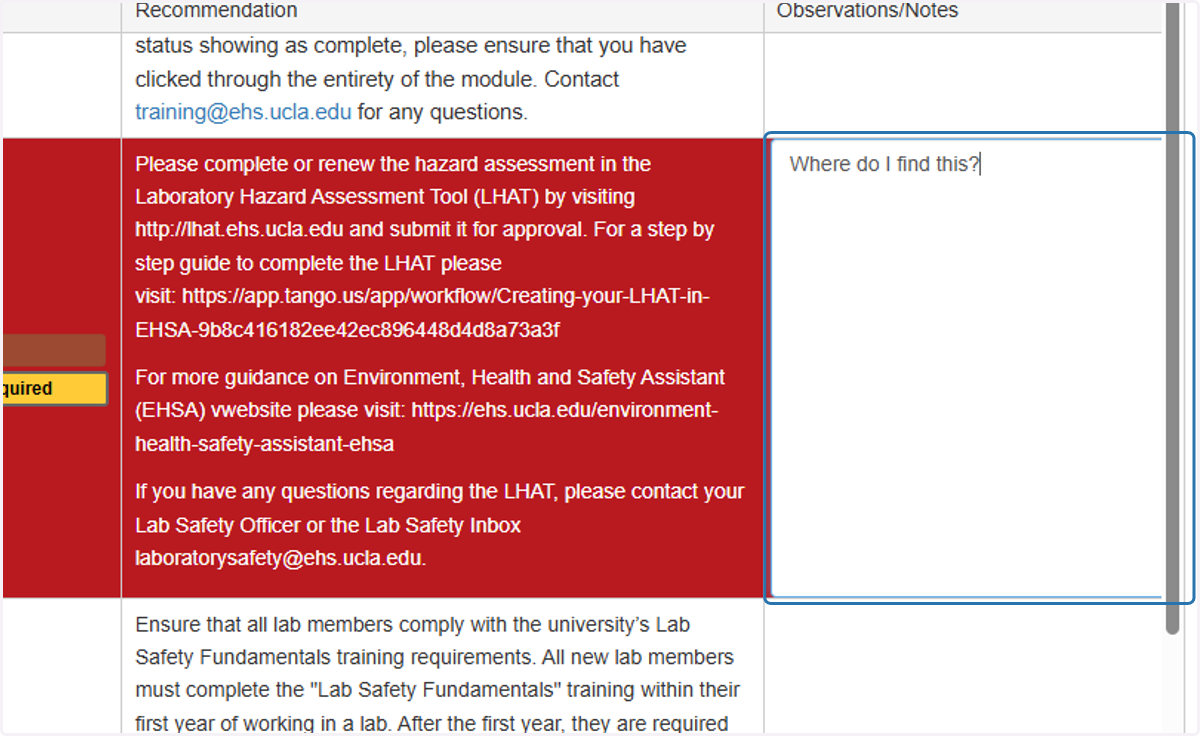
6. If "Help Required," please include in the observation section what specific questions or issues you are running into
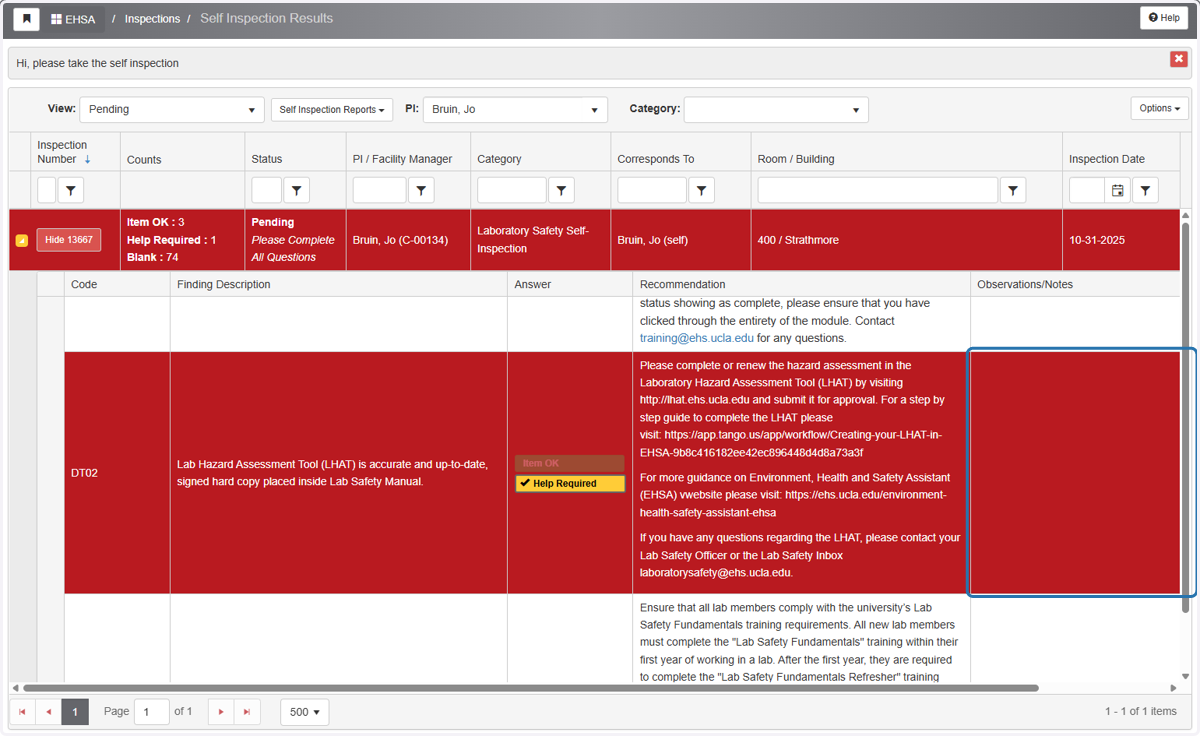
7. If "Help Required," please include in the observation section what specific questions or issues you are running into
8. Continue checklist until every question has been answered
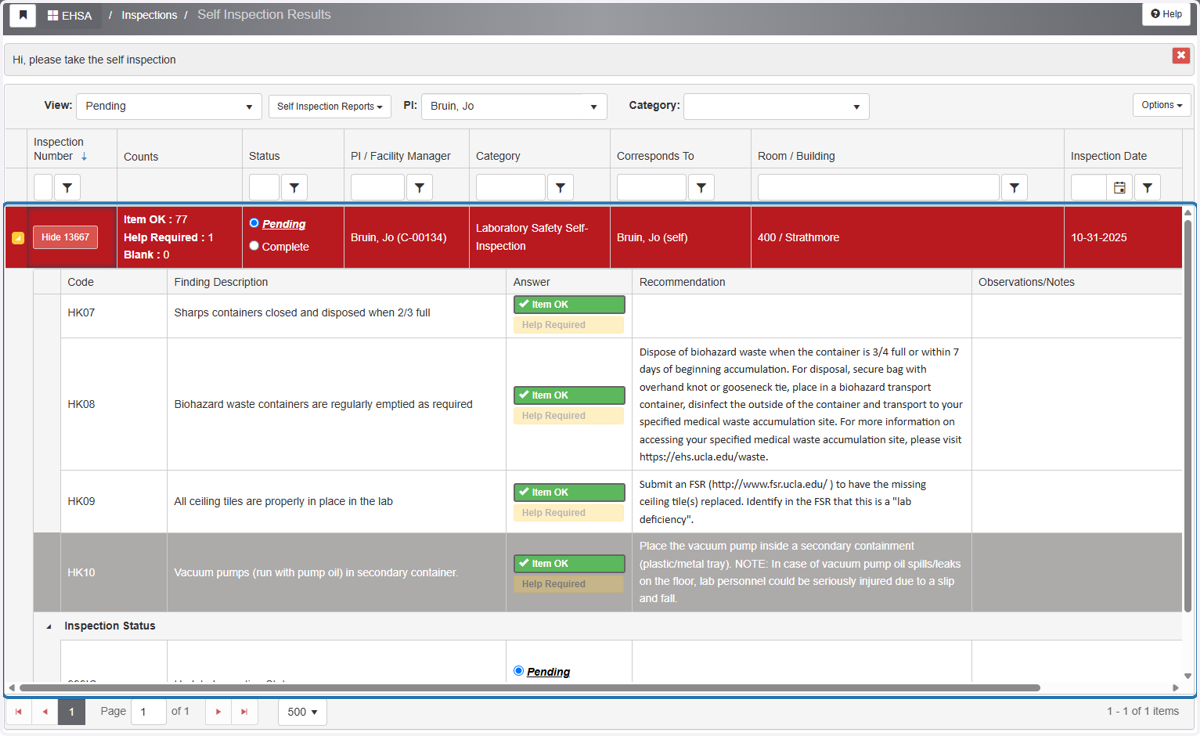
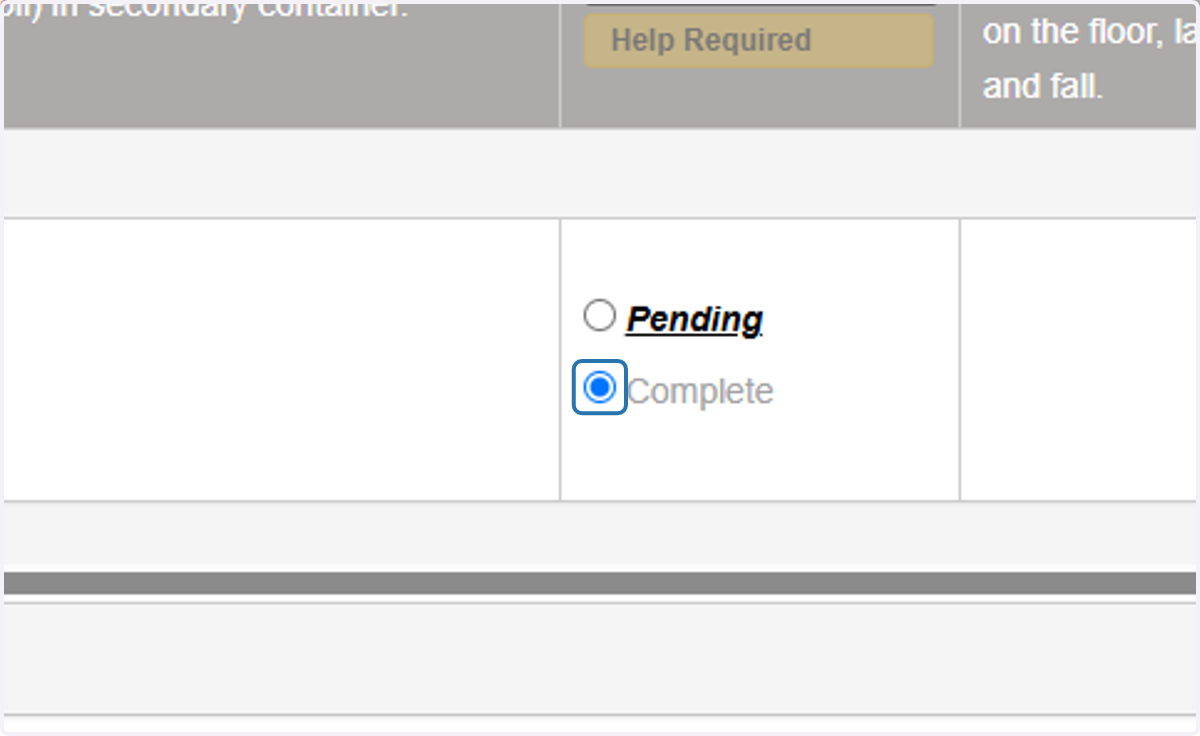
9. Once all questions have been answered, select 'Complete'
*If all questions have not been answered, the 'Complete' button will not be available