JOB SCORECARD – Role Owner Commitment Sheet
Clarifies role ownership by committing each role owner to specific quarterly results and actions aligned with the strategy. It also defines the breakthrough changes required to raise performance to the level expected from the role.
ScreJob Scorecard — Introduction
Steve Jobs once said:
“It doesn’t make sense to hire smart people and then tell them what to do.
We hire smart people so they can tell us what to do.”
In practice, this means something very concrete:
leaders should define expected results, not prescribe activities.
The Job Scorecard is a powerful working tool designed to make this principle real in everyday leadership and execution.
What is a Job Scorecard?
A Job Scorecard is a quarterly planning and alignment tool for a specific role.
It helps clarify:
how committed the role owner is to their role,
what results they plan to achieve,
and how they personally see opportunities to significantly improve performance.
Unlike traditional job descriptions, a Job Scorecard does not focus on tasks.
It focuses on outcomes, ownership, and continuous improvement.
Why is the Job Scorecard necessary?
In many organizations, expectations remain implicit or vague.
The Job Scorecard creates shared clarity between the leader and the role owner by answering three critical questions:
What does success in this role actually mean?
What results will be delivered in the next quarter?
How does the role owner intend to improve performance?
This turns responsibility from something assigned to a person into something owned by the person.
What does the role owner do in the Job Scorecard?
The Job Scorecard is completed by the role owner, not by the manager.
Each quarter, the role owner:
Assesses their current level of performance
For each key metric, they evaluate what level of “player” they currently are.
Defines the results to be achieved during the quarter
Clear, outcome-based targets are set for each performance metric.
Proposes ideas to significantly improve performance
The role owner outlines their own initiatives and improvement ideas for each metric.
Roles vs. Job Scorecard — what’s the difference?
In the Roles form, the leader defines:
which roles are needed in the team,
and what results are expected from each role.
In the Job Scorecard, the person in the role defines:
how they will achieve those results,
and how they plan to grow their impact.
Together, these two forms create alignment between expectations and ownership — the foundation of effective execution.
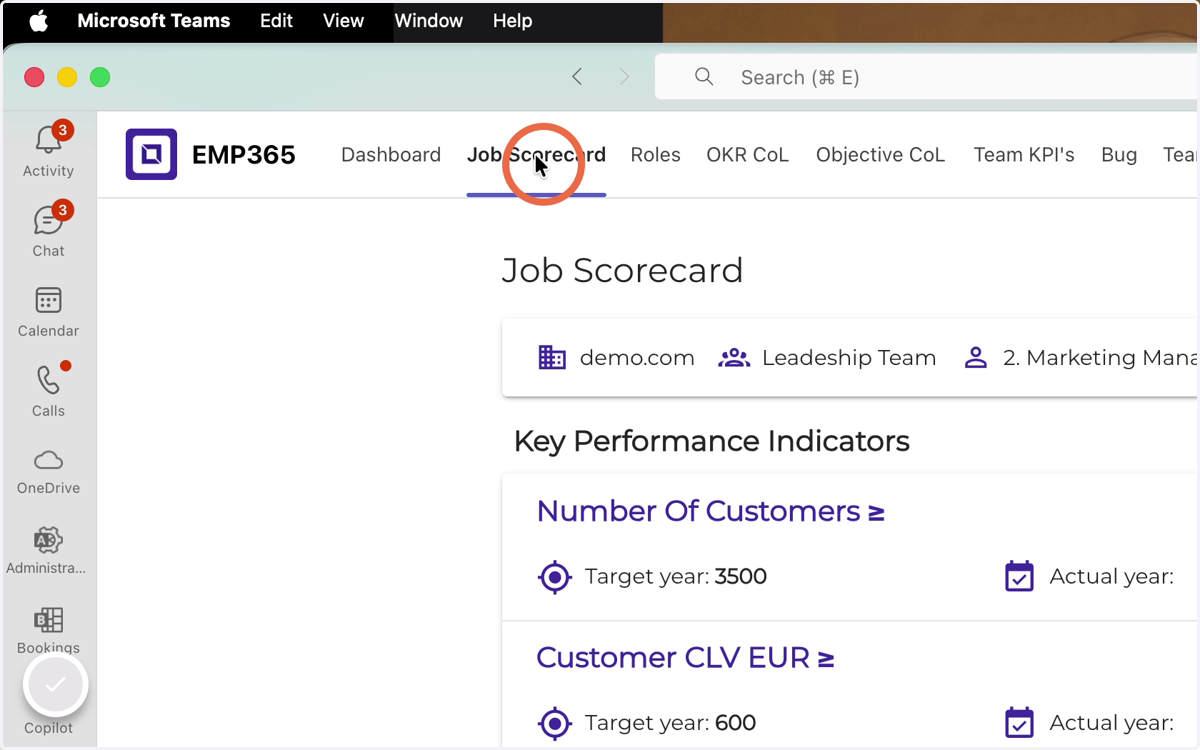
1. Click Job Scorecard
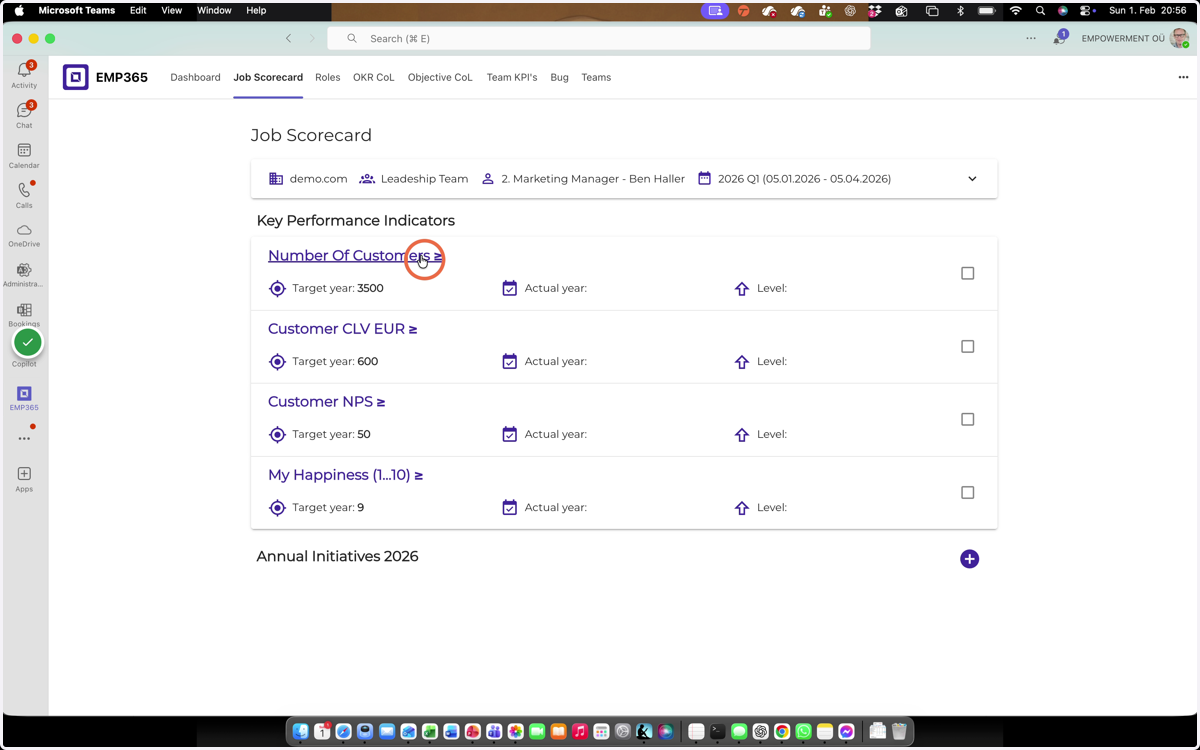
2. Click on the performance metric name
3. Set the quarterly target result
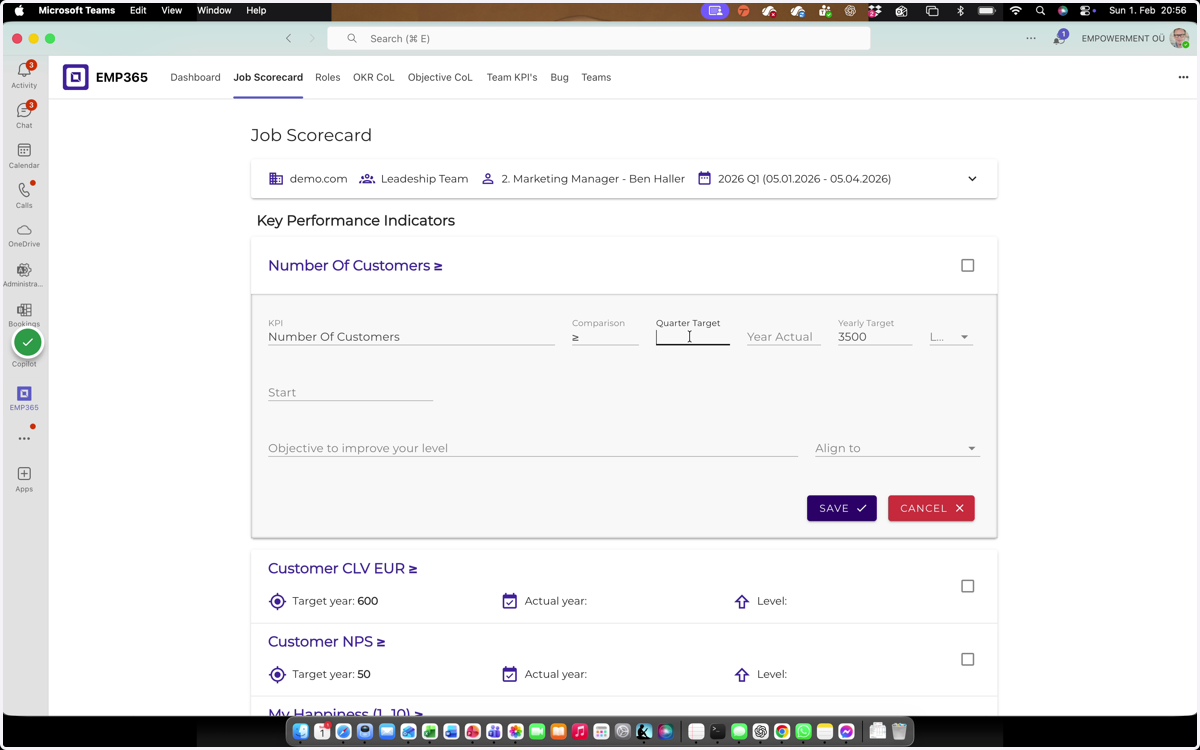
4. Enter the year-to-date result
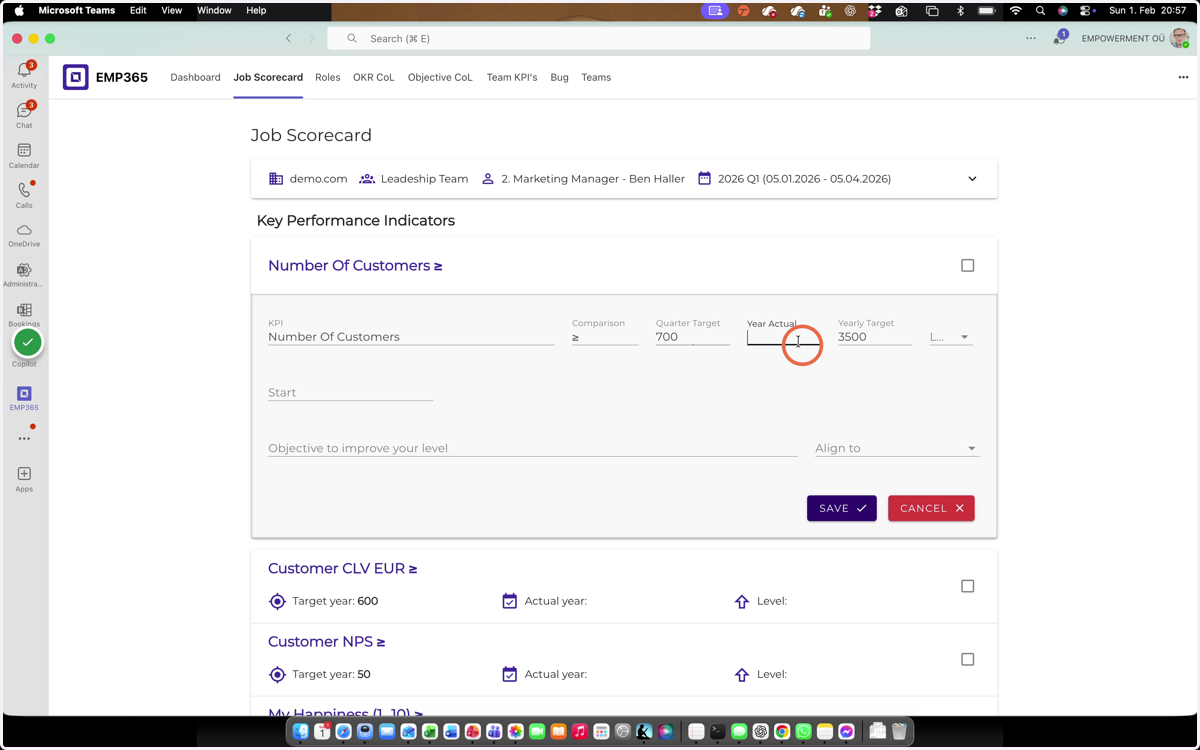
5. Evaluate your player level against the yearly target
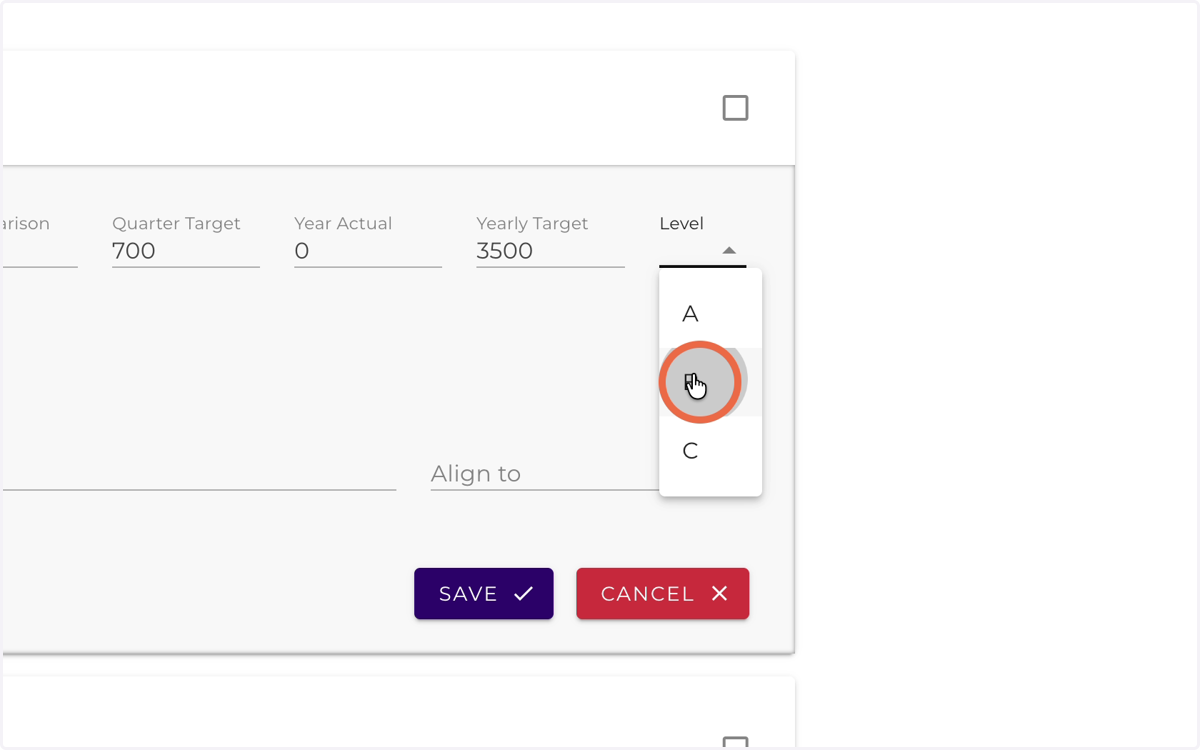
6. Click here
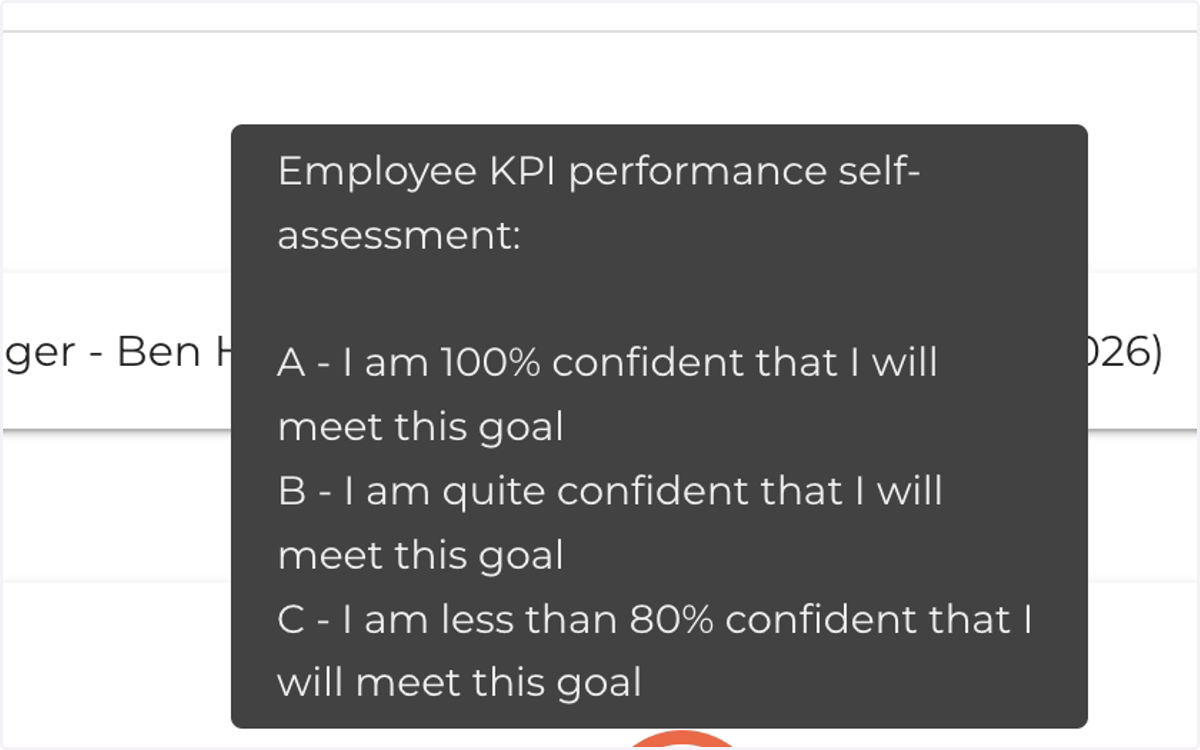
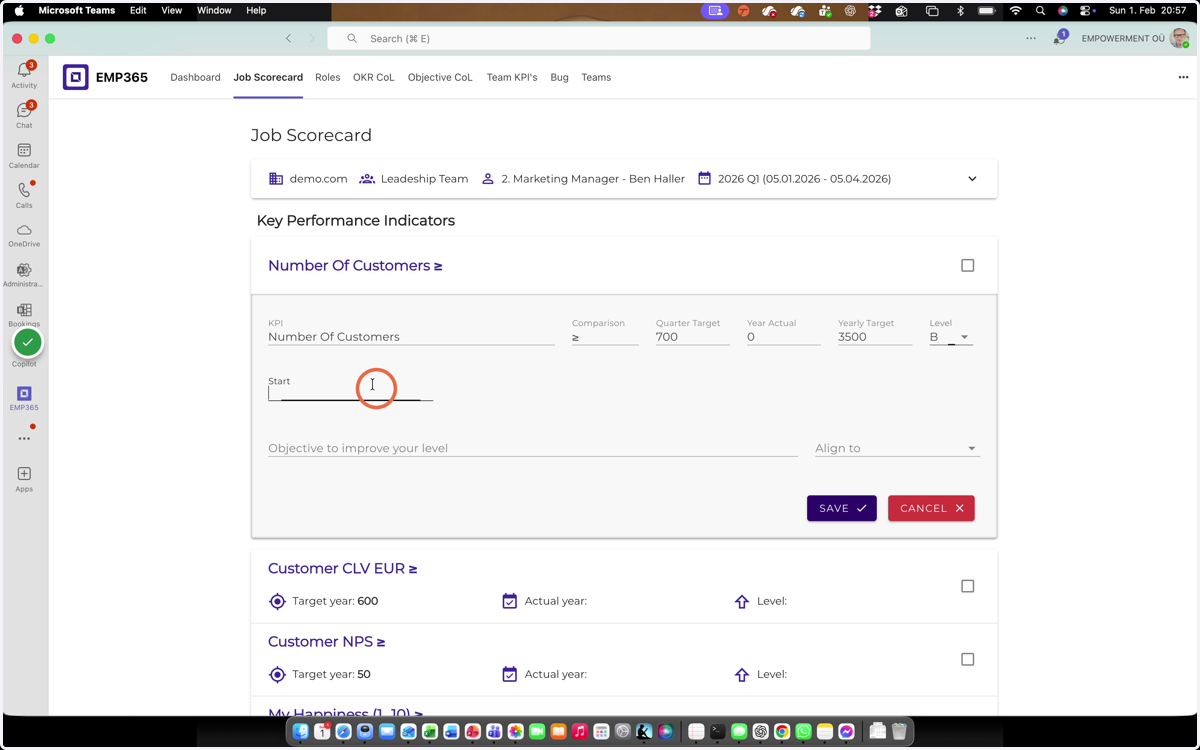
7. Set the starting level
Setting the Start Value and X-Axis Starting Point
In the Start field, i.e. the X-axis starting point, always enter the value 0, because each quarter’s result achievement starts from a starting position of 0.
The Start value represents the beginning point of the measurement, not your current situation or existing result. The system uses this value to display the graph and calculate the measurement logic.
Example
Current level: 600,000
Start value / X-axis starting point: 700,000In this case, values below 700,000 will not be displayed on the graph.
To avoid issues and ensure correct display, always enter 0 in the Start field, i.e. as the X-axis starting point.
8. Describe the change that will enable a breakthrough in performance.
Define the qualitative breakthrough (Objective) you must achieve within the next 90 days in order to either move up to a higher level or maintain an A-player level. Ex: New customer program launched
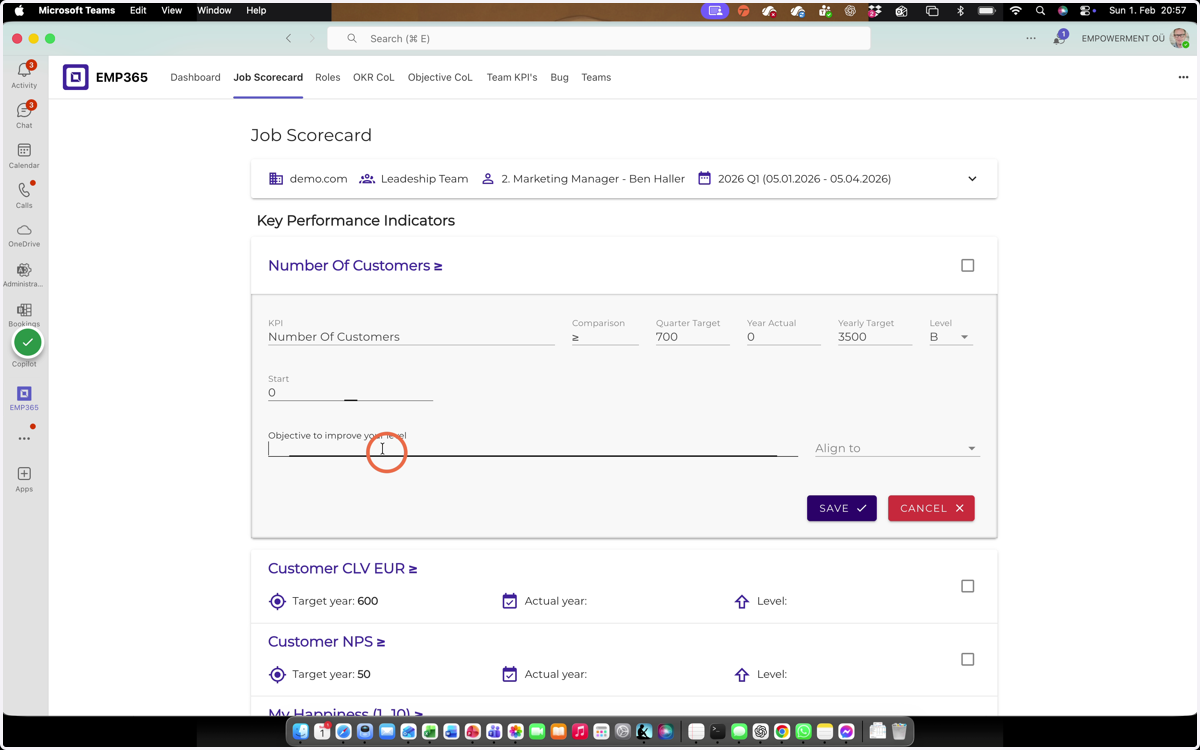
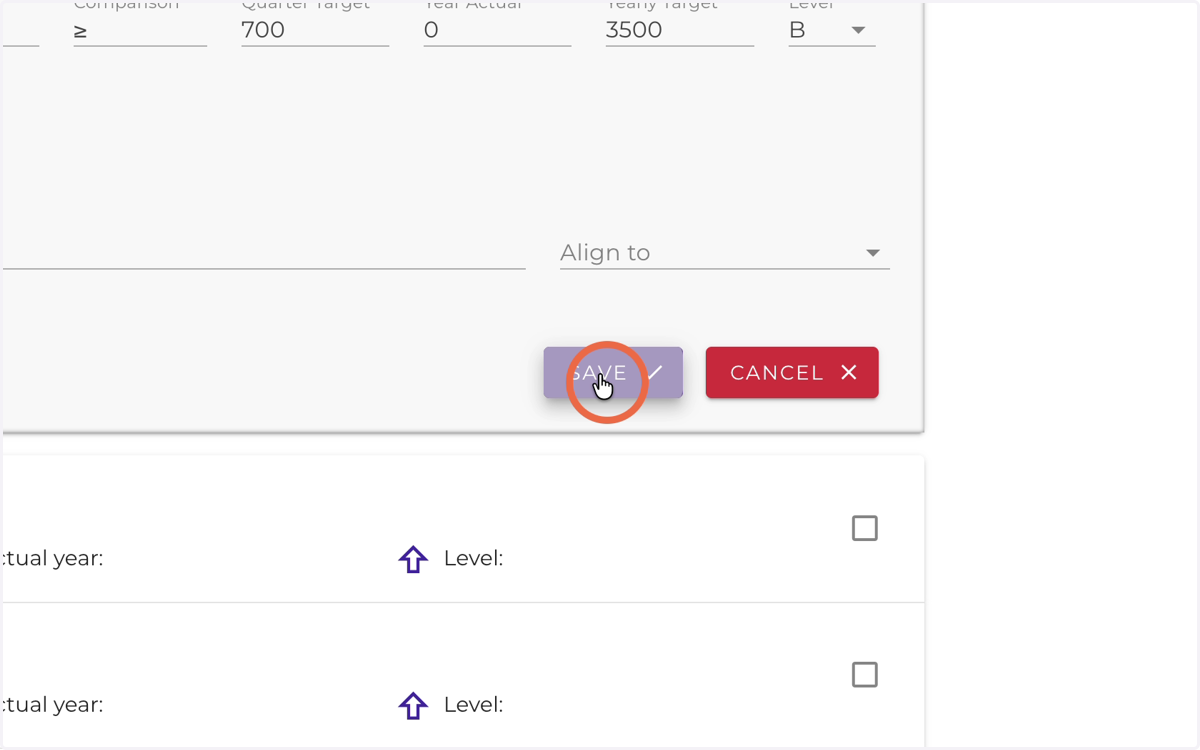
9. Click Save
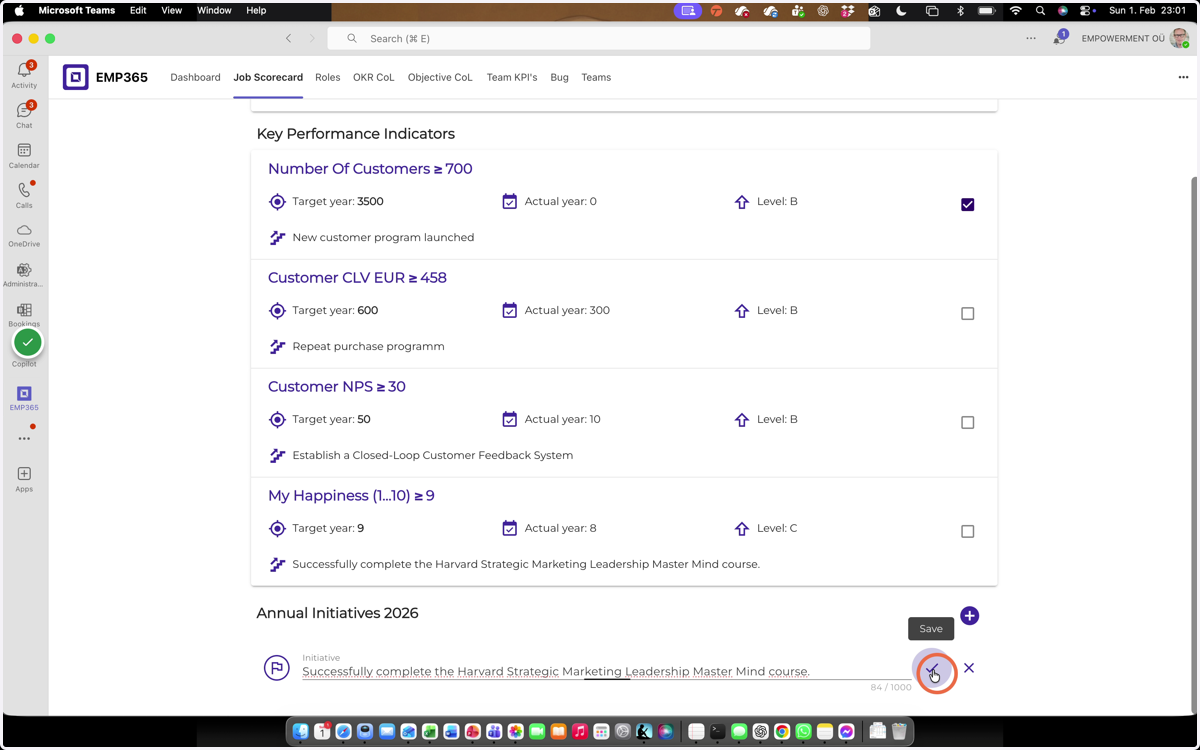
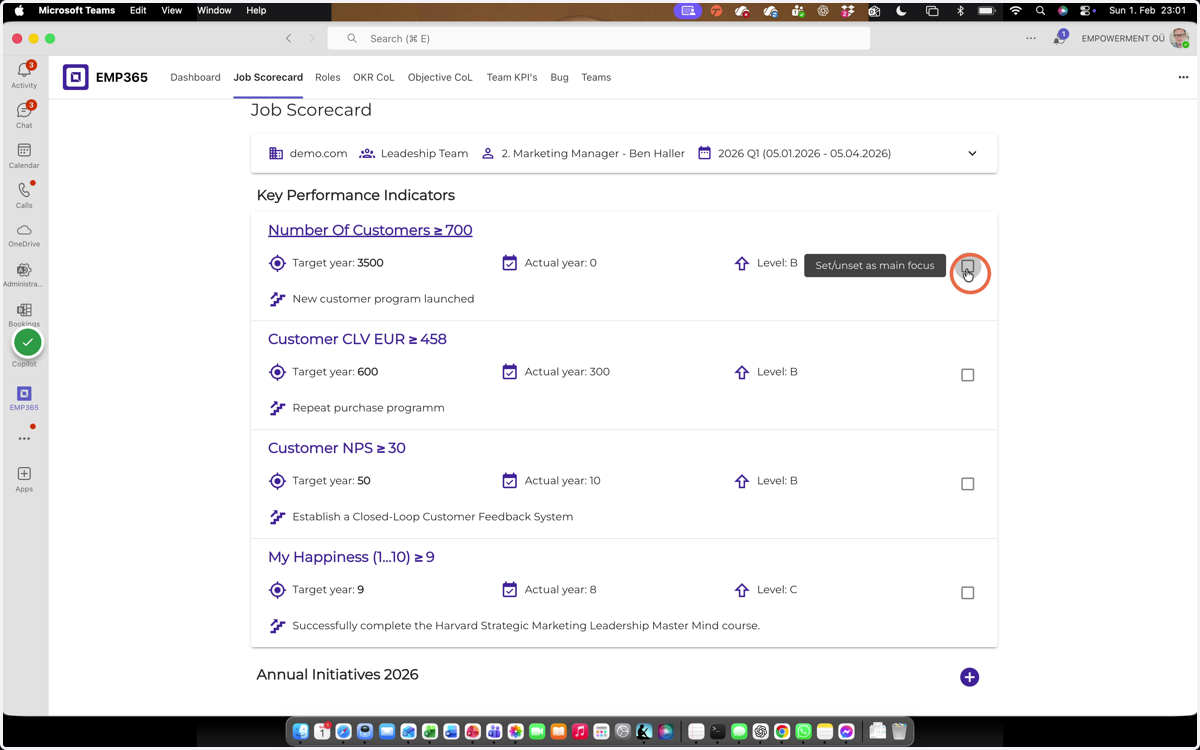
10. Select the quarterly focus.
Choose one primary objective for the next 90 days.
Evaluate each objective using Impact vs. Effort and select the one with the highest impact and lowest effort.
Rate each objective on a 1–10 scale for both impact and effort to support your decision.
11. Click here
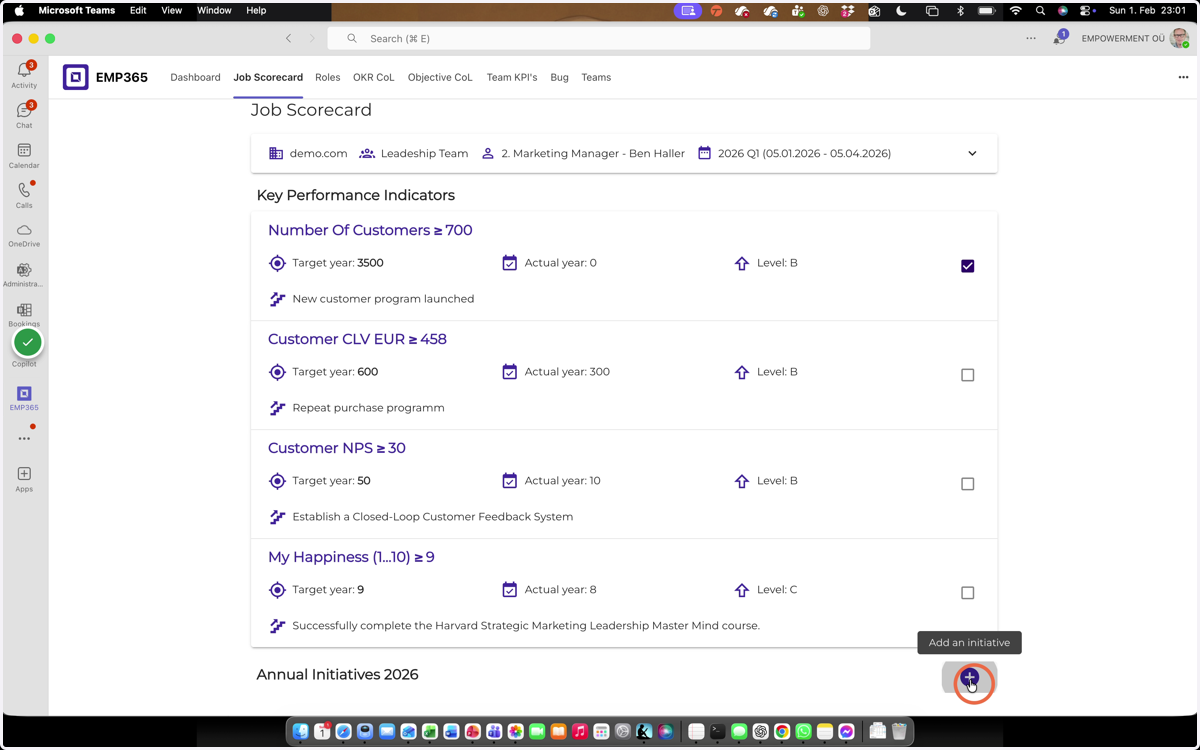
Screenshot
12. Click here