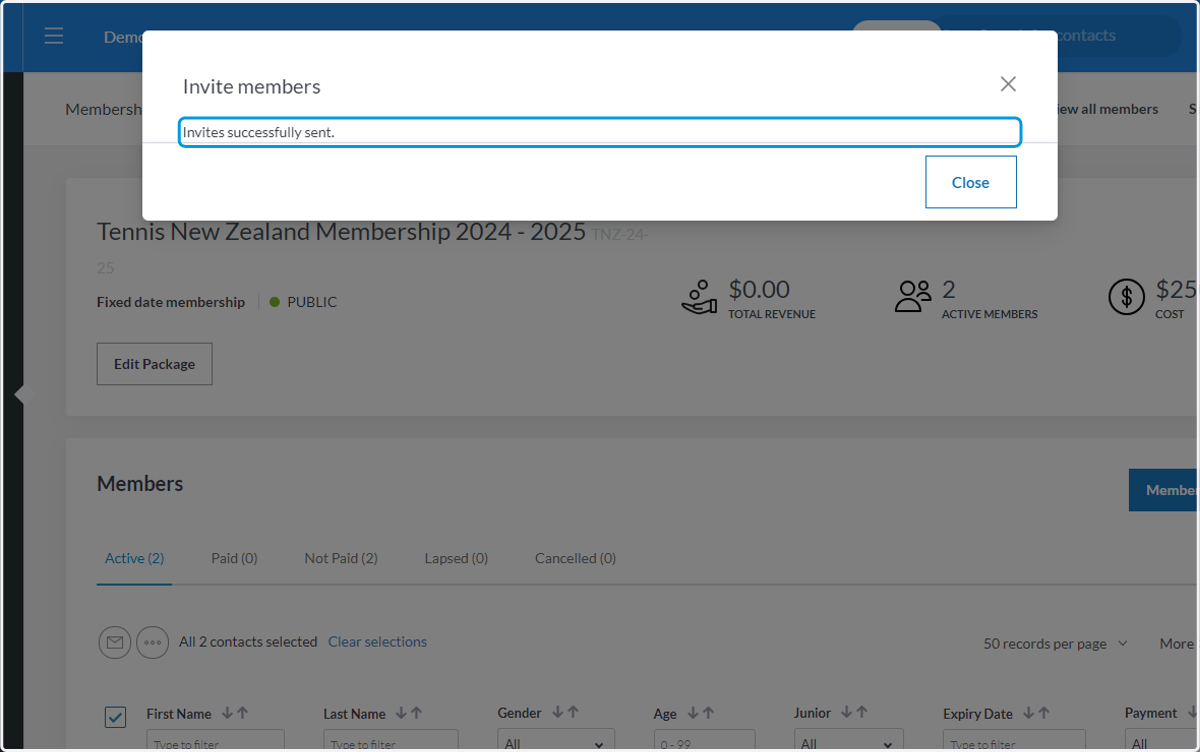
Inviting Members to sign up to ClubSpark
1. Let's Begin

Clubspark / Admin / Home
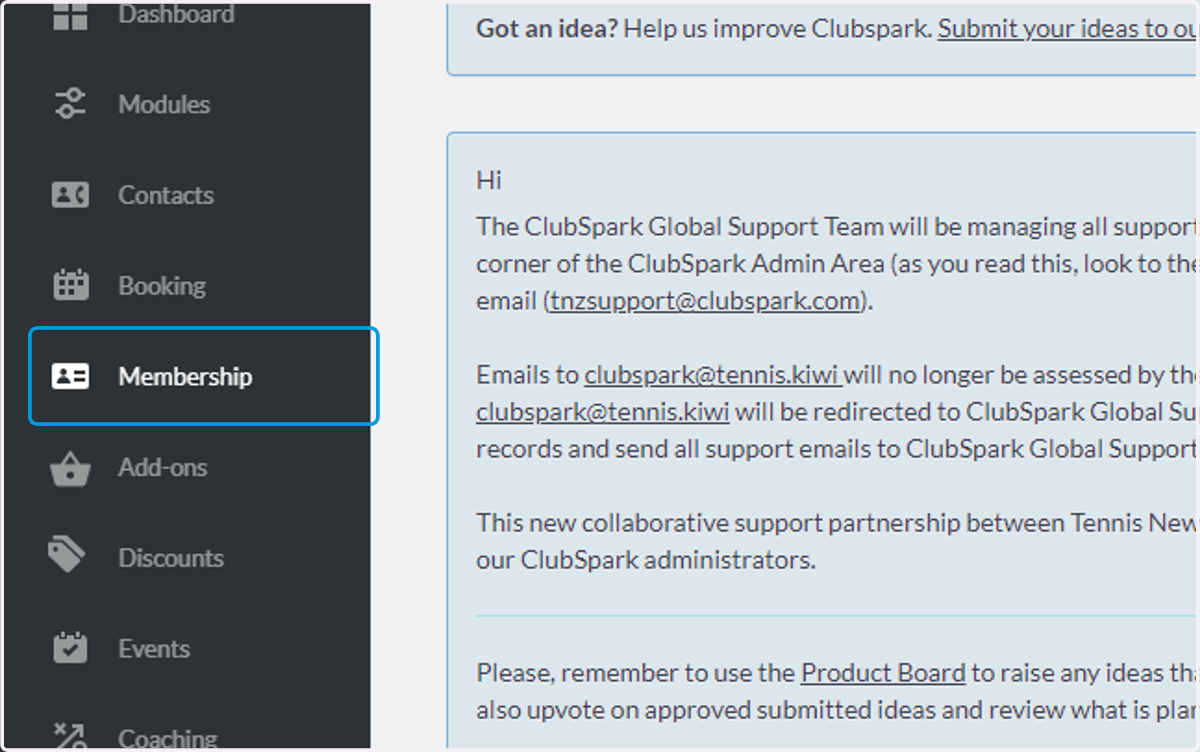
2. Click on Membership
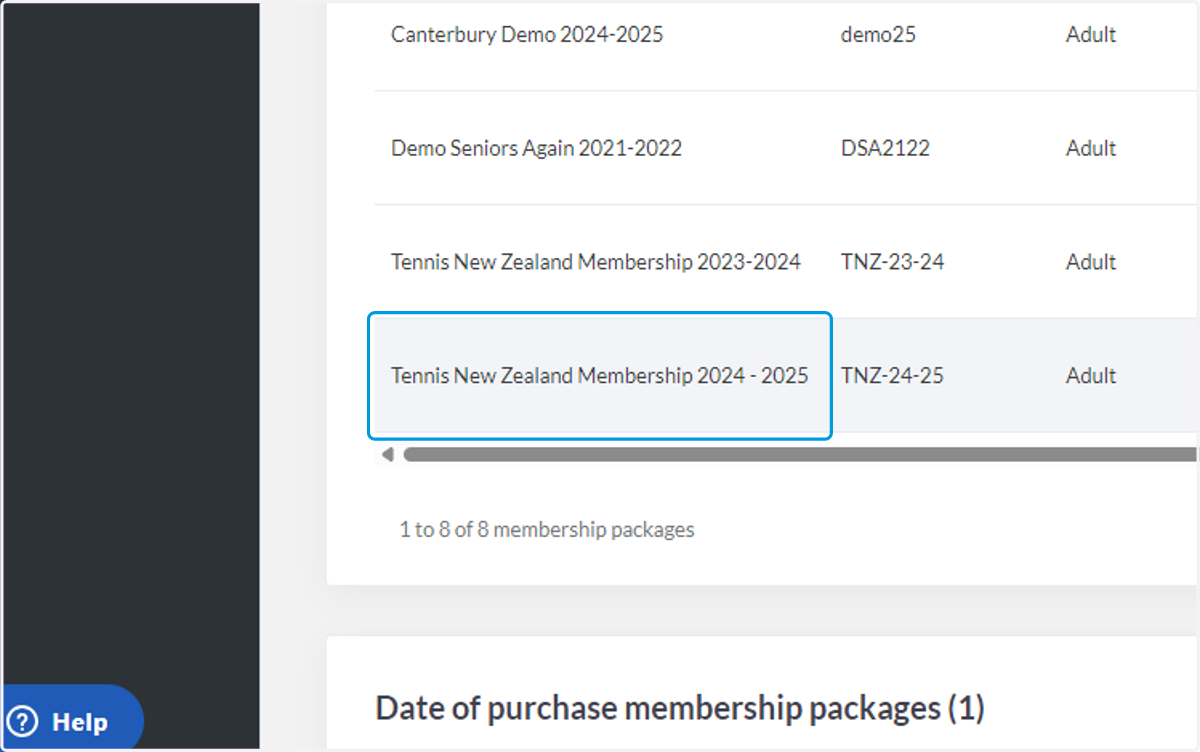
3. Click on the first membership you have
4. Check SelectAll
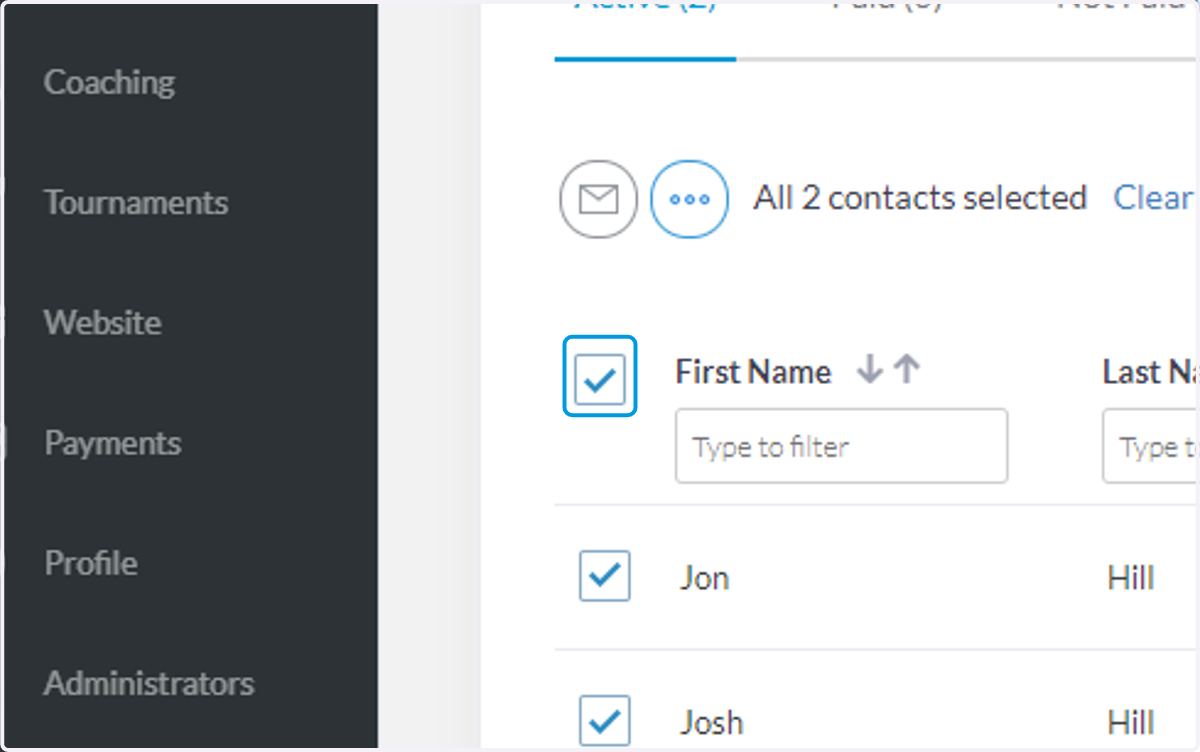
5. Click on More options
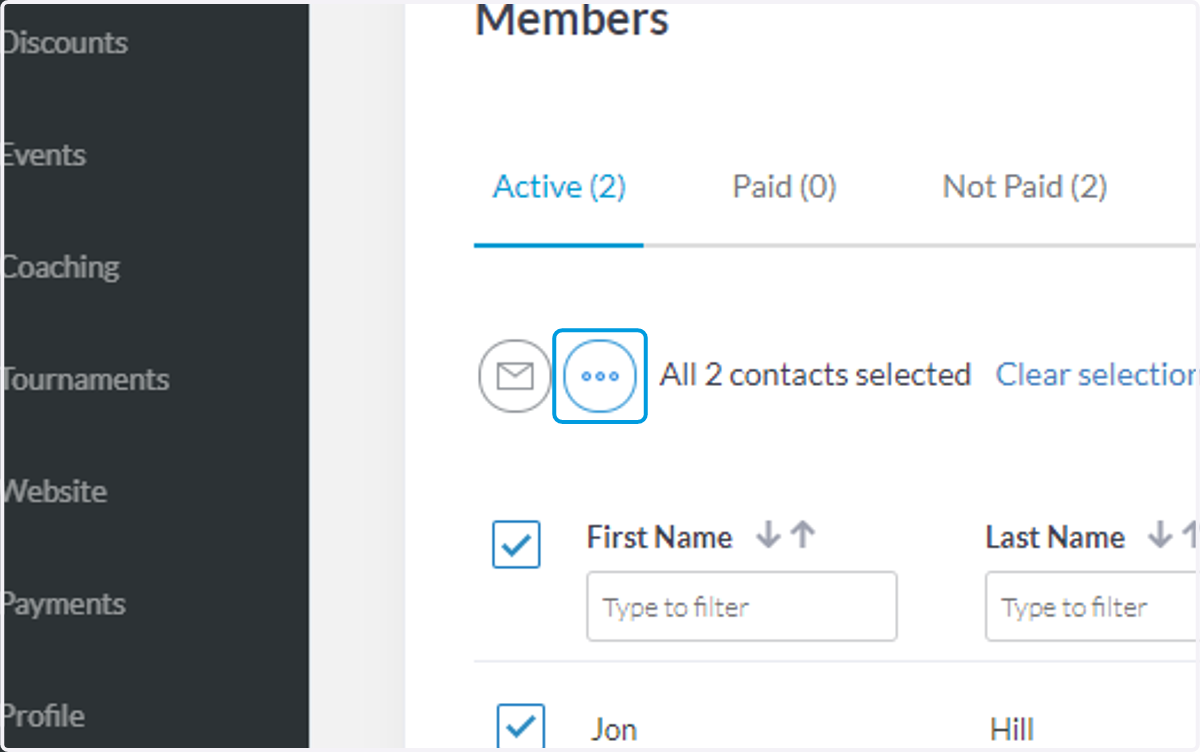
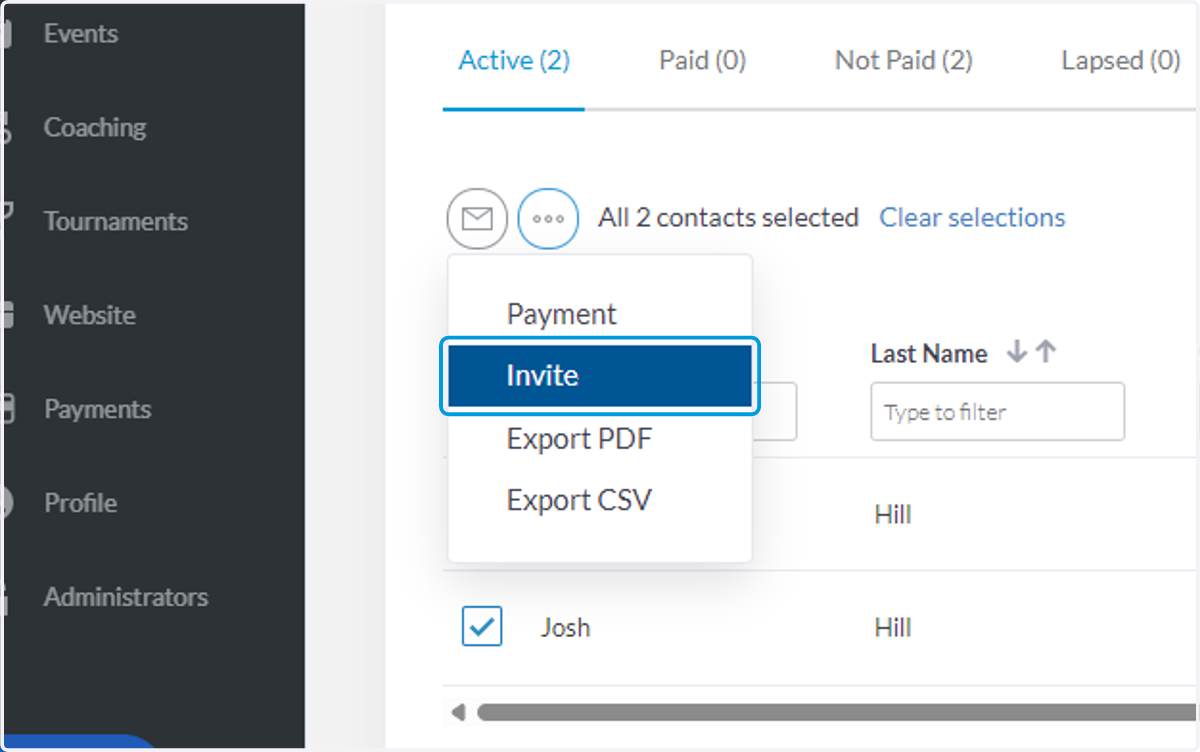
6. Click on Invite
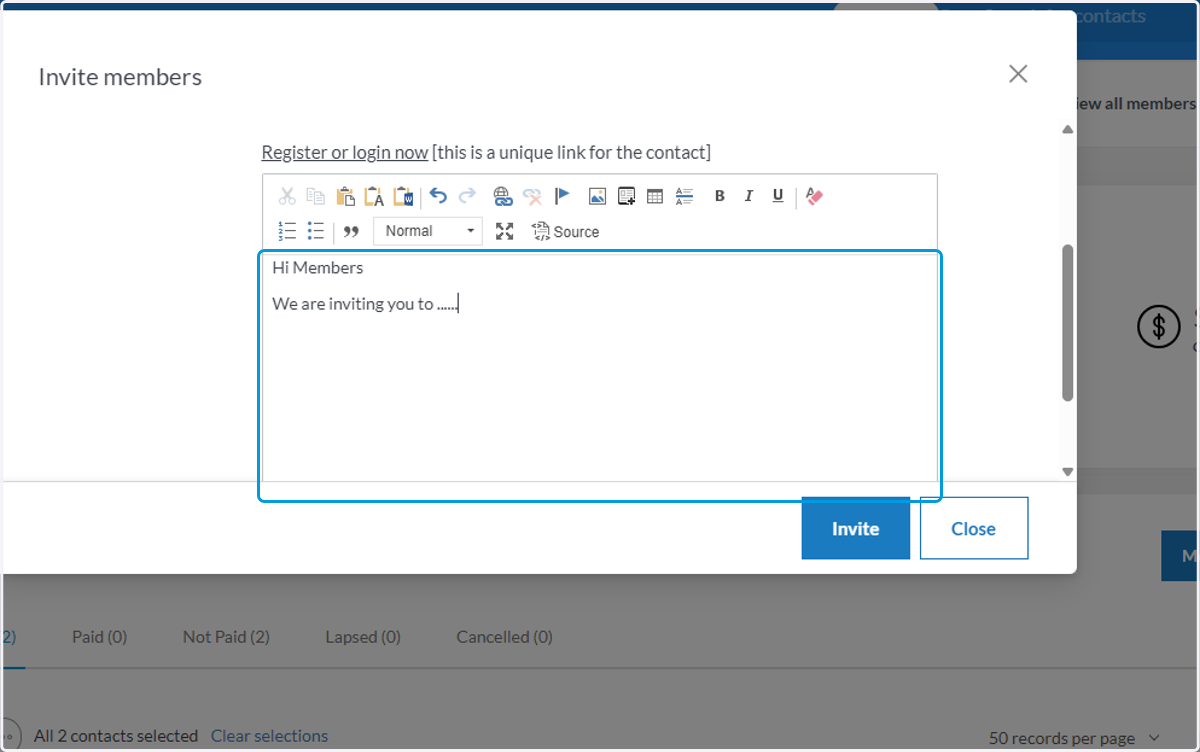
7. Write a custom message you wish to send to the members
8. Click on Invite
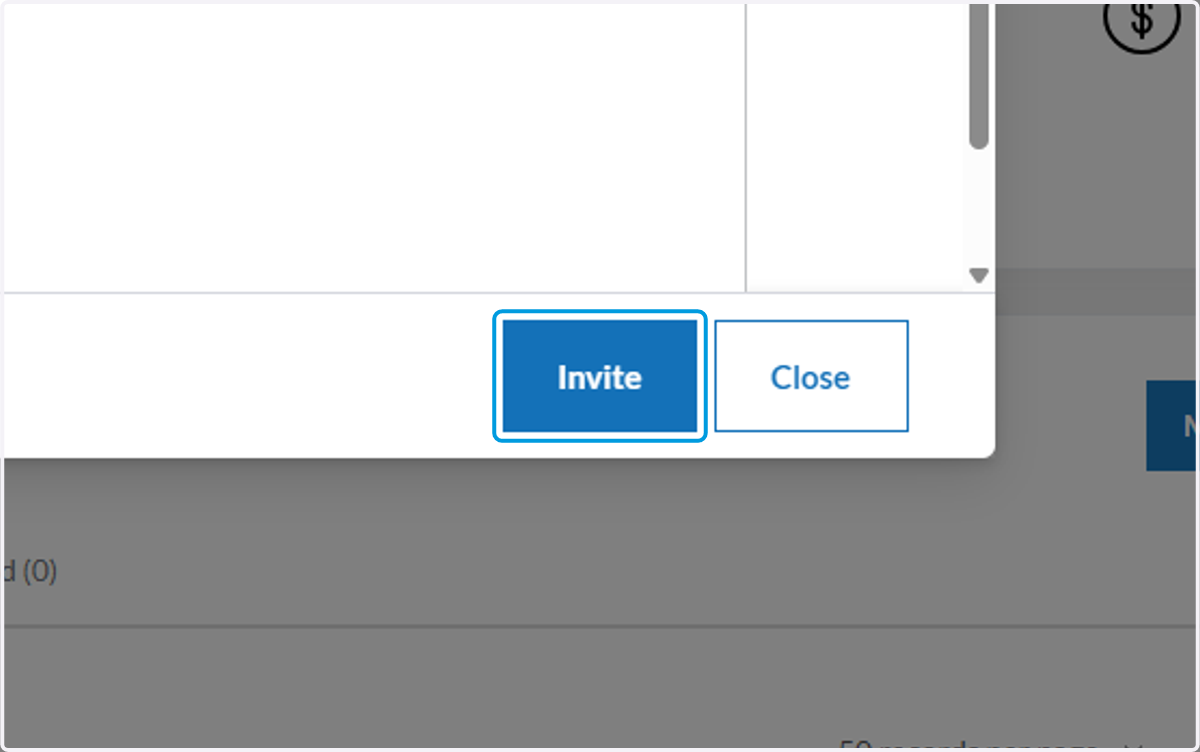
9. Invites are sent! Repeat the process for each other membership package
Members get sent a email inviting them to sign up to Clubspark.