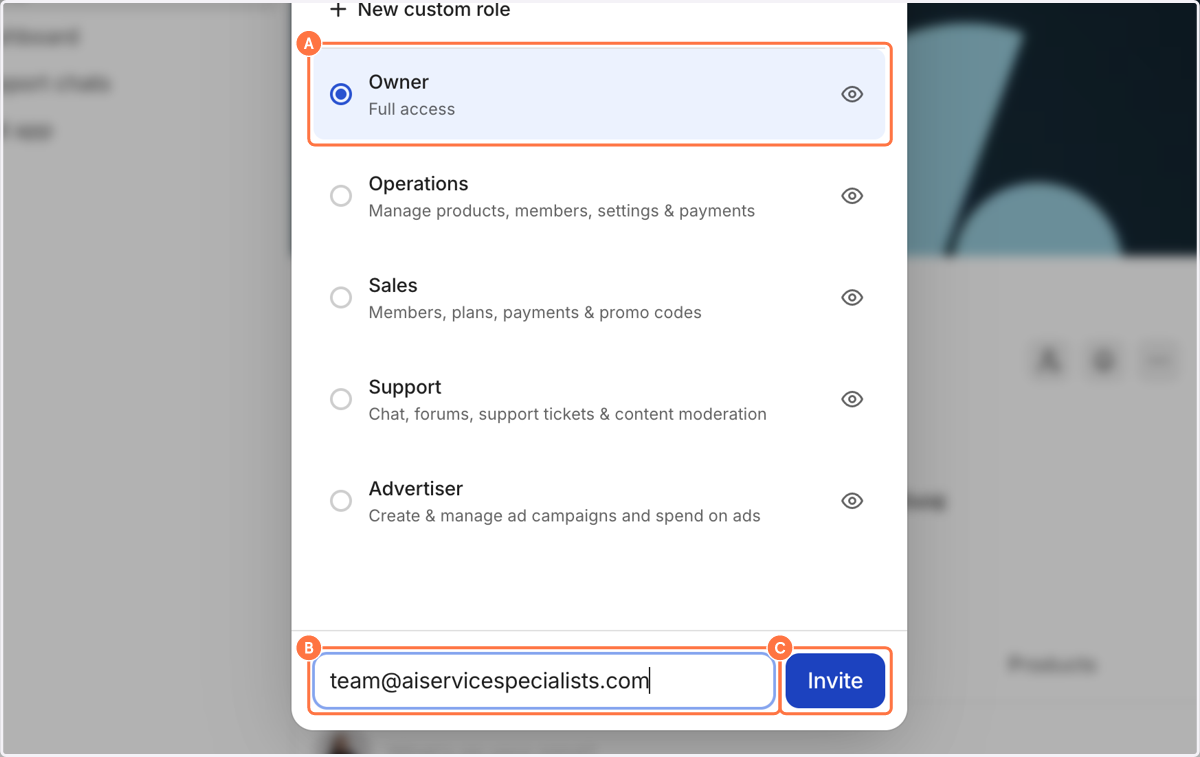
Invite Team to Whop via Email

Google

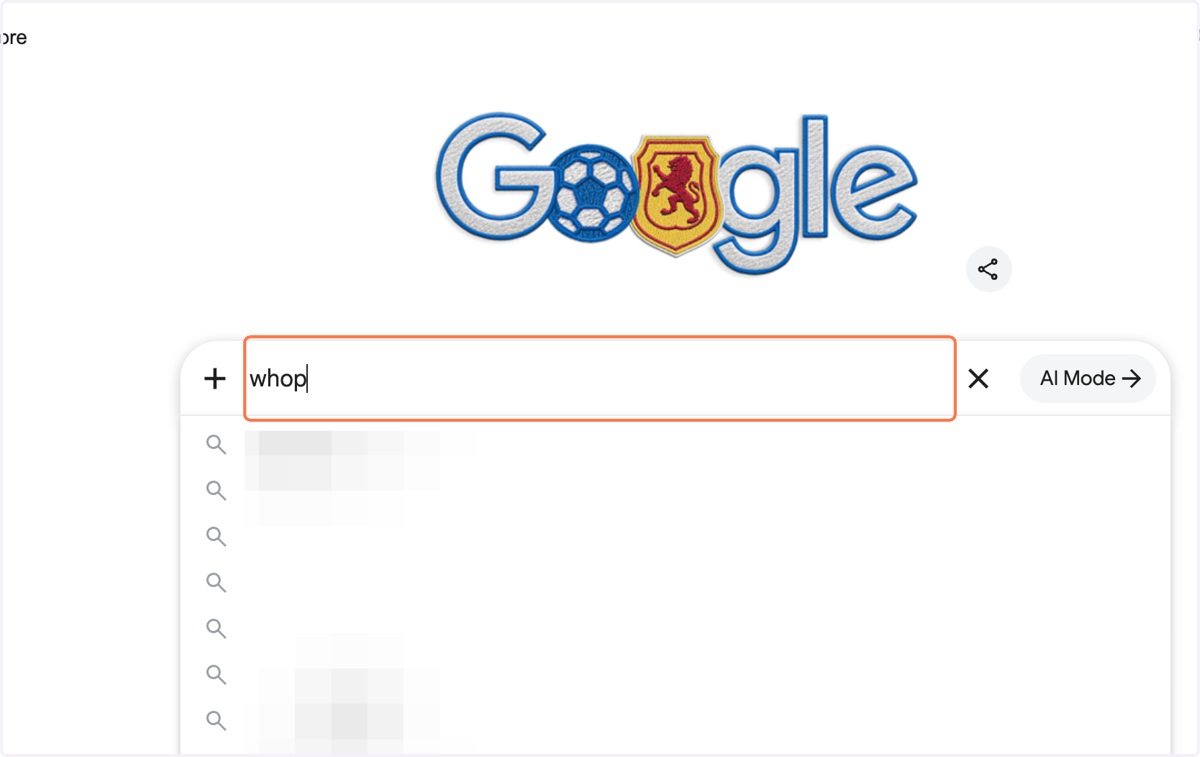
  1. 1. Click on Search and type in "whop"

    Click on Search and type in "whop"
  2. 2. Click on Whop. The future of work. | Whop…
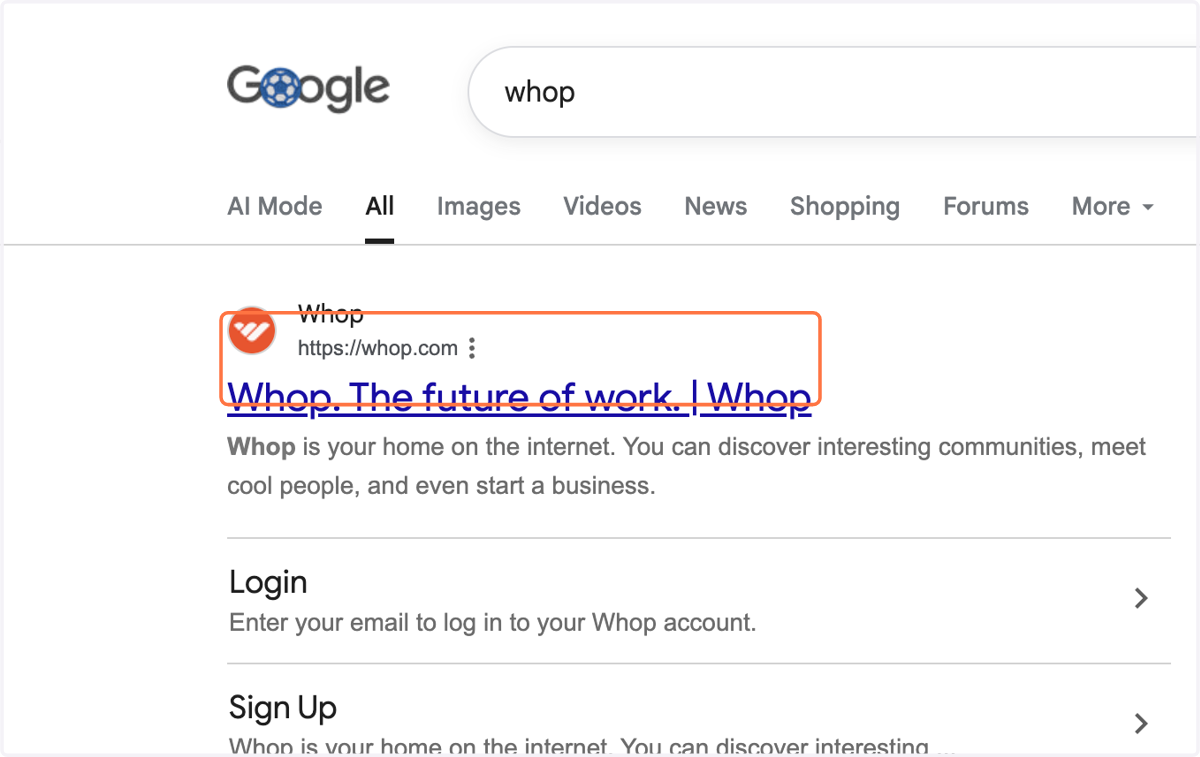
    Click on Whop. The future of work. | Whop…

Whop

  1. 3. Click on Sign in if you have an existing account

    If you don't let us know!
    Click on Sign in if you have an existing account
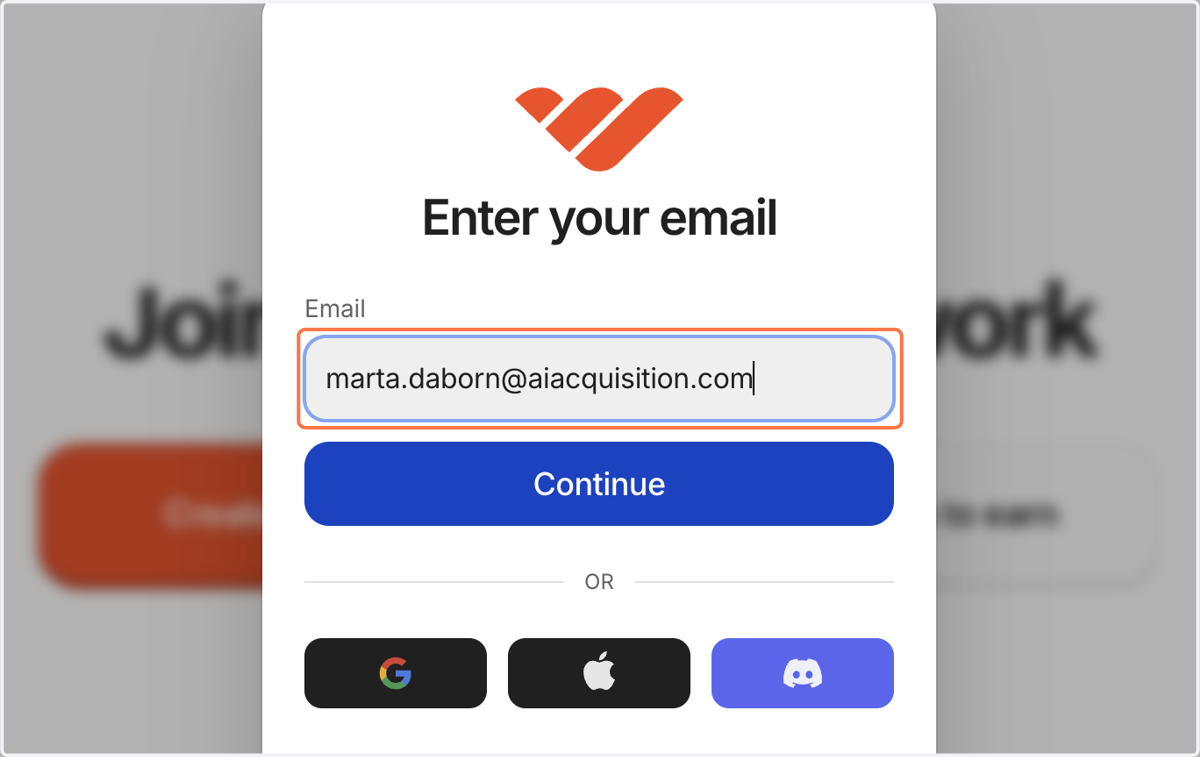
  2. 4. Type Email

    Type Email
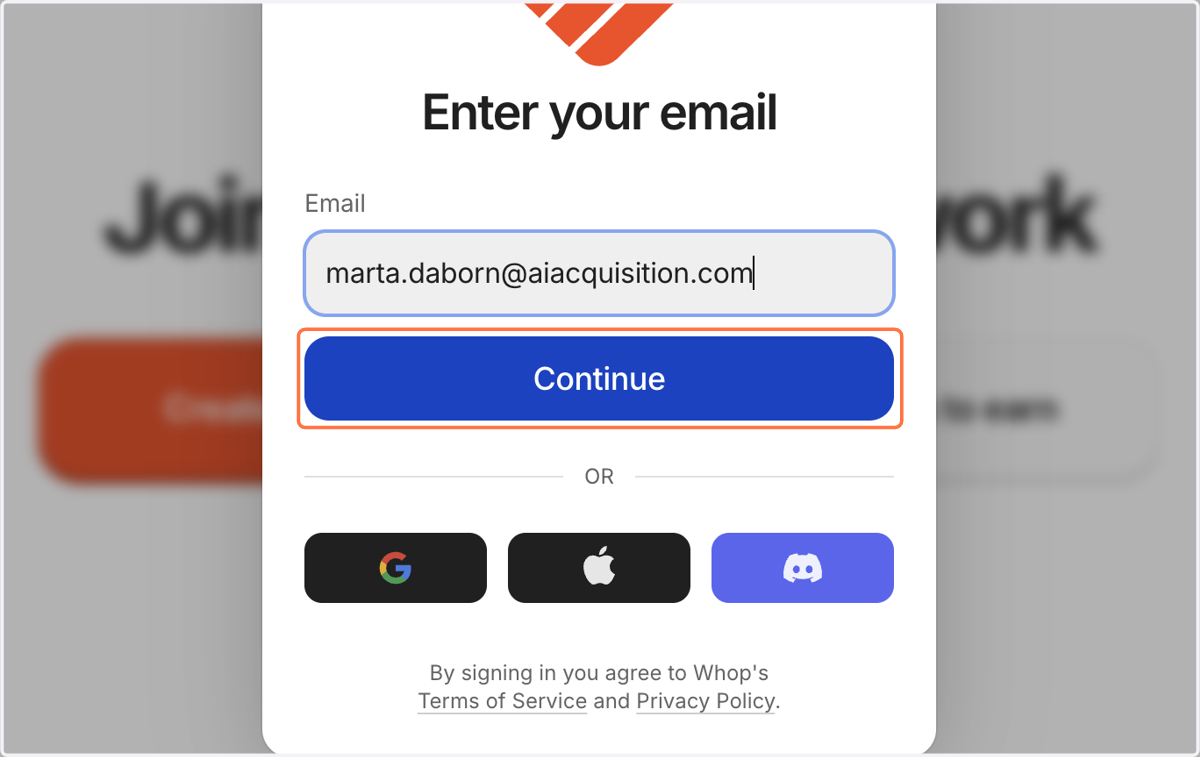
  3. 5. Click on Continue

    Click on Continue
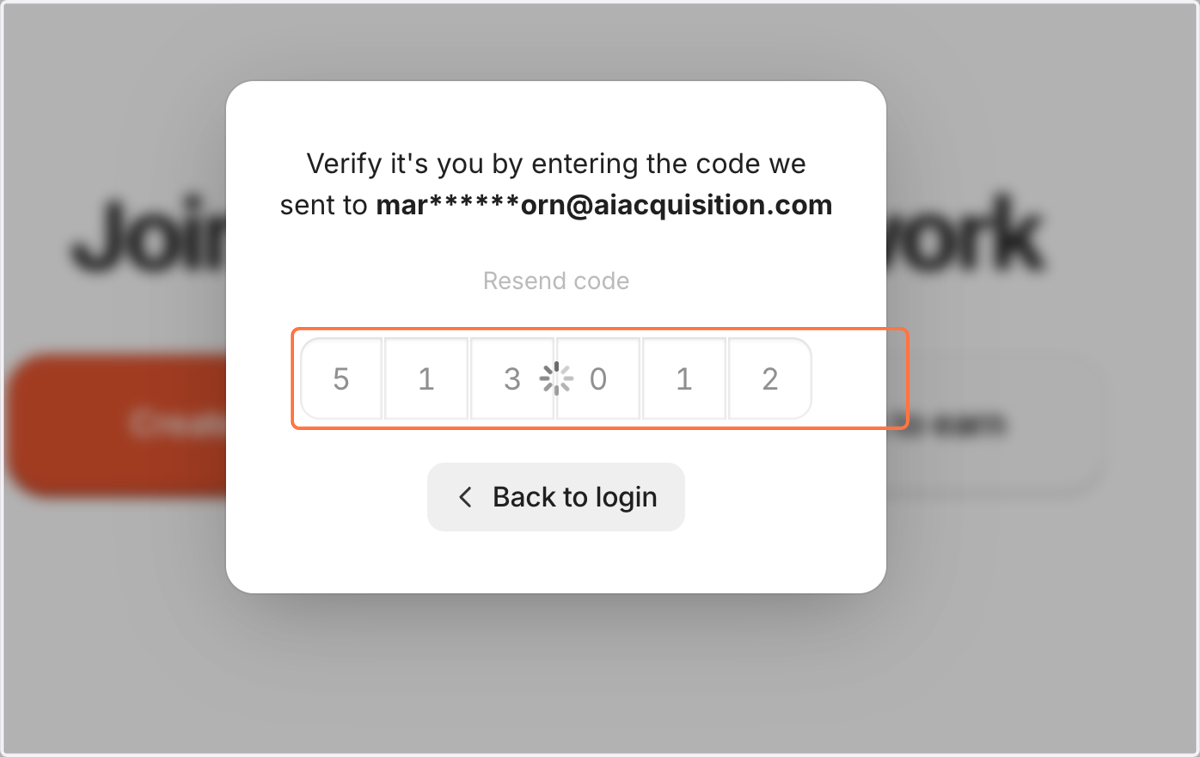
  4. 6. Paste text into input

    Paste text into input
  5. 7. Click on Your Business from the left bar
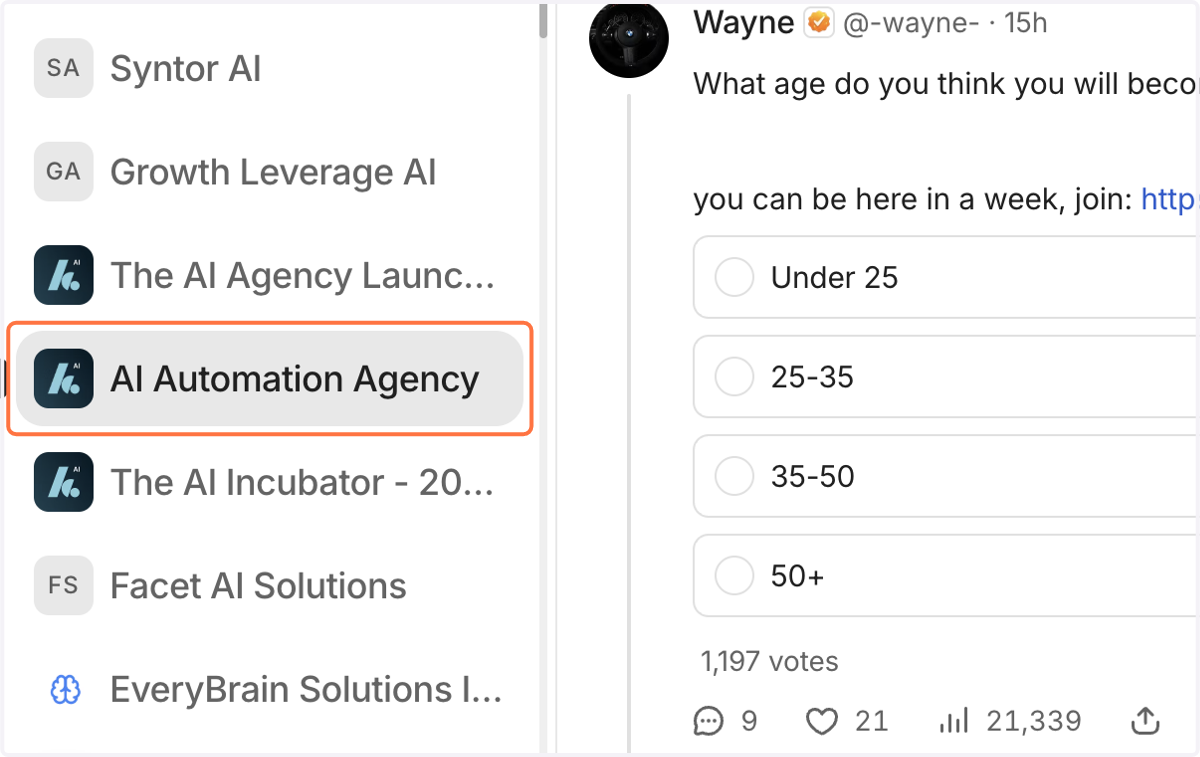
    Click on Your Business from the left bar
  6. 8. Click on Add team

    Click on Add team
    1. 9. A. Click on Owner…

    2. 9. B. Paste team@aiservicespecialists.com into input

    3. 9. C. Click on Invite

    A. Click on Owner… B. Paste team@aiservicespecialists.com into input C. Click on Invite