Invite Friends to your Business Facebook Page
One of the easiest and most effective ways to grow your business Facebook page is by inviting your personal Facebook friends to like and follow it. This helps boost your page’s visibility, builds credibility, and increases engagement—especially when you’re just getting started or want to grow your local audience.
The more followers your page has, the more people will see your posts, updates, and promotions in their feed—giving your business greater reach without spending money on advertising.
The guide below will show you how to invite your friends to support your page, helping you build a strong online presence for your business.
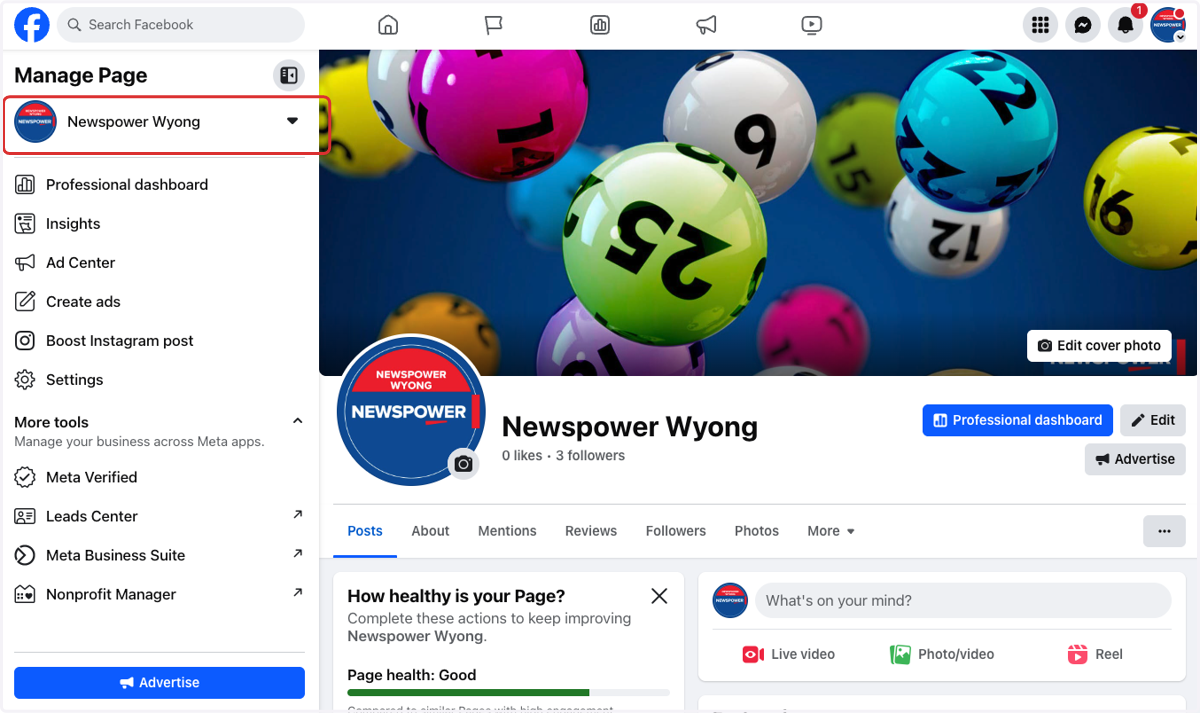
1. Navigate to your business Facebook page
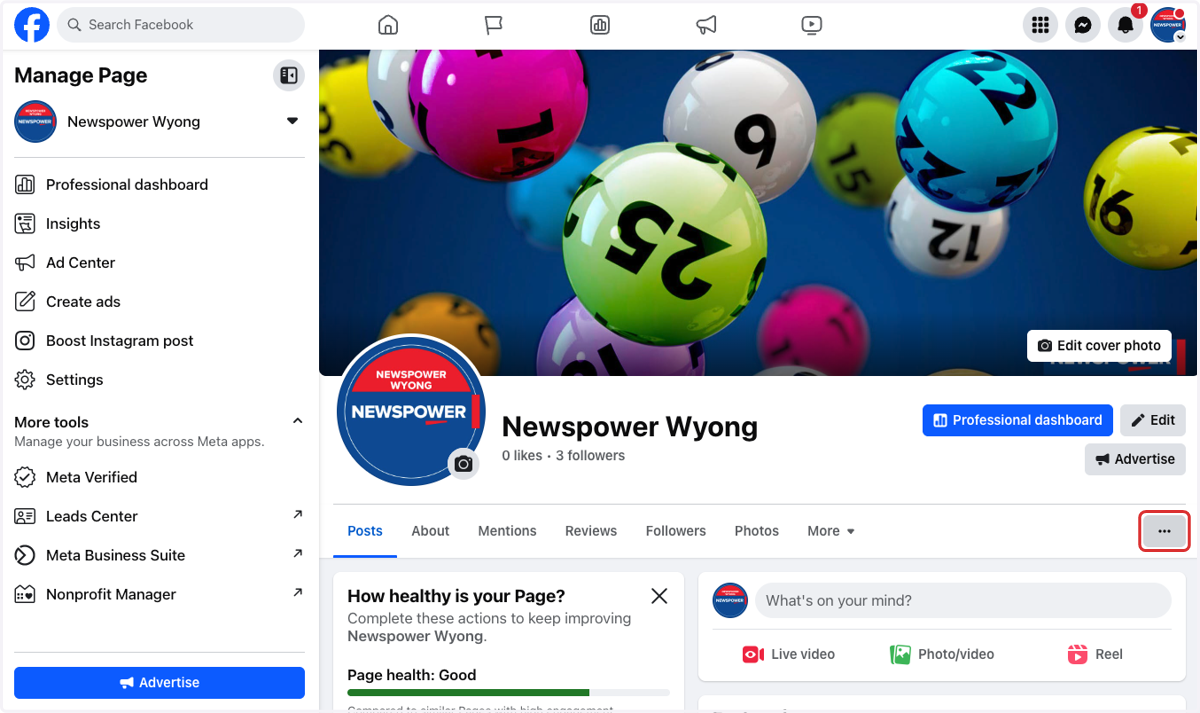
2. Click on the 3 dots for more profile options
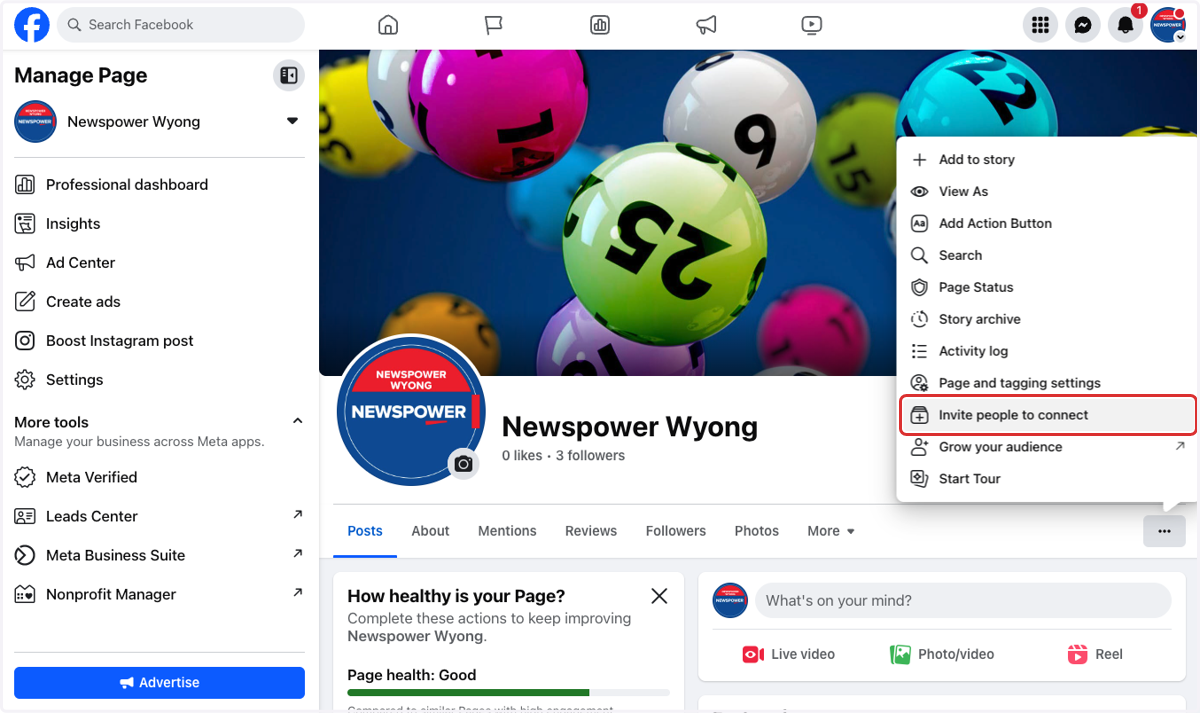
3. Click on Invite people to connect
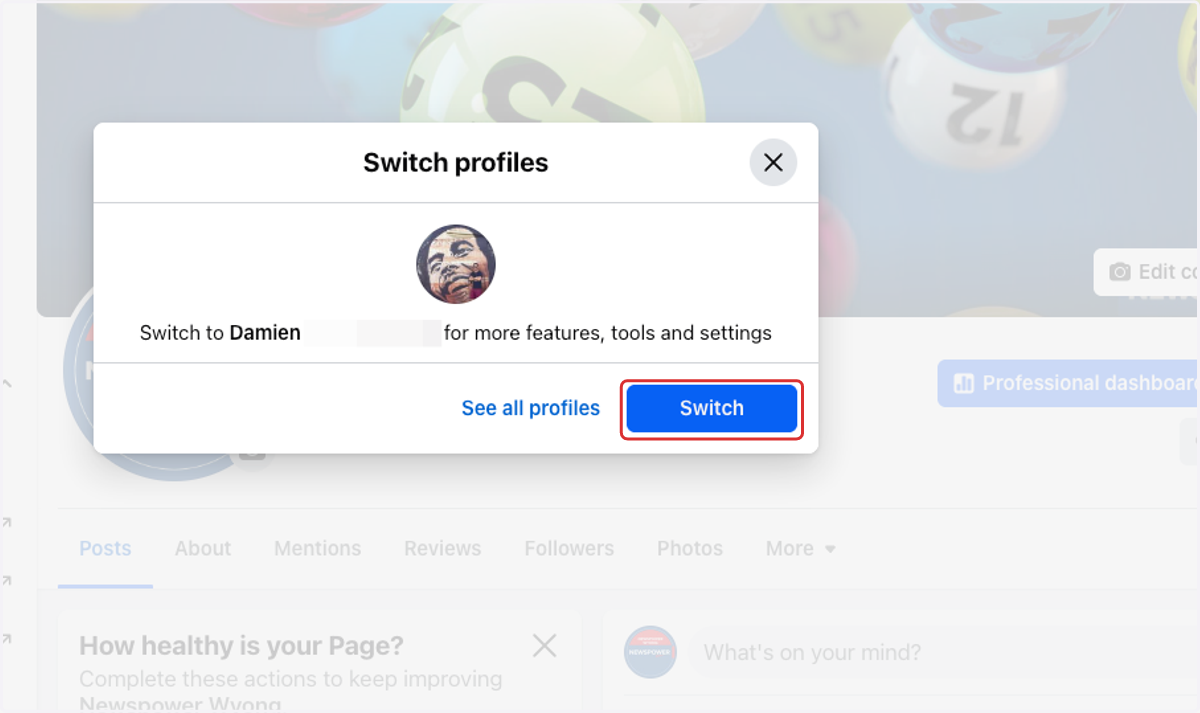
4. Click on Switch
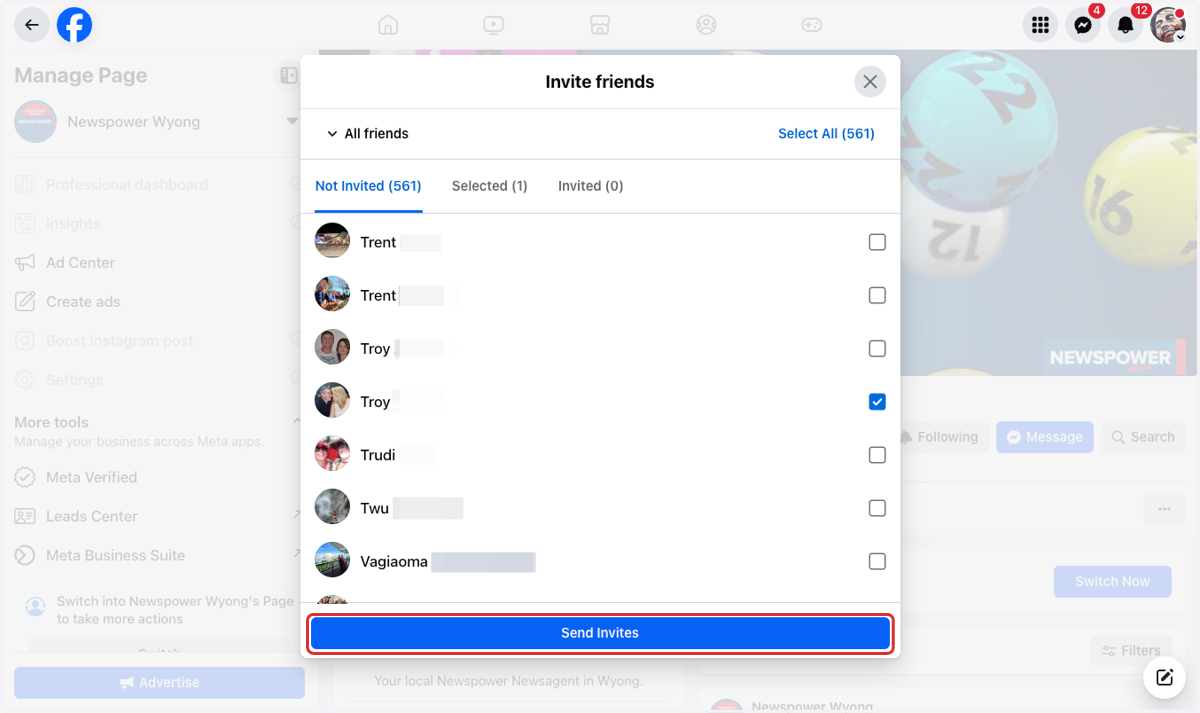
5. Select the friends you want to invite to like your page
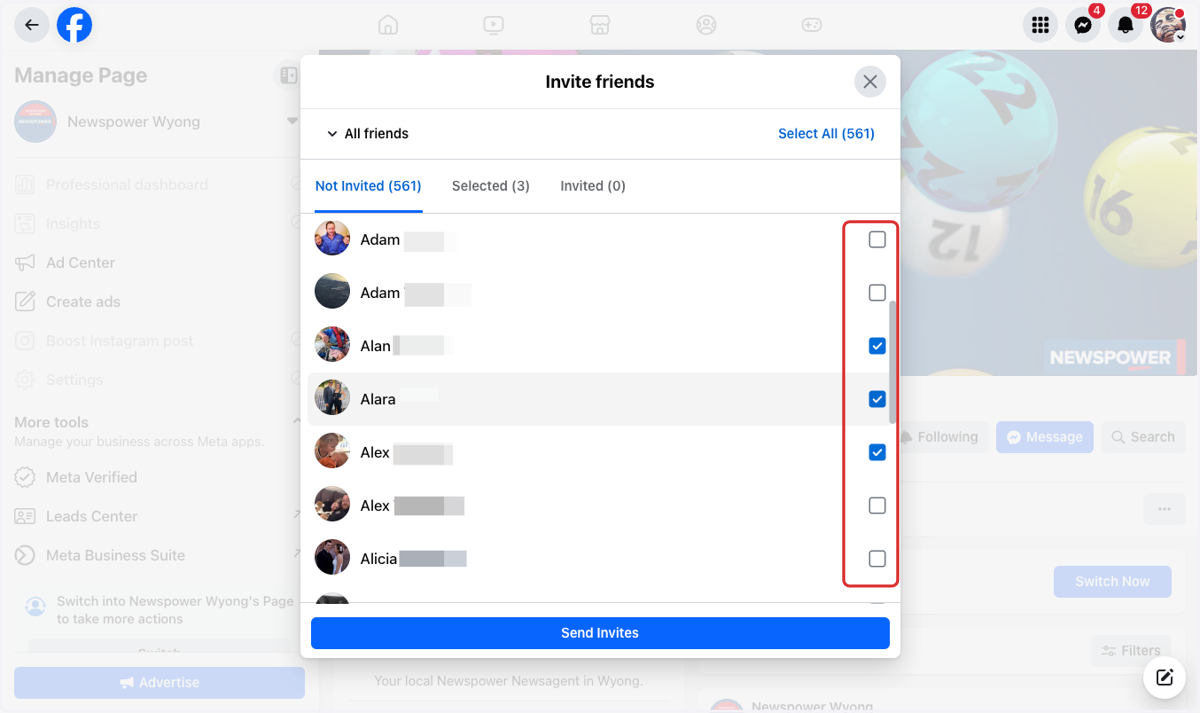
6. Click on Send Invites