Instructions for employee login
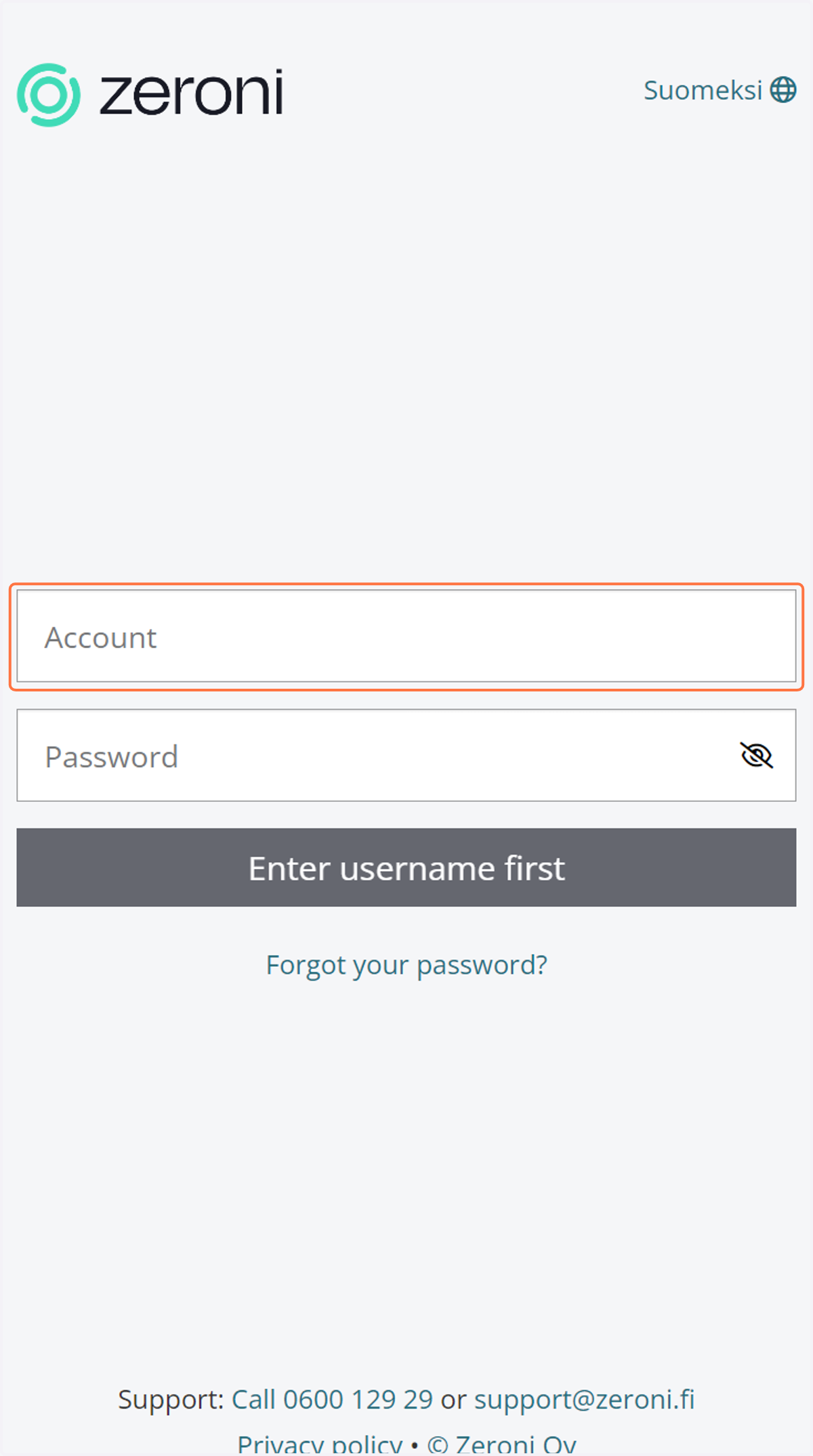
1. Navigate to app.zeroni.fi and enter your email address as the account.
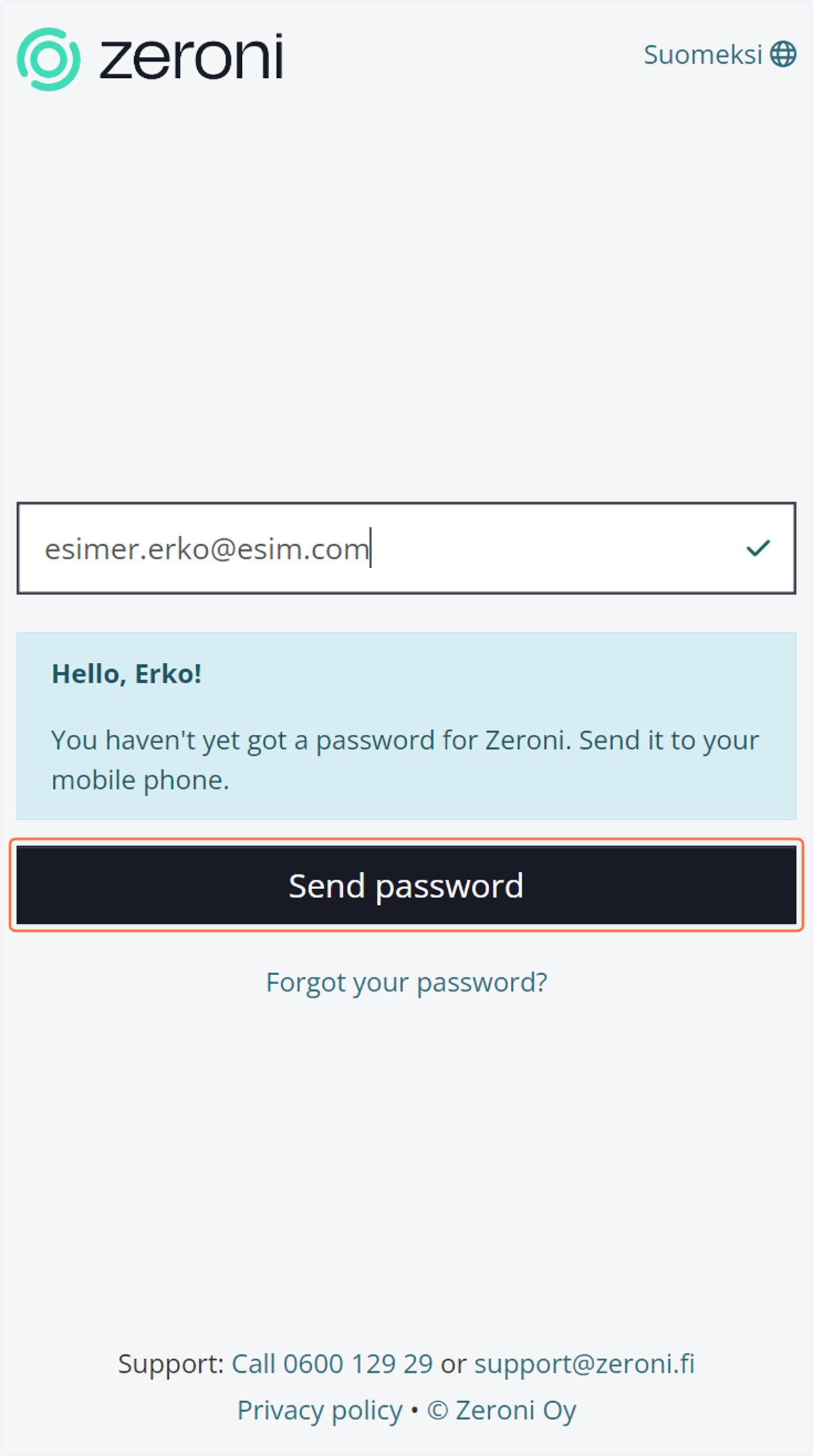
2. Click on Send password
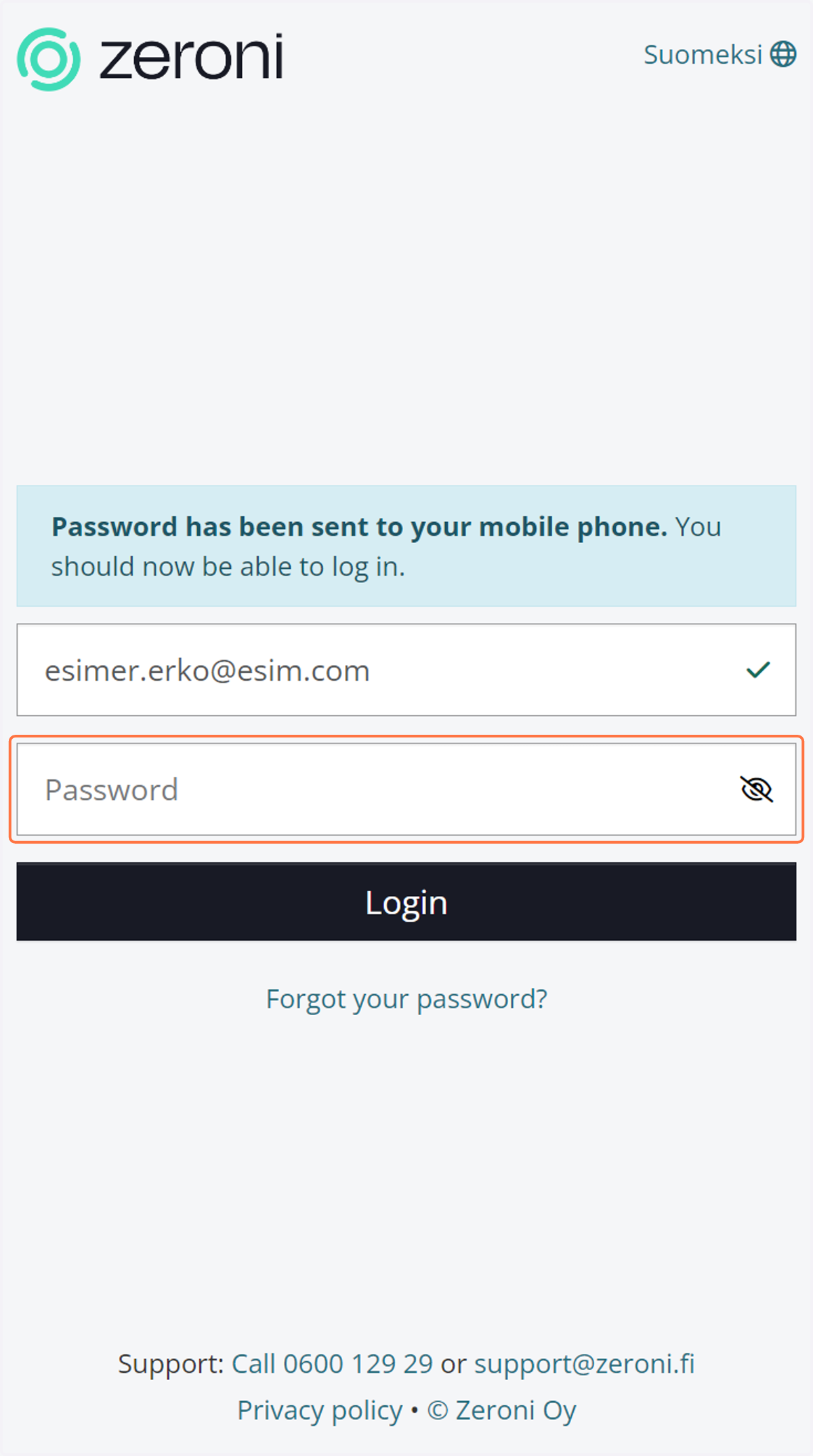
3. Enter the password received via text message and click 'Log in'
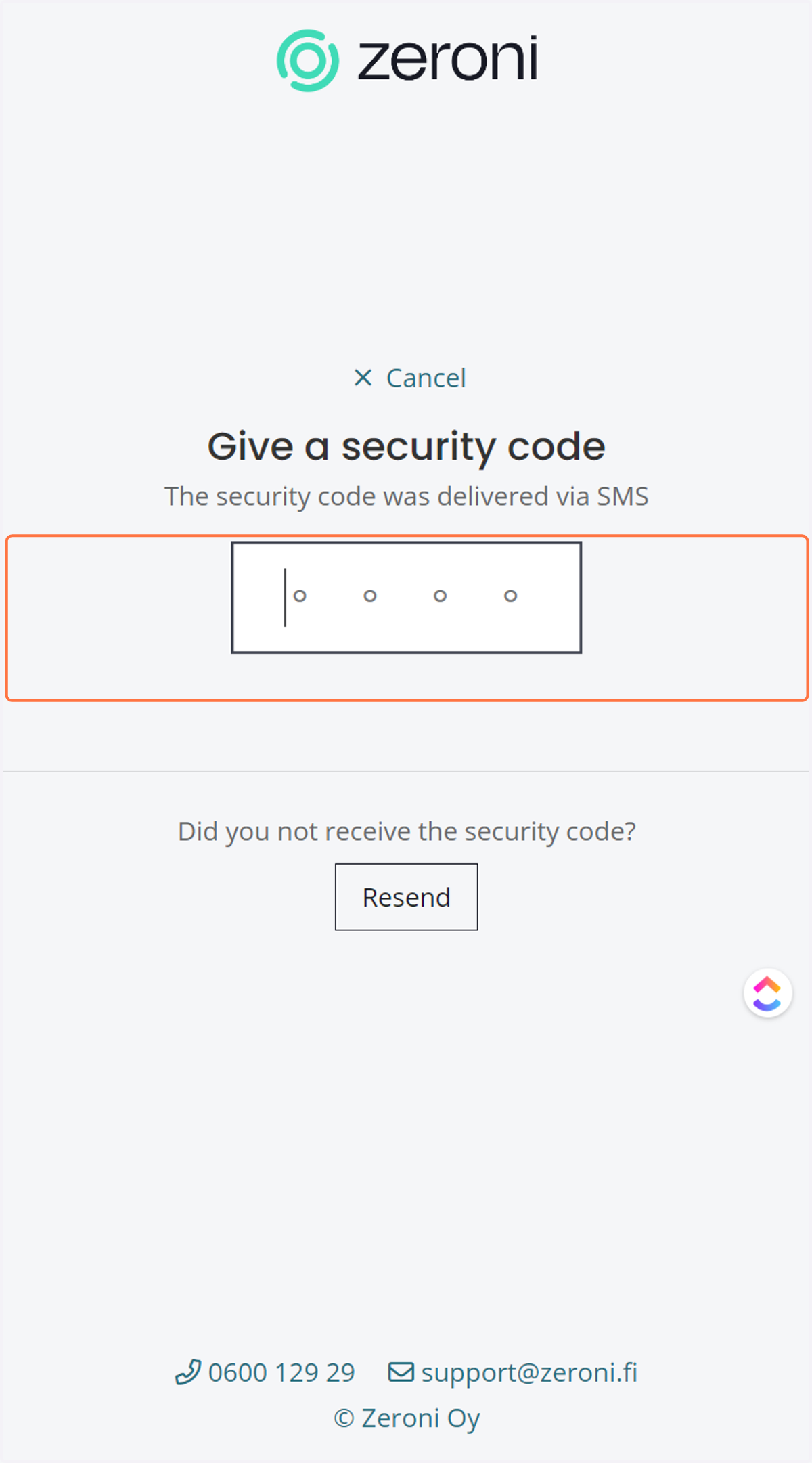
After this stage, Zeroni sends a four-digit security code via text message.
4. Enter the security code. Zeroni will then automatically log in.
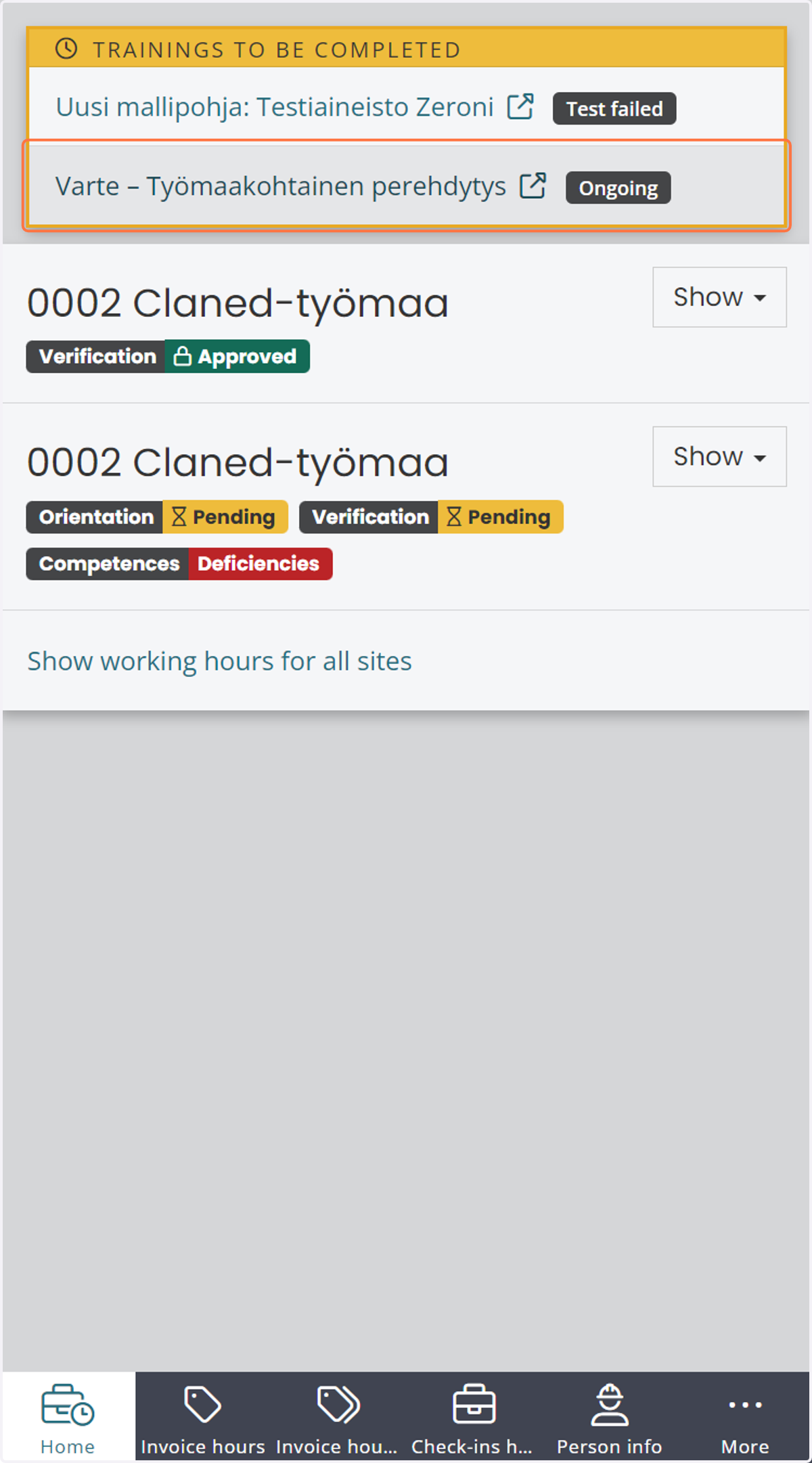
5. On the front page, you can see, among other things, valid site permits and pending online courses. By clicking the link, you can proceed to complete the training.