Installing Lockdown Browser - Windows
1. To begin, download the installer for Windows by clicking the link below.
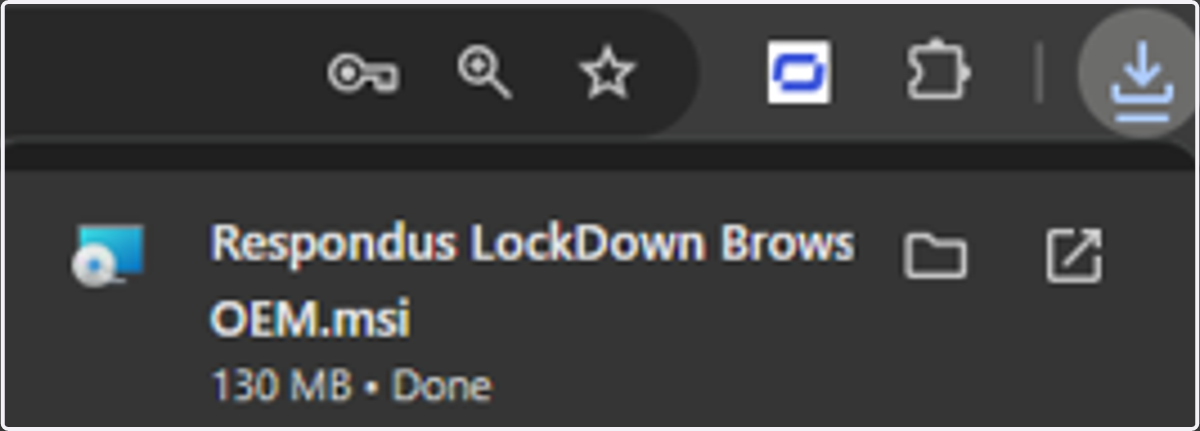
2. Once the download is complete, the installer will be available via your internet browser downloads. Clicking on this will launch the installer to begin the installation.
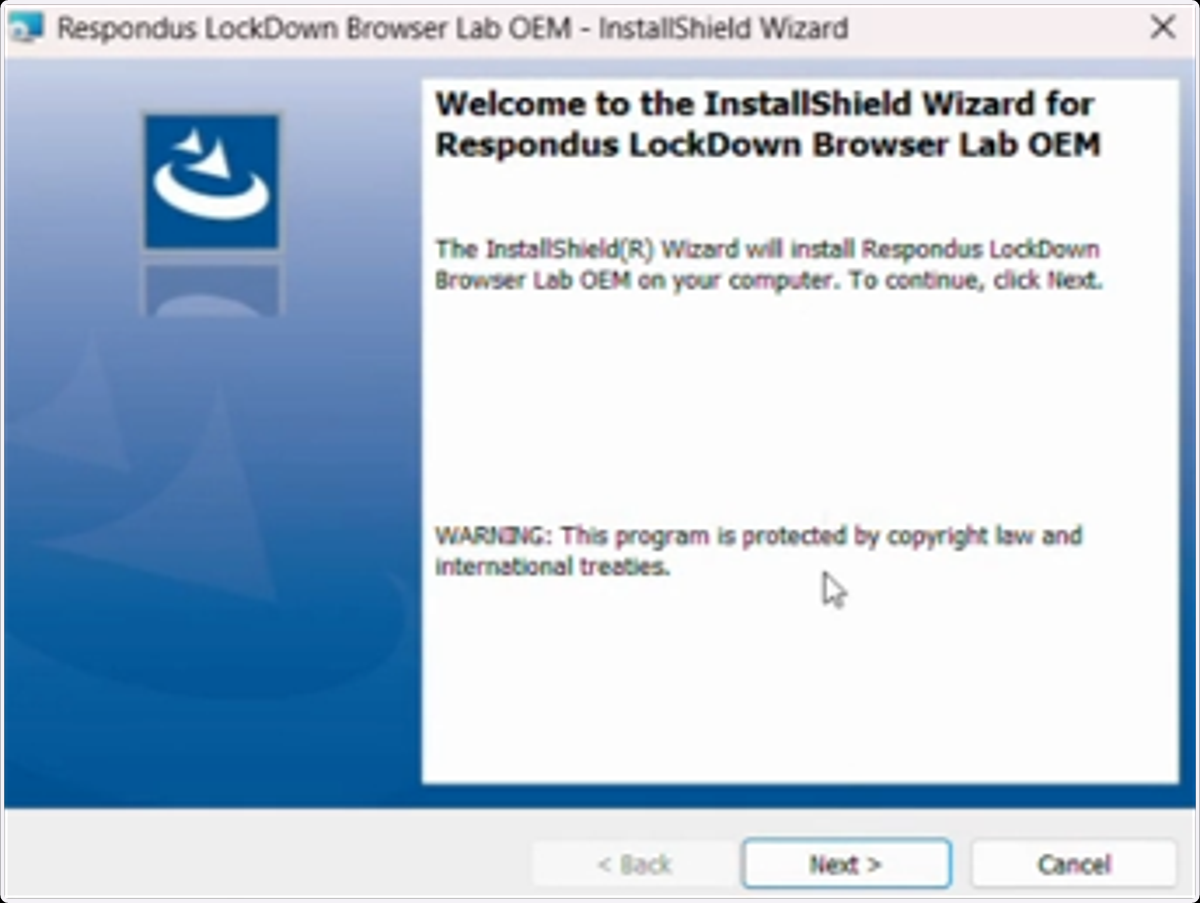
3. Once the installer has launched you will see a pop-up that looks like the below. To proceed with the installation, click on Next.
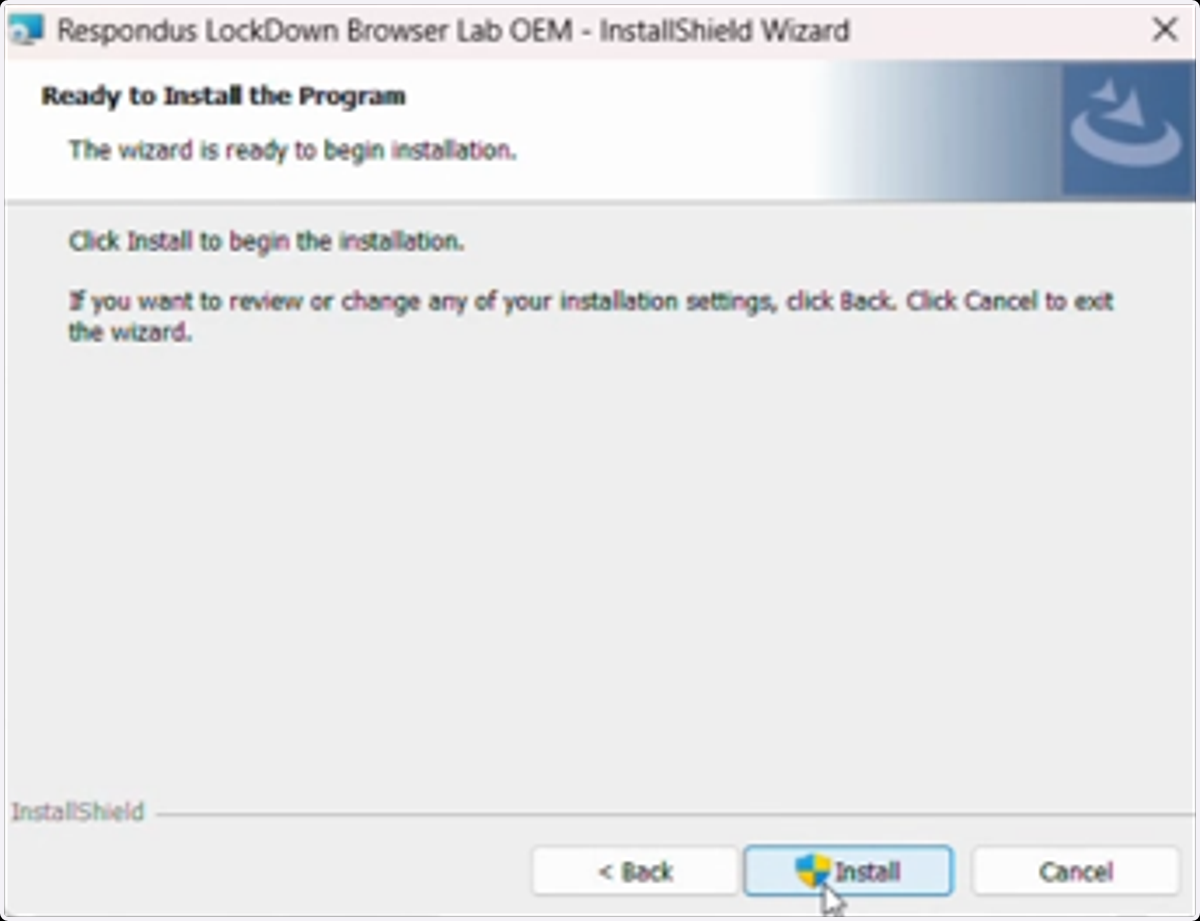
4. Click on Install.
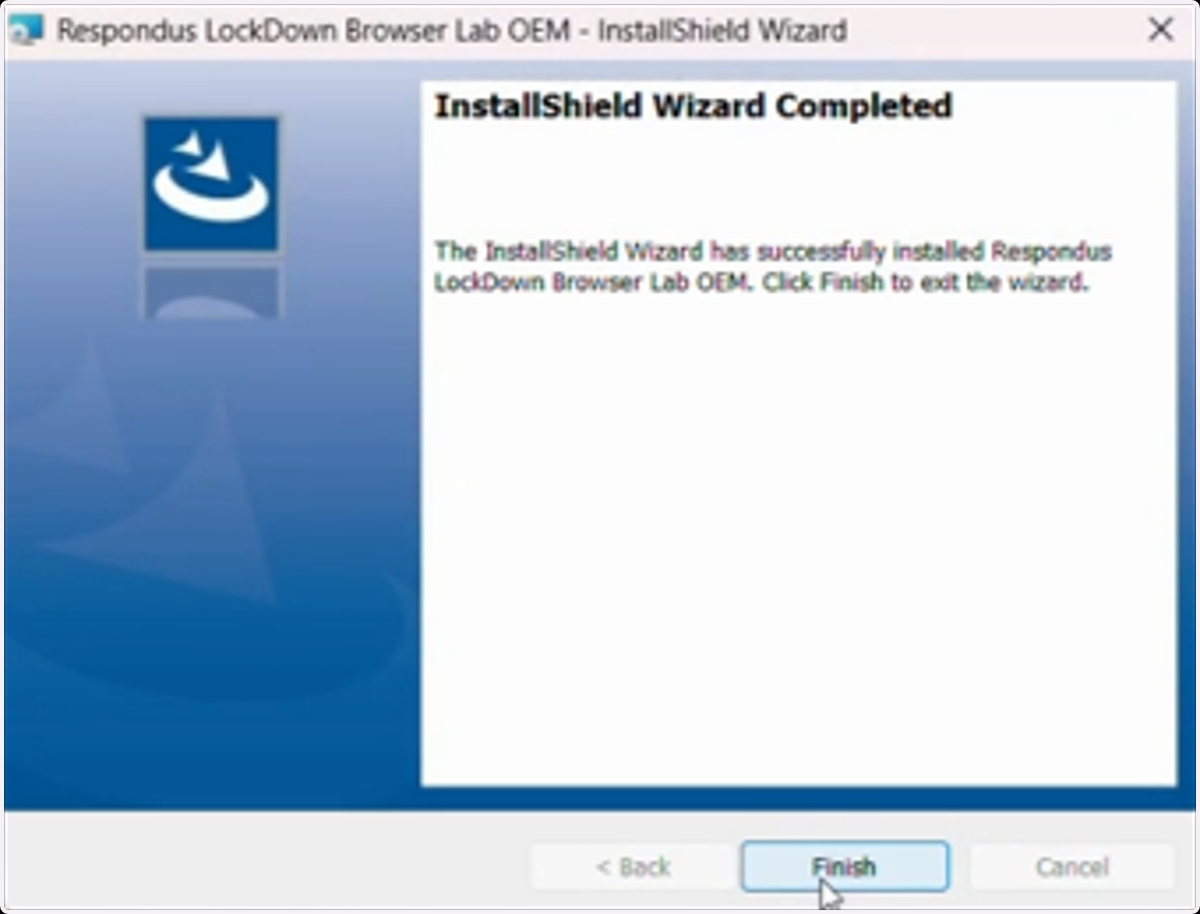
5. After a short period of time, the installation will be complete, and you can now press Finish.