Install Microsoft 365 Apps
Open a browser (Chrome/Firefox/Safari) and go to m365.cloud.microsoft
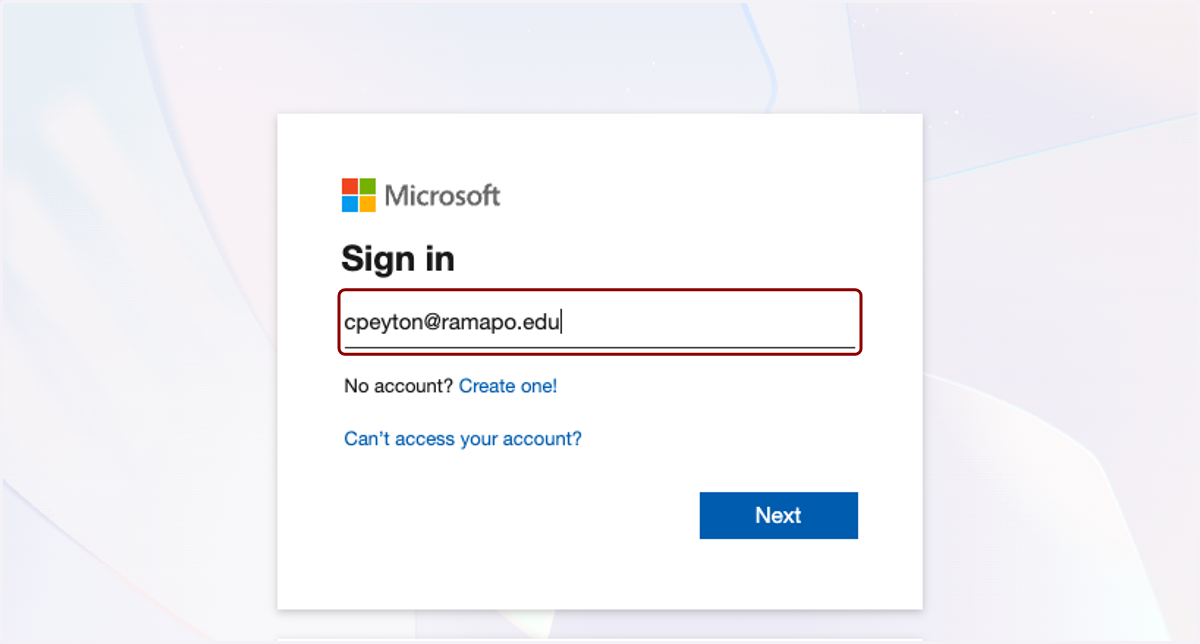
1. Enter your Ramapo email and password to sign in
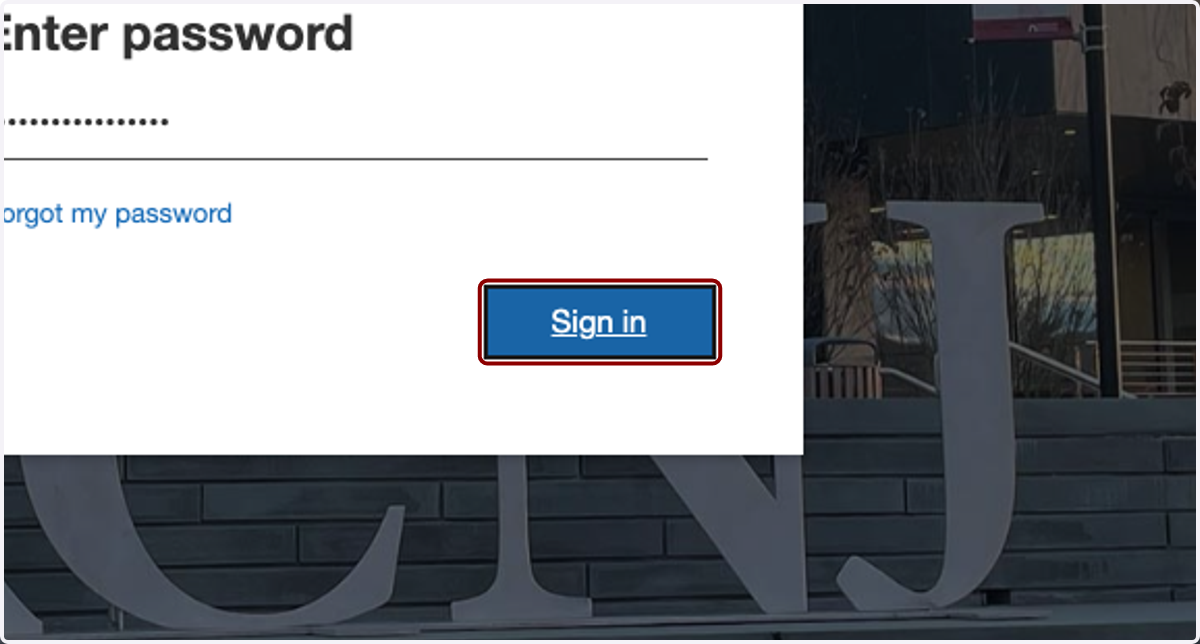
2. Click on Sign in
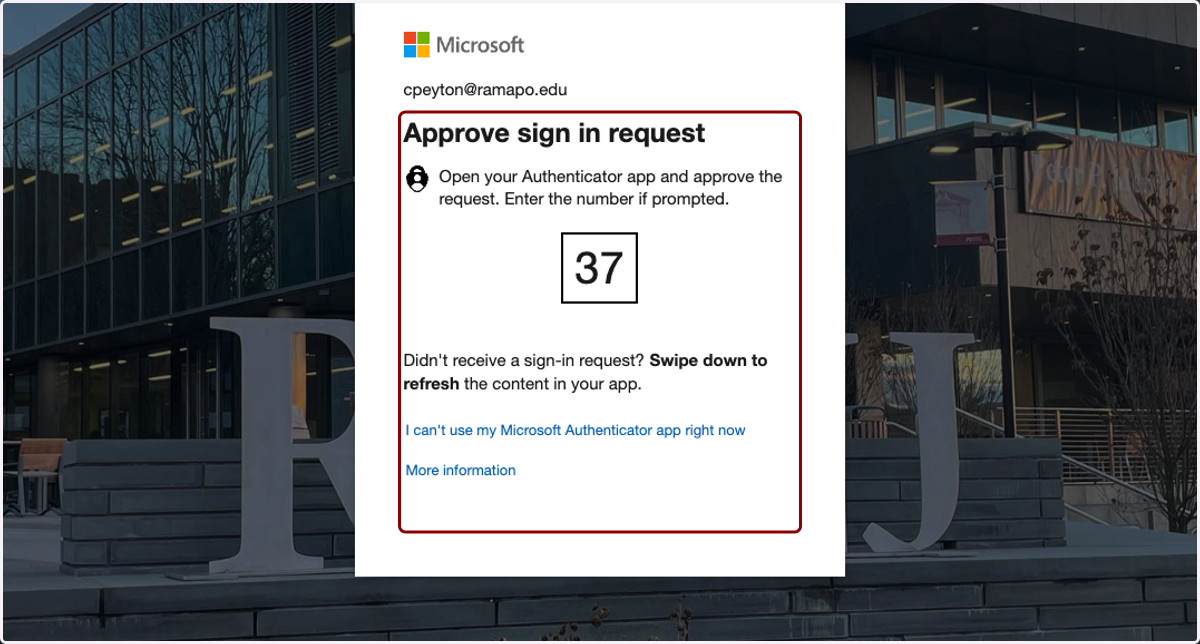
3. Approve the MFA request using your Microsoft Authenticator app
Chat | M365 Copilot
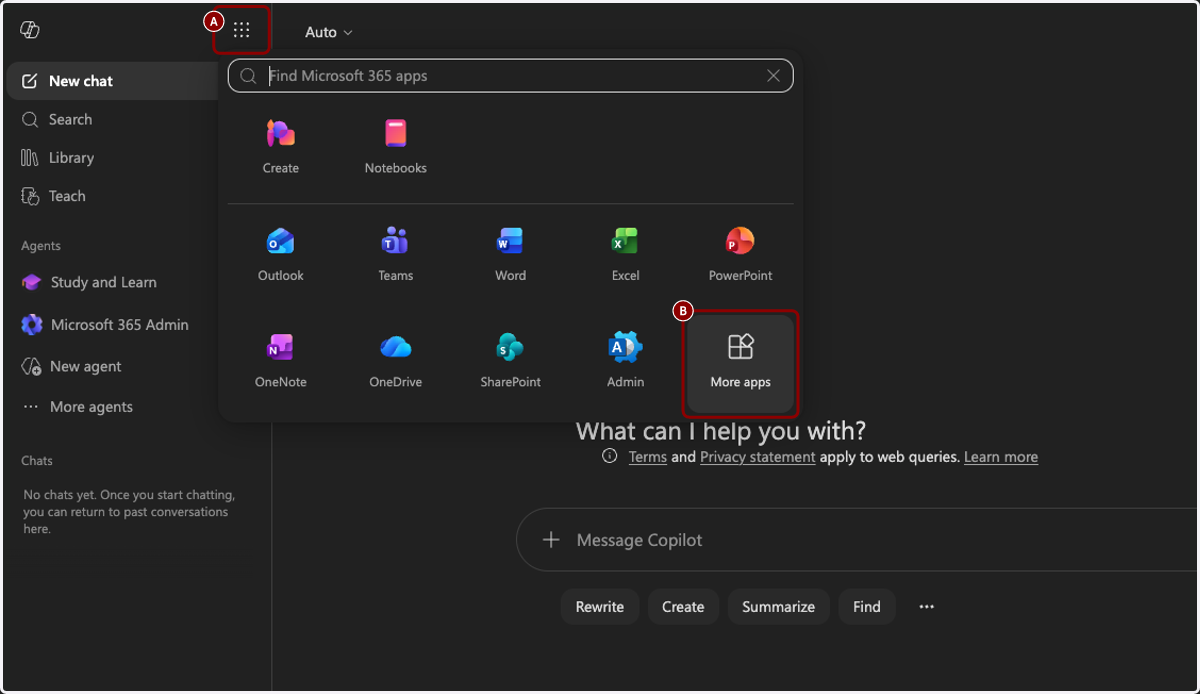
4. A. Click on Apps and more
4. B. Click on More apps
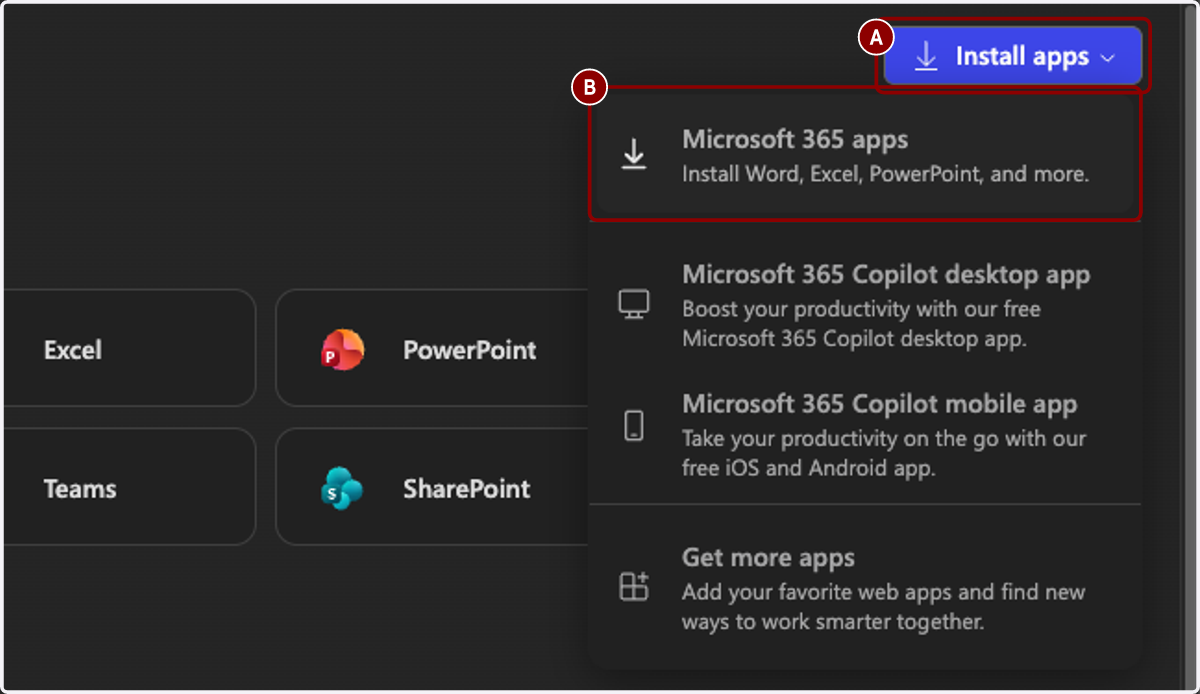
5. A. Click on Install apps
5. B. Click on Microsoft 365 apps…
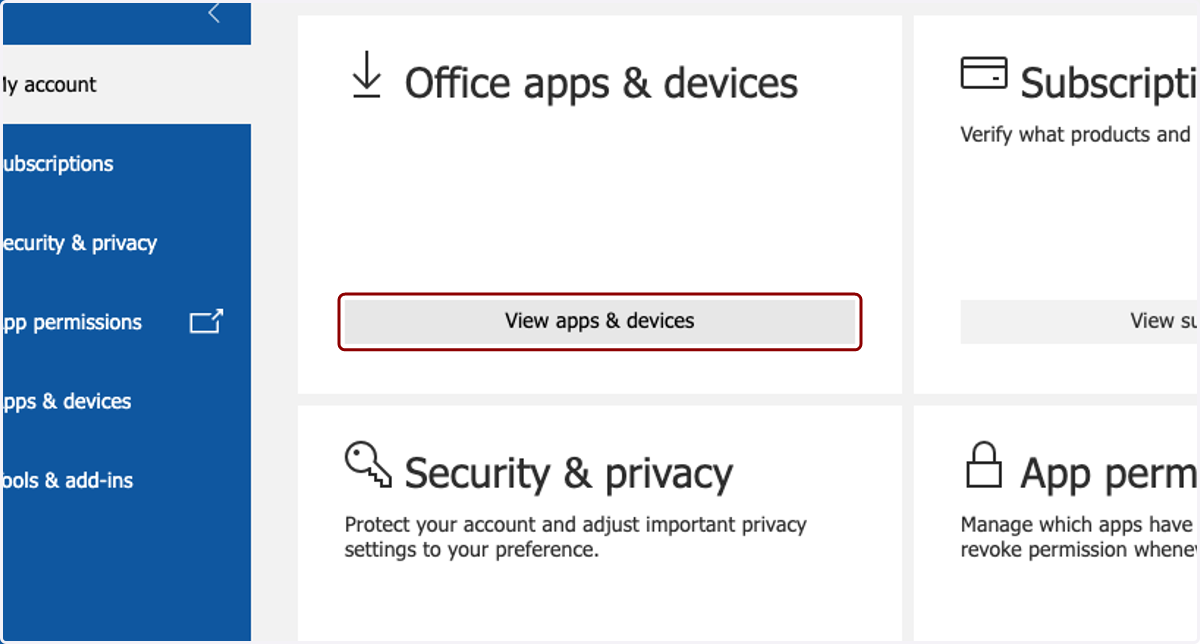
My account
6. Click on View apps & devices
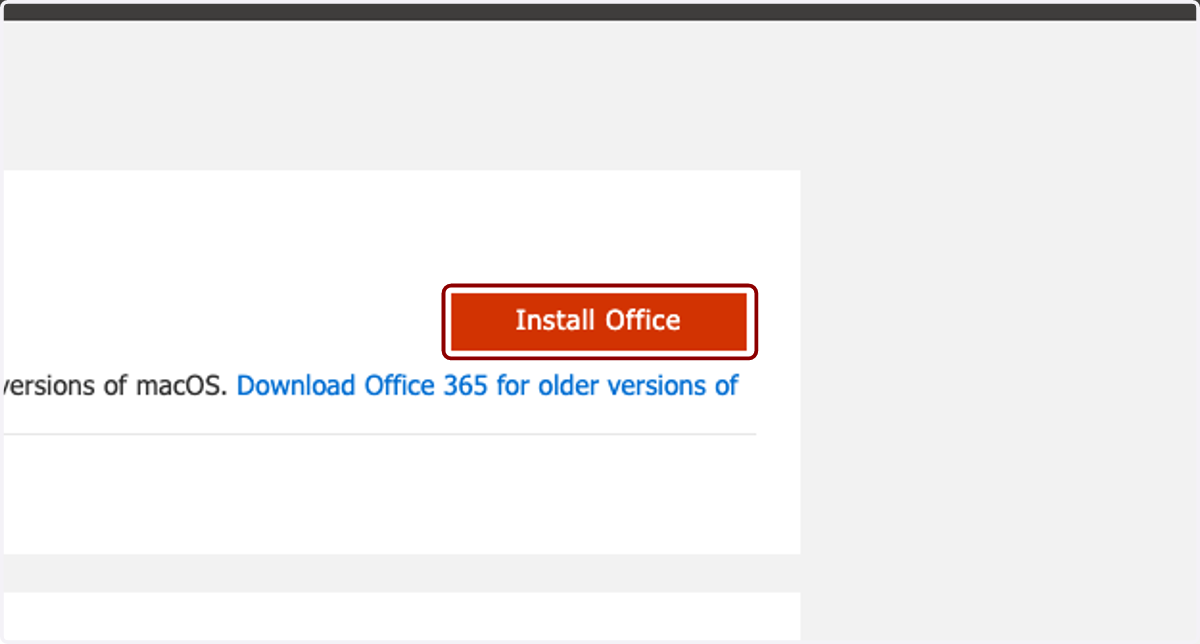
7. Click on Install Office