Install Chrome Extension
1. Click on your avatar

2. Click on Personal settings

3. Click on System

4. See the Chrome Extension section
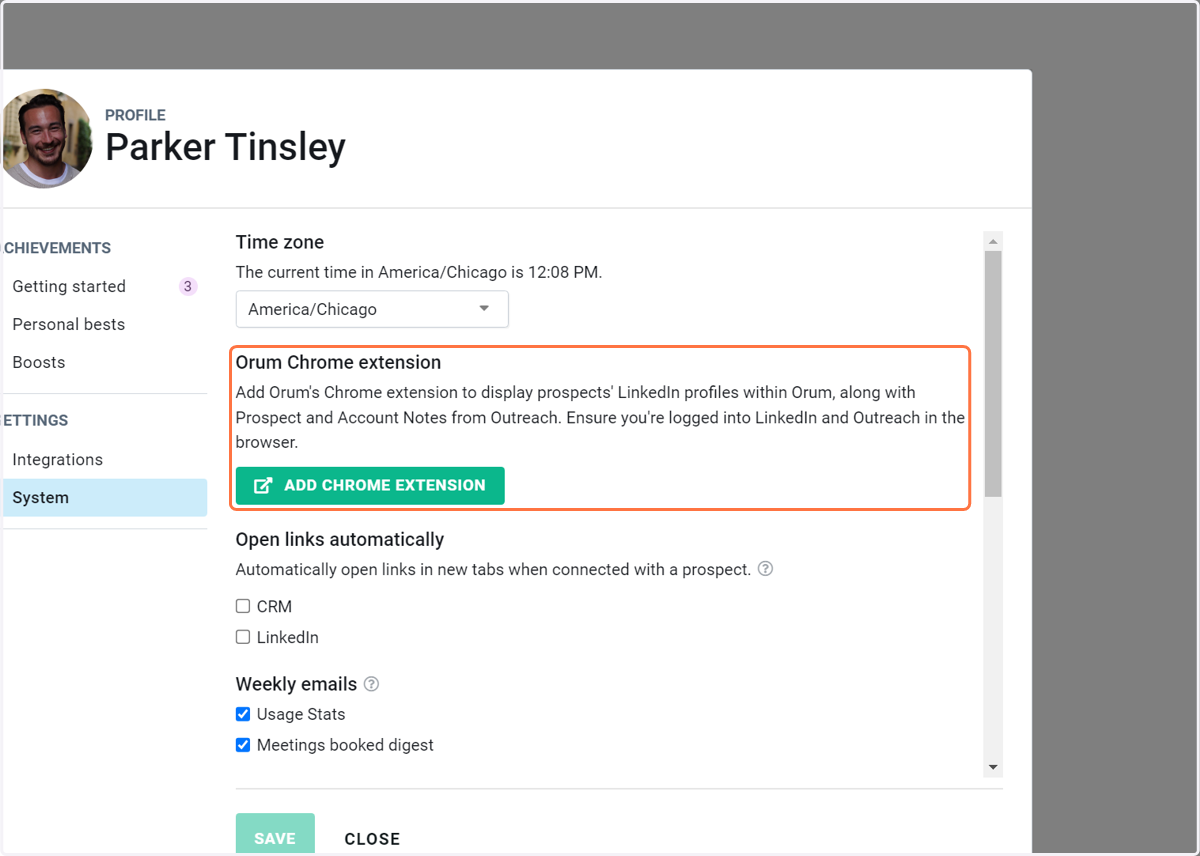
5. Click on ADD CHROME EXTENSION

6. This will take you to the chrome web store where you can add to Chrome

7. After you add, you'll see this success message
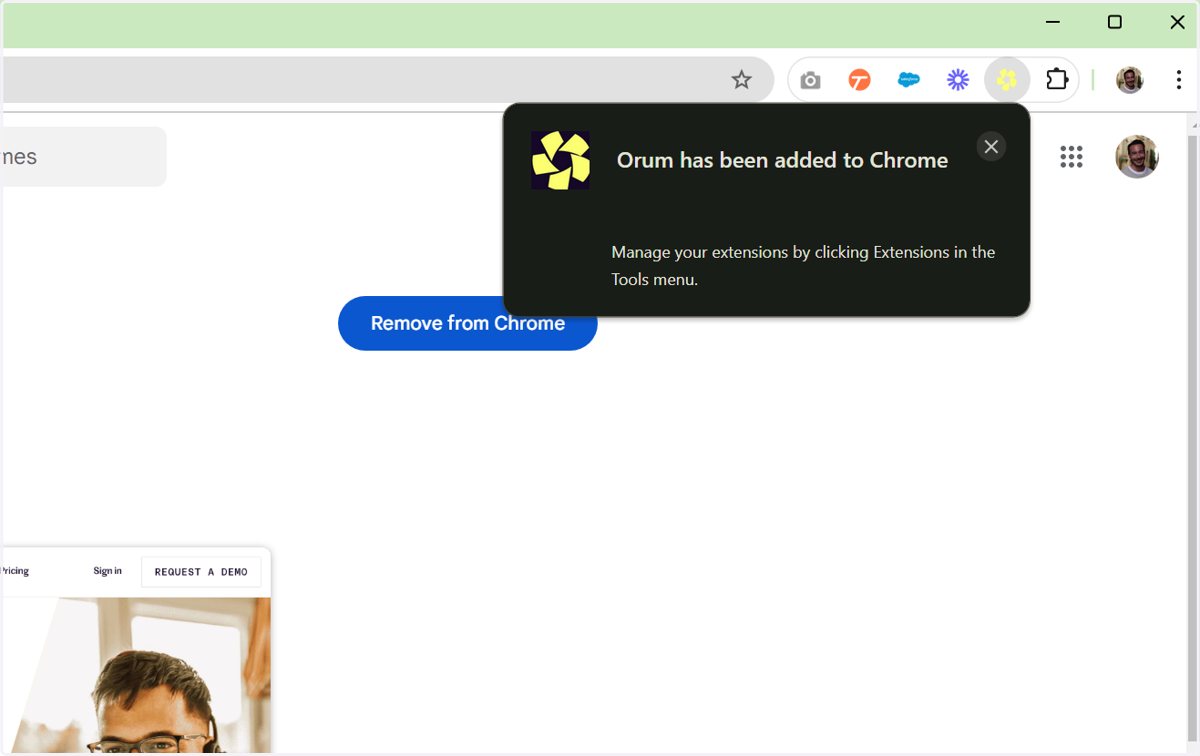
8. Then you can pin the extension
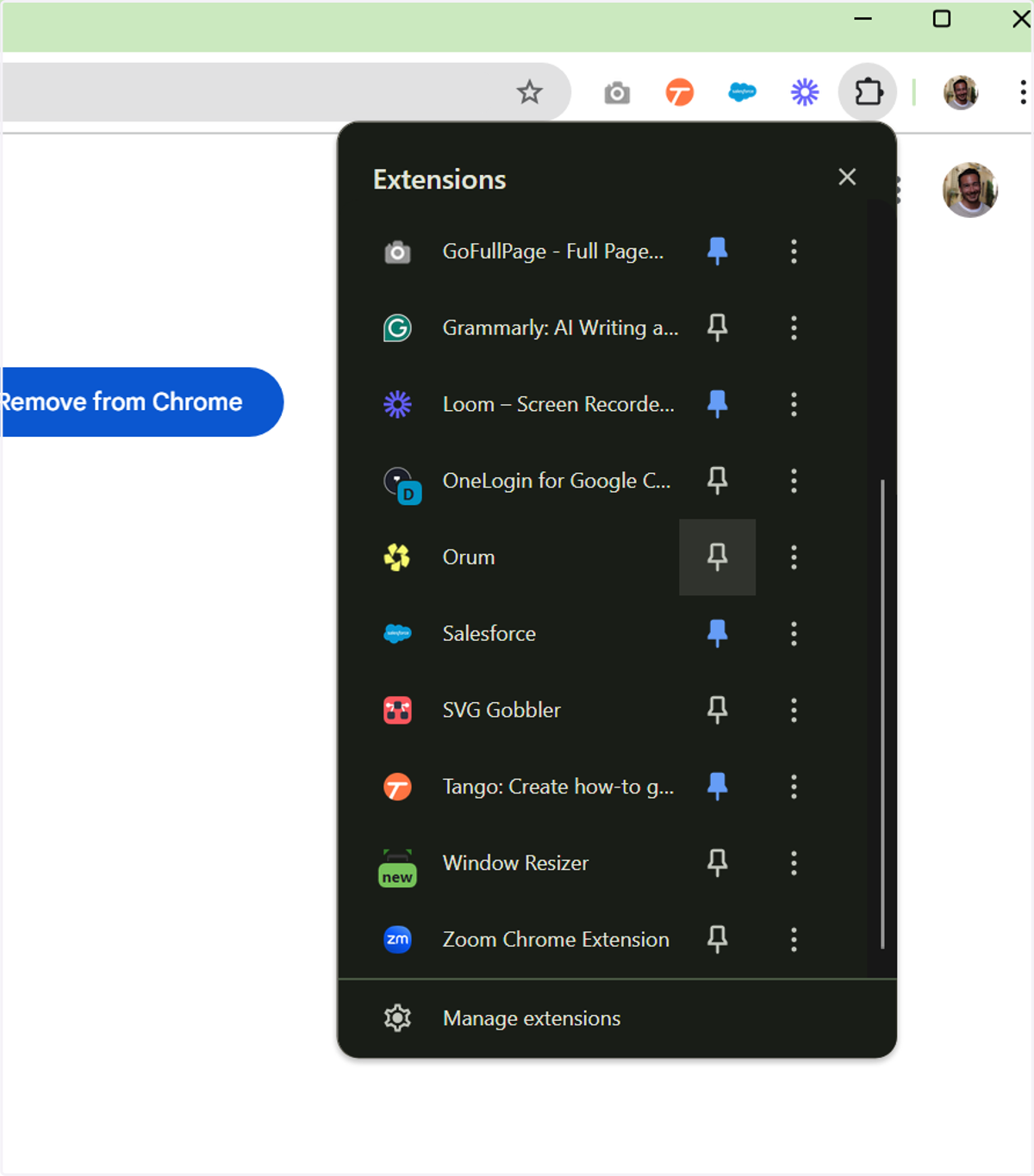
9. And you'll see Orum extension is now pinned and ready to go