IRONSCALES
Members - IRONSCALES
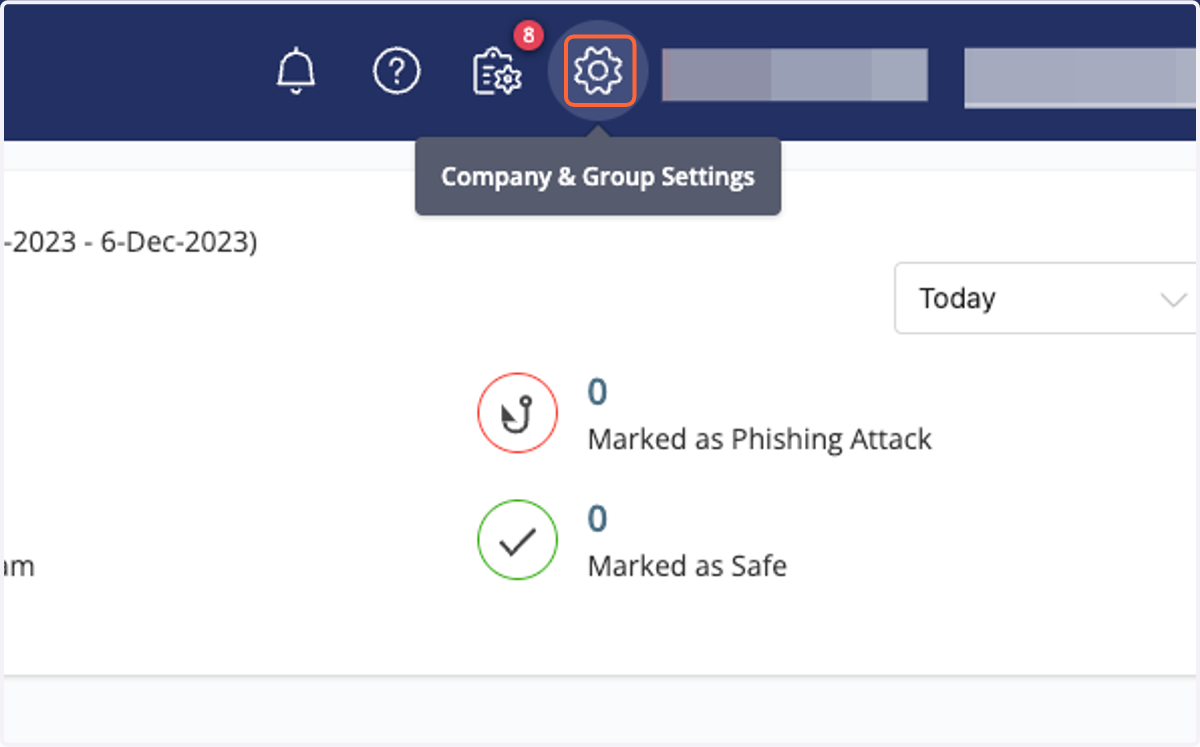
1. Click on the gear icon
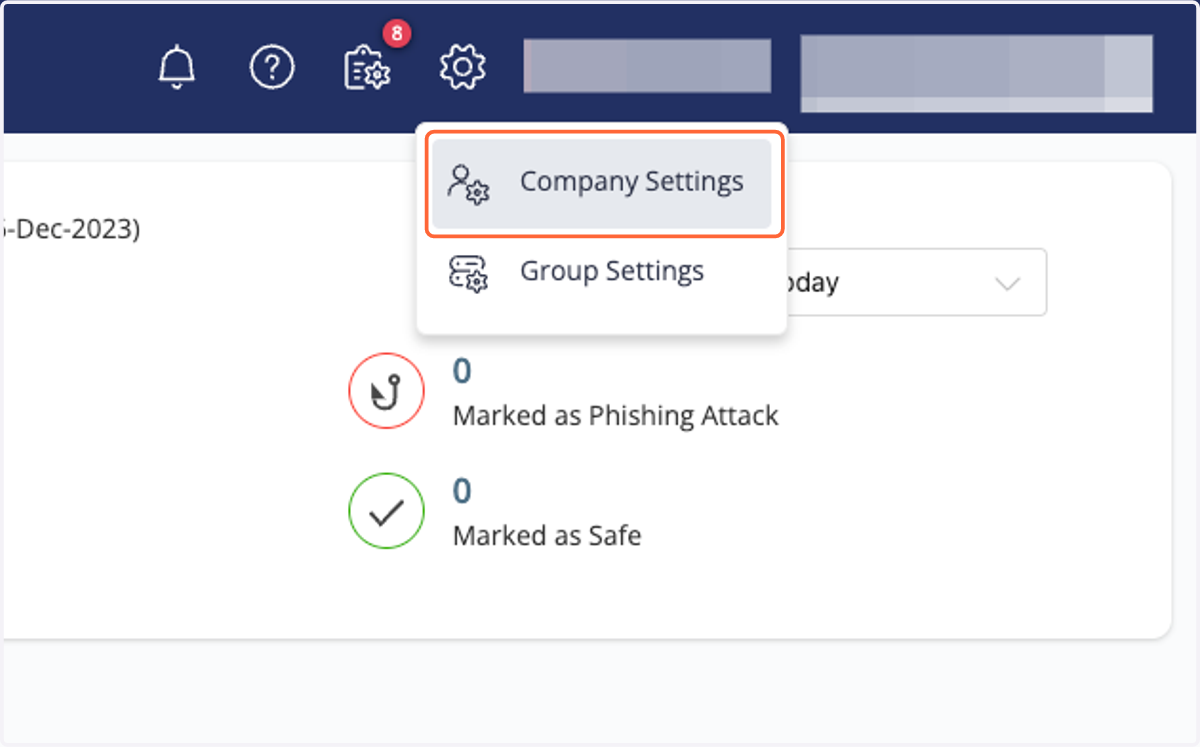
2. Click on Company Settings
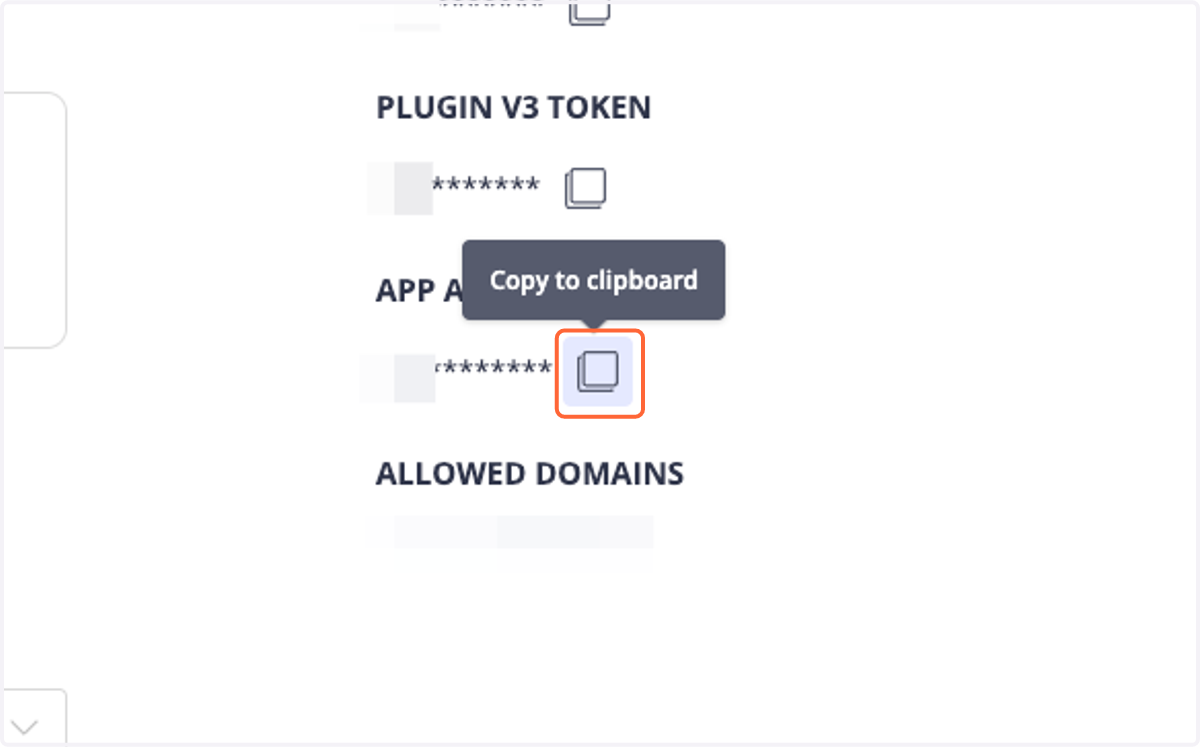
3. Click on "Copy to clipboard" below "APP API TOKEN"
Cork - Integrations
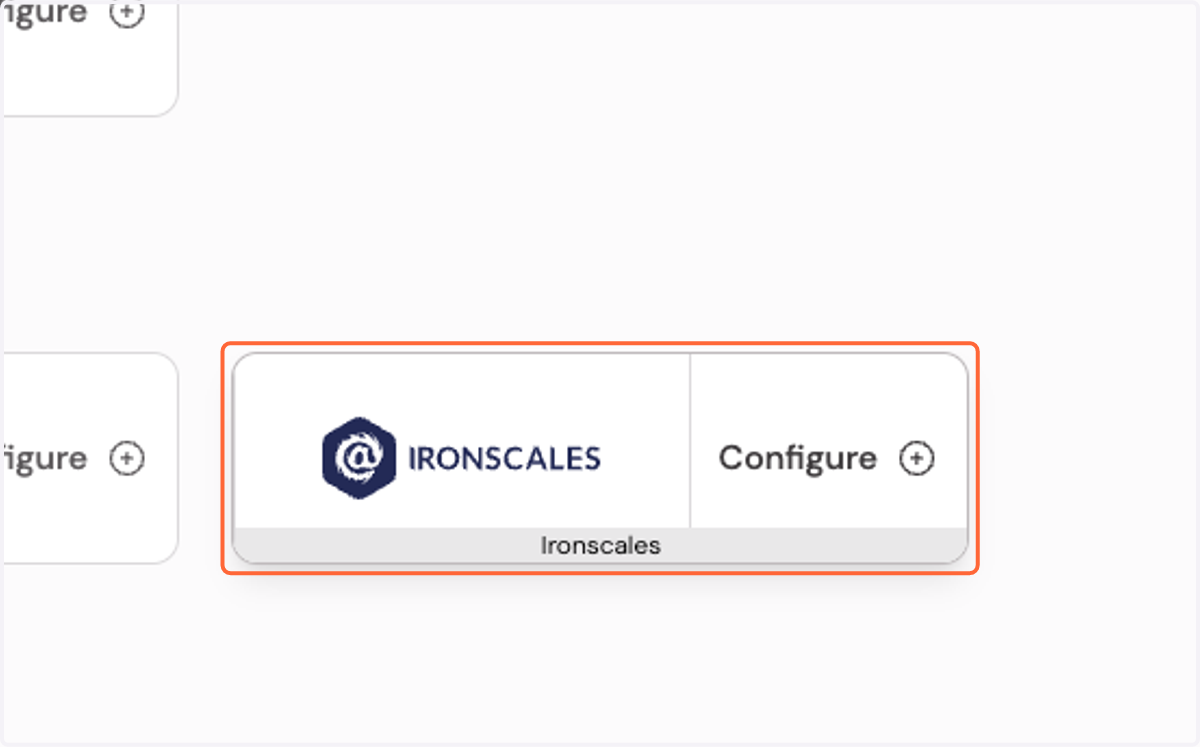
4. Click on Configure Ironscales integration…
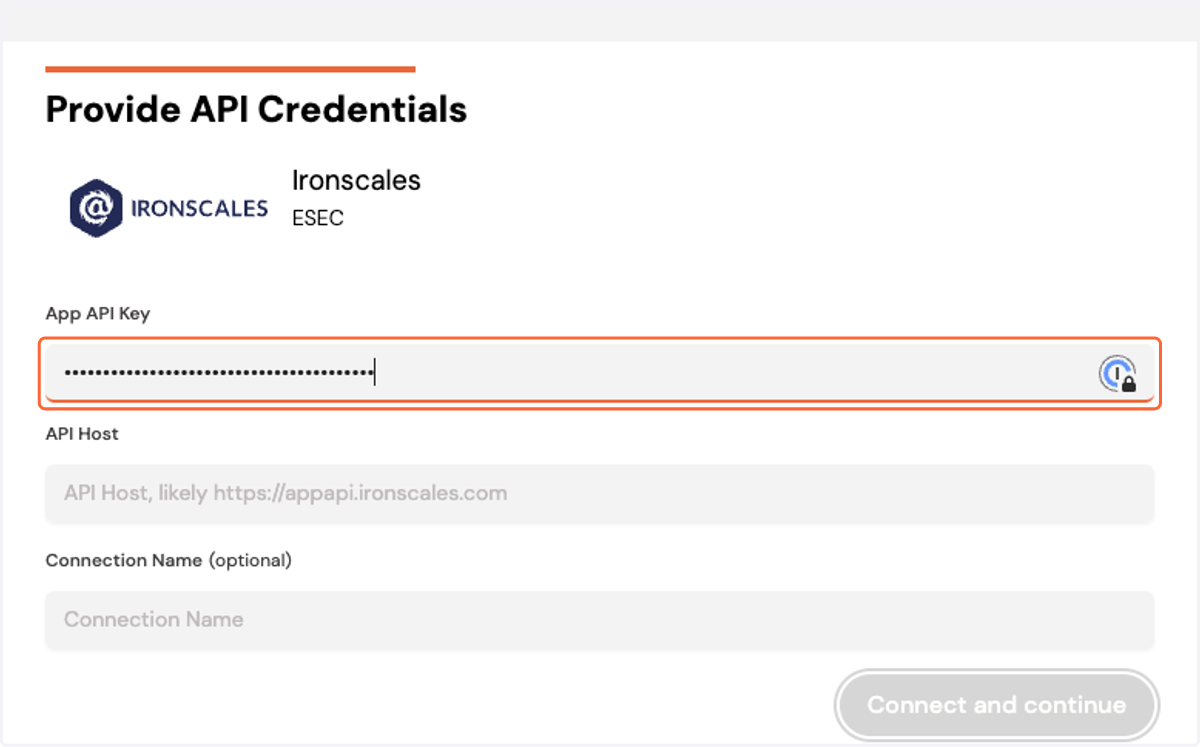
5. Paste App API key into the App API Key box
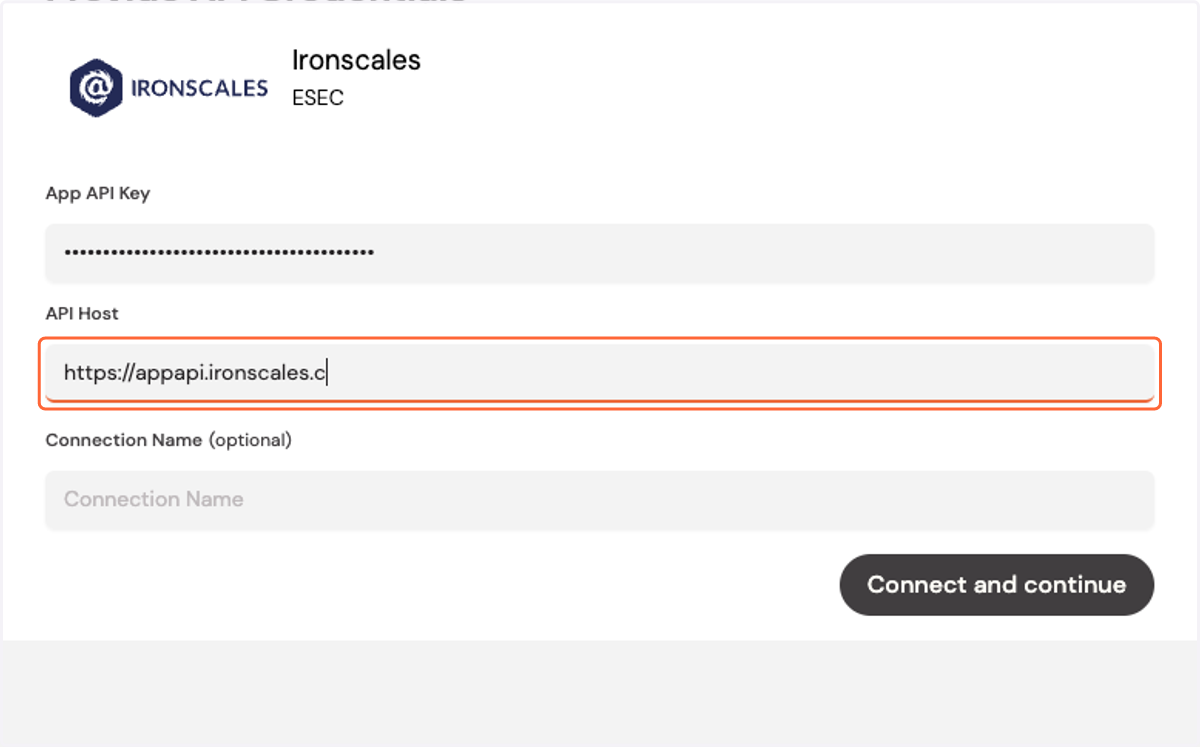
6. Type "https://appapi.ironscales.com" into the API Host box
If you are deployed on the EU server you should enter https://appapi.eu.ironscales.com
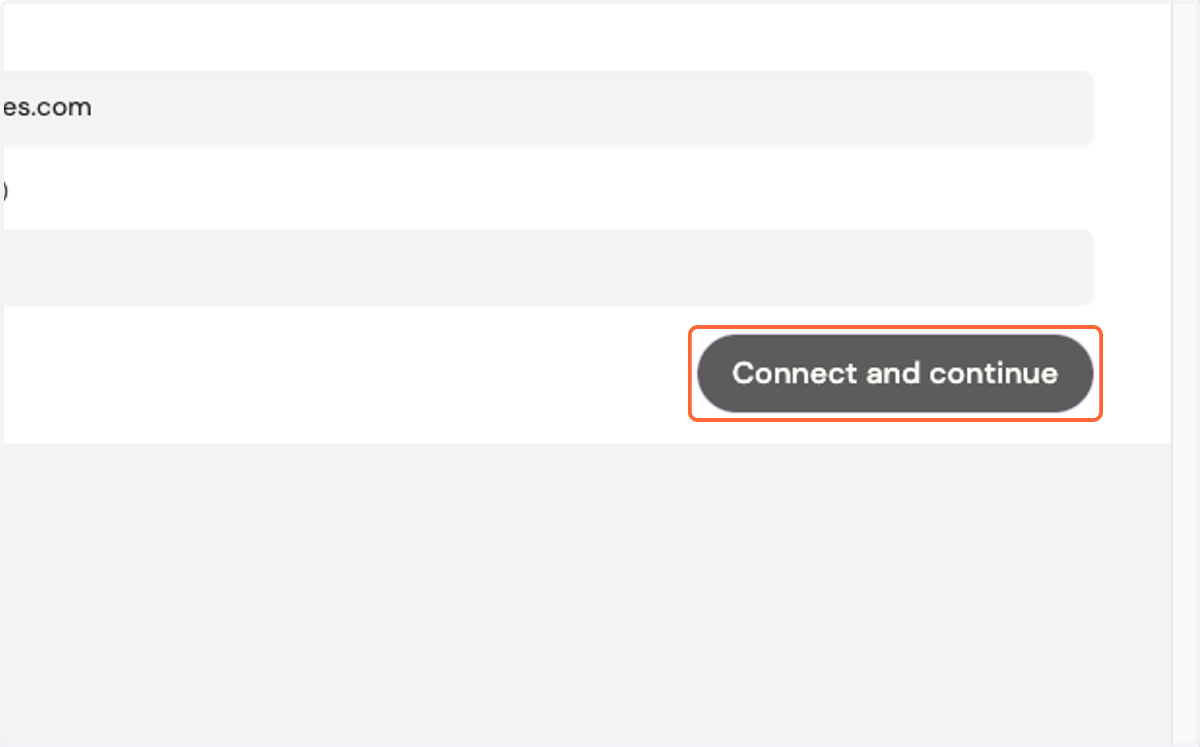
7. Click on Connect and continue