Husk - Gym Discounts, Nutrition, and Wellness Resources
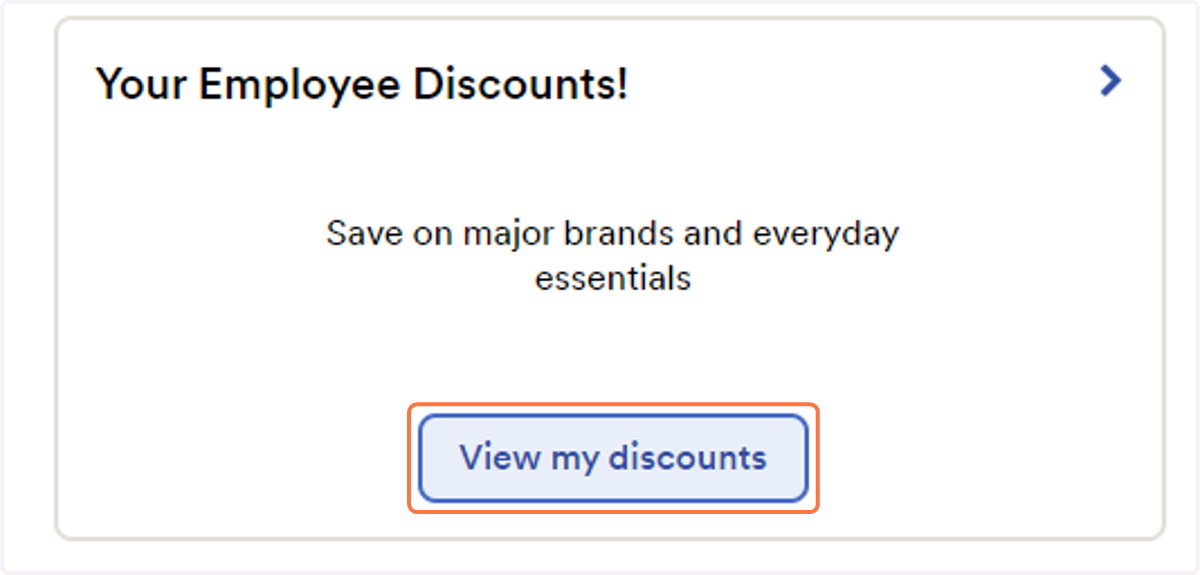
1. Go to Discounts on your Dashboard and Click on View my discounts
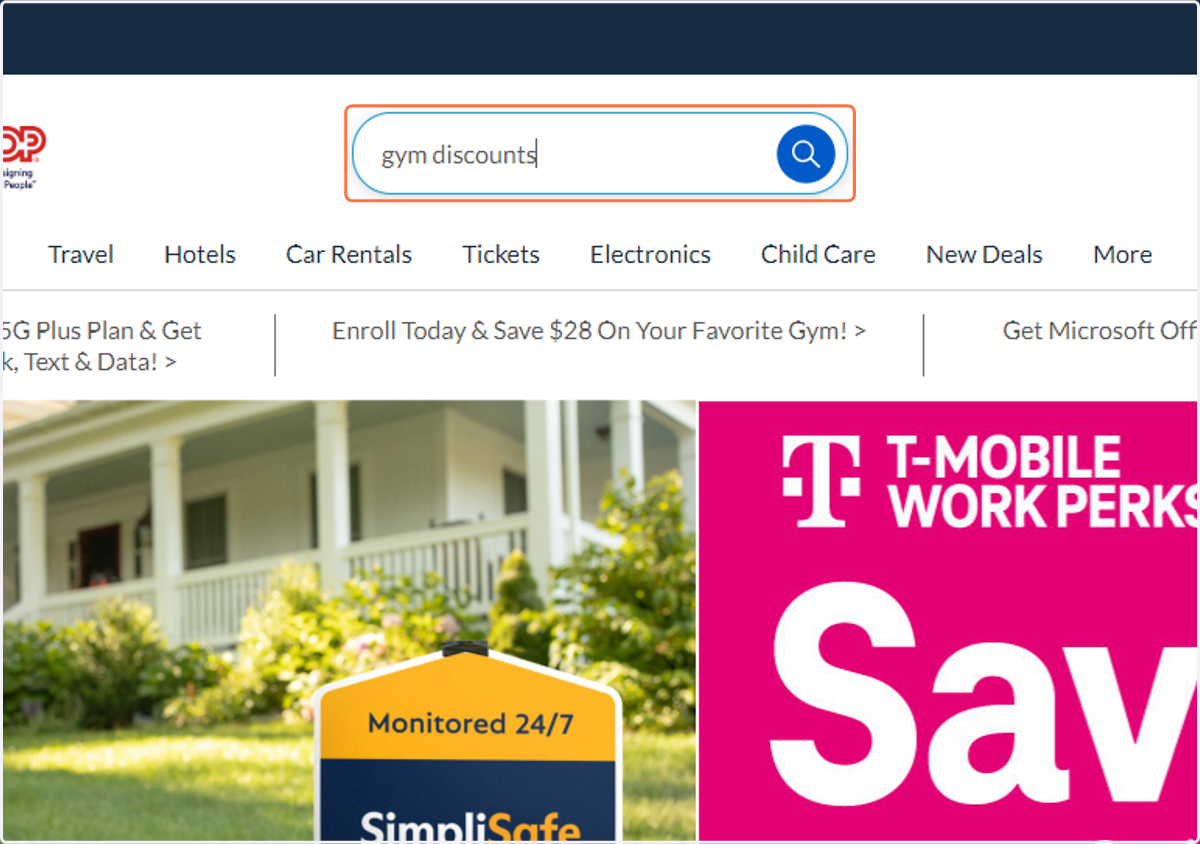
2. Type "gym discounts" in the search
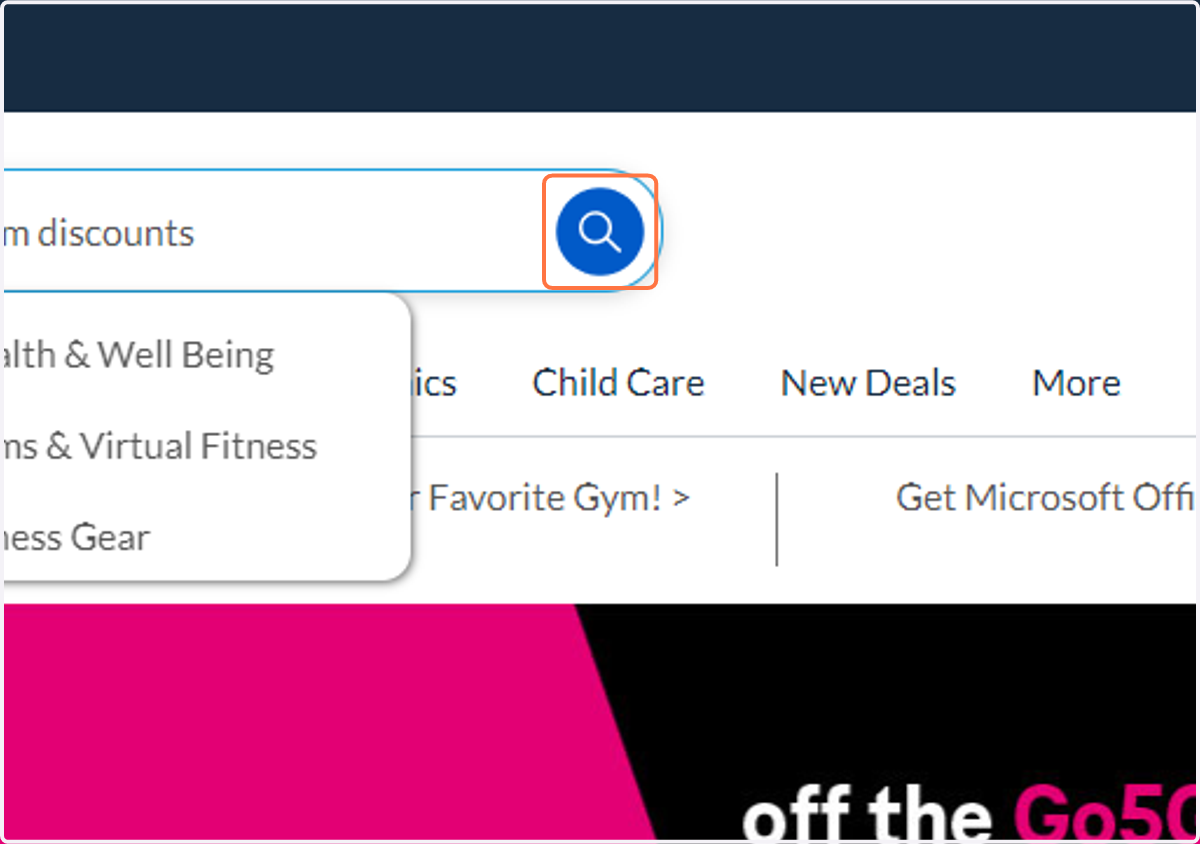
3. Click on Search
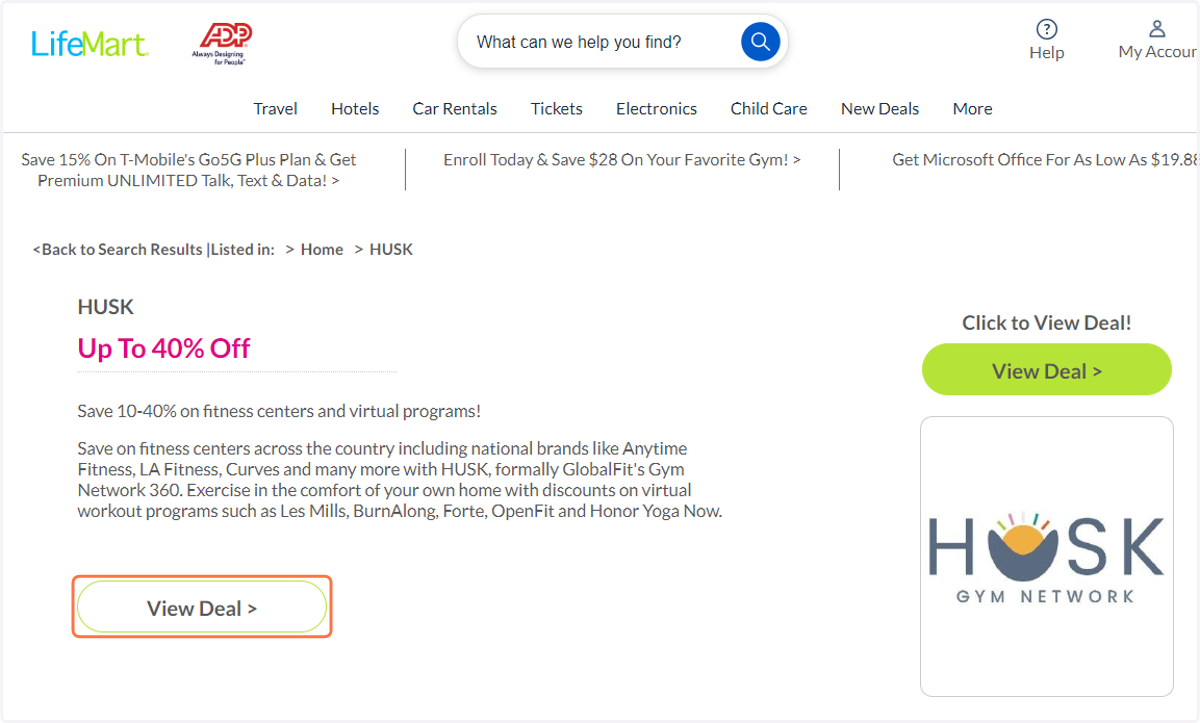
4. Click on View Deal >

5. Click on View Deal >
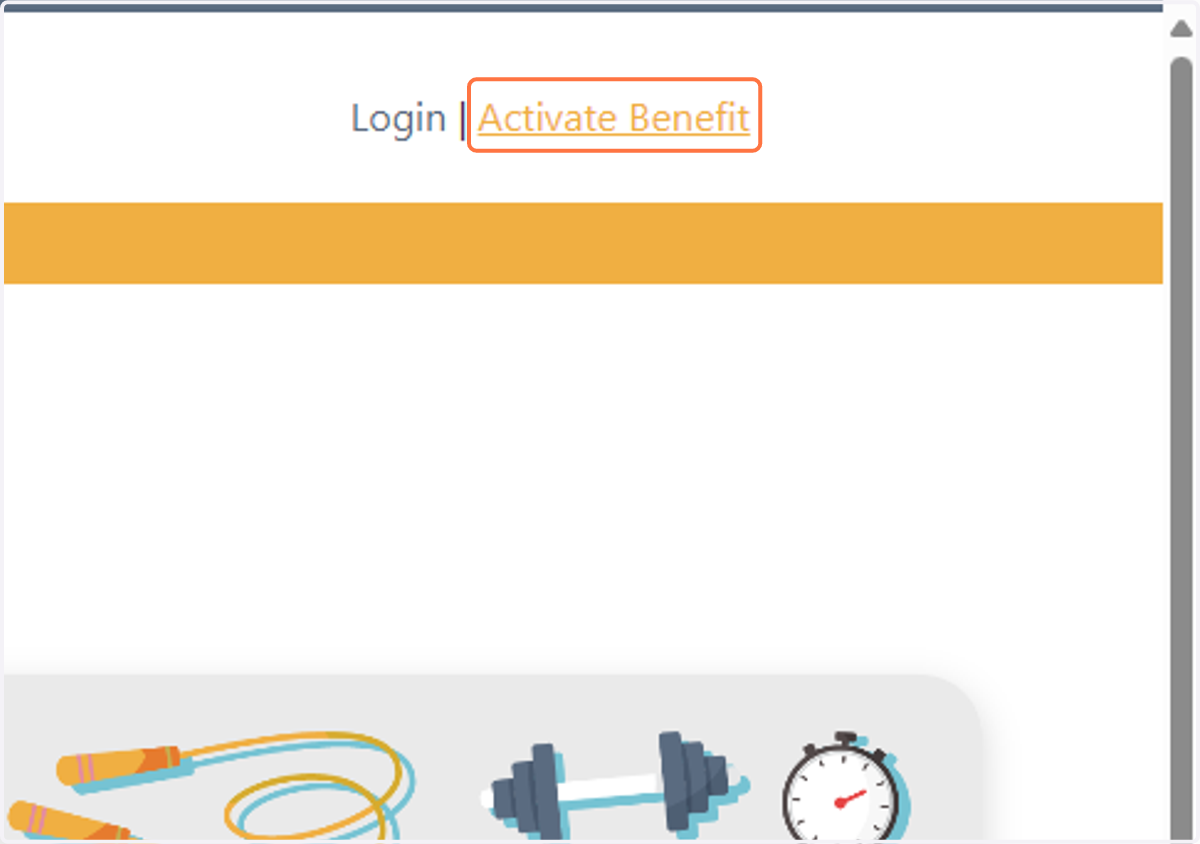
6. Click on Activate Benefit
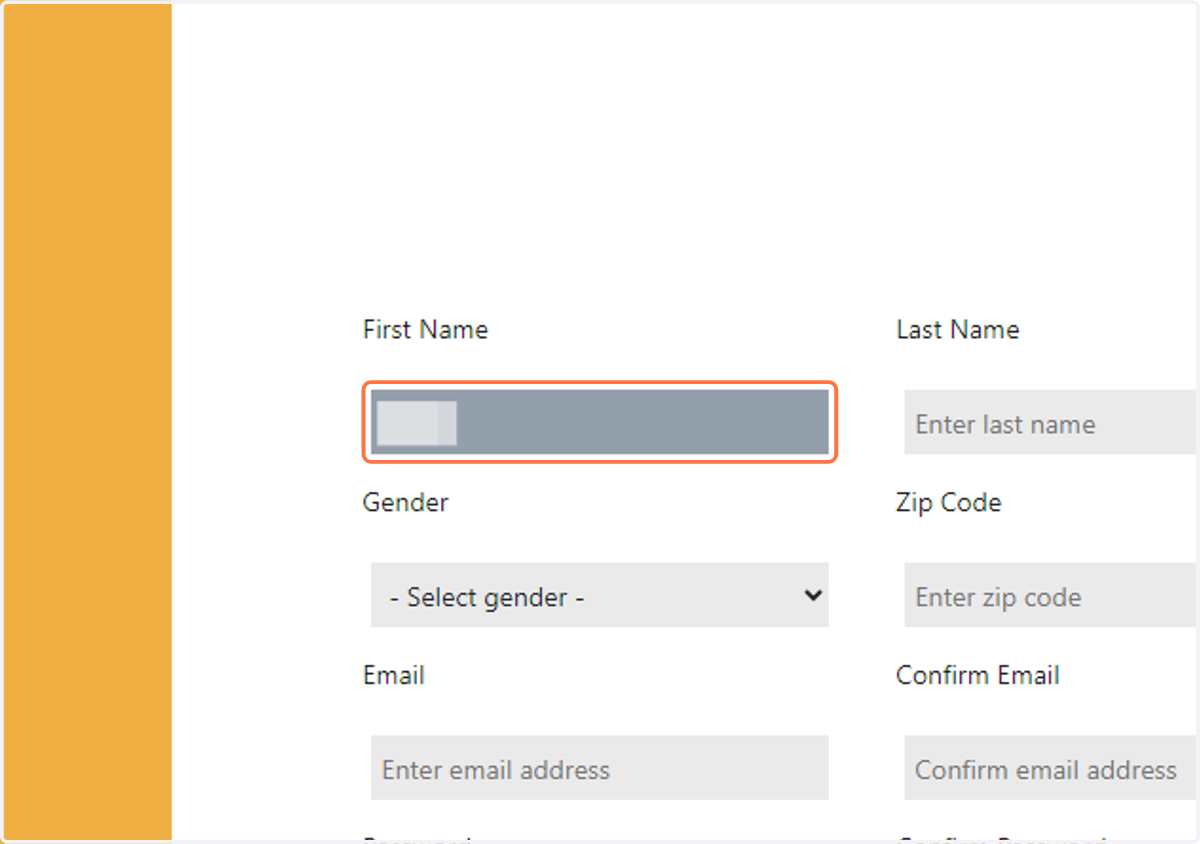
7. Type in your first and last name, gender and zip code
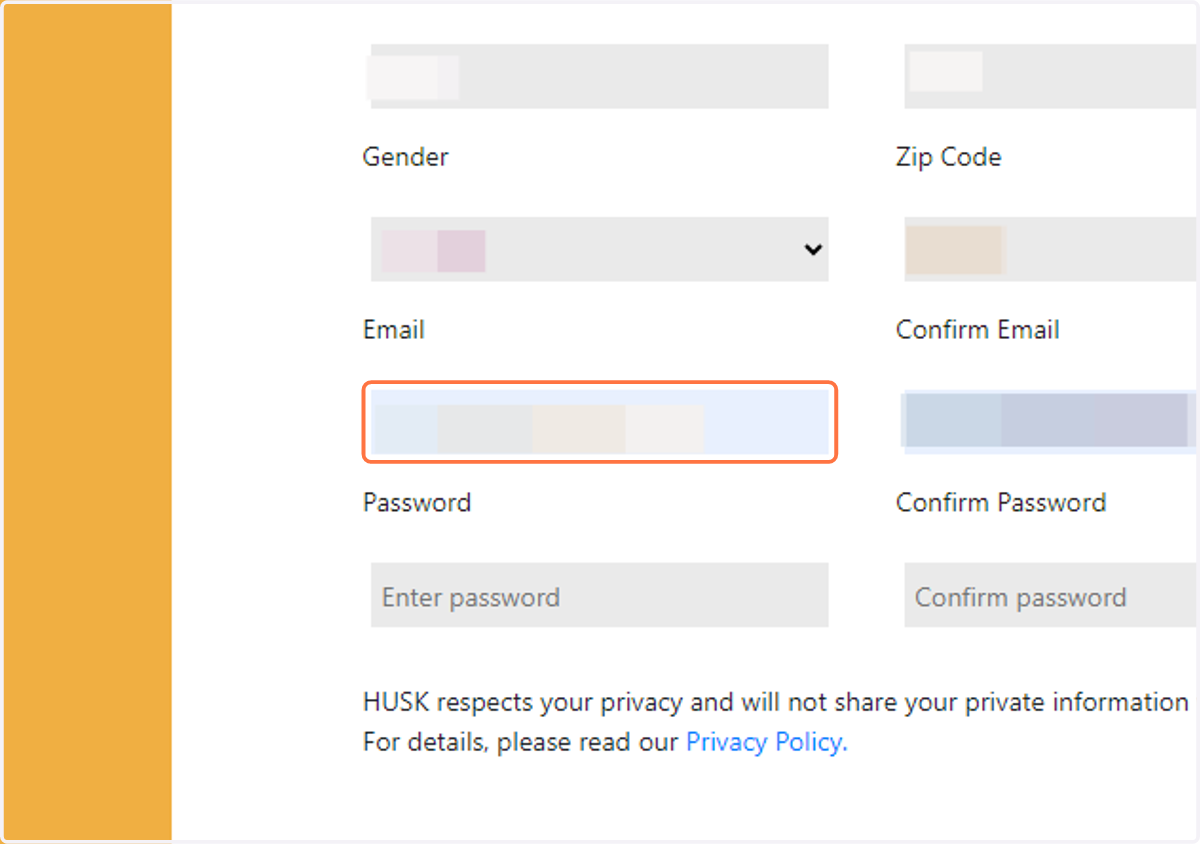
8. Provide your email address and create a password
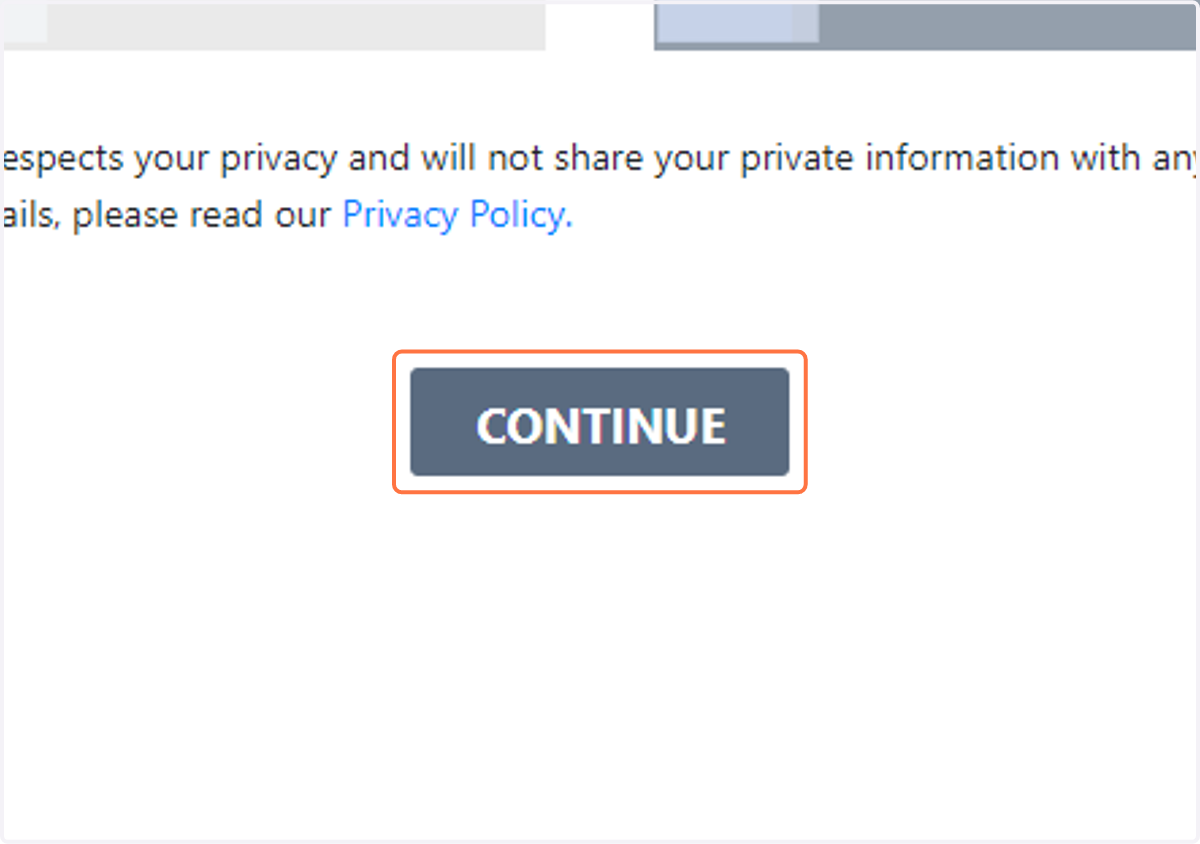
9. Click on Continue
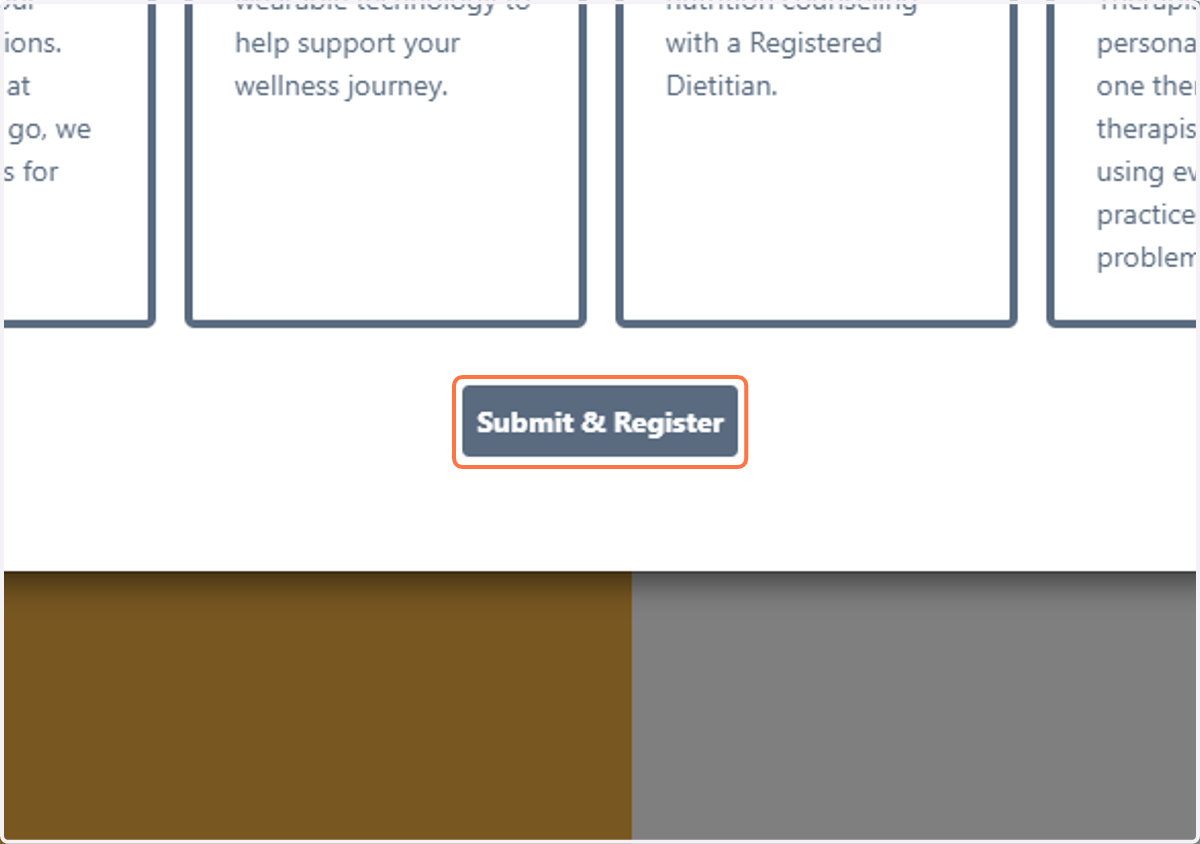
10. Make sure your interests are selected and Click on Submit & Register
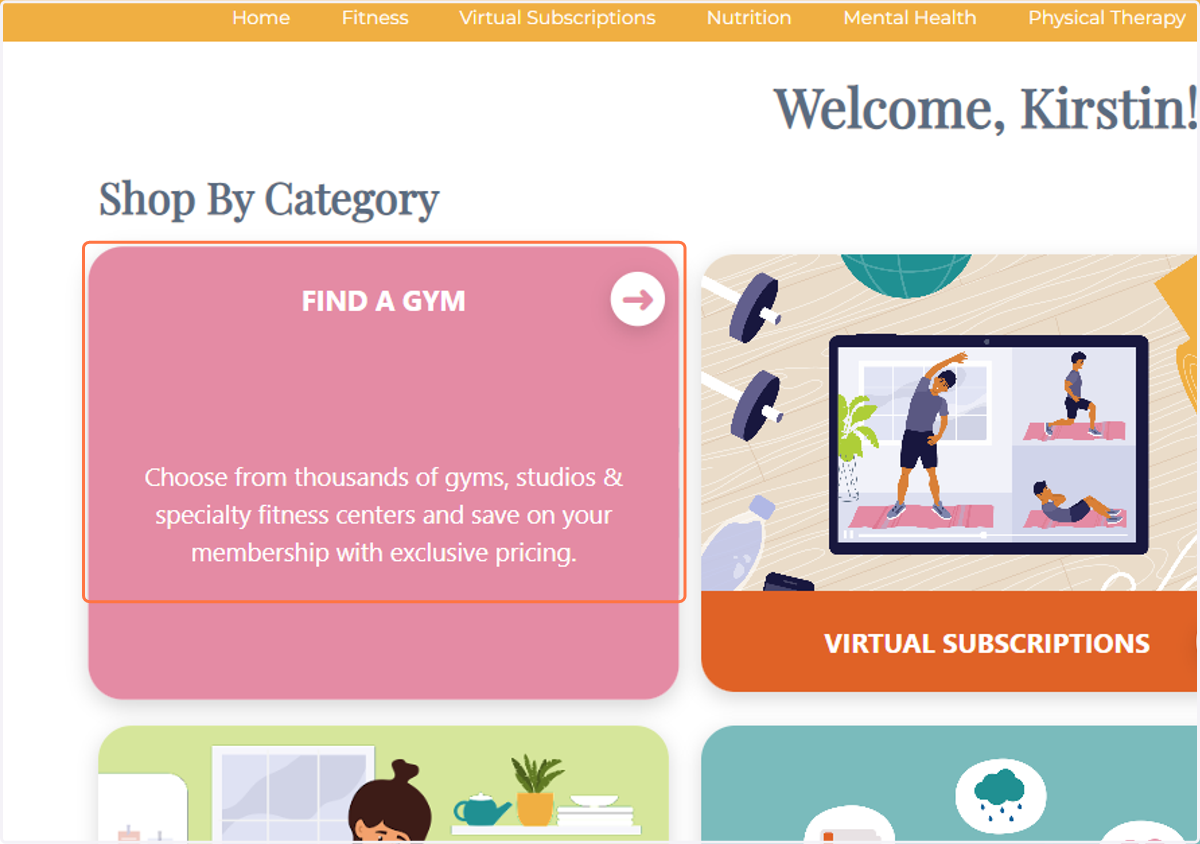
11. Click on FIND A GYM…
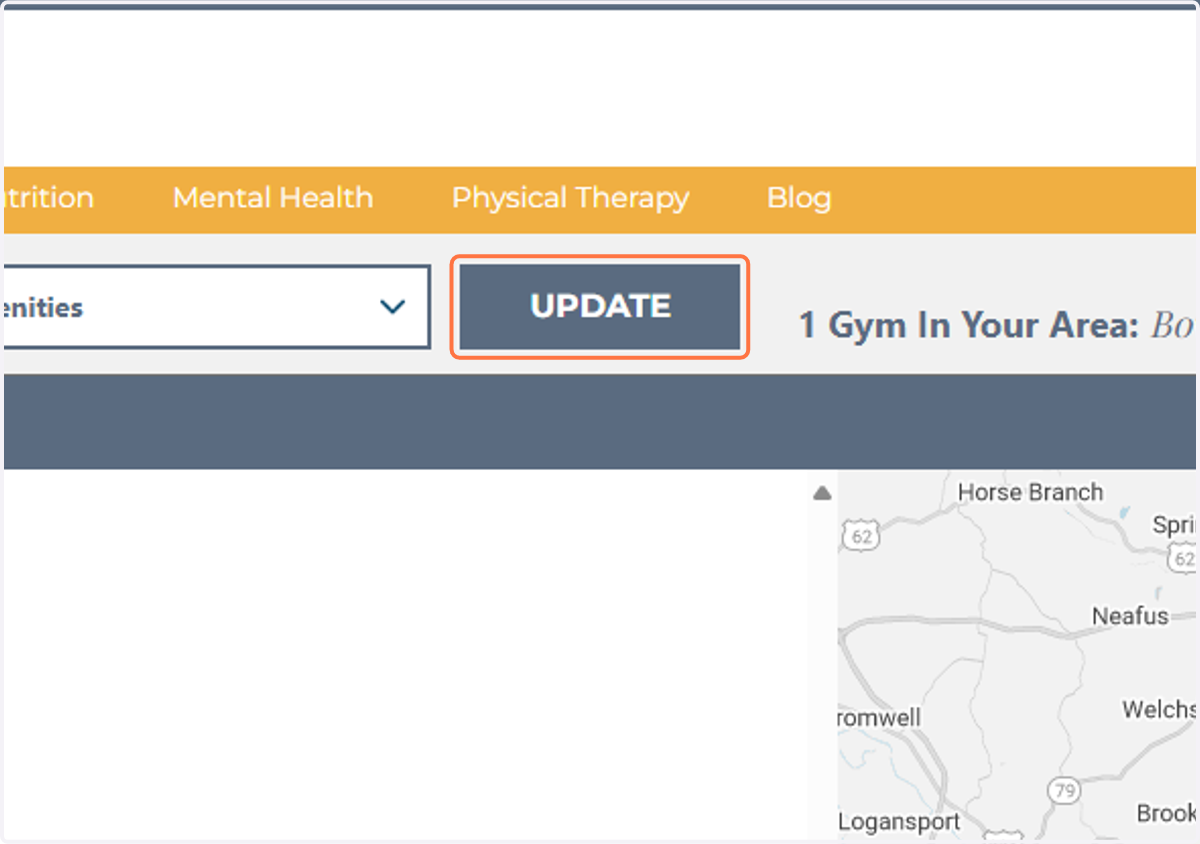
12. You can adjust the filters and click update to find additional options
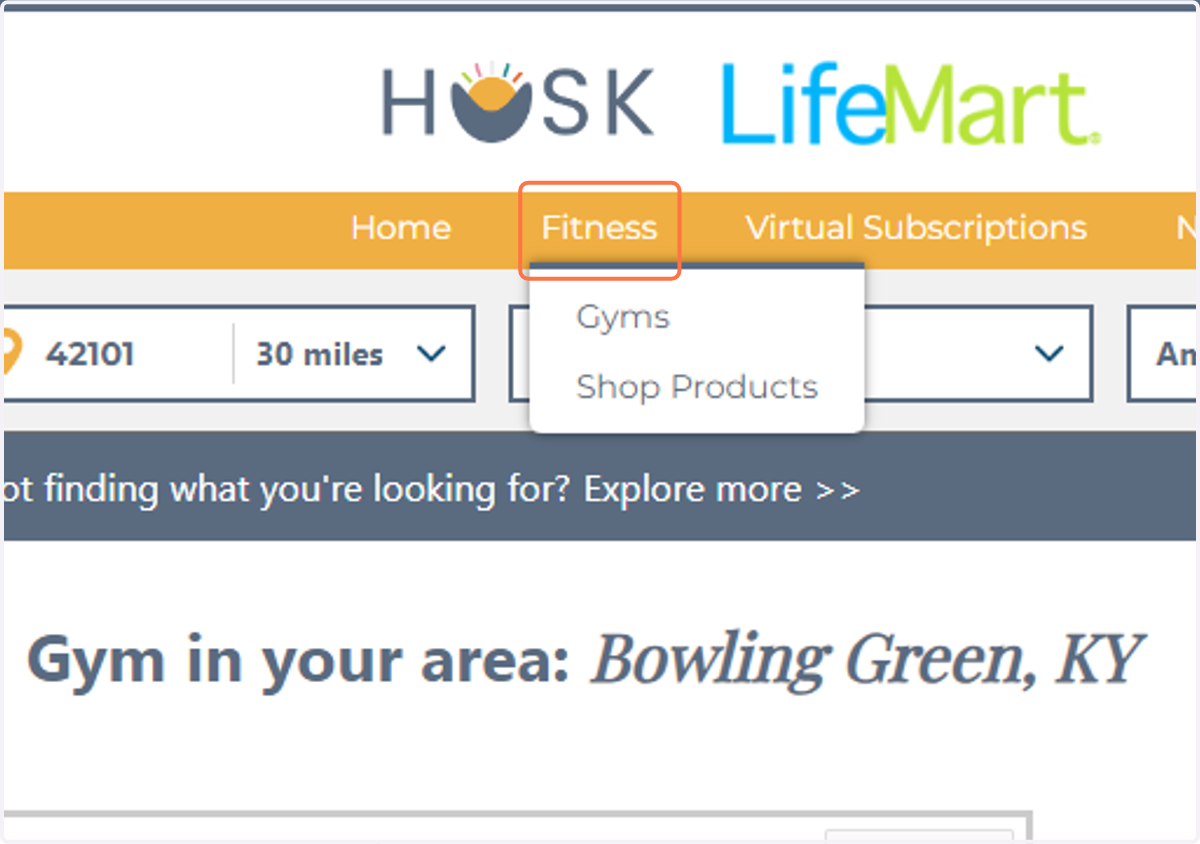
13. Click on Fitness to see your Fitness options
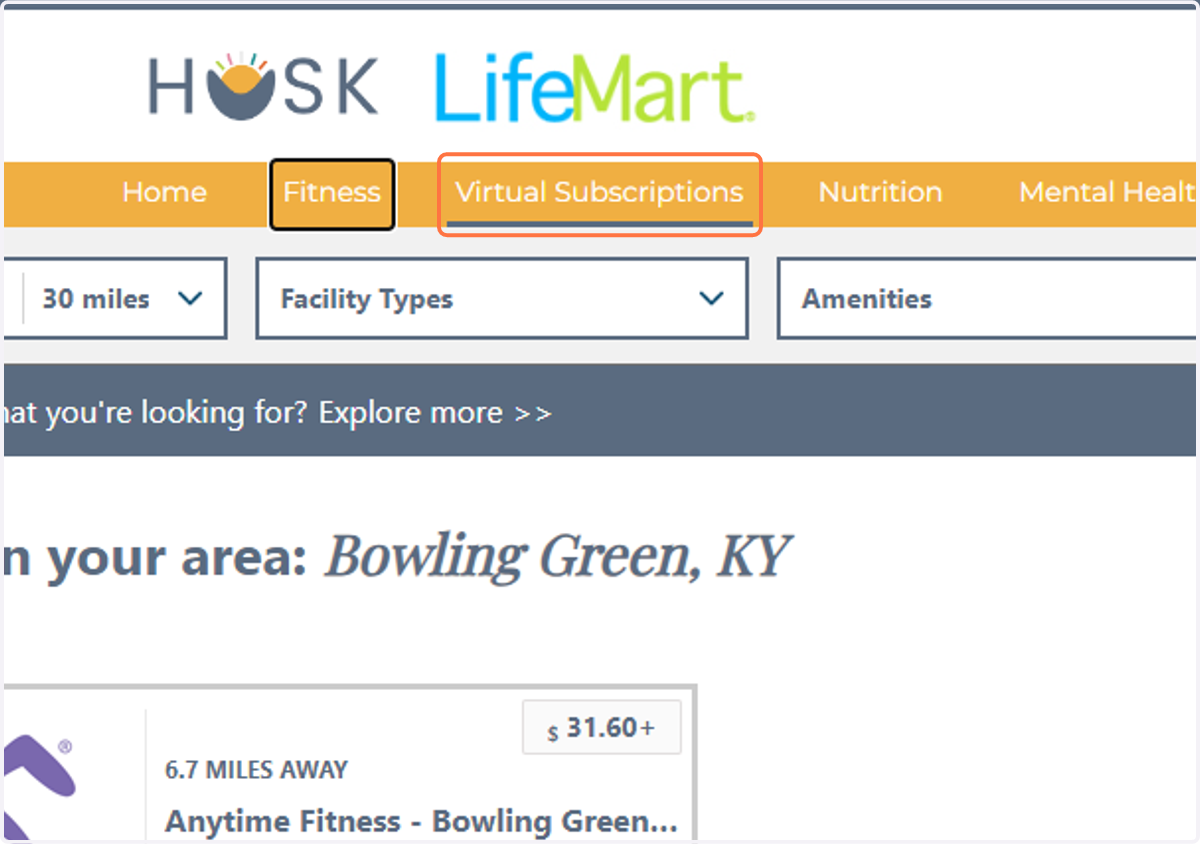
14. Click on Virtual Subscriptions
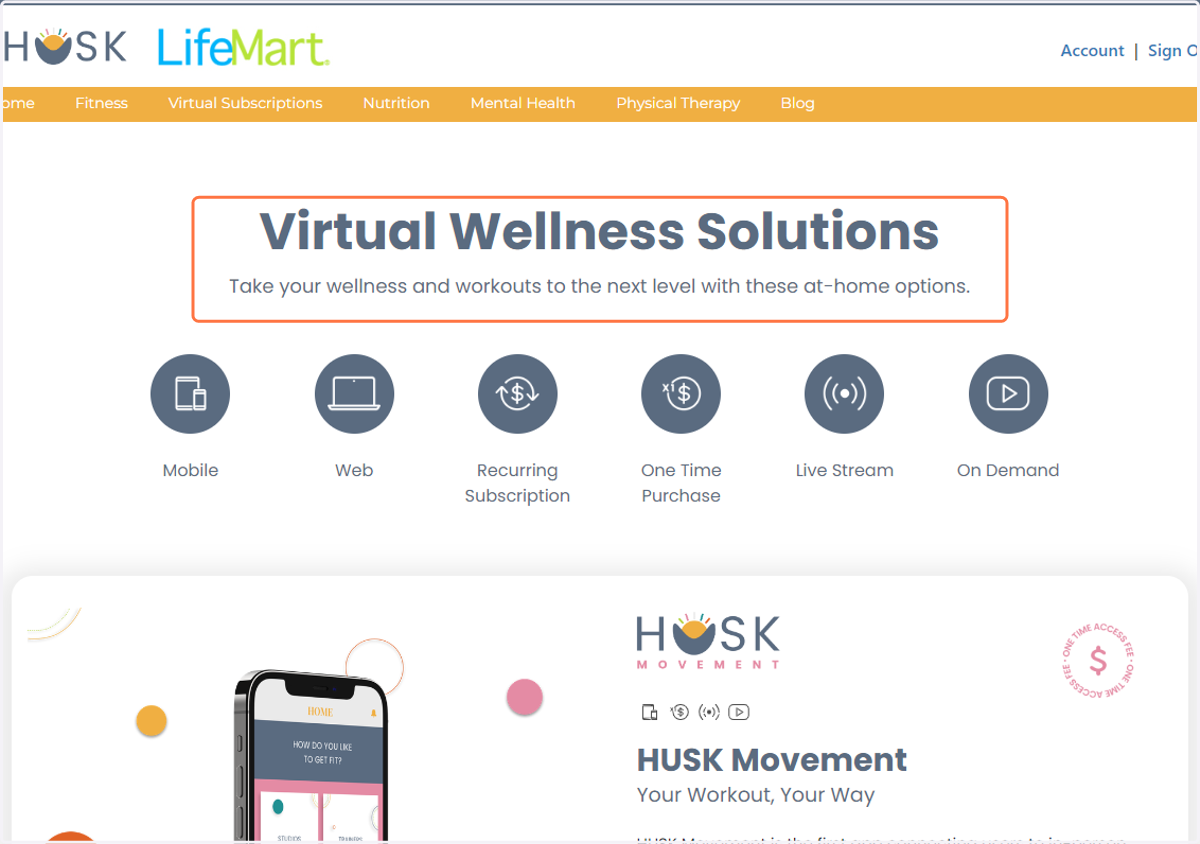
15. Check out the different Virtual Wellness Solutions available
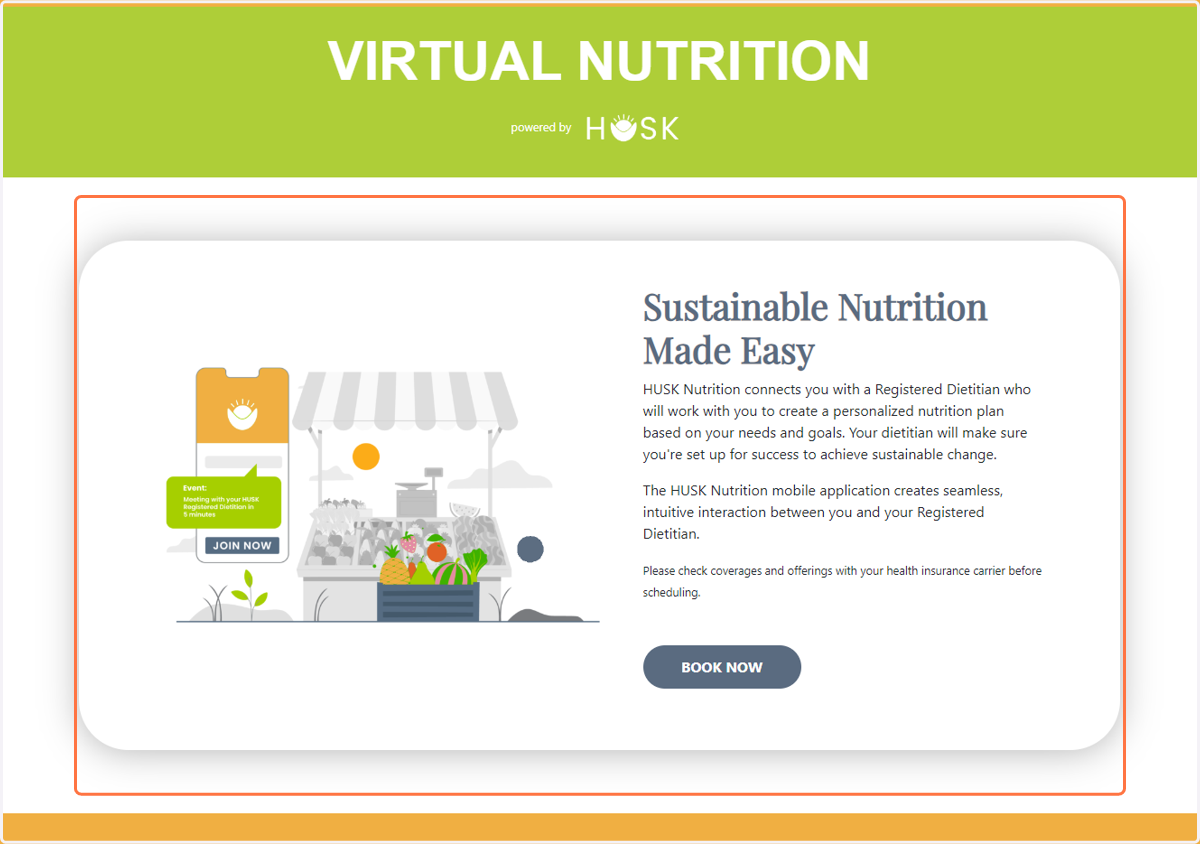
16. Click on Nutrition > HUSK Nutrition
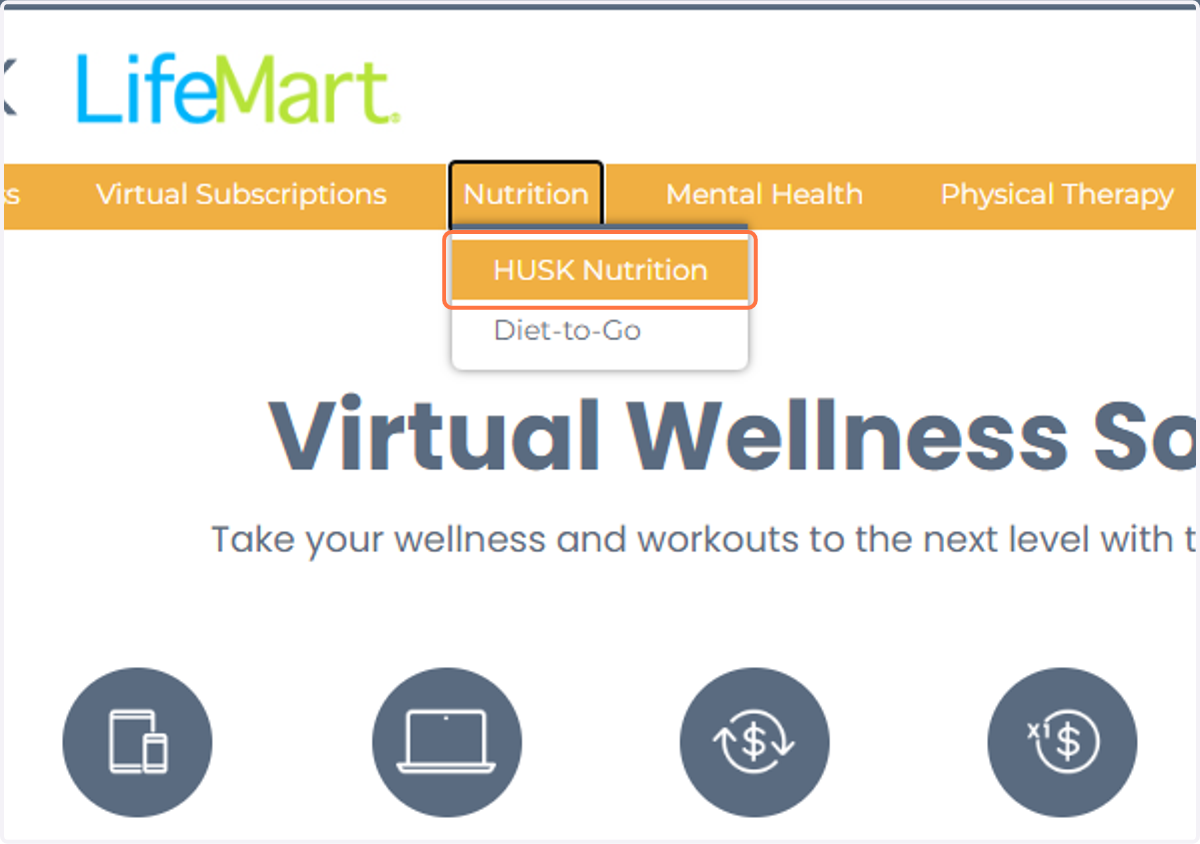
17. To find out about Husk's Nutrition options
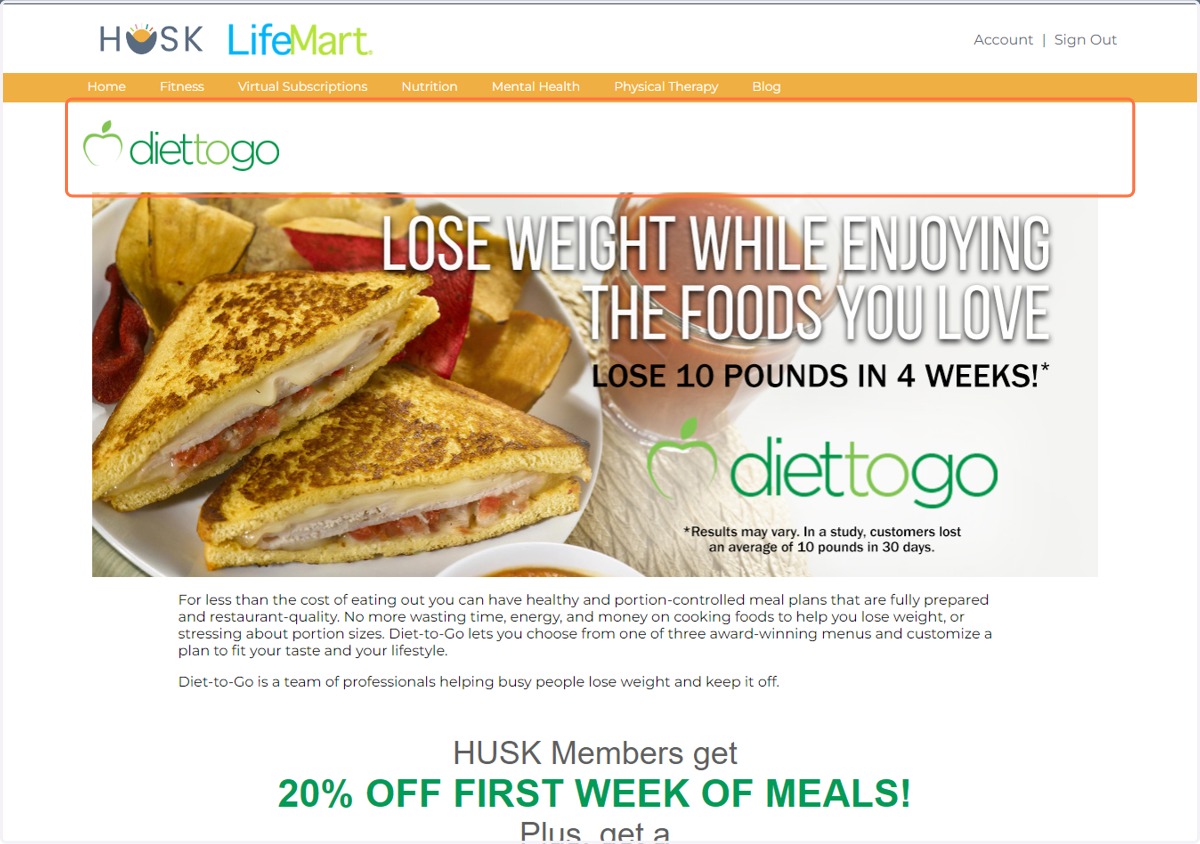
18. Click on Nutrition > Diet-to-Go to learn more
19. Click on Mental Health > Get The Help you Need! (Available in specific states)

20. Click on Blog to go to the Husk Wellness Blog to learn more