How to withdraw funds via Bank Wire

Blueberry

  1. 1. Click on Portfolio

    Click on Portfolio
  2. 2. Click on Trading accounts

    Click on Trading accounts
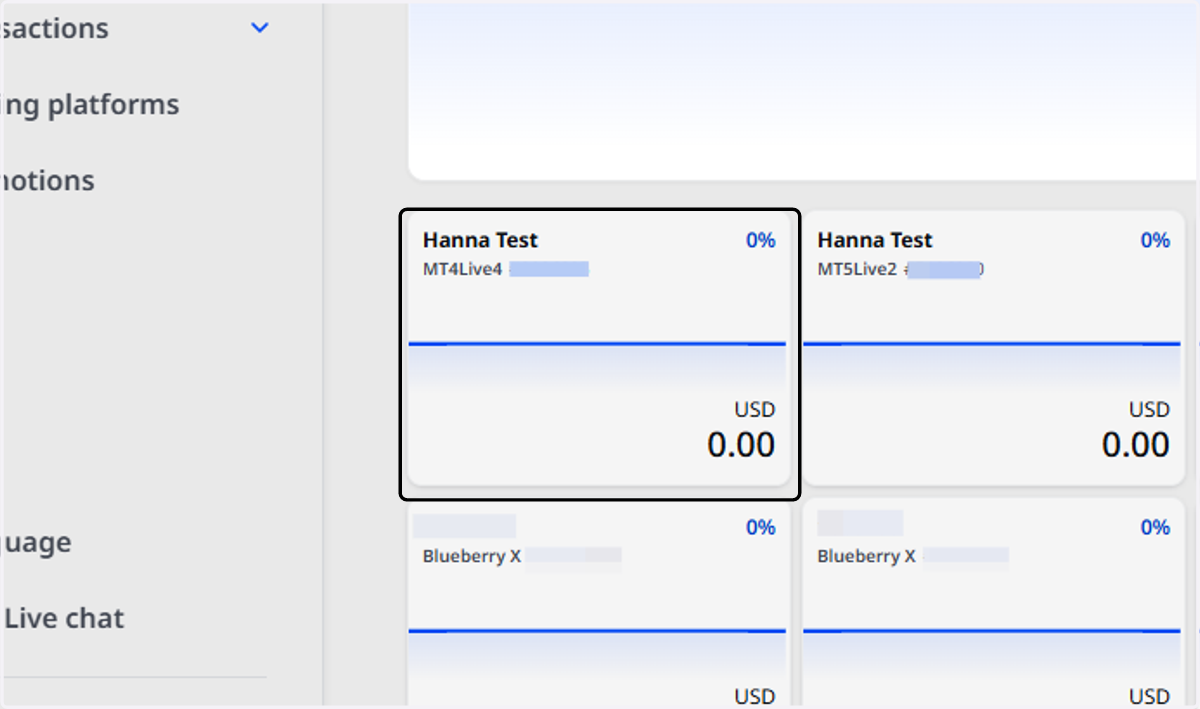
  3. 3. Select the Trading Account

    Select the Trading Account
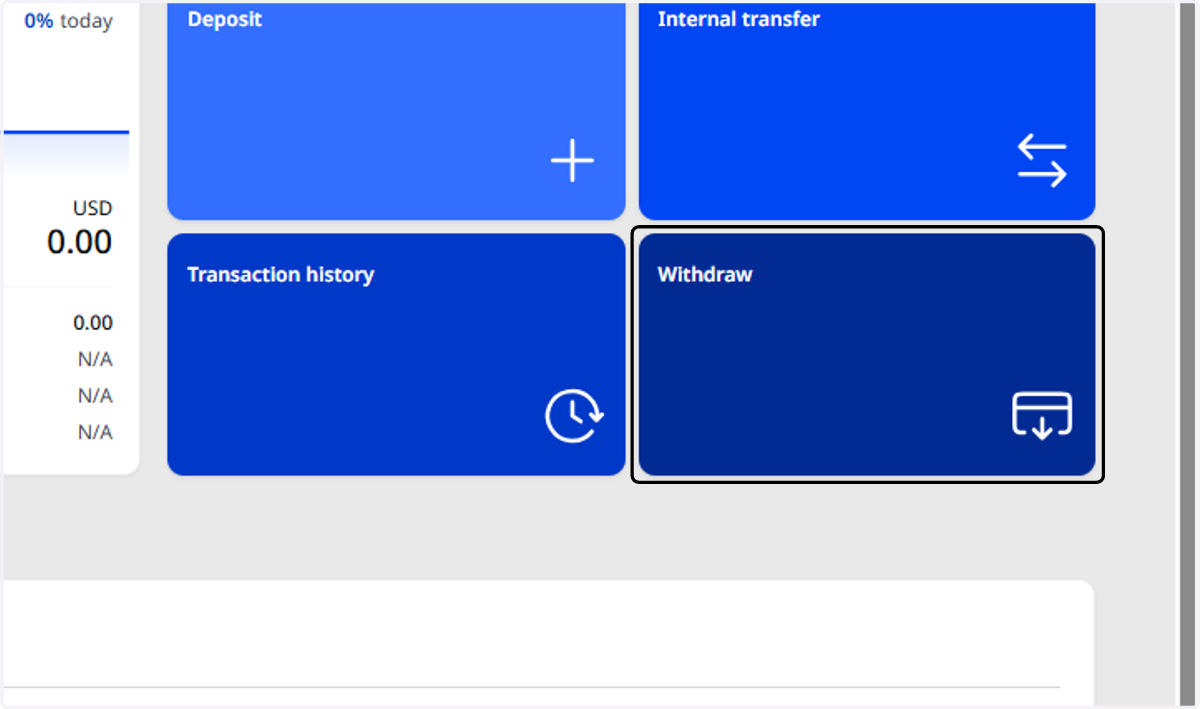
  4. 4. Click on Withdraw

    Click on Withdraw
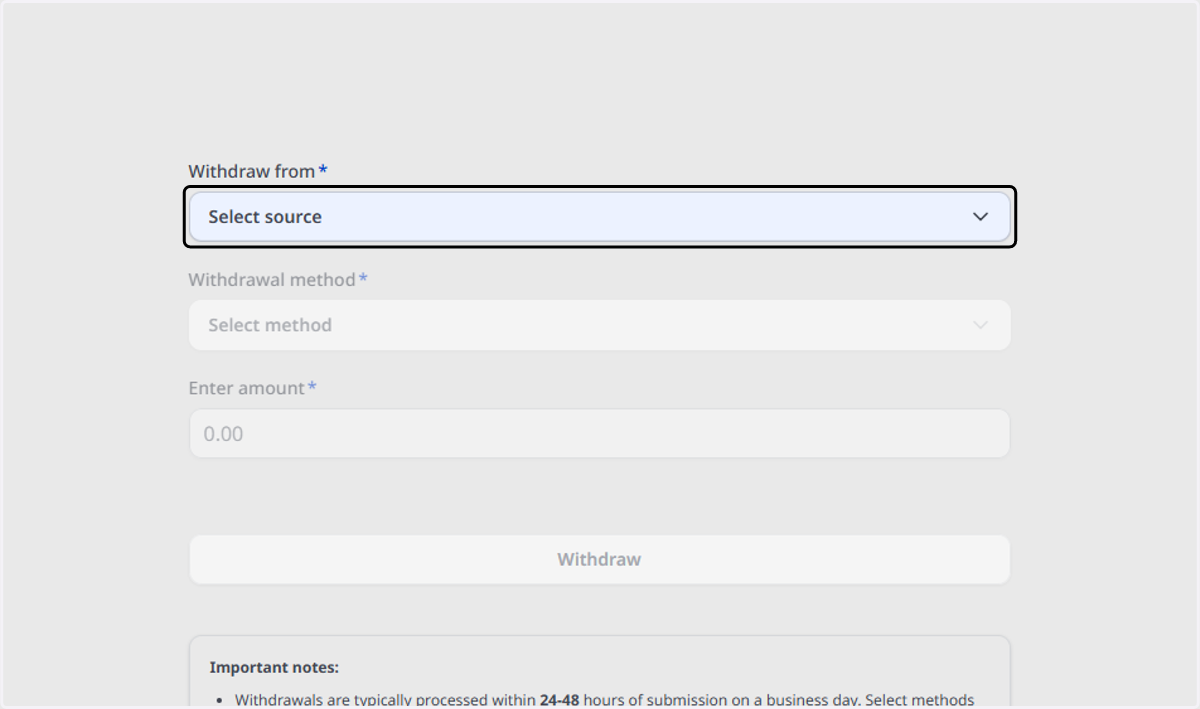
  5. 5. Select the Trading Account

    Select the Trading Account
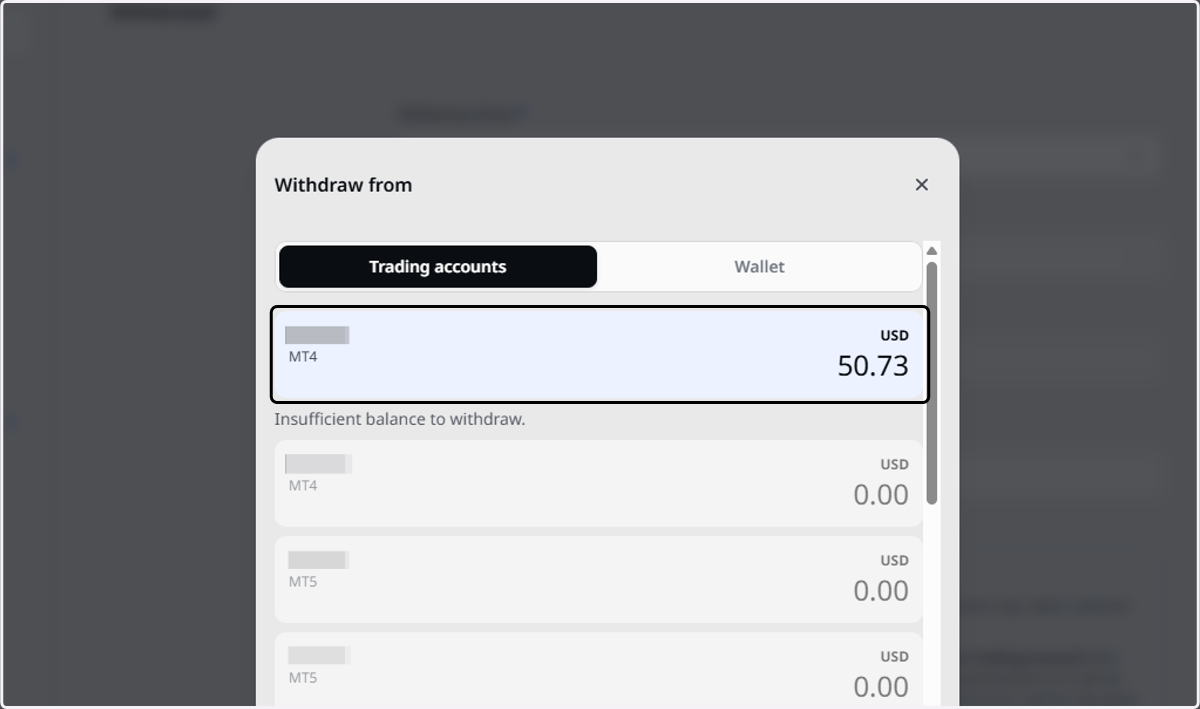
  6. 6. Select the Trading Account

    Select the Trading Account
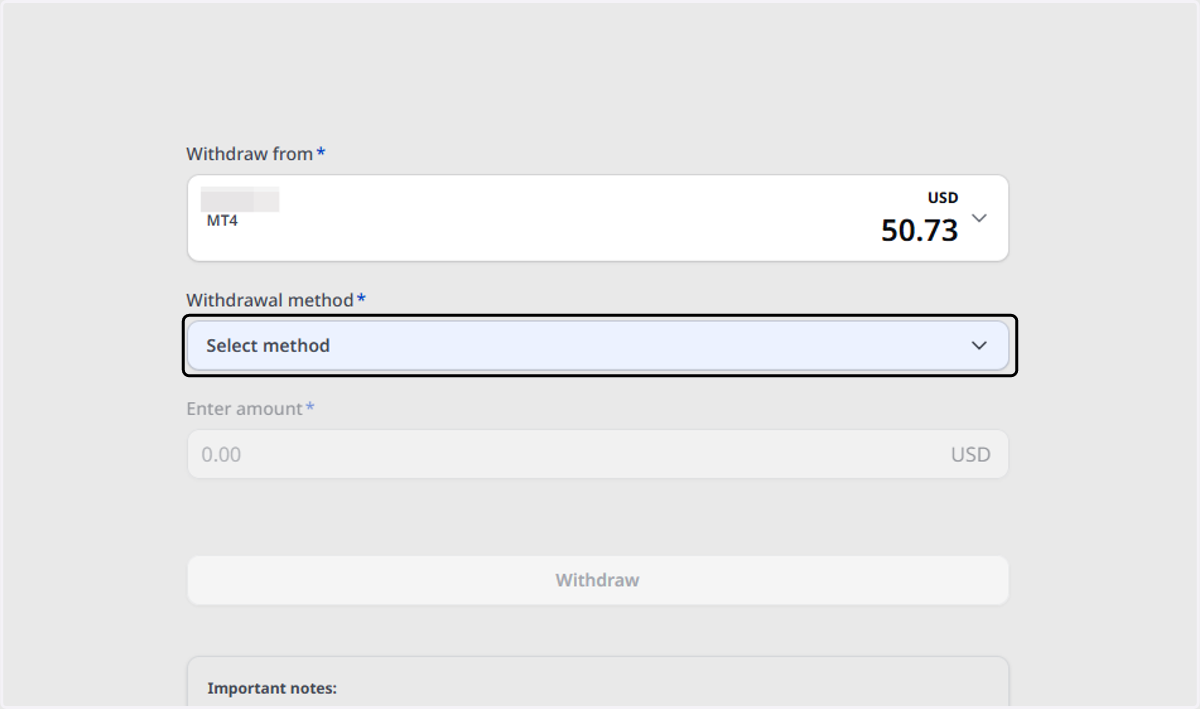
  7. 7. Click on Select method

    Click on Select method
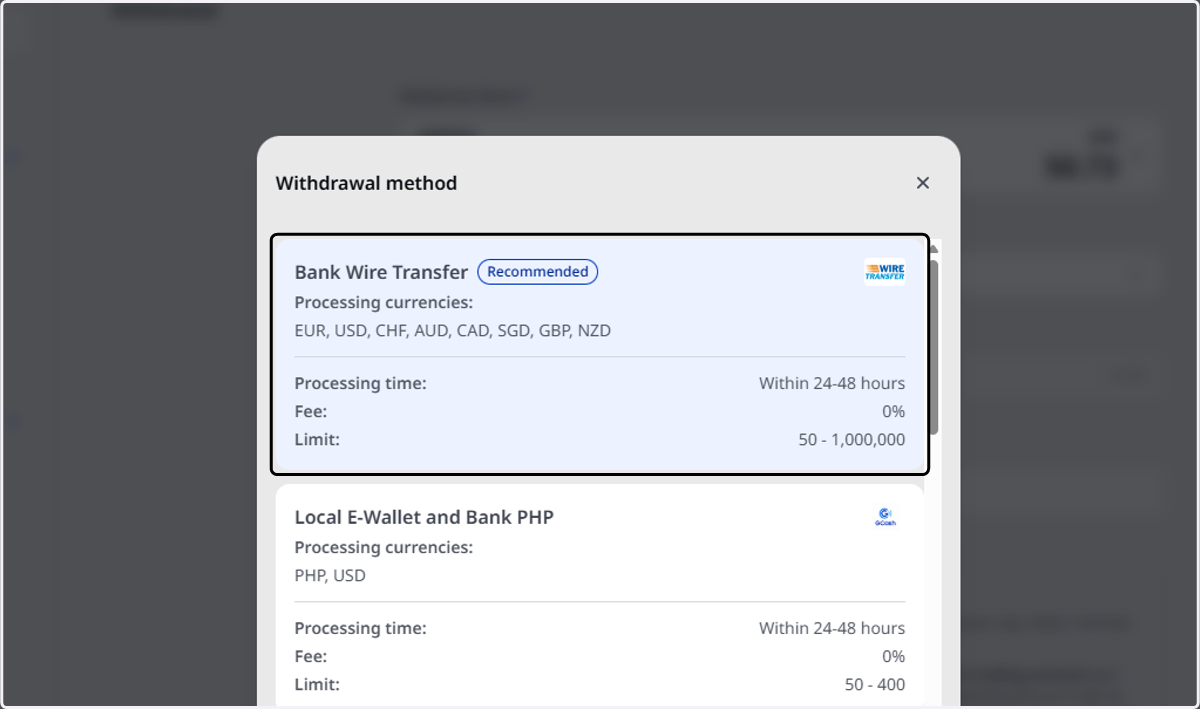
  8. 8. Click on Bank Wire Transfer…

    Click on Bank Wire Transfer…
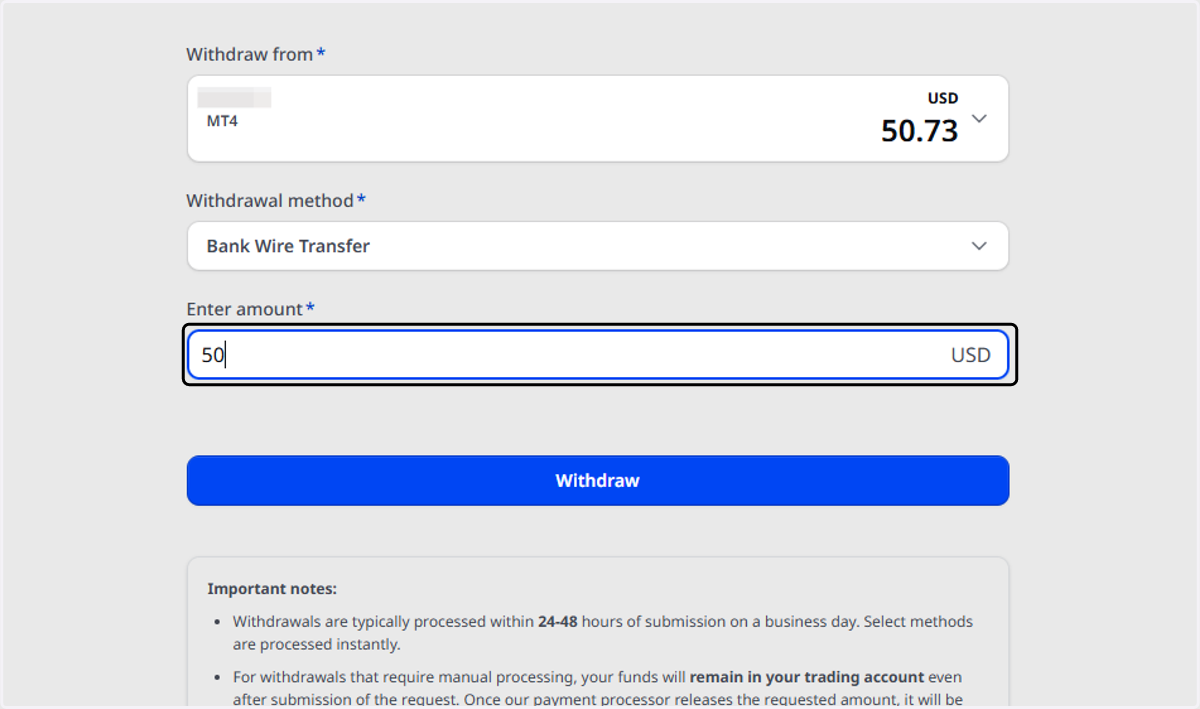
  9. 9. Type the Withdrawal Amount

    Type the Withdrawal Amount
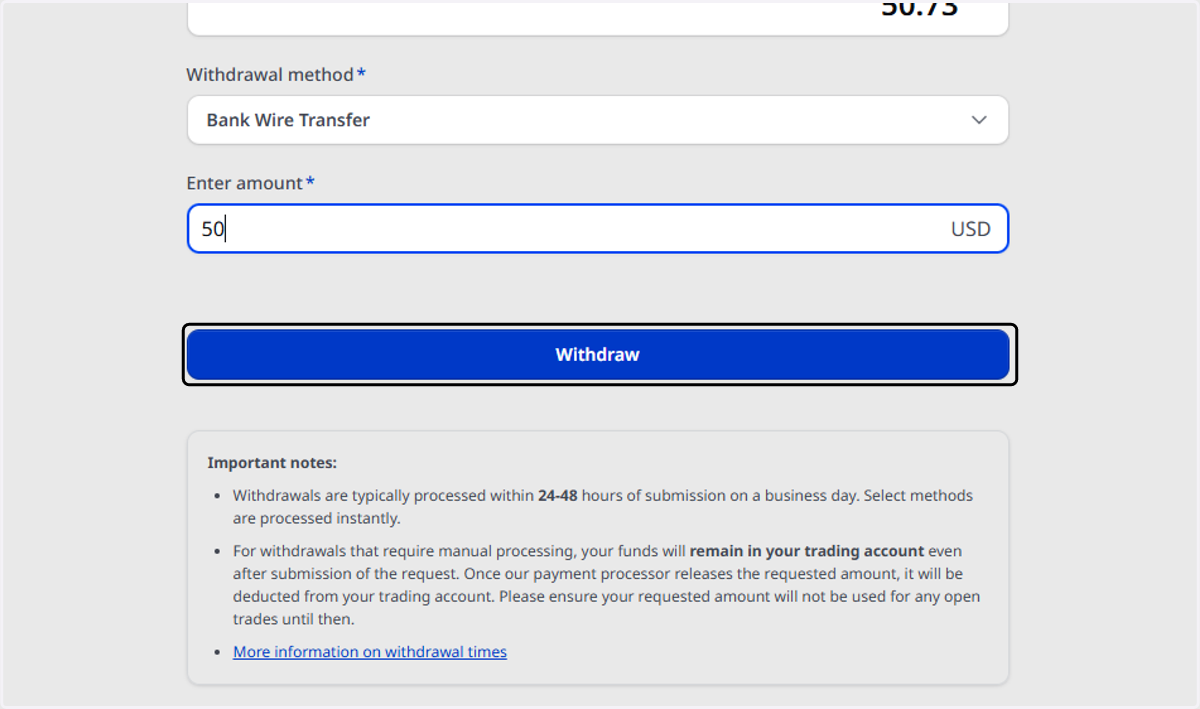
  10. 10. Click on Withdraw

    Click on Withdraw
  11. 11. Select the bank account or add another bank profile
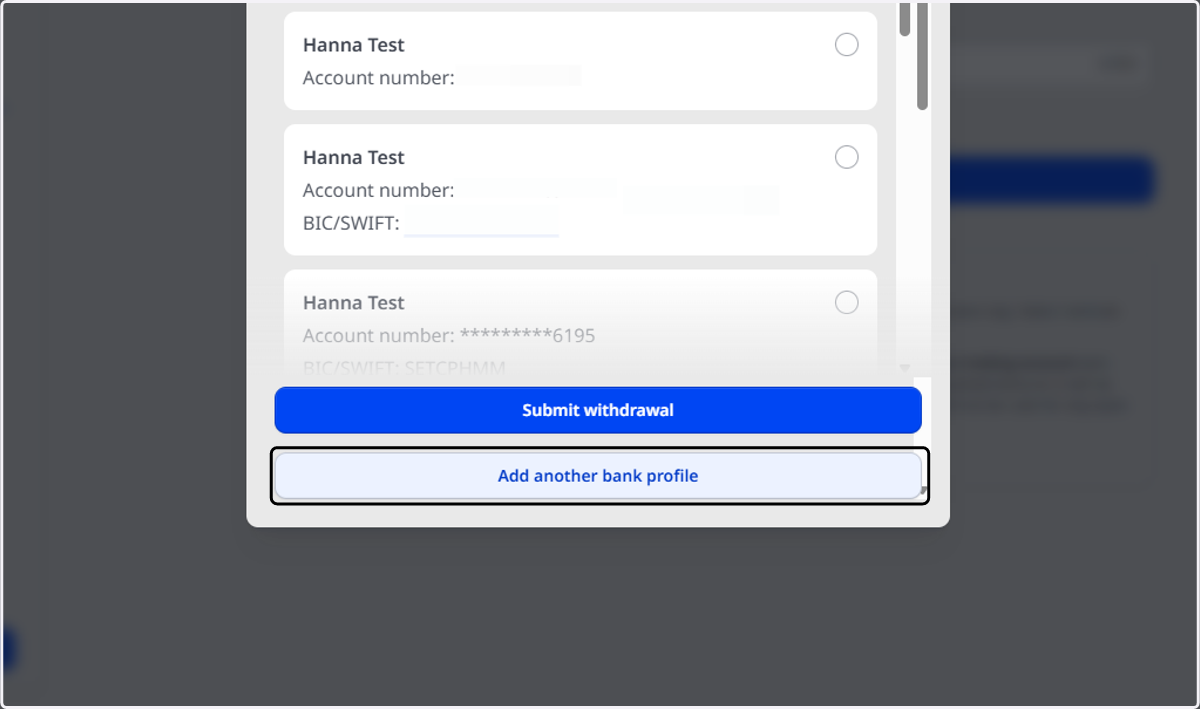
    Select the bank account or add another bank profile
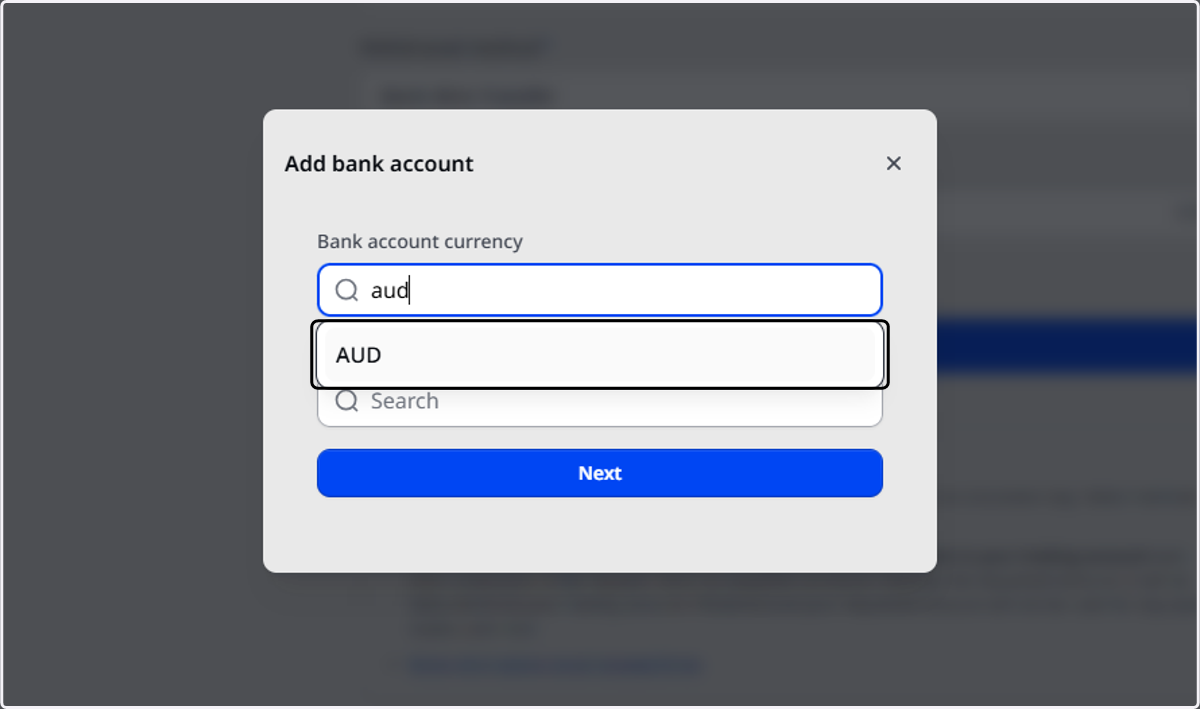
  12. 12. Select the currency

    Select the currency
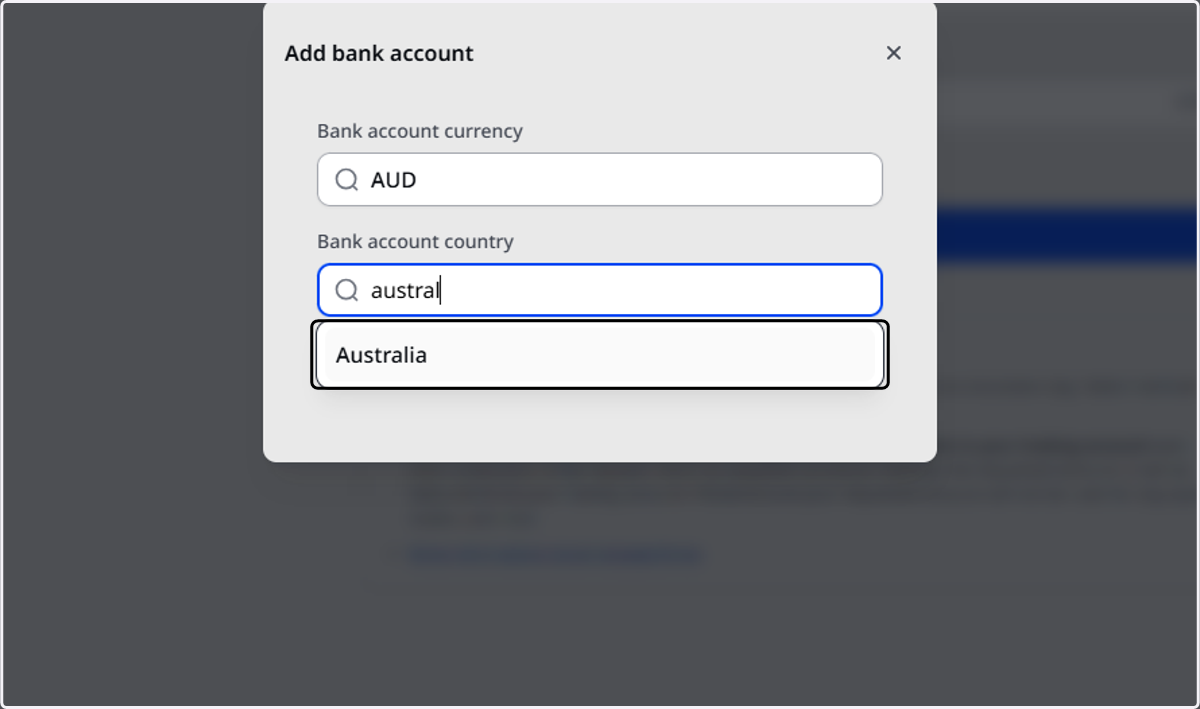
  13. 13. Select the bank account country

    Select the bank account country
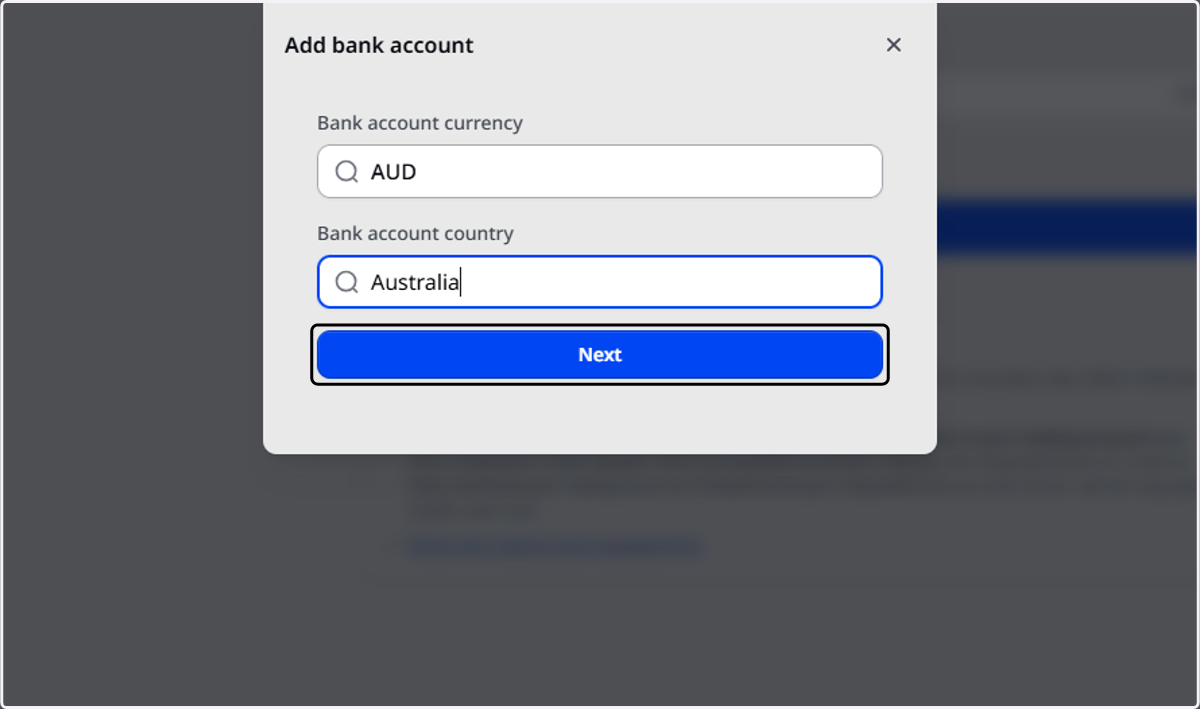
  14. 14. Click on Next

    Click on Next
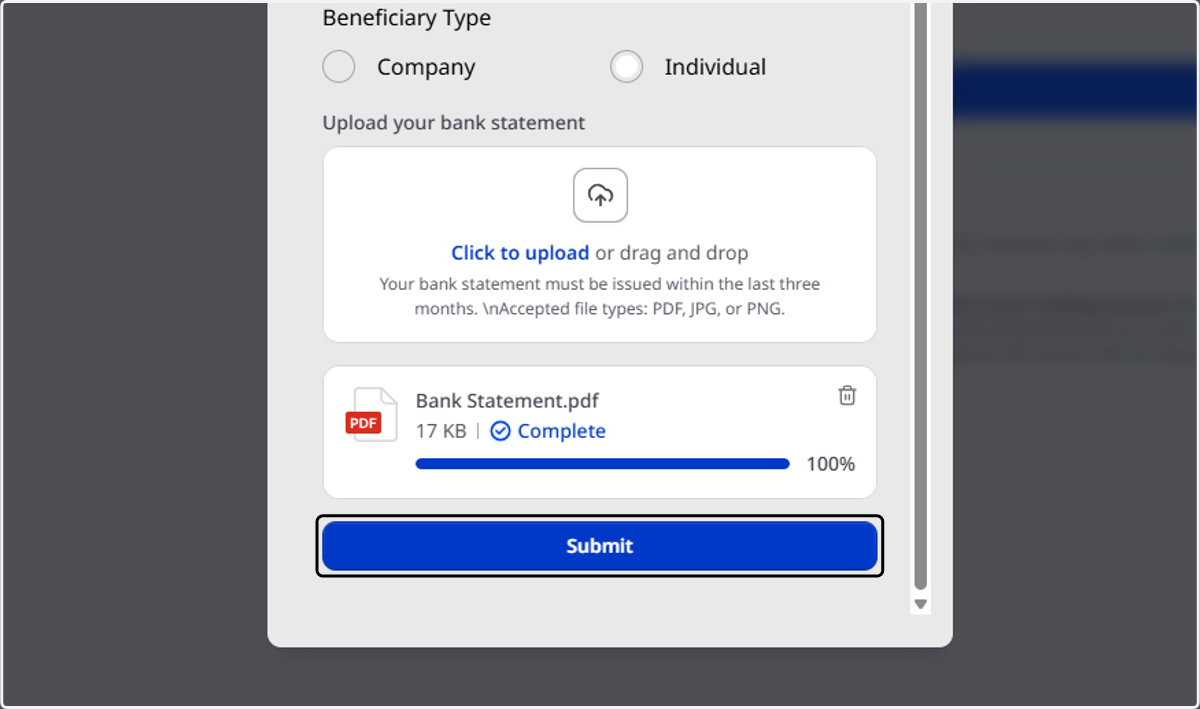
  15. 15. Fill out the bank details and upload a Bank Statement
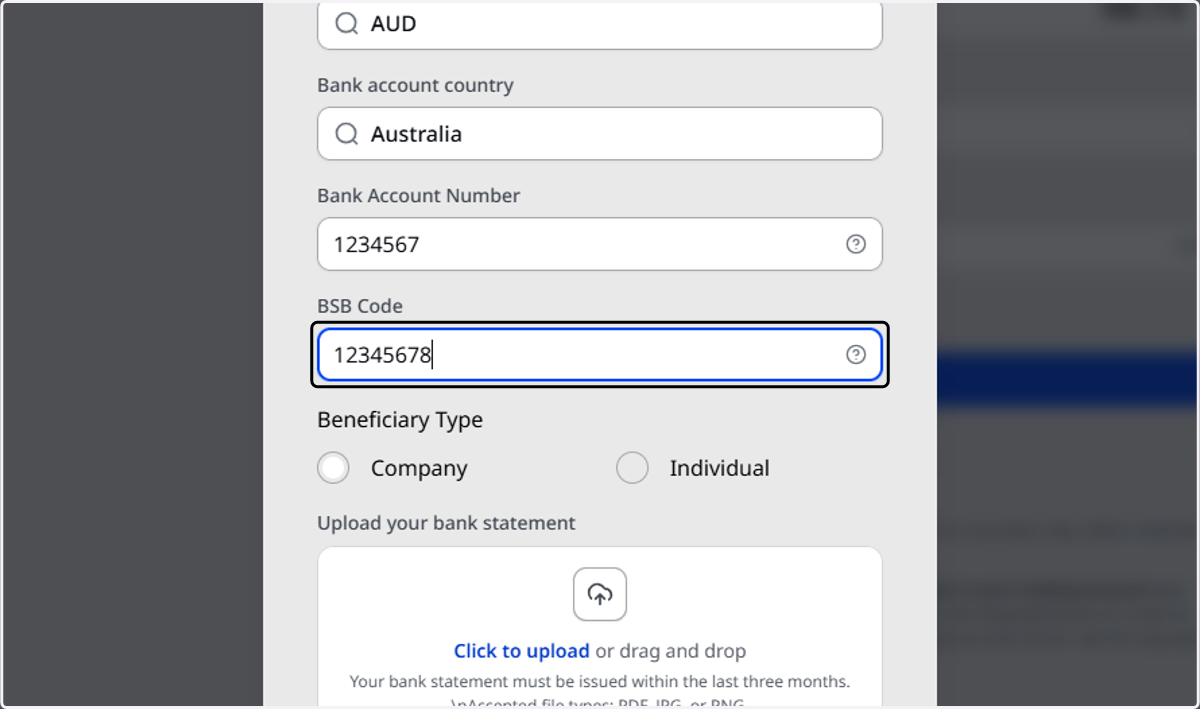
    Fill out the bank details and upload a Bank Statement
  16. 16. Click on Submit

    Click on Submit