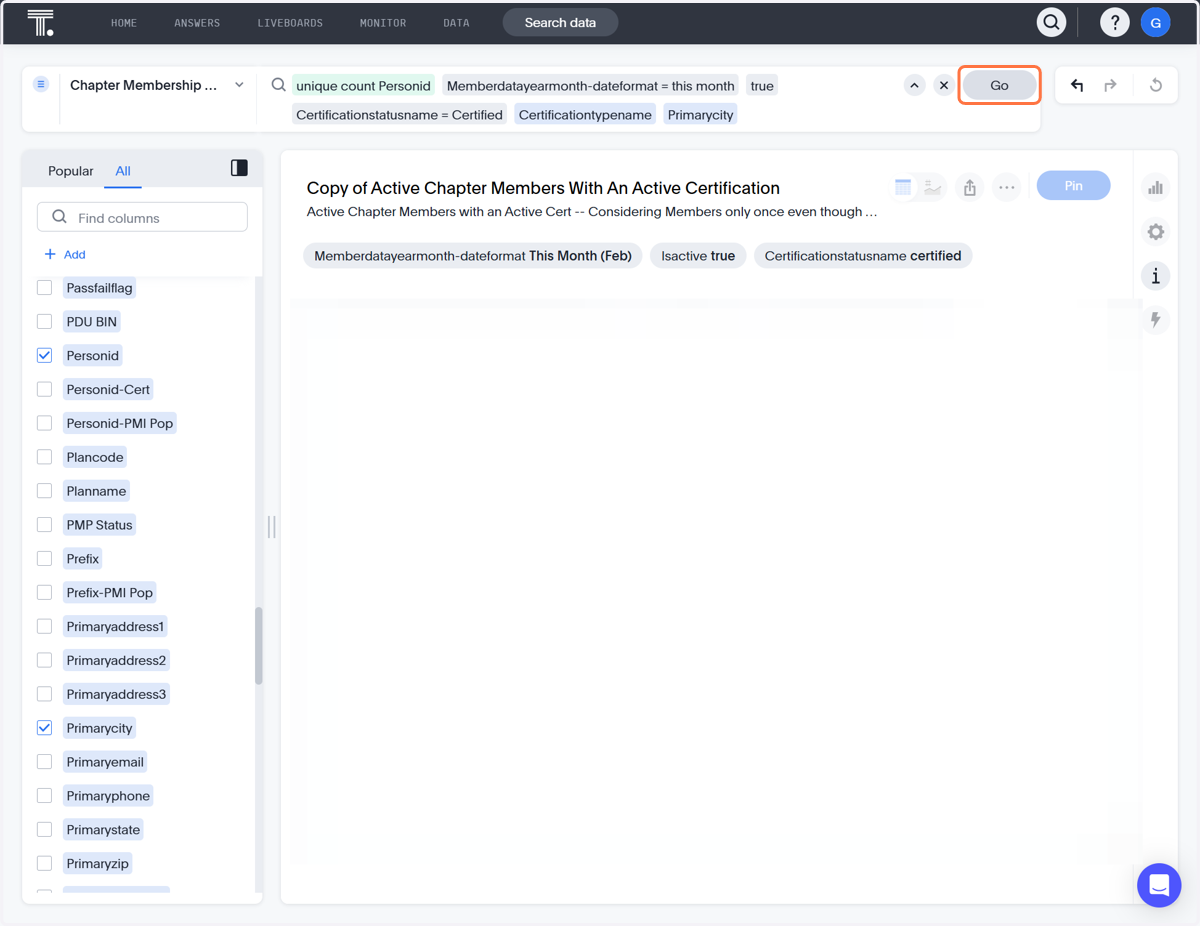
How to view Certification types by city
ThoughtSpot
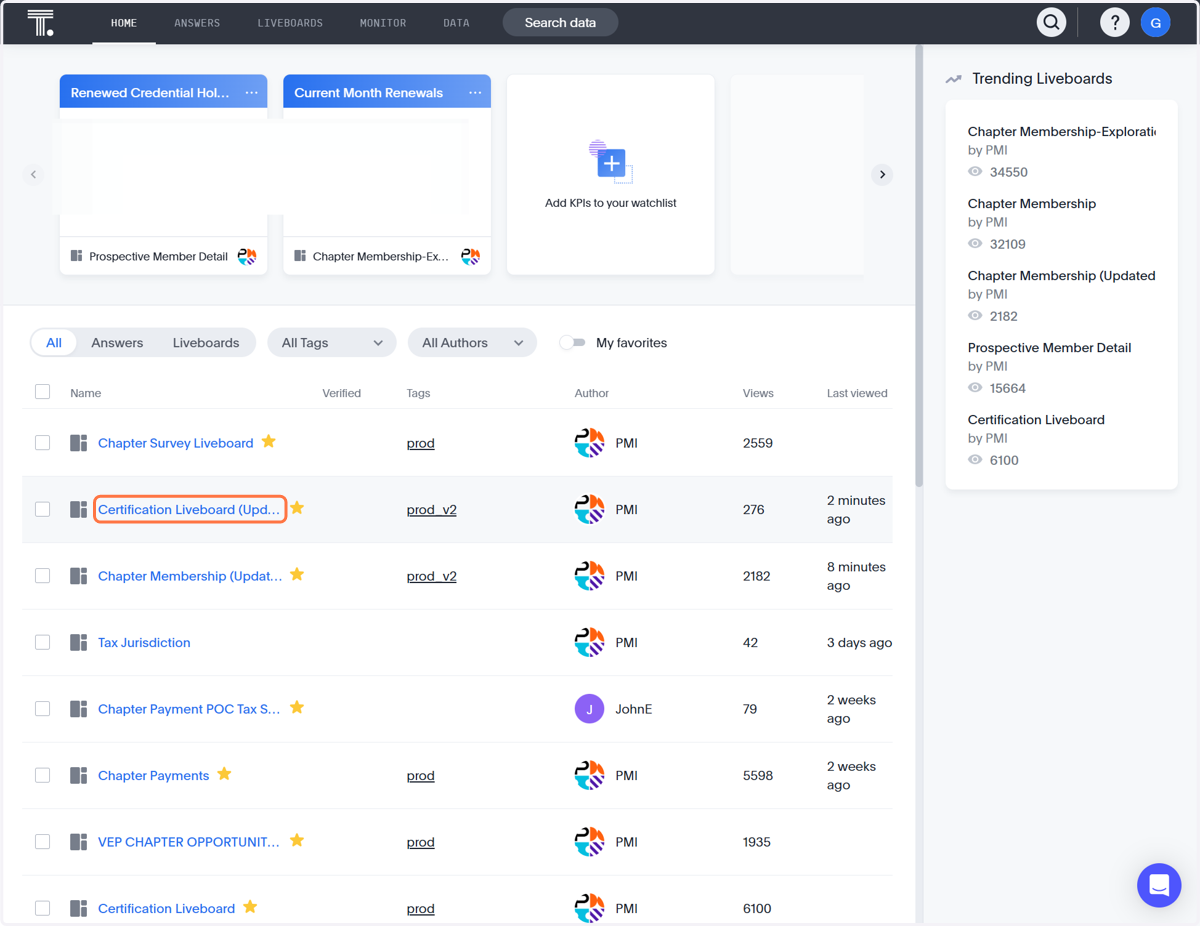
1. Click on Certification Liveboard (Updated)
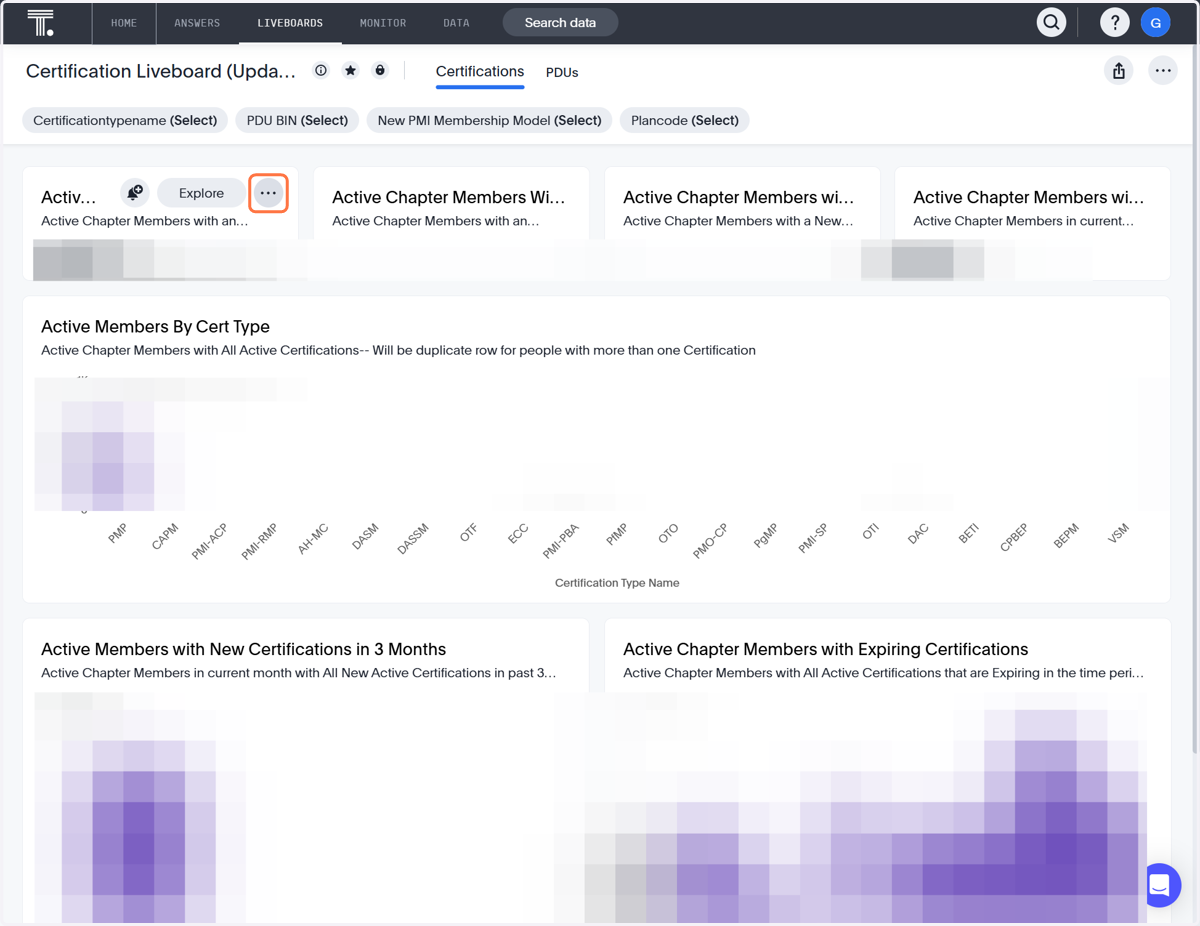
2. Click on More
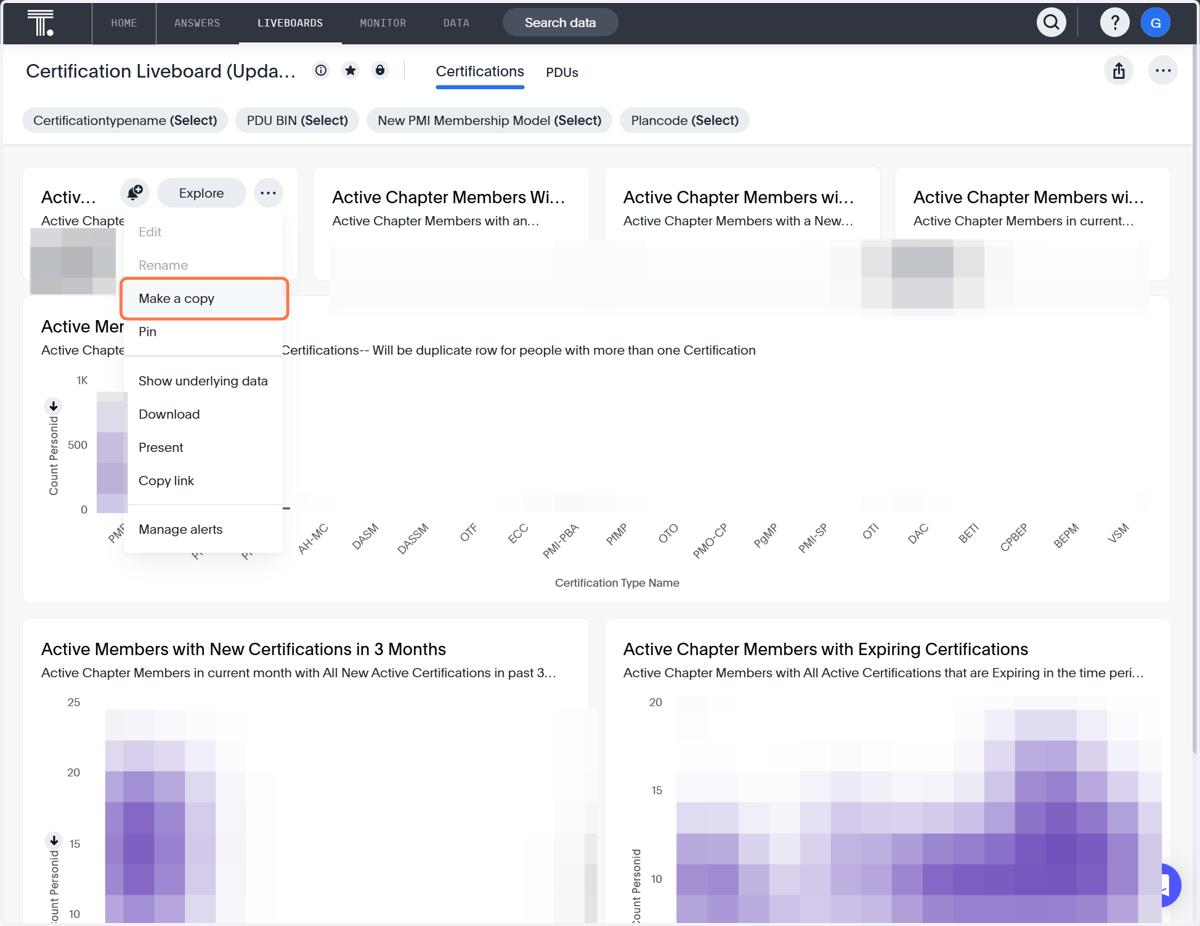
3. Click on Make a copy
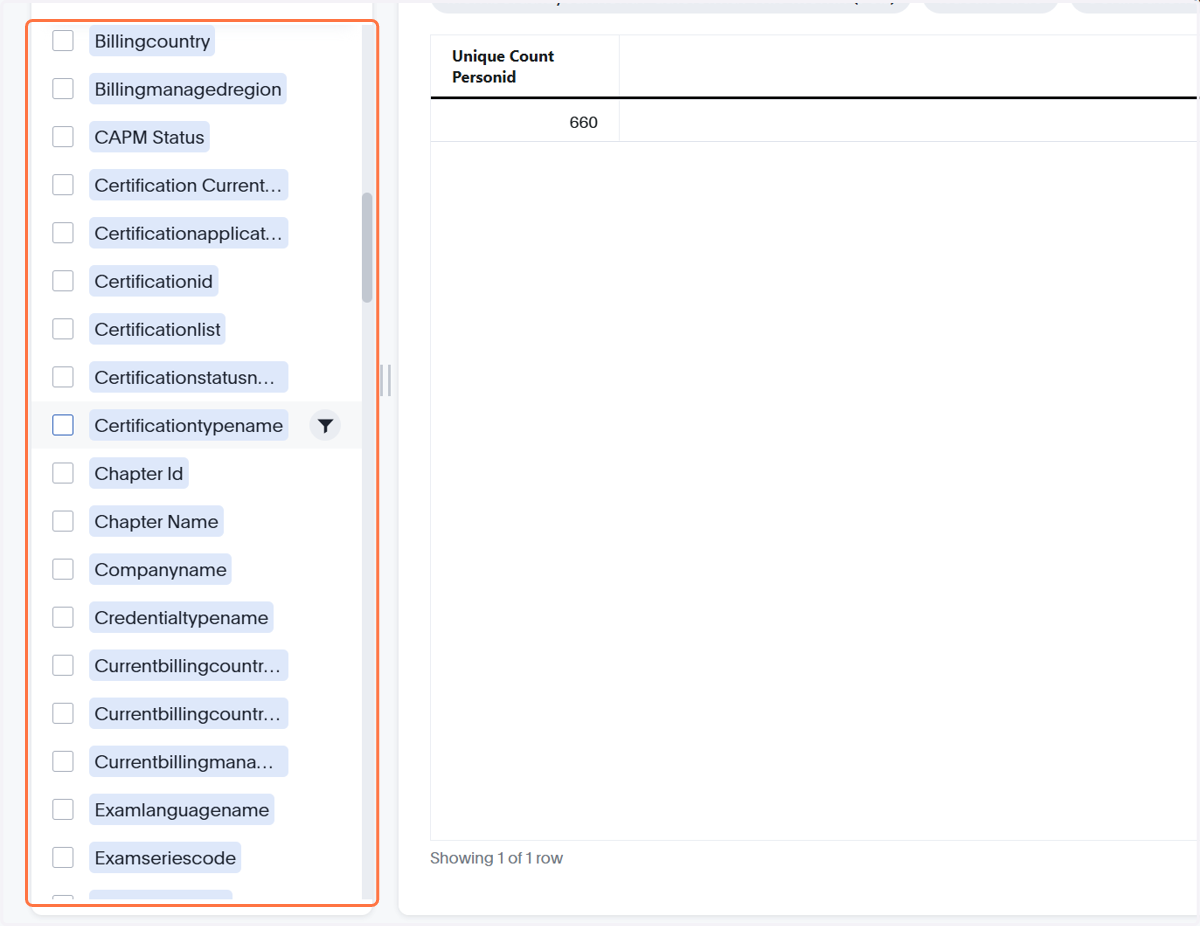
4. The data attributes on the left will need to be selected in order to view as explained later
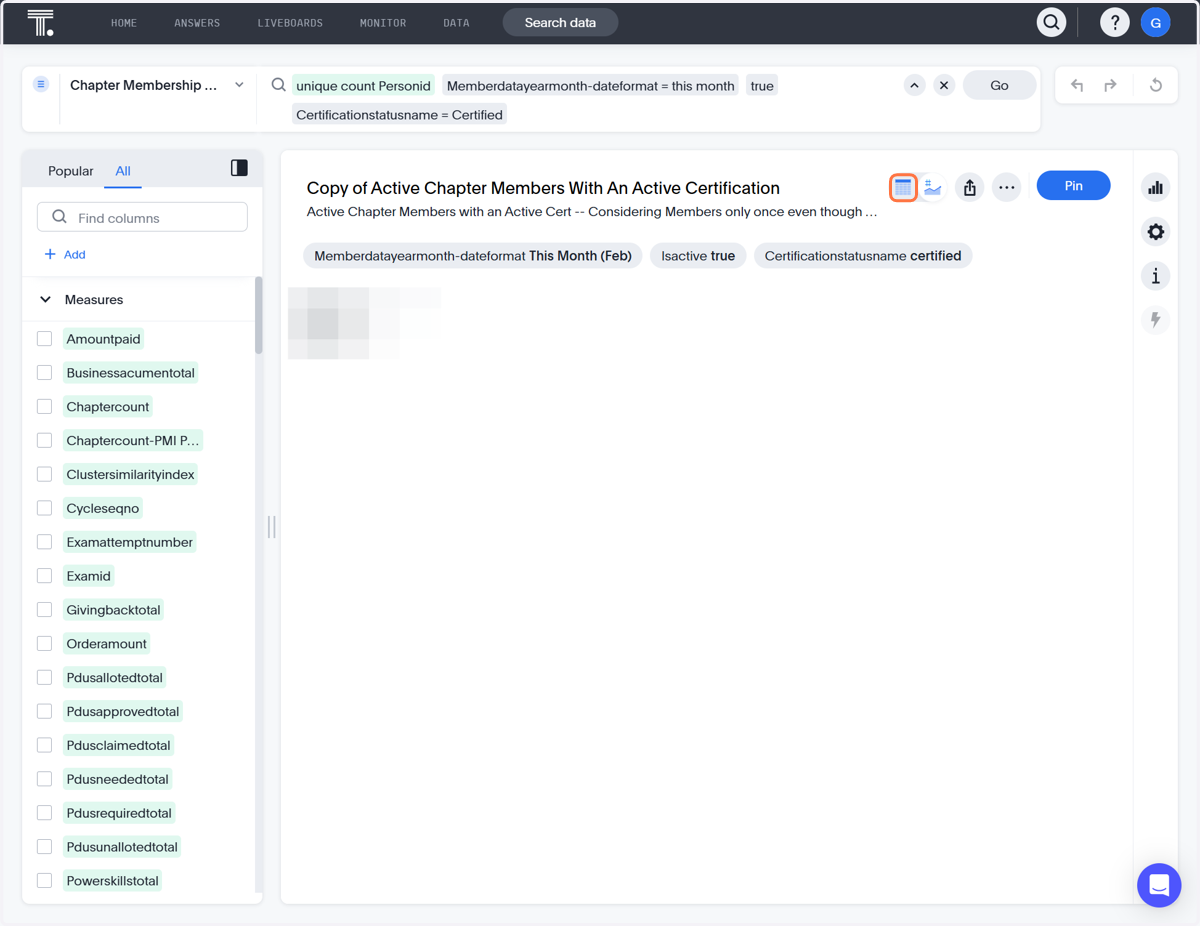
5. Click on View table
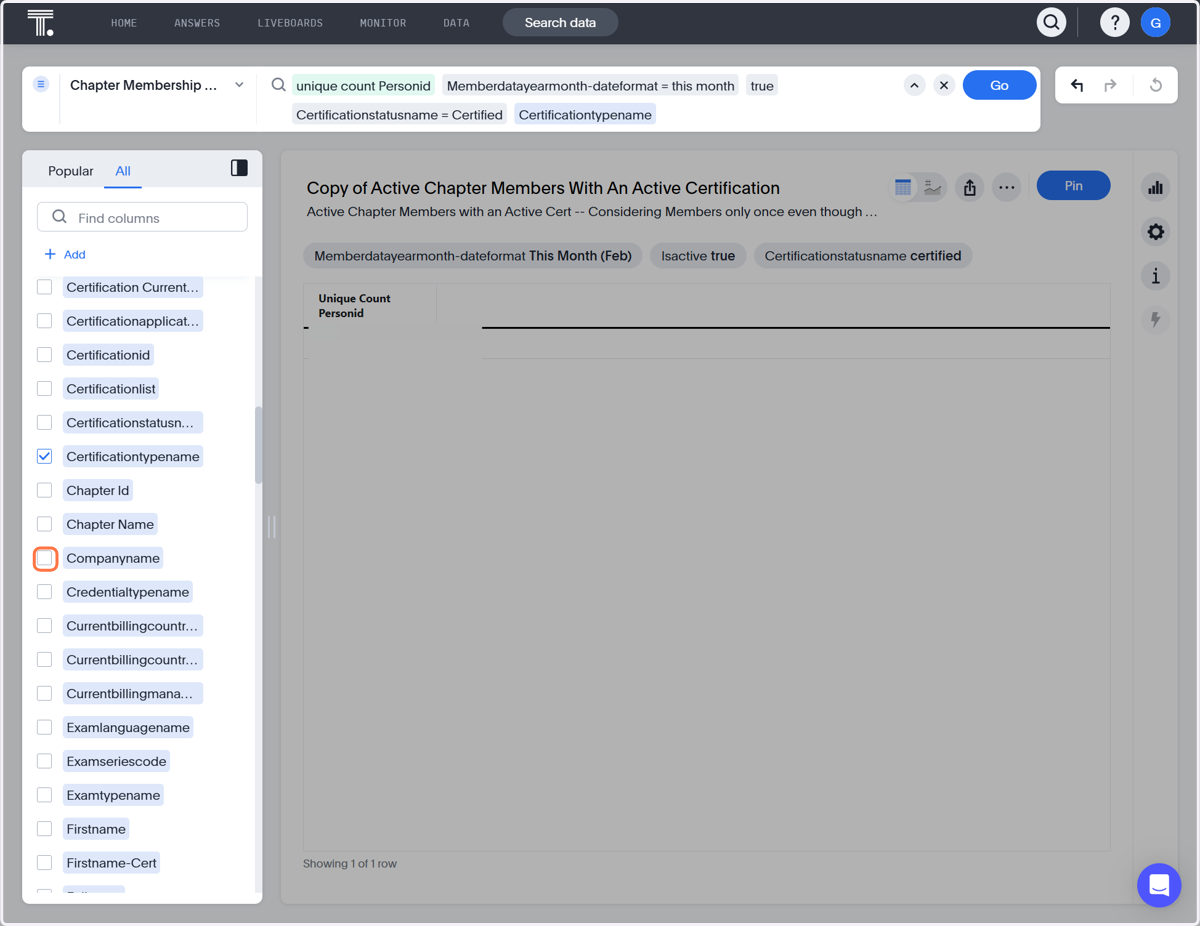
6. Click Certificationtypename
7. Scroll to find additional data points
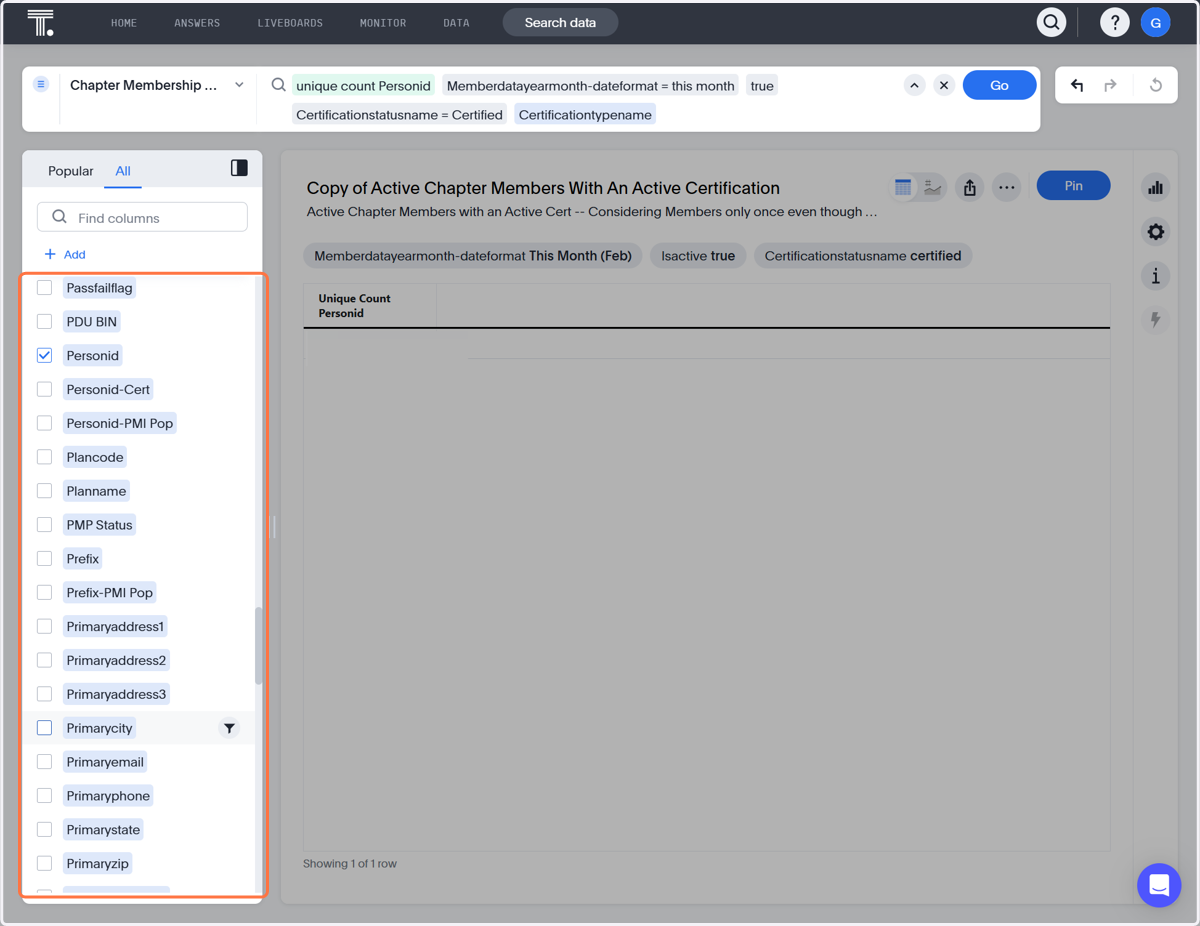
8. Check Primarycity to view city
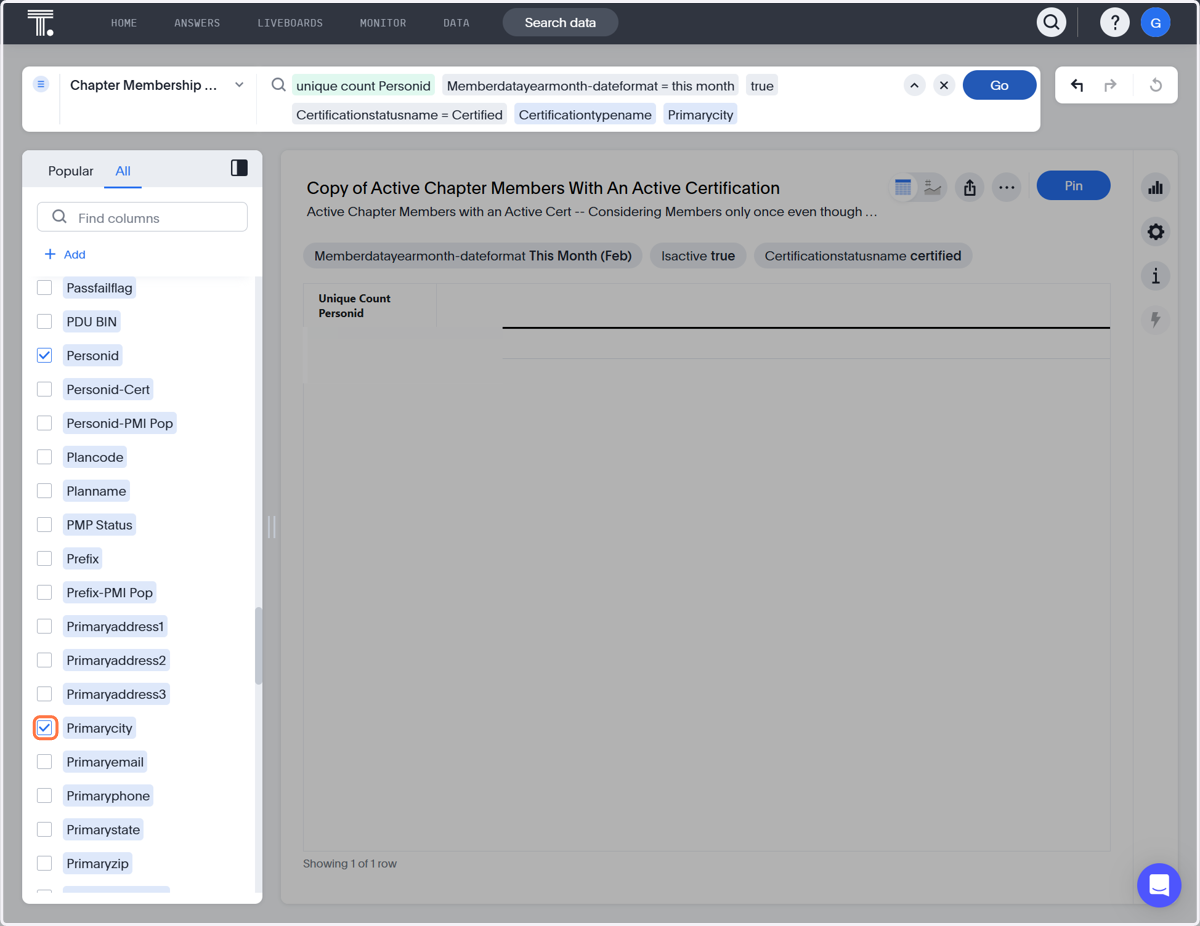
9. Click on Go