How to use the Safe from Harm Self-Assessment digital tool
Login
Click on the link and arrive on the login page of the digital tool.
1. Choose your language
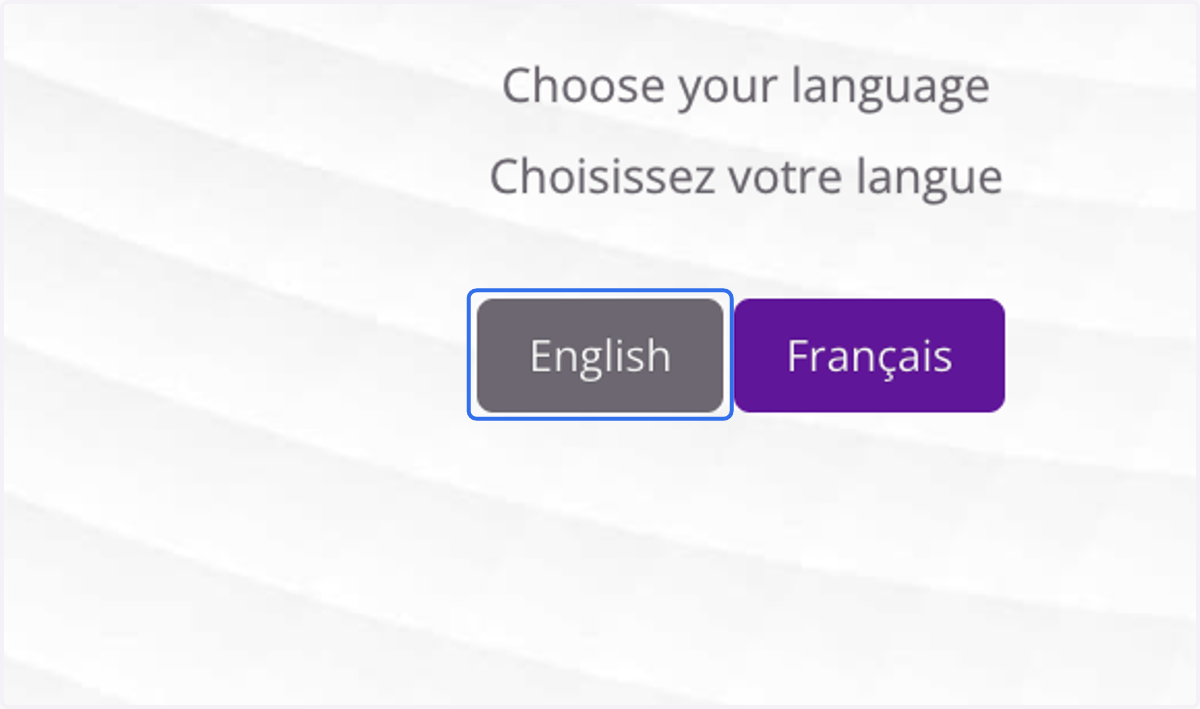
2. Instructions
Read the instructions carefully before starting the self-assessment and look at the overall criteria before starting your submission.
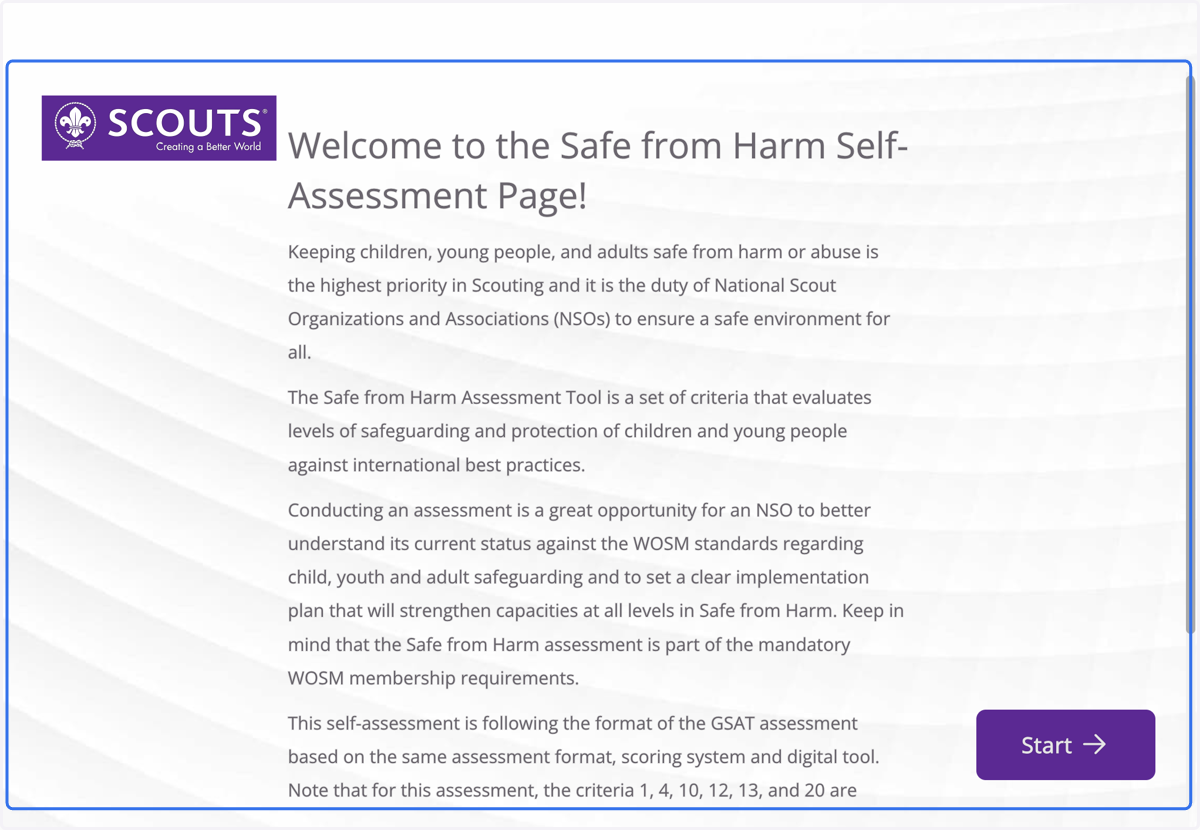
3. Click start
To begin your self-assessment click "Start".
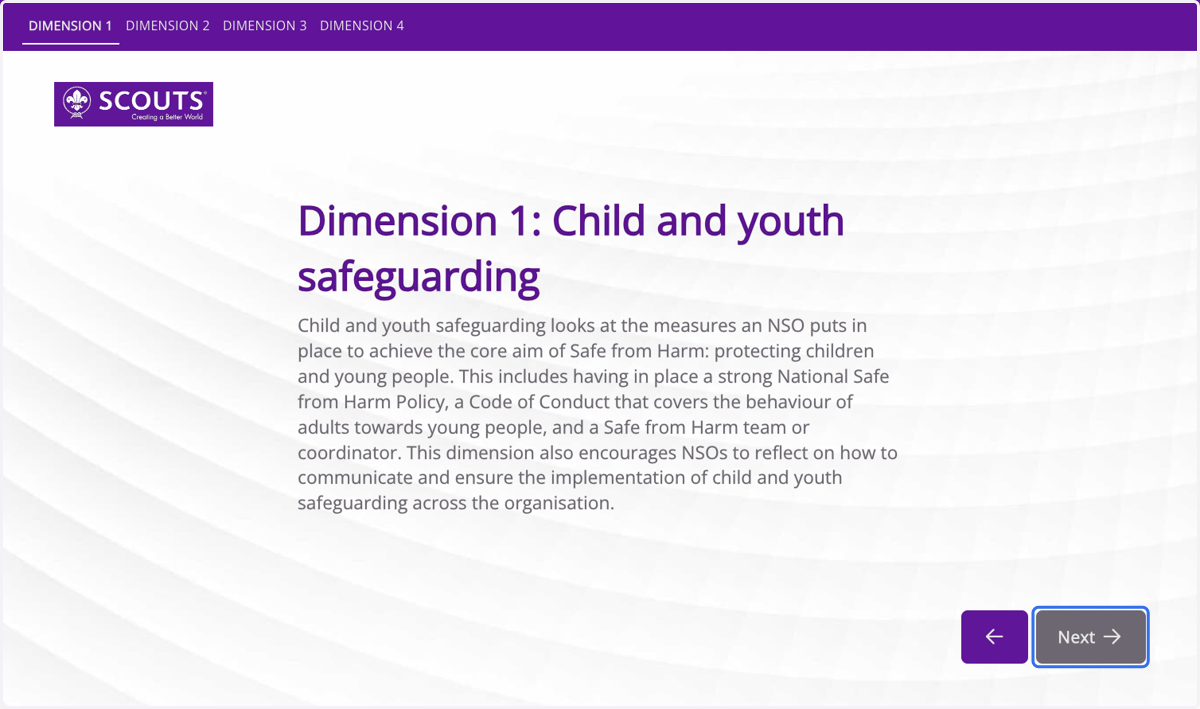
4. Dimension introduction
For each Dimension you will have an introduction text to the topic of the dimension. Click "Next" to proceed to the criteria.
5. Score criteria
For each dimension, the criteria will be listed out and scoring options available. Select your score.
The "not applicable" option is not available on the Major Non-Conformities.
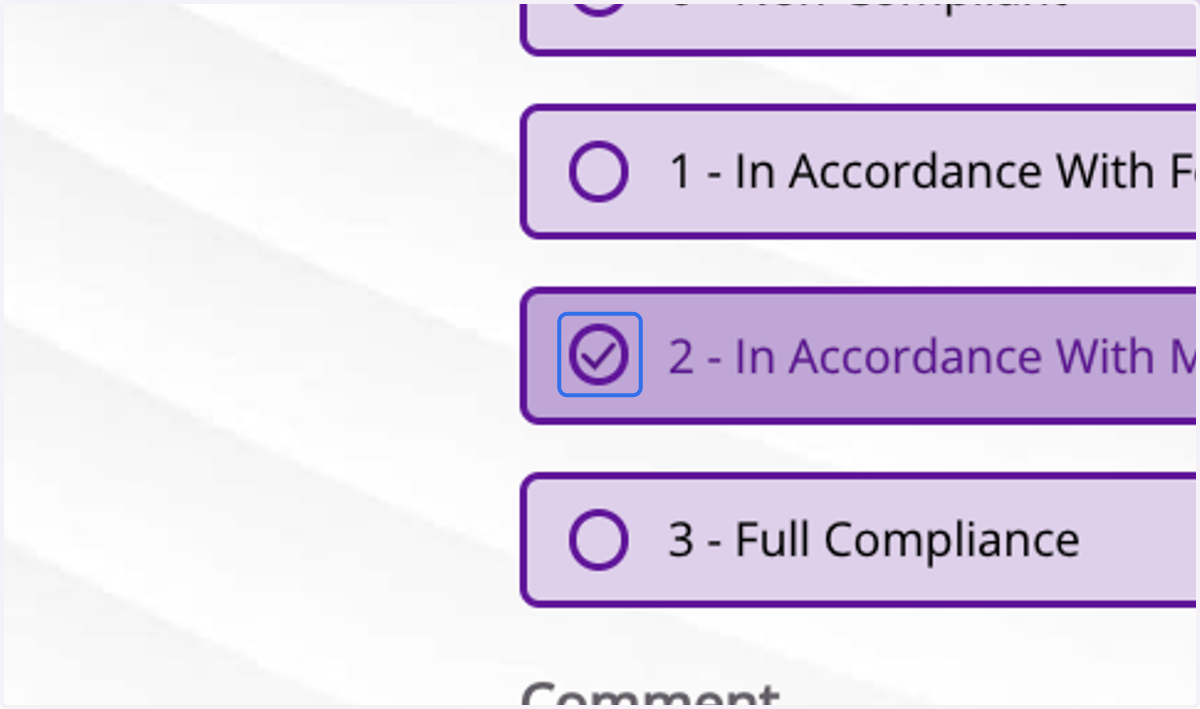
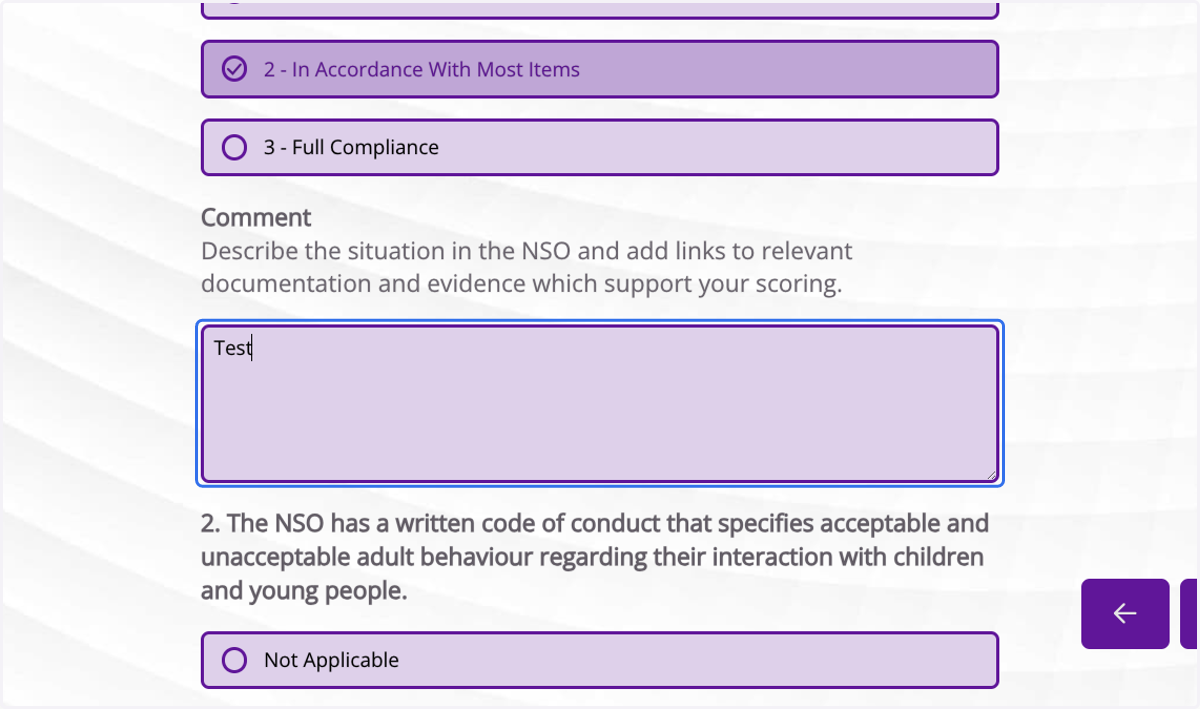
6. Fill in the comments
For each criteria, the comments need to be filled in to explain your scoring.
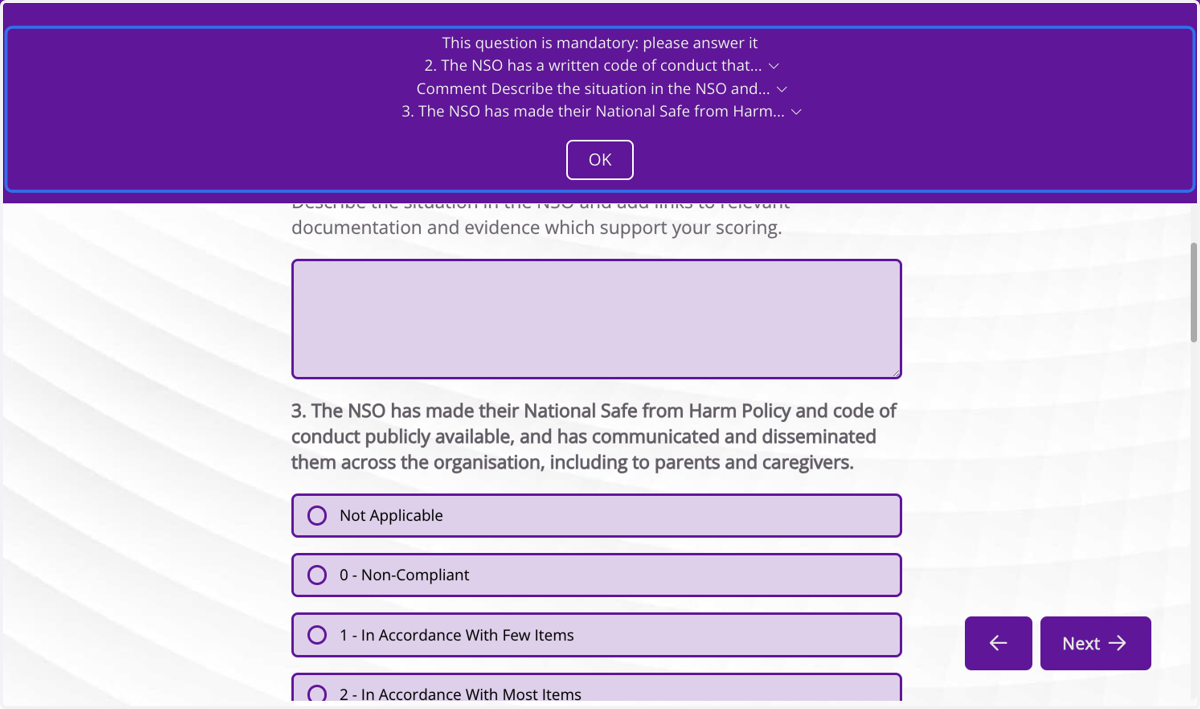
7. Mandatory fields
You will not be able to move to the next dimension if you have not filled in the scoring and comments for each of the criteria.
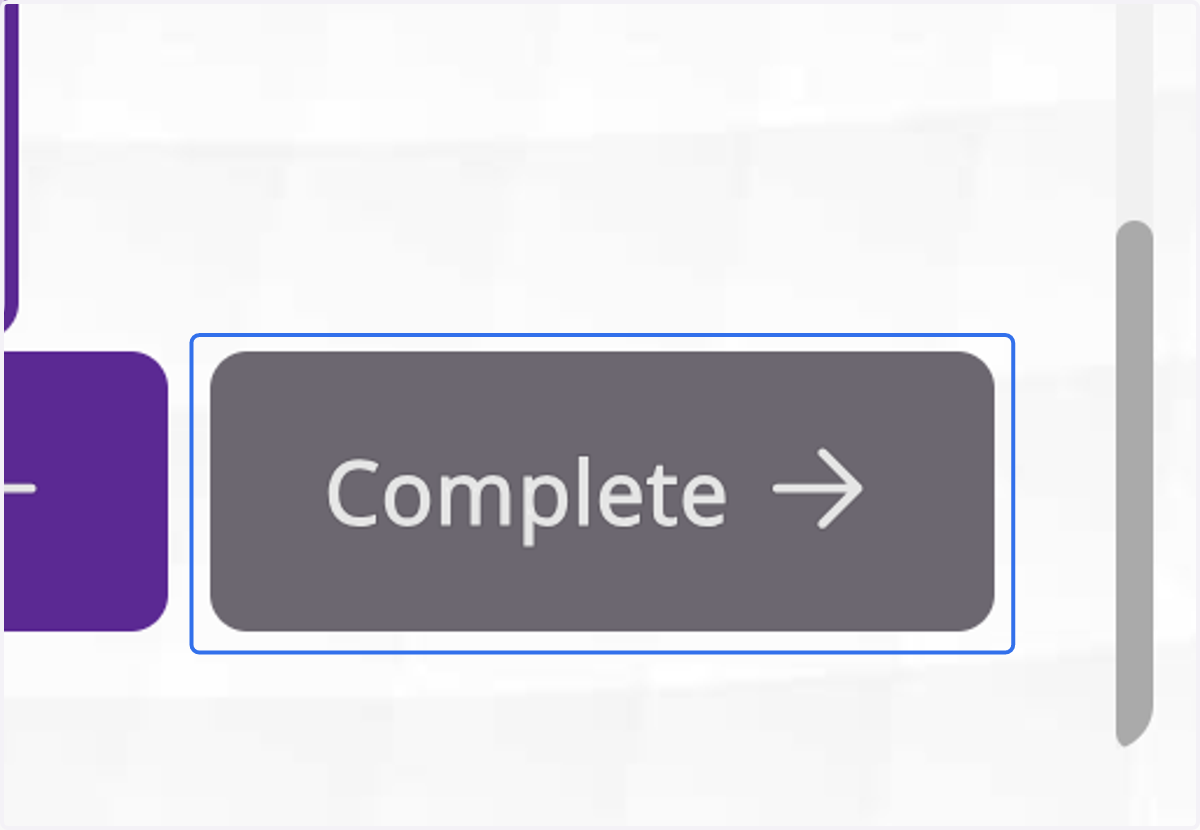
8. Complete assessment
Once all the dimensions are completed, you can submit your self-assessment by clicking on "Complete".
9. Congratulations!
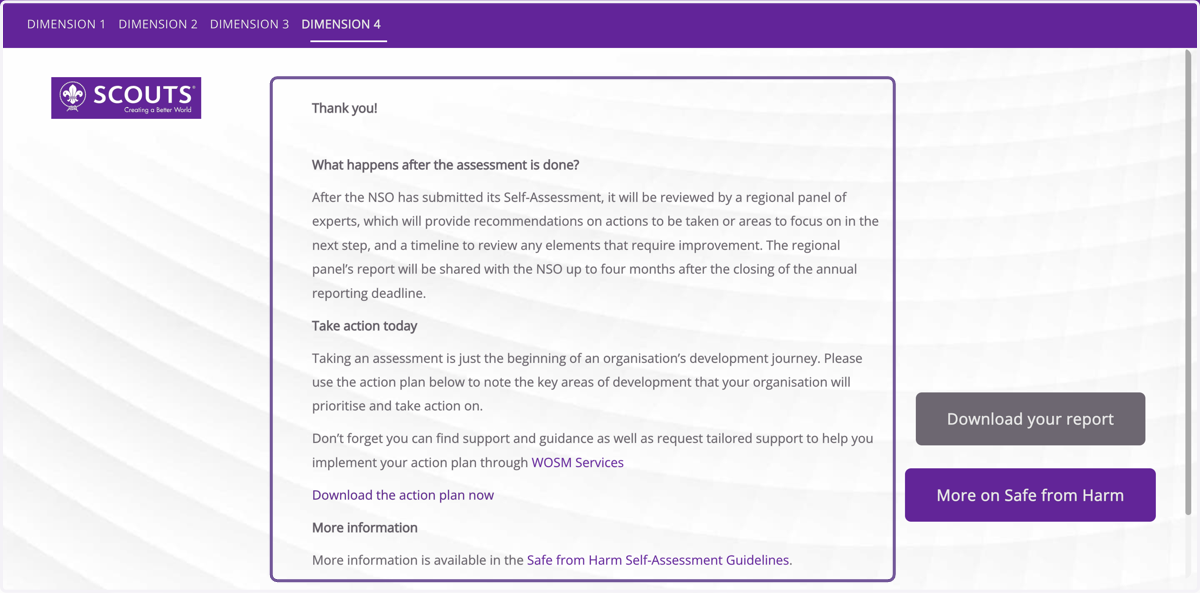
Congratulations you completed the requirements! Your Region will be notified and the team will review your self-assessment results based on the WOSM requirements and will share with you their feedback and reflections around the status of your NSO.
10. Download assessment report
If you want to download the report of your self-assessment, click on “Download your report”.
11. Click on Download
12. More on Safe from Harm
If you want to learn more about Safe from Harm and request a Safe from Harm service, click on “More on Safe from Harm”.
13. Next steps
You will receive feedback within 8 weeks from your Regional Support Center on your Safe from Harm status.
If you need any further support to complete your organisation's Safe from Harm self-assessment, you can reach out to your Regional Support Center.