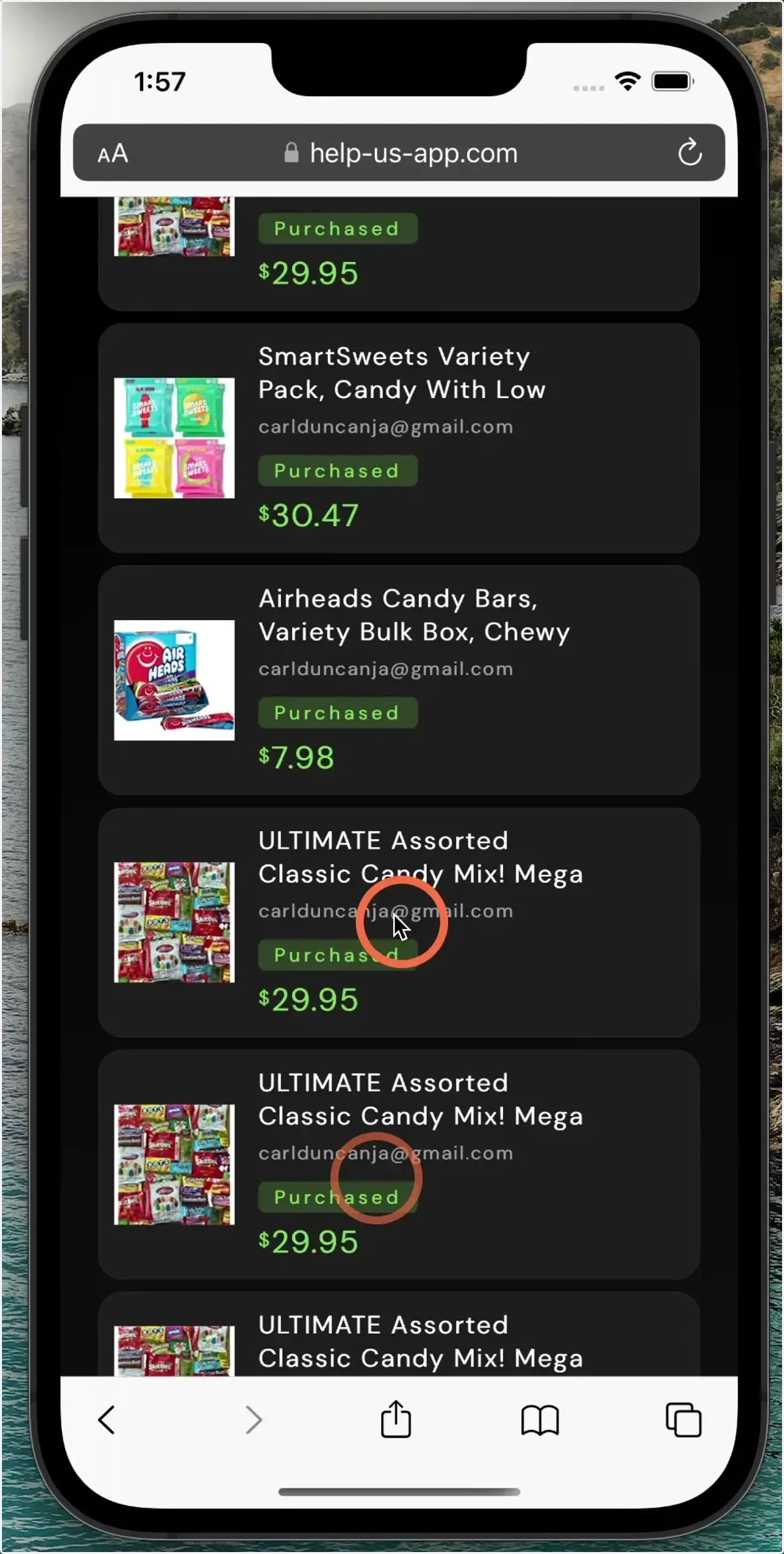
How to use help us for web
simulator
1. Visit the help us page on your mobile device.
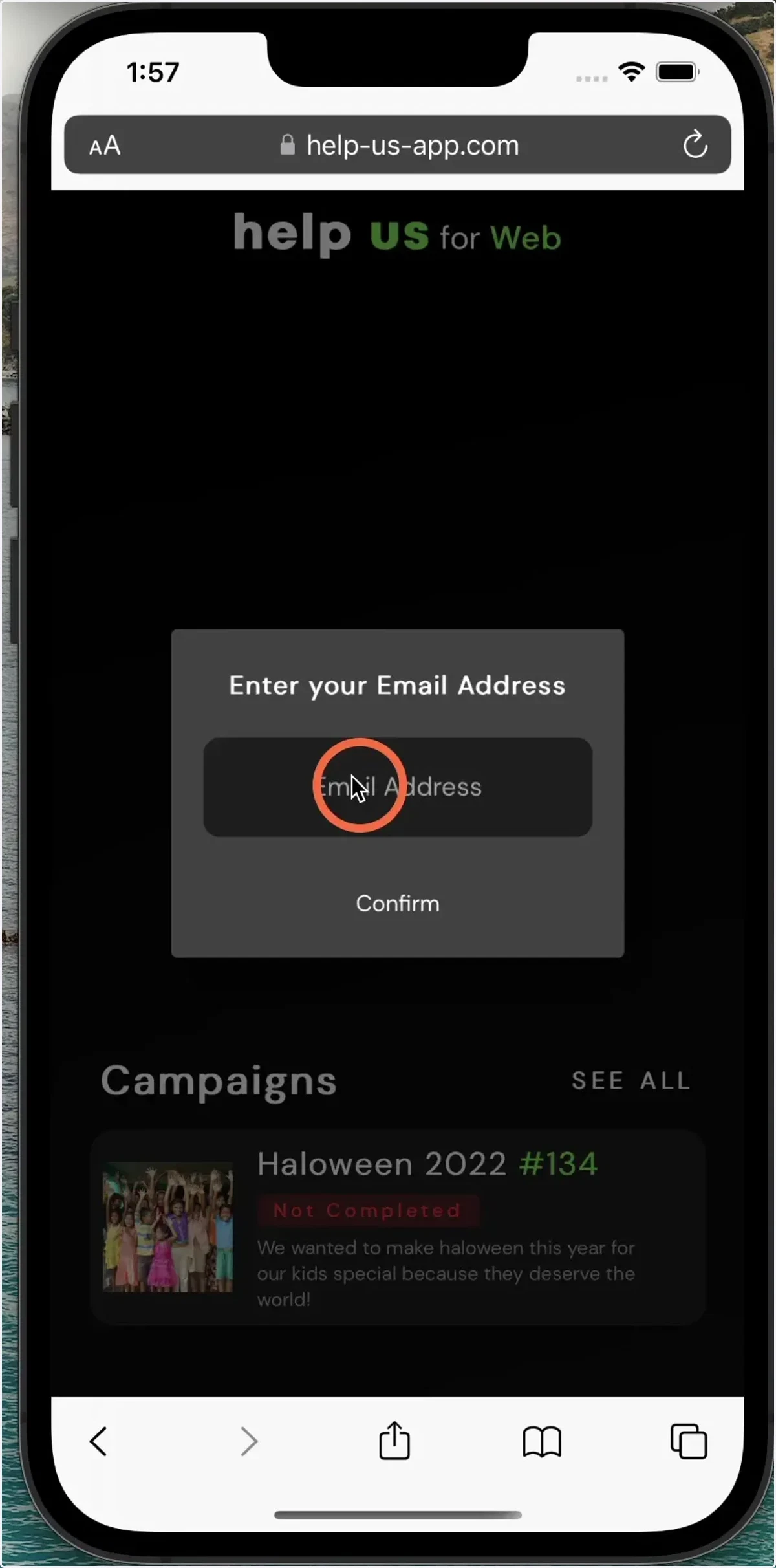
2. Confirm your email address (this is only used for attribution)
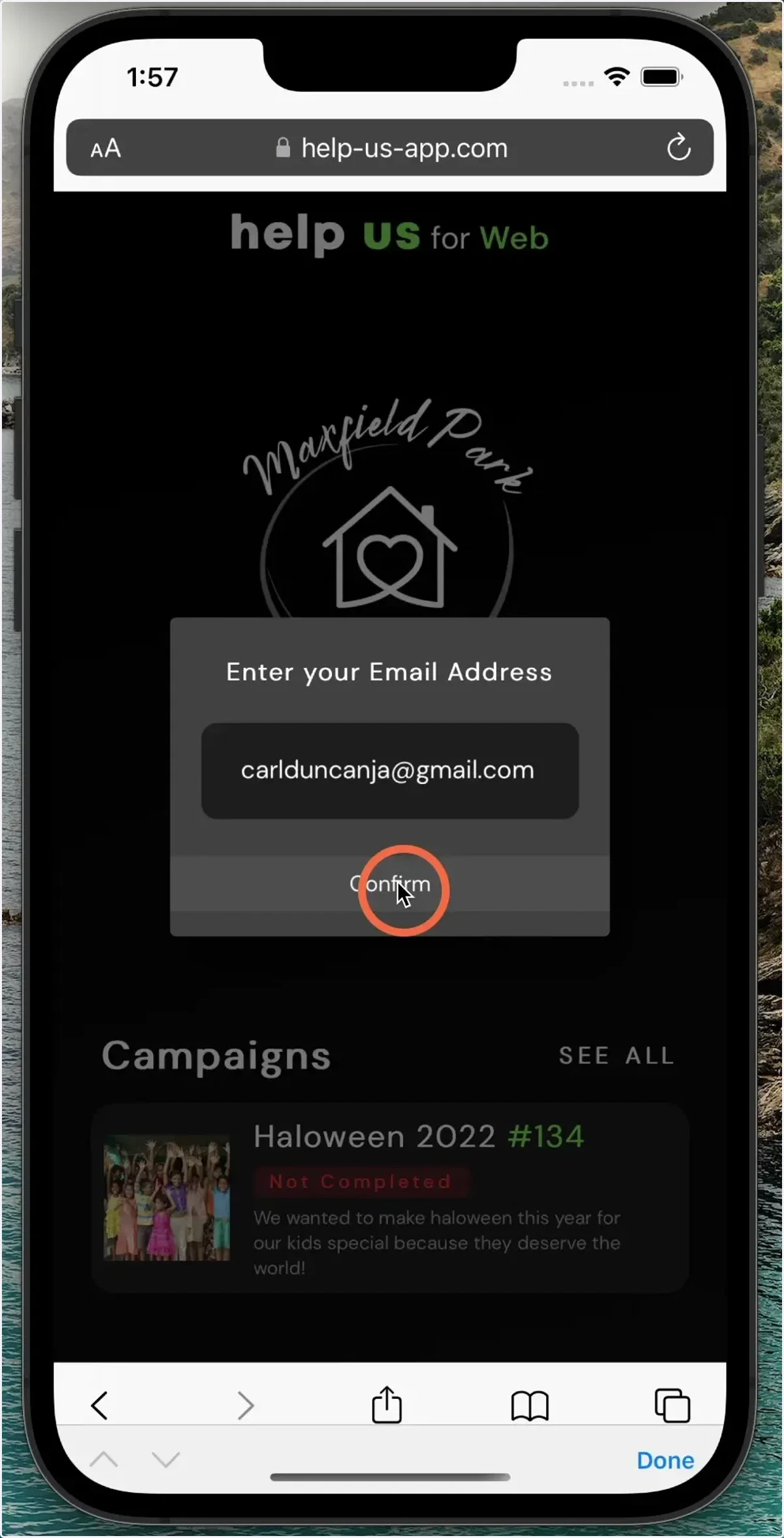
3. Select a campaign.
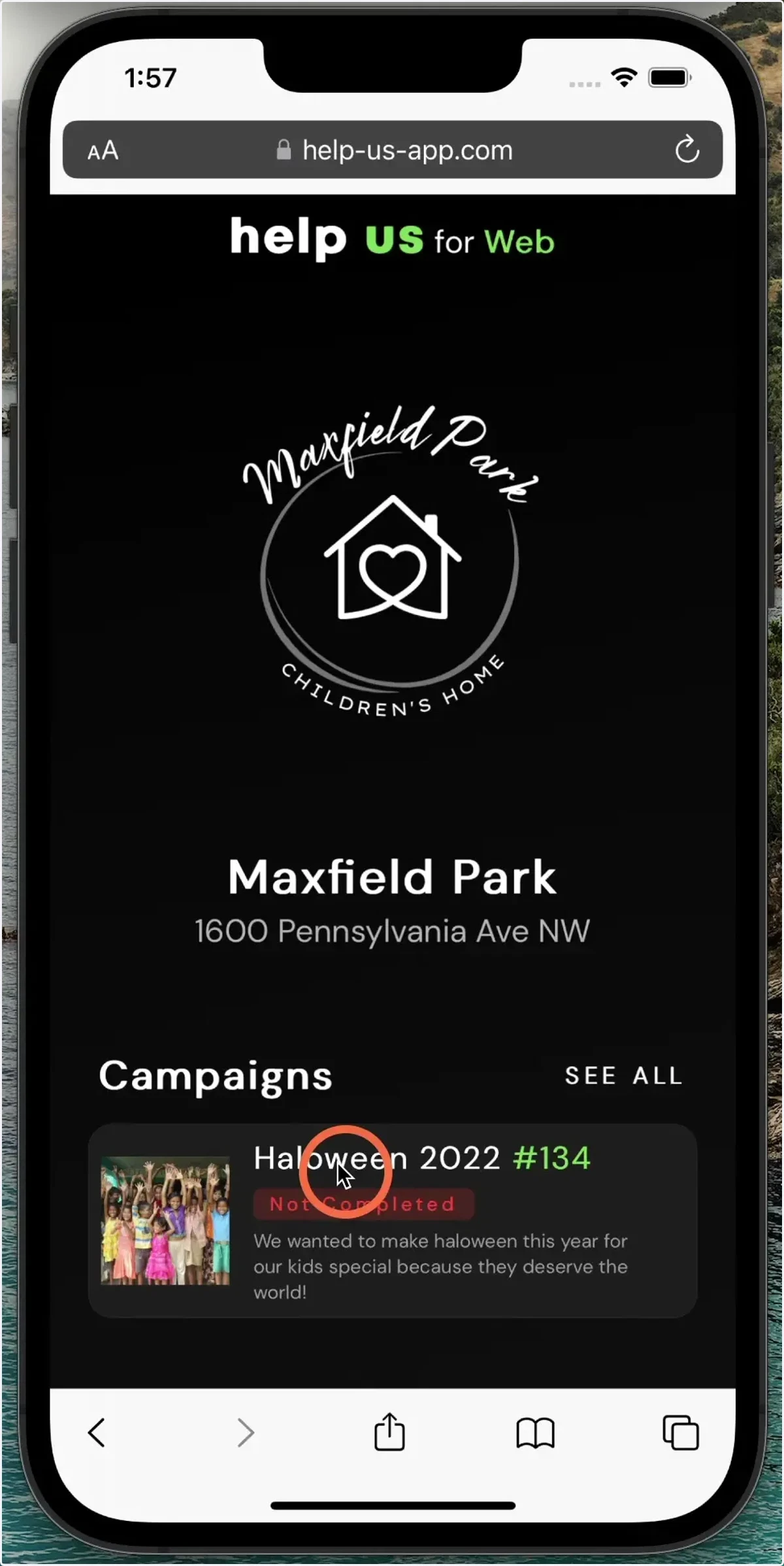
4. Choose the items you would like to purchase from the campaign.
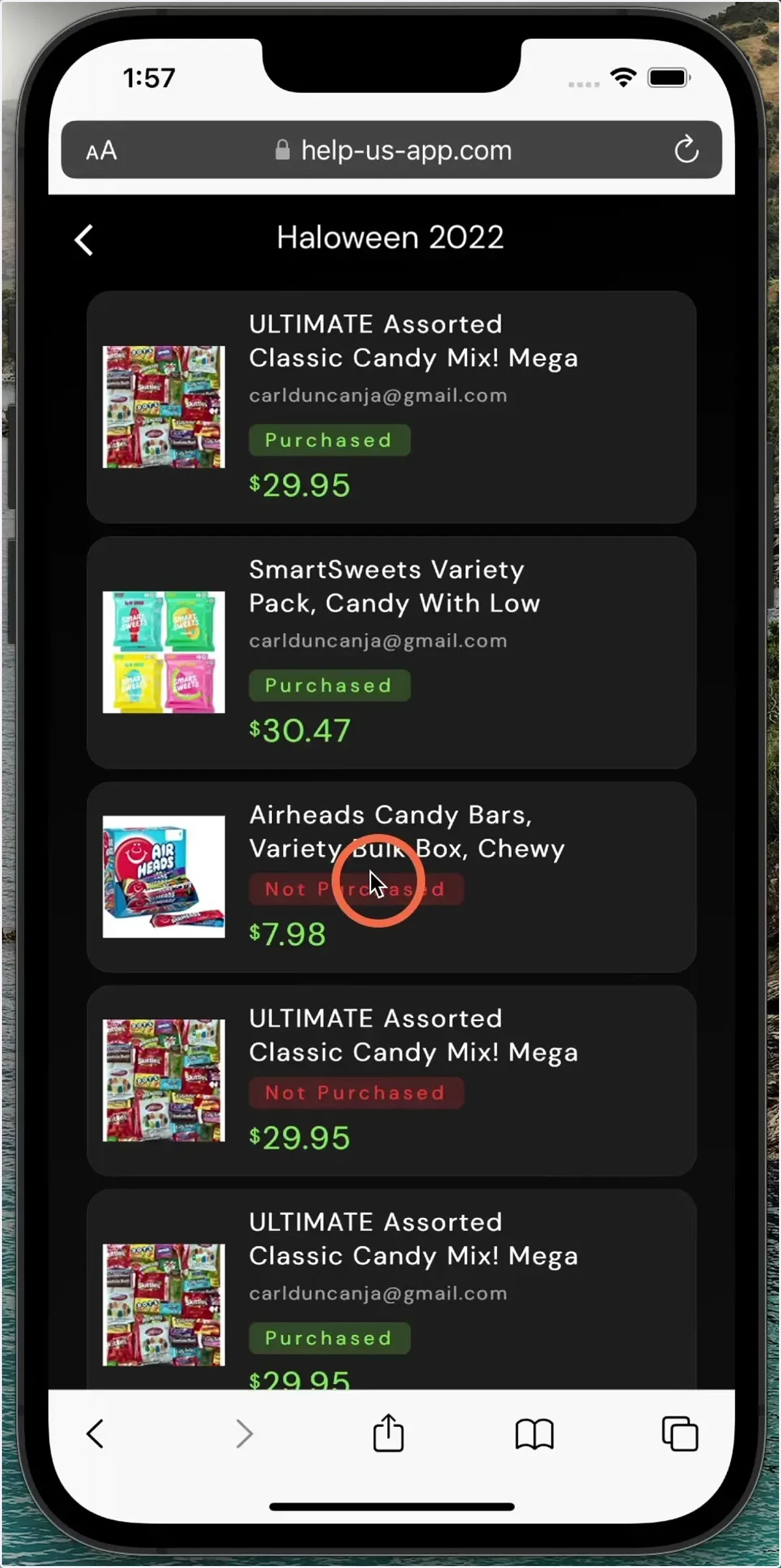
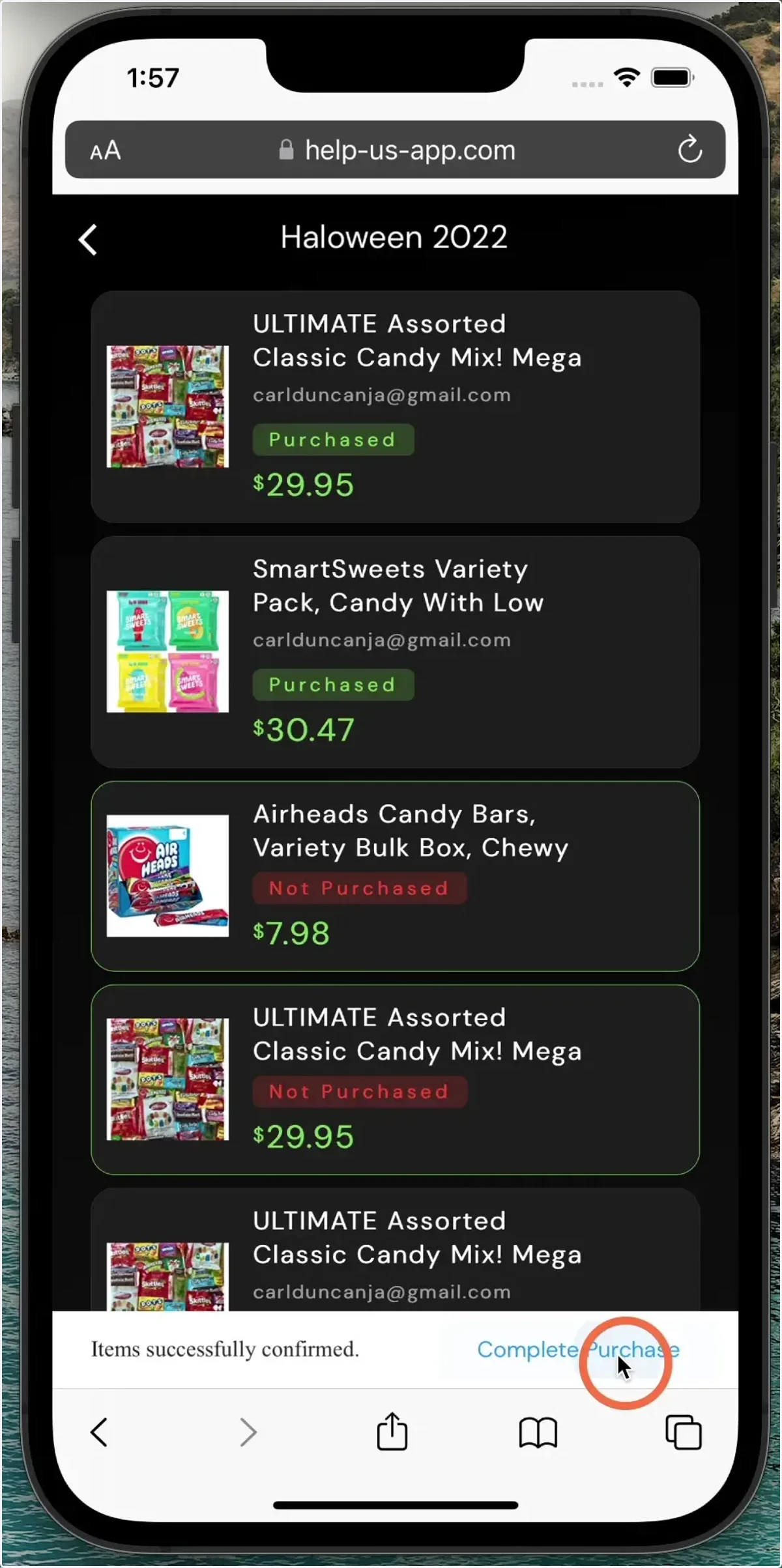
5. Click both 'confirm' and 'complete' purchase.
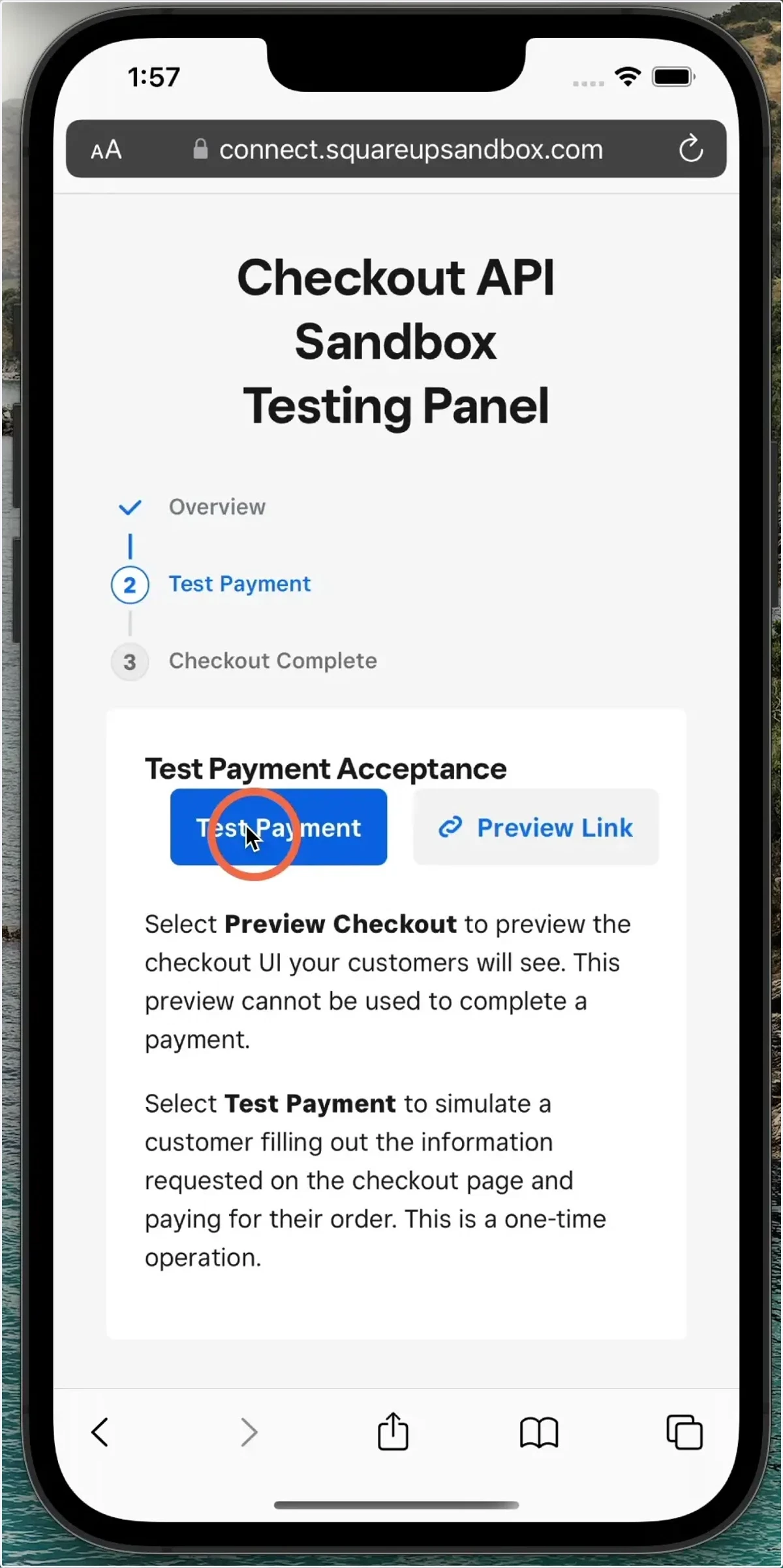
6. Click Test Payment.
7. Go back to the help us page.
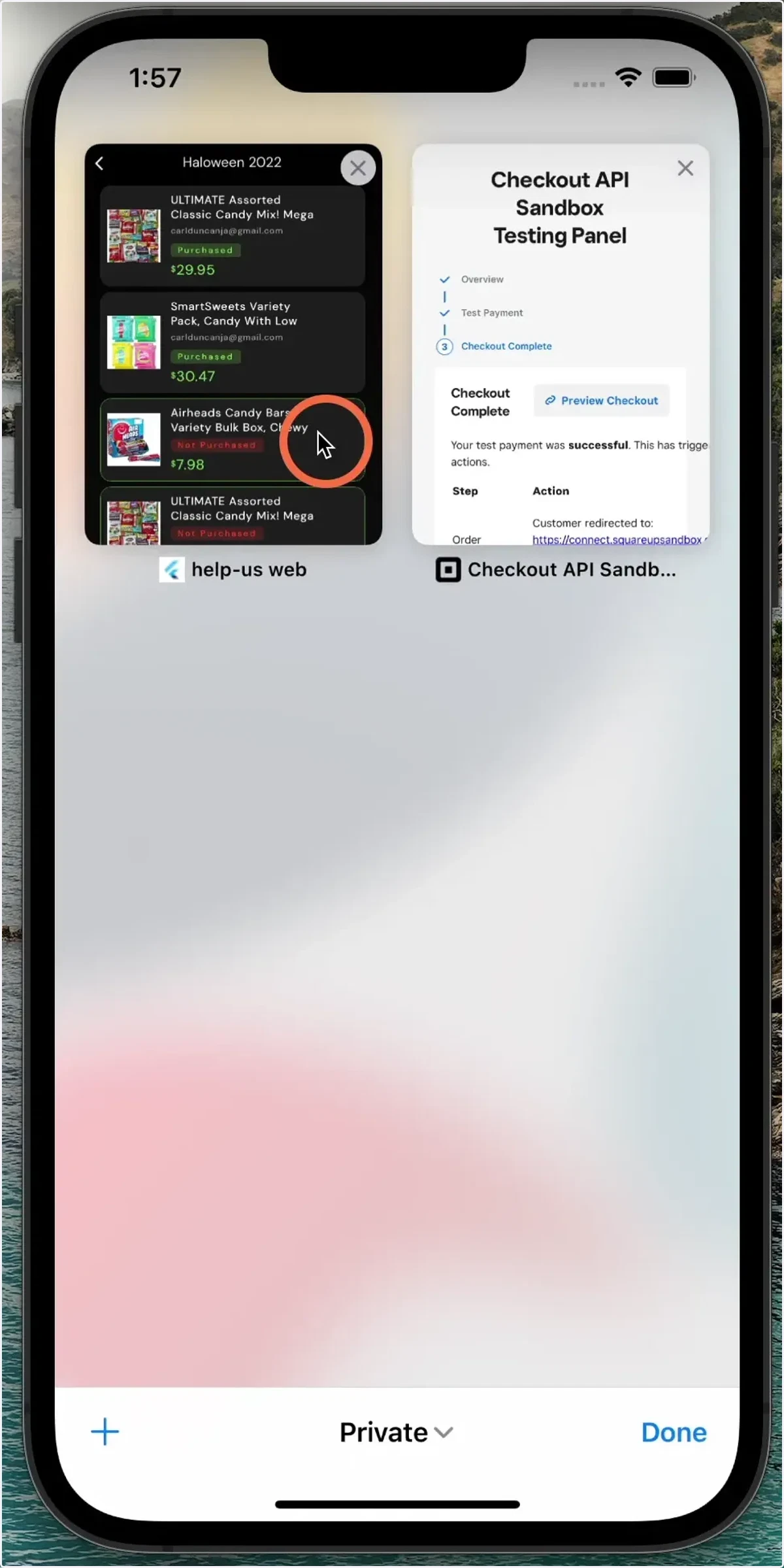
8. As you can see the items are now marked as purchased and you have been given attribution.