How to use Plentiful Messaging to communicate with my neighbors
Go to Plentiful
1. Click on the Messaging tab.
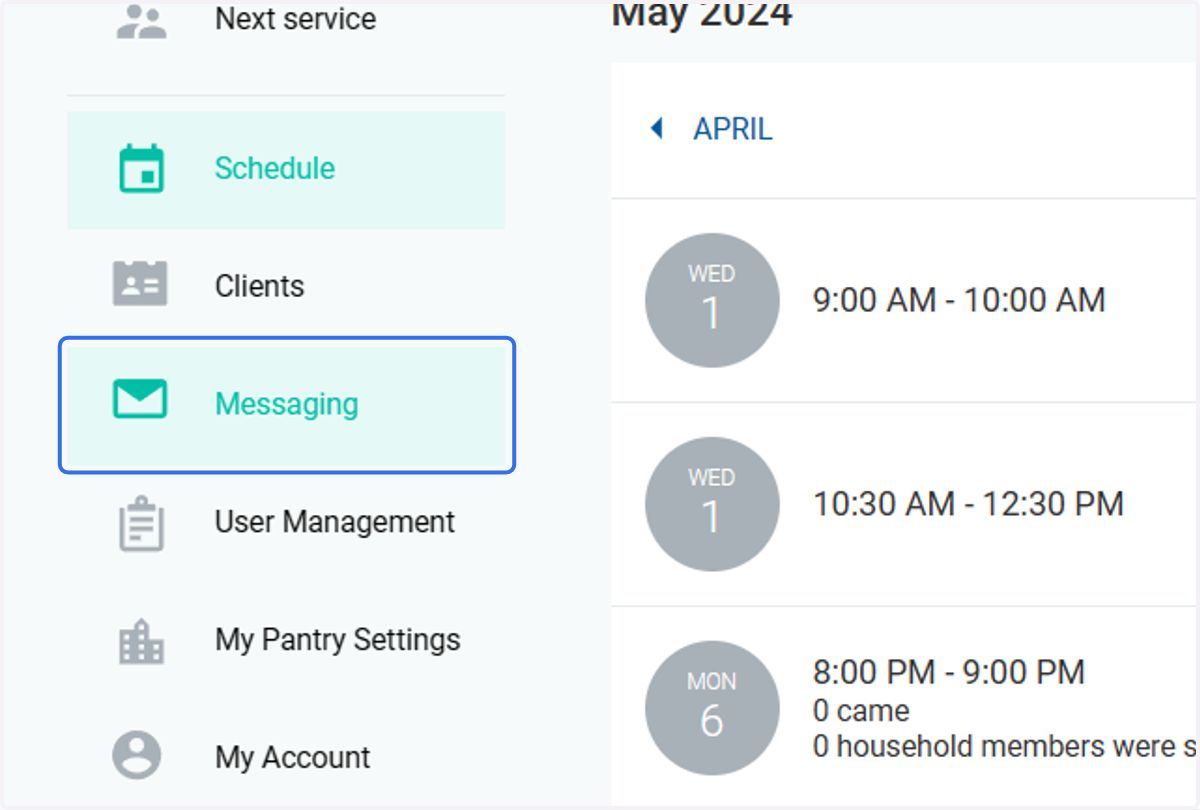
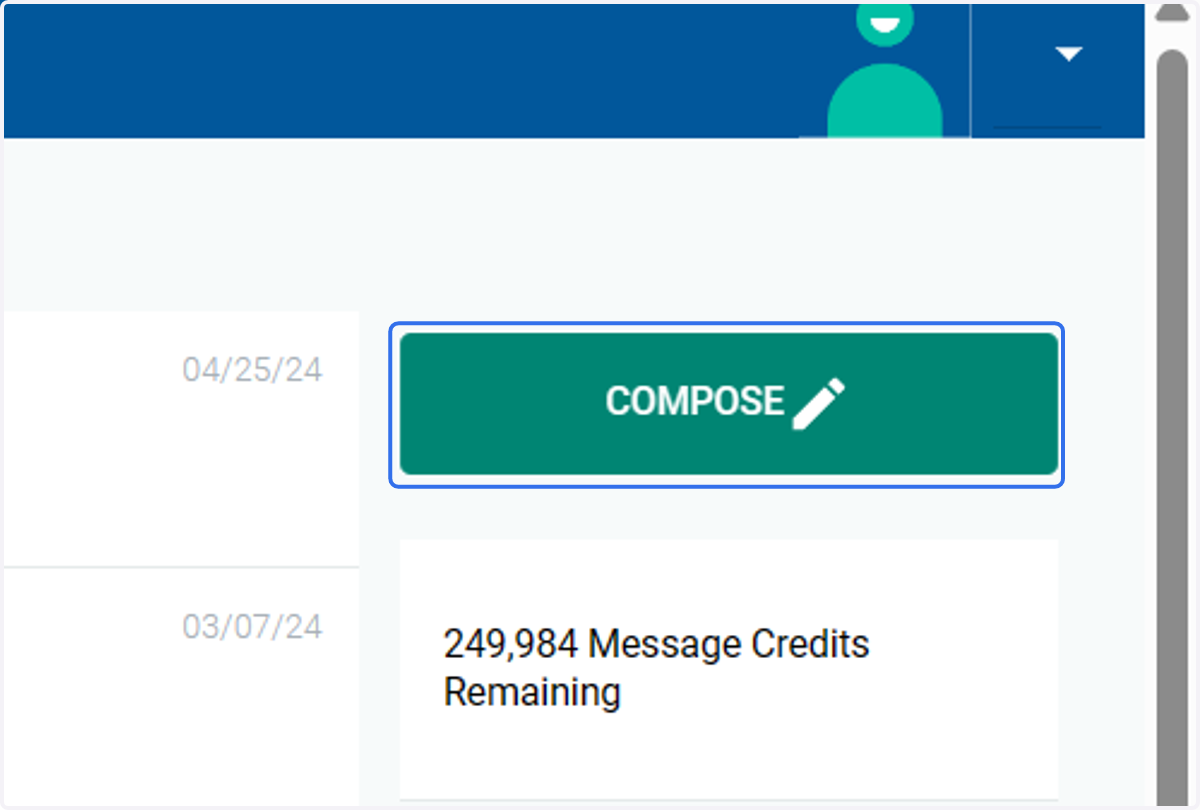
2. Click on COMPOSE.
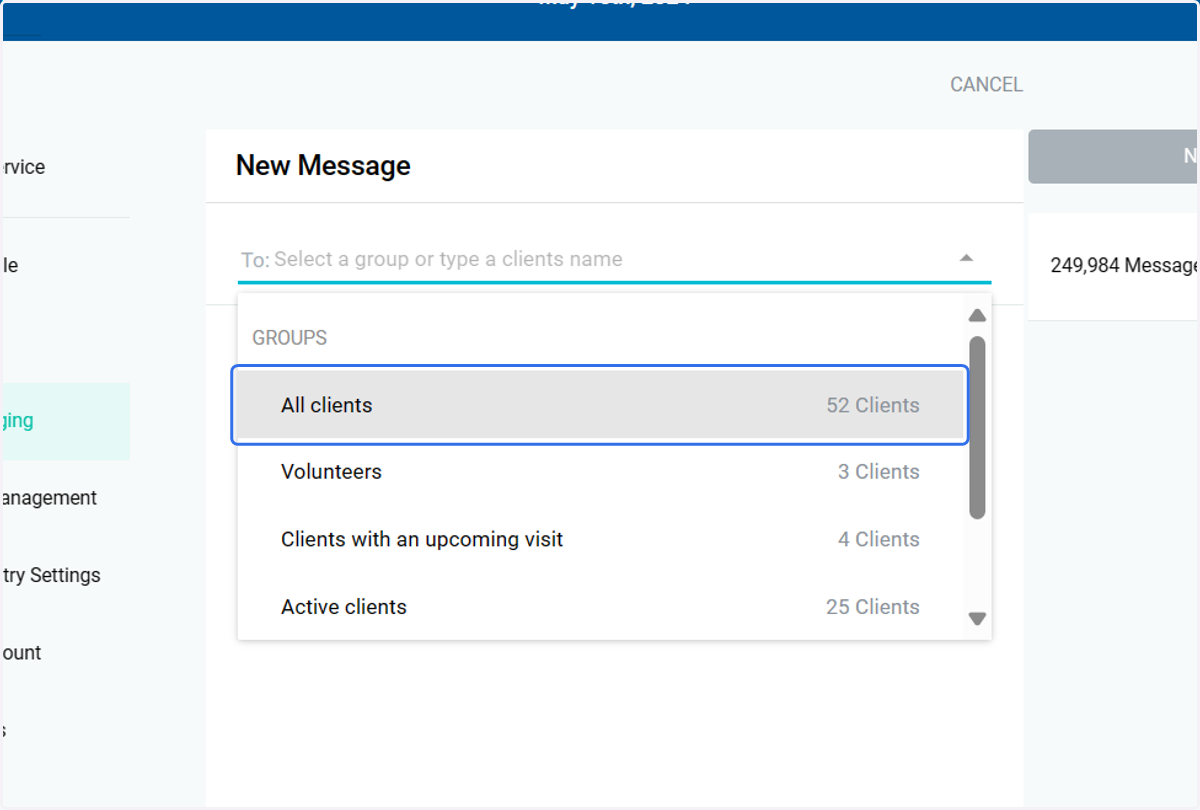
3. We offer canned recipient groups that you can choose from. Click on who you'd like to send the message to.
All clients include anyone who has every visited or subscribed to your pantry. Active clients is anyone who has visited in the last 90 days.
4. Type your message.
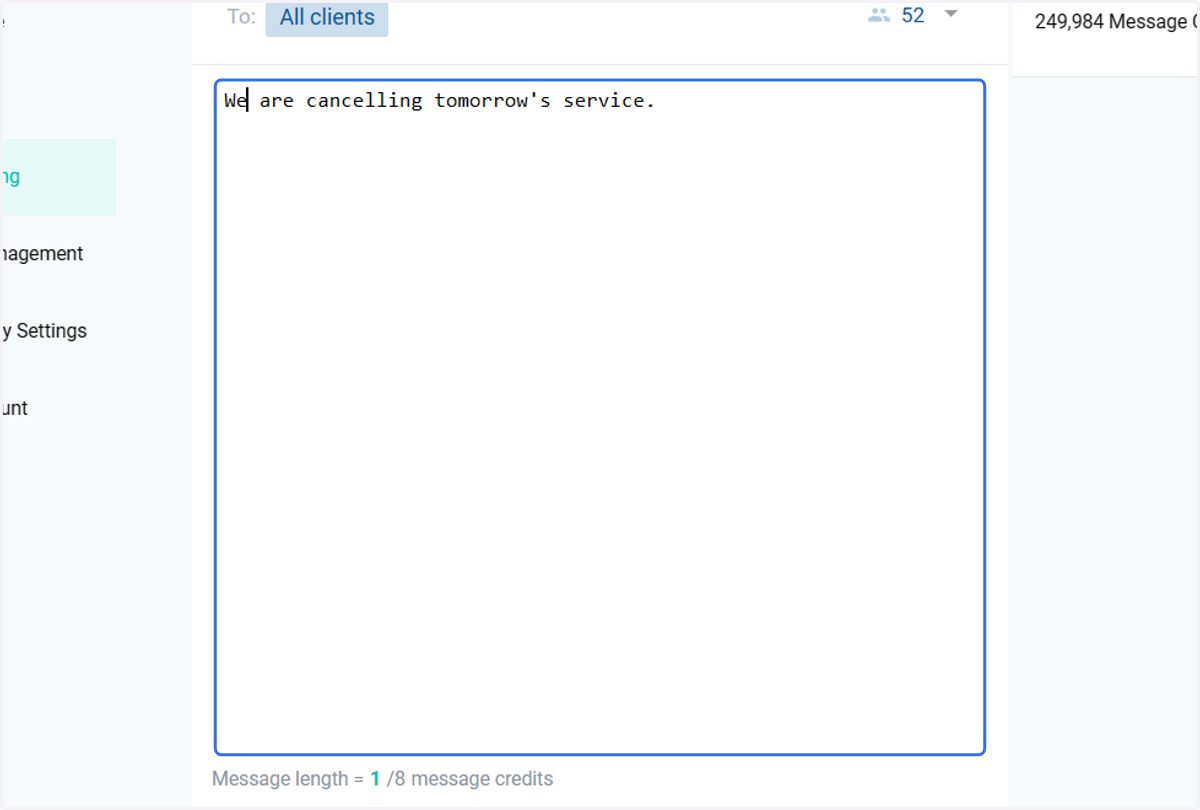
5. Click on NEXT
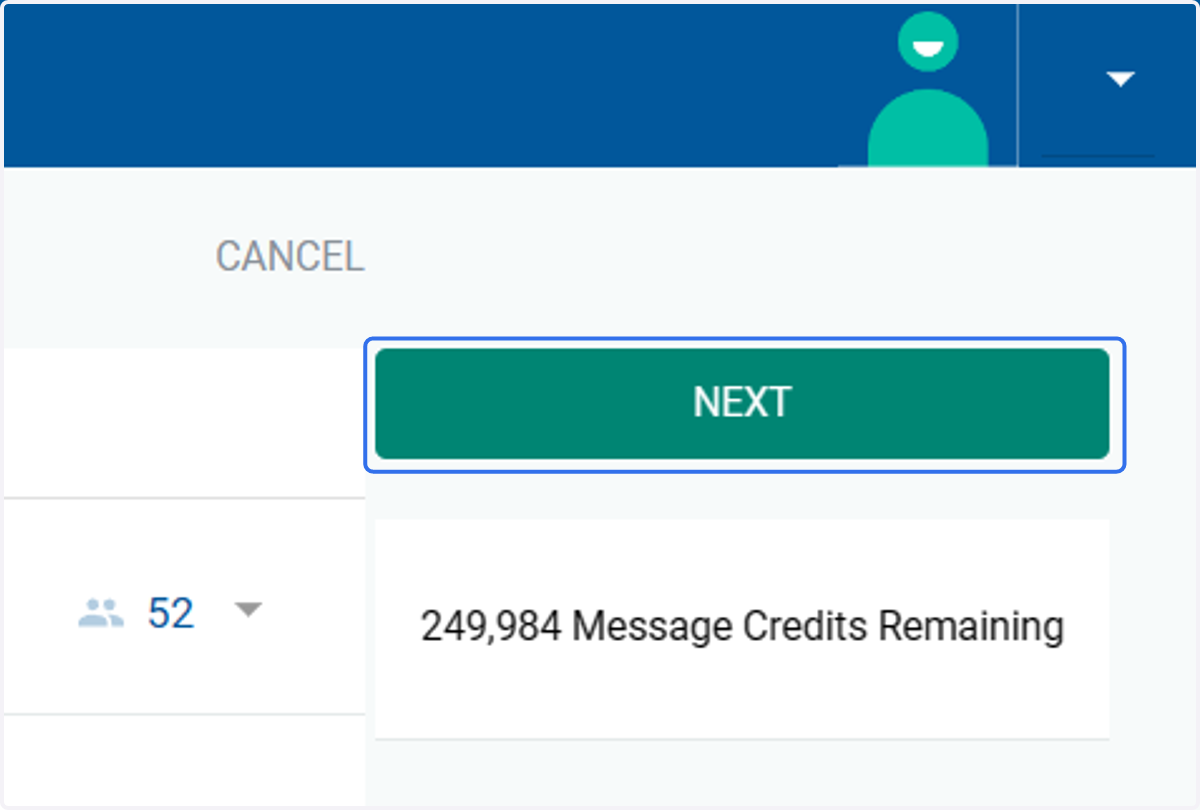
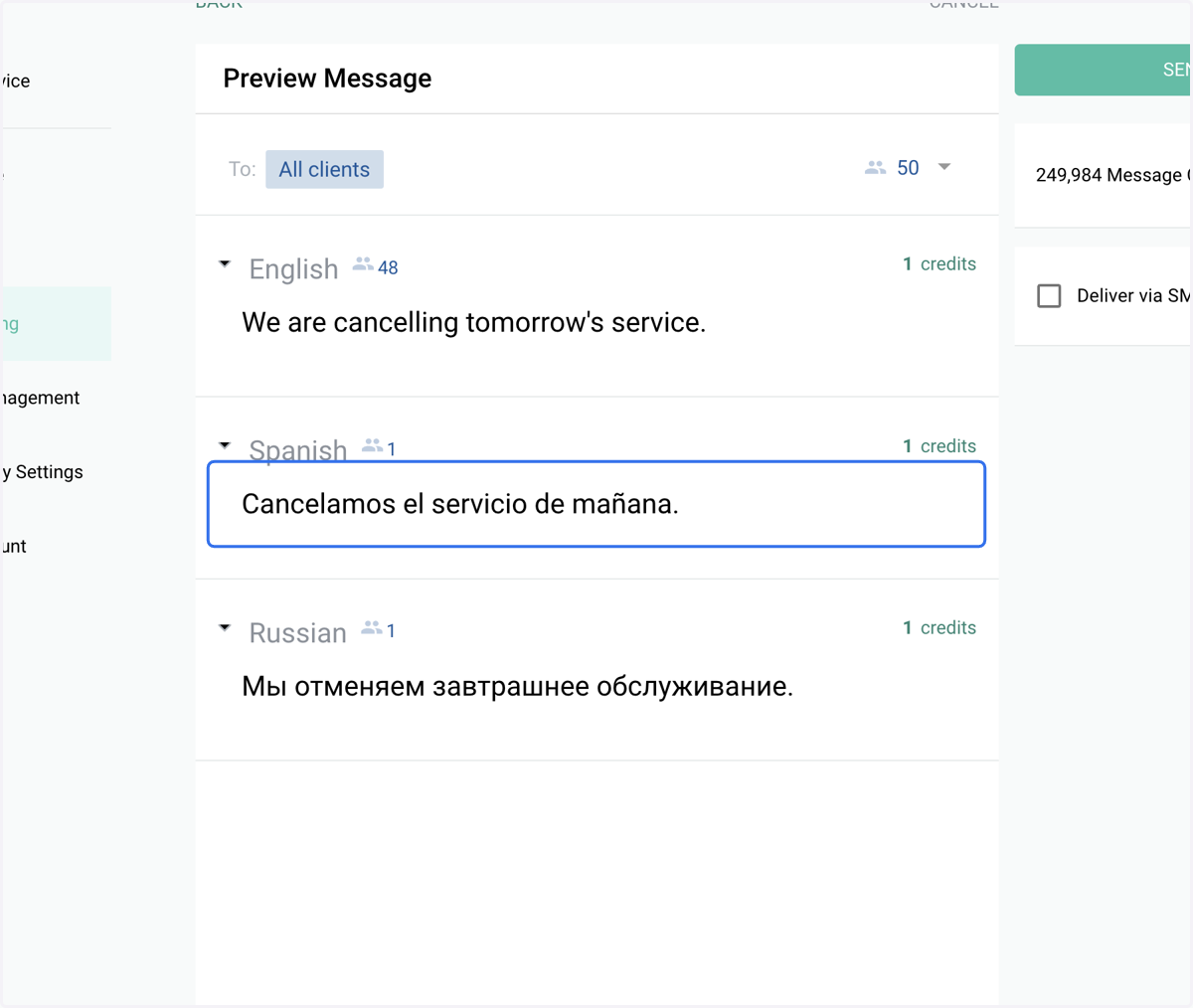
6. The message will automatically be translated and sent to your neighbors in their preferred language.
Plentiful is available in 9 languages (English, Spanish, Chinese, Bengali, Arabic, Urdu, Haitian Creole, Korean, and Russian) A neighbor's language can be set via text, on the app, or directly on their neighbor profile through the provider app.
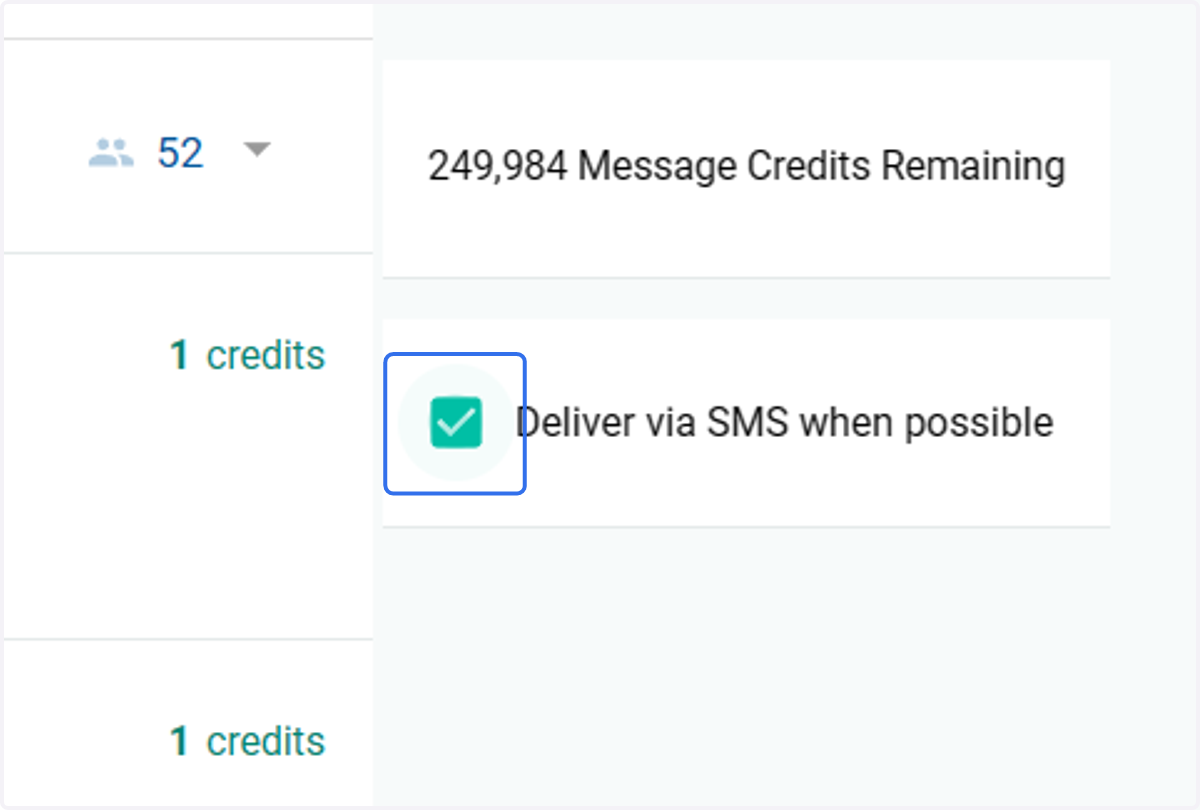
7. Check Deliver via SMS when possible. This will send your message as a text if the neighbor has an active cell phone number linked to their account.
If a neighbor does not have an active phone number linked to their account, the message will be sent via email. If they do not have a phone number or email associated with their account, it will be sent directly to the Plentiful app under "Updates".
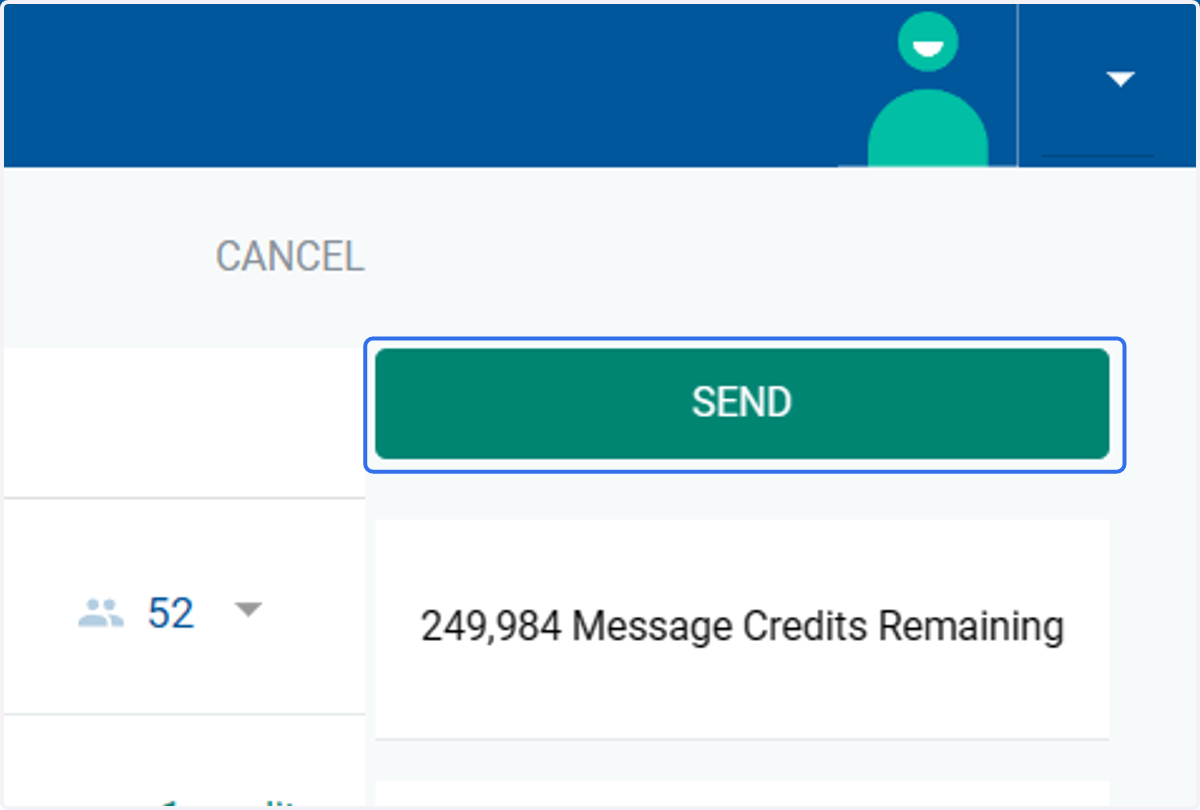
8. Click on SEND.
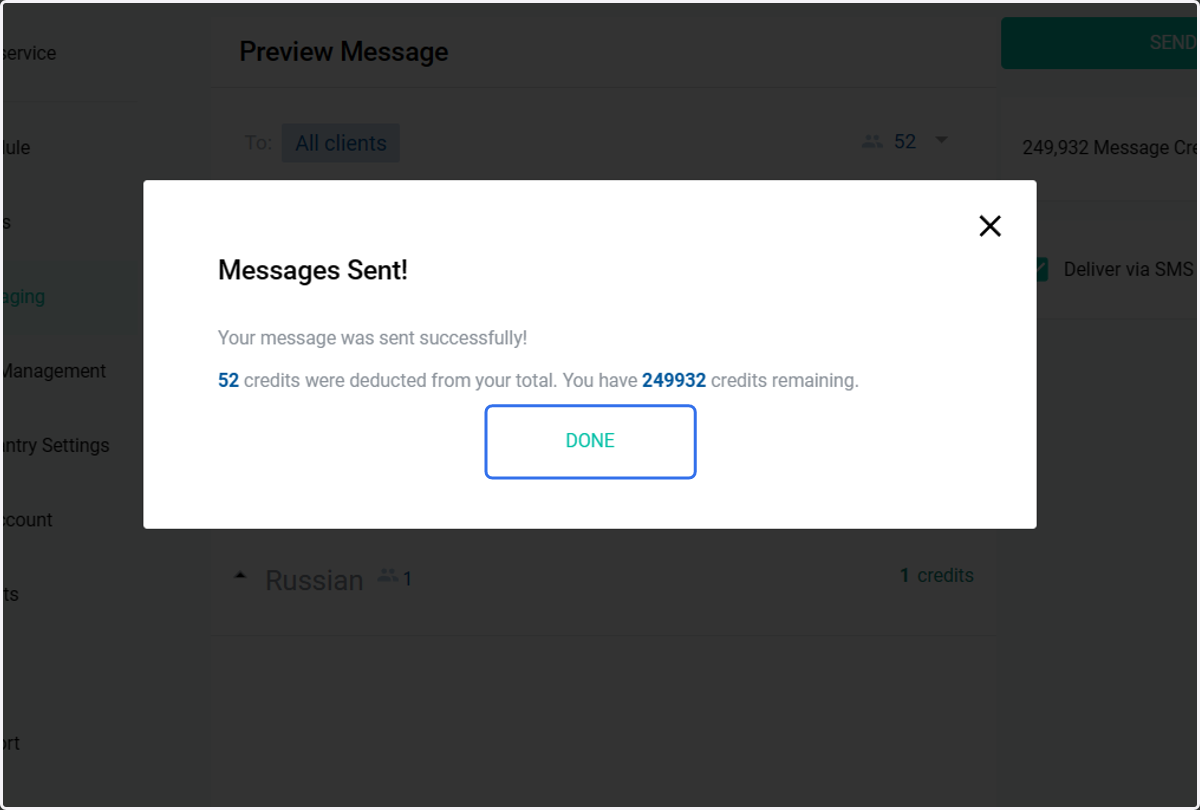
9. Click on DONE
Plentiful
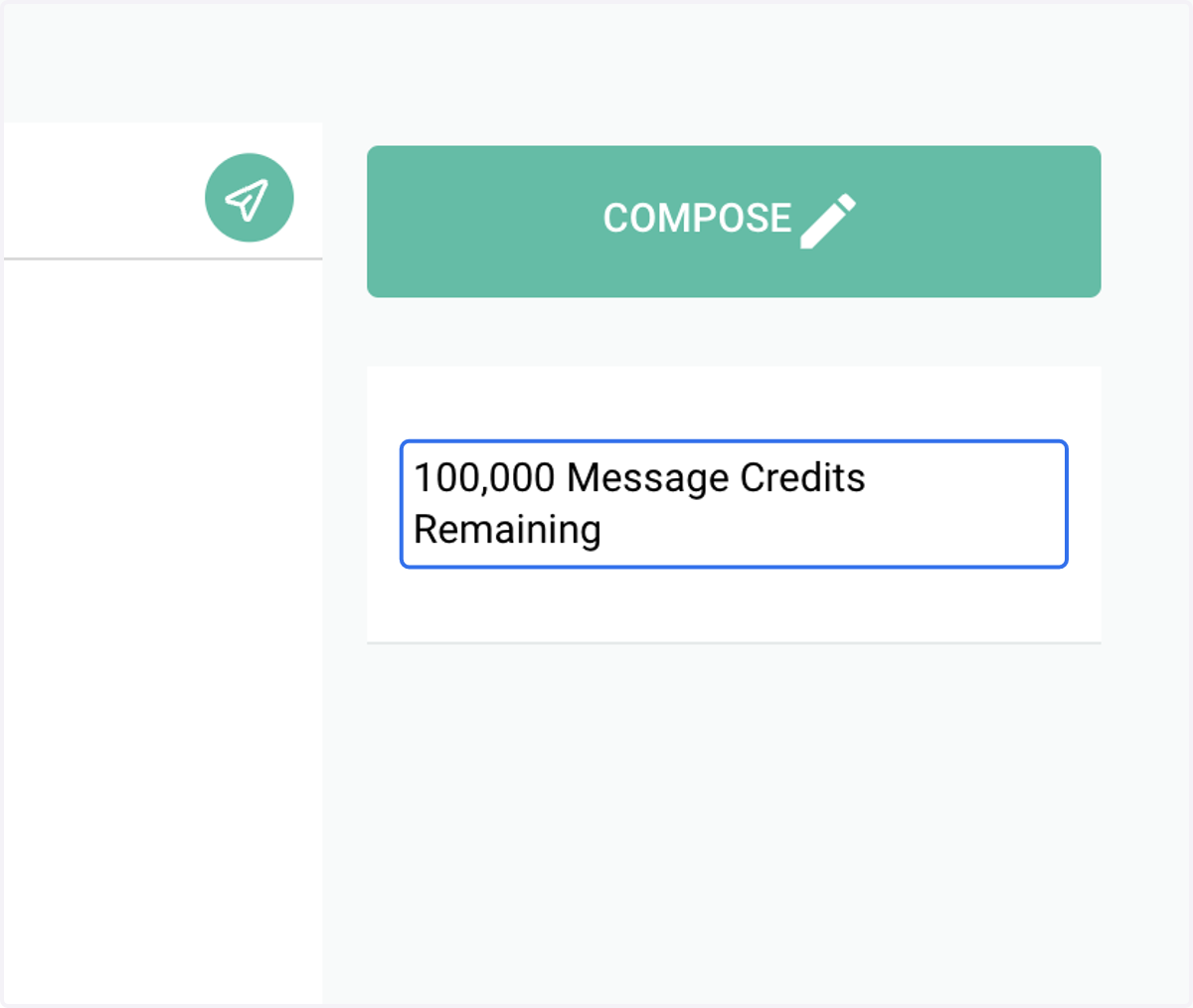
10. Click on 249,984 Message Credits Remaining
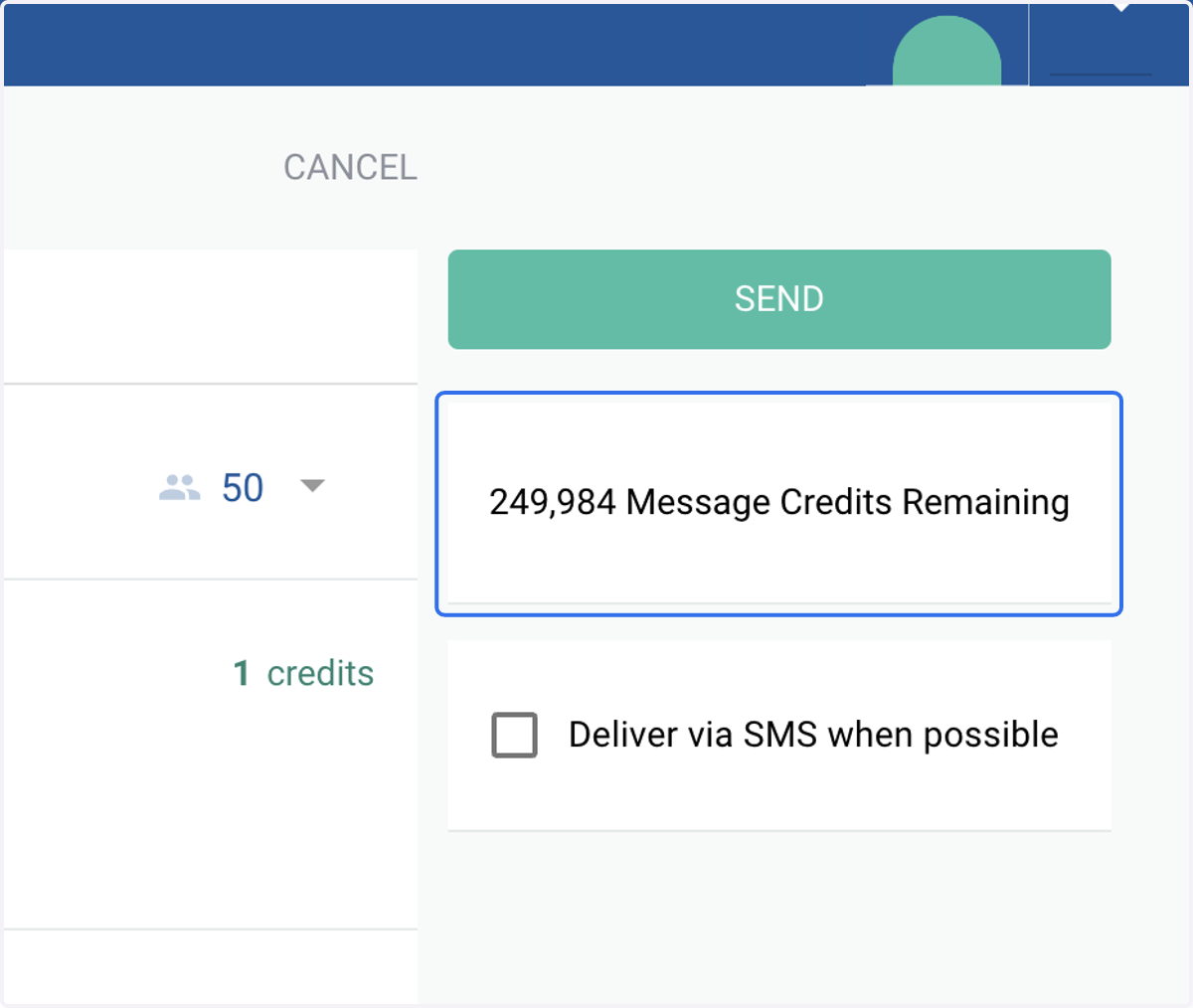
11. Please note that while Plentiful offers messaging for free, we do reference message credits. This helps us to keep track of messaging costs. If you are blocked from sending a message, please contact support@plentiful.org.