How to update your contact information online
These instructions detail how to update your email address, phone number, and mailing address online.
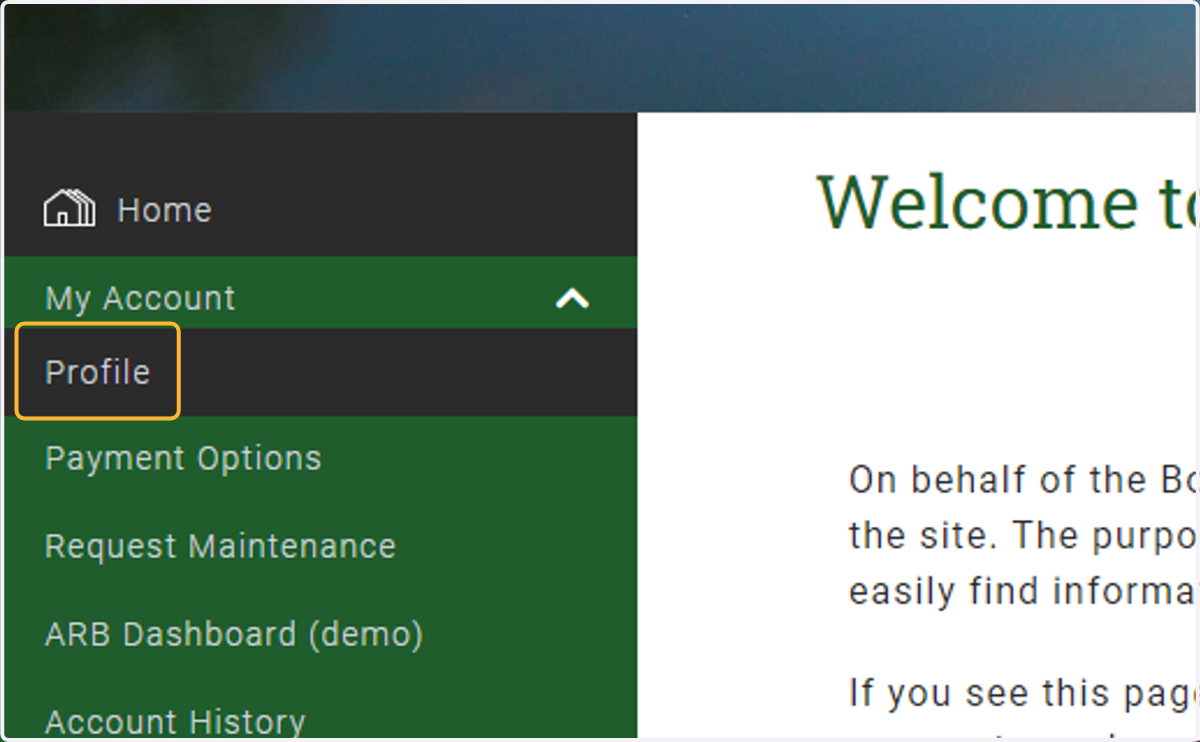
1. Under My Account, select profile
Updating your mailing address
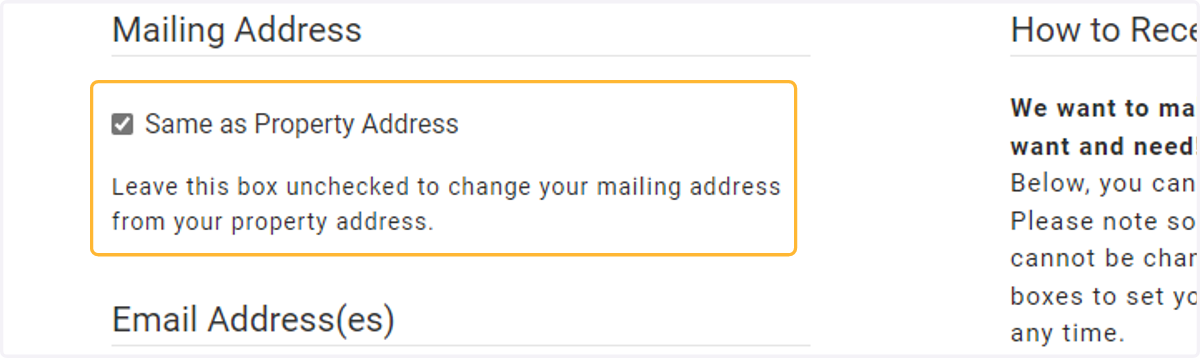
2. Uncheck "Same as property address"
For most users by default, your mailing address will be the same as your property address. But if your mailing address differs, uncheck the box to expose the mailing address fields.
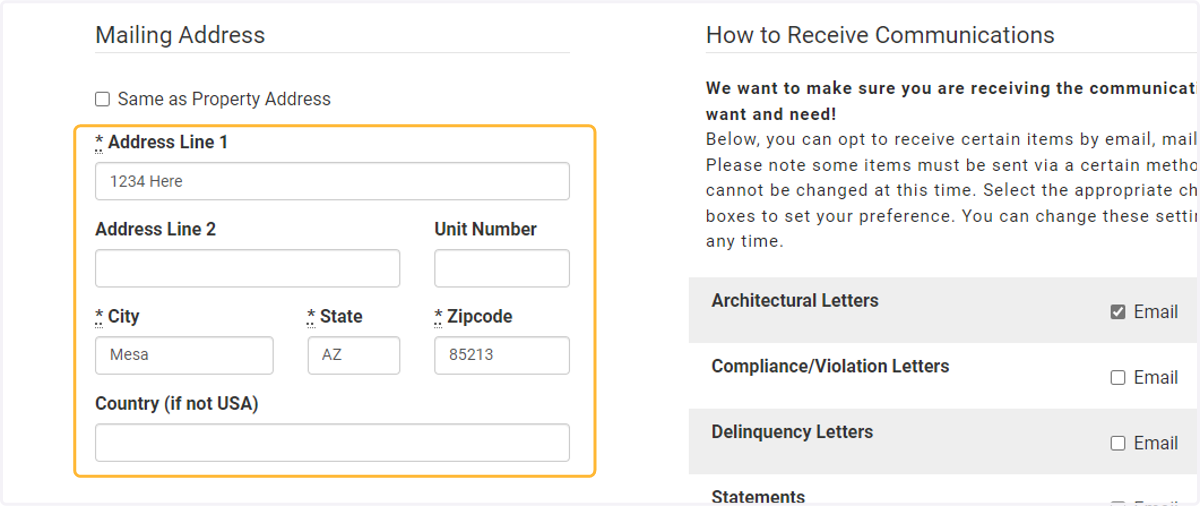
3. Enter your mailing address details
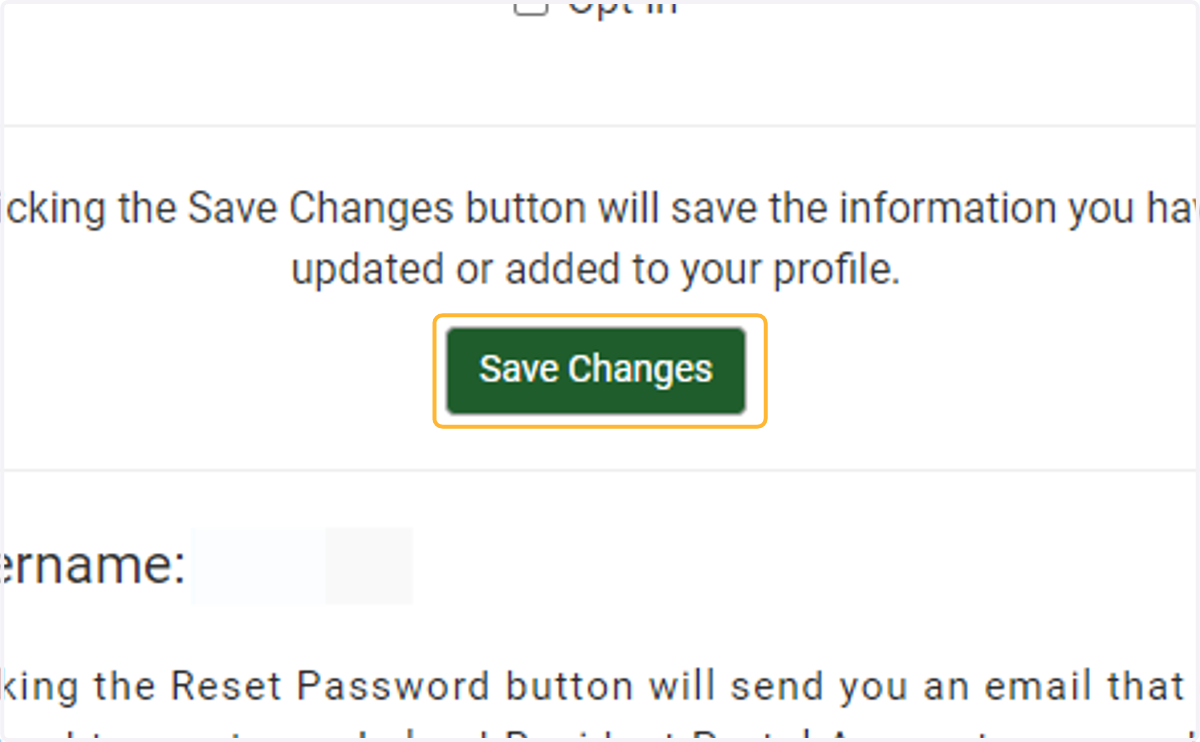
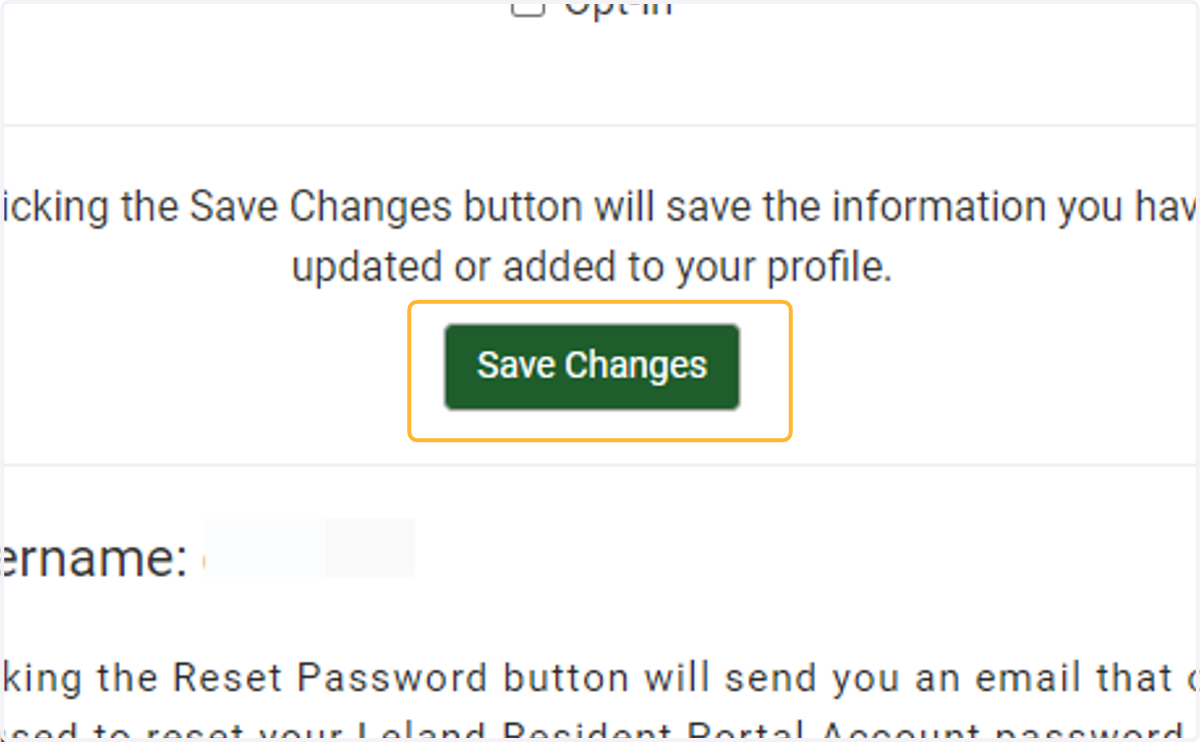
4. Once completed, scroll down and save your changes.
Updating your email address
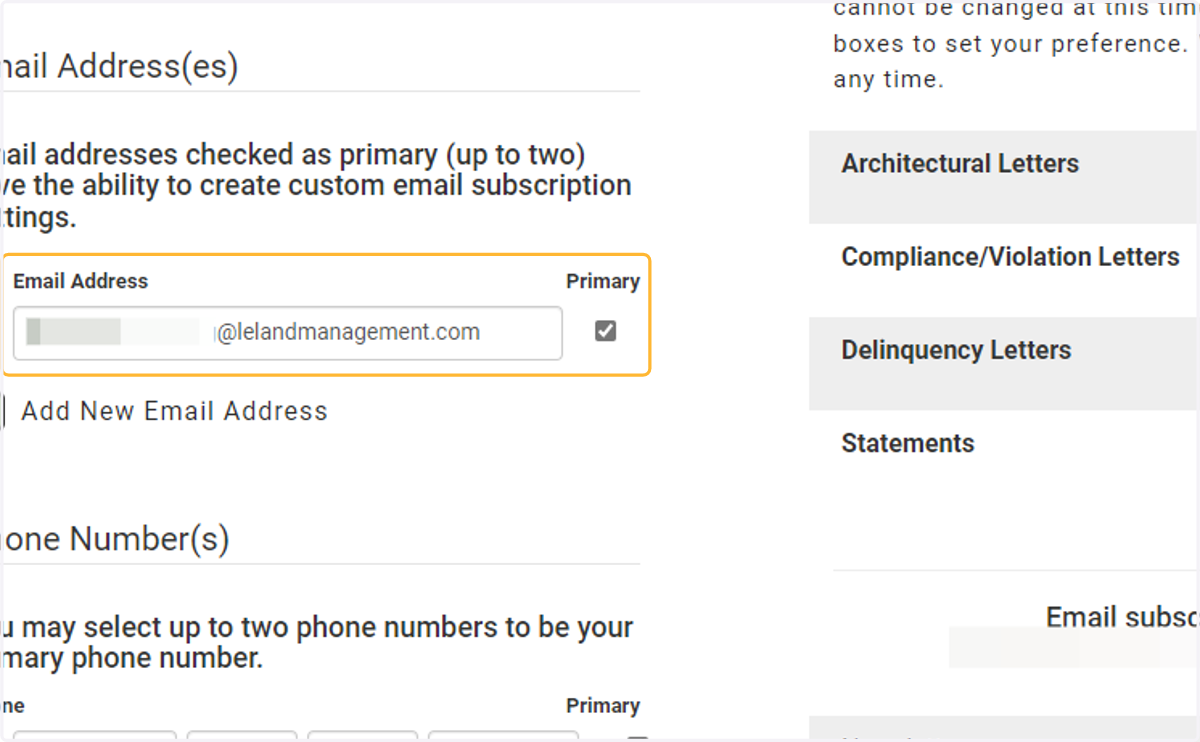
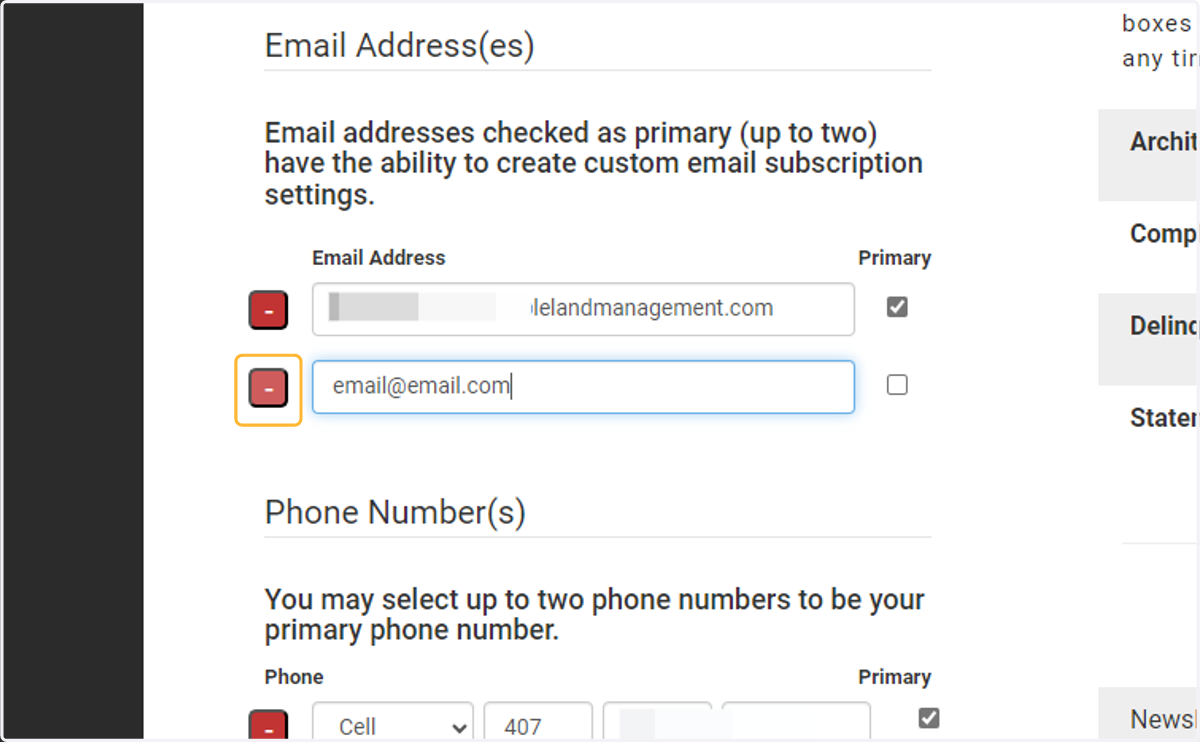
5. To edit your current email address, simply type over the existing email address.
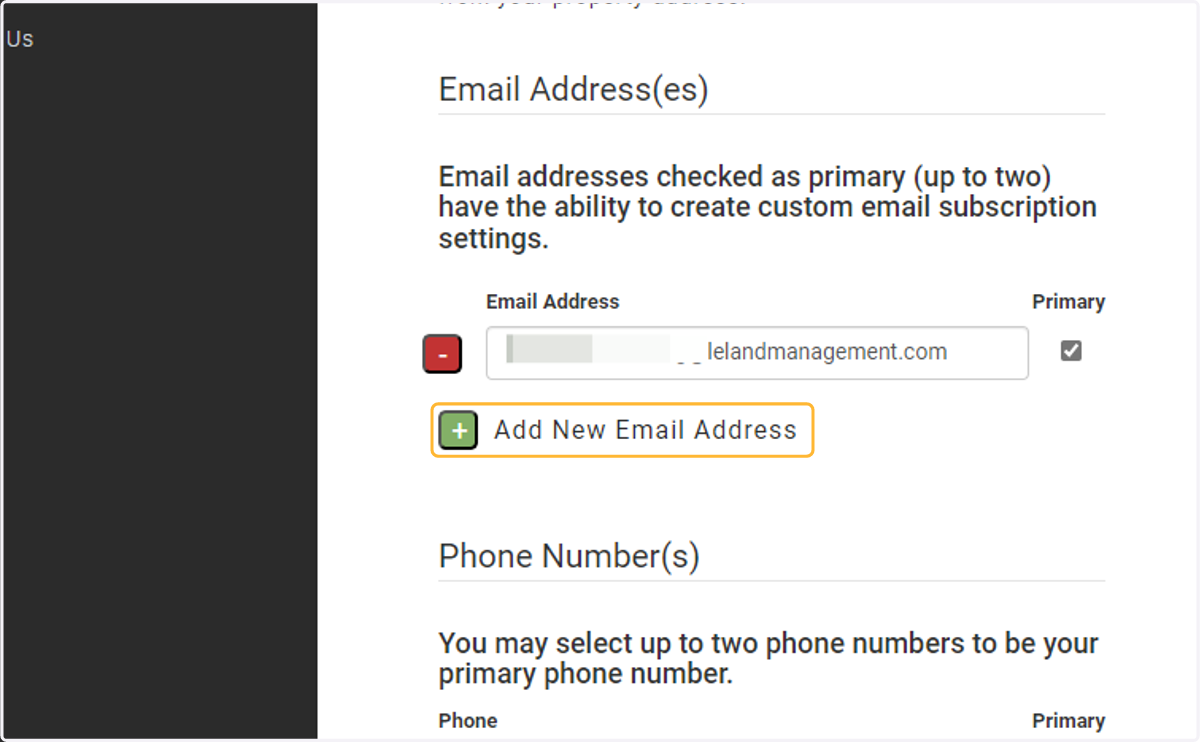
6. To add a new email address, click add new email address
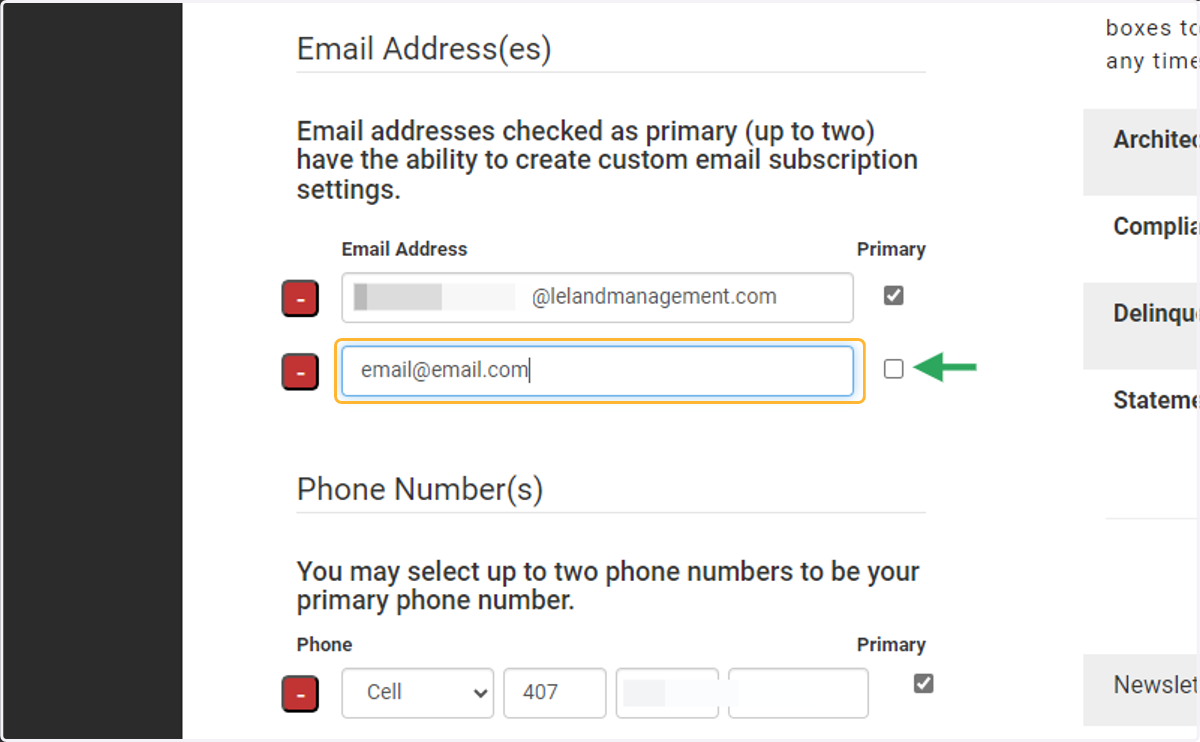
7. Enter the new email address
If you want to set the new email address as your primary address, check the primary box (green arrow)
8. To remove and email address, click the red "-" box next to the email address
Please note: You must always have at least one primary email on your profile.
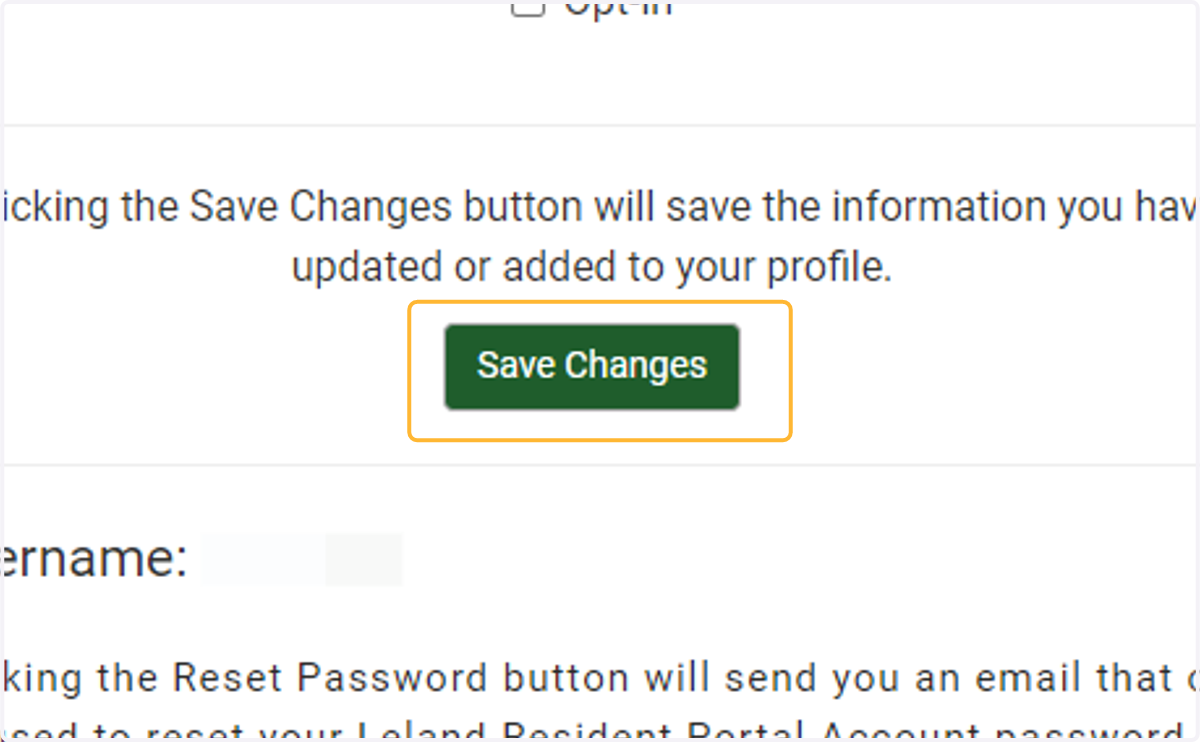
9. Once completed, scroll down and save your changes.
Updating your phone number
10. To edit an existing number, simply type over the phone number
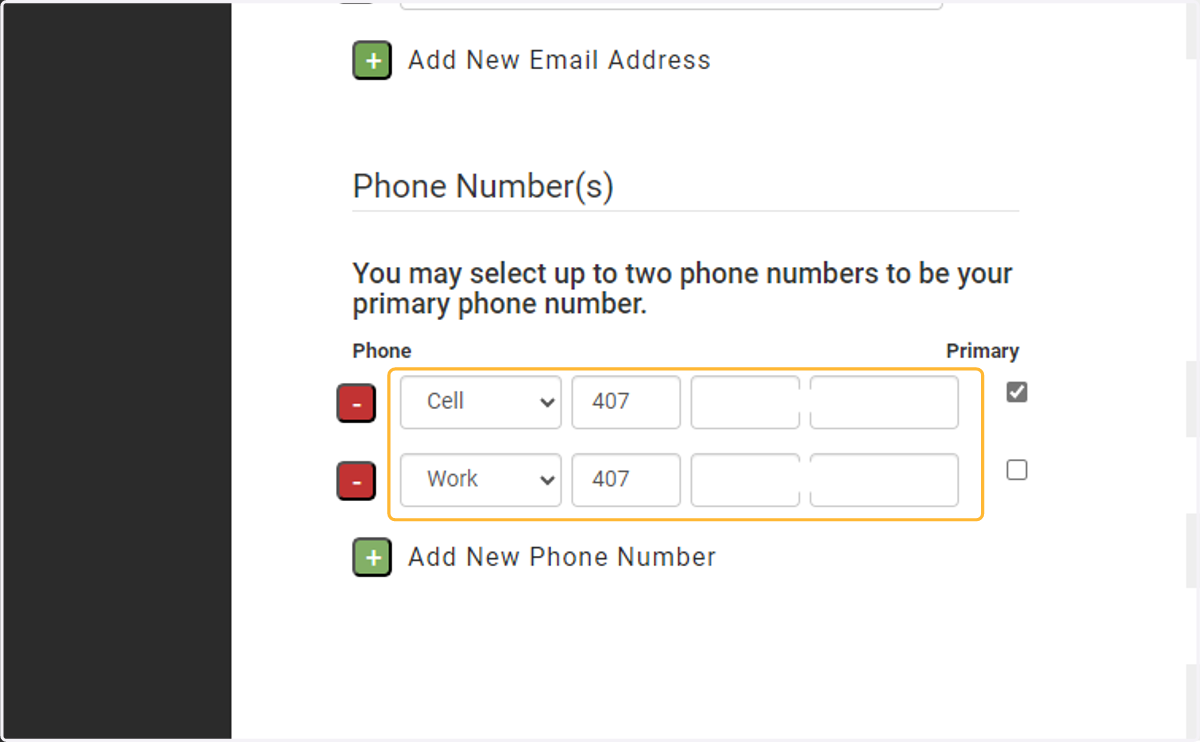
11. To add a new phone number, select add new phone number
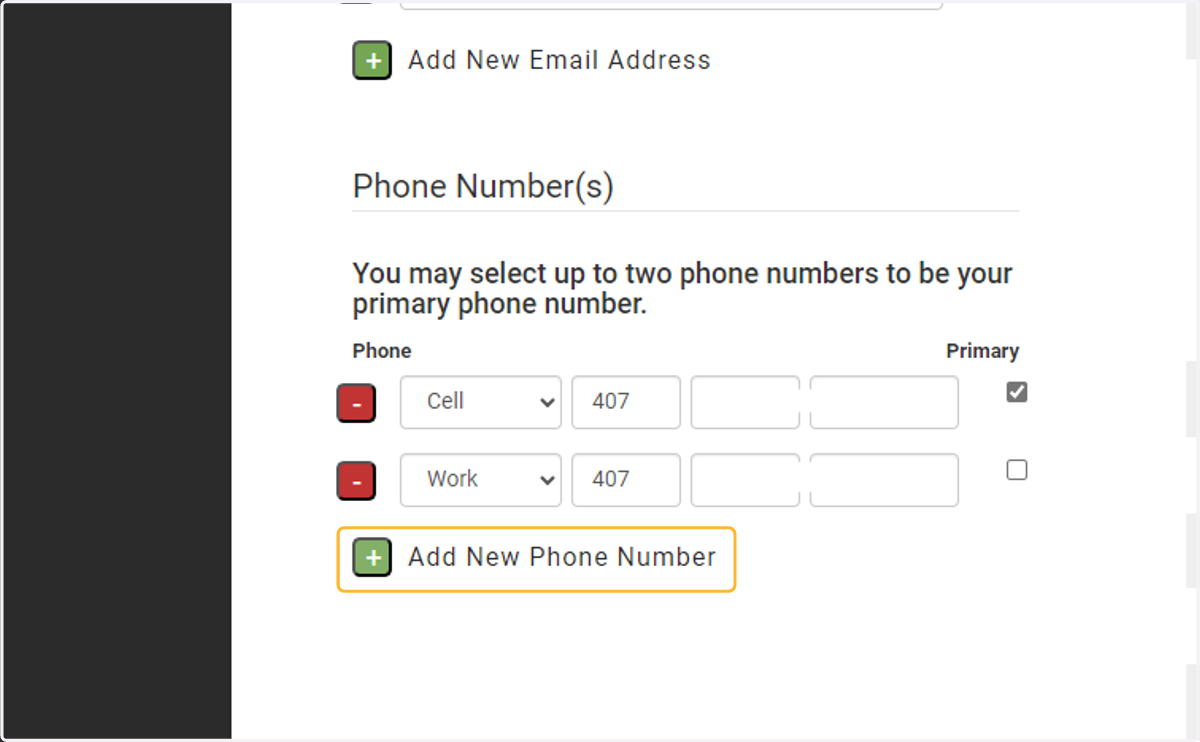
12. Select the type of phone number
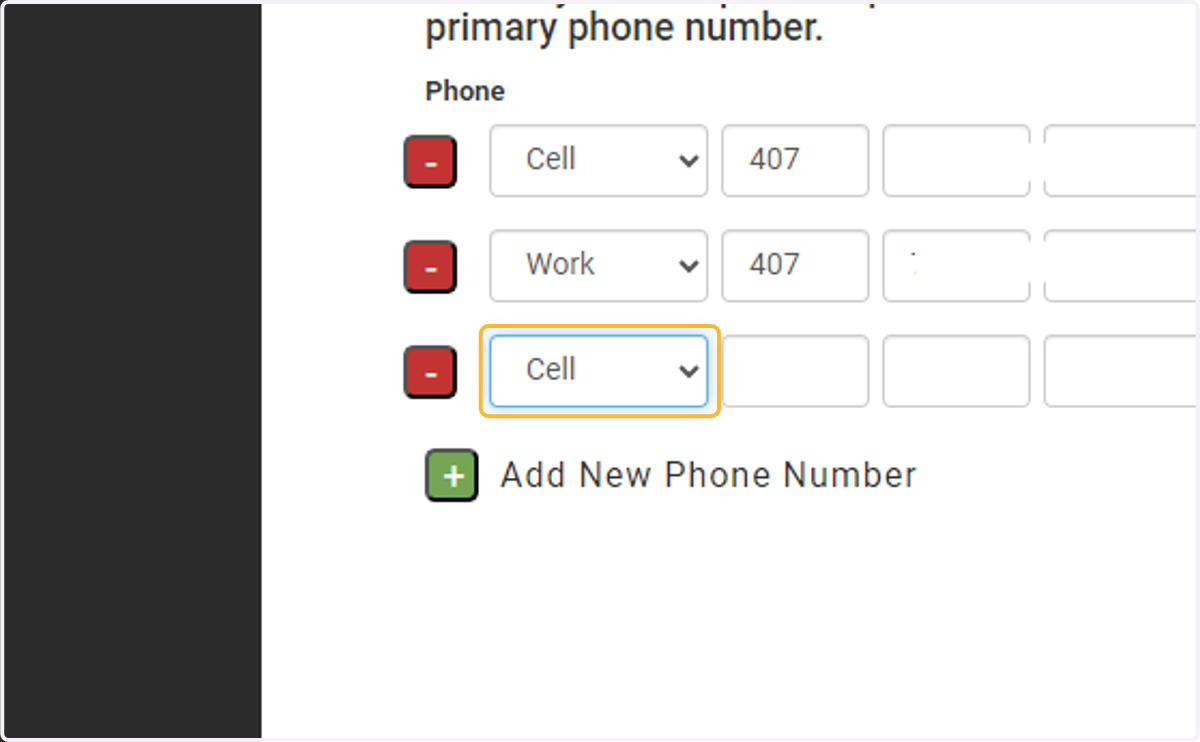
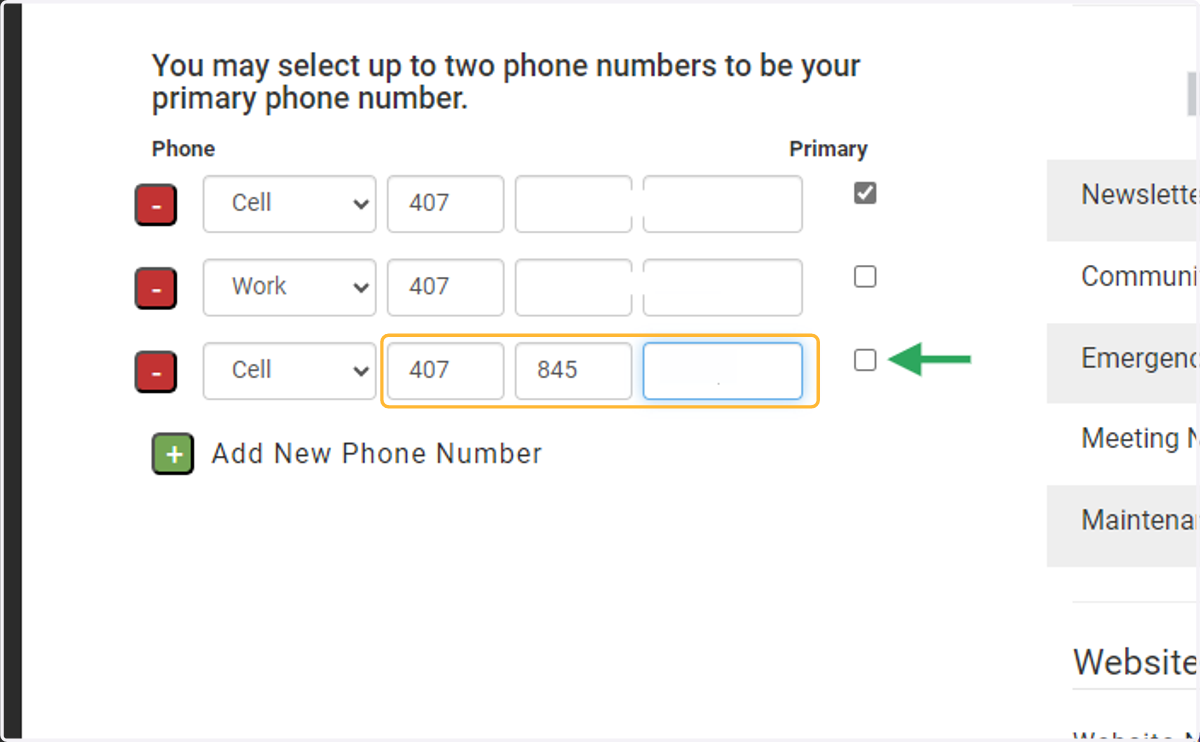
13. Enter the new phone number
If you want the new number to be the primary phone number, check the box next to the number.
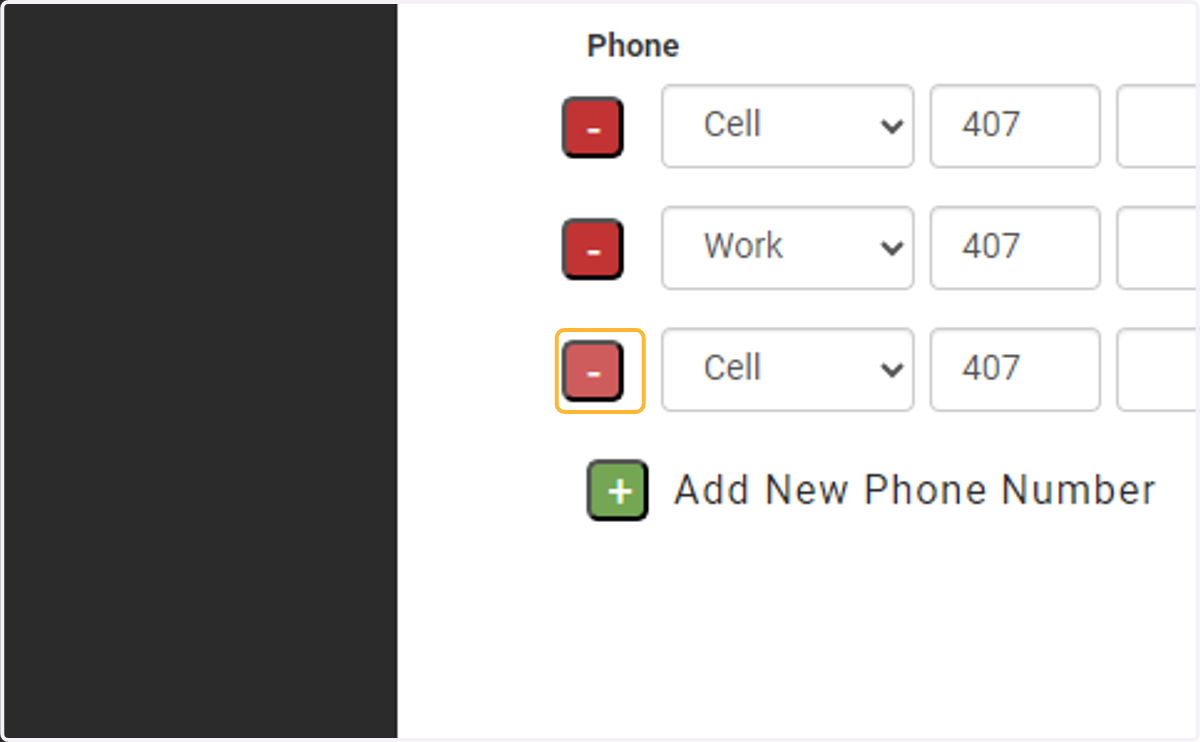
14. To remove a phone number, click the red "-" next to the number
15. Scroll down and save your chages