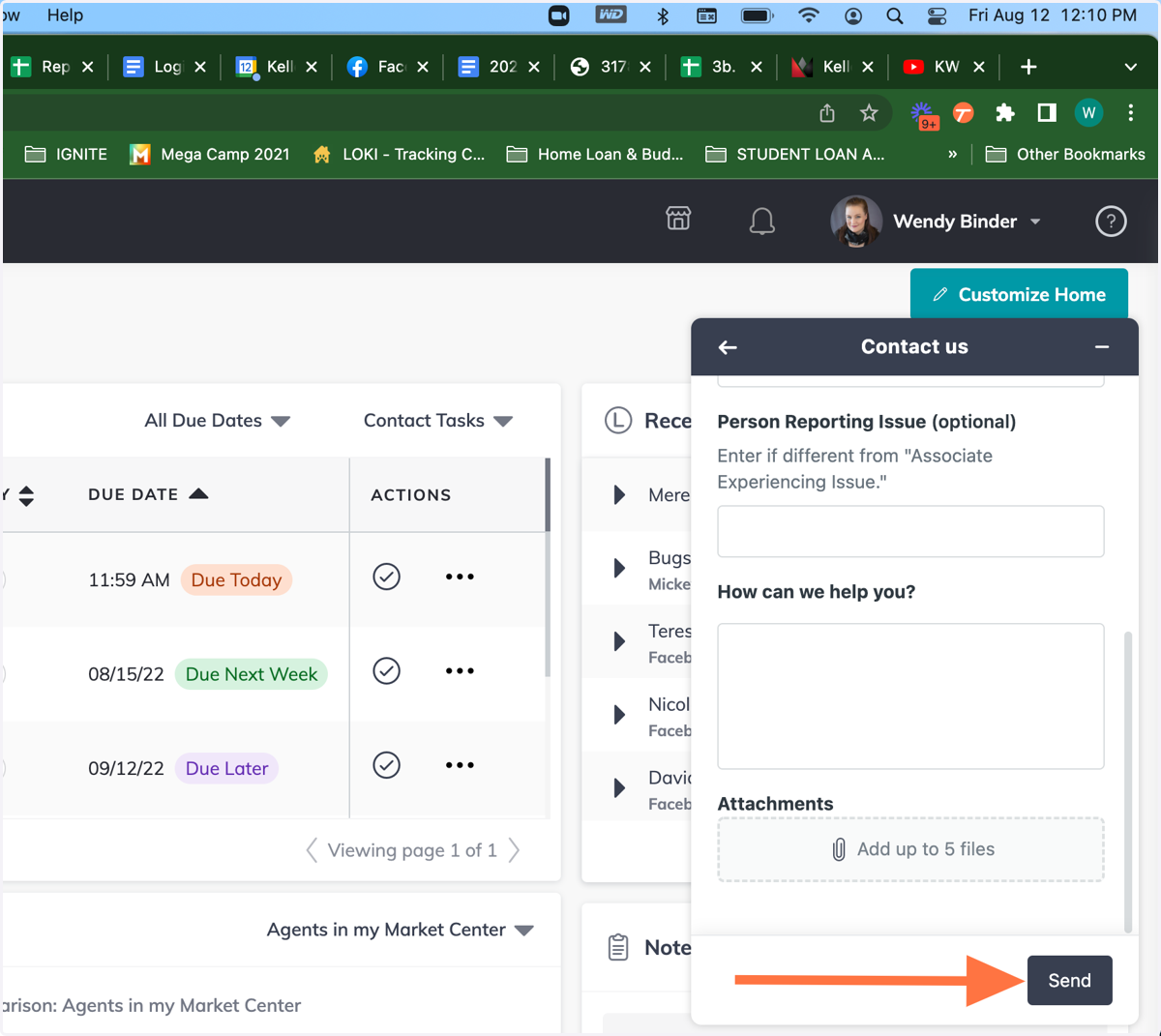
How to submit a ticket to KW Support
Kw
1. From anywhere within Command...
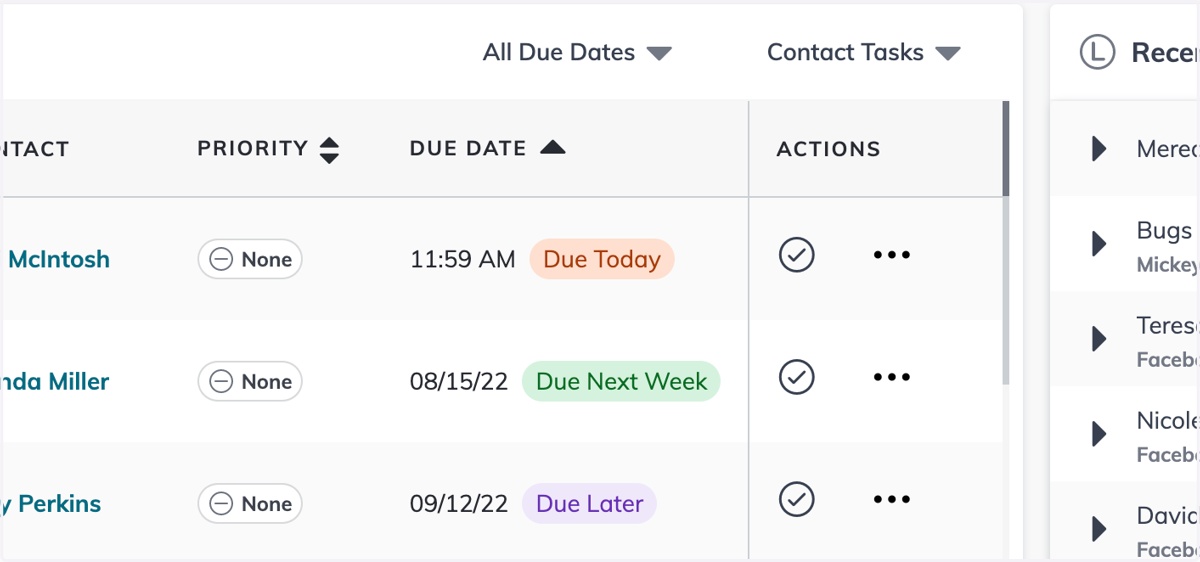
2. Click on the question mark in the upper right hand corner
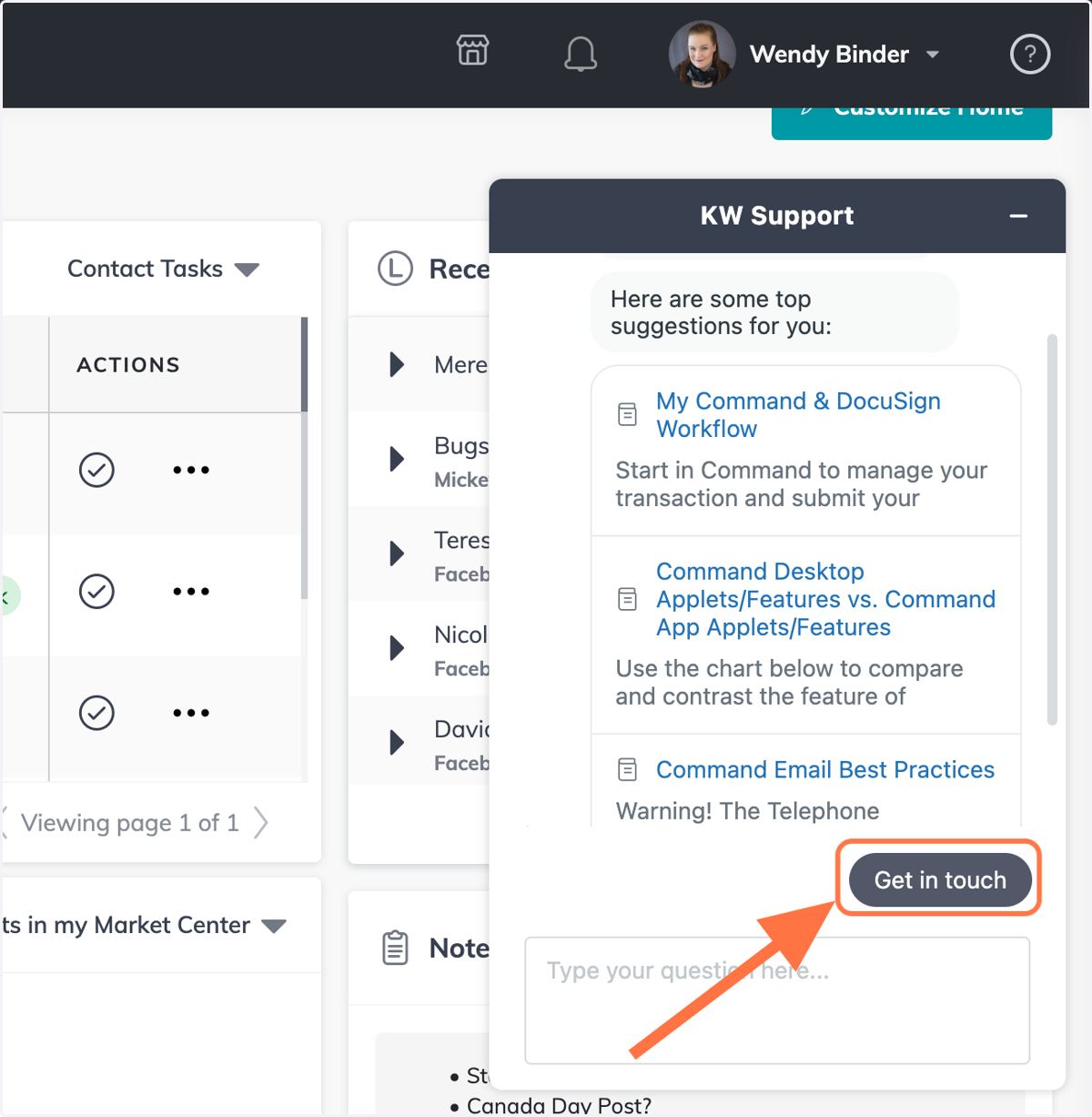
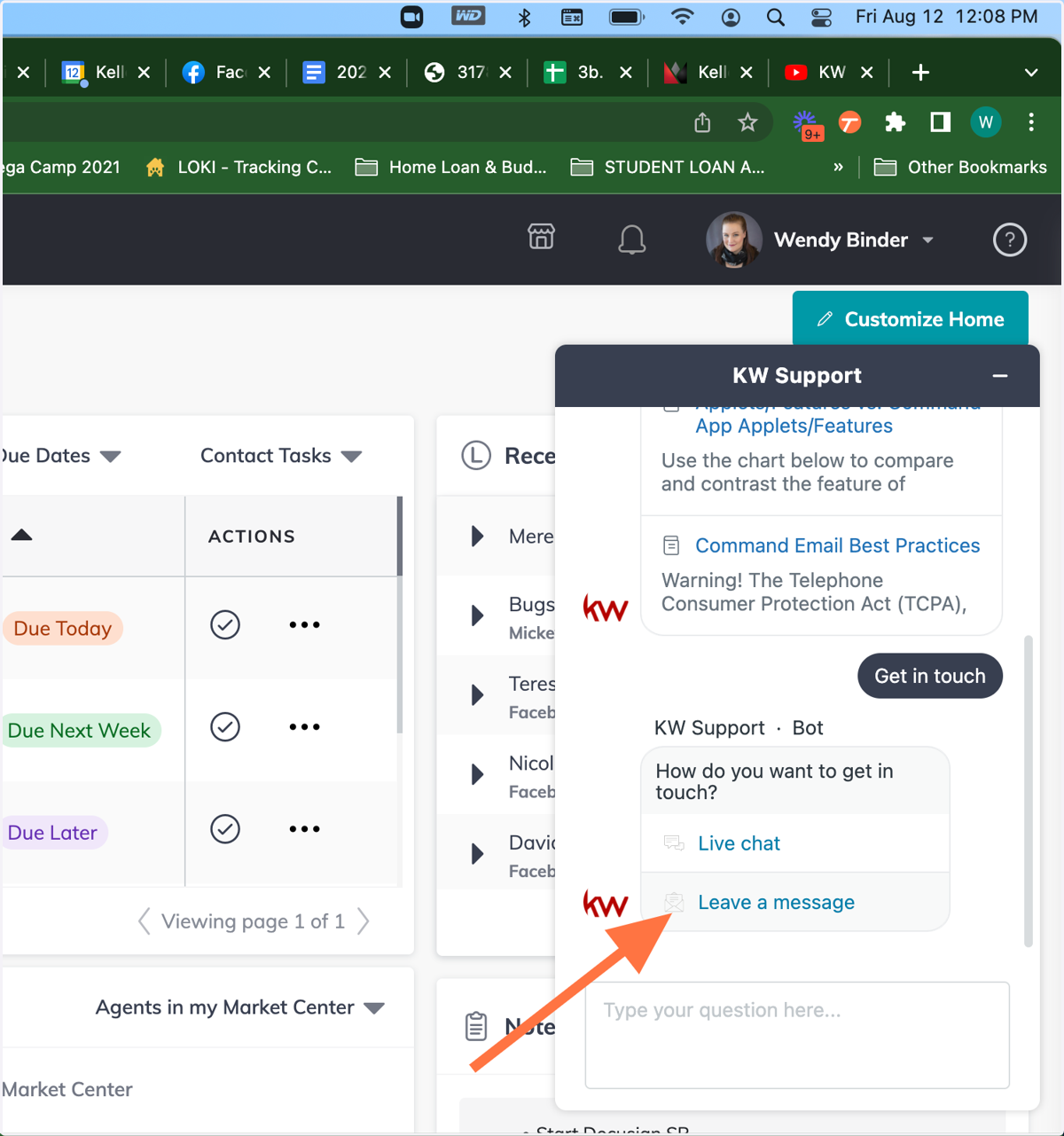
3. Click on Get in touch
4. Click on Leave a message
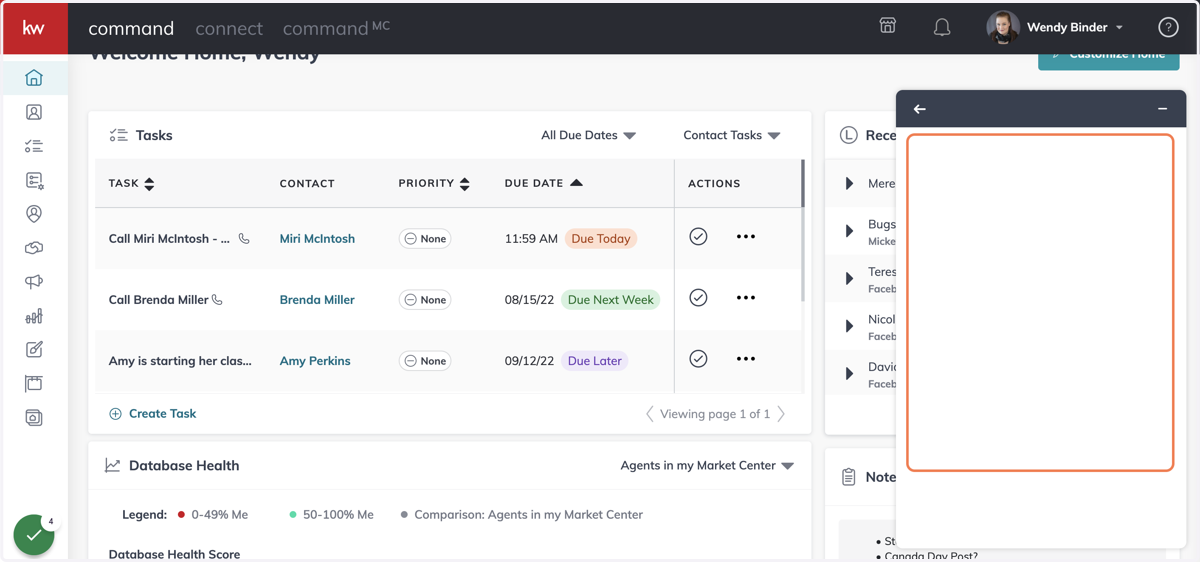
5. Click on Leave a message
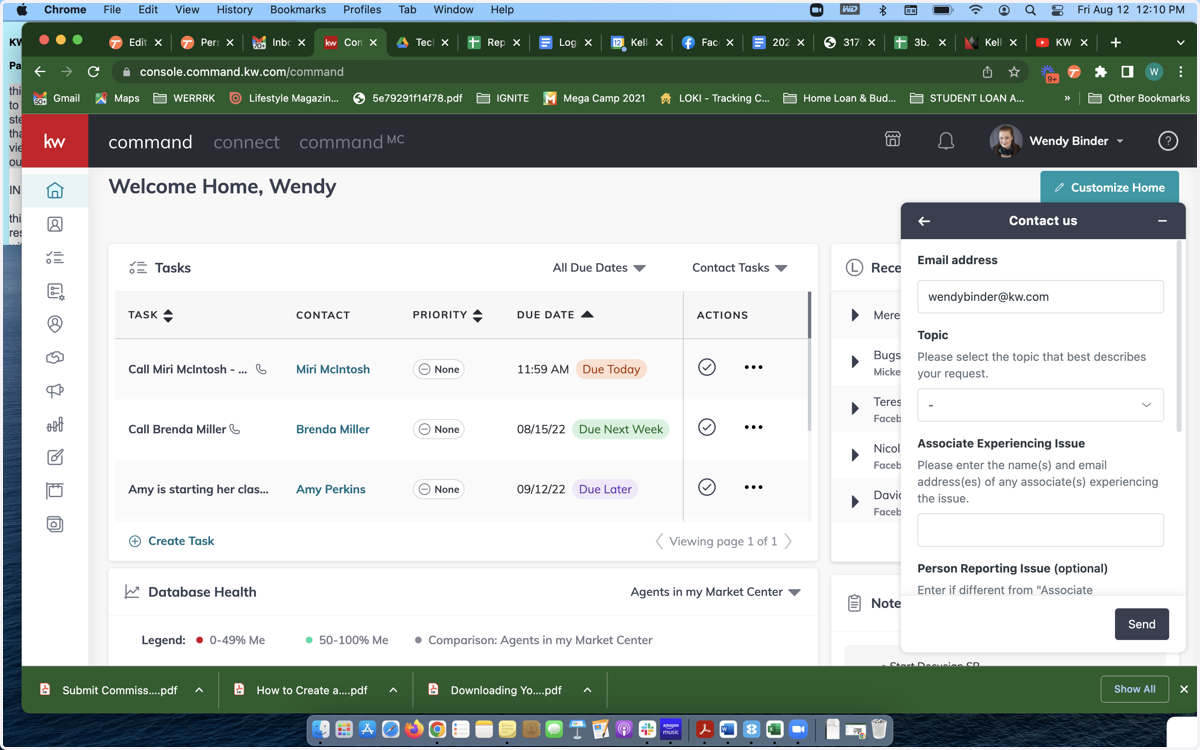
6. Select a Topic and provide your contact information
7. Describe the issue in detail and attach any screenshots you have
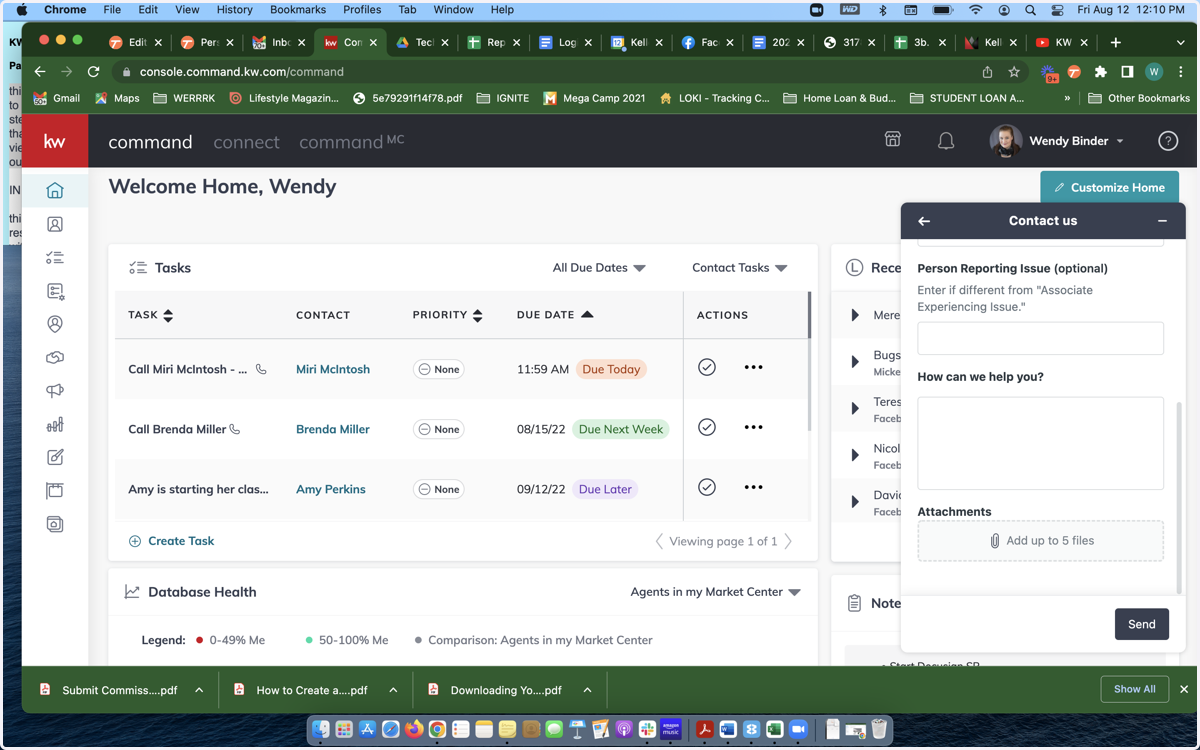
8. Click Send
You will receive an automated email letting you know that your ticket has been received and a follow-up email from the support team within 24hrs addressing your ticket